Start with publishing slots
The template names concrete placements and dimensions before it changes the image. Both wide heroes use a 16:9 crop, while the square delivery needs an independent composition check.
Turn one overhead editorial master into web hero, email hero, and square social files while keeping the focal bowl readable and recording every export setting.
Created with Made · Reviewed for rights, safety, and workflow accuracy.
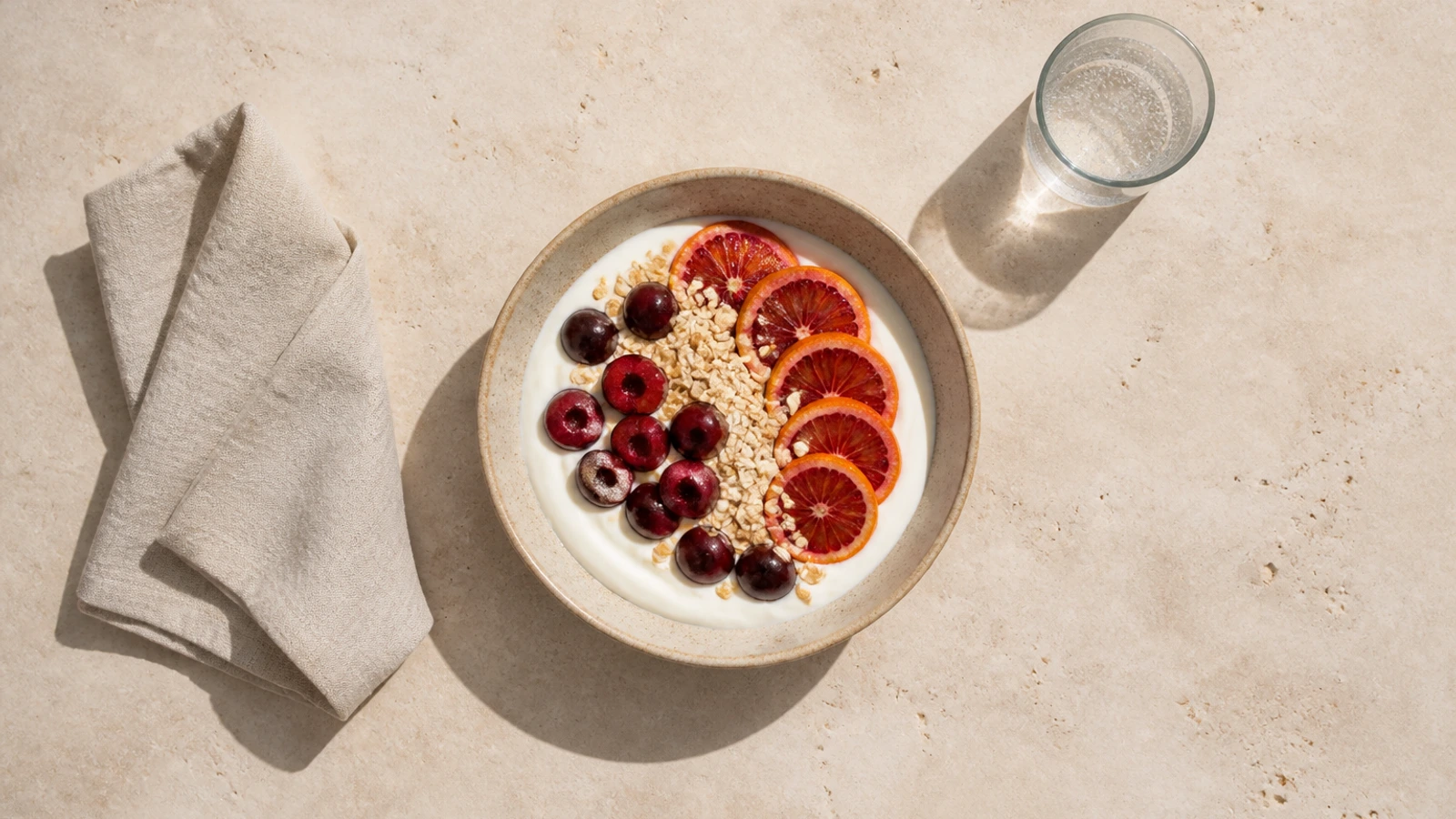
The template names concrete placements and dimensions before it changes the image. Both wide heroes use a 16:9 crop, while the square delivery needs an independent composition check.
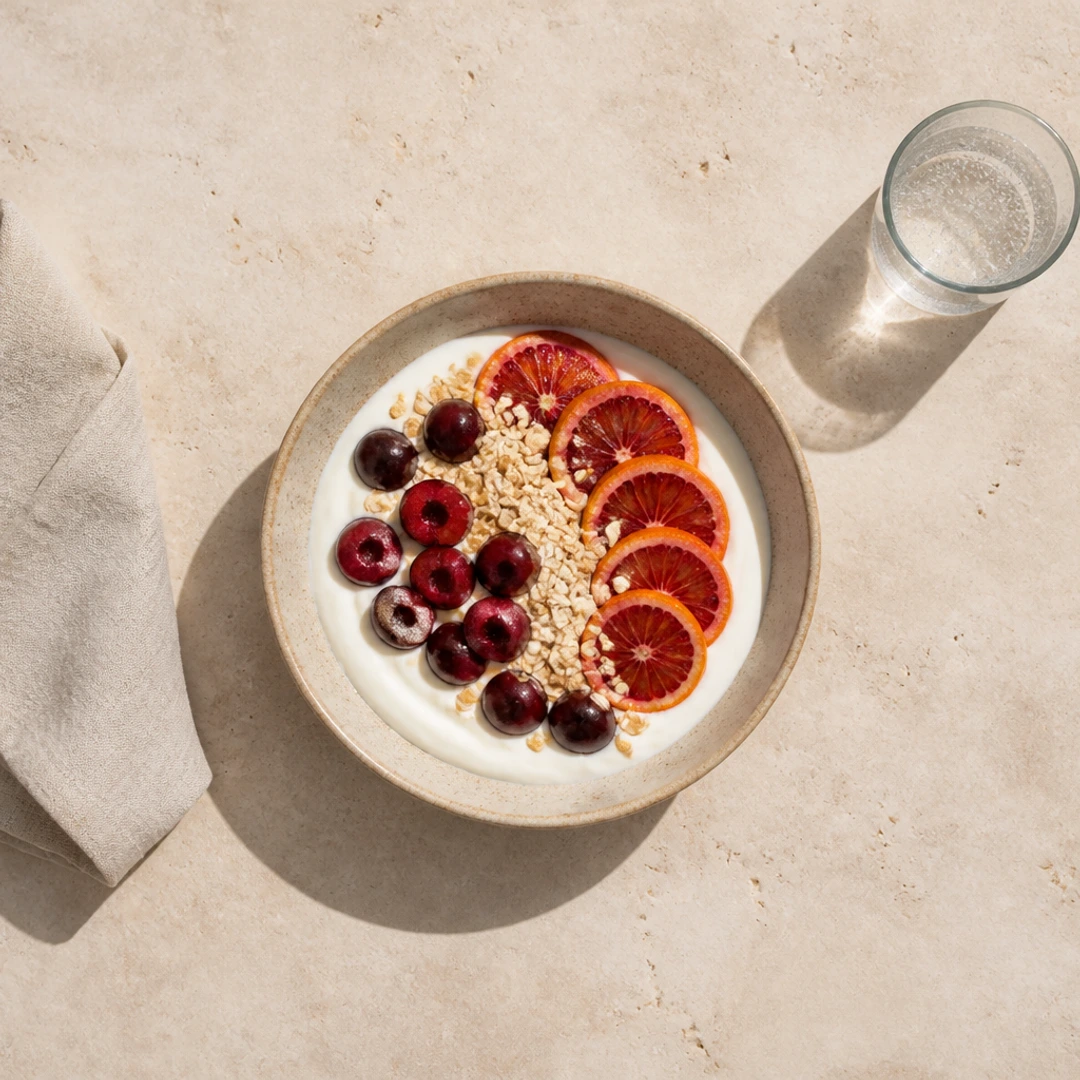
The bowl remains the anchor in all three outputs. Supporting objects may move closer to an edge, but the crop must not change the image into a different food story.
Required inputs
Made can prefill the tested batch request. Add the master, confirm the focal bowl, and verify each destination before export.
Tested workflow
Prompt
Prepare this breakfast still life for publishing as a 1600 by 900 web hero, a 1200 by 675 email hero, and a 1080 by 1080 square social image. Crop to fill, keep the bowl as the focal subject, preserve natural proportions, and export WebP at quality 92.
Made Auto routes the publishing request to the deterministic Image Resizer, which creates reproducible dimension and crop results.
Confirm rights, source dimensions, focal subject, and crop-safe supporting objects.
Record dimensions, format, and quality for each publishing system.
Use cover without stretching and keep the bowl as the shared anchor.
Compare the two wide files and square file for emphasis, dimensions, and output integrity.
The workflow binds a stable focal-subject rule to several explicit publishing dimensions while preserving a common source record.
Original Made media
Prompt
Create square, vertical, and circular portrait deliveries while protecting identity, natural body proportions, headroom, and transparent mask edges.
Example
An overhead editorial food master cropped to a 1600 × 900 WebP while keeping the central bowl, linen, and glass readable across a wide publishing slot.
Example
A wide overhead food photograph converted into a 1080 × 1080 square WebP with the bowl retained as the focal subject and supporting props deliberately trimmed.