Type Instead of Click
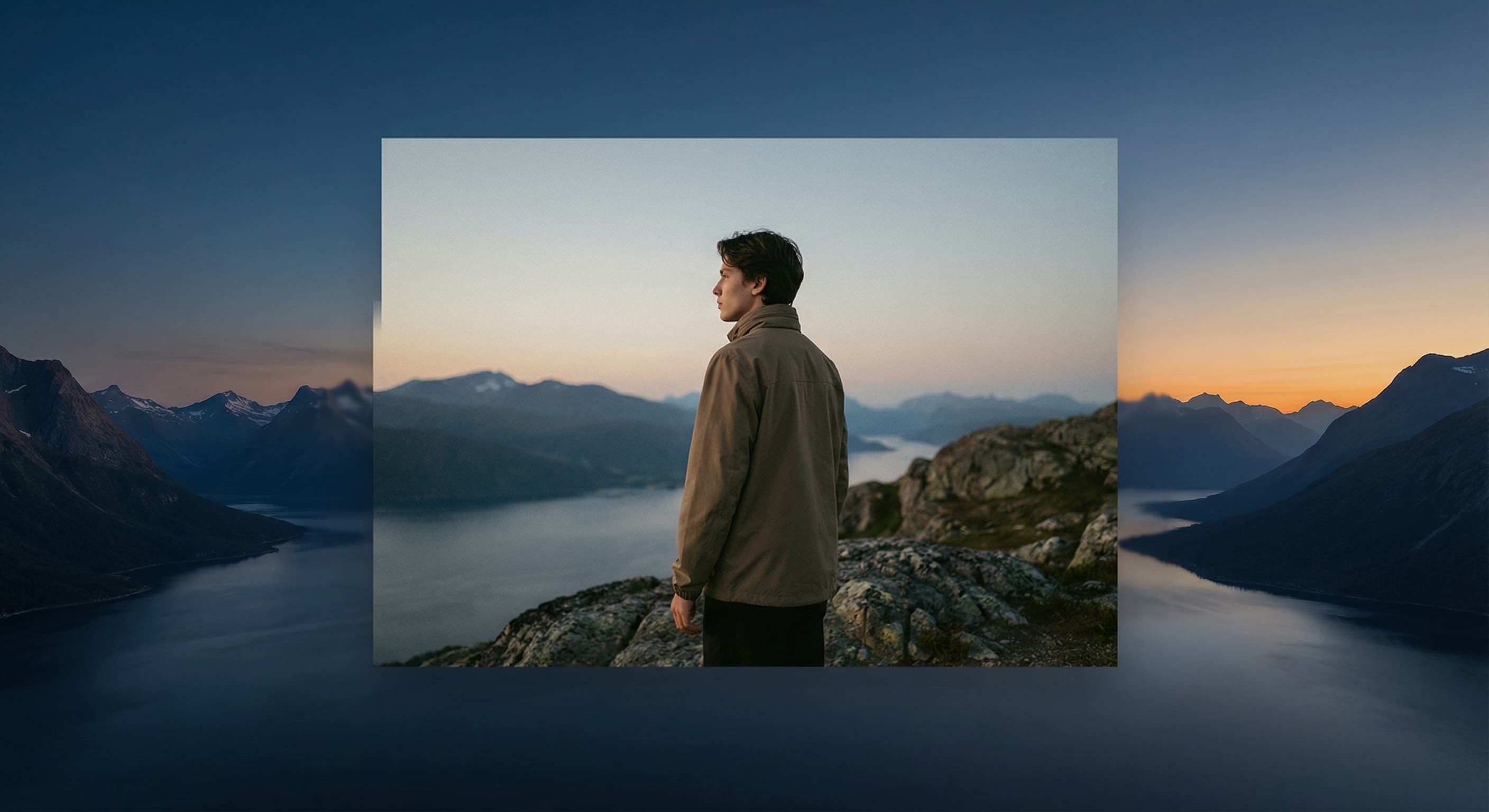
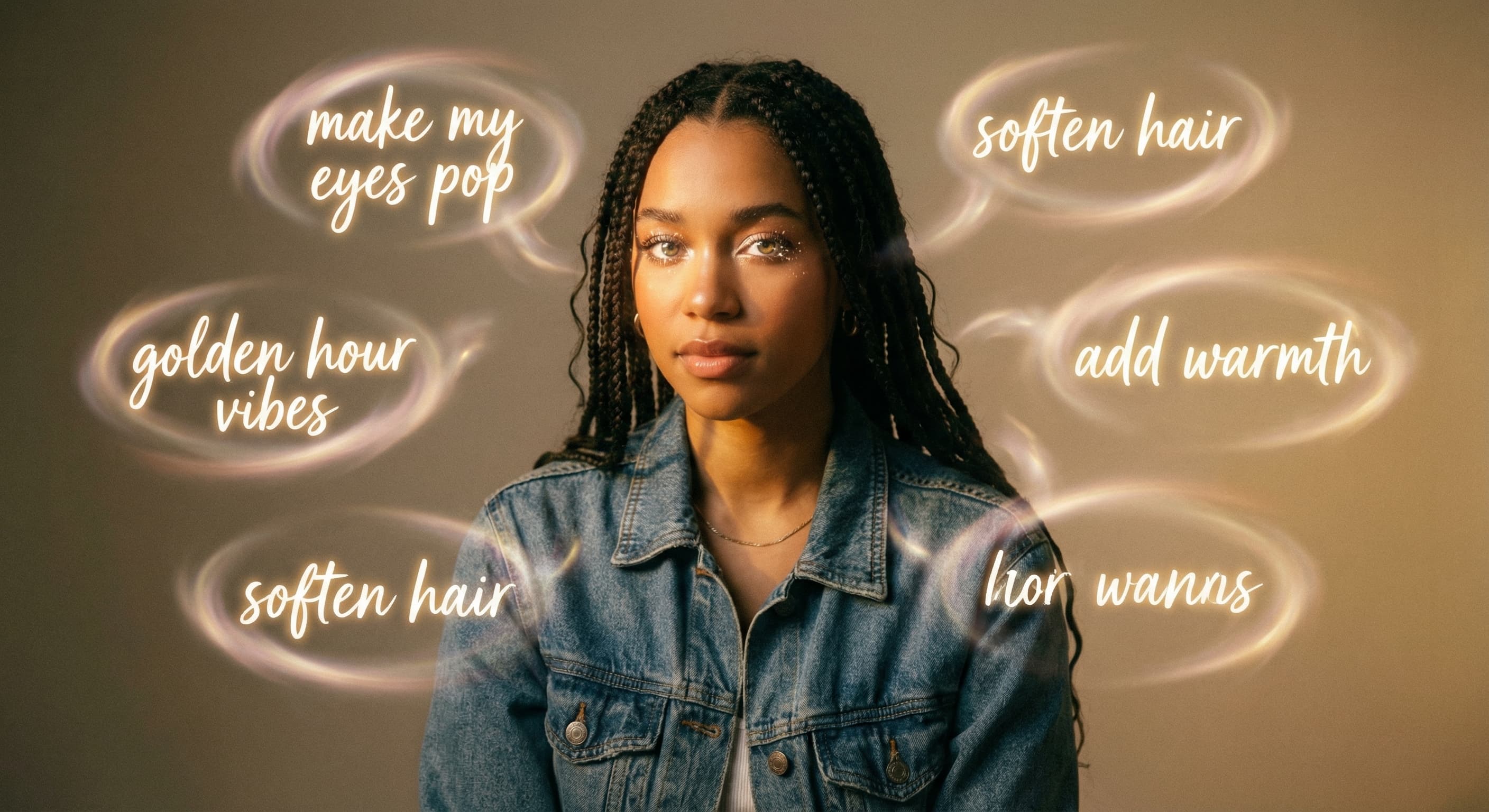
Forget hunting through menus. Type 'make my eyes pop' or 'add golden hour lighting' and watch it happen. The AI speaks your language, not Photoshop's.
Skip the complex menus and toolbars. Edit Images With Text Prompts. Our AI photo editor understands what you want. Type "remove the background" or "make it brighter" and watch it happen instantly.
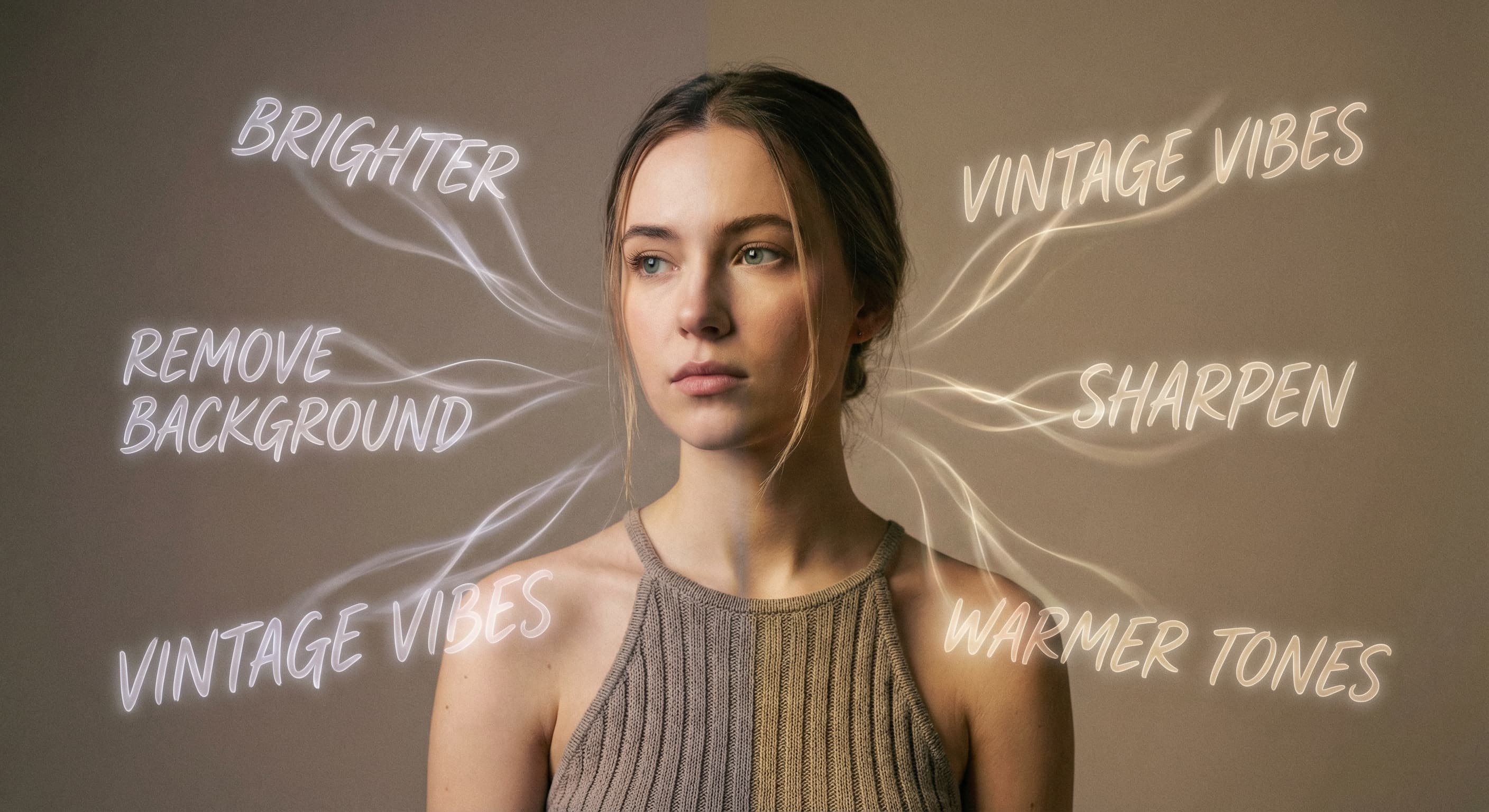
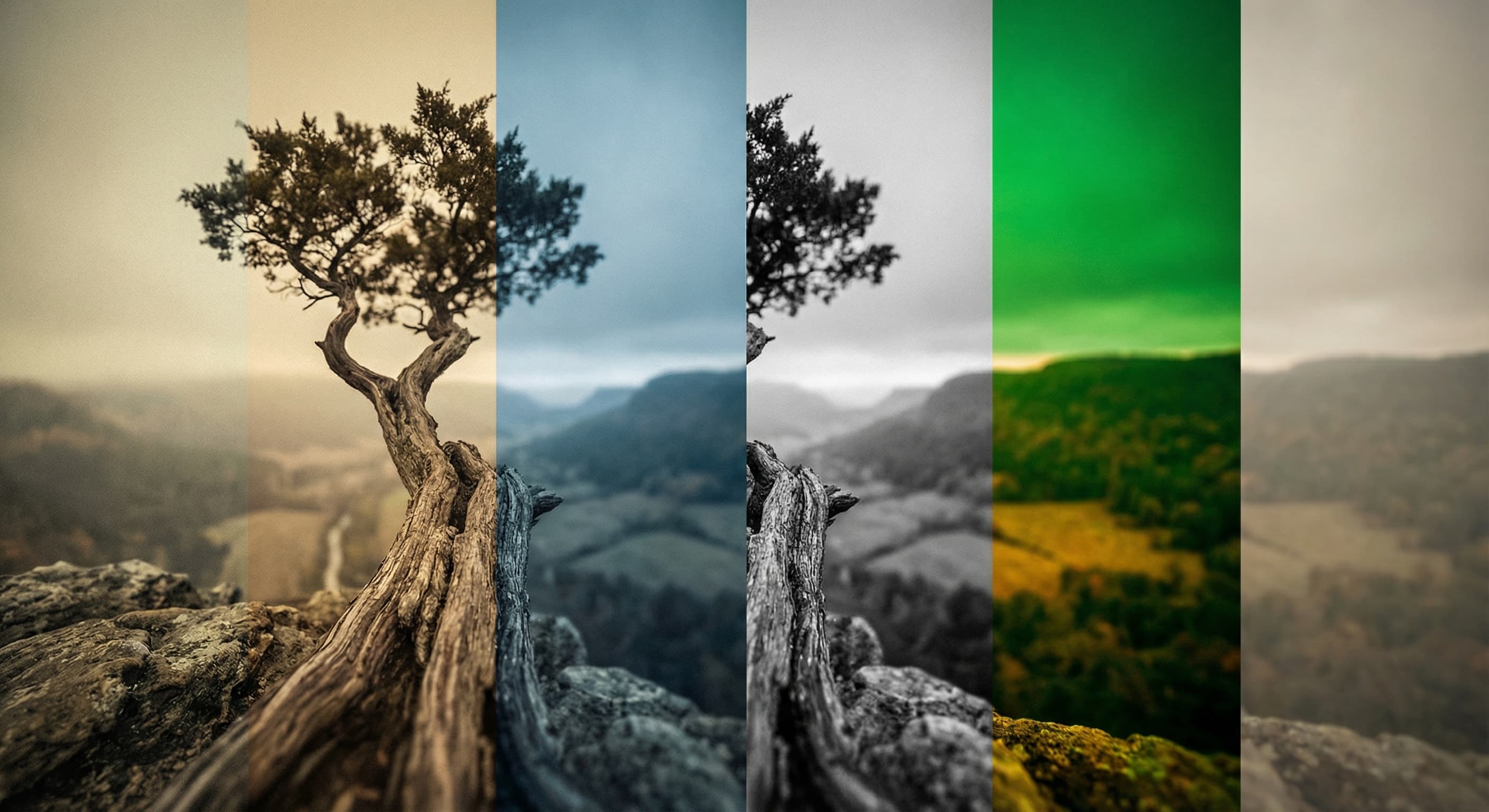
Forget menus, sliders, and tutorials. Just type what you want. 'Make it brighter.' 'Remove the background.' 'Give it vintage vibes.' The AI understands plain English and makes it happen. Photo editing finally speaks your language.
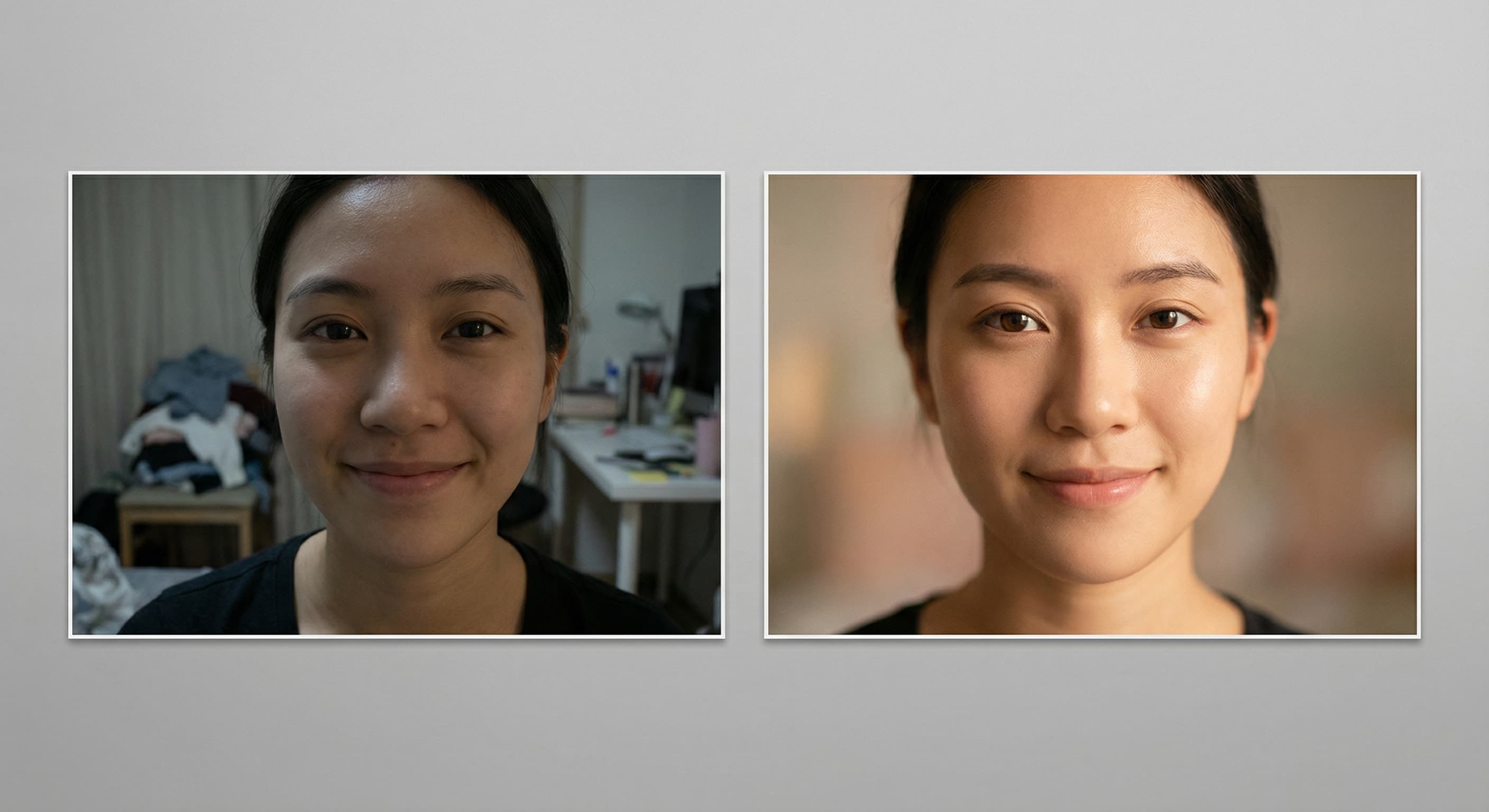
That photo is almost perfect. The lighting's off, the background's messy, you blinked. Instead of deleting it, tell the AI what to fix. 'Make the lighting warmer.' 'Blur the background.' 'Remove that trash can.' Your feed stays curated without reshooting.
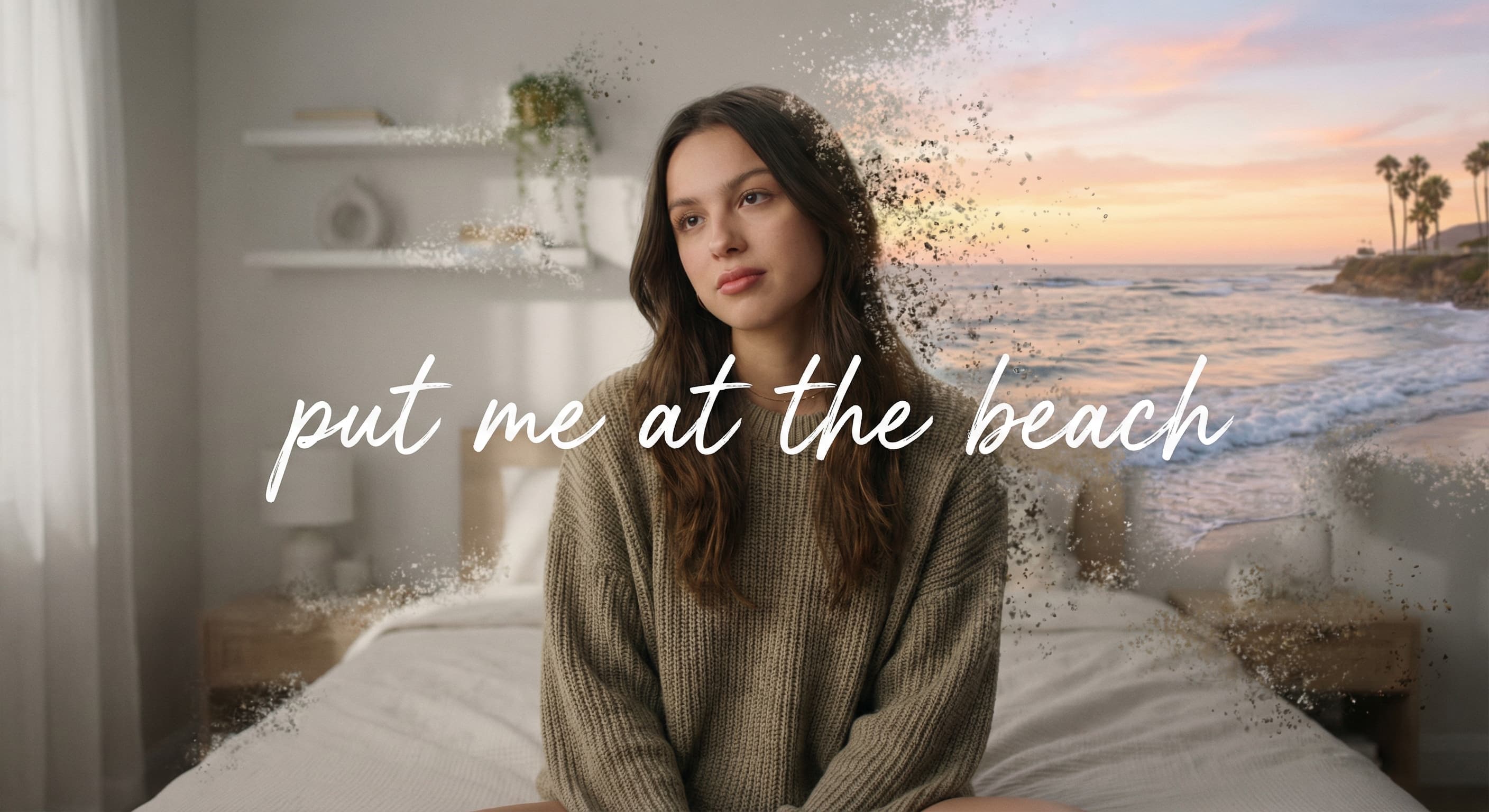
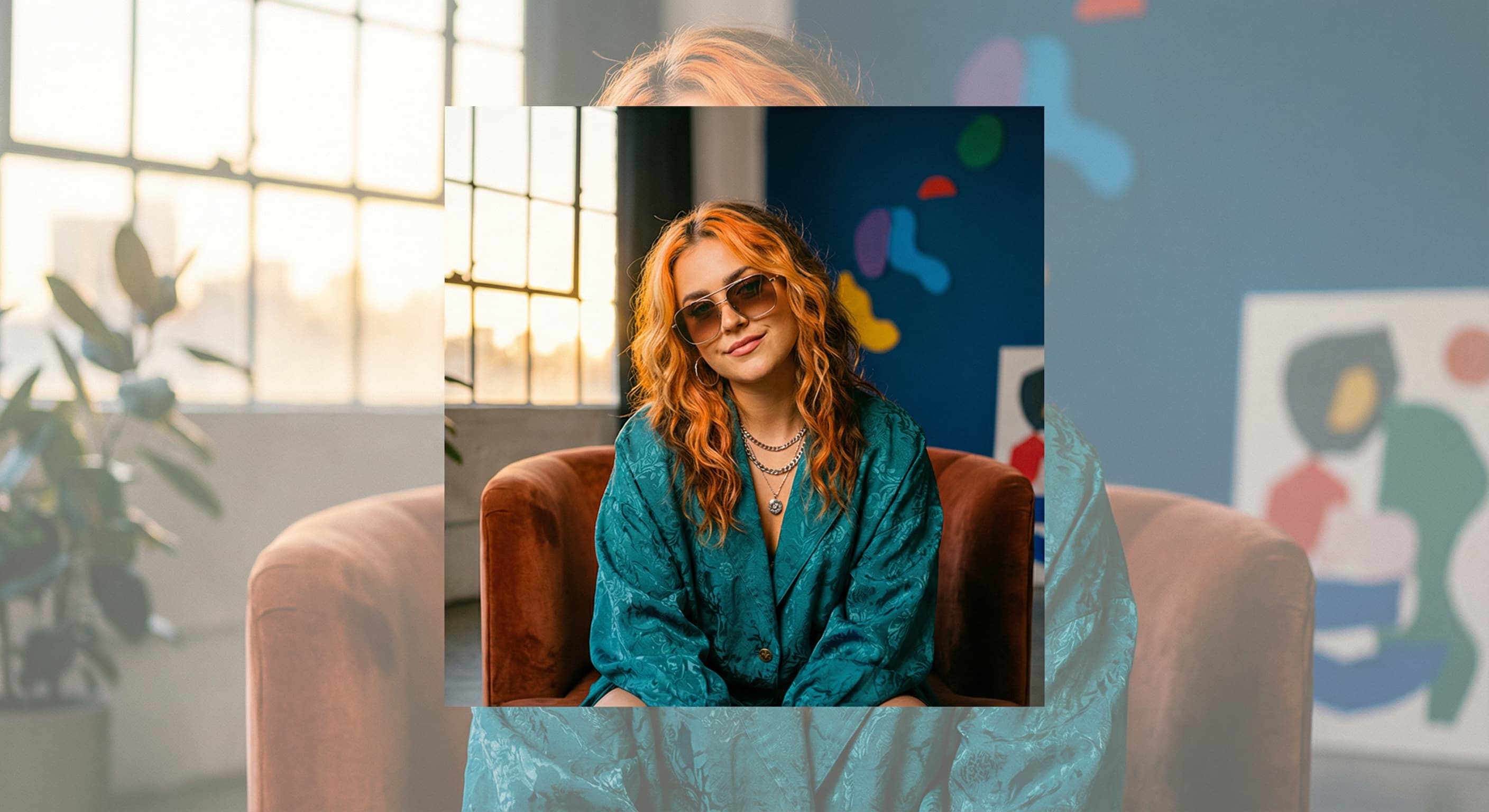
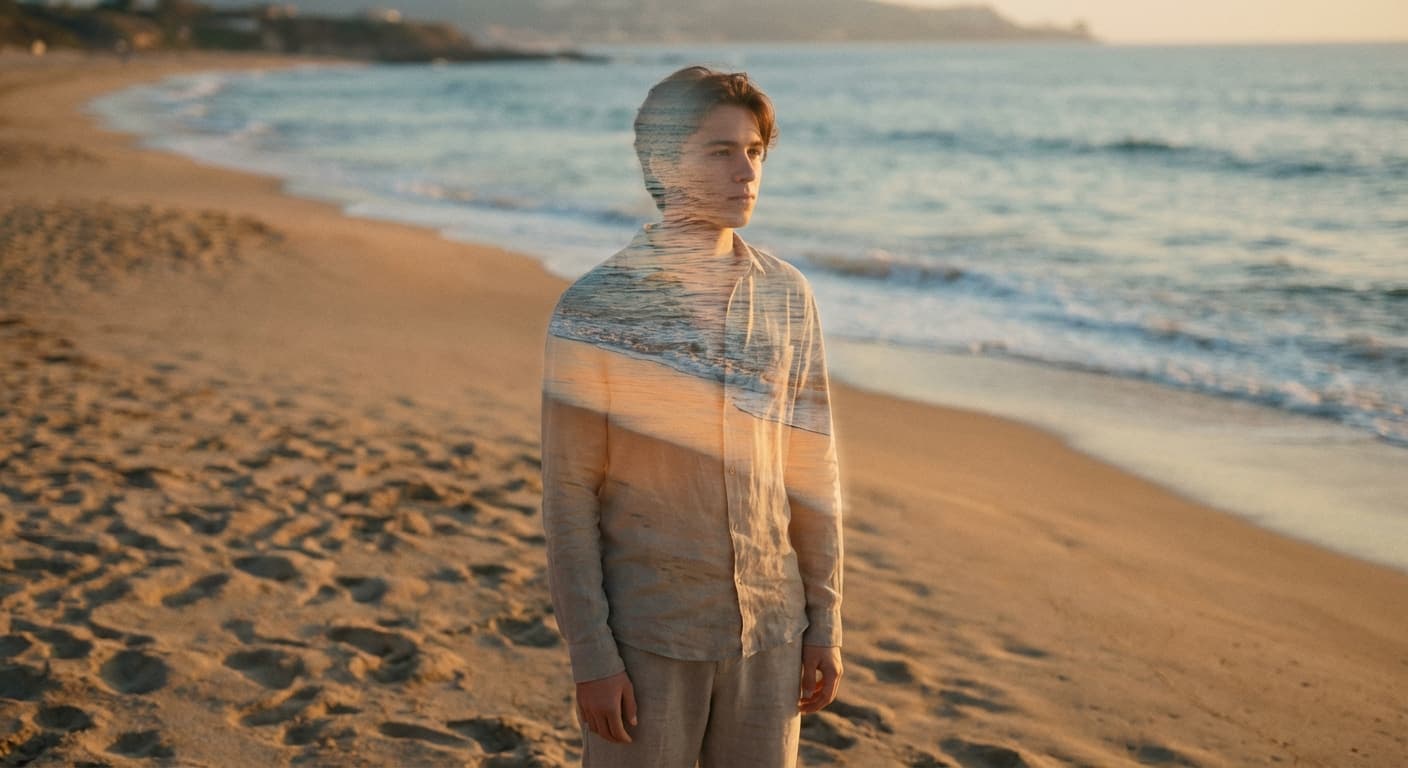
You're in your room but want to look like you're at the beach, in Tokyo, or floating in the clouds. Describe where you want to be and the AI puts you there. Same outfit, same pose, completely different vibe.
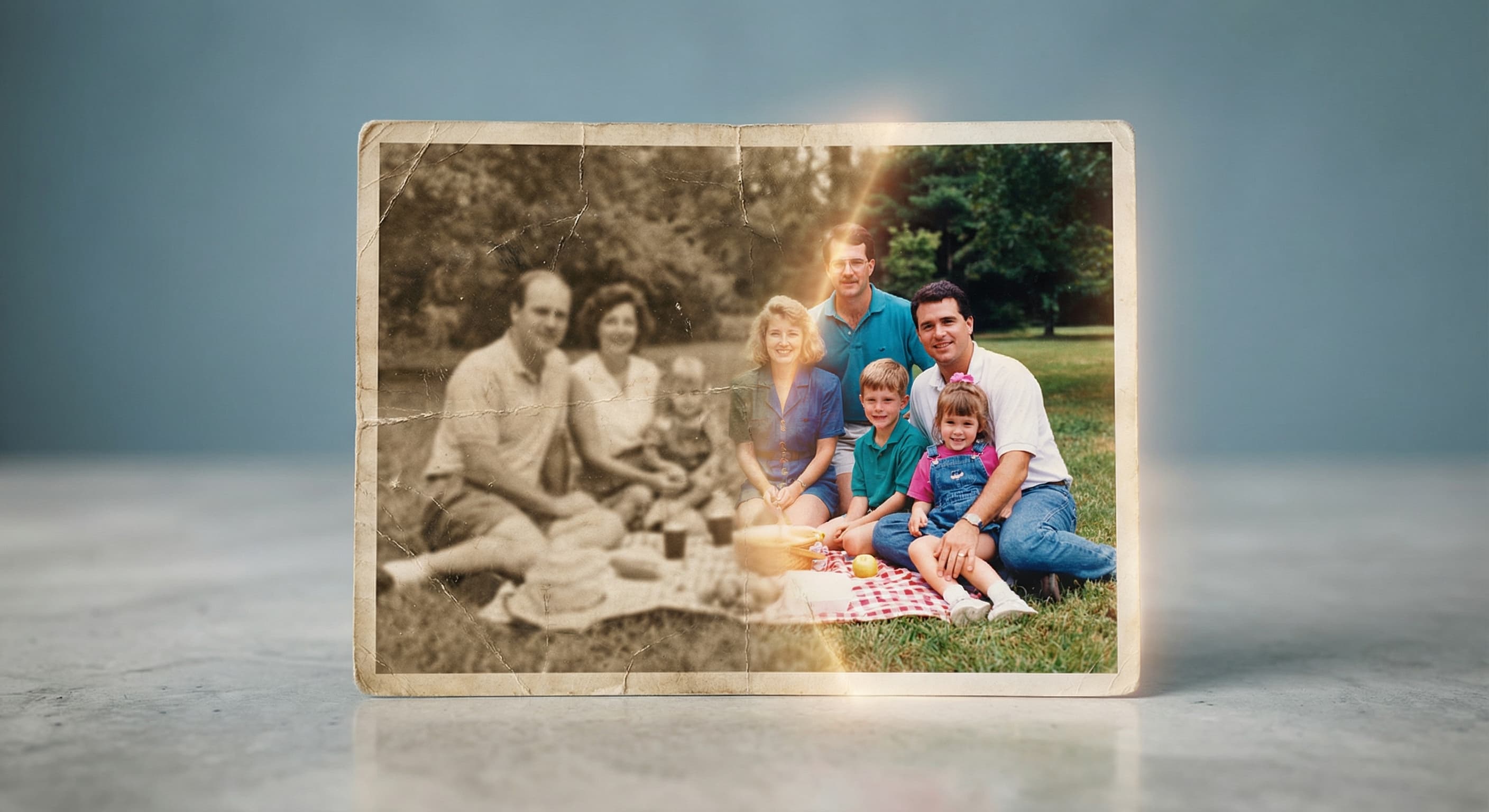
That throwback from 2015 with terrible quality? The family photo where someone's blurry? Tell the AI to enhance it. Sharpen faces, fix lighting, bring back details you thought were lost forever.
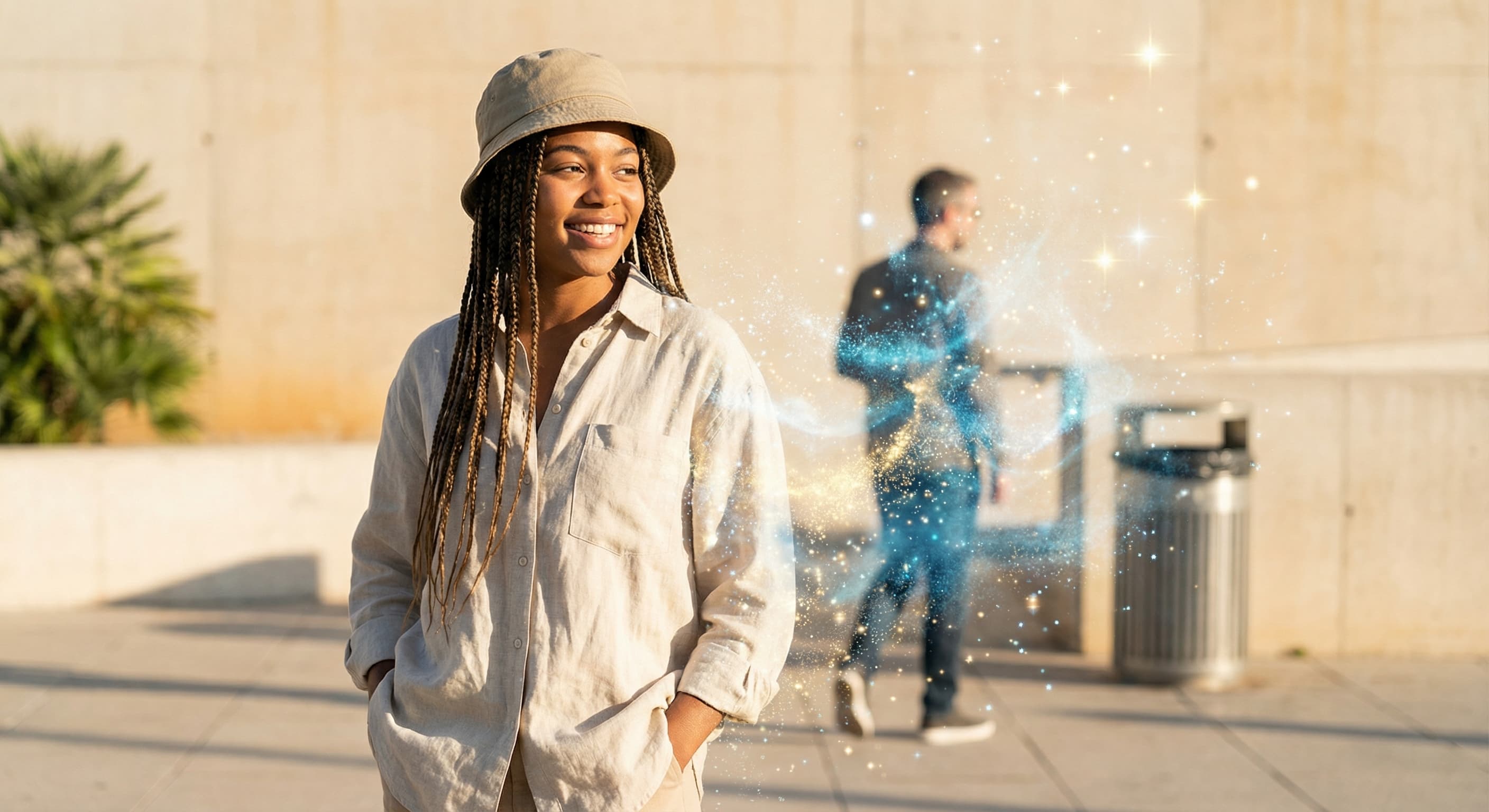
Photobombers, power lines, your ex, that random person walking through your shot. Point at what you don't want and it's gone. The AI fills in what was behind it like nothing was ever there.
No tutorials. No layers. No Photoshop degree required.
Forget hunting through menus. Type 'make my eyes pop' or 'add golden hour lighting' and watch it happen. The AI speaks your language, not Photoshop's.
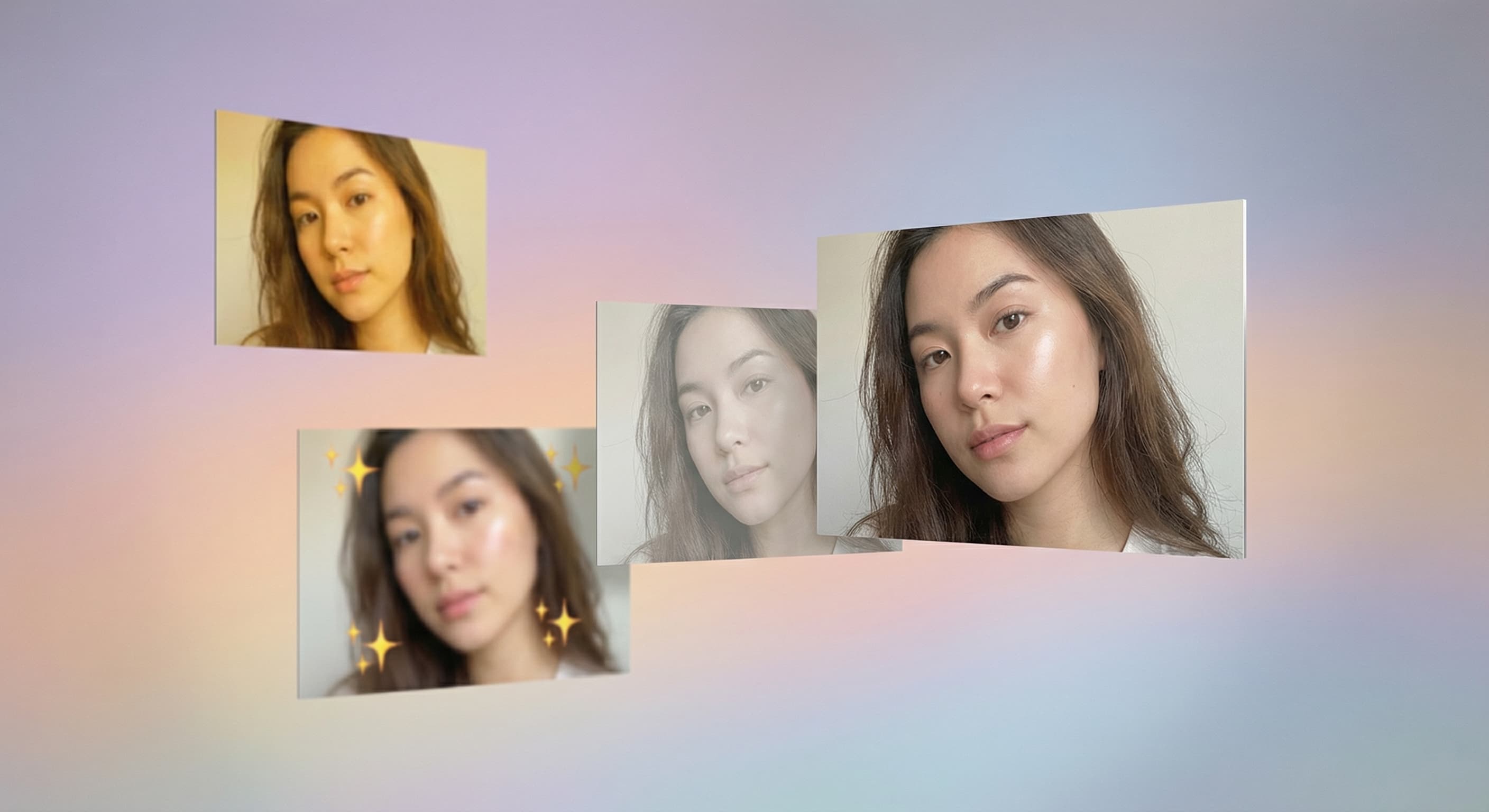
Don't like the result? Say 'less intense' or 'try a different style.' Keep refining until it's exactly right. Every edit builds on the last.
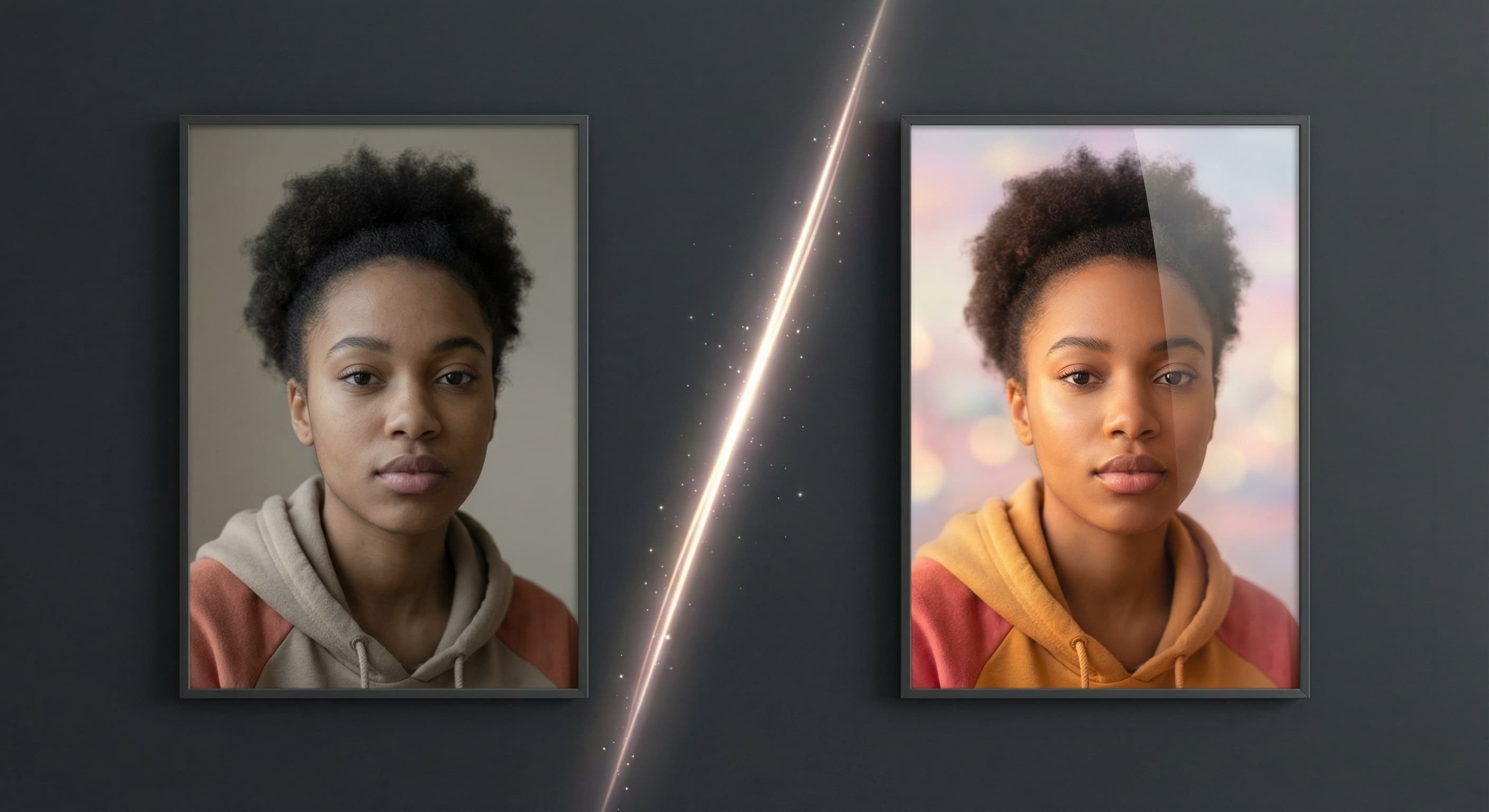
Complex edits that would take 30 minutes in Photoshop happen in seconds. Background swaps, object removal, style transfers—all near-instant.
Select and upload the image you want to edit. Our AI photo editor supports JPG, PNG, GIF, and WebP formats up to 10MB in size.
Type a clear description of what you want to change. For example: "Change the background to a sunset beach" or "Make this look like a vintage oil painting" or "Change the shirt color to blue".
Our AI will process your request and show you the edited result. Use the before/after toggle to compare, then download your transformed image or make additional edits.
Great app for filtering photos and even greater app for sizing pictures for not only posts but story photos as well... love this app I mainly use insta size for all my posts now ;)
Resizing photos for social media should be a cinch, but most editing programs are a pain to use. Of the dozen I’ve used, Made is the fastest, easiest and most consistent...
Perfect app for the exact social media picture sizes. Love it. I use it daily. & I like the premade options they give you for different social medias!
Its the best app. for sizing photos to fit for Instagram or other forms of social media. You can also edit photos and create collages with multiple photos. It’s had been my friend for several years!
Always helpful when needing to resize photos
I love this app. Makes posting all types of photos. Love how it makes them fit on different formats
I use this app everyday to perfectly resize images for all of my social media platforms
This app saved the day for me! I’m finally able to resize my photos for IG....effortlessly
We use this App weekly to resize pics for social media posts. Very user friendly, easy to use program when you want to get in and out quickly...
Great app for filtering photos and even greater app for sizing pictures for not only posts but story photos as well... love this app I mainly use insta size for all my posts now ;)
Resizing photos for social media should be a cinch, but most editing programs are a pain to use. Of the dozen I’ve used, Made is the fastest, easiest and most consistent...
Perfect app for the exact social media picture sizes. Love it. I use it daily. & I like the premade options they give you for different social medias!
Its the best app. for sizing photos to fit for Instagram or other forms of social media. You can also edit photos and create collages with multiple photos. It’s had been my friend for several years!
Always helpful when needing to resize photos
I love this app. Makes posting all types of photos. Love how it makes them fit on different formats
I use this app everyday to perfectly resize images for all of my social media platforms
This app saved the day for me! I’m finally able to resize my photos for IG....effortlessly
We use this App weekly to resize pics for social media posts. Very user friendly, easy to use program when you want to get in and out quickly...
Great app for filtering photos and even greater app for sizing pictures for not only posts but story photos as well... love this app I mainly use insta size for all my posts now ;)
Resizing photos for social media should be a cinch, but most editing programs are a pain to use. Of the dozen I’ve used, Made is the fastest, easiest and most consistent...
Perfect app for the exact social media picture sizes. Love it. I use it daily. & I like the premade options they give you for different social medias!
Its the best app. for sizing photos to fit for Instagram or other forms of social media. You can also edit photos and create collages with multiple photos. It’s had been my friend for several years!
Always helpful when needing to resize photos
I love this app. Makes posting all types of photos. Love how it makes them fit on different formats
I use this app everyday to perfectly resize images for all of my social media platforms
This app saved the day for me! I’m finally able to resize my photos for IG....effortlessly
We use this App weekly to resize pics for social media posts. Very user friendly, easy to use program when you want to get in and out quickly...
Can't find what you're looking for? Contact support
AI photo editing uses advanced machine learning models trained on millions of images to understand and execute text-based editing commands. Our system analyzes your photo and text instructions, then applies precise modifications while maintaining image quality and realism.
Create without limits. Get full access to every premium AI model and our entire suite of tools with a single plan.
Essential tools for casual creators.
Generate from text, expand photos, remove backgrounds, and upscale to 4K