Image Compressor
Upload an image and tell Made the file size you need, such as “under 100KB for a web form.” Made re-encodes the image and steps the quality down only as far as required to fit your target, then reports the final size and quality.
Exact size targetsExamples
How to use Image Compressor
- 1
Upload one image
Choose the JPEG, PNG, or WebP file you need to shrink.
- 2
Pick the target size
Choose a size such as 100KB, or type any size from 10KB to 10,000KB.
- 3
Choose JPG or WebP
JPG is the default; WebP typically reaches the same target at higher visual quality.
- 4
Check the result
Made shows the original size, final size, dimensions, and quality, then you download the file. If quality alone couldn’t reach the target, the dimensions show how far it shrank.
Image Compressor examples
Real results from Made. Add your own photo in the studio above.
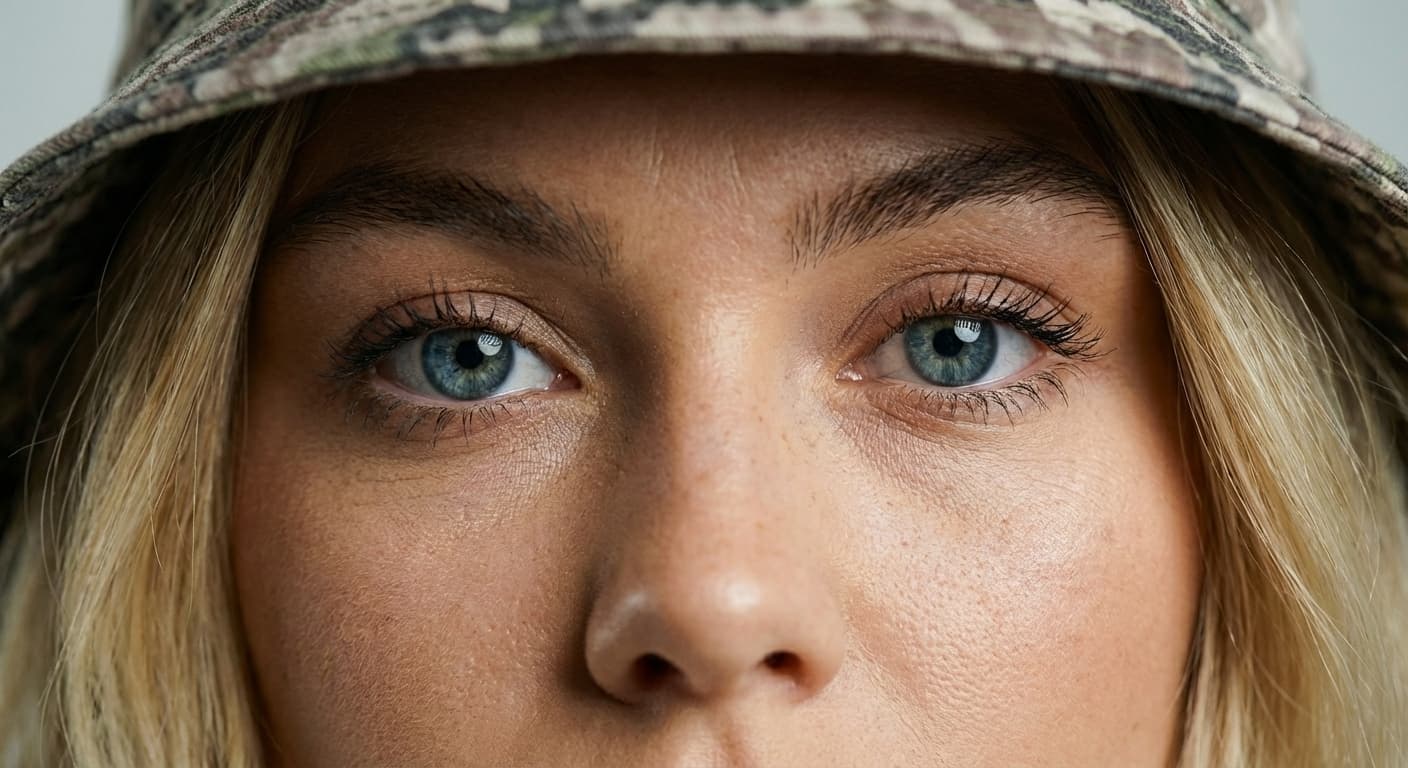
Quality preserved
JPG or WebP output
Email attachments
Faster pages

Upload limits
What people use it for
- Upload and form limitsMeet a hard file-size cap on a job application, government portal, or listing form by naming the exact KB limit.
- Email attachmentsShrink a large photo so it sends quickly and stays under attachment limits without visibly changing the picture.
- Website performanceReduce page weight by compressing hero images and content photos to a size budget before publishing.
- Storage and sharingKeep a lighter copy of a large photo for messaging apps and cloud storage while archiving the original.
Compress an image to the file size you need
What it does
- Input
- JPEG, PNG, or WebP image and a target file size in kilobytes
- Output
- JPG or WebP image at or near the requested size
- How it works
- Made re-encodes the image in your browser, lowering JPEG or WebP quality from 92 only as far as the target needs. If even quality 40 is too big, it shrinks the pixel dimensions just enough to fit, then reports the final size, dimensions, and quality.
- Access
- Free, with no sign-in. It runs in your browser, so your photo isn’t uploaded.
Formats and limits
- Input formats
- JPEG, PNG, WebP
- Output formats
- JPG (default) or WebP
- Target size
- 10KB to 10,000KB
- Quality floor
- Quality 40; below that the pixels shrink instead
- Images per request
- One; dimensions change only when the target needs it
Checked against the running tool on 2026-09-29.
Questions about Image Compressor
How does the image compressor hit an exact file size?
It re-encodes the image starting at quality 90 and lowers the quality in measured steps until the file fits your target in kilobytes. Larger overshoots trigger larger steps, so most images converge in a few passes.
Is the compression lossless or lossy?
Lossy. The result is saved as JPG or WebP at a reduced quality setting, which is what makes large size reductions possible. If your image is already under the target, it is simply re-saved at quality 90 in the format you chose.
Will my photo look noticeably worse?
Usually not at moderate targets, because compression stops as soon as the target is met. A quality floor (20 by default) prevents extreme degradation: if the target cannot be reached above that floor, Made returns the smallest acceptable file and tells you the target was not reached.
Should I choose JPG or WebP?
WebP typically produces a smaller file than JPG at the same visual quality, so it can hit aggressive targets with less quality loss. Choose JPG when the destination requires it, since JPG is accepted everywhere.
What file size targets can I set?
Any target from 10KB up to 10,000KB (about 10MB). Requests outside that range are rejected before processing.
Can I compress multiple images at once?
The published workflow compresses one image per request. Upload the next image and repeat the same instruction to process several files in a session.
Does compressing change the image dimensions?
No. Width and height stay the same; only encoding quality changes. If you also want smaller dimensions, run Image Resizer first — a smaller canvas makes low KB targets much easier to reach.
Specific Image Compressor workflows
More photo fixes
Image Resizer
Resize for any platform or size
Image Upscaler
Sharpen and enlarge up to 4×
Background Remover
A clean transparent cutout in one step
Expand Image
Extend any photo past its edges
Object Remover
Erase people, cars or clutter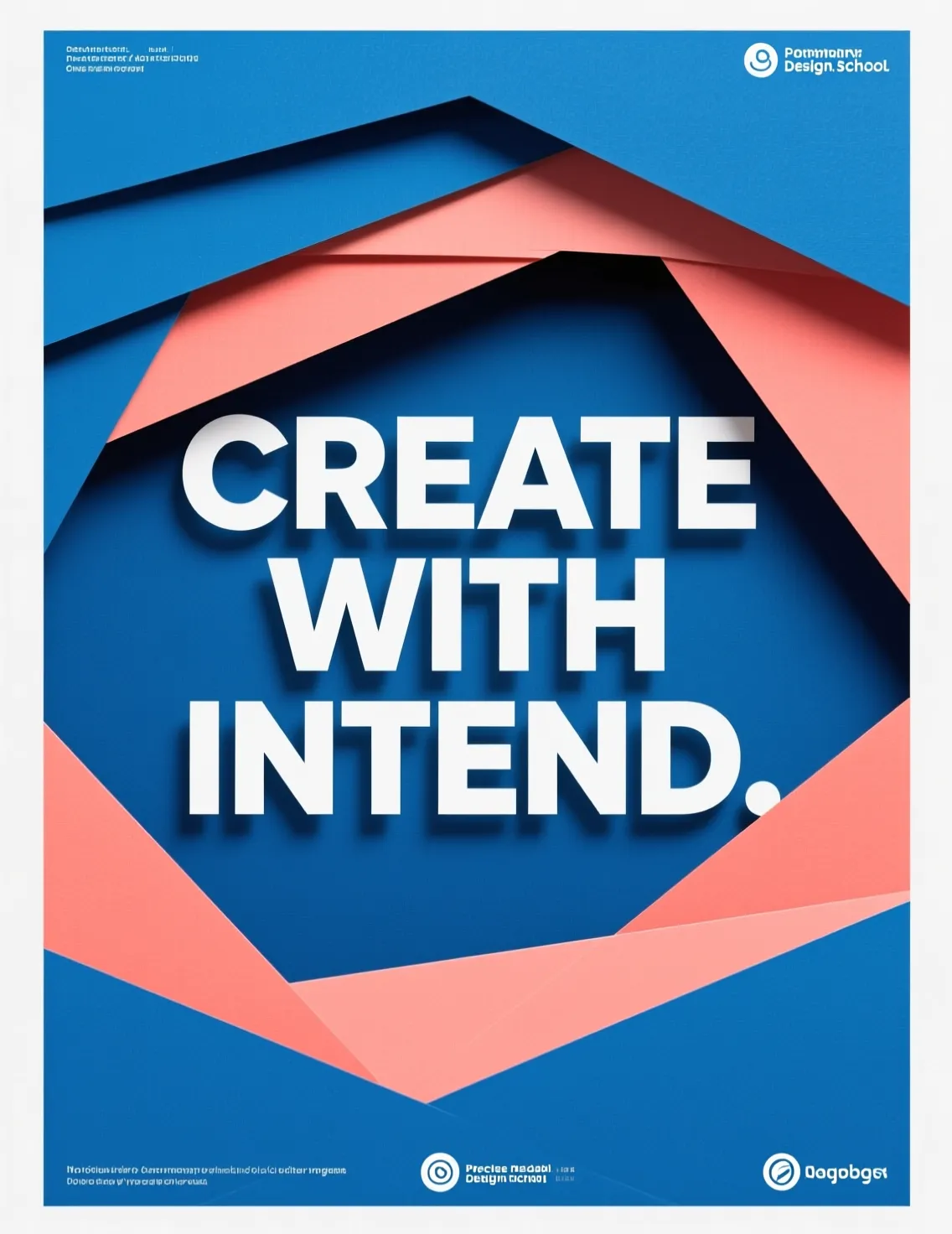
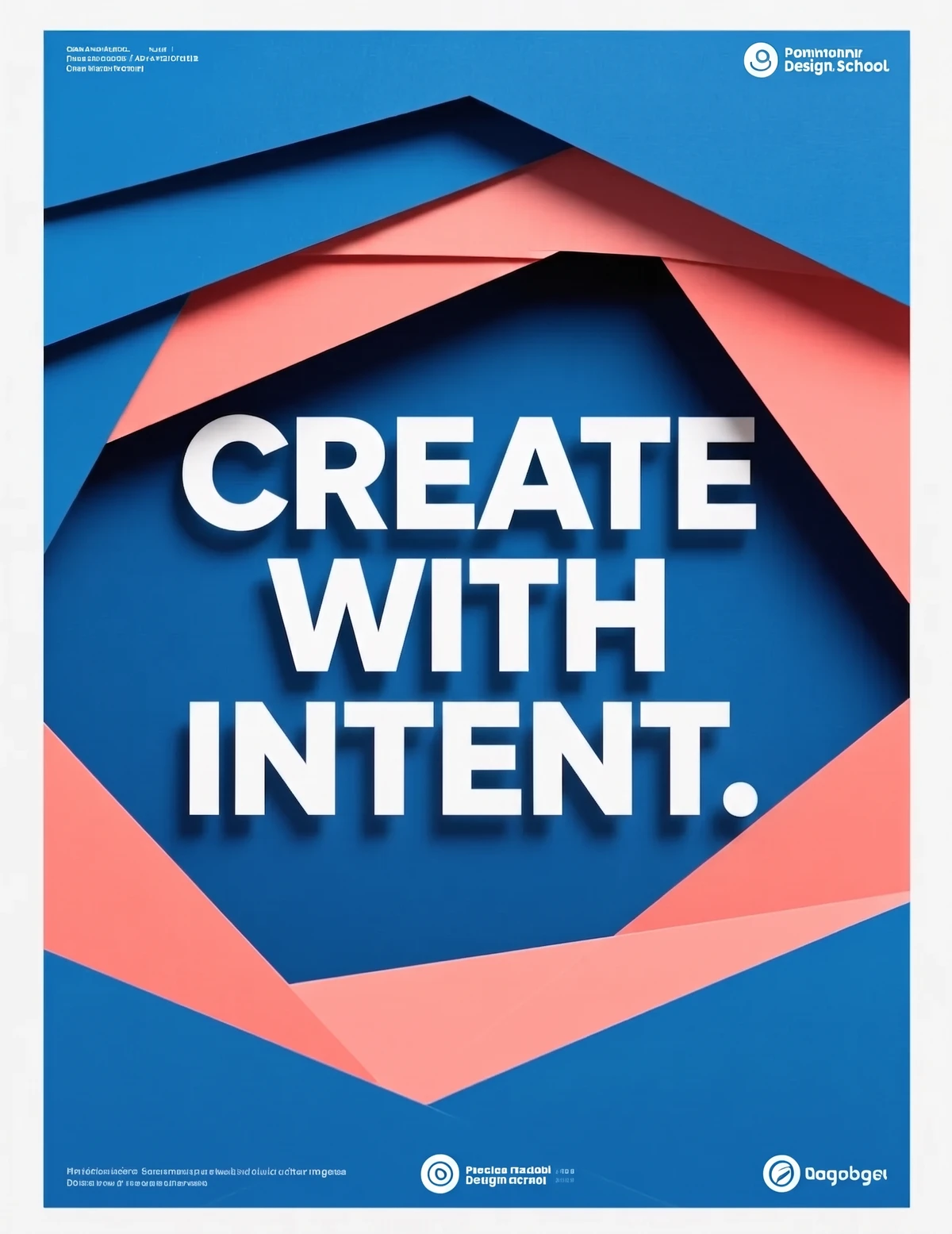
Edit Text
Change the words in any image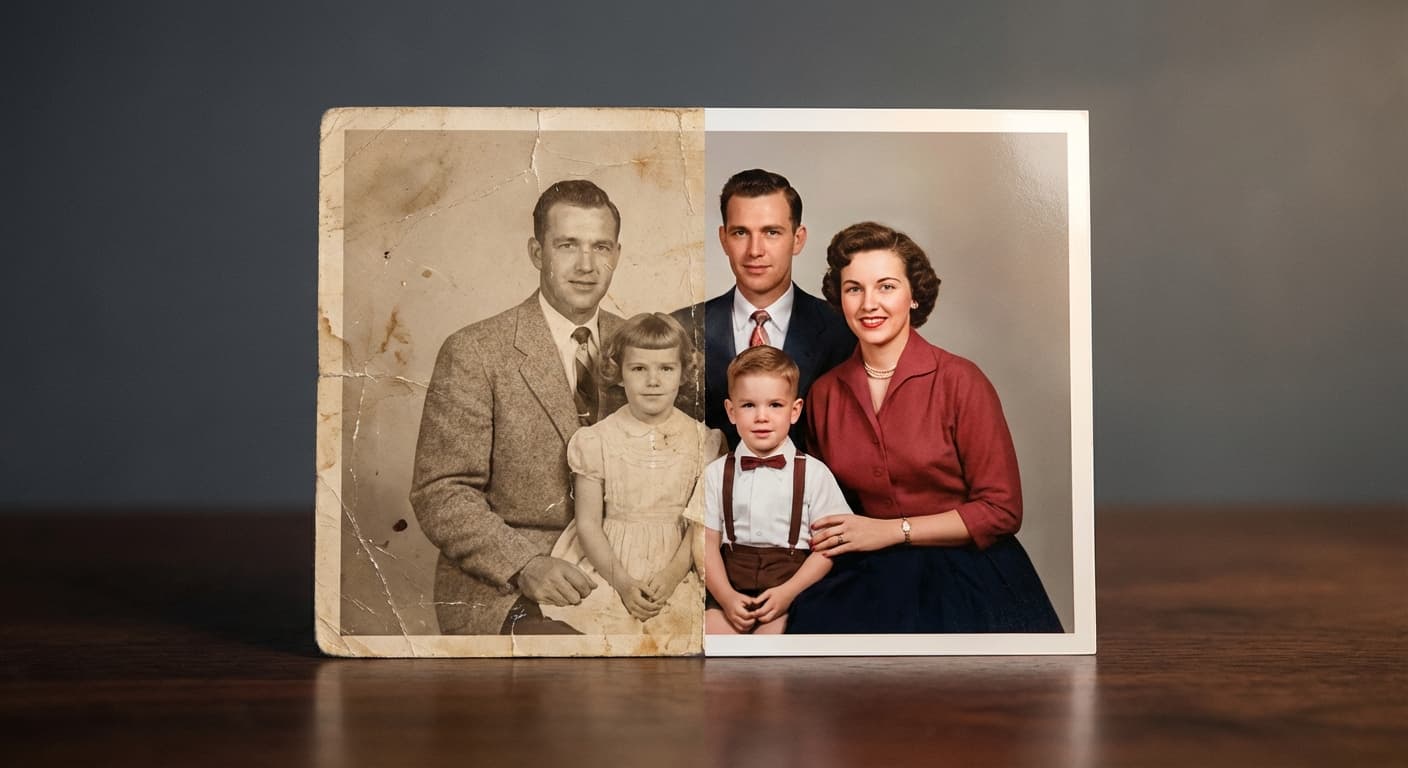
Photo Restoration
Repair scratches, tears and fading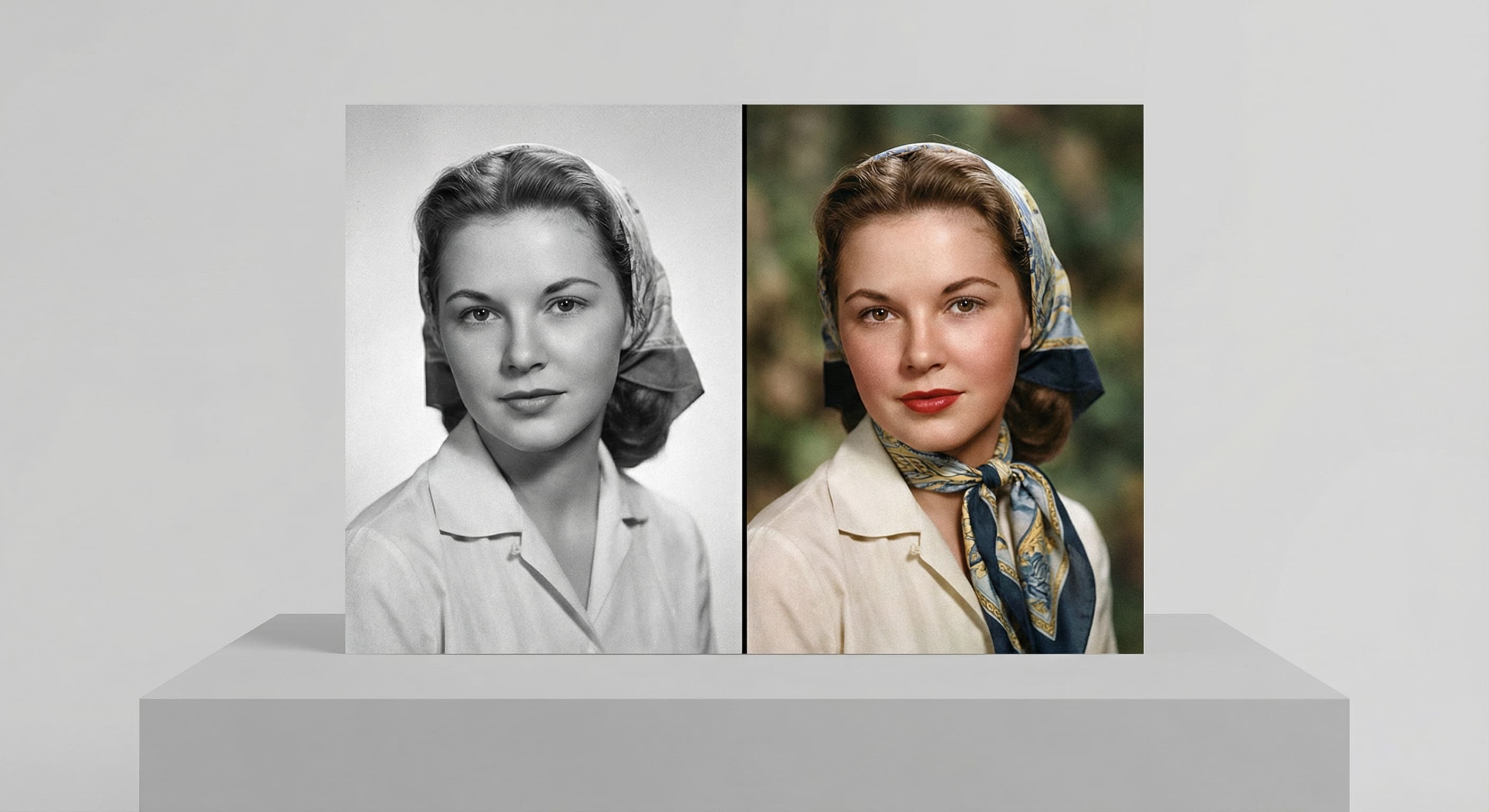
Photo Colorizer
Natural color for black-and-white photos
Unblur Image
Sharpen soft and blurry photos
Text Remover
Erase captions, dates and watermarksRelated models
See what each one makes, then open it in Made.