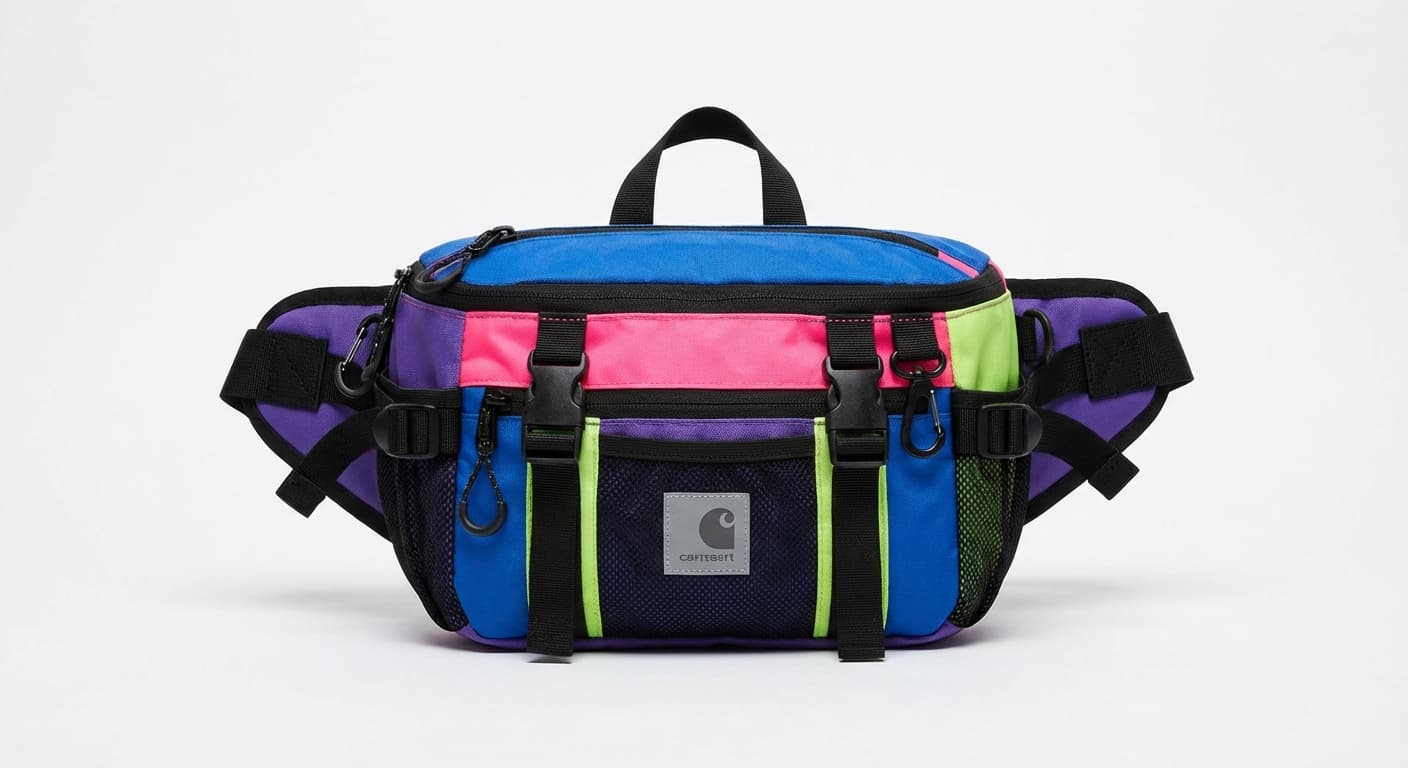
Background Remover
Upload an image and Made separates the foreground subject from its surroundings, returning a transparent PNG you can reuse in product listings, profiles, and designs.
Product photosExamples
How to use Background Remover
- 1
Upload one image
Choose a JPEG, PNG, or WebP with a clearly visible foreground subject.
- 2
Ask Made to remove the background
The workflow sends the source image to the configured removal model.
- 3
Inspect the edges
Zoom in around hair, glass, shadows, and similarly colored foreground and background areas.
- 4
Download the transparent PNG
Save the cutout or continue editing it in Made.
Background Remover examples
Real results from Made. Add your own photo in the studio above.

Profile pictures

Design assets

Social content

Detailed edges

Transparent output
What people use it for
- Product listingsSeparate a product from a distracting surface or room before placing it on a consistent store background.
- Profile imagesIsolate a person for a new profile, team page, or branded layout.
- Reusable design assetsTurn a photographed object into a transparent element for presentations, posters, and social graphics.
- Background replacementCreate a transparent cutout first, then use the AI Photo Editor to compose the subject into another scene.
Remove an image background in one step
What it does
- Input
- JPEG, PNG, or WebP image
- Output
- Transparent PNG with an alpha channel
- How it works
- Made sends one image to the Bria RMBG 2.0 background-removal model on fal.ai and returns a PNG with a real alpha channel at the photo’s own size.
- Access
- Set up the request on this page. You sign in to run it, and each run is priced in credits before you start.
Formats and limits
- Input formats
- JPEG, PNG, WebP
- Output format
- PNG with transparency
- Images per request
- One
- Processing provider
- Bria RMBG 2.0 on fal.ai
- Edge limitations
- Hair, glass, motion blur, shadows, and low-contrast boundaries may need review
Checked against the running tool on 2026-08-13.
Questions about Background Remover
What does the Background Remover return?
The published workflow returns a PNG with an alpha channel, so areas behind the detected subject are transparent.
Which image formats can I upload?
Use a JPEG, PNG, or WebP image in the published web workflow.
Does it work on hair and fur?
It can retain many fine edges, but backlighting, motion blur, and a background similar to the subject may produce imperfect cutouts. Inspect those areas before publishing.
Can I replace the background after removing it?
Yes. Download the transparent PNG or continue with Made’s AI Photo Editor to place the subject into a new scene.
Can it remove only one object instead of the full background?
Use Object Remover for a selected person, object, or region. Background Remover is intended to isolate the foreground from the entire background.
Will shadows remain?
Results vary by image. Shadows connected to the subject can sometimes remain, while floor or backdrop shadows may be removed. Review product feet and contact points closely.
Is the result automatically safe for a product listing?
The transparent file is ready for layout work, but marketplaces can have their own canvas, margin, and background requirements. Use Image Resizer after removal to prepare the final delivery size.
Specific Background Remover workflows
More photo fixes

Image Resizer
Resize for any platform or size
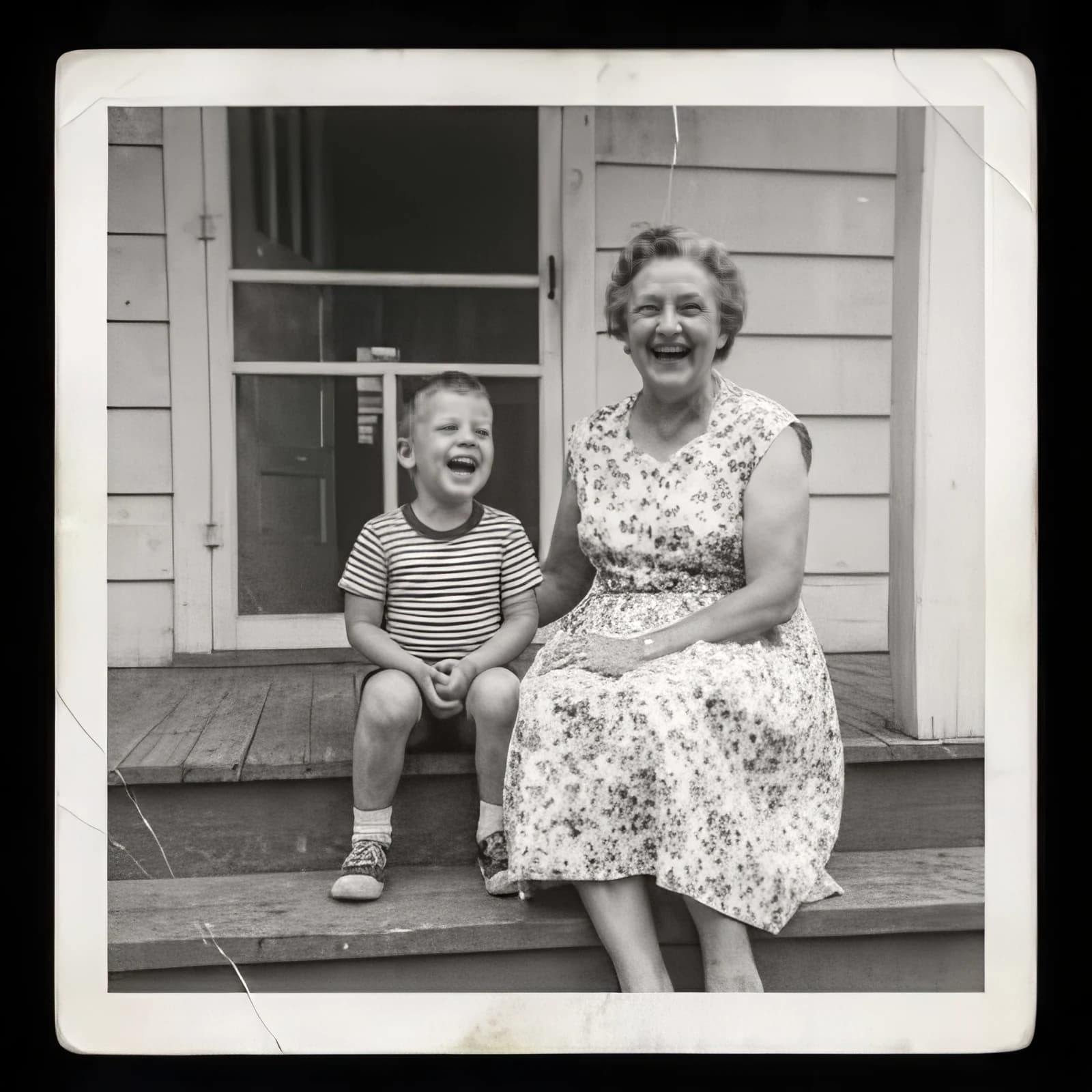
Image Upscaler
Sharpen and enlarge up to 4×
AI Photo Editor
Edit any photo by describing the change

Expand Image
Extend any photo past its edges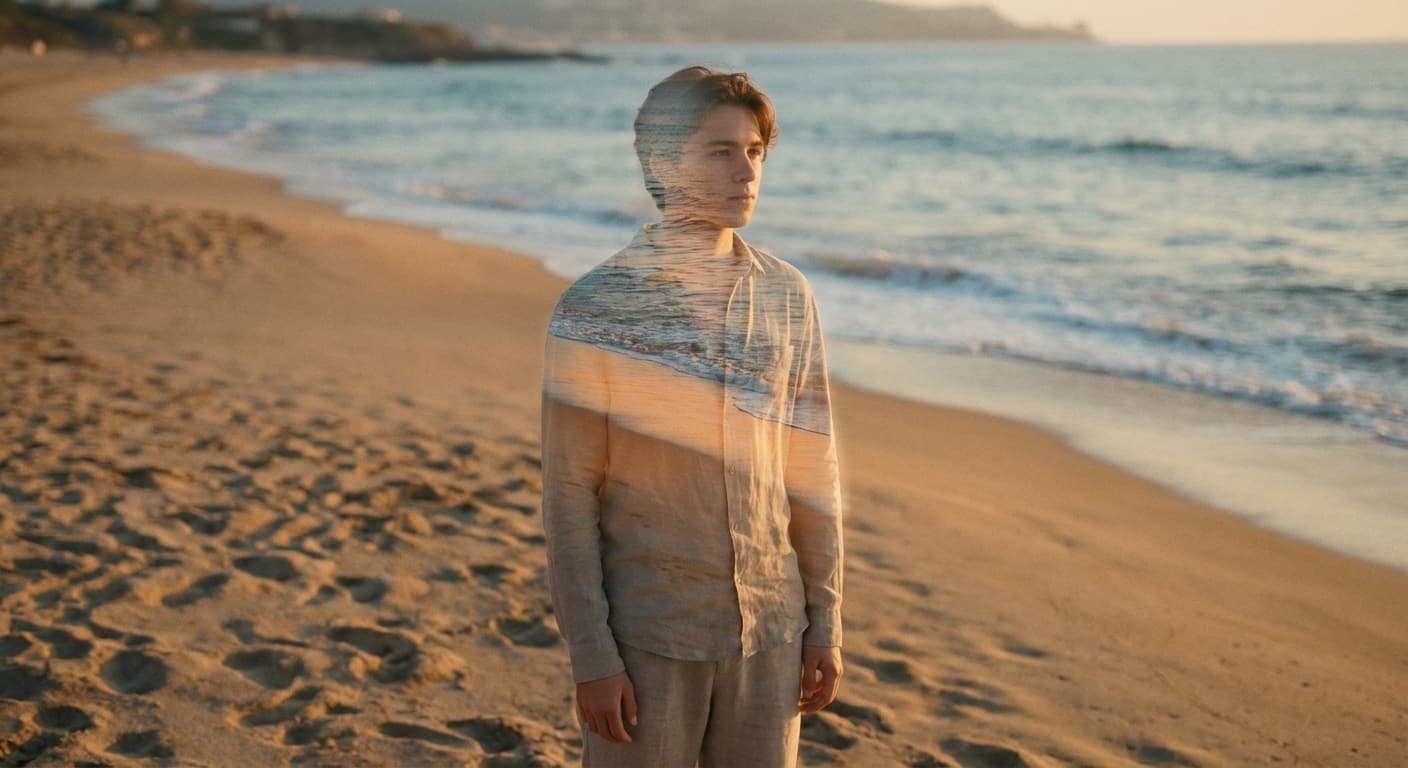
Object Remover
Erase people, cars or clutter
Edit Text
Change the words in any image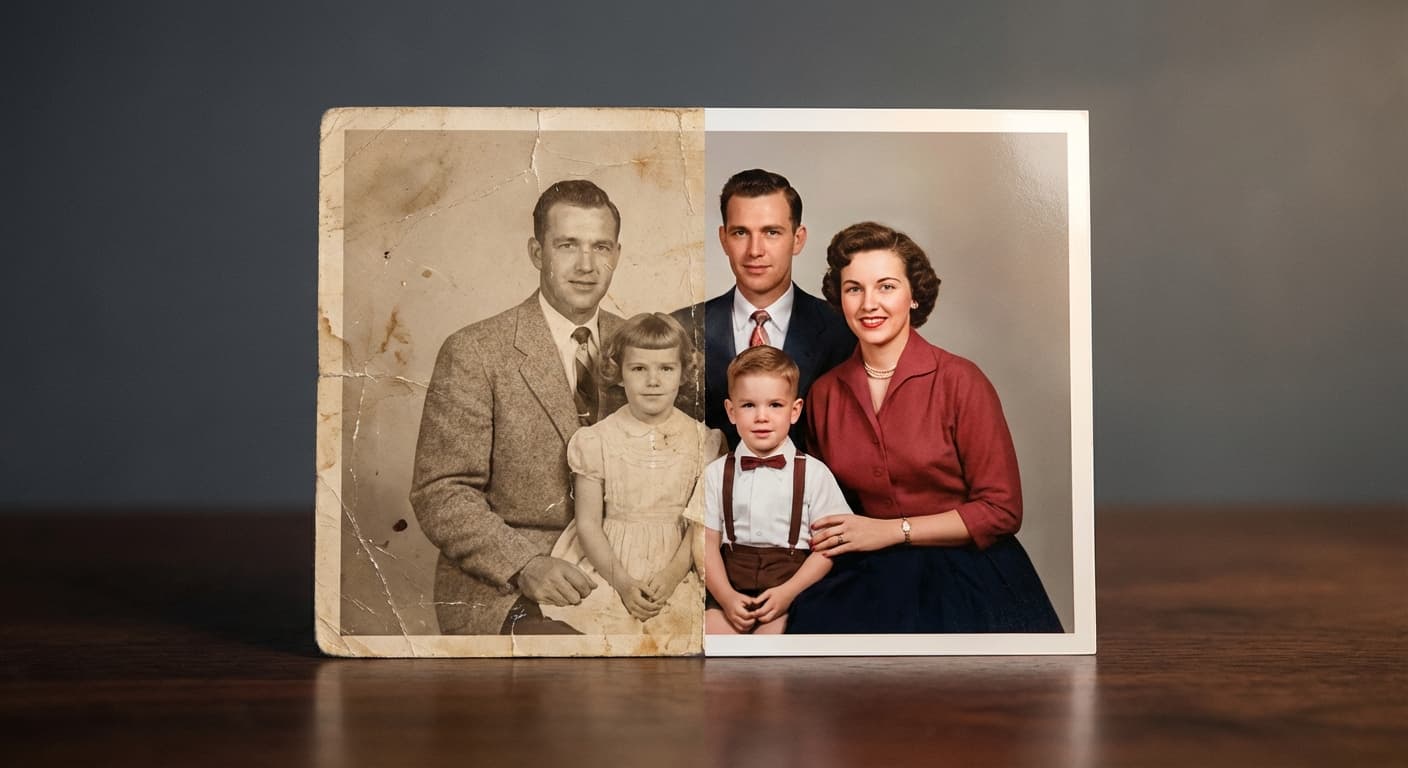
Photo Restoration
Repair scratches, tears and fading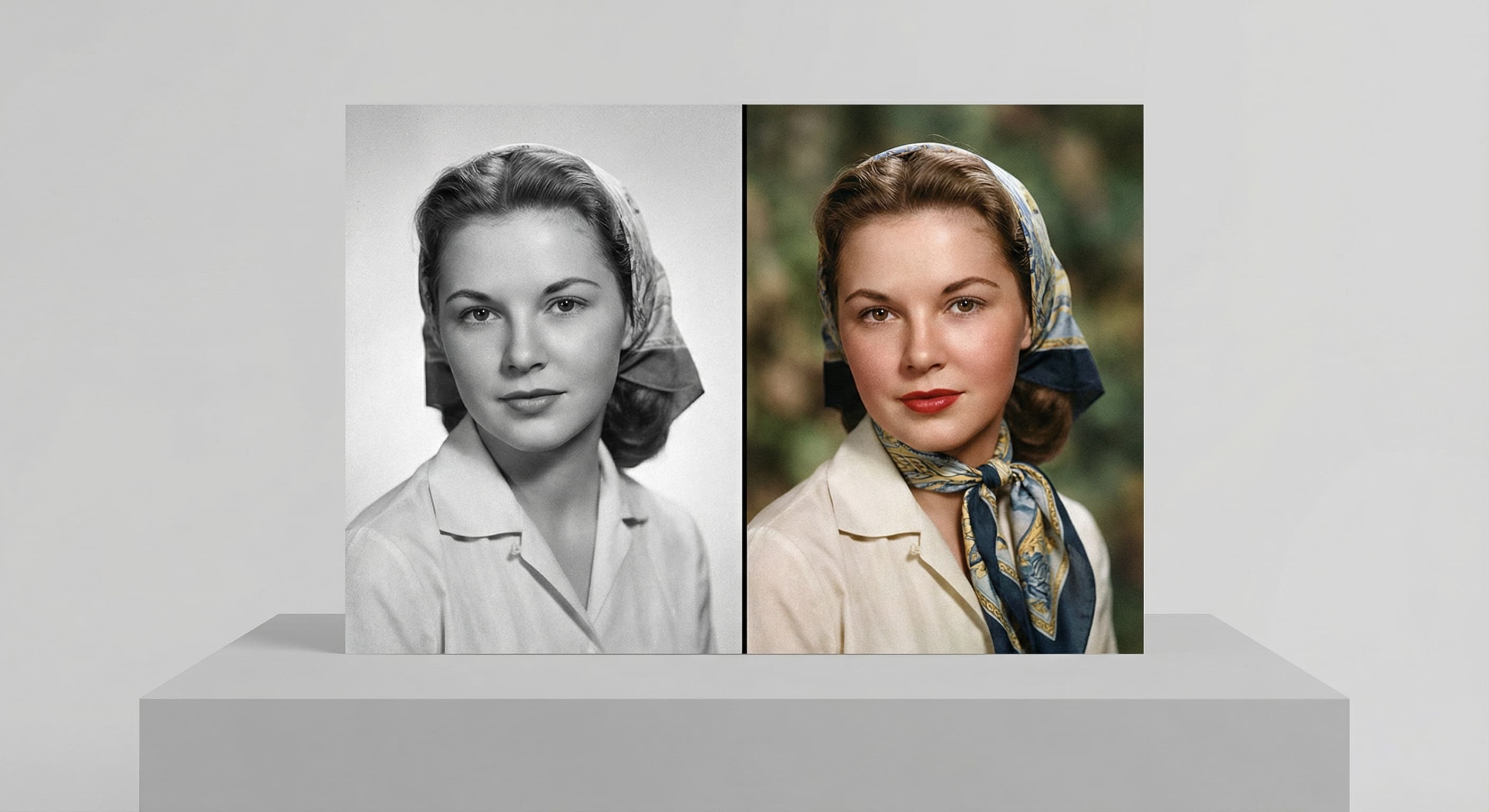
Photo Colorizer
Natural color for black-and-white photos
Unblur Image
Sharpen soft and blurry photos
Text Remover
Erase captions, dates and watermarksRelated models
See what each one makes, then open it in Made.
