AI Photo Editor
Skip the complex menus and toolbars. Edit Images With Text Prompts. Our AI photo editor understands what you want. Type "remove the background" or "make it brighter" and watch it happen instantly.
Swap Your BackgroundExamples
How to use AI Photo Editor
- 1
Upload Your Photo
Select and upload the image you want to edit. Our AI photo editor supports JPG, PNG, GIF, and WebP formats up to 10MB in size.
- 2
Describe Your Edit
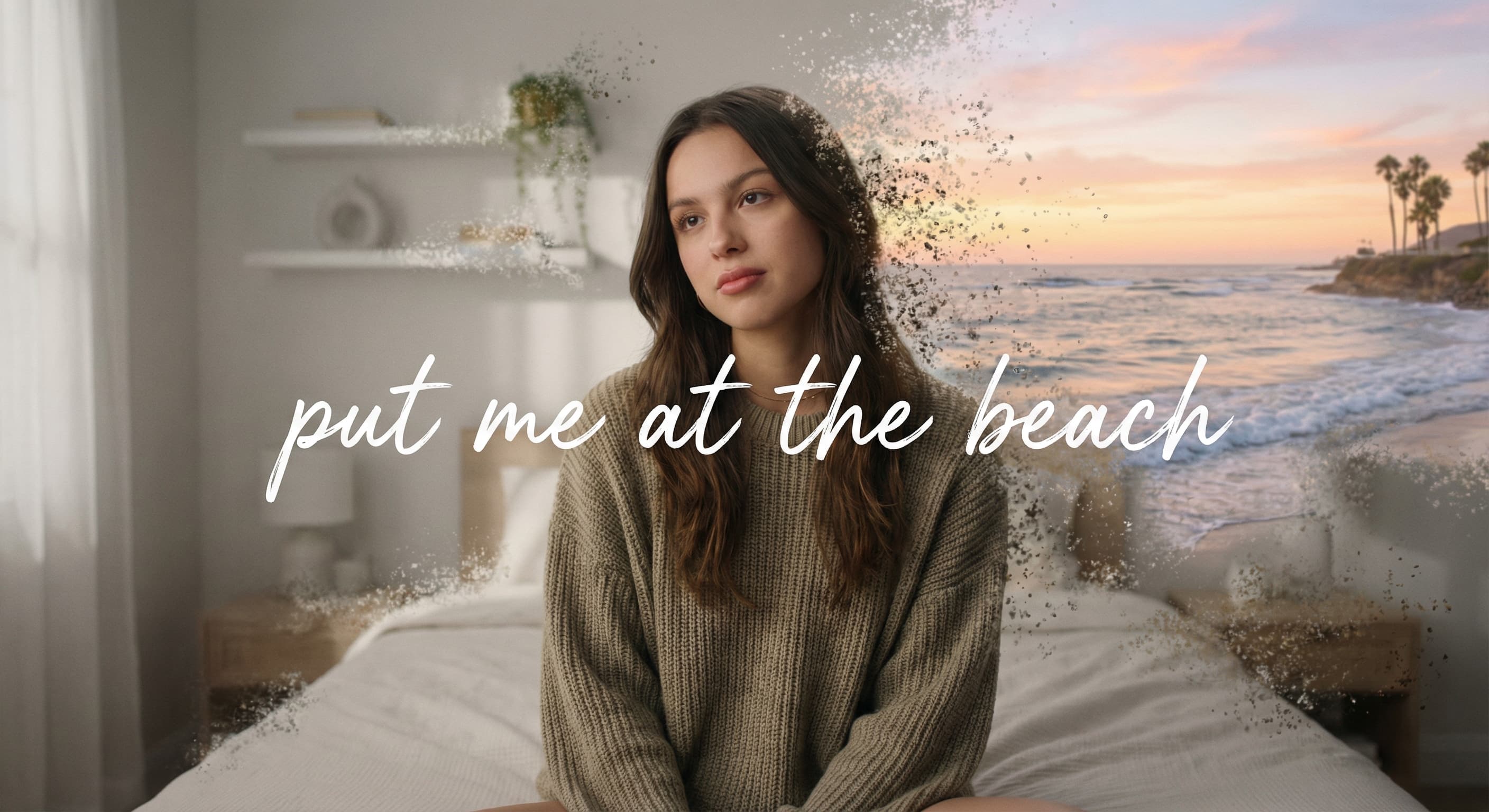
Type a clear description of what you want to change. For example: "Change the background to a sunset beach" or "Make this look like a vintage oil painting" or "Change the shirt color to blue".
- 3
Review and Download
Our AI will process your request and show you the edited result. Use the before/after toggle to compare, then download your transformed image or make additional edits.
AI Photo Editor examples
Real results from Made. Use a prompt to load it into the studio above, then add your own photo.
Edit with Words
Level Up Your Feed
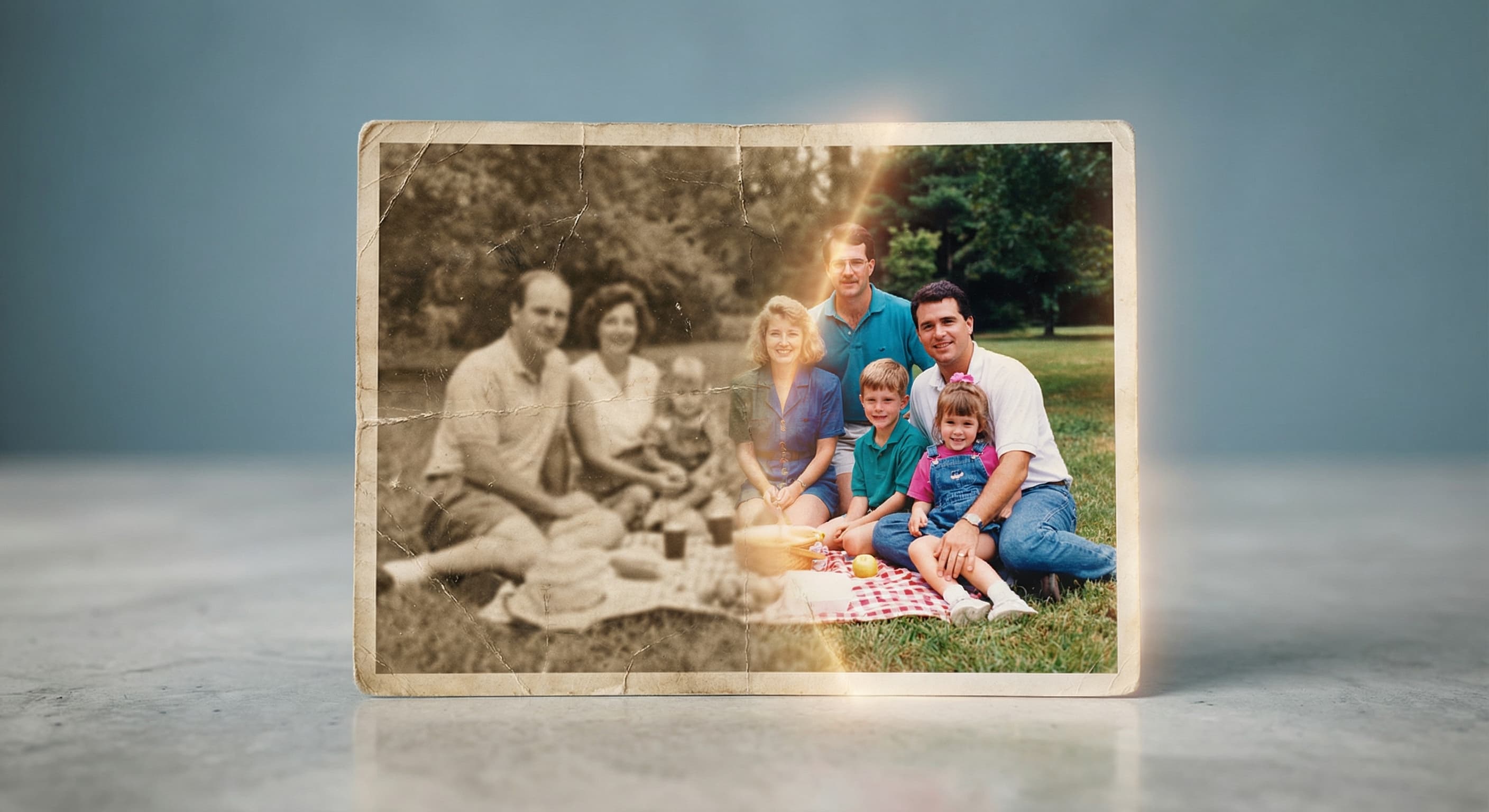
Fix Old Photos
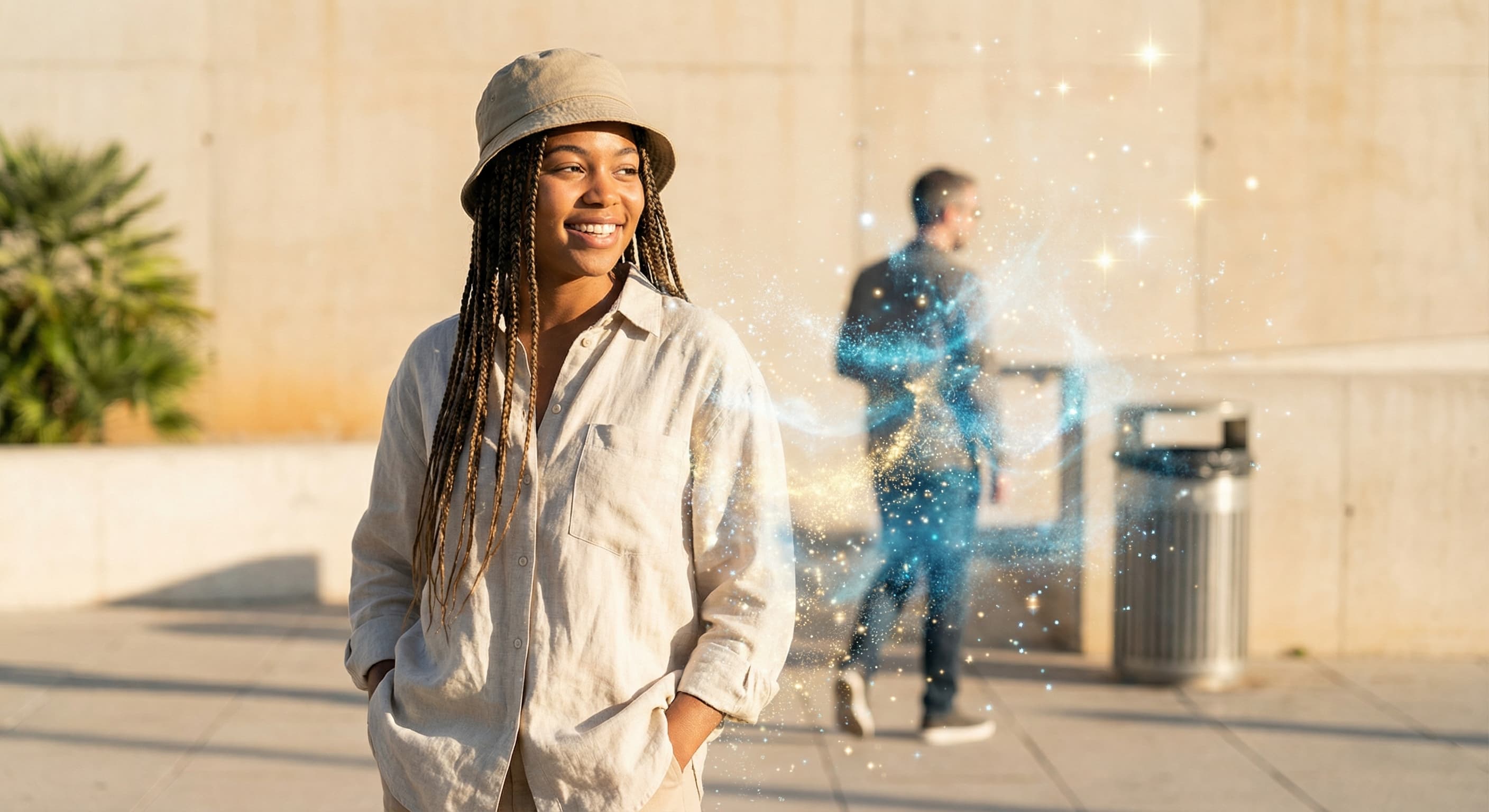
Remove the Chaos
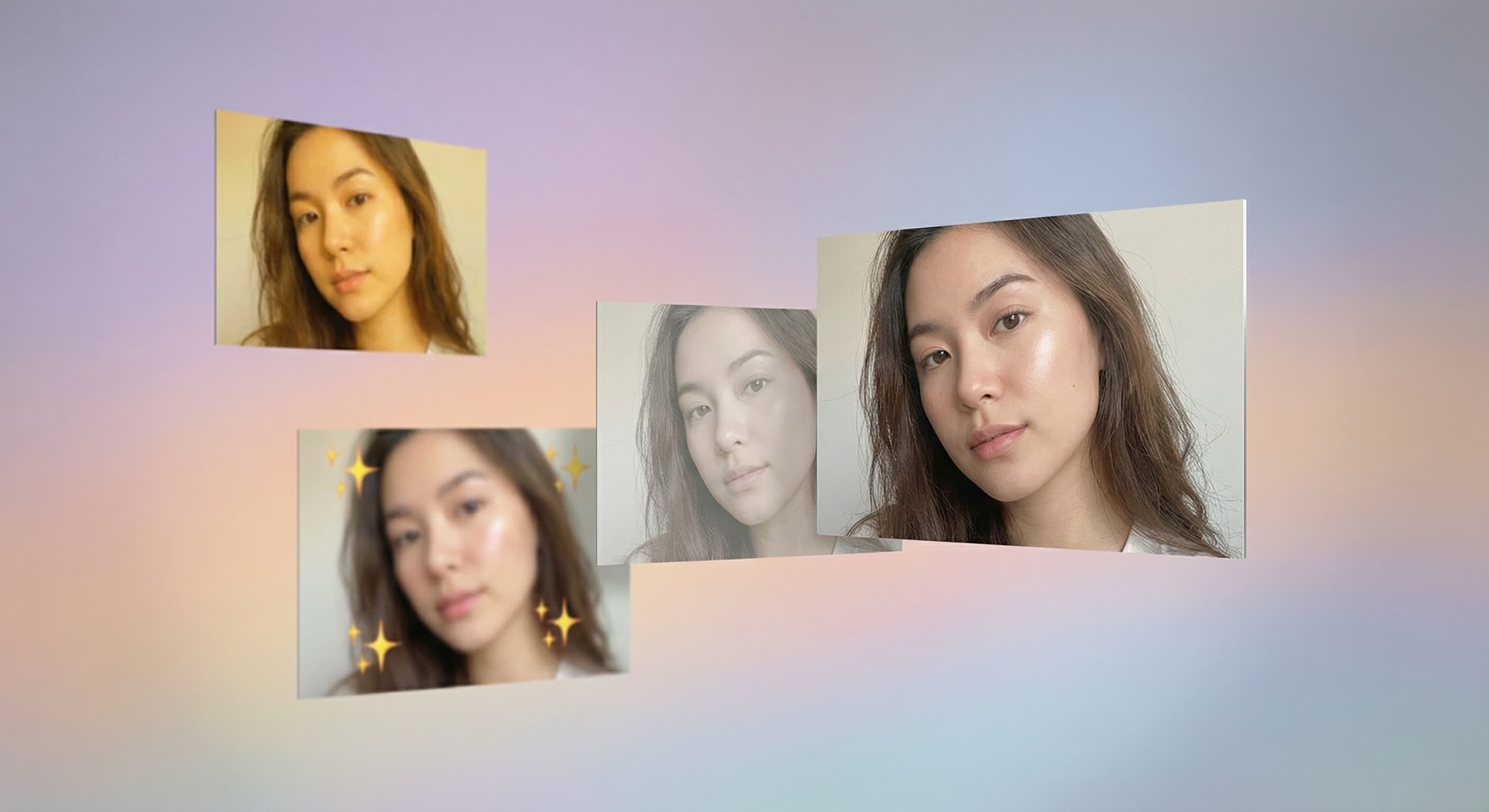
Keep Tweaking
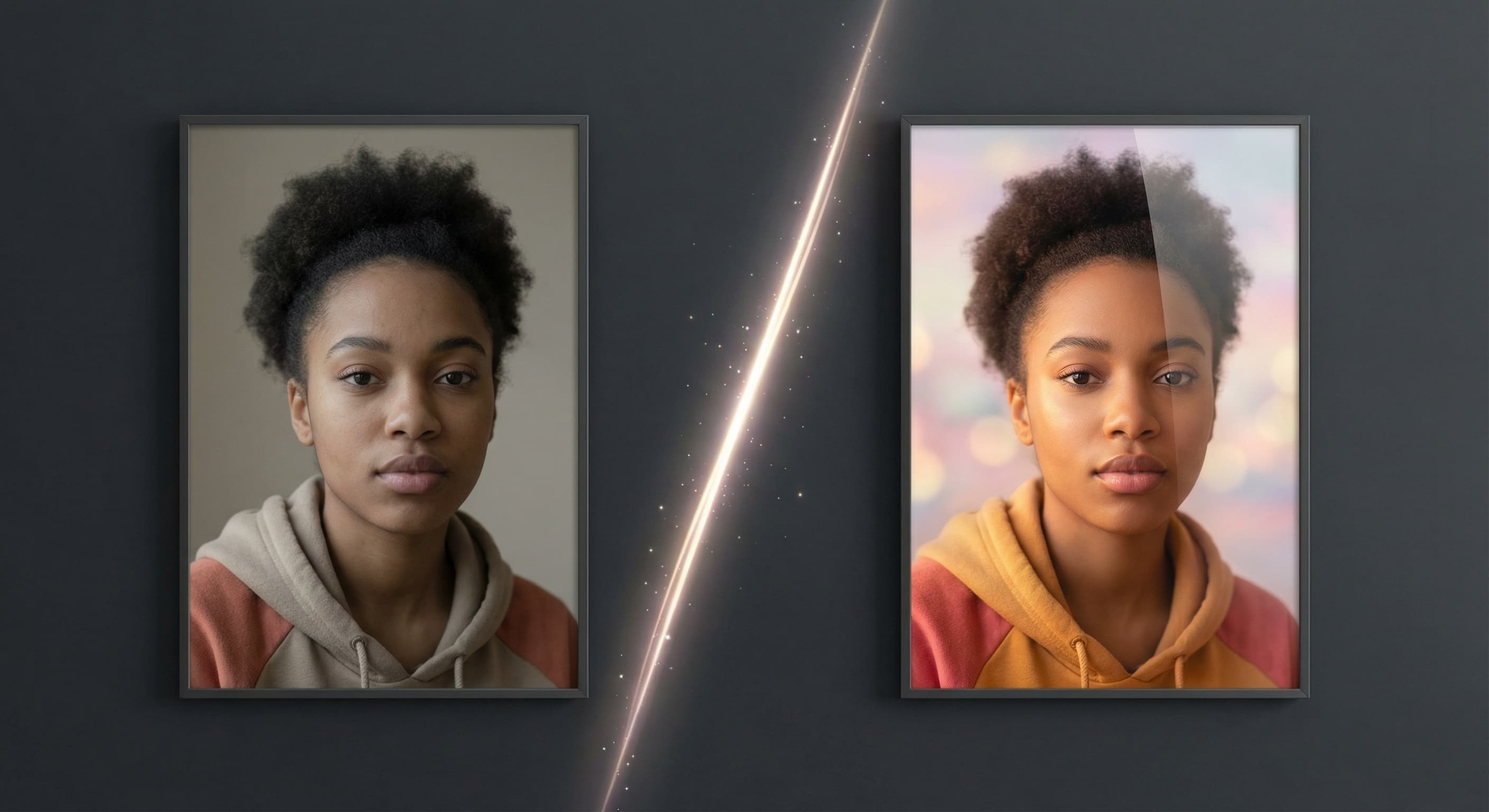
Done in Seconds
What people use it for
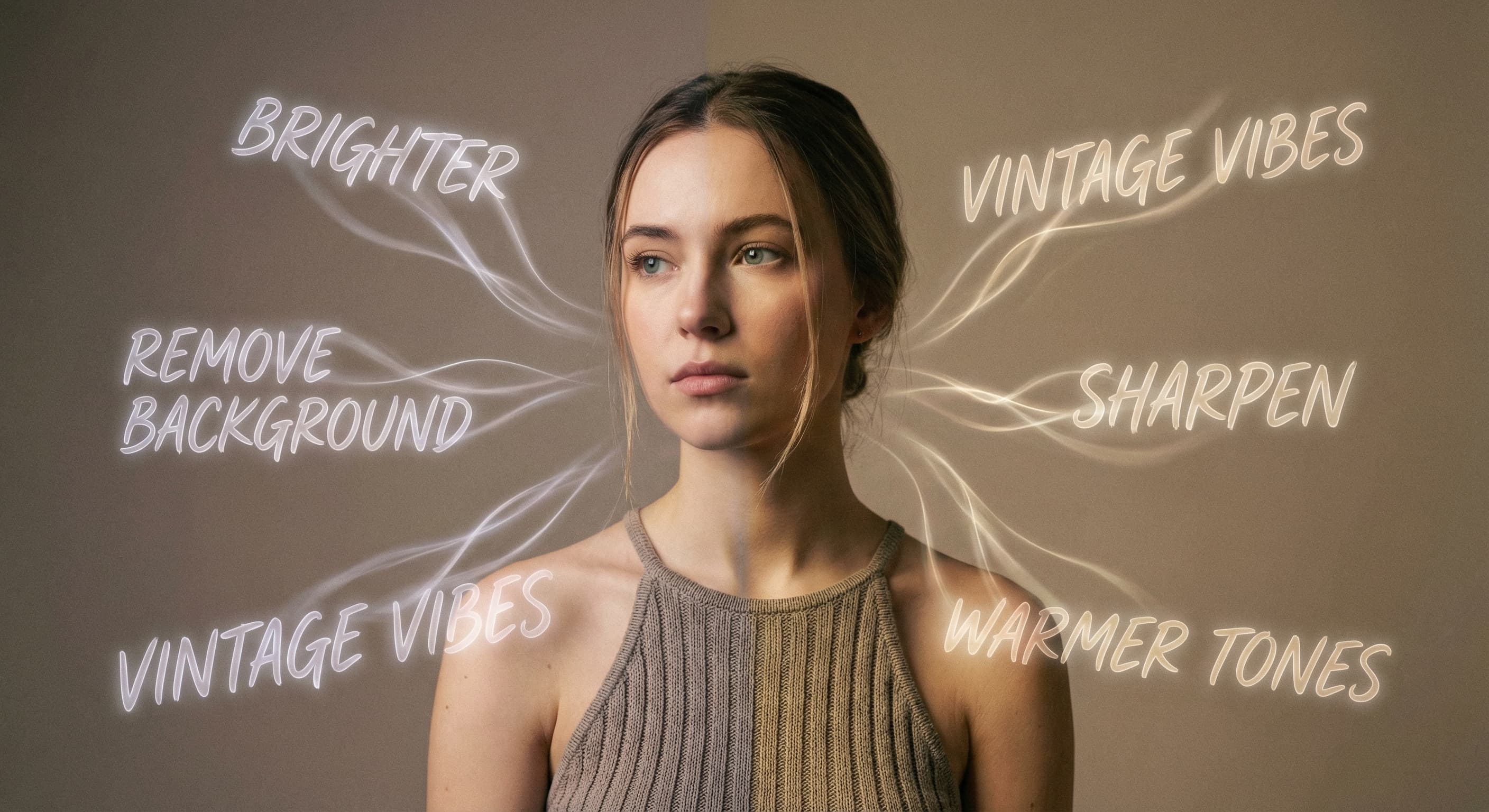
- Edit with WordsForget menus, sliders, and tutorials. Just type what you want. 'Make it brighter.' 'Remove the background.' 'Give it vintage vibes.' The AI understands plain English and makes it happen. Photo editing finally speaks your language.
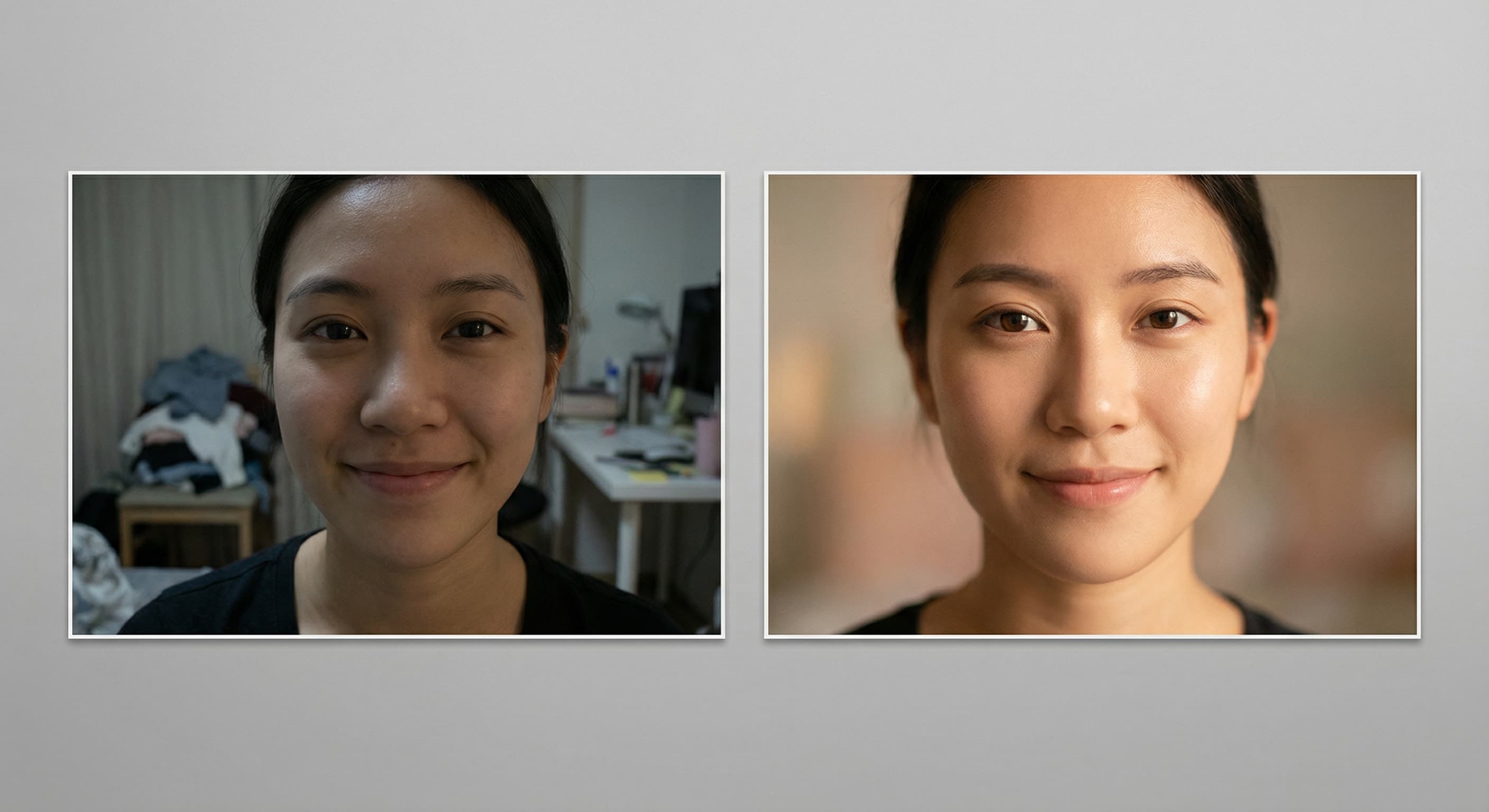
- Level Up Your FeedThat photo is almost perfect. The lighting's off, the background's messy, you blinked. Instead of deleting it, tell the AI what to fix. 'Make the lighting warmer.' 'Blur the background.' 'Remove that trash can.' Your feed stays curated without reshooting.
- Swap Your BackgroundYou're in your room but want to look like you're at the beach, in Tokyo, or floating in the clouds. Describe where you want to be and the AI puts you there. Same outfit, same pose, completely different vibe.
- Fix Old PhotosThat throwback from 2015 with terrible quality? The family photo where someone's blurry? Tell the AI to enhance it. Sharpen faces, fix lighting, bring back details you thought were lost forever.
- Remove the ChaosPhotobombers, power lines, your ex, that random person walking through your shot. Point at what you don't want and it's gone. The AI fills in what was behind it like nothing was ever there.
Questions about AI Photo Editor
How does AI photo editing work?
AI photo editing uses advanced machine learning models trained on millions of images to understand and execute text-based editing commands. Our system analyzes your photo and text instructions, then applies precise modifications while maintaining image quality and realism.
What types of edits can I make with text commands?
You can change backgrounds, apply artistic styles (watercolor, oil painting, sketches), modify object colors, change clothing, edit text in images, adjust lighting and weather, and create creative transformations. Simply describe what you want in natural language.
Will the AI photo editor maintain image quality?
Yes, our AI photo editor is designed to maintain and often enhance image quality. The system preserves important details, maintains proper lighting and shadows, and ensures realistic results even with complex edits.
Can I edit the same photo multiple times?
Absolutely! You can upload your photo and make multiple different edits, each starting from the original image. This allows you to create various versions and choose the best result for your needs.
How specific should my editing instructions be?
The more specific your instructions, the better the results. Include details about colors, styles, and what should remain unchanged. For example, "Change the background to a mountain landscape while keeping the person in the exact same position" works better than just "change background".
Are there any limitations to AI photo editing?
While our AI is highly advanced, complex edits involving very specific details or highly technical modifications may have limitations. The AI works best with clear, descriptive instructions and performs excellently with style transfers, background changes, and object modifications.
Can I use AI-edited photos commercially?
Yes, photos edited with our AI photo editor can be used for commercial purposes. You retain full rights to your edited images, making them perfect for marketing materials, social media content, and business use.
How long does AI photo editing take?
Most AI photo edits are completed within 30-60 seconds, depending on the complexity of your request and current server load. Simple edits like background changes or style transfers typically process faster than complex object modifications.
More ways to create
 Core
CoreCreate Video
Seedance 2.5, Kling 3, Veo 3.1 and more
 Core
CoreCreate Image
Every top image model in one place
Image to Video Generator
Animate any still into a clip
Text to Video Generator
Type a scene, get a video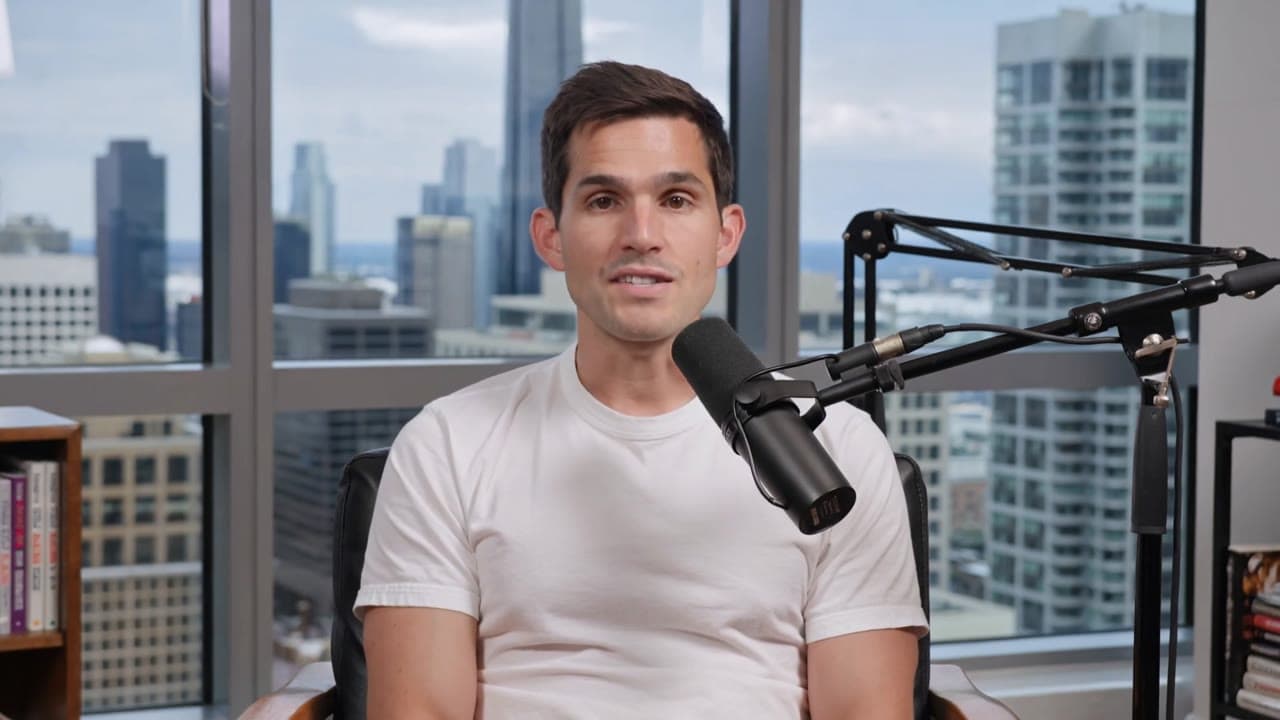 New
NewAI Podcast Generator
AI hosts talking in a studio, from a prompt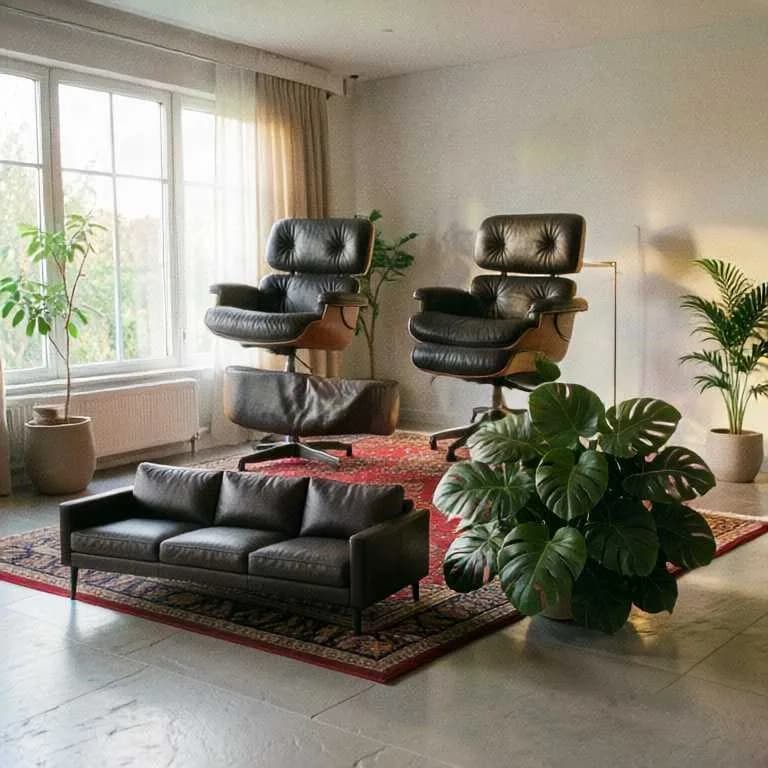
 New
NewRealtime
Draw or film, and watch it redraw live
Canvas
Chain prompts, references and models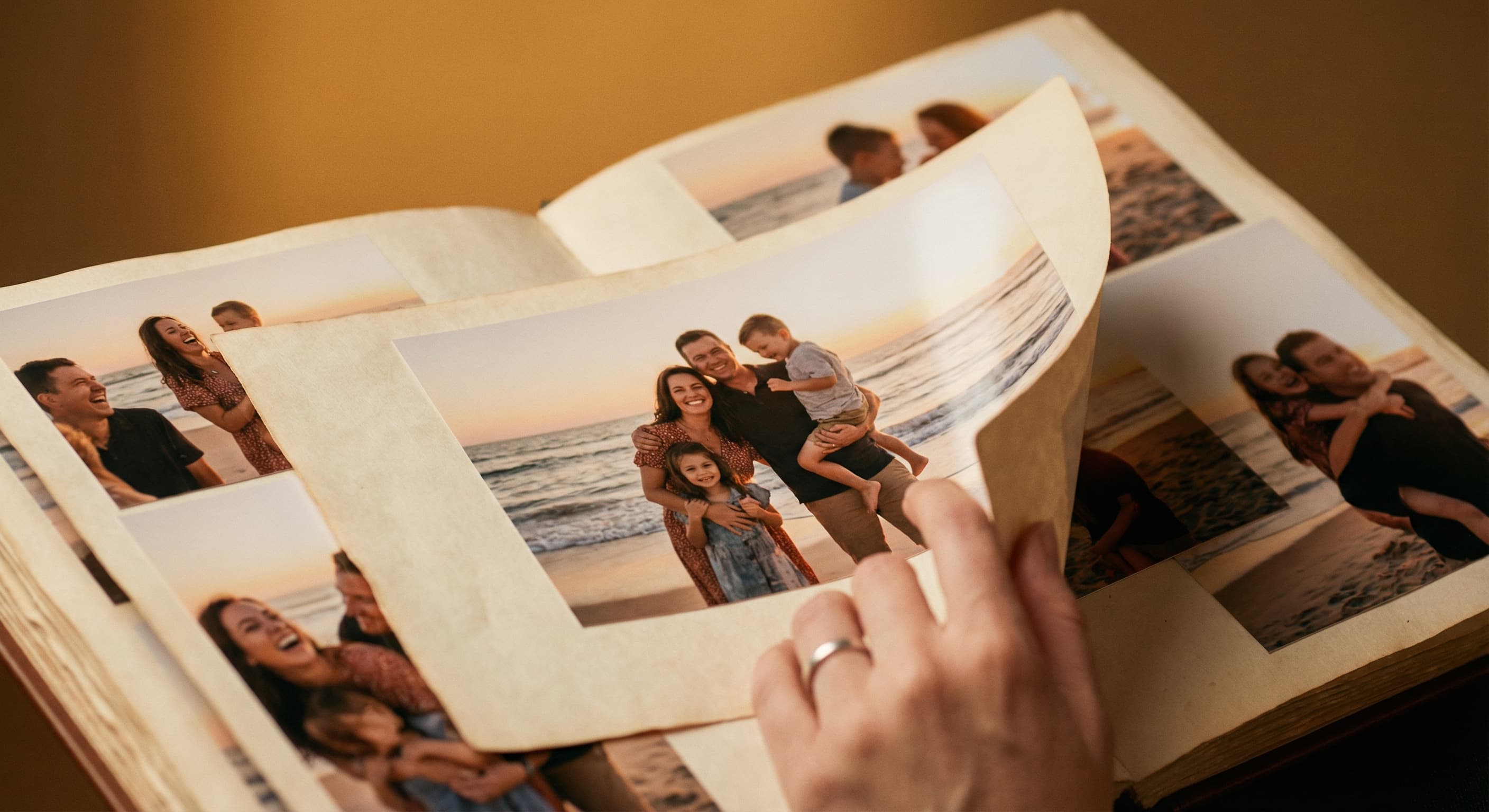
AI Slideshow Maker
Turn photos into a video slideshow