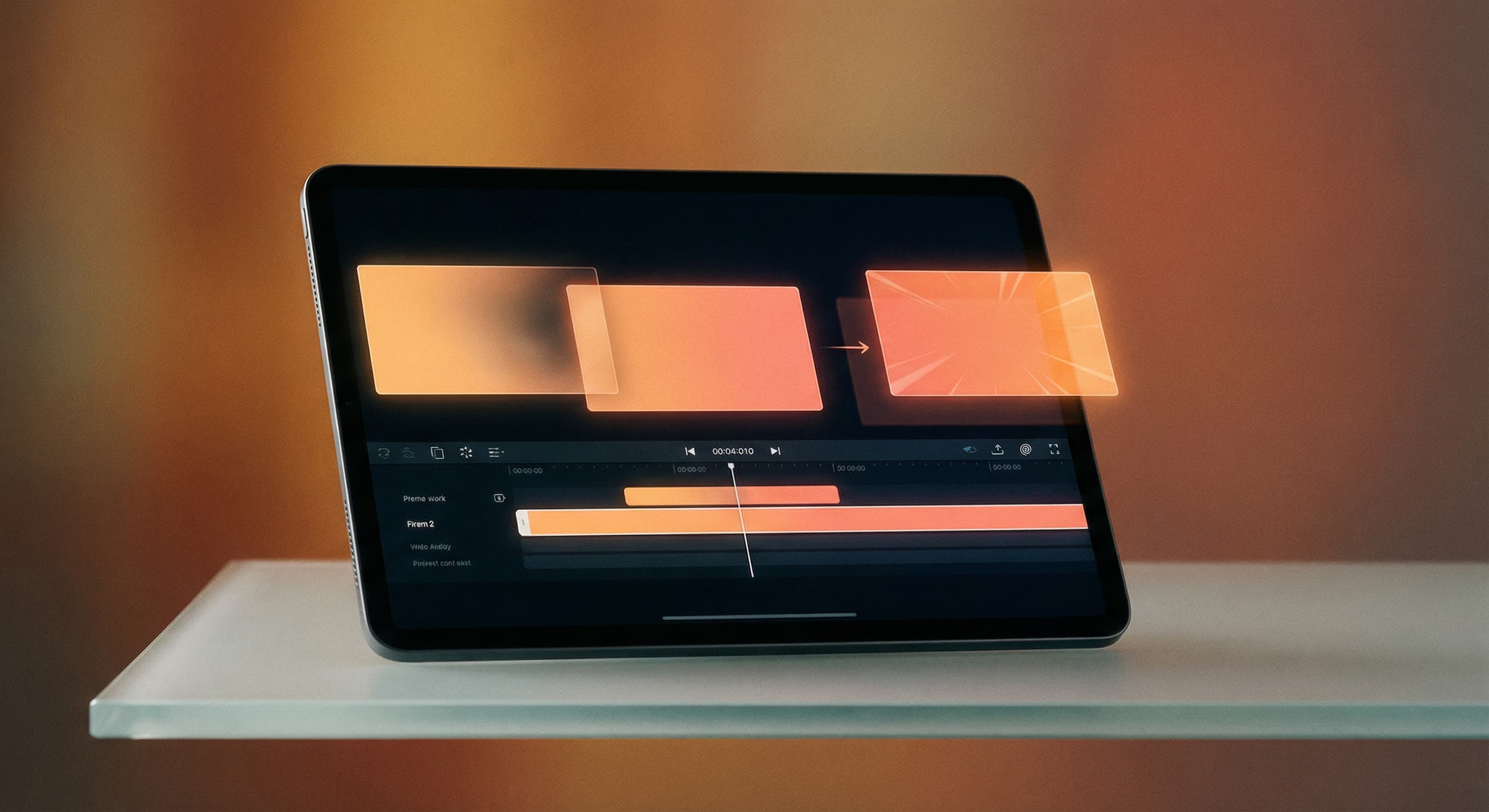
Transition effects
“Make a slideshow from these photos with a dissolve transition between each one.”
Upload two to twenty photos, describe the slideshow you want, and Made renders an MP4 with the transitions and timing you asked for. Each photo is fitted to the frame, and you can vary the transition on every slide change.
Transition effects“Make a slideshow from these photos with a dissolve transition between each one.”
Add the images in the order you want them to appear.
Name a transition such as fade, slide, wipe, dissolve, or zoom — or list a different transition for each slide change.
Choose how long each slide holds (1 to 30 seconds, 3 by default) and how long transitions last (0.5 to 5 seconds).
Made renders the video and returns an H.264 MP4 ready to post or drop into an editor.
Real results from Made. Use a prompt to load it into the studio above, then add your own photo.
“Make a slideshow from these photos with a dissolve transition between each one.”
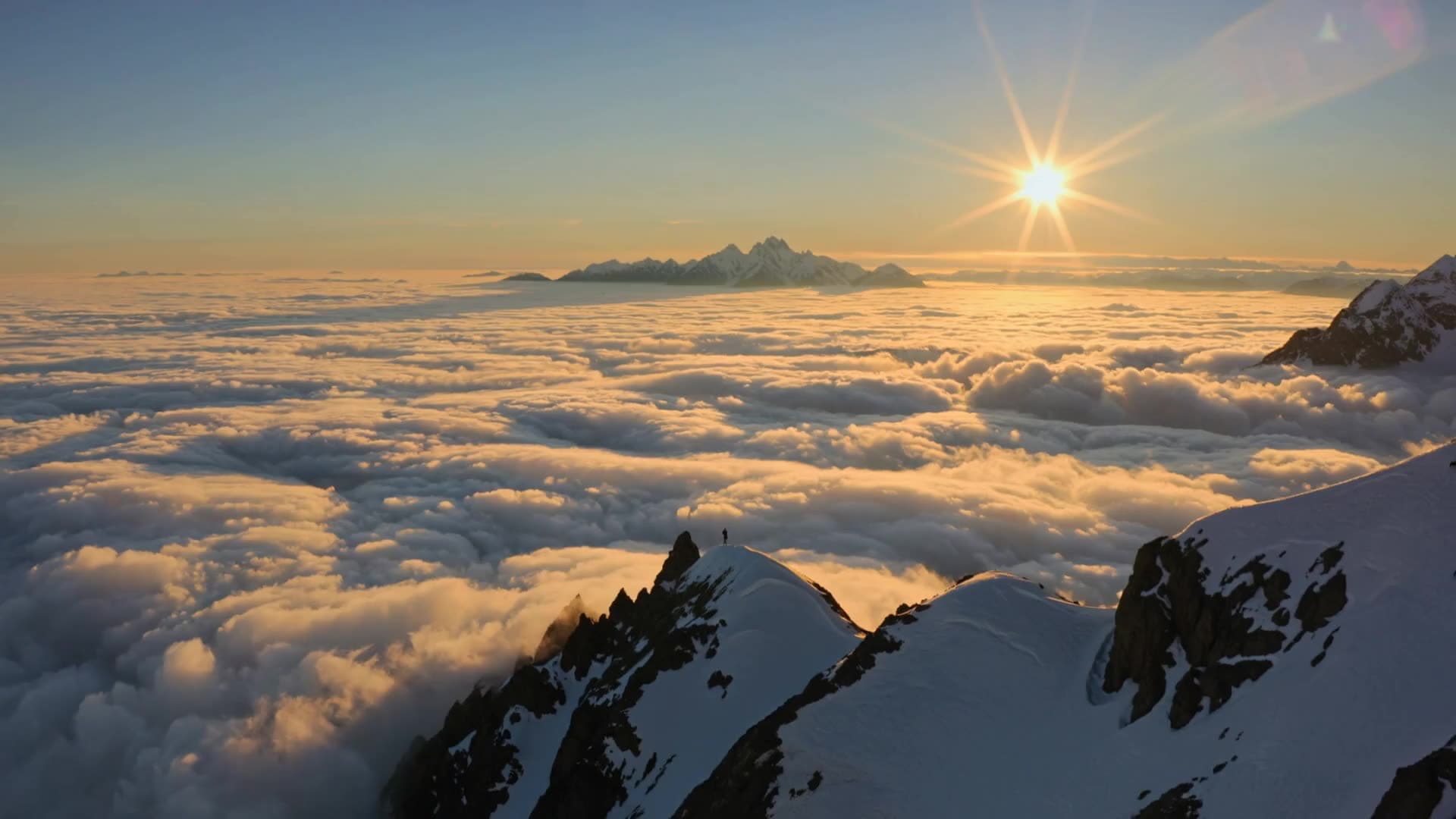
“Create a slideshow where each photo stays on screen for 5 seconds.”

“Turn these photos into a 1080p slideshow video.”

“Combine these vacation photos into a slideshow with gentle fades.”

“Make a quick slideshow of these photos for a social post, 2 seconds per slide.”

“Create a product slideshow from these shots with a slide-left transition.”
Checked against the running tool on 2026-09-03.
Each slideshow uses between 2 and 20 photos. They appear in the order you provide, with a transition between every pair of slides.
Not in the published workflow — the rendered MP4 has no audio track. Download the silent video and add a soundtrack in your editing app or directly in the platform you post to, most of which offer licensed music.
There are 23 effects: fade, fade to black, fade to white, four slide directions, four wipe directions, dissolve, pixelize, radial, zoom in, four smooth directions, and four diagonal sweeps.
Yes. You can set one transition for the whole slideshow or list a different effect for each slide change. If your list is shorter than the number of changes, the last effect repeats for the rest.
An H.264 MP4 at 1920 × 1080 and 30fps by default. You can request other dimensions up to 3840 × 2160 and frame rates from 15 to 60fps.
Every photo is scaled to fit inside the video frame without cropping or stretching, and any leftover space is filled with black letterboxing. For edge-to-edge slides, crop or resize the photos to the video’s aspect ratio first with Image Resizer.
From 1 to 30 seconds per slide, with 3 seconds as the default. Transitions add 0.5 to 5 seconds between slides, so total length is roughly the slide count times the slide duration.

 Core
Core

 Core
Core
 New
New
 New
New


See what each one makes, then open it in Made.