Fast motion study
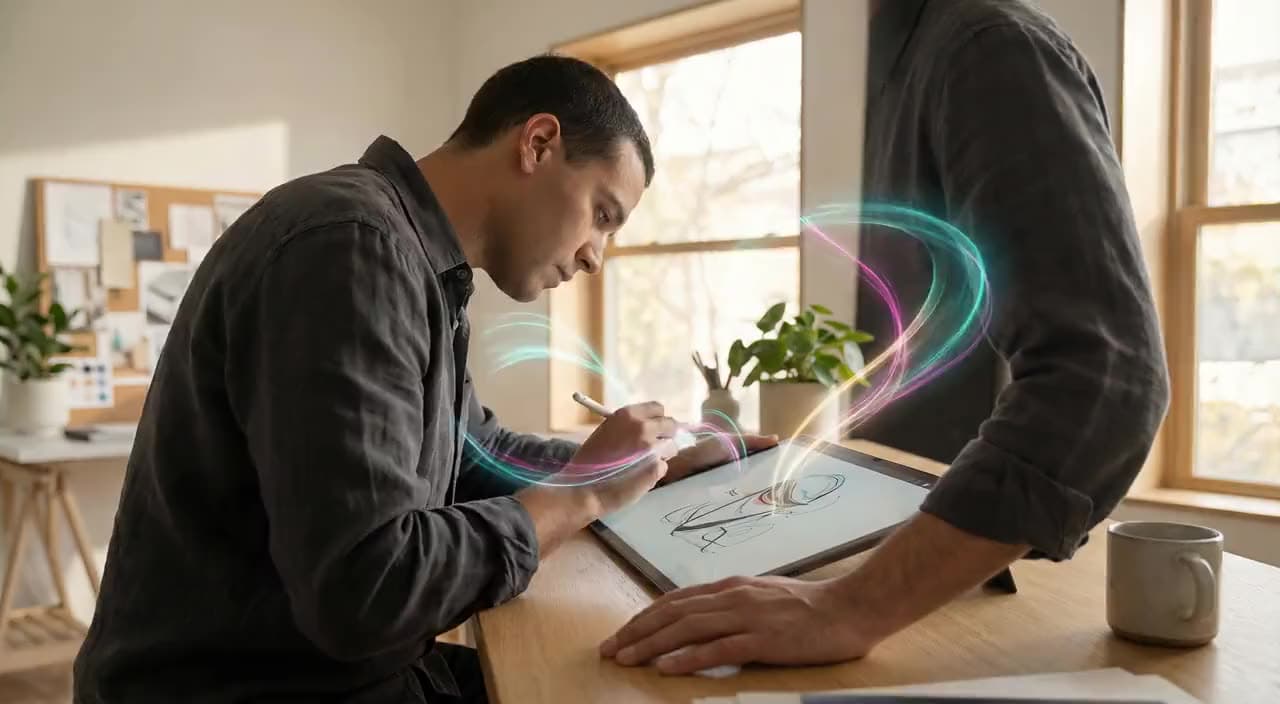
“A gentle camera push through an editorial scene, natural movement.”
Wan AI · video model
15 credits / video · every plan · price breakdown · API playground
Made with WAN 2.2 Turbo · Fast motion study
WAN 2.2 Turbo is Made’s fast iteration option for short text-to-video and image-to-video clips, with portrait and landscape output controls.
Original results
These examples use media produced for Made. Prompts are included when the production record allows them.
“A gentle camera push through an editorial scene, natural movement.”
“Bring the portrait to life with subtle wind and a slow handheld camera.”
“A cinematic reveal with controlled subject movement and atmospheric light.”
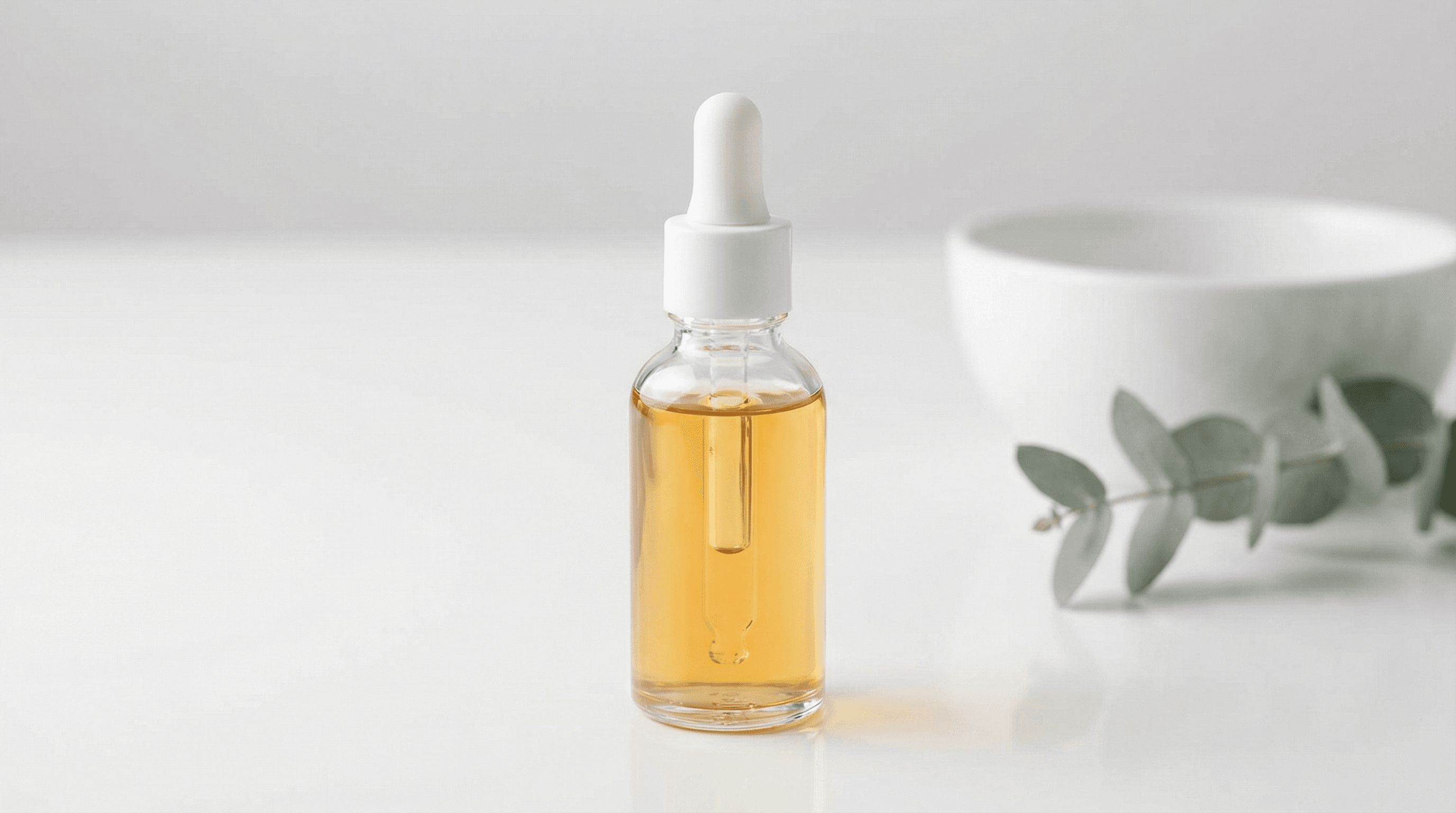
“Use this image as the opening composition.”
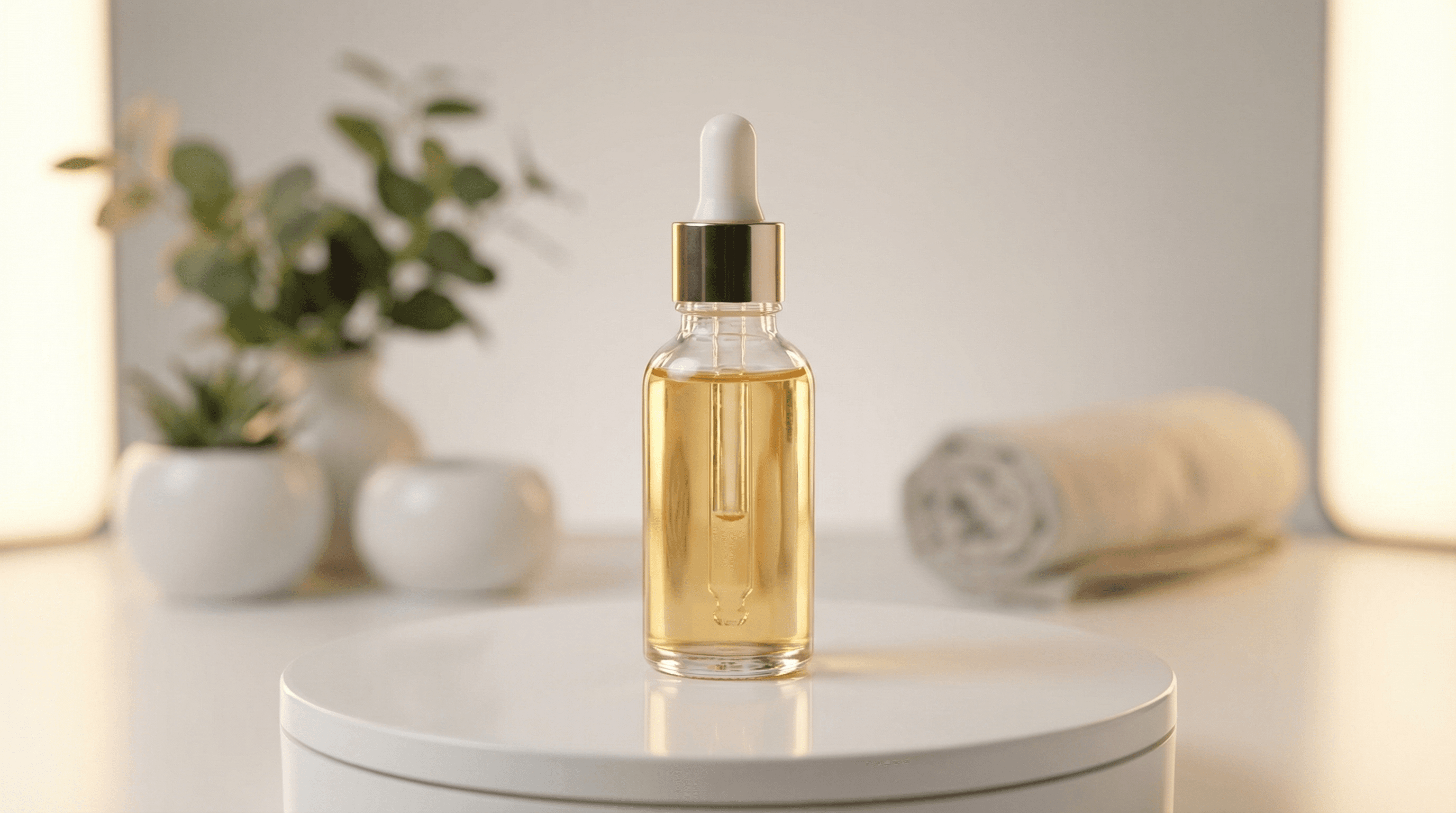
“Move naturally from the start composition toward this final frame.”
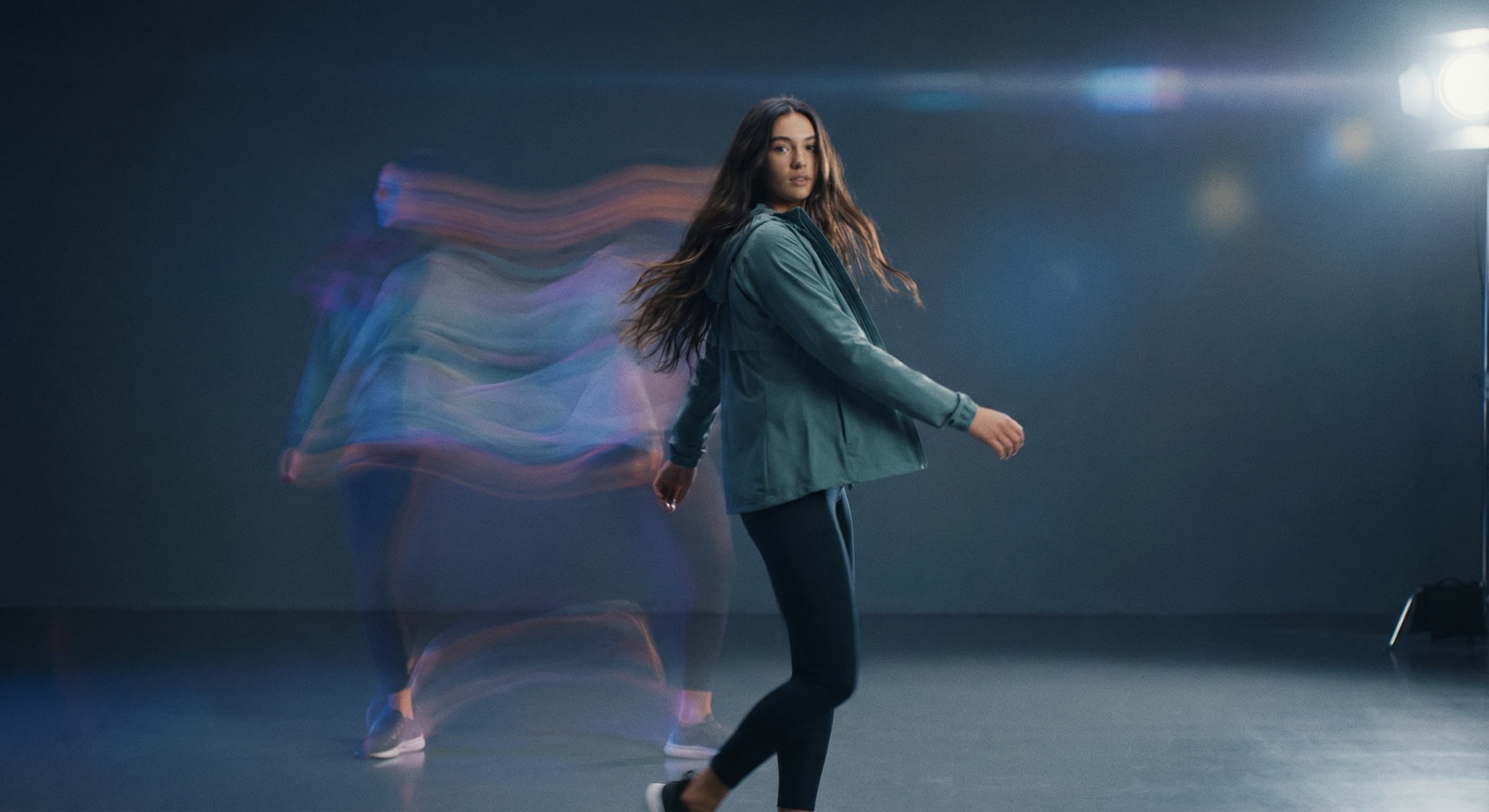
“Create a concise portrait-format scene from a written motion brief.”
These are the controls exposed by Made, which may be narrower than a provider’s full API.
Write a prompt by itself, or add a still image that establishes the opening frame.
State subject movement, camera movement, and the mood of the clip.
Choose an exposed aspect ratio and resolution. Add an end frame when the workflow offers it.
Preview the MP4, then revise one motion instruction at a time if needed.
15 credits / video — the full breakdown, verified.
6 tested prompts with the outputs they produced.
Side-by-side prices and specs, with a straight verdict.
Side-by-side prices and specs, with a straight verdict.
Side-by-side prices and specs, with a straight verdict.
Side-by-side prices and specs, with a straight verdict.
Side-by-side prices and specs, with a straight verdict.
Side-by-side prices and specs, with a straight verdict.
Approved examples and guides
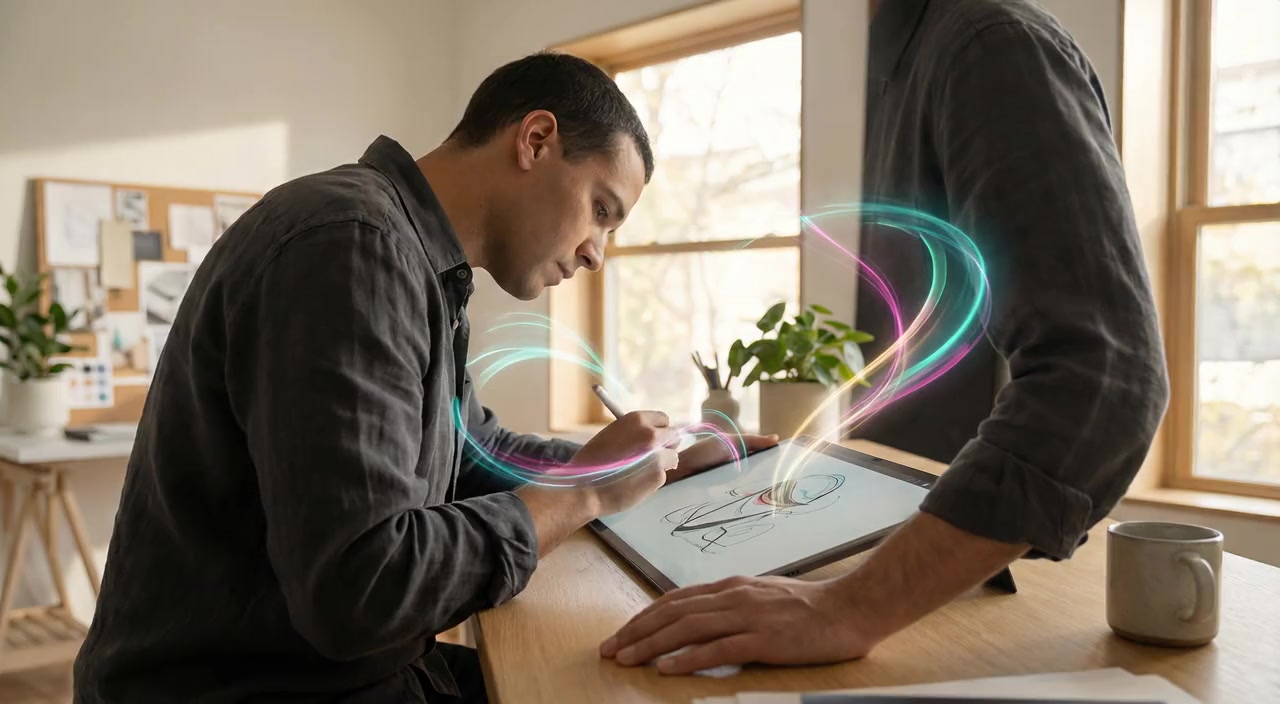
Example
A five-second editorial studio scene where a designer draws at a tablet while a gentle camera push and unexpected neon trails add movement.
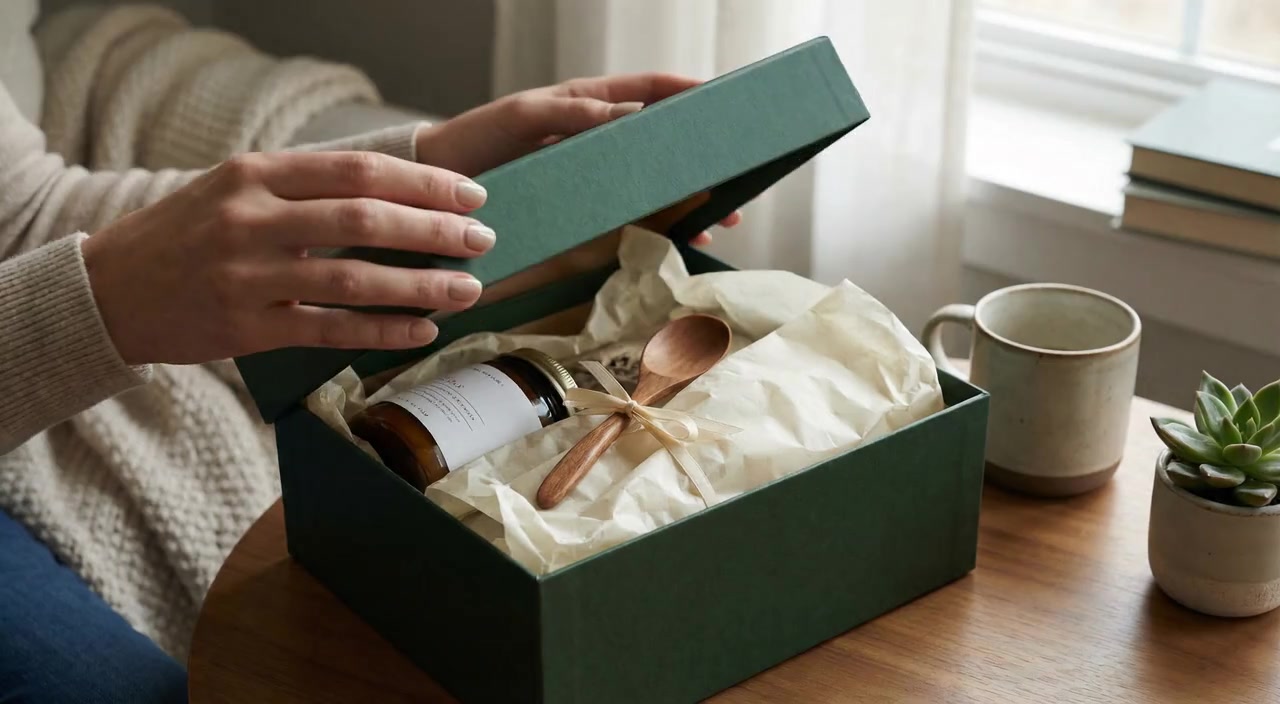
Example
A five-second lifestyle reveal built around one clear unboxing action, steady framing, and soft window light.
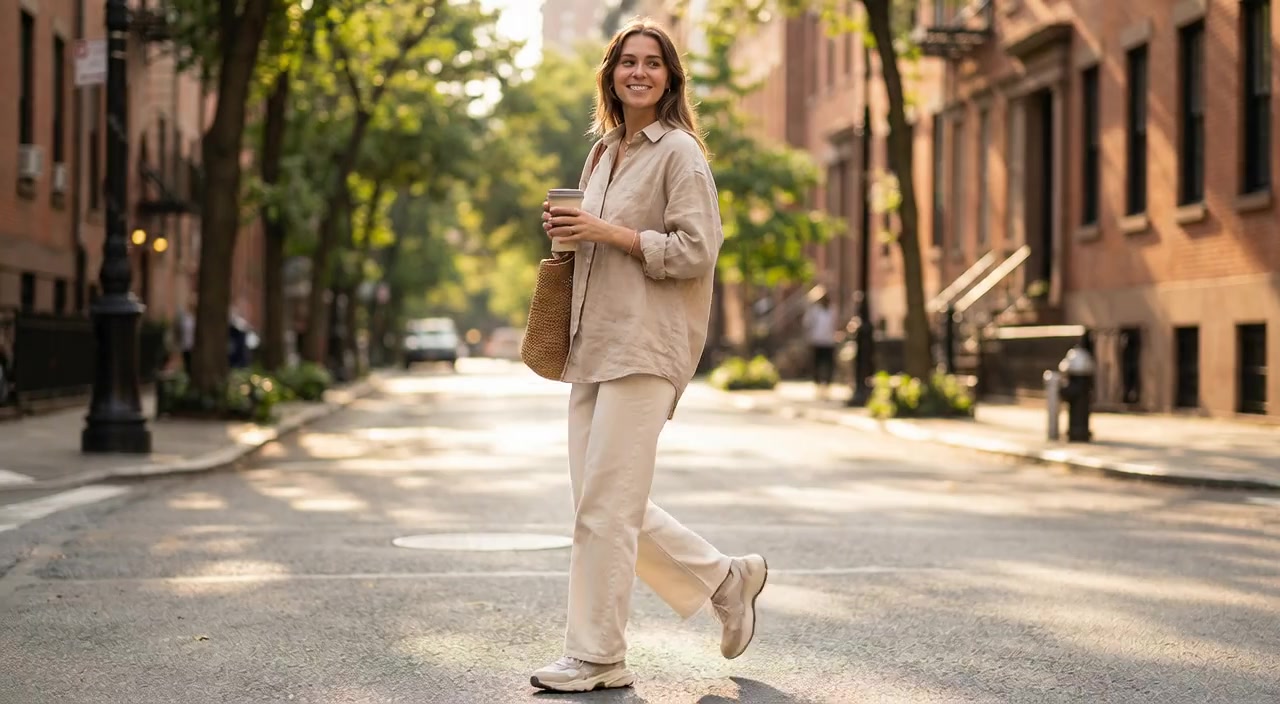
Example
A five-second lifestyle portrait that turns a city-street source into a warm walking moment with natural movement and a gentle camera treatment.
image
Nano Banana Pro runs Google’s Gemini 3 Pro Image, the top tier of the Nano Banana family, generating and editing images at 1K, 2K, or 4K with legible in-image text and faithful identity across edits.
Explore model →agent
Upload an image or describe the result you need. Made Auto interprets the request, selects an available Made tool, and keeps follow-up edits in one conversation.
Explore model →Turn any image into a captivating video. Upload a photo, describe the motion you want, and watch AI bring it to life with realistic movement, cinematic camera work, and professional quality.
Open tool →Create scroll-stopping product photos and marketing visuals in seconds. Describe your shot, pick your style, and get professional images ready for your store, social feed, or ad campaign.
Open tool →Skip the complex menus and toolbars. Edit Images With Text Prompts. Our AI photo editor understands what you want. Type "remove the background" or "make it brighter" and watch it happen instantly.
Open tool →Yes. Made routes a prompt without an image to the text-to-video workflow.