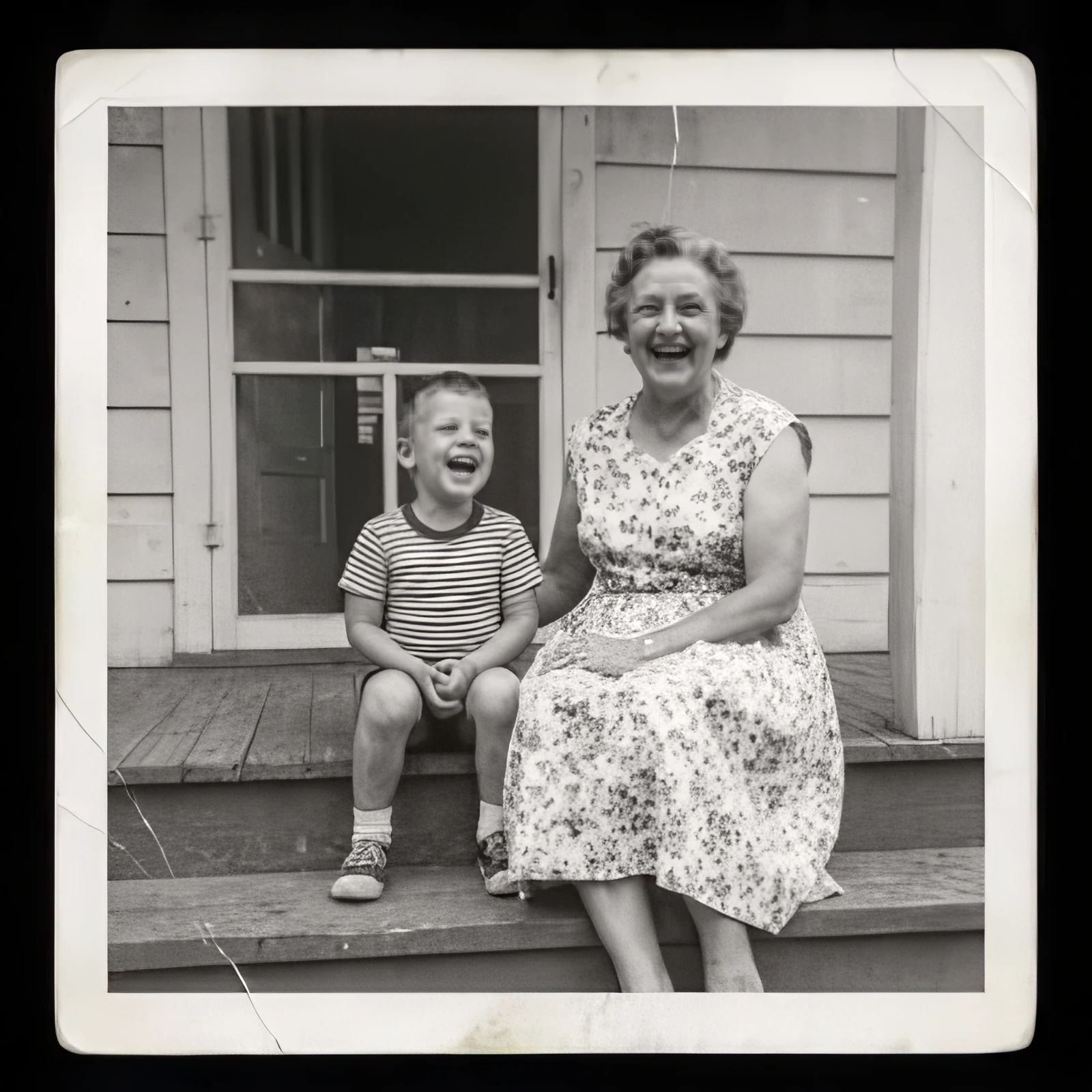
Family photo, 1960s
Low-res rescue · 400 × 400 → 1,600 × 1,600 · 8 credits
A small, compressed scan. Low-res rescue brought back both faces, the striped shirt, and the print on the dress.
Use Low-res rescueVideo, up to 4K
SeedVR2 restores each frame and keeps motion steady between them. MP4 or MOV up to 20 seconds, and your audio comes along.
320 × 568 → 1,280 × 2,272 · 4 s · 19 credits
Skin, hair, and the reflections on the bottle, restored frame by frame from a 320-pixel phone video.
Photos too
Drag across any image. Each pair is the file we uploaded and exactly what came back, at the price shown. The sources are shrunk, compressed copies of larger images.
Low-res rescue · 400 × 400 → 1,600 × 1,600 · 8 credits
A small, compressed scan. Low-res rescue brought back both faces, the striped shirt, and the print on the dress.
Use Low-res rescue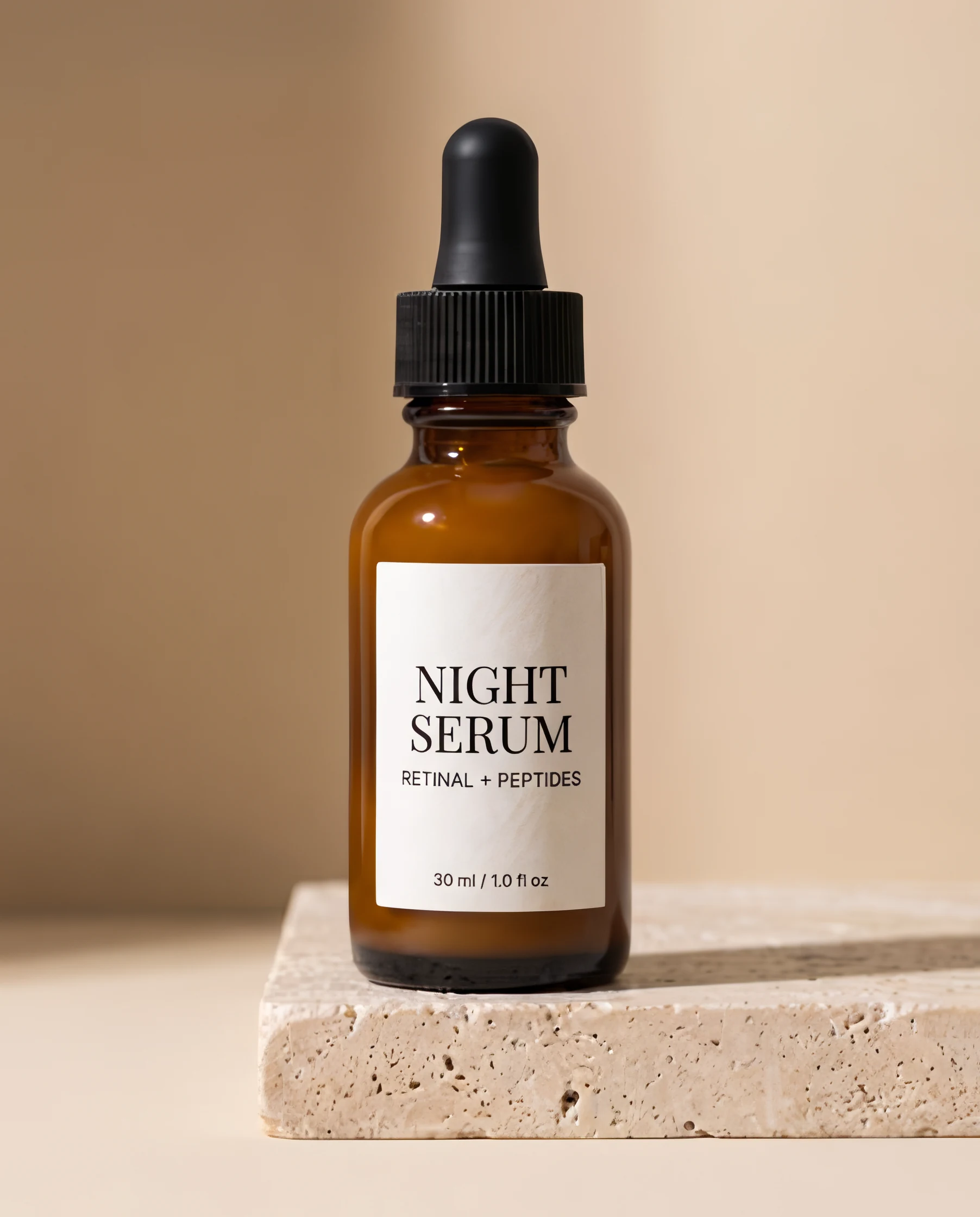
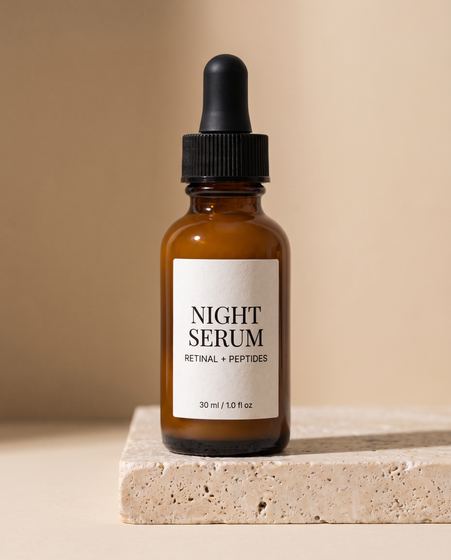
Text & logos · 451 × 560 → 1,804 × 2,240 · 8 credits
Text & logos kept every letter crisp and correct, down to “30 ml / 1.0 fl oz” at the bottom of the label.
Use Text & logos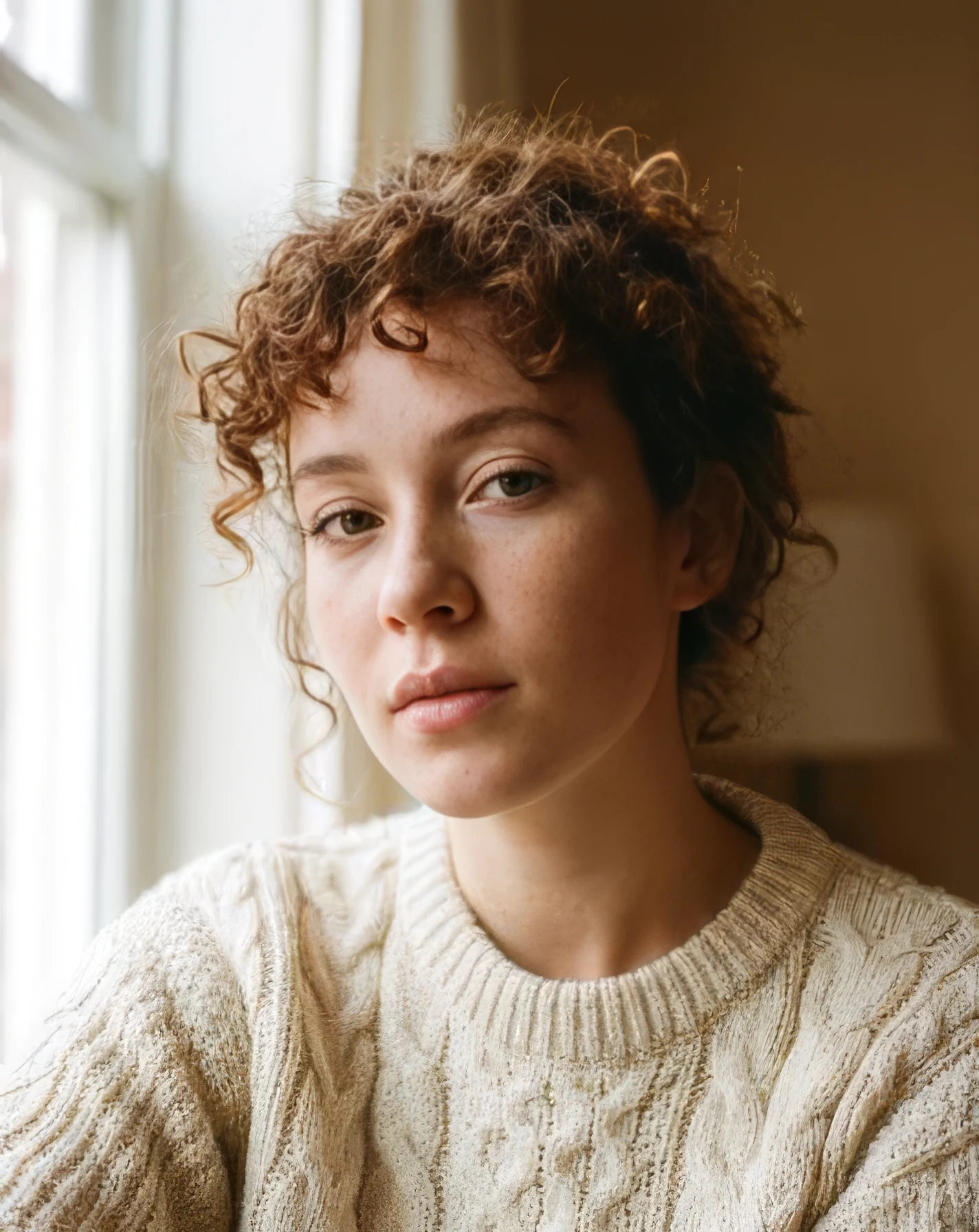
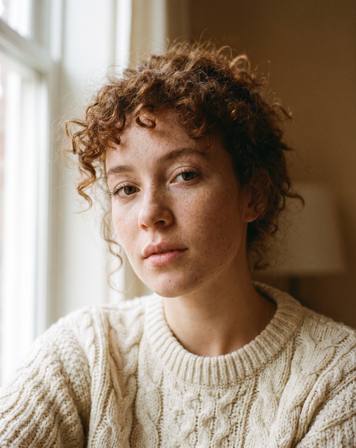
Standard · 356 × 448 → 1,424 × 1,792 · 8 credits
Standard with face recovery: sharp eyes, lashes, and curls. Face recovery also softened some freckles; switch it off to keep them.
Use Standard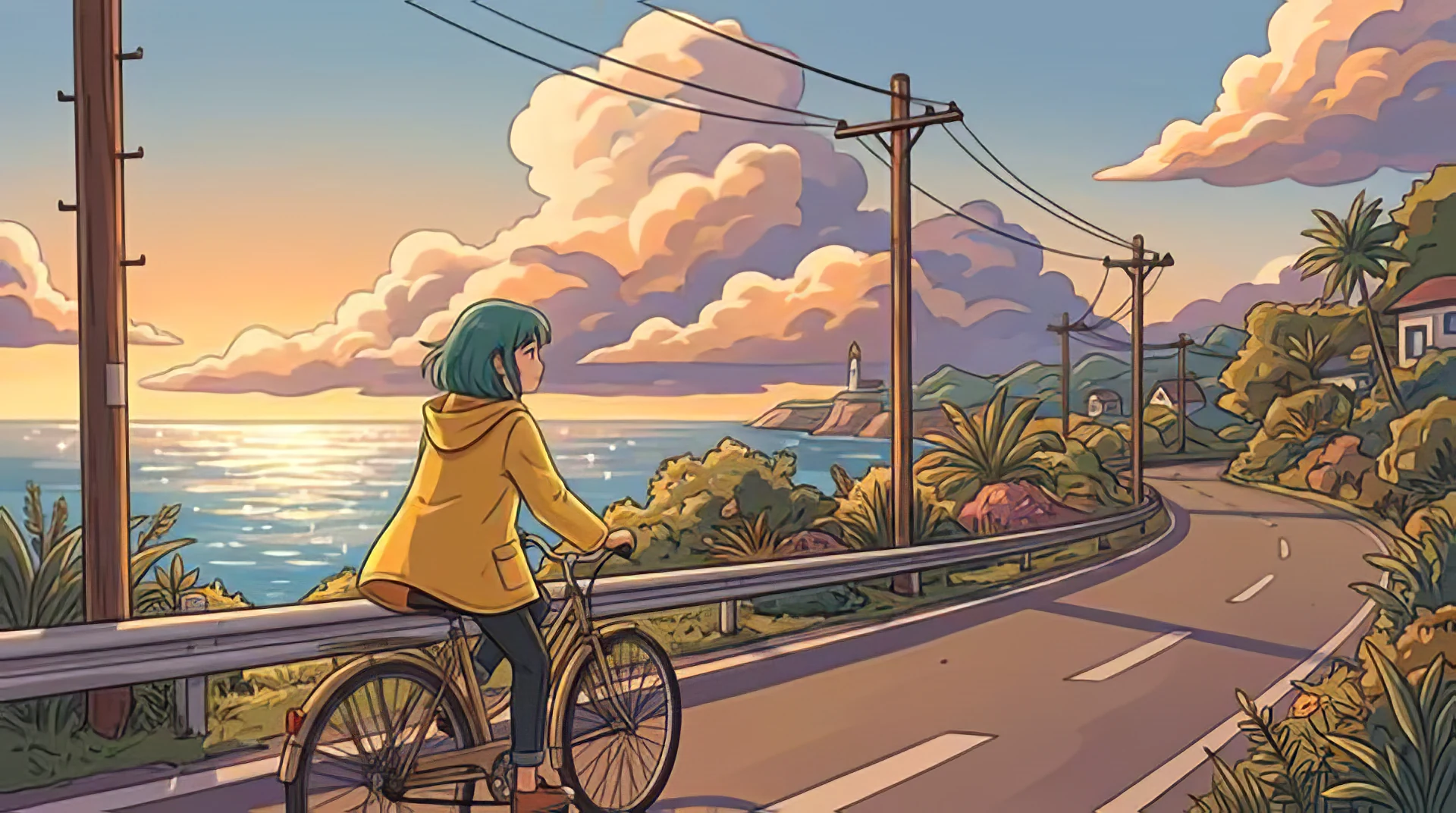
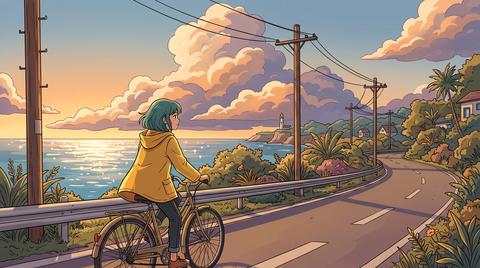
Art & CGI · 480 × 268 → 1,920 × 1,072 · 8 credits
Art & CGI keeps line art clean and flat colors flat, without painting photo texture into them.
Use Art & CGI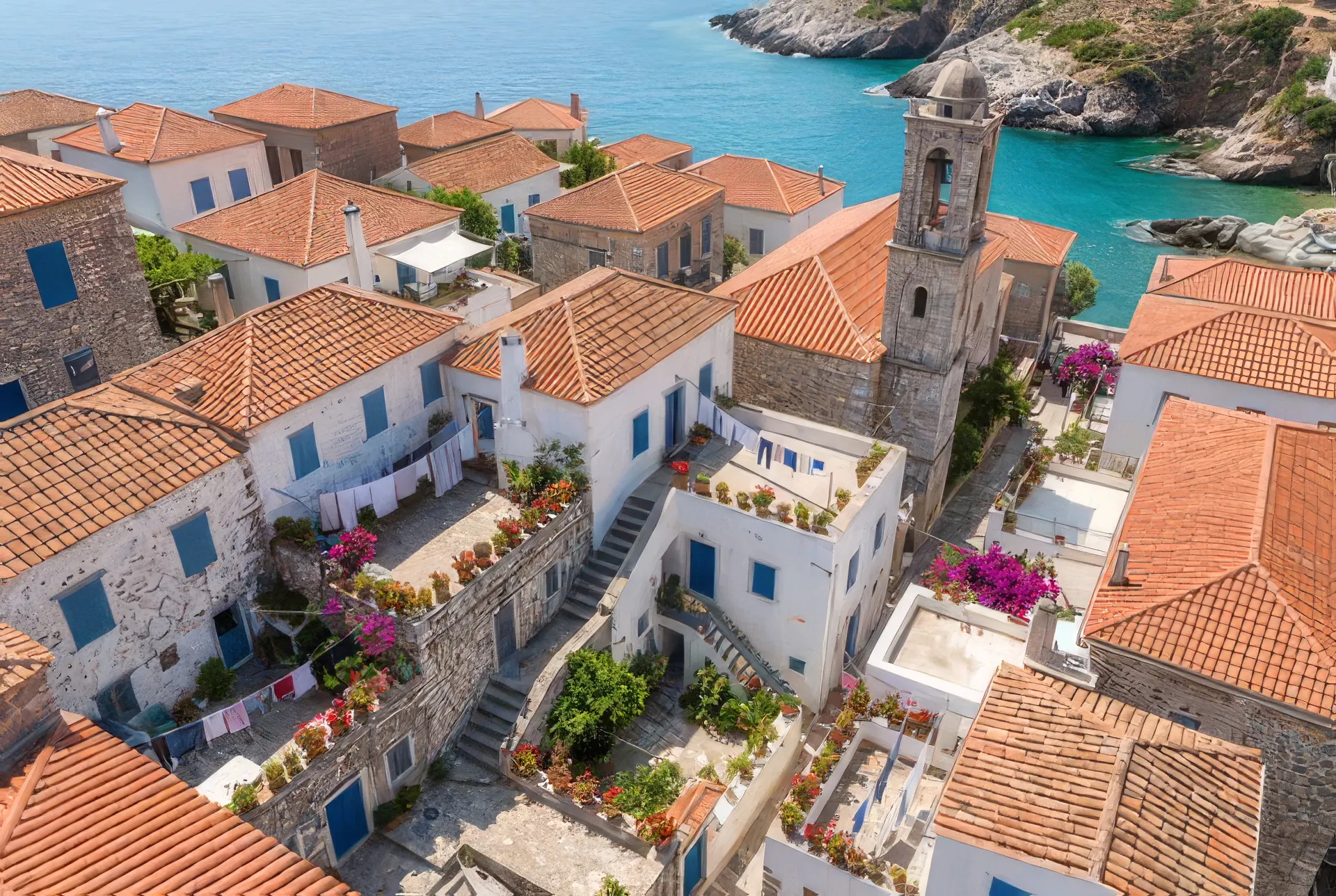
Standard · 480 × 322 → 1,920 × 1,288 · 8 credits
Roof tiles, shutters, laundry lines, and potted plants, from a 480-pixel image.
Use Standard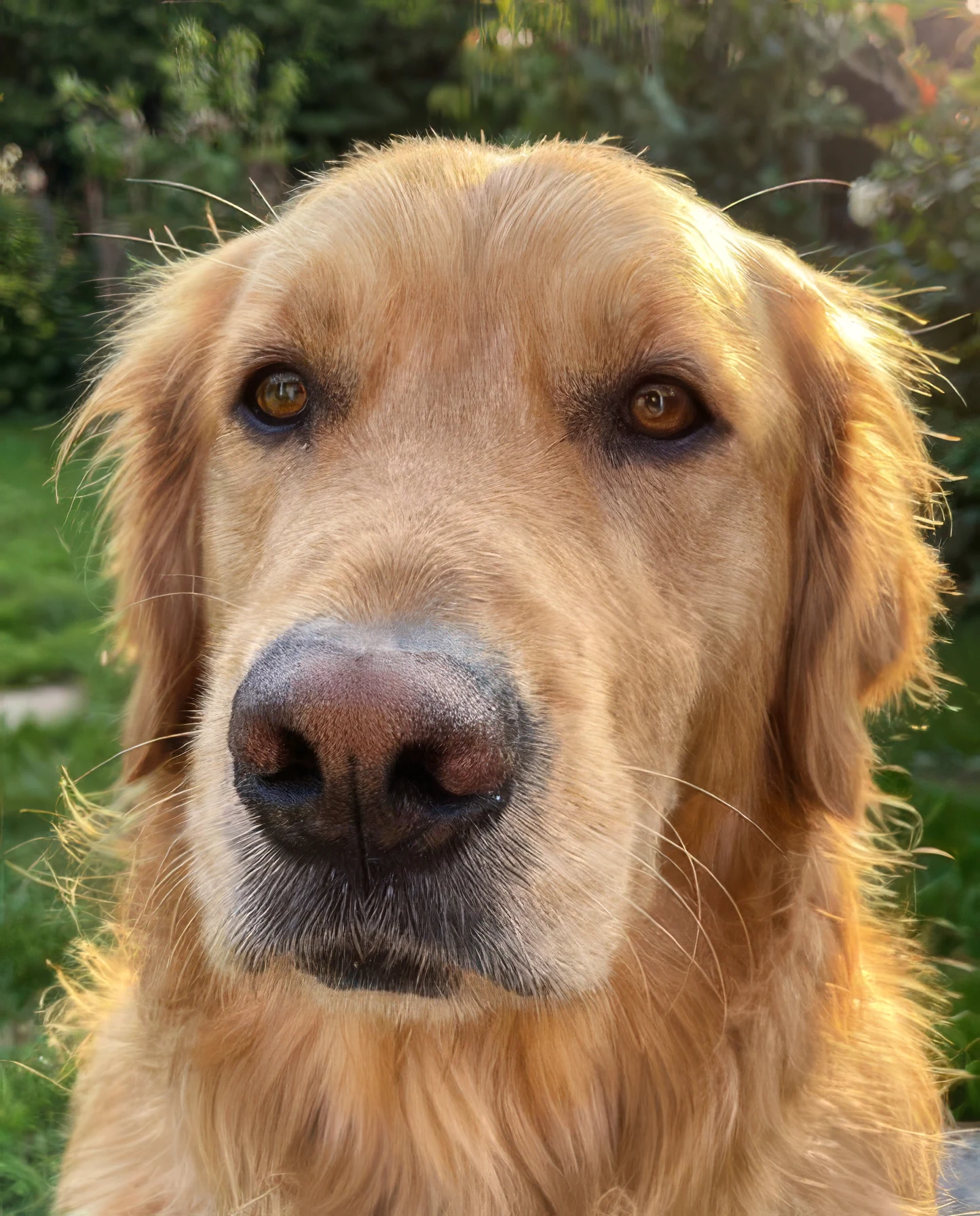
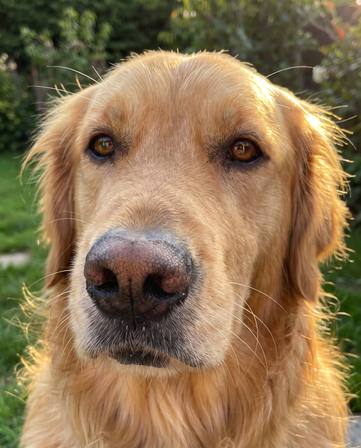
Standard · 361 × 448 → 1,444 × 1,792 · 8 credits
Fur, whiskers, and the texture of the nose, rebuilt from a 361-pixel photo.
Use StandardAny photo, including iPhone HEIC, or an MP4, MOV, or WebM clip. Longer clips are trimmed to their first 20 seconds. Paste works too. Your file stays in the browser until you upscale.
Choose 2× or 4×. For photos, pick a mode for faces, old photos, text, or art. The finished size and the exact price show before you pay.
Drag across your result to compare it with the original, zoom in on details, then download. Every upscale is saved to your history.
Credits roll over · failed upscales are refunded
| Photo up to 1,200 × 1,200 at 4×Up to 24 MP out | 8 credits |
|---|---|
| 1080p frame at 4×7680 × 4320, 33 MP | 16 credits |
| 12 MP phone photo at 2×8064 × 6048, 49 MP | 24 credits |
| 4 s clip, 270p to 1080p4×, 24 fps | 20 credits |
| 10 s clip, 720p to 1440p2×, 30 fps | 111 credits |
| 20 s clip, 1080p to 4K2×, 30 fps | 498 credits |
The same model at the same price through the Made API. Preflight any job for free with /v1/cost, or pass a job_… ID as the source to upscale something you just generated. Assistants can do it over MCP.
curl -X POST https://www.made.app/api/v1/generations \
  -H "Authorization: Bearer $MADE_API_KEY" \
  -H "content-type: application/json" \
  -d '{"model":"seedvr_video_upscale","upscale_factor":2,
"medias":[{"role":"video","value":"https://example.com/clip.mp4"}]}'It runs SeedVR2, ByteDance’s video restoration model, over every frame of your clip. It makes the video 2× or 4× larger, up to 4K, and restores detail while keeping motion steady from frame to frame.
0.1 credits per megapixel of output per frame. A 4-second, 24 fps clip upscaled 4× to 1080p costs 20 credits. Ten seconds of 30 fps 720p upscaled 2× to 1440p costs 111 credits. Made reads the frame count from your file and shows the exact price before you pay. Failed upscales are refunded.
Each video upscale covers up to 20 seconds. A longer clip is trimmed to its first 20 seconds in your browser, and a large file or a WebM is re-encoded as MP4 before upload. Results go up to 4K (3840 × 2160), and the tool greys out any scale that would pass it.
SeedVR2 restores every frame, so it takes a while: about 40 to 50 seconds of processing per second of video at 1080p and 1440p, and longer at 4K. A 4-second clip takes 2 to 4 minutes. You can leave the page, and the result waits in your history.
Yes. The sound from your clip is carried over to the upscaled video.
No. The upscaled video has the same frame rate and length as your clip. To make it smoother or slower, edit it afterwards.
Soft or low-resolution footage: AI video, phone clips, and older recordings. It can’t recover detail that was never recorded, such as heavy motion blur, so check faces and text in the result.
Yes. Drop a JPG, PNG, or WebP here, or open the Image Upscaler. Topaz enlarges photos 2× or 4× for 8 credits an image up to 24 megapixels.
Yes. Call the Made API with the model seedvr_video_upscale, the same one this page uses, or connect Made to your AI assistant over MCP. Pass a job ID as the source to upscale a video you just generated.
Enlarge photos 2× or 4× with Topaz and get the detail back, or upscale video with SeedVR2. Drop a file to see the exact price before you pay.
Open tool →Upload one photo and pick a move. Made puts you in the first frame, then plays the whole move with you in it.
Open tool →Add your video and a reference photo to change a face in the shot.
Open tool →Extend any photo beyond its edges. Pick a new aspect ratio or zoom out, and AI fills in the scene around your original photo.
Open tool →