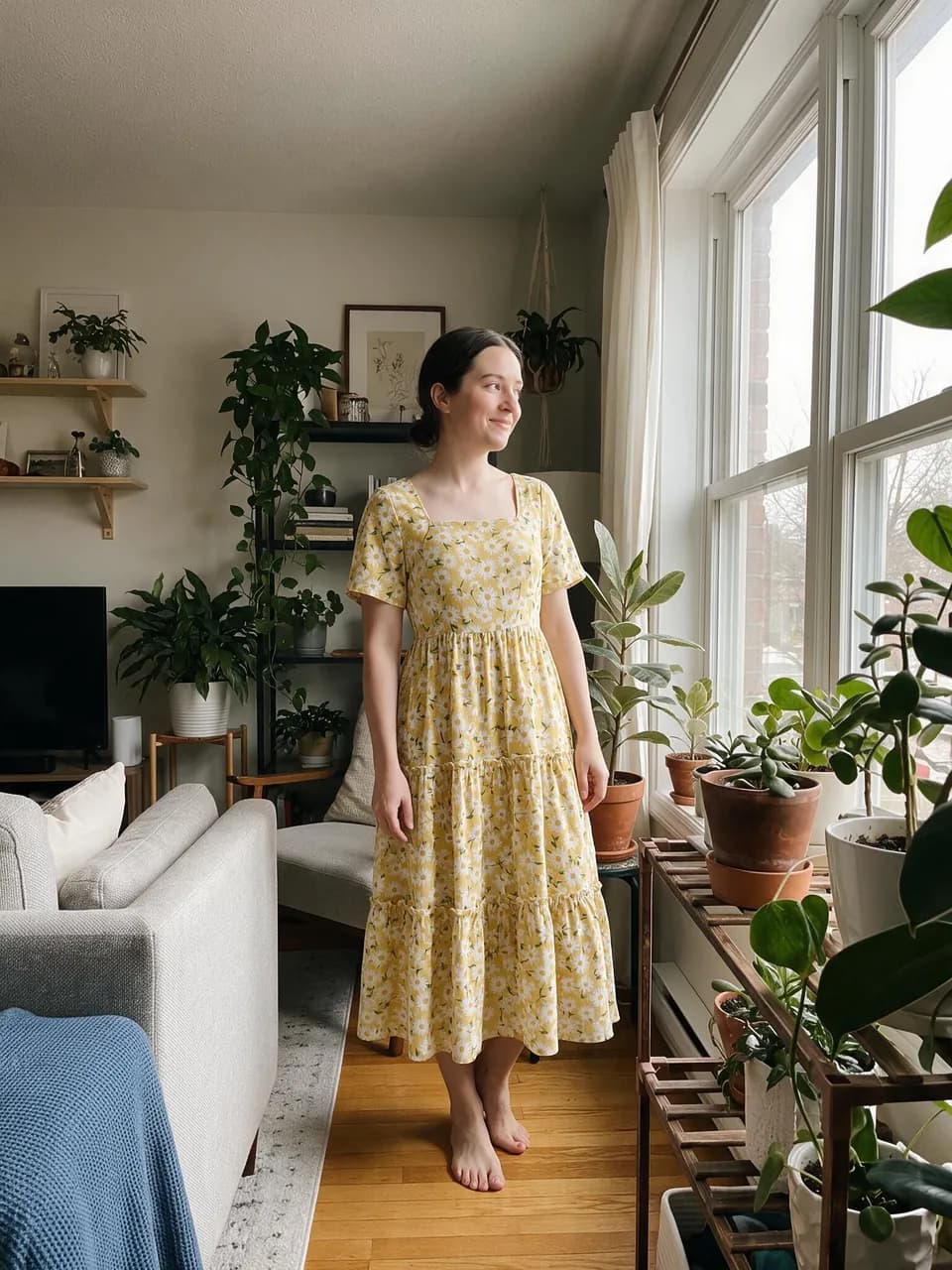

Product shot to worn
A dress photographed on a mannequin, fitted to a relaxed pose at home.
Try on any outfit from a photo. You stay you.
GPT Image 2.5 Flare · usually under a minuteUse photos of yourself or of adults who agreed. Underwear and lingerie aren’t supported.
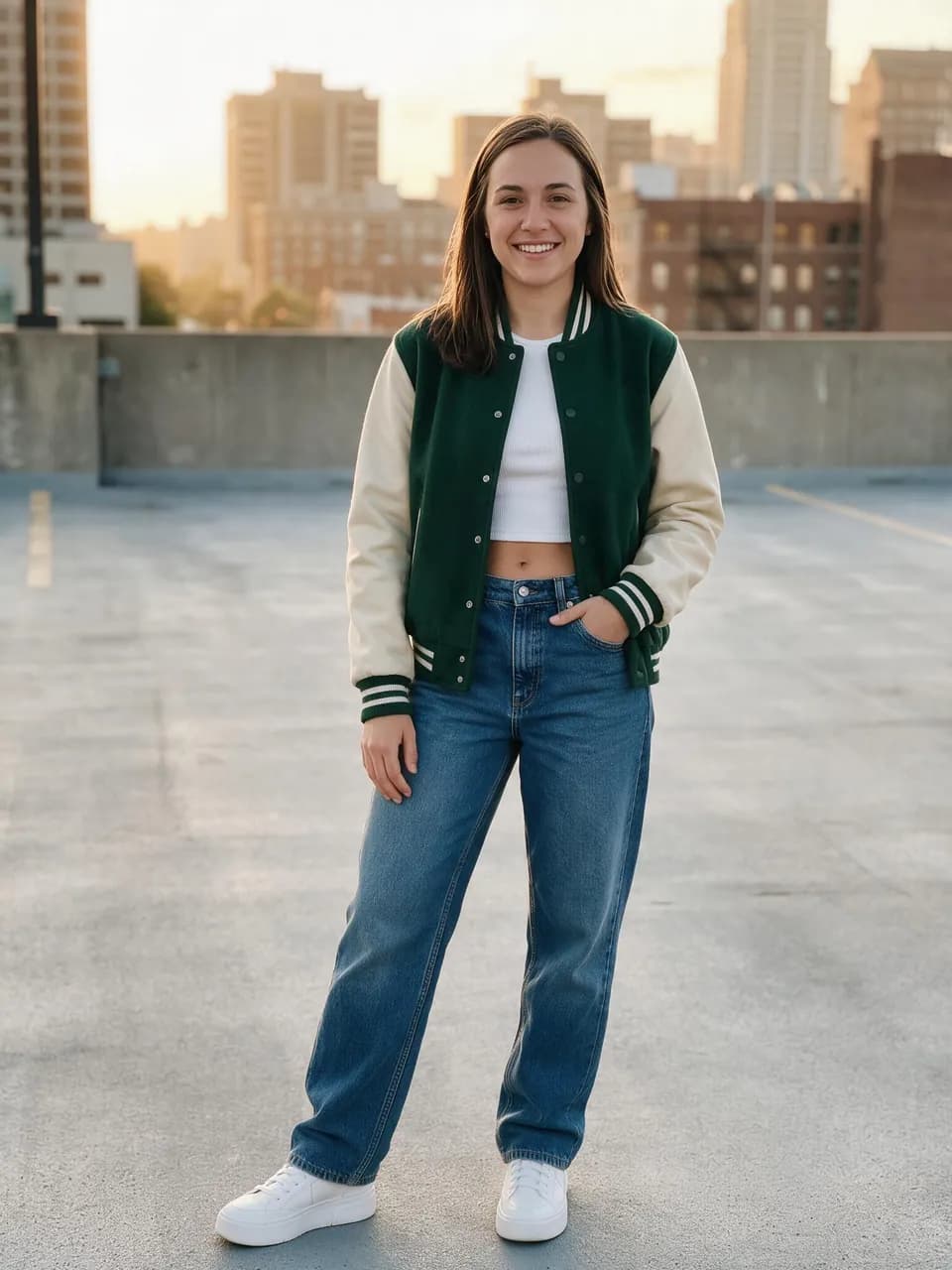 Example
 Your photo
 Outfit
How it works
Most try-on tools paste clothes on top of you and it shows. Outfit Swap re-dresses you instead: your face, hair, body, pose, and background come from your photo, and every garment comes from the outfit photo, fitted with real folds and shadows.
Upload a clear photo of yourself. Head to toe works best if you want to see shoes and trousers. A waist-up selfie only changes what’s in frame.
Use any photo of the look: someone wearing it, a flat lay, a product shot, or clothes on a hanger. One outfit per photo works best.
Tap Generate. In about a minute you get a full-resolution photo of you in the outfit. Download it or try the next look.
Someone else’s look, a product shot, a flat lay, or clothes on a hanger. These are real results from the tool.
A dress photographed on a mannequin, fitted to a relaxed pose at home.
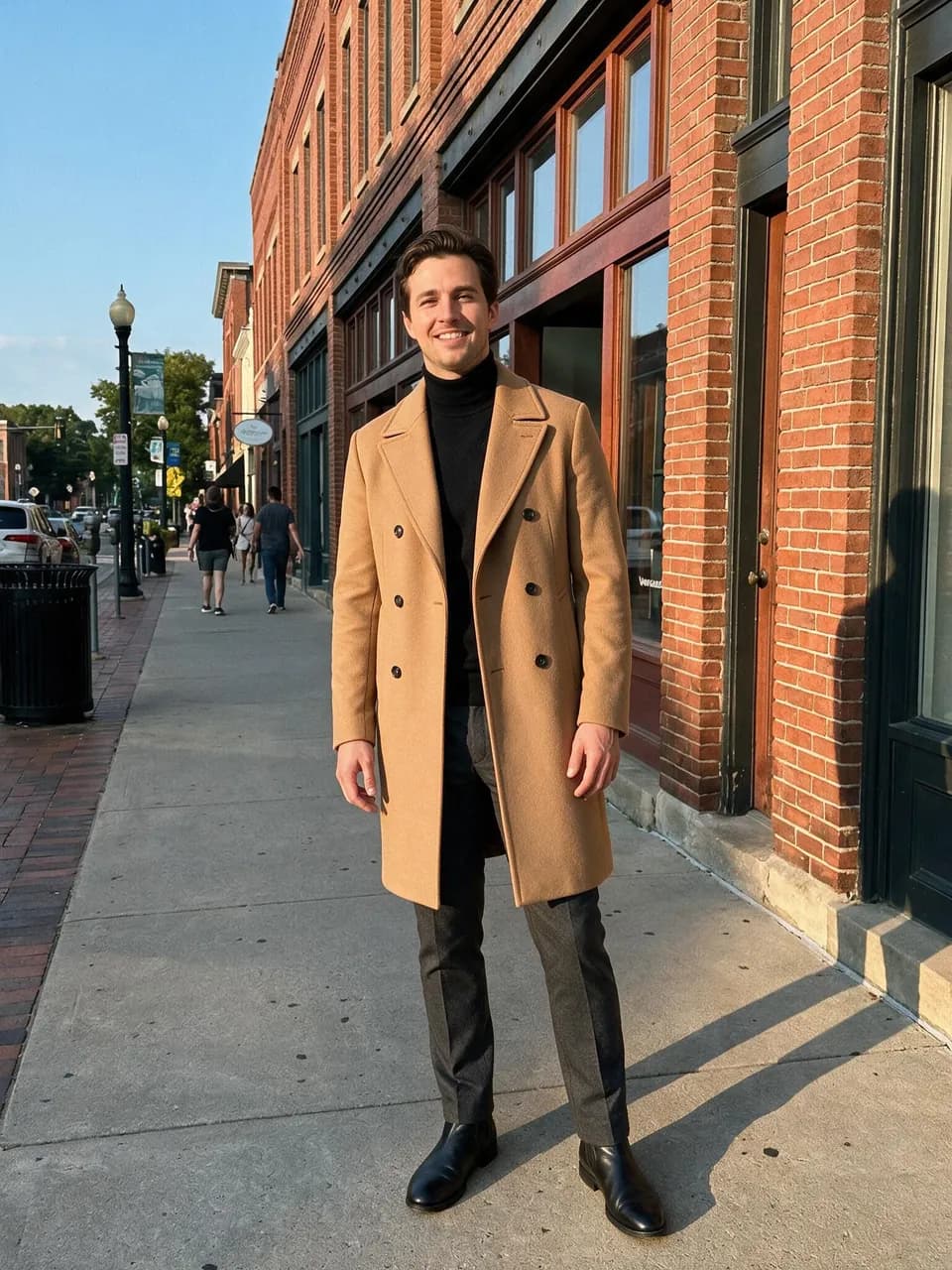

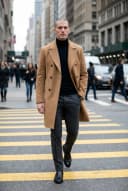
A camel trench and turtleneck from a street-style photo. Only the clothes carry over.
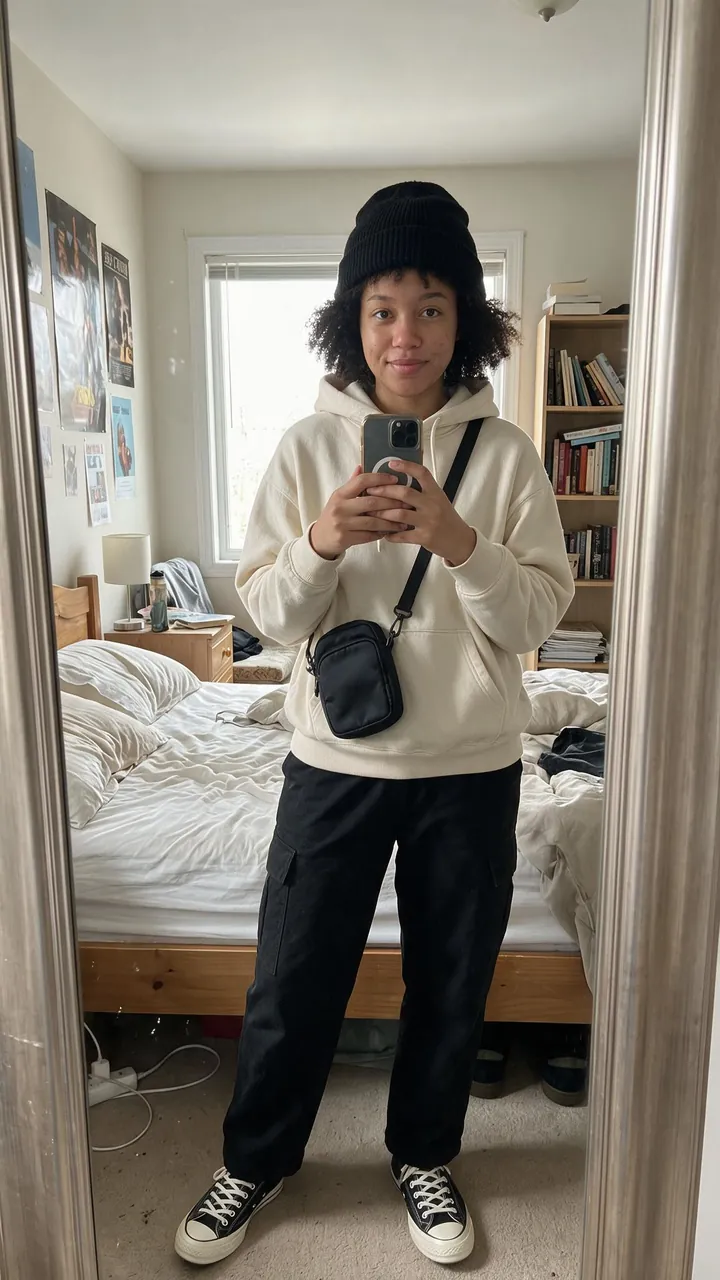
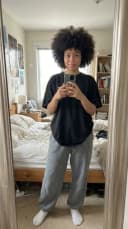
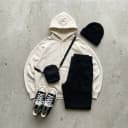
Hoodie, cargo pants, beanie, and bag from a flat lay, worn in a mirror selfie.
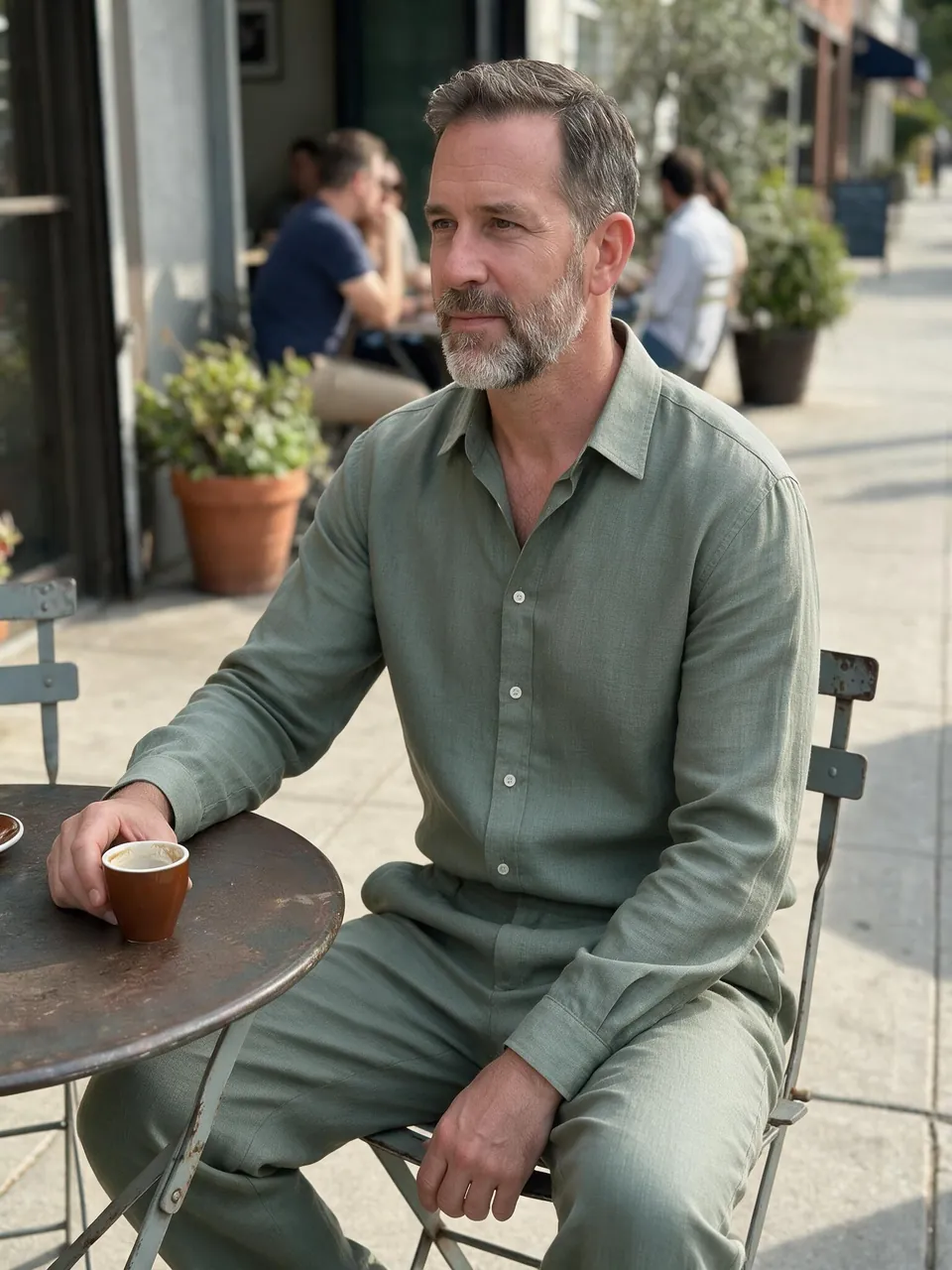

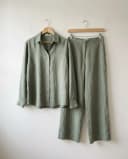
A linen shirt and trousers on hangers, fitted to a seated pose at a café.
You upload two photos: one of you and one of an outfit. Made sends both to GPT Image 2.5 Flare with instructions to change only your clothes. Your face, hair, body, pose, and background come from your photo. The garments come from the outfit photo.
Anything that shows the clothes clearly: a person wearing them, a flat lay, a product photo on a mannequin, or clothes on a hanger. Use one outfit per photo. If a photo shows several people, Made uses the most prominent person’s outfit.
That’s the point. The edit is built to change only the clothes. It’s still a generative edit, so check the face, hands, and small details like logos before you post.
A few credits a swap, priced by the model. The exact price is on the Generate button before you start, and failed swaps are refunded.
Use it as a style preview, not a fitting. It shows a garment on your photo, but it can’t tell you how a real size will sit on your body.
Only use photos of yourself or of adults who agreed. Outfit Swap doesn’t accept photos of children or nudity, and underwear and lingerie can’t be used as the outfit. Swimwear is fine. Photos are checked when you add them.
Every swap is saved to your Made library. You can leave the page while it runs and come back to download the full-resolution image.
The AI Clothes Changer dresses you in an outfit you describe in words. Outfit Swap copies a real outfit from a photo, so the exact colors, prints, and cut carry over.
More ways to edit photos and video in Made.
 Face SwapPut a face into any photo. Upload the photo and the face; the pose, hair, expression, and background stay as they were.
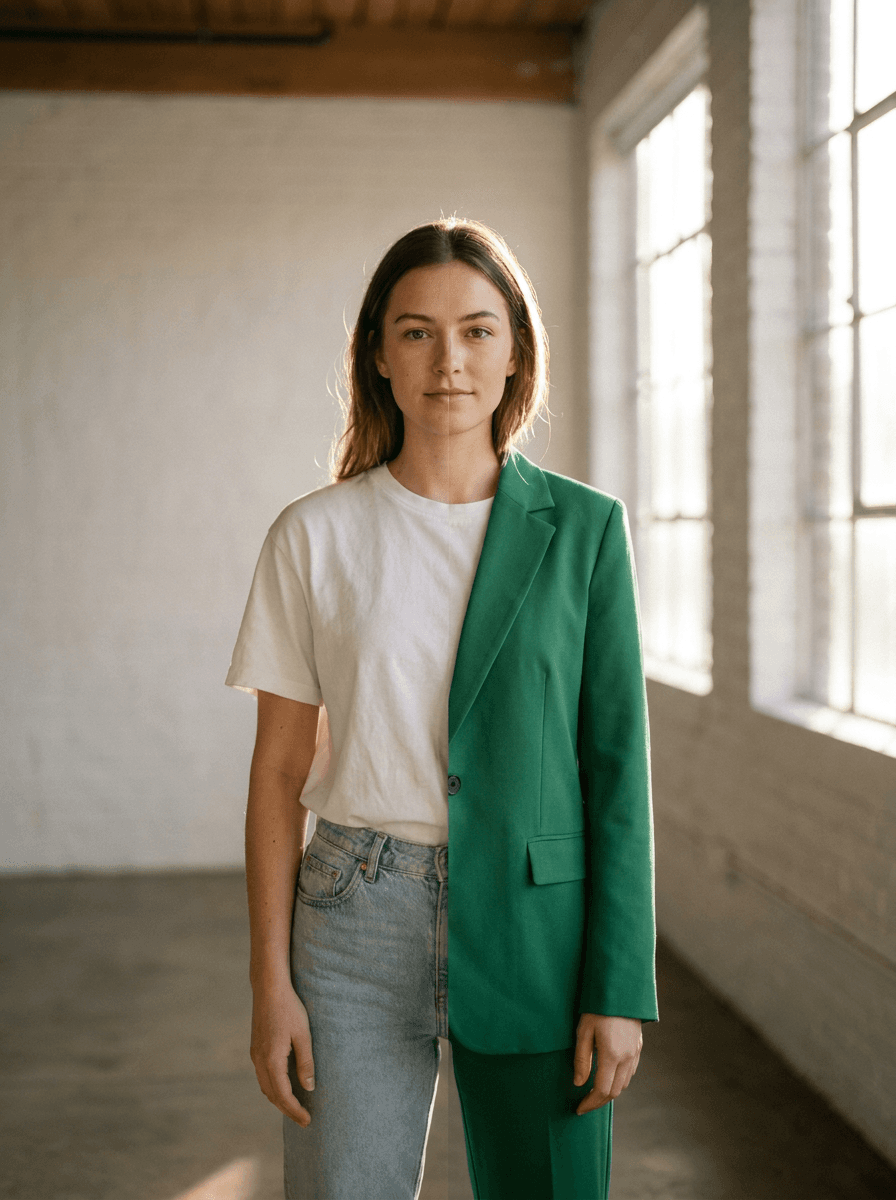 AI Clothes ChangerUpload a photo and describe the outfit you want — a navy suit, a summer dress, a leather jacket. Made re-dresses the subject while the background, pose, and position stay unchanged.
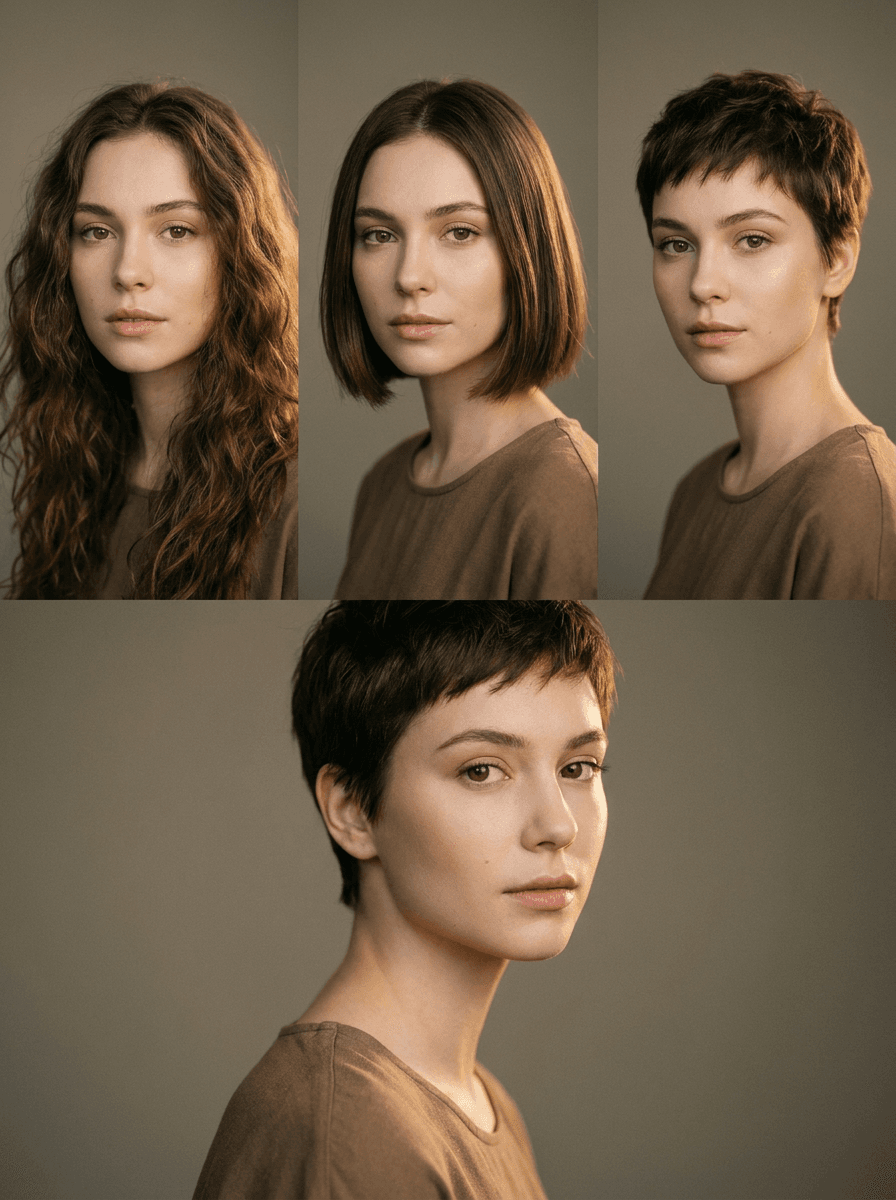 AI Hairstyle ChangerUpload a photo and name the haircut — a bob, curtain bangs, a buzz cut, long layers. Made changes the hairstyle while your face, pose, and background stay the same, so you can preview a cut before booking it.
 AI Photoshoot GeneratorUpload one photo — of yourself, a model, or a product — and describe the shoot: the location, lighting, and styling. Made re-stages your subject into editorial-quality scenes, one look per request.
 Background ChangerUpload a photo and describe the scene you want behind the subject — a beach, a studio backdrop, a city at night. Made replaces the background while keeping the subject as they appear and returns a JPG.
 AI Headshot GeneratorUpload a casual photo of yourself and describe the headshot you need. Made replaces the background, cleans up the lighting, and can tidy your attire, returning a professional-looking PNG.
 Video Face SwapAdd your video and a reference photo to change a face in the shot.
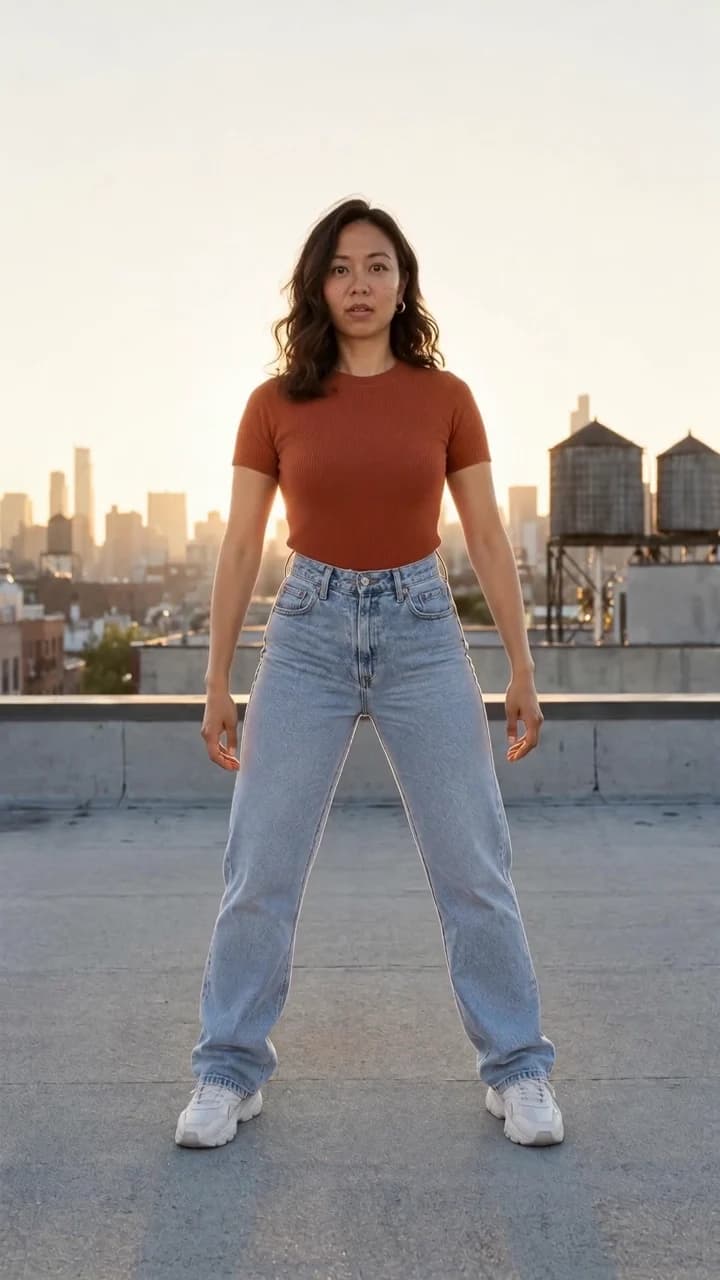 Video Motion TransferUpload one photo and pick a move. Made puts you in the first frame, then plays the whole move with you in it.
 AI Video Object ReplacementReplace a product, outfit, or setting in your video with a new reference.
 Photo RestorationUpload a scan of an old print and Made repairs scratches, tears, fading, and other damage, sharpening the image and recovering lost detail.