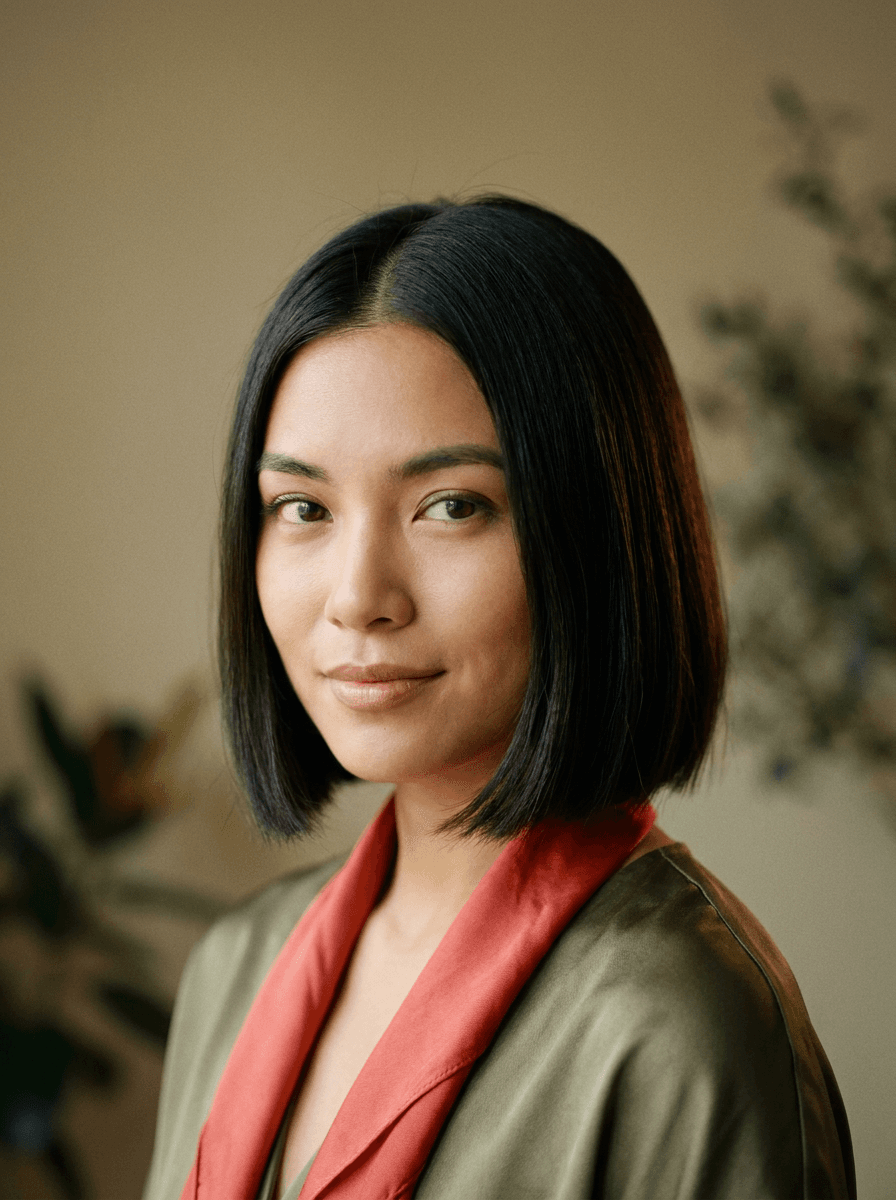
Bob cut
“Give me a chin-length bob with a middle part.”
Upload a photo and name the haircut — a bob, curtain bangs, a buzz cut, long layers. Made changes the hairstyle while your face, pose, and background stay the same, so you can preview a cut before booking it.
Bob cut“Give me a chin-length bob with a middle part.”
Choose a JPEG, PNG, or WebP where your face and current hair are clearly visible, ideally facing the camera.
Describe the cut, length, and texture — “a wavy shoulder-length lob with curtain bangs” gives better results than “new hair.”
Made changes the hairstyle while keeping your face, pose, and background unchanged.
Review the hairline and how the cut frames your face, then re-run with an adjusted description to try variations.
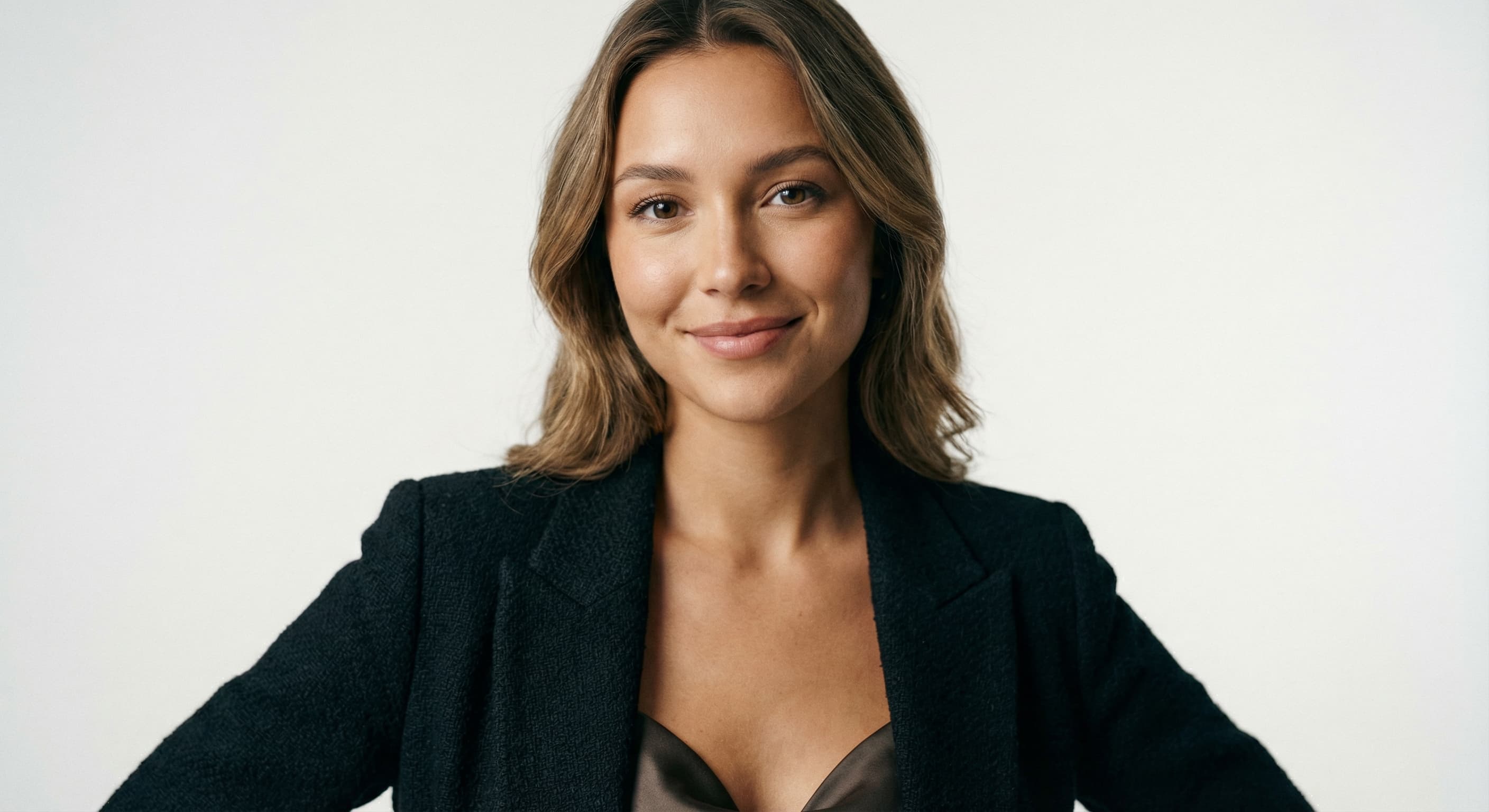
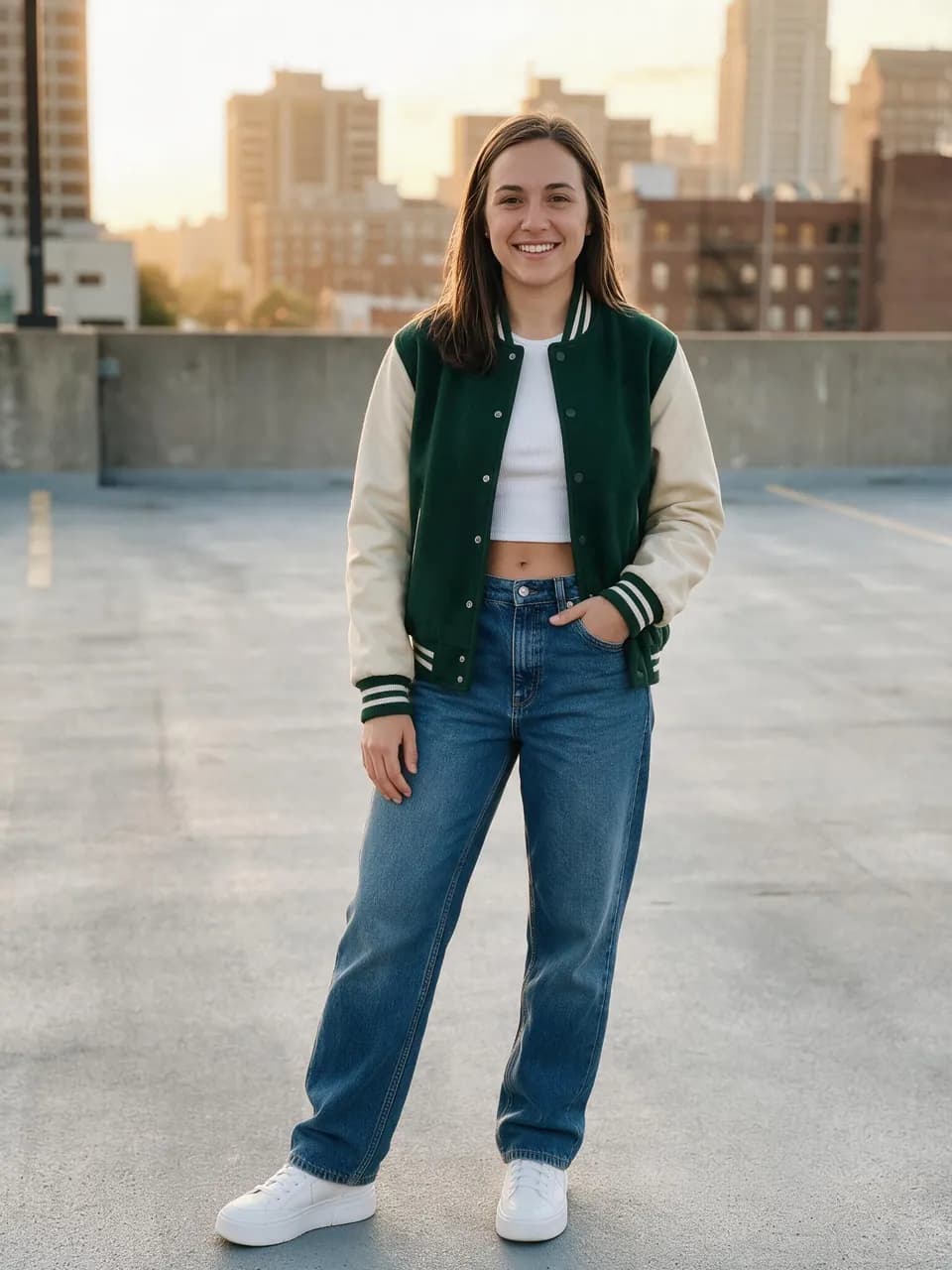
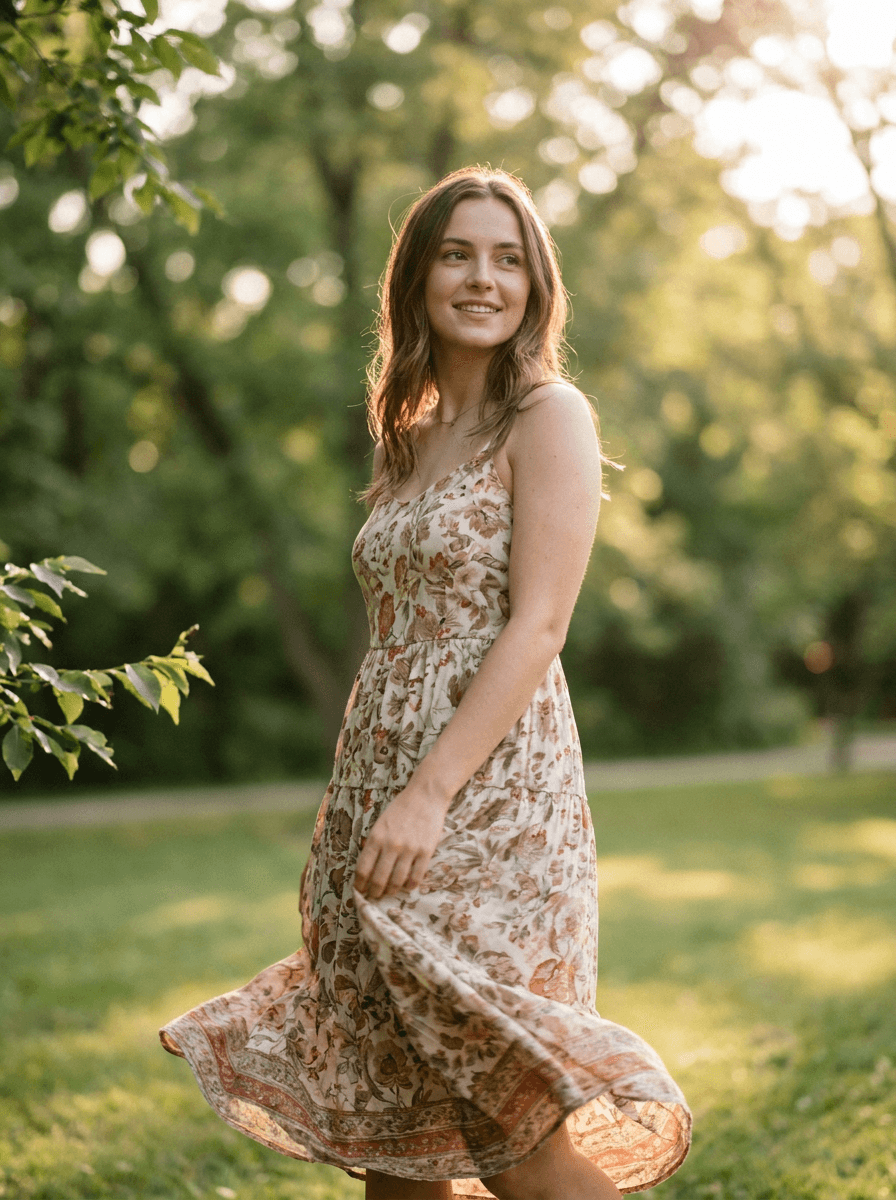
Real results from Made. Use a prompt to load it into the studio above, then add your own photo.
“Give me a chin-length bob with a middle part.”

“Add curtain bangs and keep the rest of my hair the same length.”
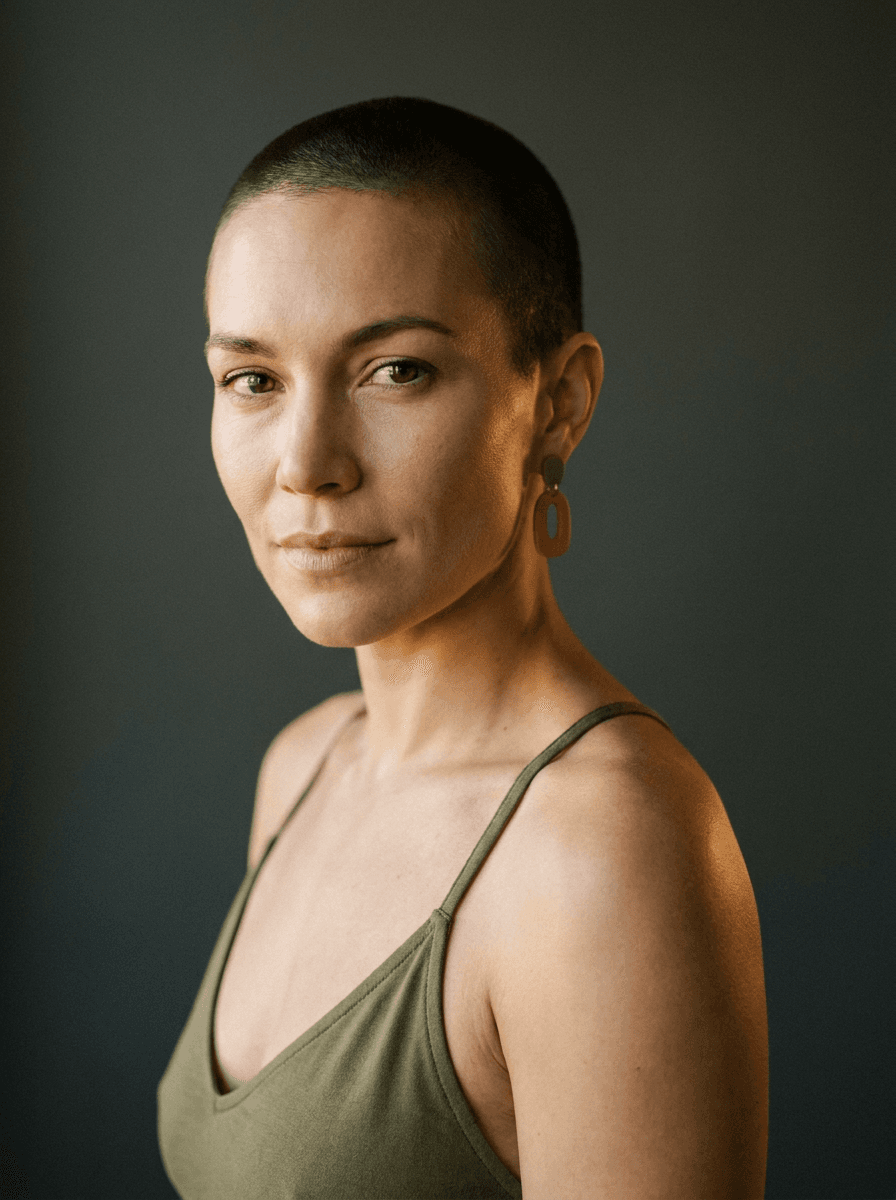
“Show me with a close buzz cut.”
Checked against the running tool on 2026-09-03.
You upload a photo and describe the haircut you want. Made prompts Google’s Nano Banana model on Replicate with that change, and the built-in prompt keeps the background, pose, and position unchanged while asking for a natural, realistic result.
The workflow preserves your pose, position, and background, and aims for a realistic edit of the same person. Because this is a generative edit, facial detail can shift slightly per run — review the result closely and re-run if the likeness drifts.
Any cut you can describe: bobs, lobs, pixies, buzz cuts, shags, long layers, curtain bangs, slicked-back looks, updos, and more. Naming the length and texture — “a curly chin-length bob” — helps the model land closer to what you mean.
The AI Hairstyle Changer changes the cut, length, and shape of your hair. The Hair Color Changer keeps your current cut and changes only the shade. If you want both, describe the full look here — “a platinum blonde pixie cut” — or run the two tools in sequence.
Yes — that’s one of the most practical uses. The result is a JPG of your own face with the new cut, which communicates length and framing more clearly than a photo of someone else. Treat it as a reference, since real hair behaves differently than a generated image.
Generative edits vary per run. If the length or shape isn’t right, re-run with a more specific description — name the part, the length in relation to your chin or shoulders, and the texture.
A JPG of the edited portrait. Each request processes one JPEG, PNG, or WebP image, so trying several cuts means one run per hairstyle description.
 +
+ New
New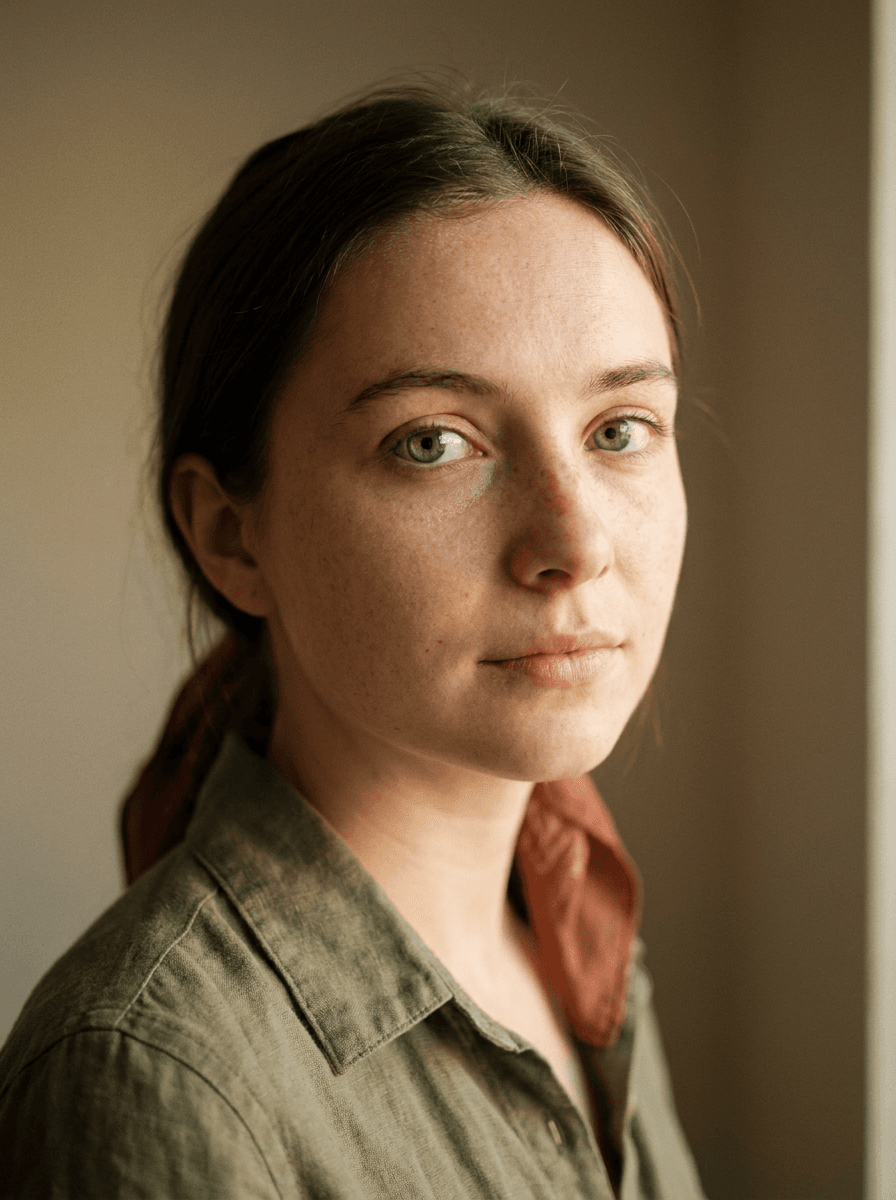
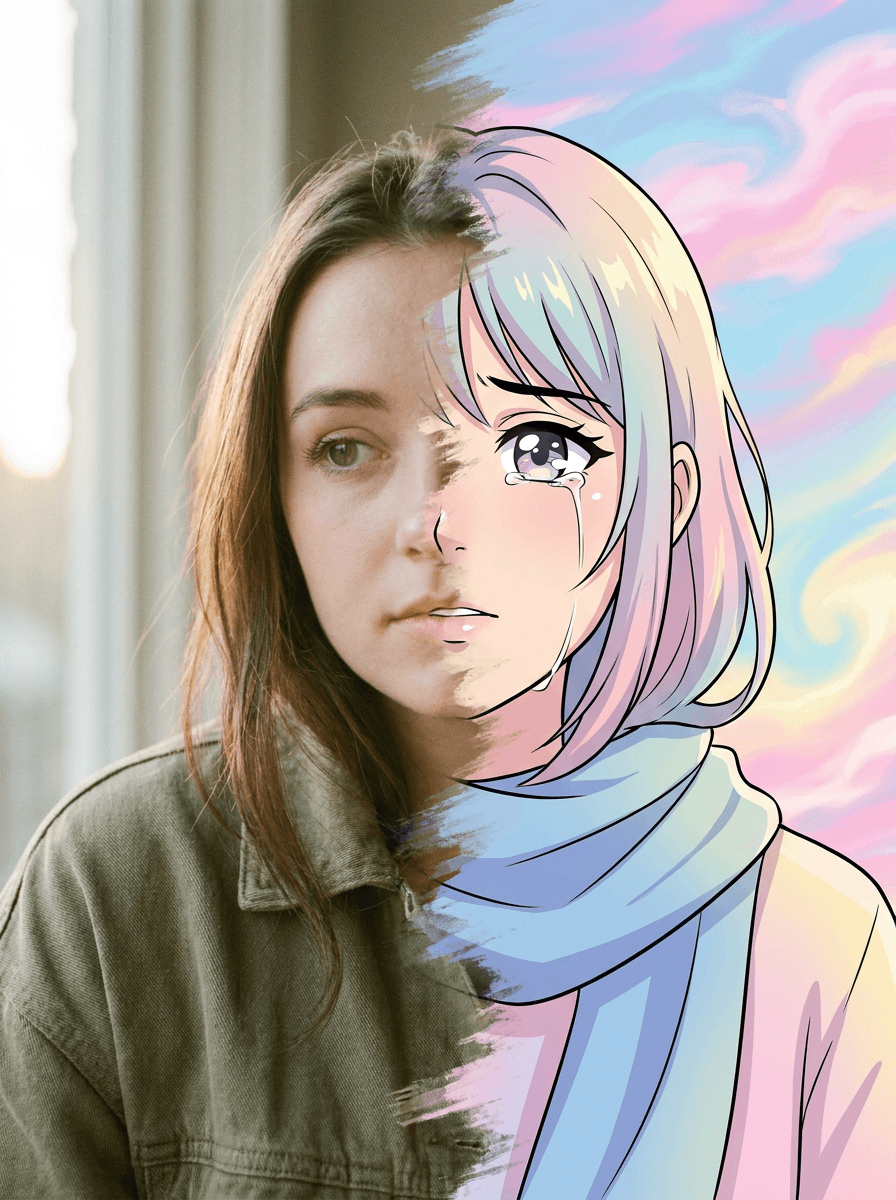
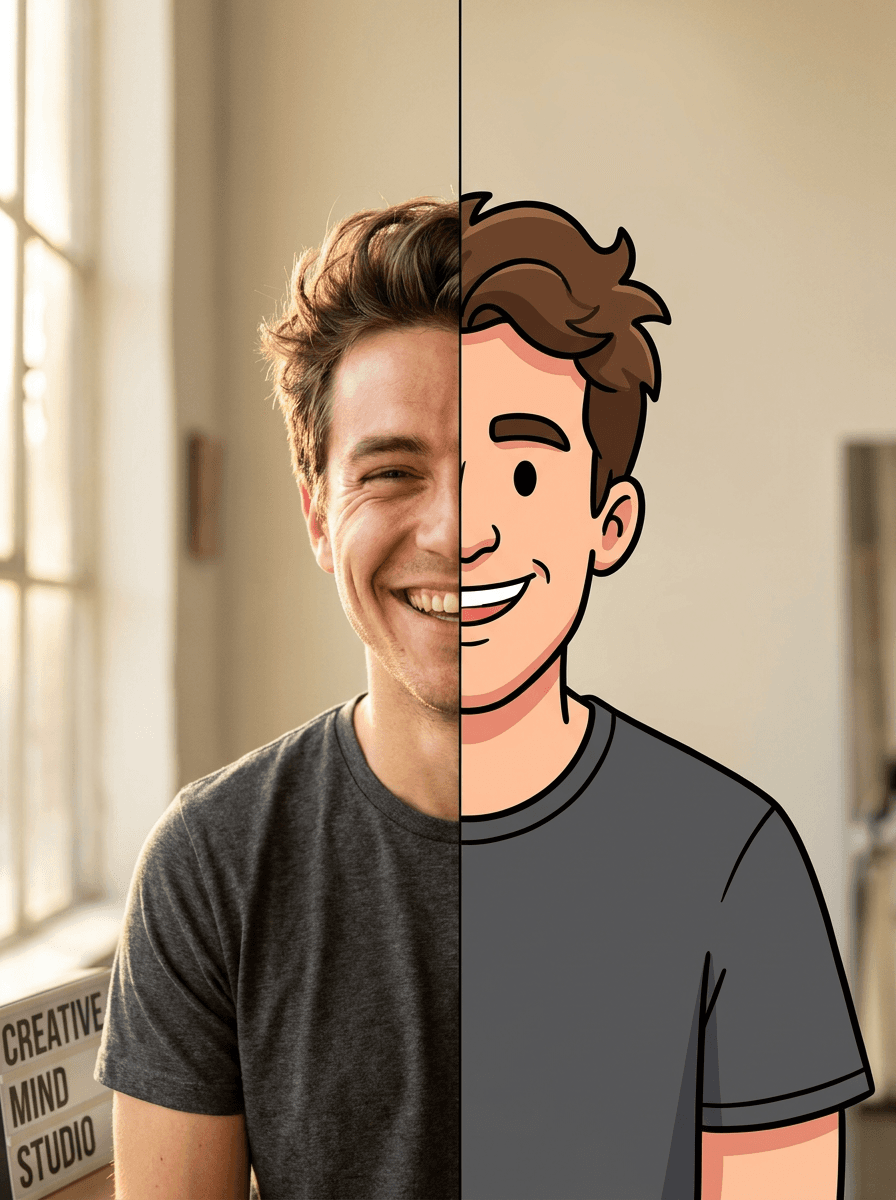
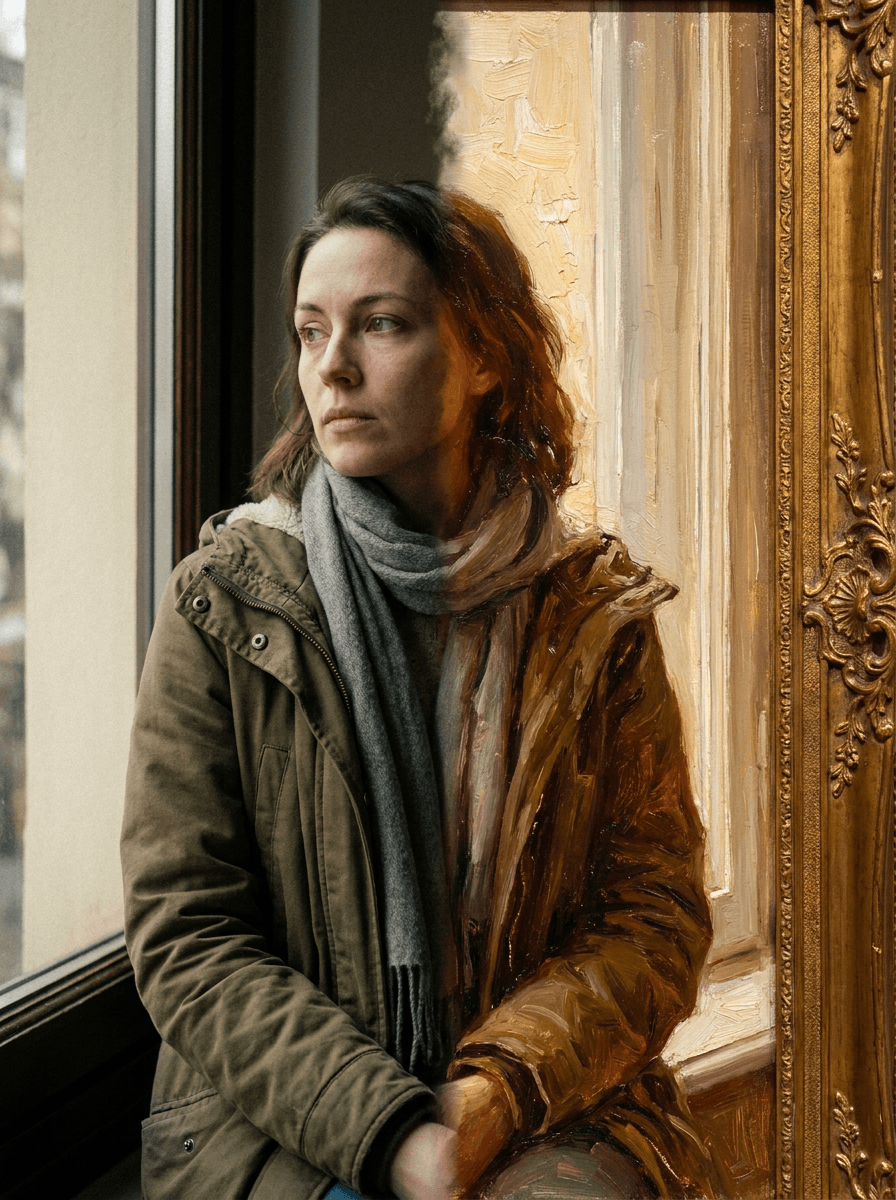
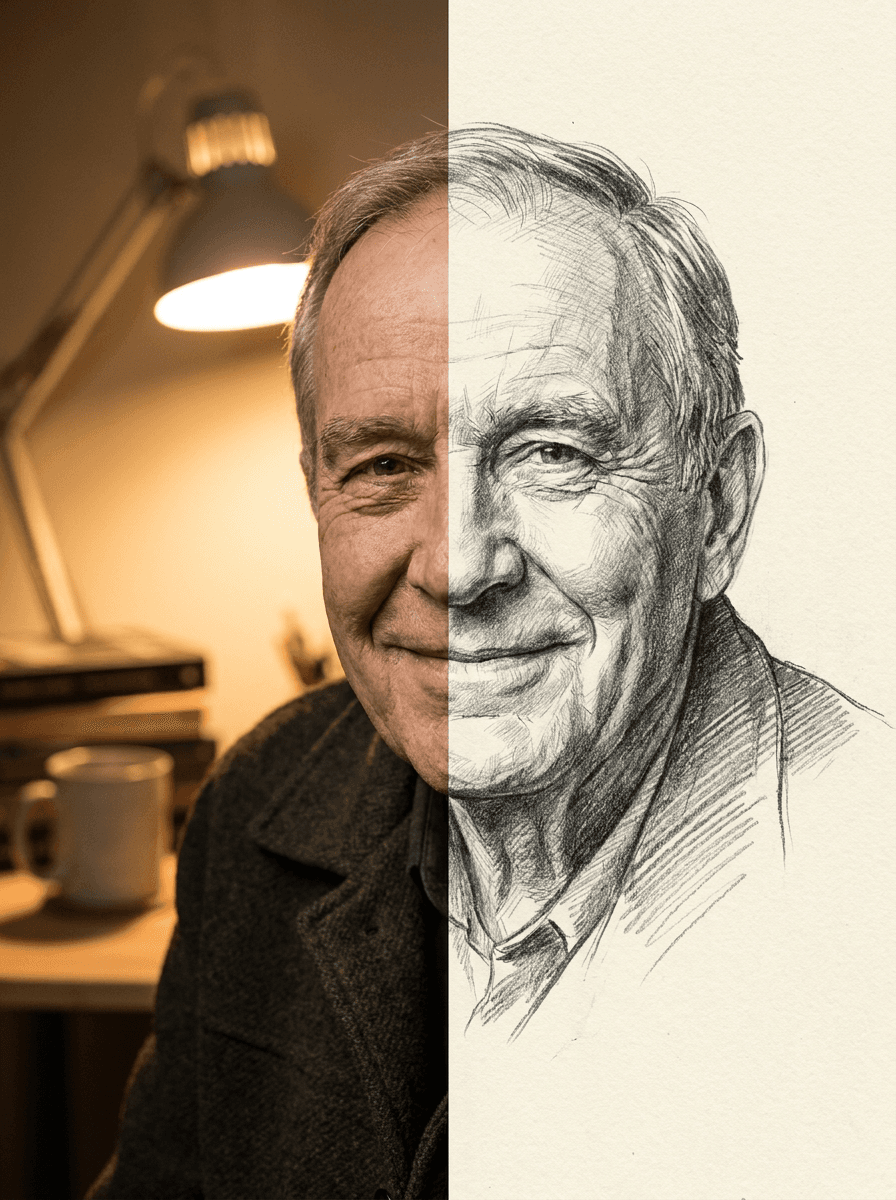
See what each one makes, then open it in Made.

