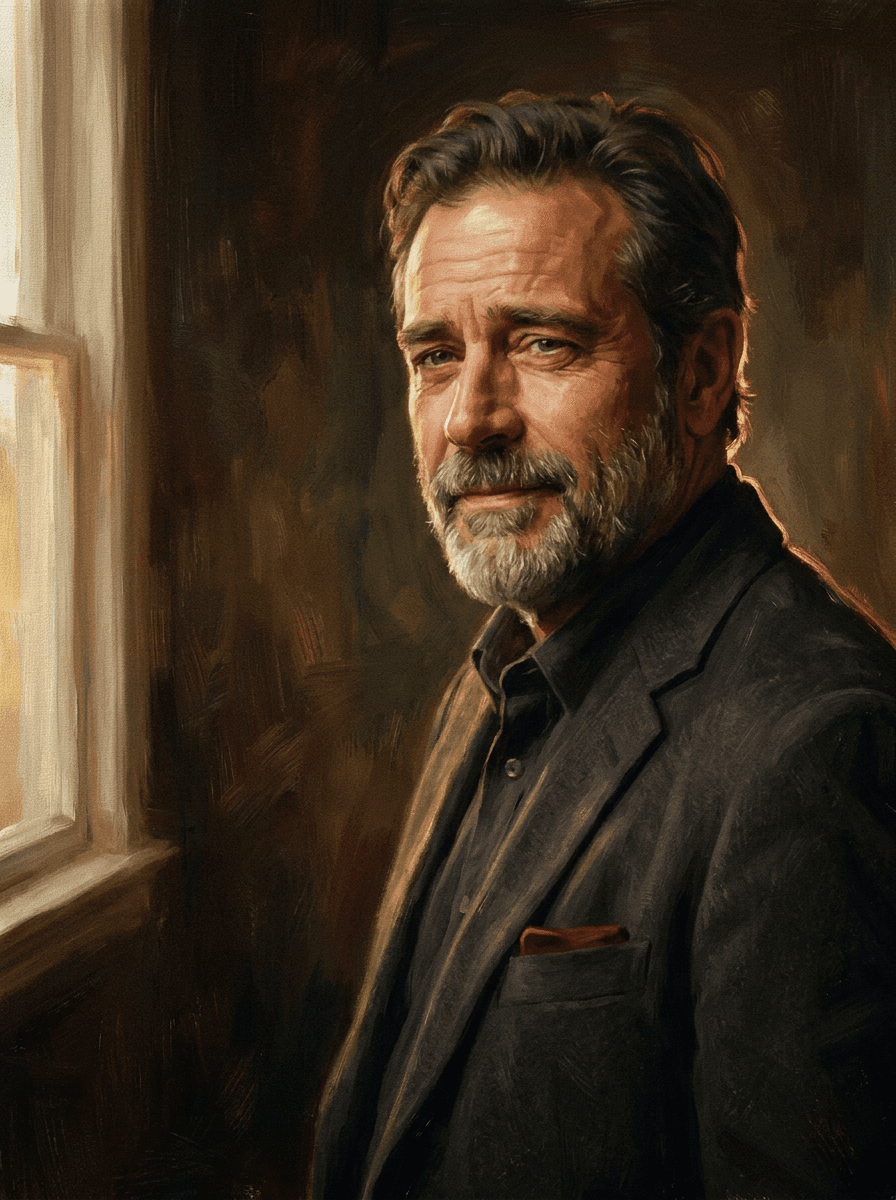
Oil portrait
“Turn this portrait into an oil painting.”
Upload a photo and Made repaints it in the style you name — oil, watercolor, impressionist — while the composition, subjects, and layout stay the same. A practical route to wall art and personal gifts.
Oil portrait“Turn this portrait into an oil painting.”
Choose a JPEG, PNG, or WebP — portraits, landscapes, and pet photos all repaint well.
Say “oil painting,” “watercolor,” or “impressionist,” and add mood if you like — warm, muted, loose, detailed.
The 0.7 default gives a clear painted look; move toward 0.3 to keep more photographic detail or 0.95 for heavy brushwork.
Check faces and key details, download the JPG, and upscale it first if you’re printing large.
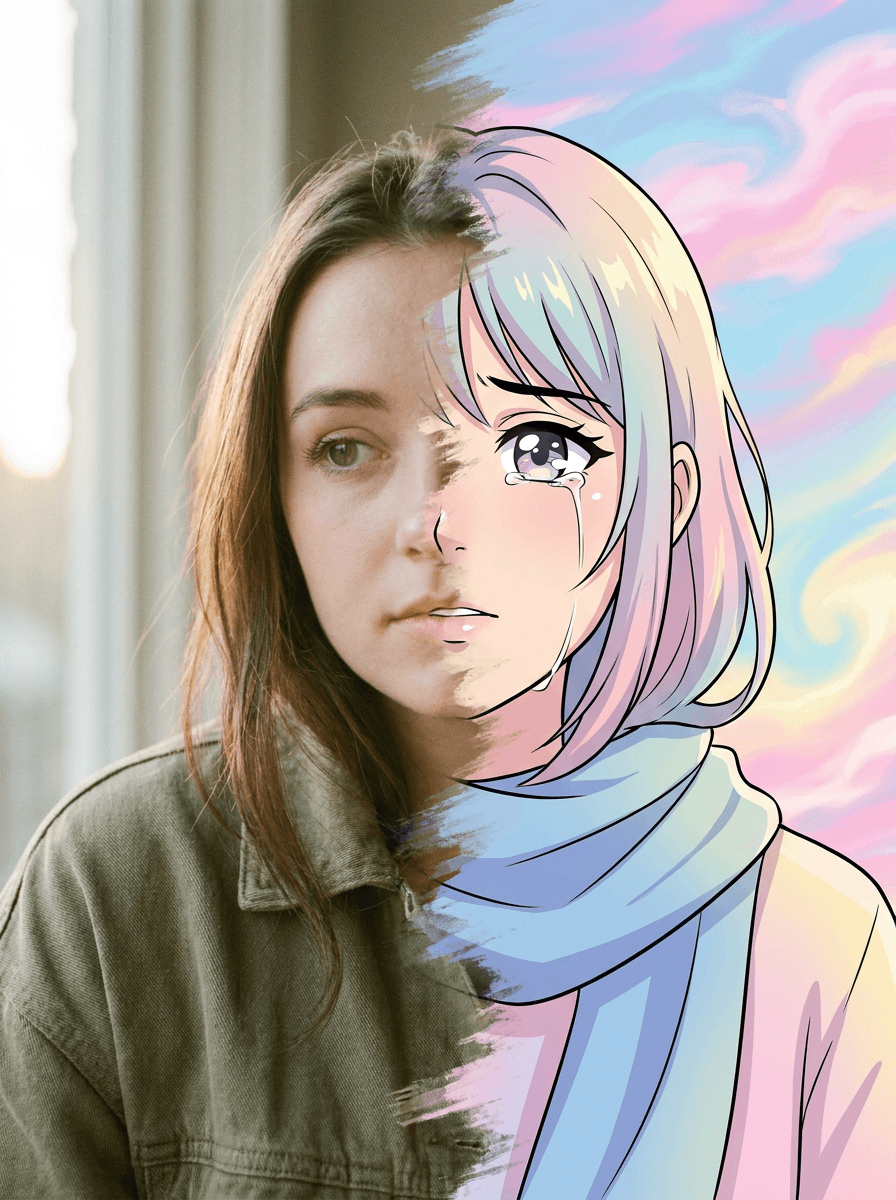
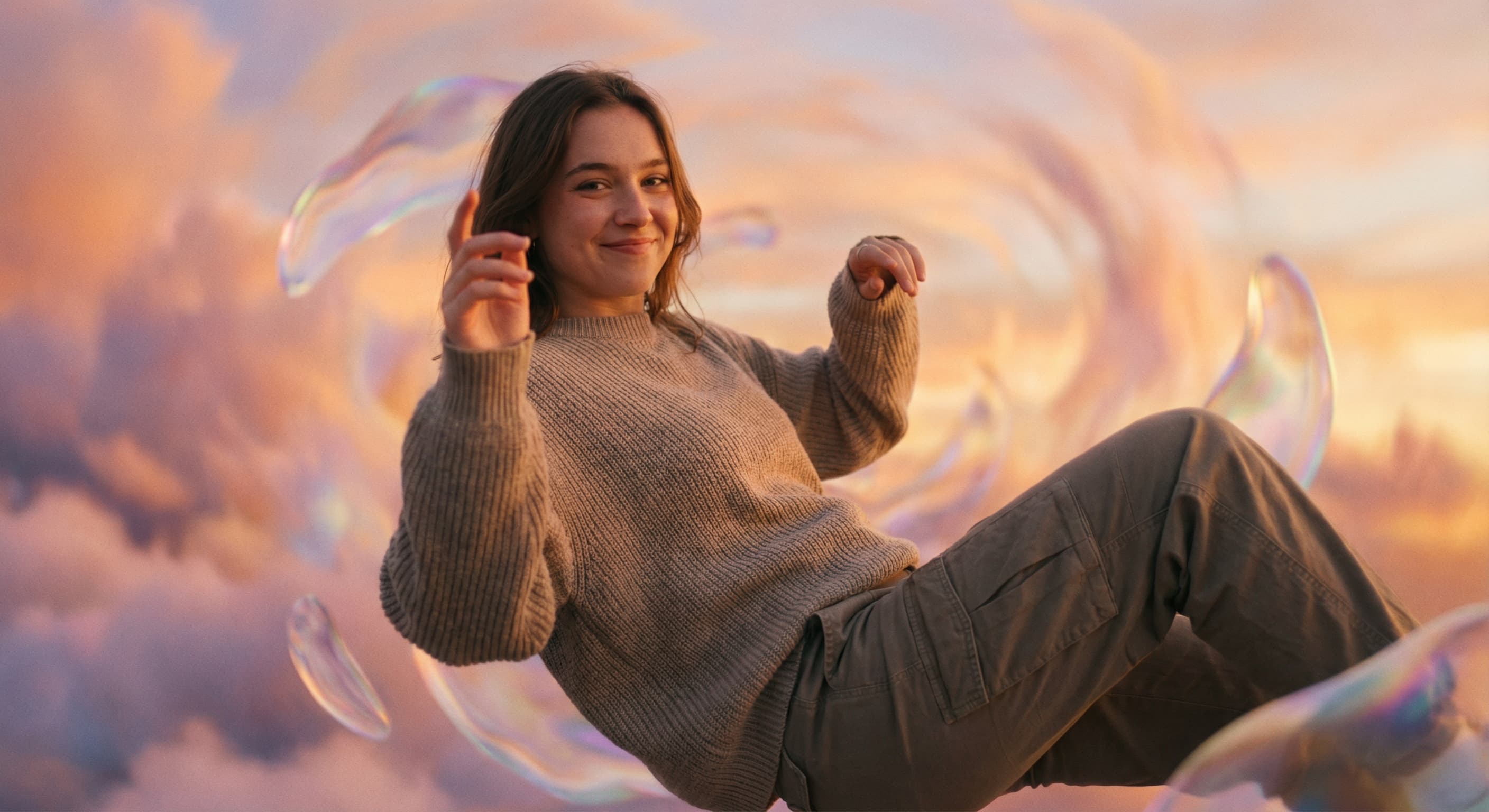
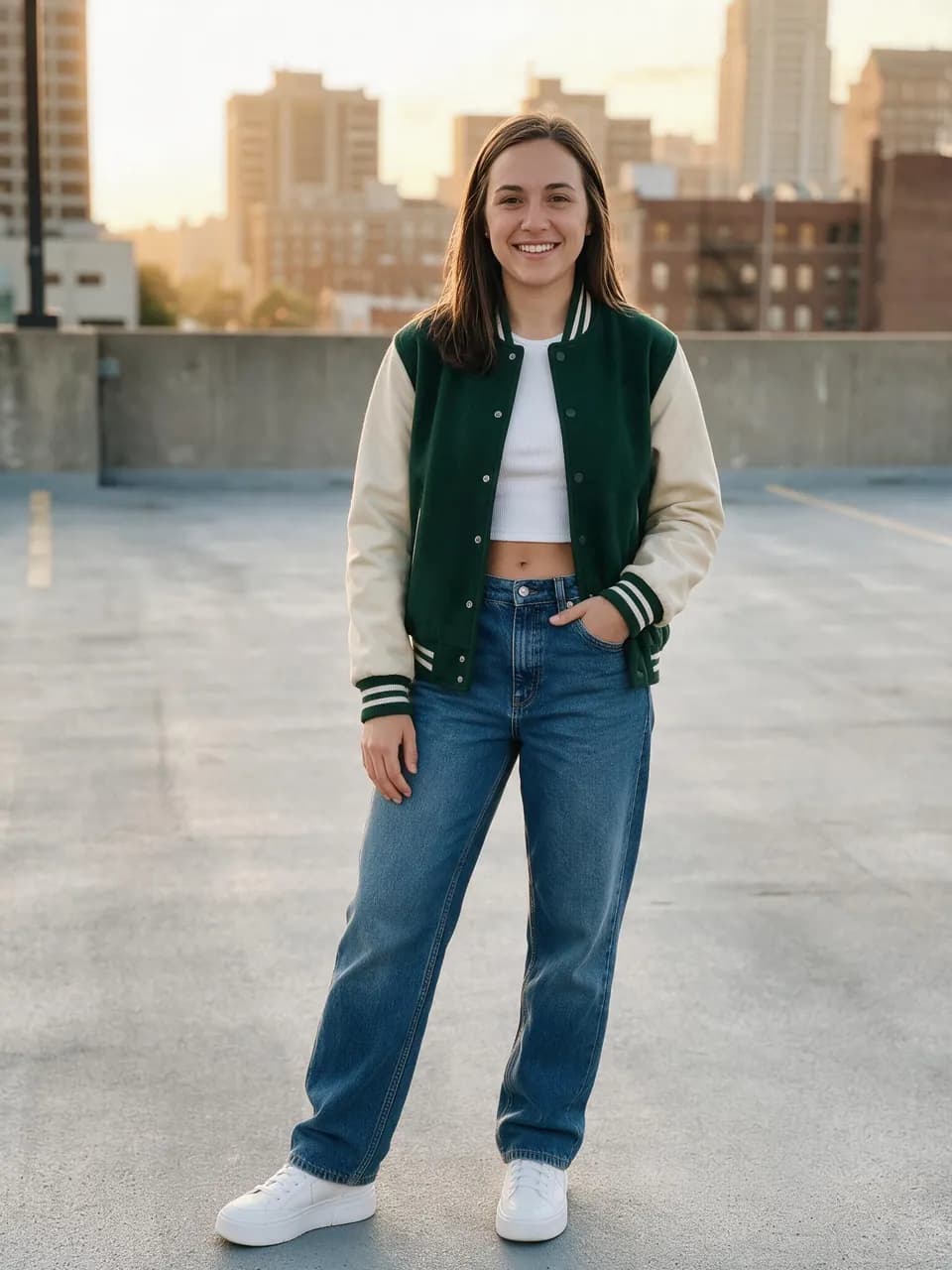
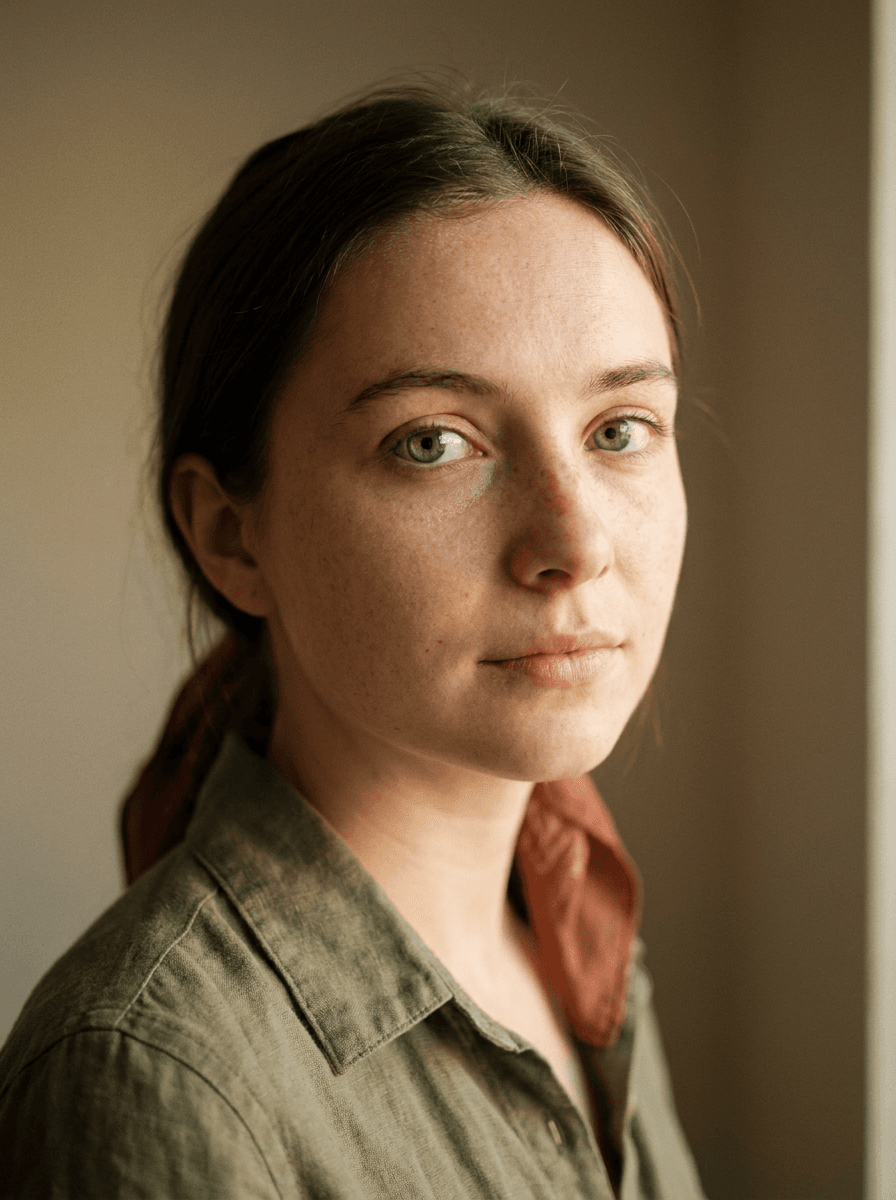
Real results from Made. Use a prompt to load it into the studio above, then add your own photo.
“Turn this portrait into an oil painting.”
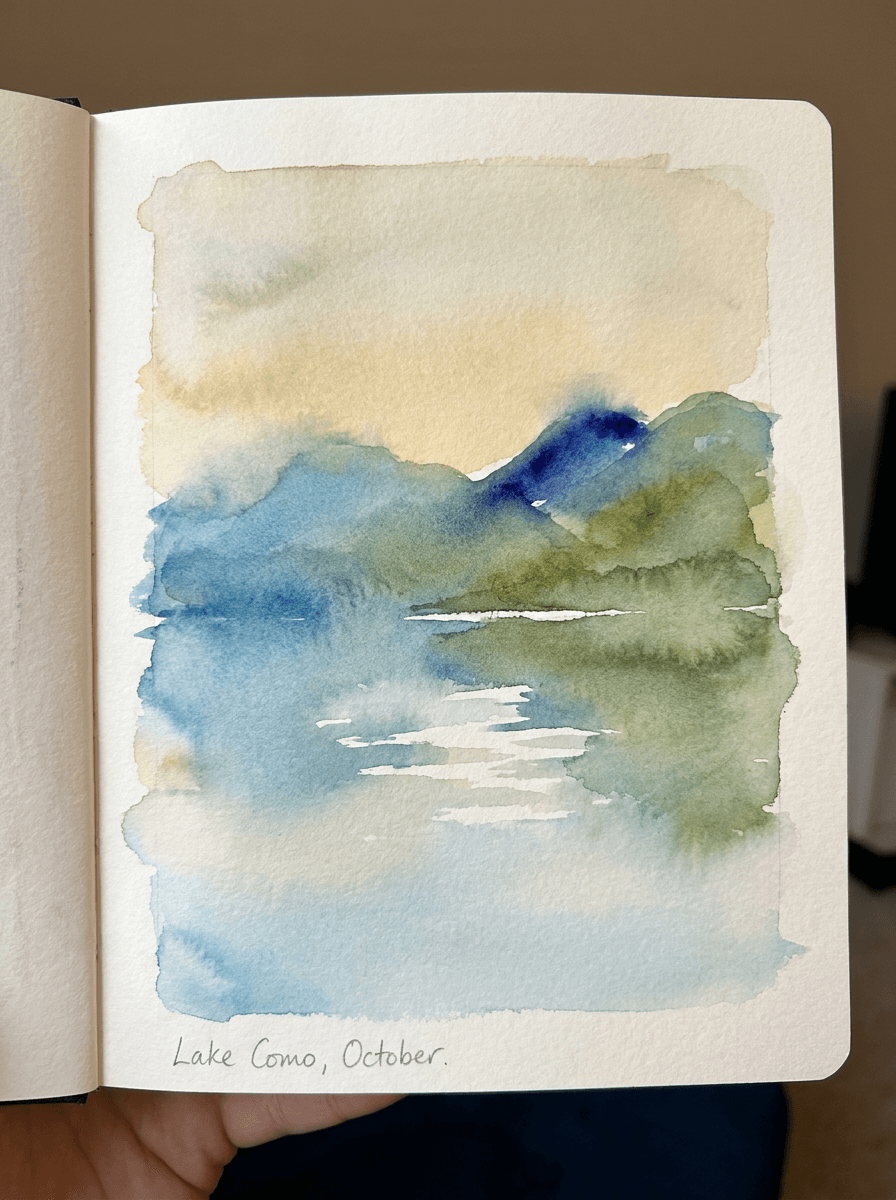
“Turn this landscape photo into a watercolor.”
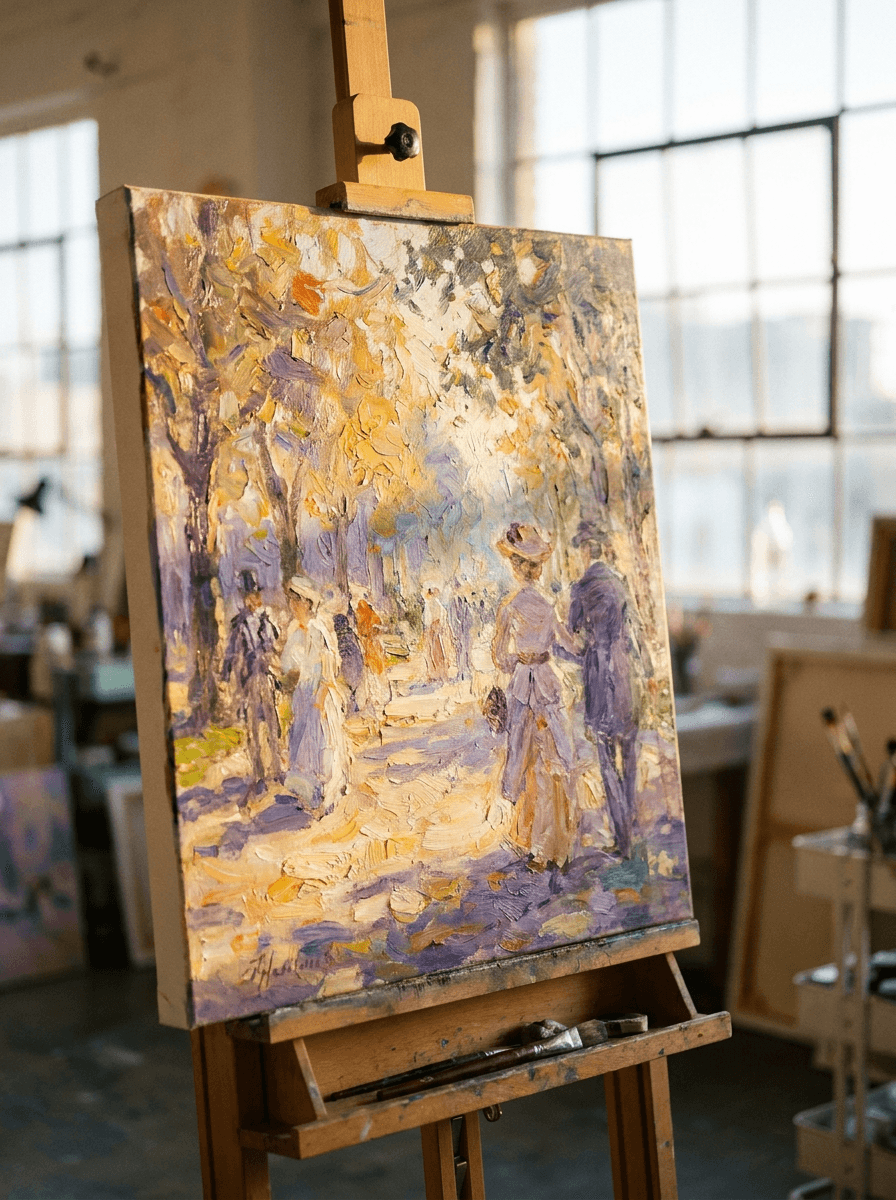
“Repaint this photo in an impressionist style.”
Checked against the running tool on 2026-09-03.
Upload the photo and name the painting style — oil, watercolor, impressionist, or another look you describe. Made prompts Google’s Nano Banana model on Replicate to repaint the whole image while keeping the same composition, subjects, and layout, and returns a JPG.
Any style you can put into words: classic oil with visible brushstrokes, soft watercolor washes, loose impressionist brushwork, gouache, pastel, and more. Describing the mood and brushwork — “muted, loose, warm light” — steers the result further.
The composition, subjects, and layout are preserved, so everyone stays in place. Painterly styles soften detail by nature and results vary per run — review faces closely, and lower the intensity toward 0.3 if you want a closer likeness.
Yes. Style intensity runs from 0.3, a light painted treatment over the photo, to 0.95, a heavily repainted image; the default is 0.7. Adjust it per run until the balance of photo and paint feels right.
Same workflow, different medium: this page produces painted looks in color — oil, watercolor, impressionist — while Photo to Sketch produces drawing looks like pencil, charcoal, and line art.
Yes — the JPG prints well at typical frame sizes, and painterly styles are forgiving of resolution limits. For a large canvas or poster, run the result through Image Upscaler first.
A JPG of the painted image. Each request processes one JPEG, PNG, or WebP image; re-run with a different style name or intensity to compare versions before printing.
 +
+ New
New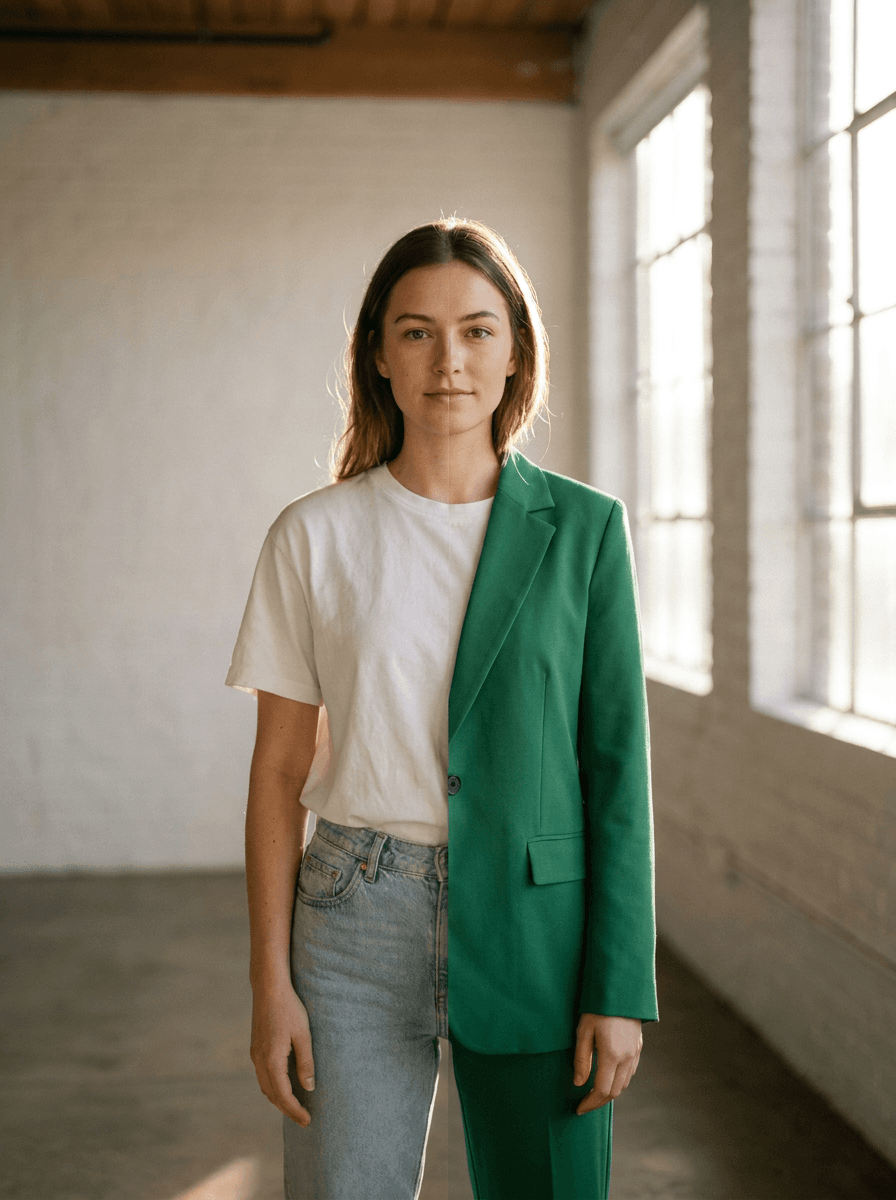
See what each one makes, then open it in Made.

