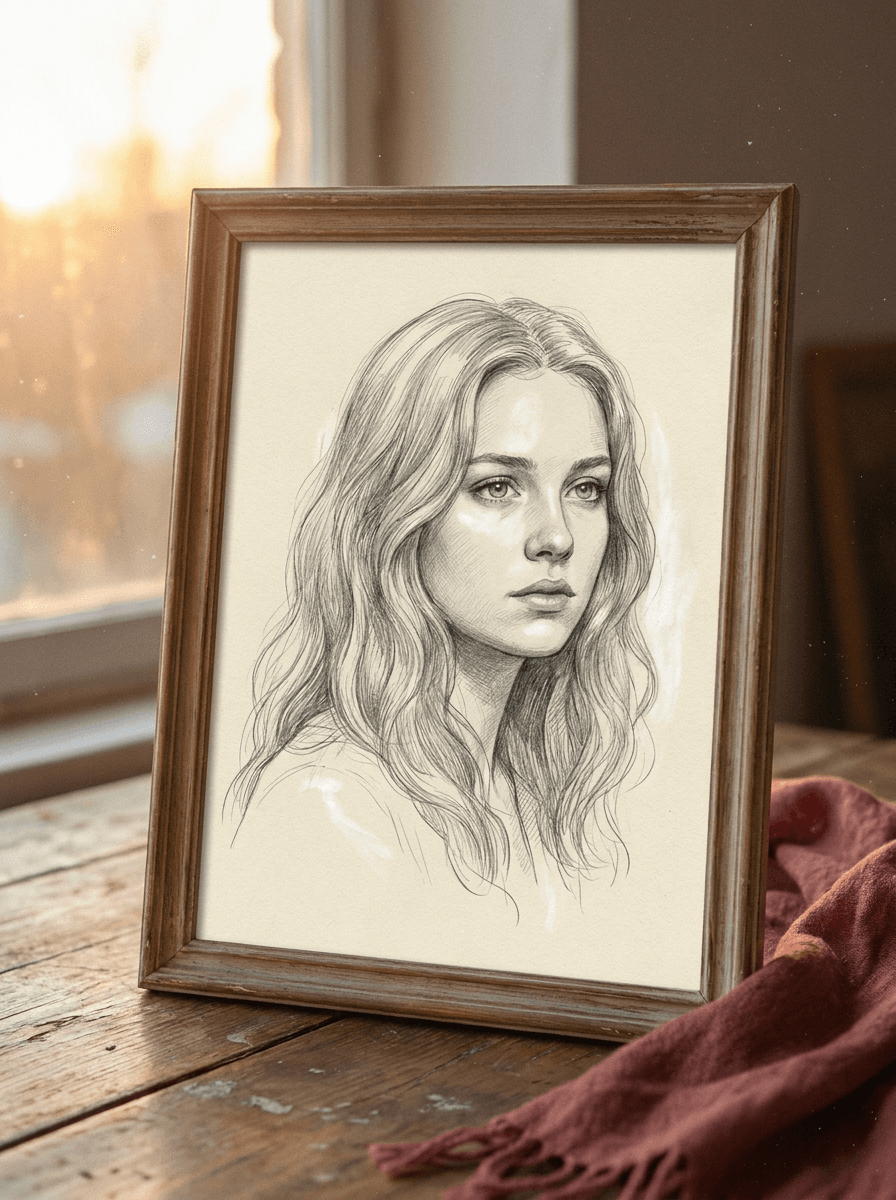
Pencil portrait
“Turn this portrait into a graphite pencil sketch.”
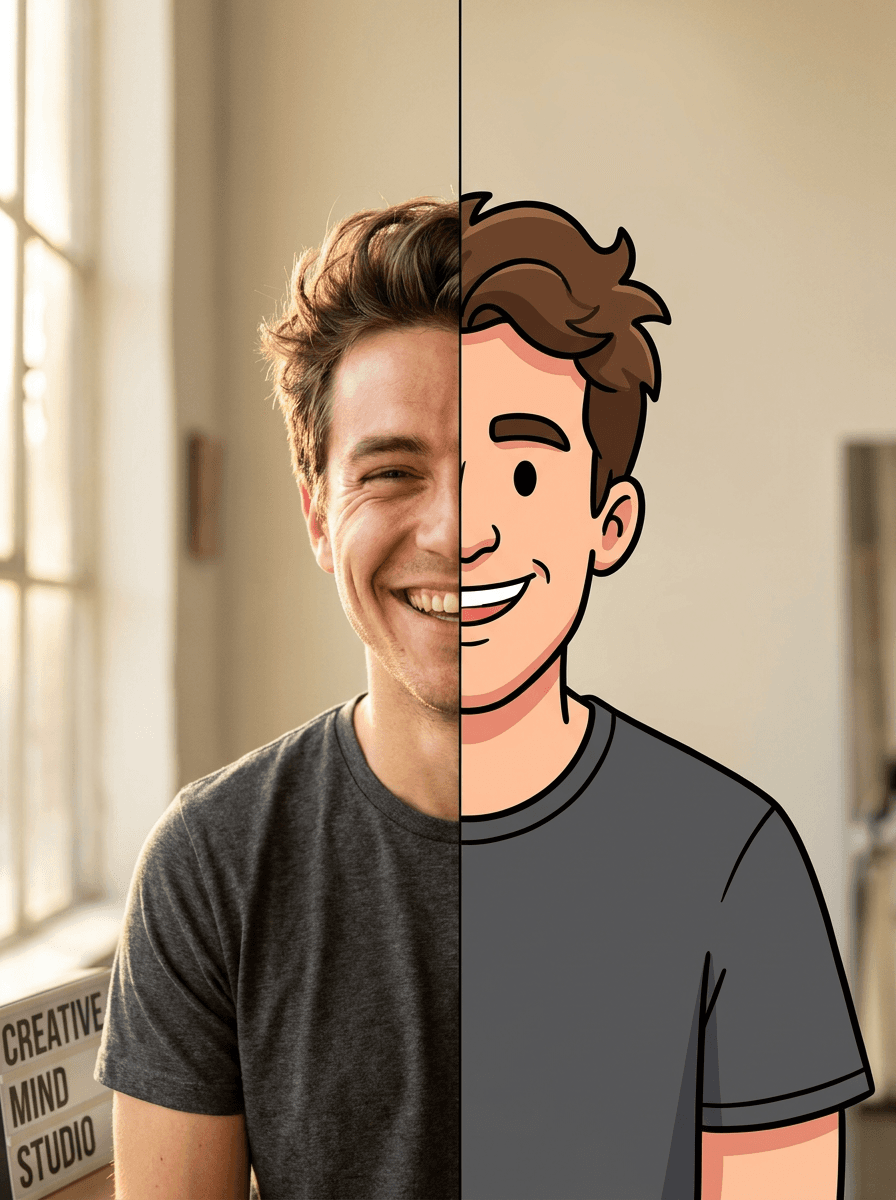
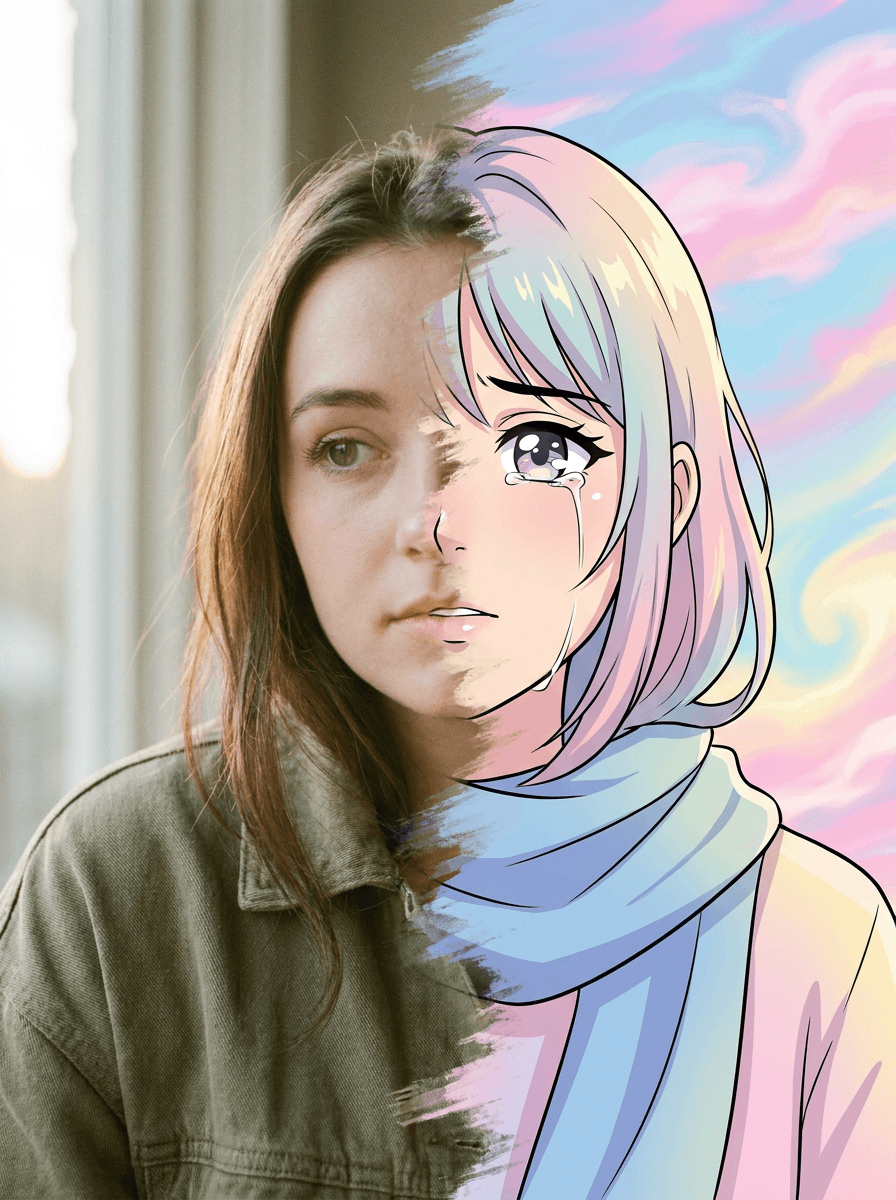
Upload a photo and Made redraws it as a hand-drawn sketch — graphite pencil, soft charcoal, or clean line art — while the composition, subjects, and layout stay exactly where they were.
Pencil portrait“Turn this portrait into a graphite pencil sketch.”
Choose a JPEG, PNG, or WebP with a clear subject — strong contrast and simple backgrounds convert most cleanly.
Say which look you want: graphite pencil, soft charcoal, ink lines, or minimal line art.
Keep the 0.7 default for a clear drawing look, or move toward 0.3 to retain more photo detail and 0.95 for a fully redrawn sketch.
Check the linework around faces and edges, then download the JPG or re-run with an adjusted style description.
Real results from Made. Use a prompt to load it into the studio above, then add your own photo.
“Turn this portrait into a graphite pencil sketch.”
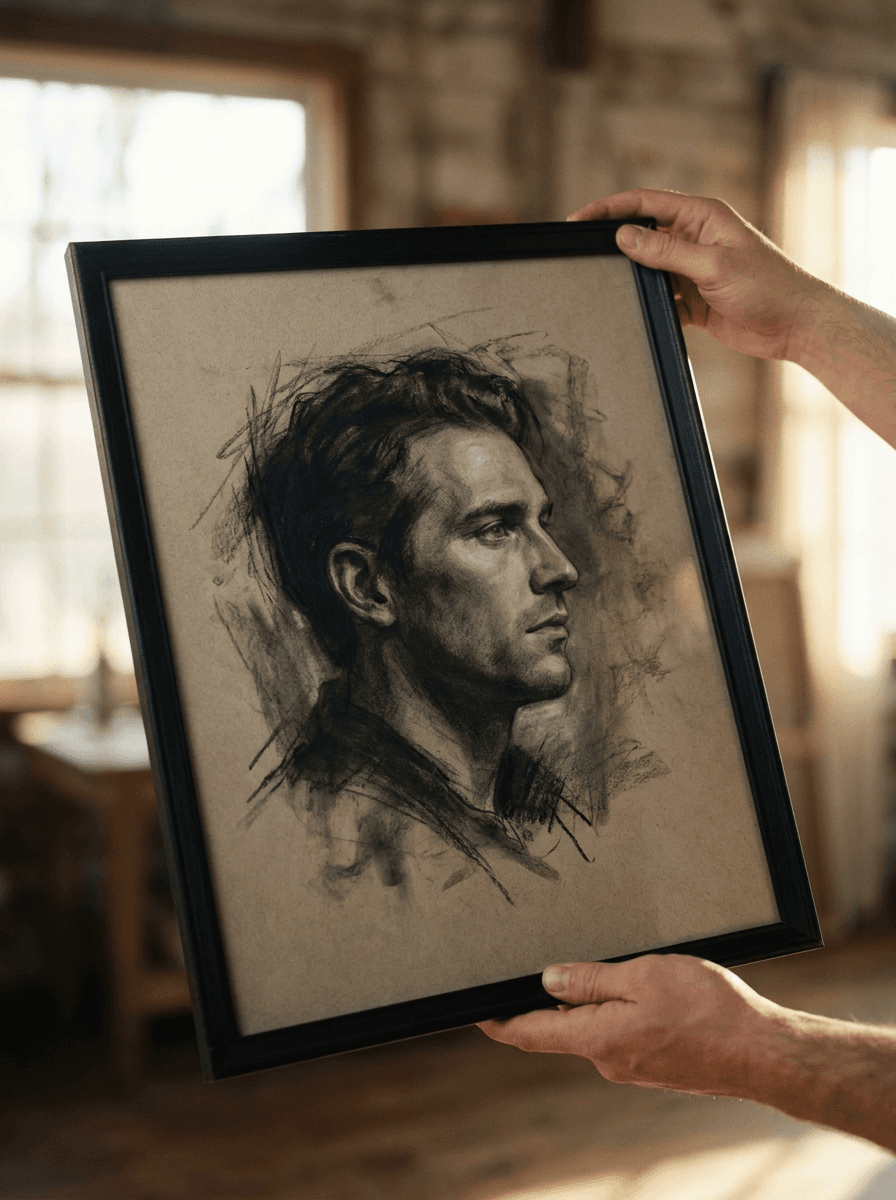
“Restyle this photo as a charcoal drawing.”
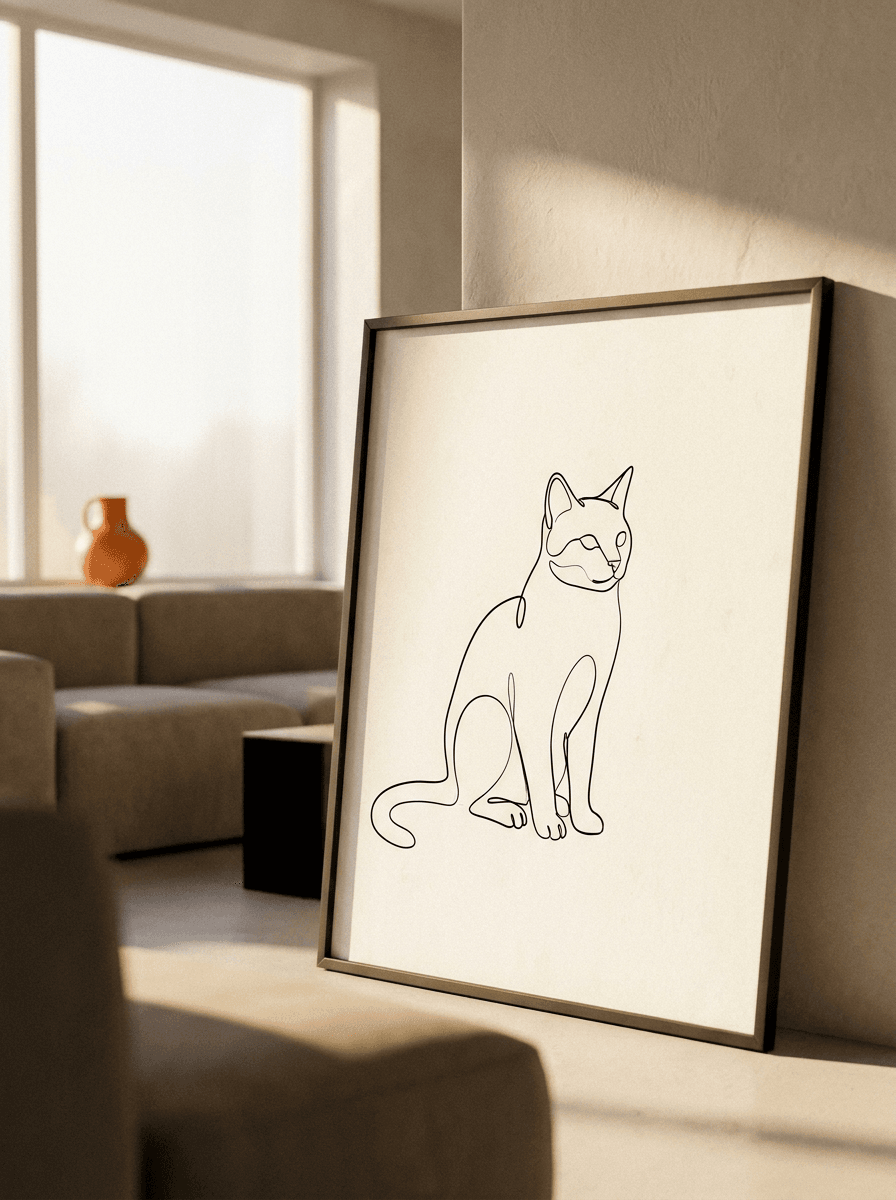
“Convert this photo to minimal line art.”
Checked against the running tool on 2026-09-03.
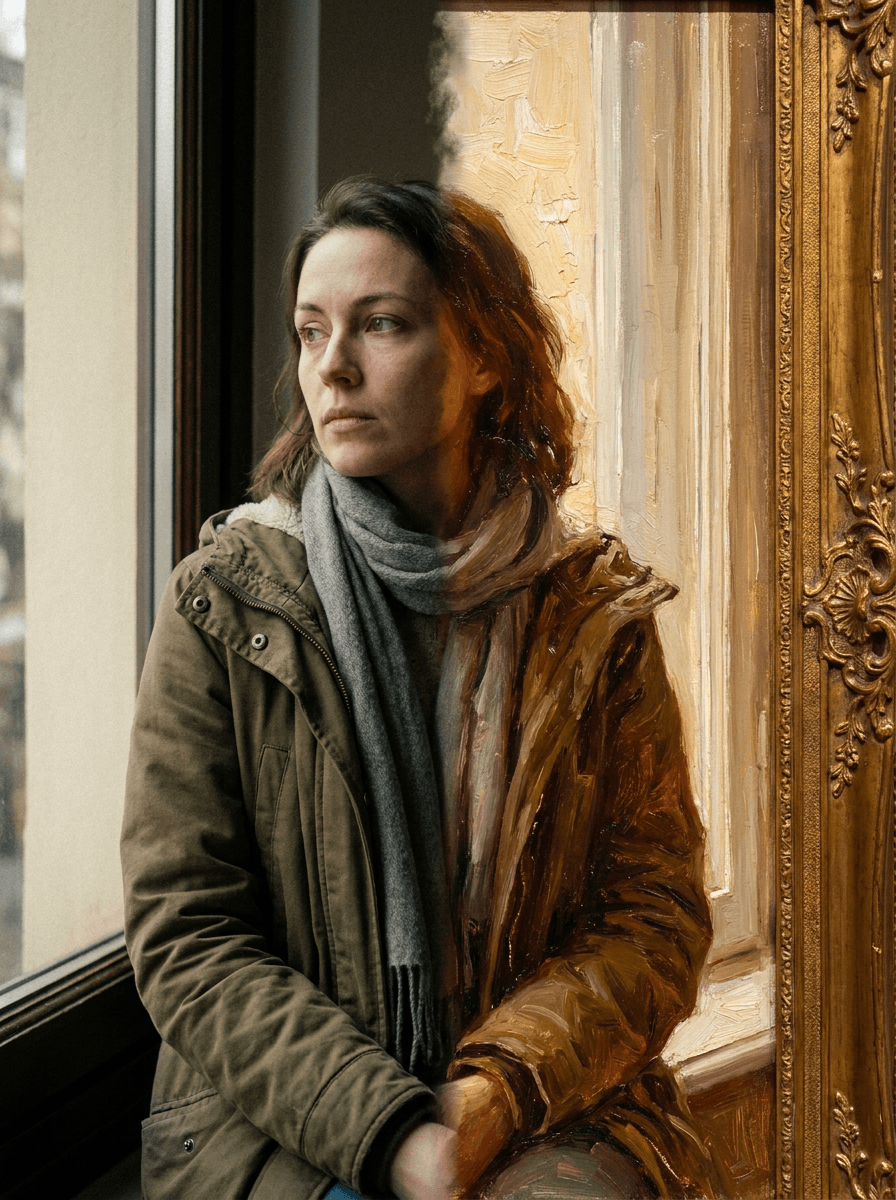
Upload the photo and name the drawing style you want — pencil, charcoal, or line art. Made prompts Google’s Nano Banana model on Replicate to restyle the whole image while keeping the same composition, subjects, and layout, and returns a JPG.
Anything you can describe: detailed graphite pencil, soft smudged charcoal, ink hatching, or clean minimal line art. The style comes from your description, so you can also mix directions like “loose pencil sketch with light shading.”
Yes — the workflow keeps the same composition, subjects, and layout, so everything stays where it was in the photo, just redrawn. Fine detail is interpreted by the model and varies per run, so review faces and small elements.
Yes. Style intensity is adjustable from 0.3, which keeps the result close to the photo with light sketch treatment, to 0.95 for a fully redrawn drawing; the default is 0.7.
Both restyle the full image with the same workflow. This page produces drawing looks — pencil, charcoal, line art — while Photo to Painting produces painted looks like oil, watercolor, and impressionist styles. Pick the medium you want the result to imitate.
The result is a JPG at the tool’s output resolution, and sketch styles generally print cleanly at typical frame sizes. For large prints, run the result through Image Upscaler first and check the linework up close.
A JPG of the sketched image. Each request processes one JPEG, PNG, or WebP image; run again with a different style description to compare pencil, charcoal, and line-art versions.
 +
+ New
New
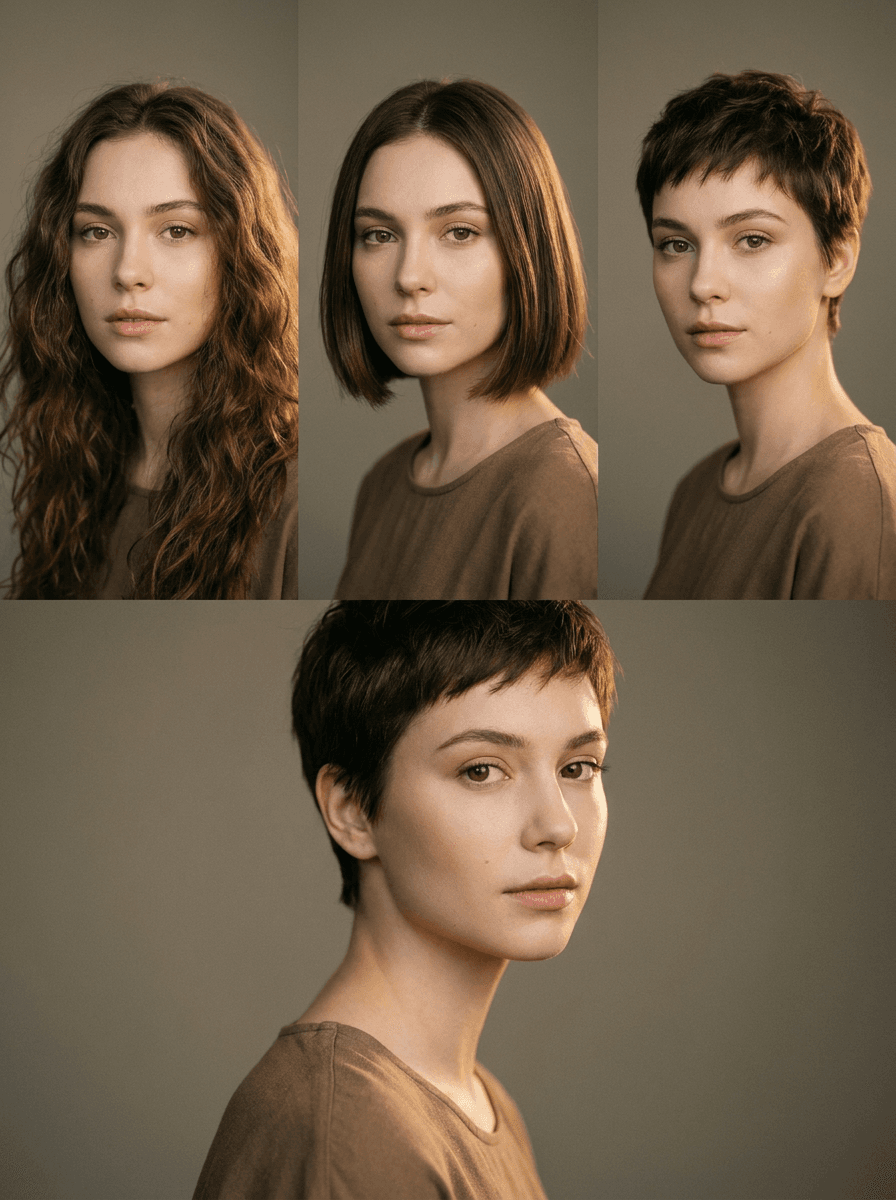
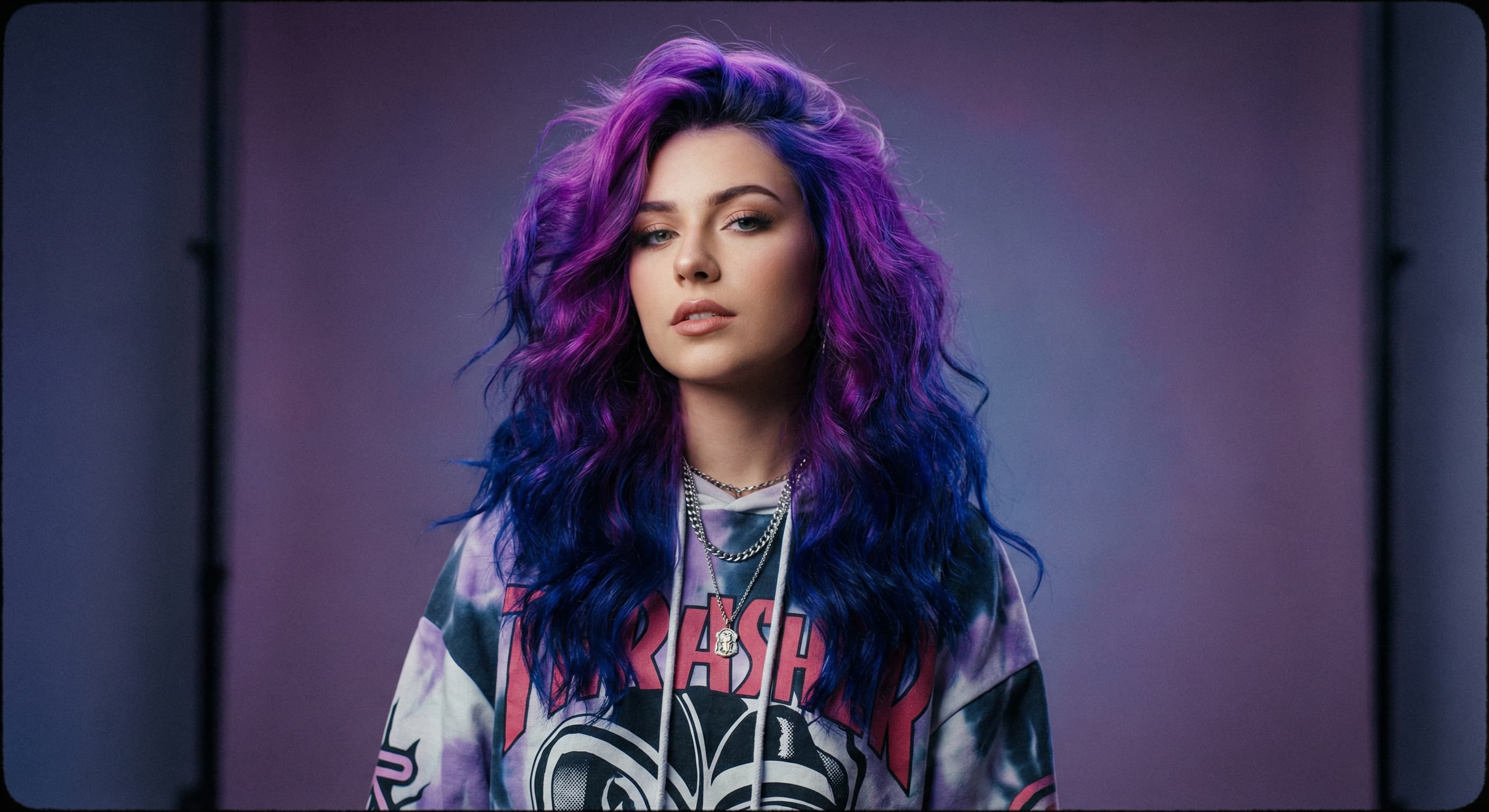
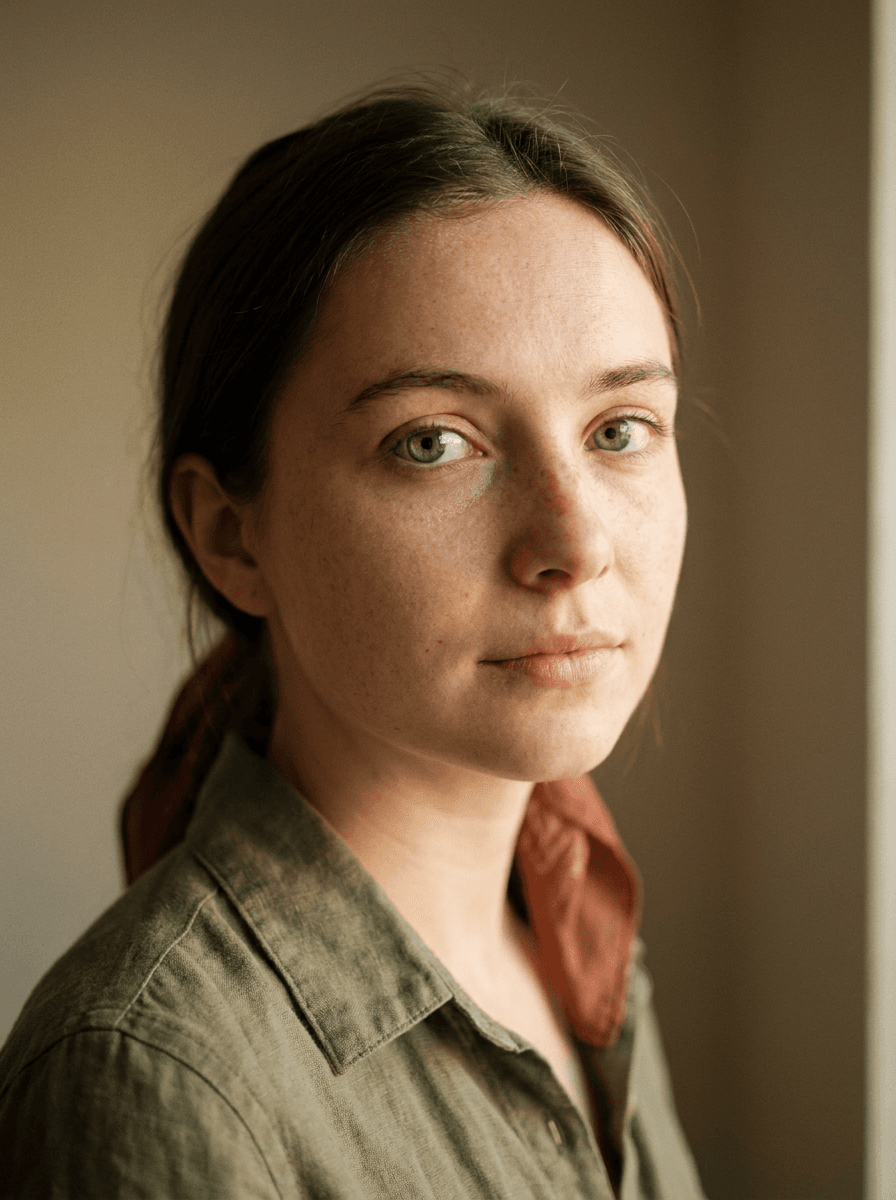
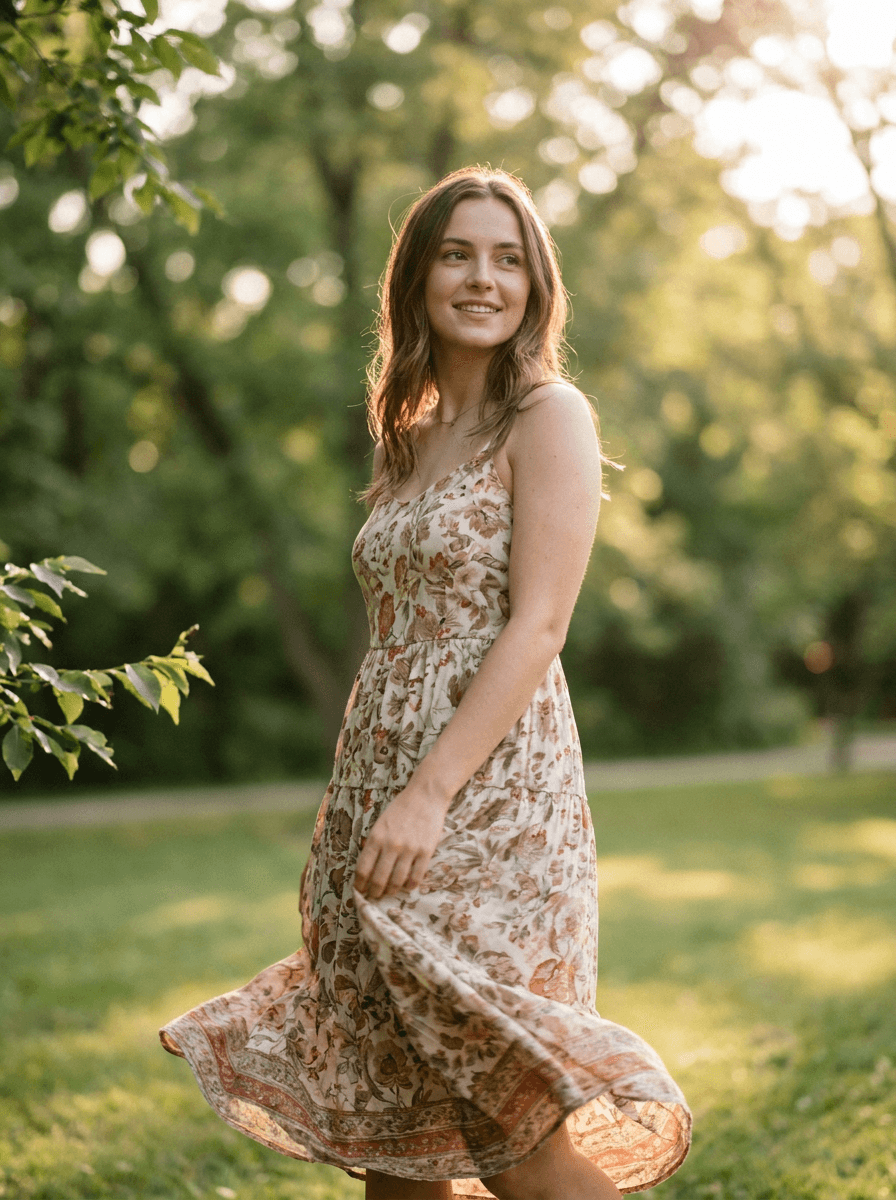
See what each one makes, then open it in Made.

