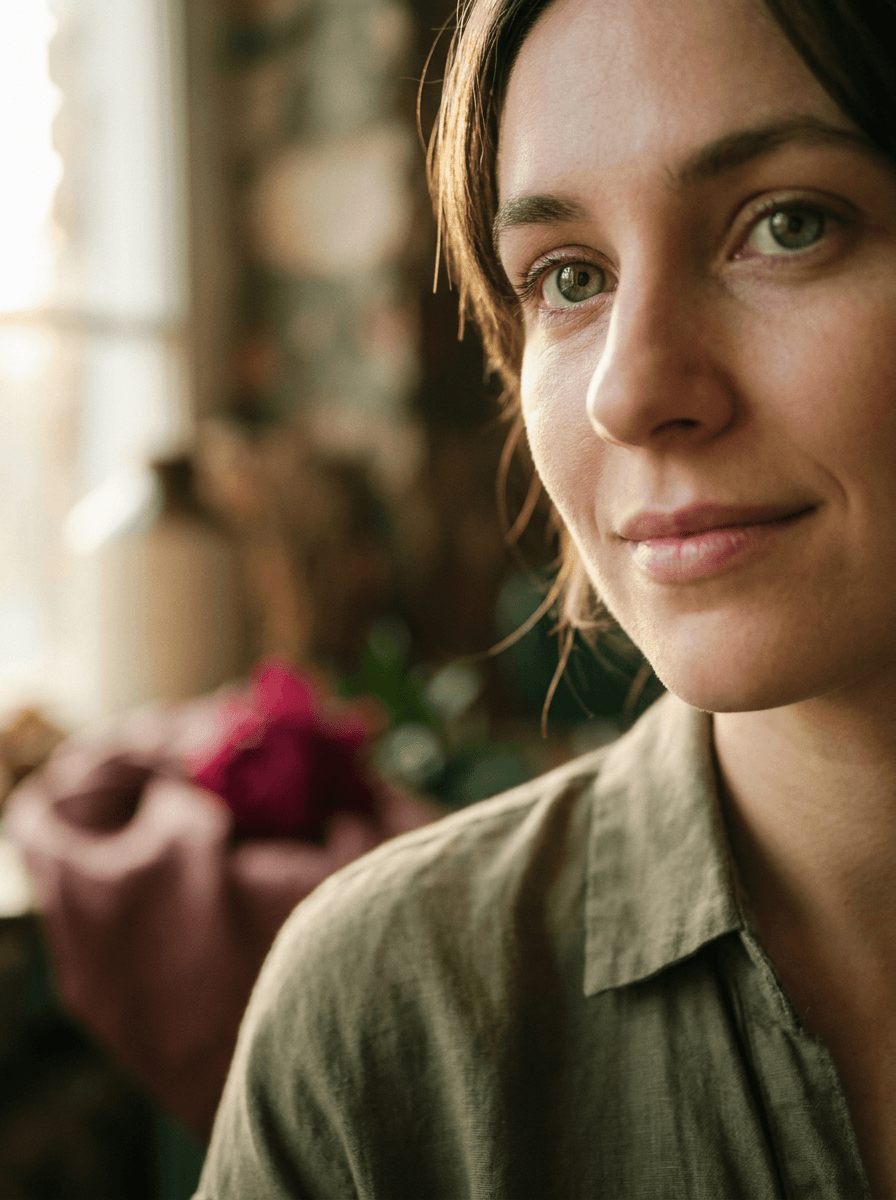
Natural green
“Change my eyes to a natural green.”
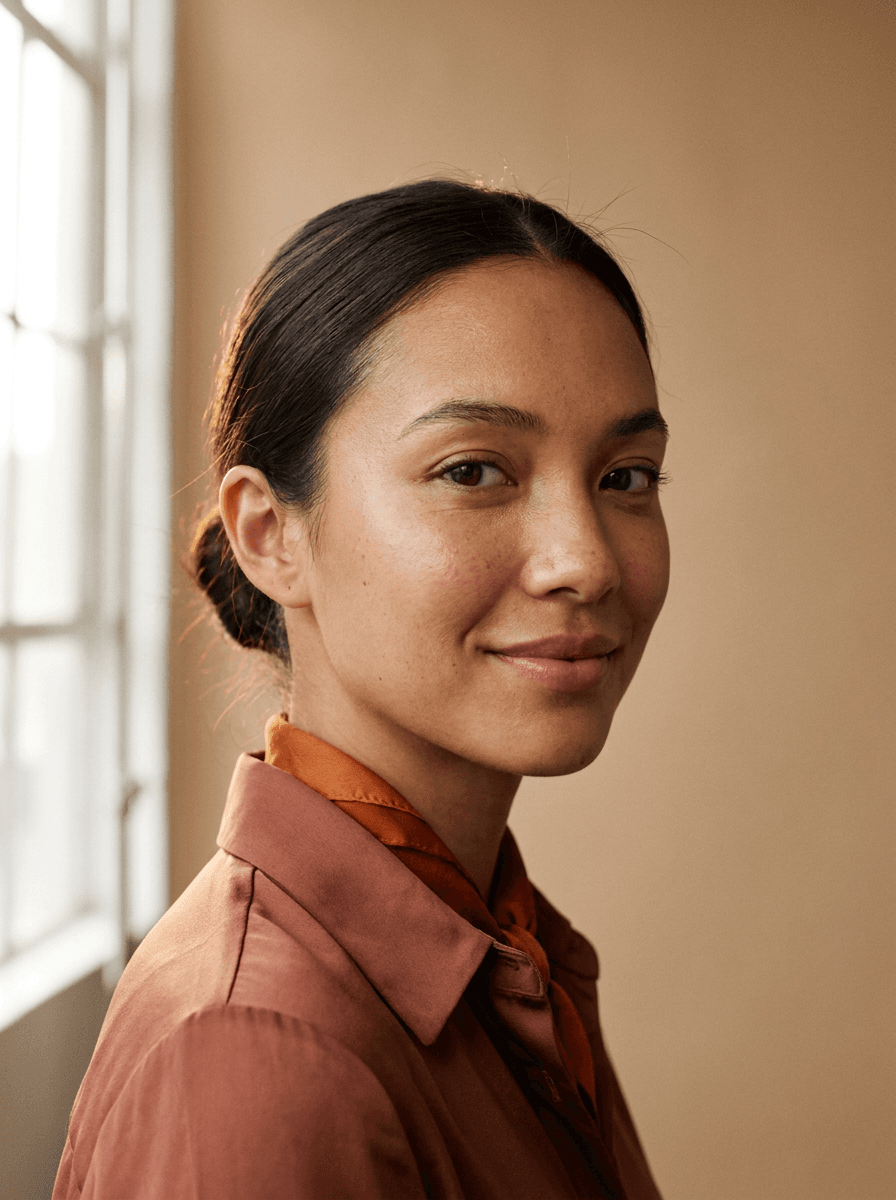
Upload a portrait and name the eye color — green, blue, hazel, amber, or something creative like violet. Made recolors the eyes while your face, expression, pose, and background stay the same.
Natural green“Change my eyes to a natural green.”
Choose a JPEG, PNG, or WebP where the eyes are open, visible, and reasonably close to the camera.
Describe the shade — “natural green,” “light grey-blue,” “deep amber” — and add “subtle” or “vivid” if you have a preference.
Made changes the eye color while keeping your face, expression, pose, and background unchanged.
Check both eyes up close for a consistent, believable result, then download the JPG or re-run with a refined description.
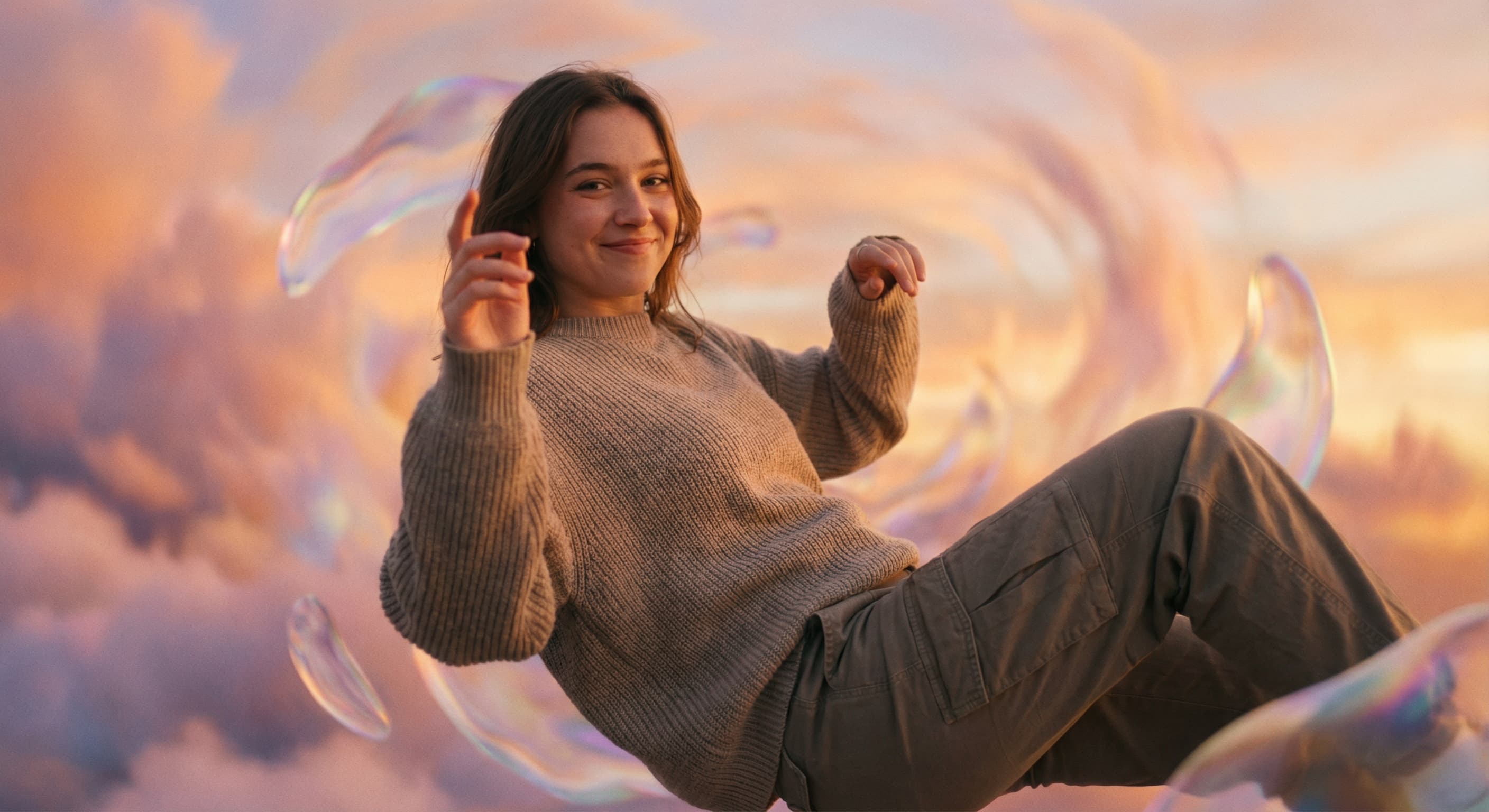
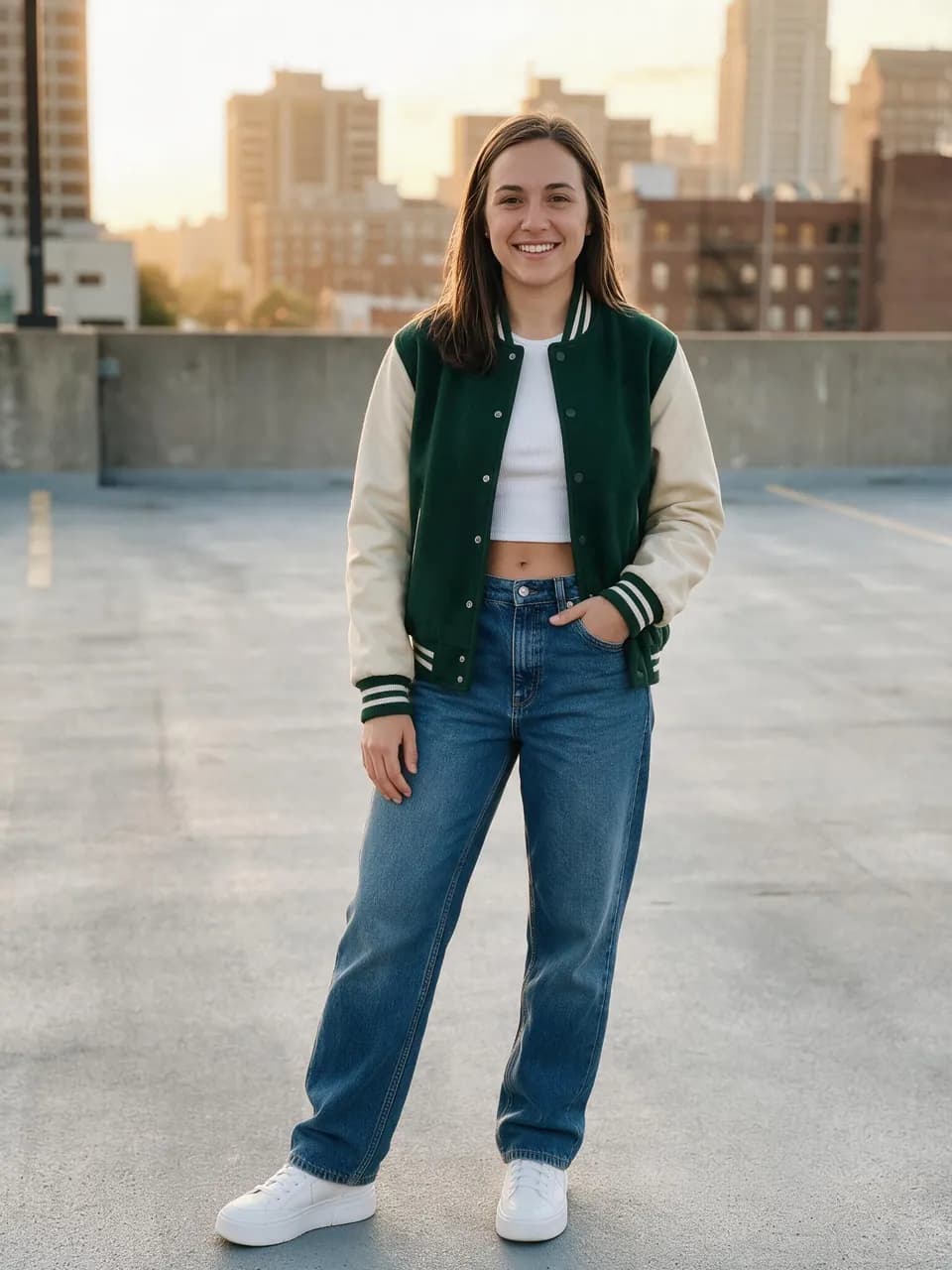
Real results from Made. Use a prompt to load it into the studio above, then add your own photo.
“Change my eyes to a natural green.”
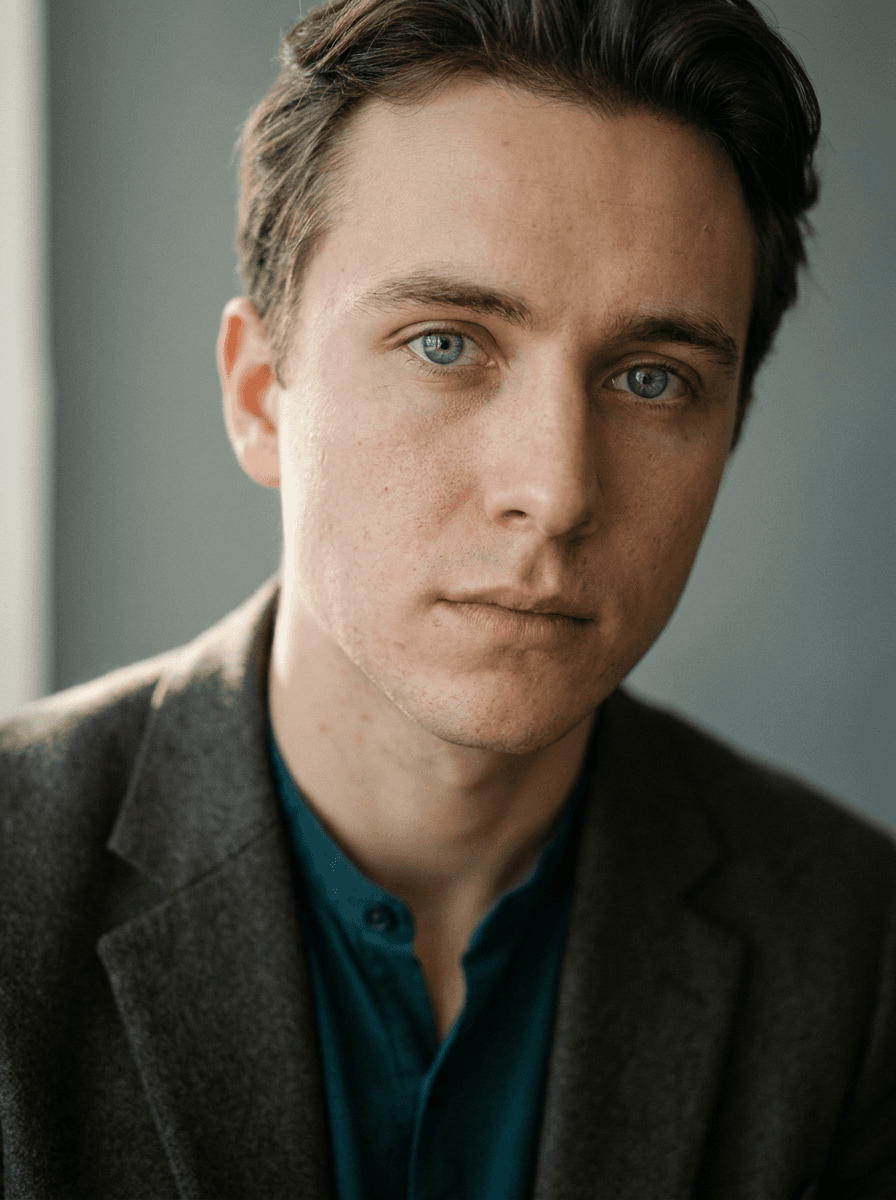
“Make my eyes light blue.”
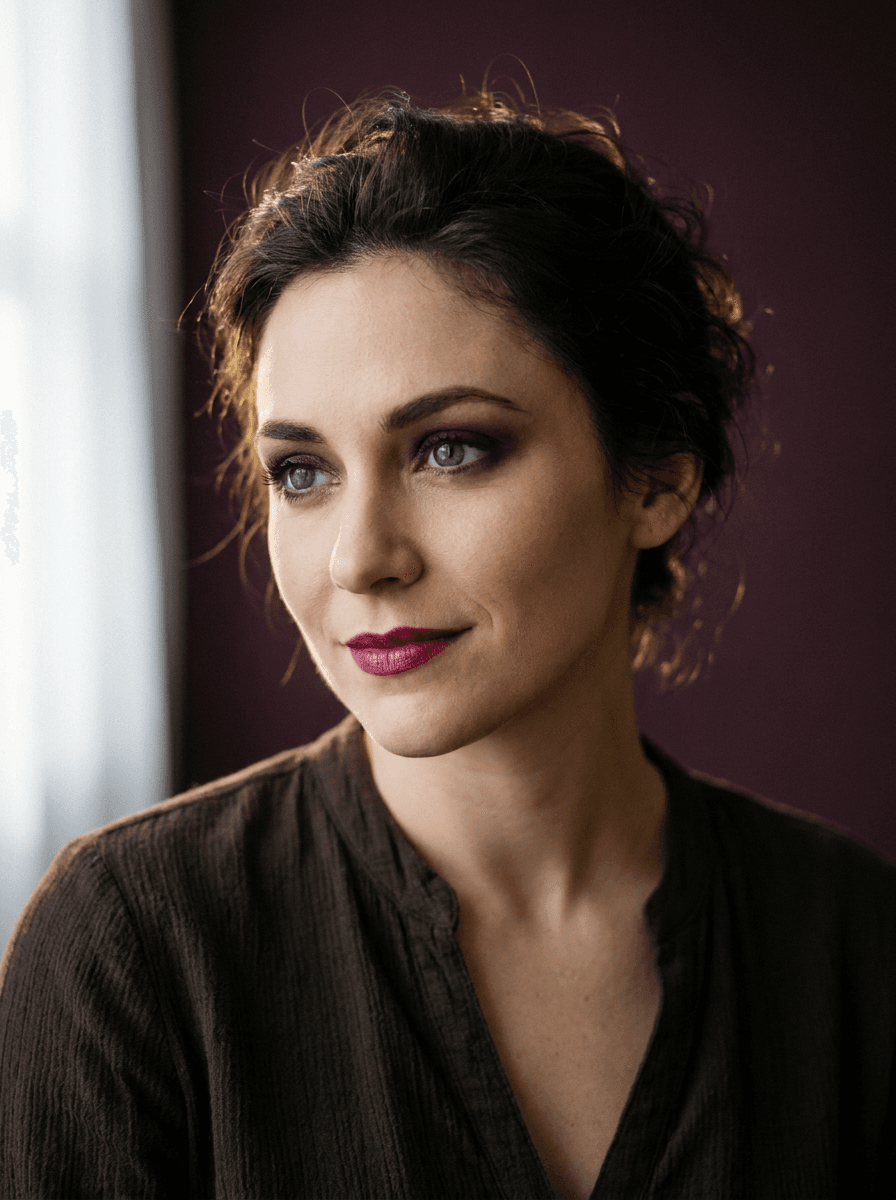
“Give me violet eyes.”
Checked against the running tool on 2026-09-03.
You upload a portrait and describe the eye color you want. Made prompts Google’s Nano Banana model on Replicate with that change, and the built-in prompt keeps the background, pose, and position unchanged while asking for a natural, realistic result.
Yes. Natural shades like green, blue, hazel, and amber work the same way as creative colors like violet, red, or silver — the color is whatever you describe. For creative shades, saying whether you want it subtle or vivid helps.
The workflow asks the model for a natural result, and simple recolors on clear, well-lit eyes usually hold up. Zoom in to check both eyes match and that the detail in the iris still reads believably; results vary per run, so re-run if one eye looks off.
The built-in prompt limits the edit to your described change and preserves the background, pose, and position. As with any generative edit, give the rest of the face a quick review before sharing.
Both use the same subject-preserving workflow, but each is tuned to one request: this page recolors the eyes, the Hair Color Changer recolors the hair. Each run applies one described change to one photo.
Portraits where the eyes are open, in focus, and large enough in the frame to show iris detail. Heavy shadows, sunglasses, closed eyes, or very small faces give the model little to work with.
A JPG of the edited portrait. Each request accepts one JPEG, PNG, or WebP image; to compare several colors, run the tool once per shade.
 +
+ New
New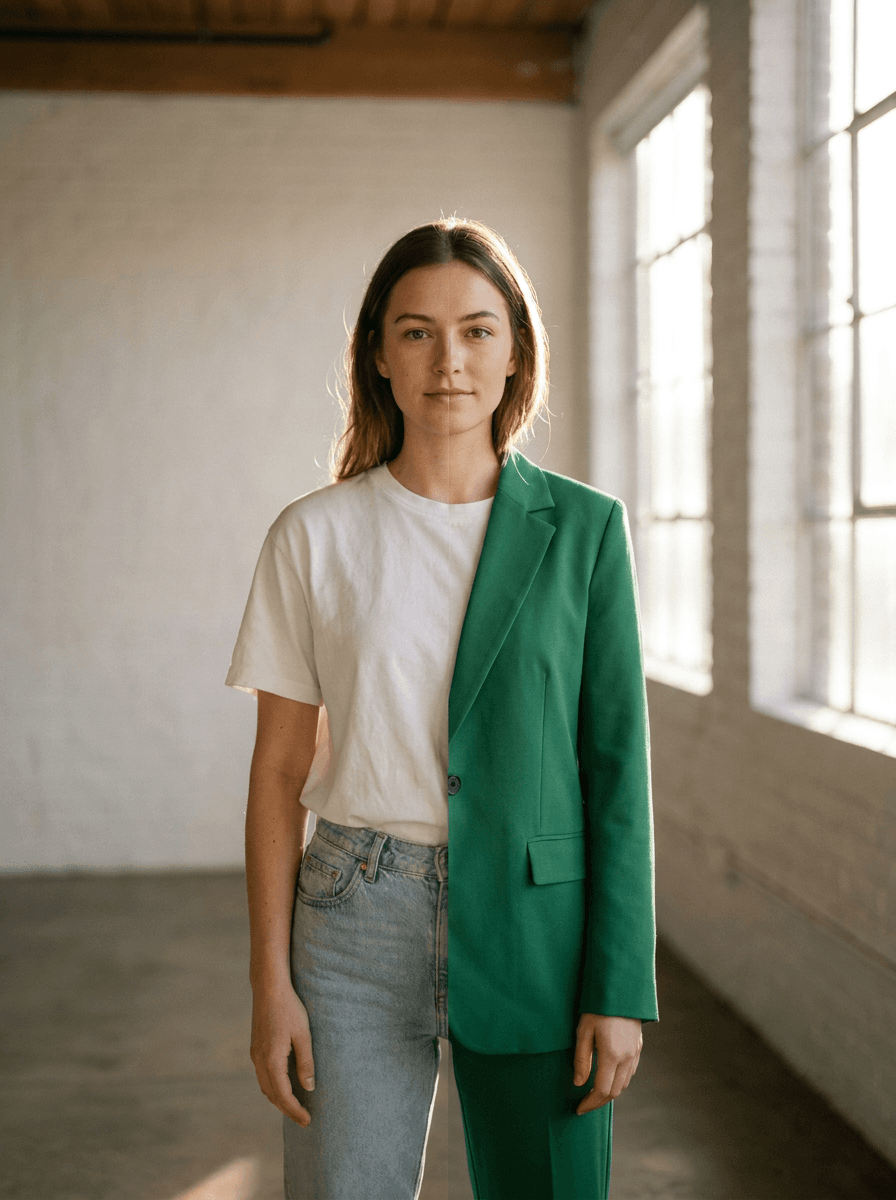
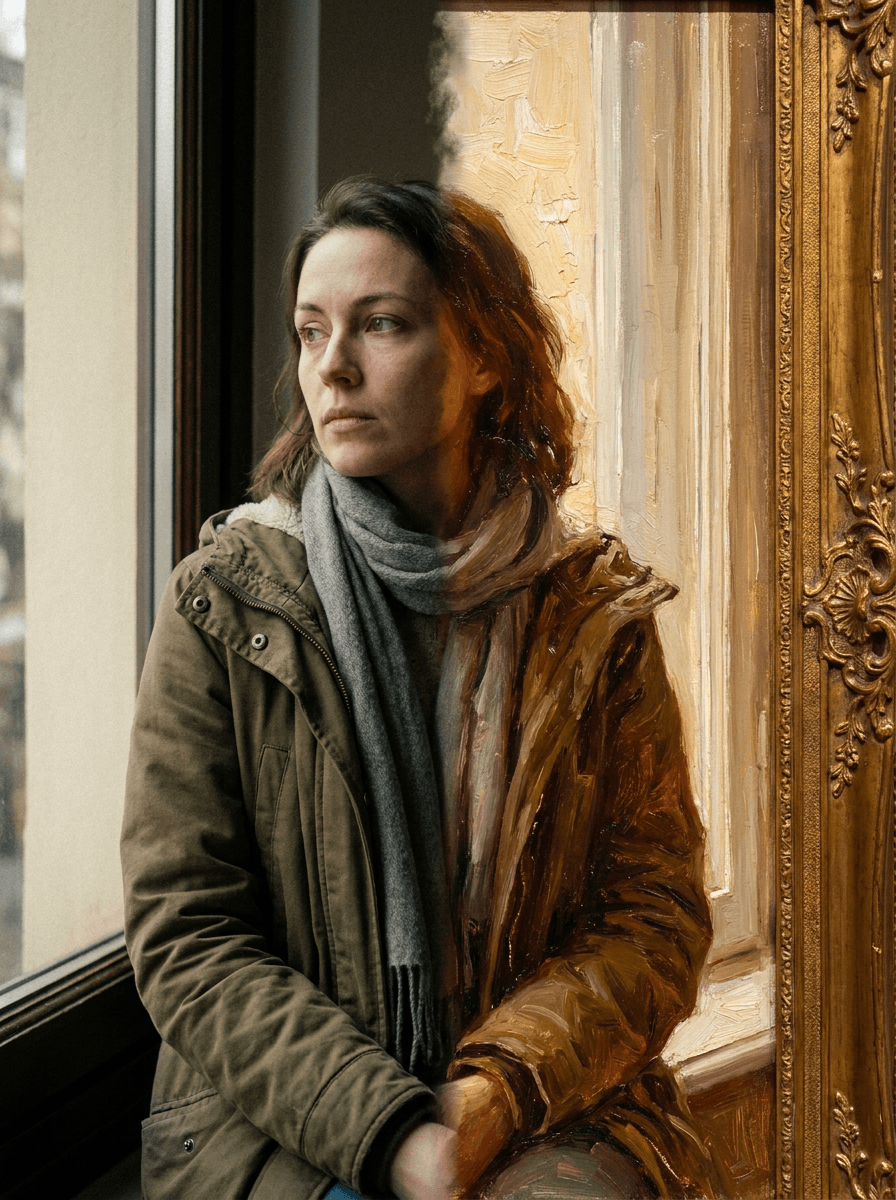
See what each one makes, then open it in Made.

