made
PricingLog inGet it made

AI podcast generator

Turn a topic into a video podcast clip with AI hosts, native dialogue and a studio set — or put your own recording in a studio. Every clip at the provider’s price.

Sound

30 credits, charged when you generate. A clip that fails is refunded.

Podcast clips from the models behind the best AI video, at their list price

  • Google
  • Kling AI
  • Alibaba
  • ByteDance
  • Wan AI
  • Lightricks

Made in Made

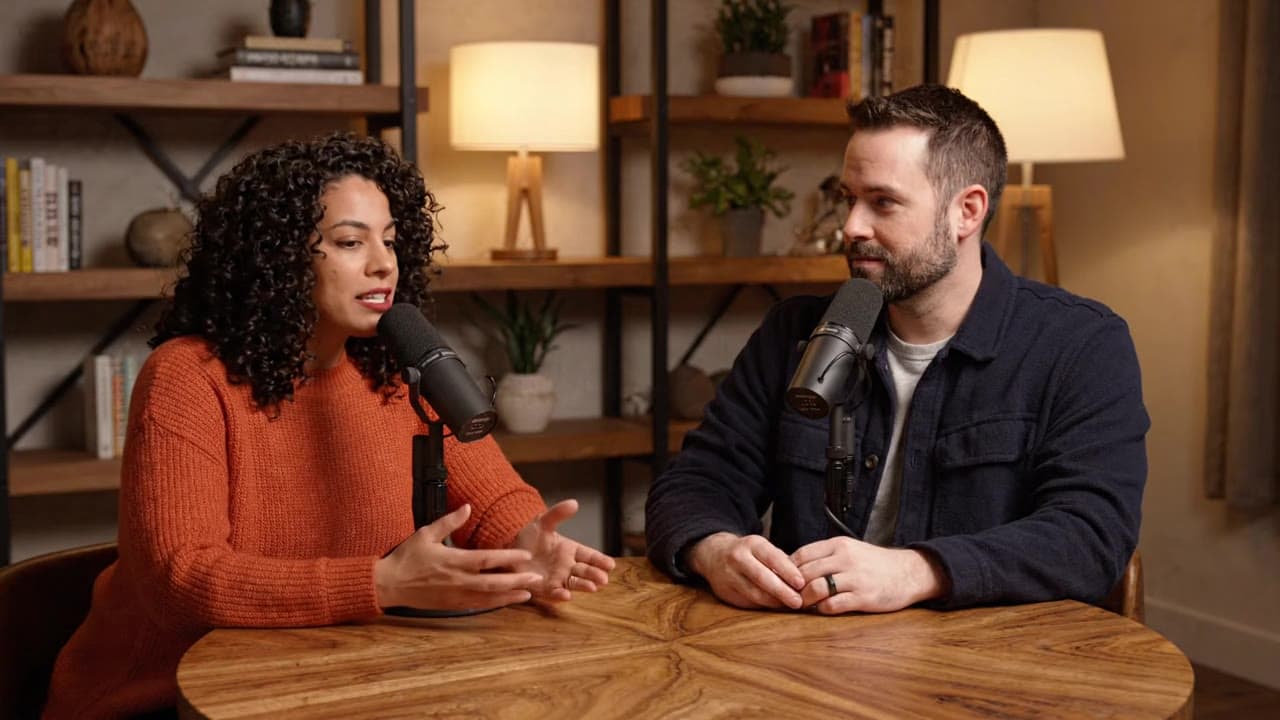
Prompt · Veo 3.1 Lite · 8s · 40 credits

A two-host video podcast in a warm modern studio with walnut shelves and soft practical lamps. Two original hosts sit across a round oak table, each speaking into a black broadcast microphone on a boom arm. Nia leans in and says: "So the best ideas really come from being bored?" Sam laughs and says: "Every single one. Phones killed boredom." Natural room tone, no music, no captions.

Recreate this clip
Prompt · Happy Horse 1.1 · 10s · 140 credits

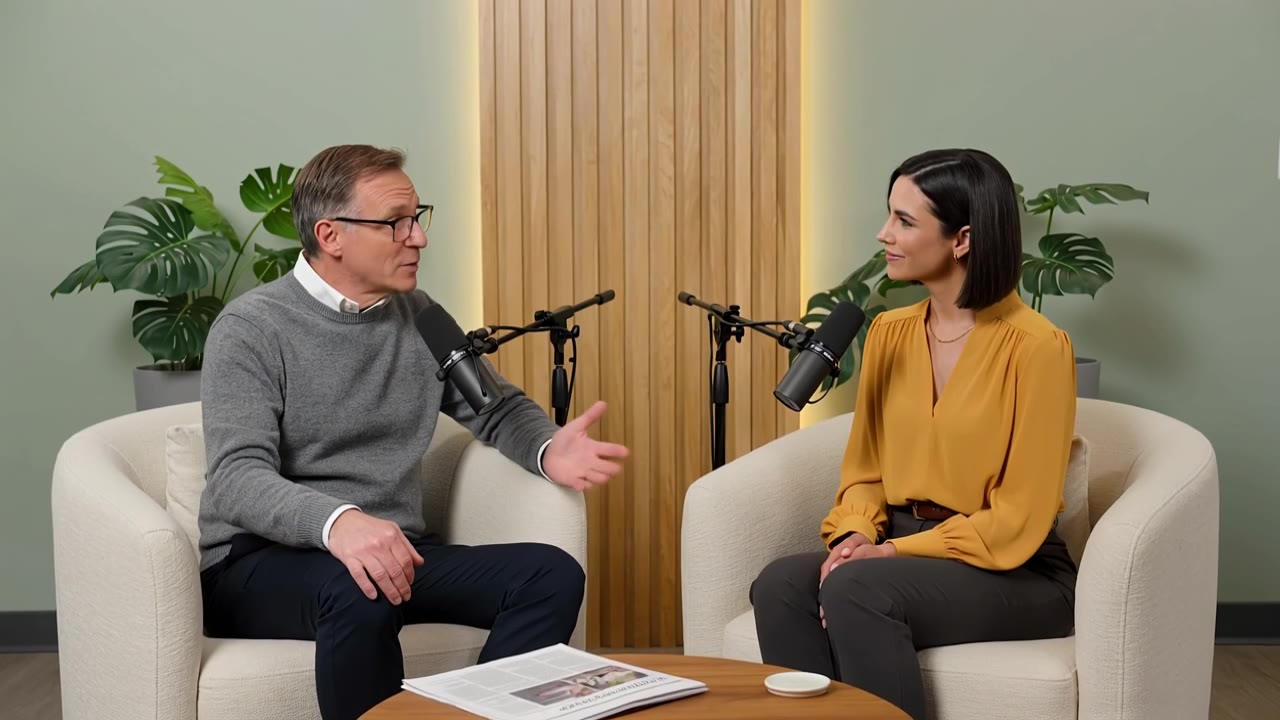
An interview-style video podcast in a bright studio with sage-green walls, light oak slat panels and large plants. The host, a man in his forties with glasses and a grey sweater, asks: "What was the moment you knew the business would work?" The guest, a woman in her thirties with a dark bob and a mustard blouse, smiles and answers: "When a stranger recommended it to me." Slow push-in on a wide two-shot, native audio, no music, no captions.

Recreate this clip
Prompt · Veo 3.1 Lite · 8s · 40 credits

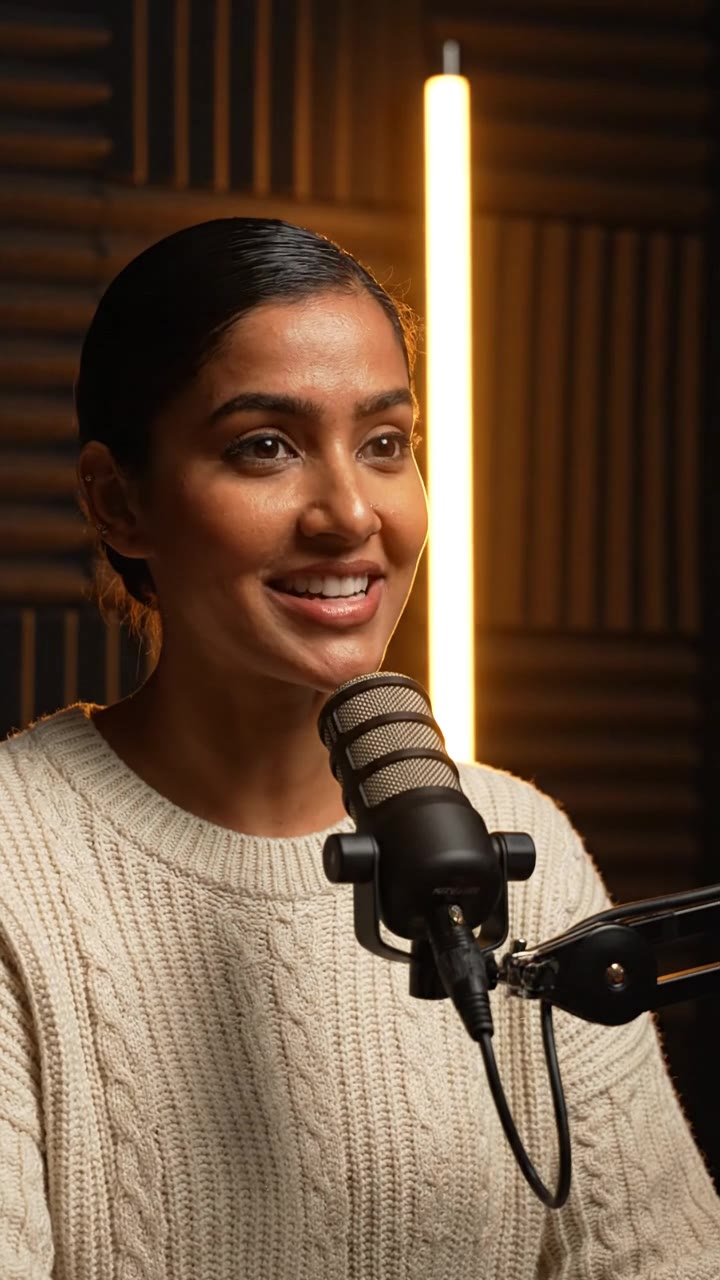
Vertical podcast clip with a completely clean frame: no subtitles, no captions, no on-screen text. An original host in a cream knit sweater sits in a dark podcast studio with charcoal acoustic panels and a warm amber glow, a black podcast microphone on a boom arm just below her chin. She says: "The best advice I ever got? Protect your mornings like they are meetings." Native audio with room tone, no music.

Recreate this clip

Prompt · Kling 3 Pro · 10s · 168 credits

A solo video podcast in a high-rise studio: floor-to-ceiling windows with a city skyline behind an original host in a plain white t-shirt, seated in a black chair, a black broadcast microphone on a boom arm in front of him. Static medium shot at chest height. He says: "The fastest way to earn trust online is to sound like you have done the work. So do the work, then say it simply." Natural room sound, no music, no captions.

Recreate this clip

Generate a podcast clip

Generate a podcast from any topic

Write the topic and the lines, pick a format, and a model with native dialogue films the hosts talking in a studio — voices, lip sync and room tone in one pass. A 6-second Veo 3.1 Lite clip with sound is 30 credits; switch to Veo 3.1, Kling 3 Pro or Seedance for longer, richer takes. The price is on the Generate button before you spend anything.

Start with a preset

Podcast Studio · free

Put your own recording in a studio

Already recorded yourself in a bedroom or an office? Podcast Studio cuts you out on your device, puts you in a studio set with a boom microphone, matches the lighting, and exports the full video with your original voice. Up to 20 minutes, nothing uploaded, nothing charged.

Open Podcast Studio

Speak · Lip sync

Put your podcast audio on screen

Have the audio but no video? Speak turns one portrait and your recording into a talking host, with the length set by your audio. Lip sync re-voices a take you already filmed, and Audio Studio writes multi-voice dialogue or dubs an episode into other languages.

Make a talking host

How to make an AI podcast

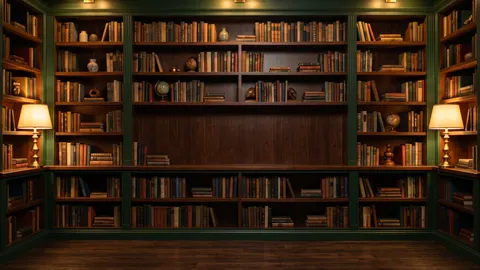
  1. A library podcast set1

    Pick your format

    Choose a preset — two hosts, solo host, interview or a vertical clip — or write your own scene.

  2. An interview podcast in a sage-green studio2

    Direct the episode

    Write the topic and the exact lines, choose the model, length and frame. The price updates as you go.

  3. A vertical podcast clip of a host in a dark studio3

    Generate and publish

    Download the MP4 with its sound, then post it as a clip, cut it into an episode, or keep directing.

Why make podcasts on Made

Generate hosts with native dialogue, put your own recording in a studio, or give an audio show a face — with every model priced in credits up front, and a refund when a generation fails.

Podcast-style ads

Two hosts talking about a product is a familiar ad format. Generate the conversation, keep every claim true, and label AI hosts the way each platform asks.

UGC Studio

Clips for Shorts and Reels

Vertical 9:16 clips with a single host and a hook line, for channels that post every day.

Make a vertical clip

Upgrade a real recording

Keep your own face and voice, and lose the bedroom. Podcast Studio sets you in a studio for free.

Podcast Studio

Give an audio show a face

Turn an audio episode into video with Speak, from one portrait and the audio file you already have.

Speak

A creative studio people rely on

4.84.8 out of 5 starsFrom more than 1.3 million ratings

“Fast and straightforward”

Made is the fastest, easiest, and most consistent editor I have used.

@Soho Brad

“Part of my daily workflow”

I use it every day to prepare images for every social platform.

@The Flywire

“Gets me in and out”

Very user friendly when you want to get a result and keep moving.

@cle957

“Years of reliable edits”

I can resize, edit, and create collages without turning it into a project.

@Jay town

Pricing

Pay for the clips you make.

Every clip is priced in credits before you generate. Unused credits roll over, and failed generations are refunded.

Price of one podcast clip by model
ModelClipPrice
Veo 3.1 LiteGoogle6s · 720p · sound30 credits
Veo 3.1Google8s · sound320 credits
Kling 3 ProKling AI10s · sound168 credits
Happy Horse 1.1Alibaba10s · 720p · sound140 credits
Seedance 2.5ByteDance10s · 720p · sound473 credits
Seedance 2.0ByteDance10s · 720p · sound303 credits
WAN 3.0Wan AI10s · 720p · sound100 credits
Seedance 2.0 FastByteDance10s · sound242 credits

Questions, answered

What is an AI podcast generator?

An AI podcast generator makes a podcast-style video from a written prompt: hosts at microphones in a studio, speaking the lines you write, with synchronized voices and room sound. In Made you describe the scene and the dialogue, pick a model with native dialogue, and download an MP4.

Which models can generate podcast clips?

Models that generate speech with the picture: Veo 3.1 Lite, Veo 3.1, Kling 3 Pro, Happy Horse 1.1, Seedance 2.5, Seedance 2.0, WAN 3.0, Seedance 2.0 Fast, Kling O3 Pro and LTX-2.5 Fast. Each voices the lines you write and lip-syncs the speakers in one pass.

How long can a podcast clip be?

Each generation is one clip, from a few seconds up to 30 seconds depending on the model — Seedance 2.5 and WAN 3.0 go up to 30 seconds with sound. Longer episodes are made from several clips, or from your own recording in Podcast Studio, which handles up to 20 minutes.

How much does it cost?

Each clip is priced in credits — for example, a 6-second Veo 3.1 Lite clip with sound is 30 credits. Credits come with a plan, and unused ones roll over. Failed generations are refunded. Podcast Studio is free.

Can I use my own face and voice?

Yes. Podcast Studio keeps your real recording — your face, your voice — and changes only the set, on your device. Speak animates a portrait of you to your own audio, and Lip sync re-voices a take you filmed.

How do I write a good podcast prompt?

Describe the set, the hosts, and the camera, then put the exact words in quotes for each speaker. Keep each line short enough to say in the clip length — about two to three words per second — and ask for no music or captions if you will add your own.

Will people know it was made with AI?

Often, and they should be able to. Label AI-generated hosts where platforms ask (TikTok, Meta and YouTube all have AI labels), do not present AI hosts as real customers or experts, and never generate real people without their permission.

Can I use the clips in ads?

Yes, with the usual care: you are responsible for the claims your hosts make and for platform disclosure rules. Avoid prompts built on real people, brands or characters you do not have rights to, and review every clip before it runs.

Do I need to install anything?

No. Generation runs in Made in your browser, and Podcast Studio processes your video on your own device without uploading it.

Make your first podcast clip in minutes

Try the AI Podcast Generator