Motion study with audio
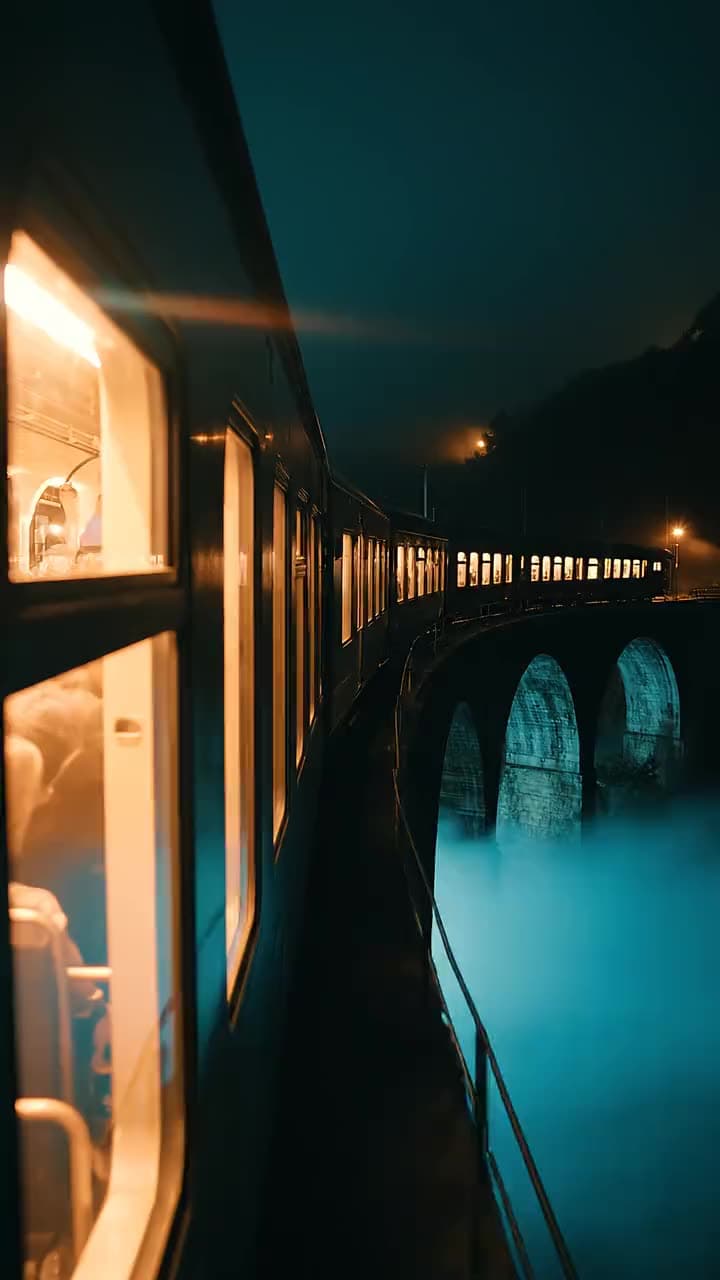
“Cinematic clip with sound: a night train crosses a stone viaduct over fog, wheels clacking, camera drifting alongside”
Google · video model
4 credits / second · every plan · price breakdown · API playground
Made with Veo 3.1 · Motion study with audio
Veo 3.1 is Google’s flagship video model, generating 4 or 8 second clips with natively synchronized audio from a text prompt, with optional start and end frames to pin the first and last shot.
Original results
These examples use media produced for Made. Prompts are included when the production record allows them.
“Cinematic clip with sound: a night train crosses a stone viaduct over fog, wheels clacking, camera drifting alongside”
“The astronaut walks forward through parting sunflowers, fabric rustling and birdsong audible, camera pulling back”
“Underwater clip with audio: a surfer duck-dives under a breaking wave, bubbles roaring past, sunlight rippling”

“Use this image as the opening composition.”
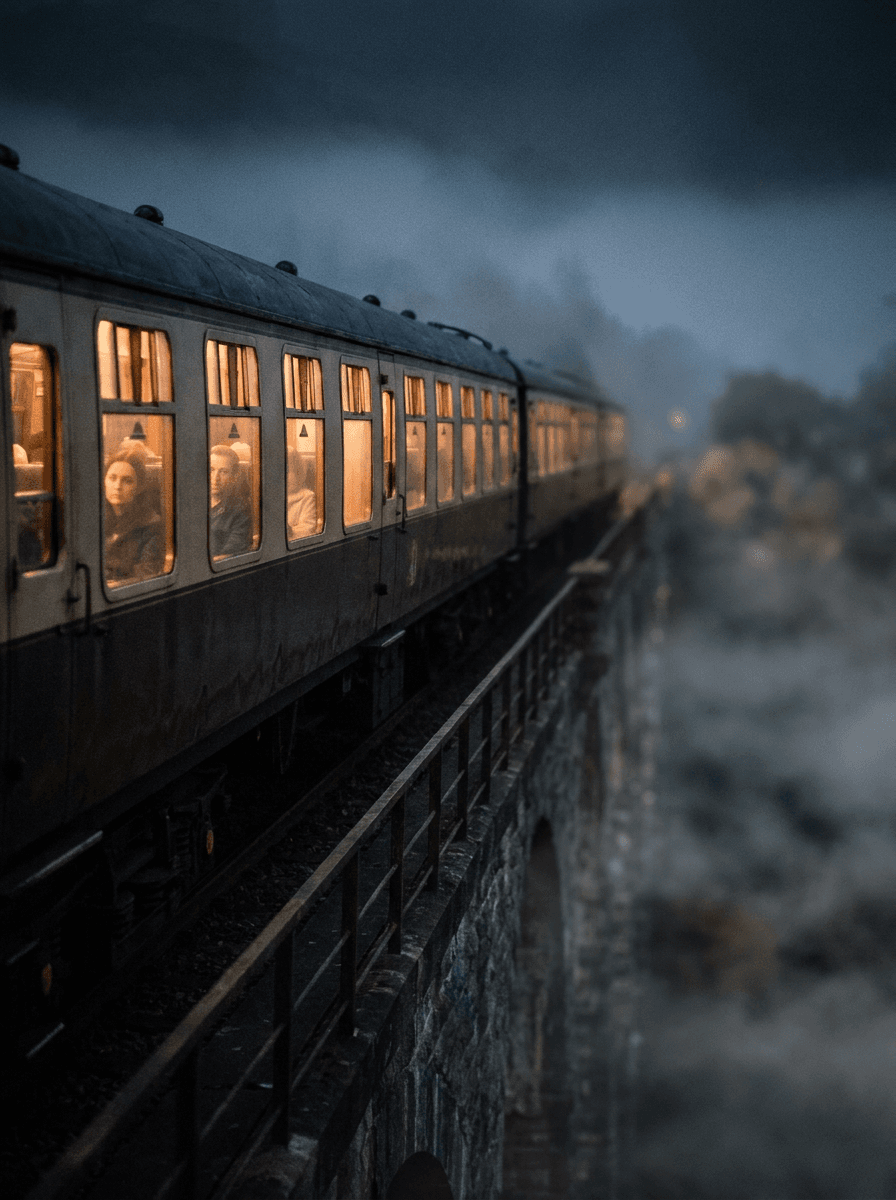
“Set the scene as a still before describing its motion and sound.”

“Plan the shot as a still, then hand the motion to the model.”
These are the controls exposed by Made, which may be narrower than a provider’s full API.
Describe the subject, motion, camera path, and the audio the clip should carry — sound is generated natively.
Add a start frame to animate a still, or a start and end frame to control the transition between two compositions.
Pick 16:9, 9:16, or 1:1 and a duration of 4 or 8 seconds.
Check motion, audio sync, and continuity, then adjust one instruction at a time.
4 credits / second — the full breakdown, verified.
6 tested prompts with the outputs they produced.
Side-by-side prices and specs, with a straight verdict.
Side-by-side prices and specs, with a straight verdict.
Side-by-side prices and specs, with a straight verdict.
Side-by-side prices and specs, with a straight verdict.
Side-by-side prices and specs, with a straight verdict.
Side-by-side prices and specs, with a straight verdict.
video
Veo 3.1 Lite is the cost-efficient tier of Google’s Veo 3.1 family, generating 4, 6, or 8 second clips at 720p with natively synchronized audio from a text prompt or a start image.
Explore model →video
Veo 3.1 Native Dialogue animates a start image into an 8-second talking scene where the dialogue, lip movement, vocal performance, and environmental sound are all generated together — script the lines in quotes and the model performs them.
Explore model →video
Kling 3 Pro is the benchmark tier of Kling AI’s third-generation video model, generating 3 to 15 second clips with optional native audio and the cinematic motion the Kling line is known for.
Explore model →Turn any image into a captivating video. Upload a photo, describe the motion you want, and watch AI bring it to life with realistic movement, cinematic camera work, and professional quality.
See the tool →Create scroll-stopping product photos and marketing visuals in seconds. Describe your shot, pick your style, and get professional images ready for your store, social feed, or ad campaign.
See the tool →It is Google’s flagship video generation model, producing 4 or 8 second clips with natively synchronized audio from text or a start image.