Dialogue scene
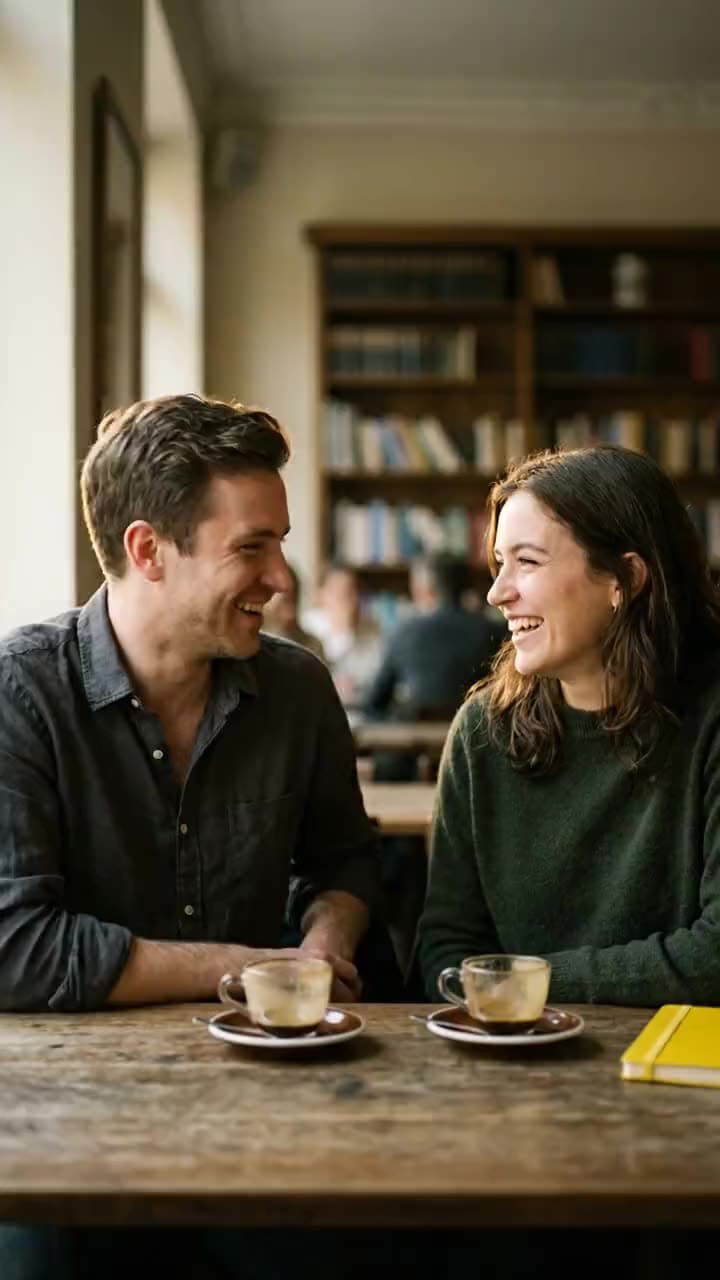
“They talk naturally; one says "So I finally booked the tickets," the other laughs and replies "No way — when do we leave?"”
Google · video model
4 credits / second · every plan · price breakdown · API playground
Upload a start frame, then script the dialogue, performance, and sound.
Made with Veo 3.1 Native Dialogue · Dialogue scene
Veo 3.1 Native Dialogue animates a start image into an 8-second talking scene where the dialogue, lip movement, vocal performance, and environmental sound are all generated together — script the lines in quotes and the model performs them.
Original results
These examples use media produced for Made. Prompts are included when the production record allows them.
“They talk naturally; one says "So I finally booked the tickets," the other laughs and replies "No way — when do we leave?"”
“The reporter asks "What sells out first every morning?" and the vendor grins: "The peonies. Always the peonies."”
“One cook says "Table twelve is yours," the other answers "On it — behind!" as pans clatter around them”

“Use this image as the opening composition.”
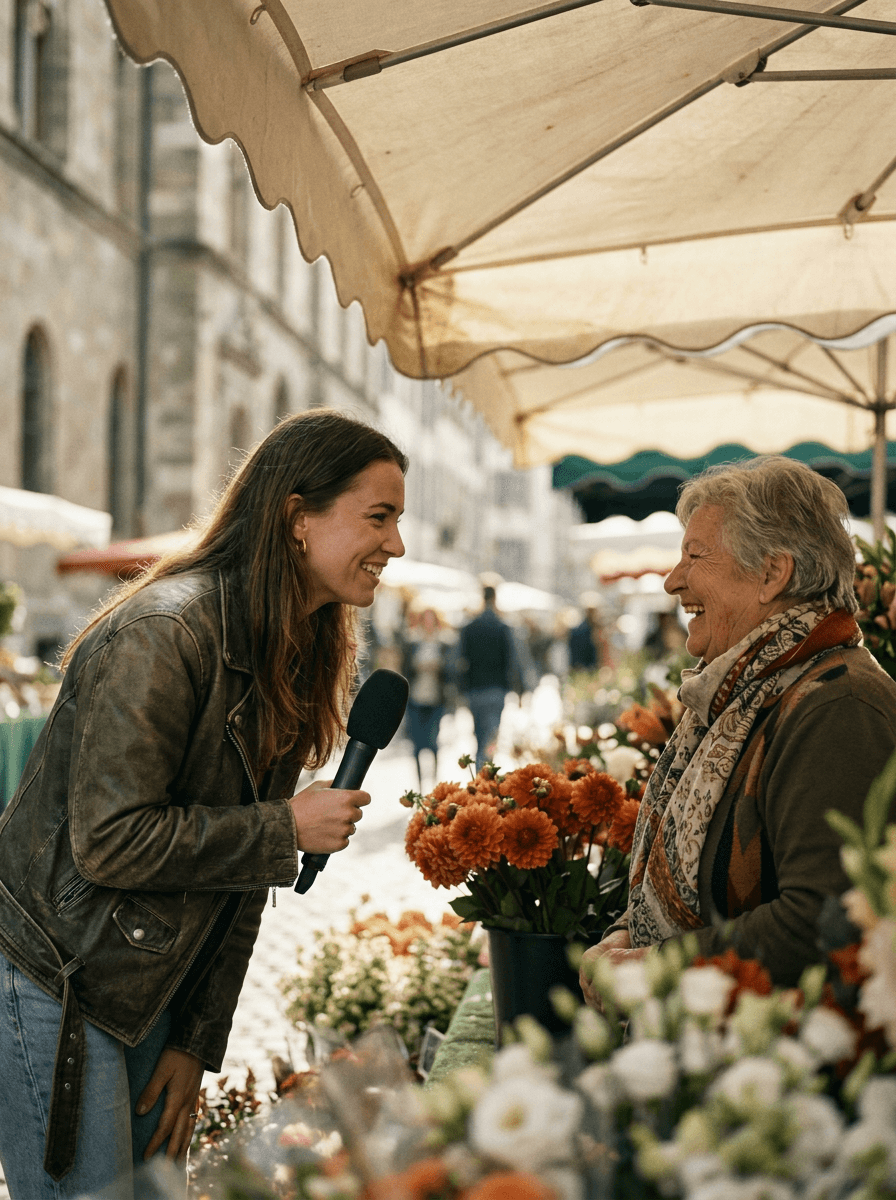
“Cast the scene as a still, then script the dialogue on top of it.”
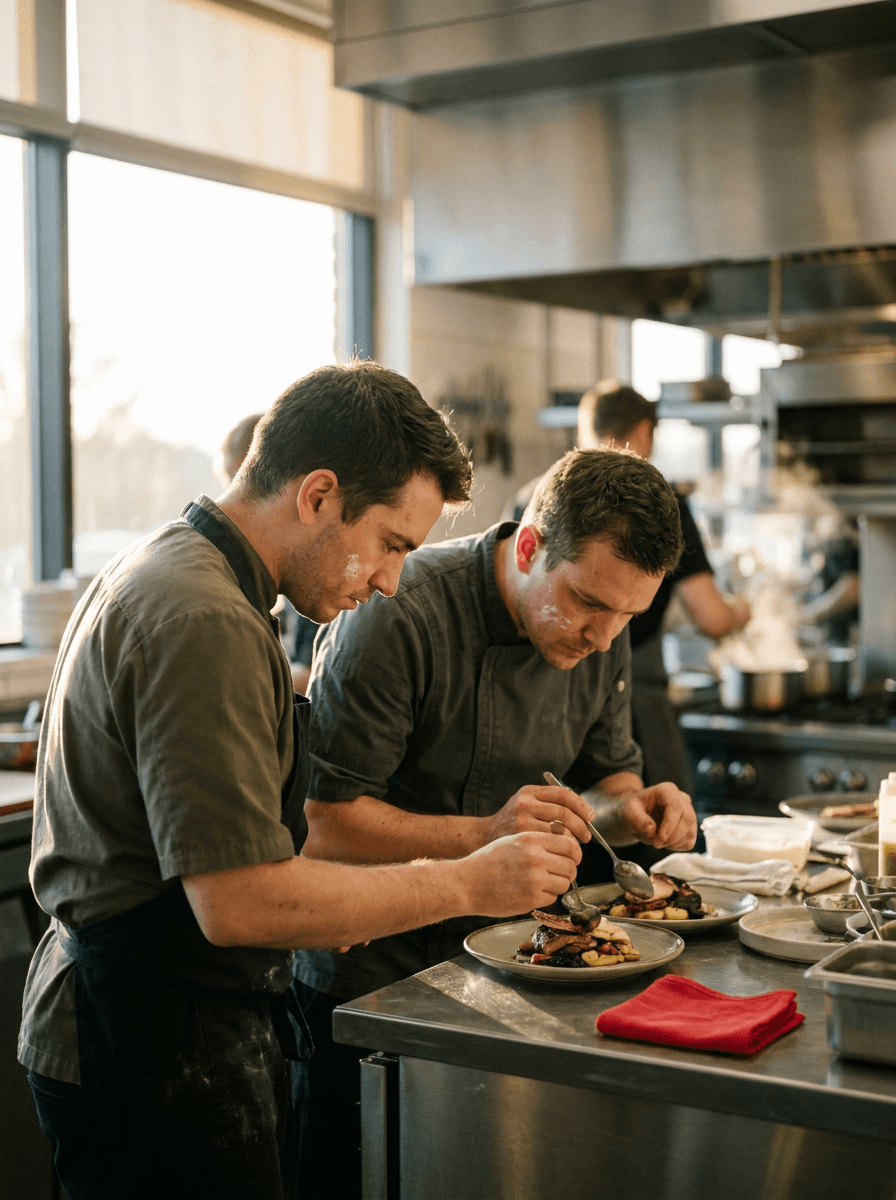
“Plan the framing as a still, then hand the performance to the model.”
These are the controls exposed by Made, which may be narrower than a provider’s full API.
Every generation animates a still — generate one with an image model or upload a photo with the speakers framed the way you want.
Put spoken lines in quotes and note who says what; the model performs them with matching lip movement and vocal delivery.
Describe tone, pacing, gestures, and the environmental sound around the speakers — it is all generated together.
Check lip-sync, delivery, and ambience, then adjust the script or direction one line at a time.
video
Veo 3.1 is Google’s flagship video model, generating 4 or 8 second clips with natively synchronized audio from a text prompt, with optional start and end frames to pin the first and last shot.
Explore model →video
Veo 3.1 Lite is the cost-efficient tier of Google’s Veo 3.1 family, generating 4, 6, or 8 second clips at 720p with natively synchronized audio from a text prompt or a start image.
Explore model →video
Happy Horse 1.1 is Alibaba’s flagship video model — a long-running #1 on the Artificial Analysis Video Arena — generating 3 to 15 second clips at 1080p with native audio and multilingual lip-sync.
Explore model →Turn any image into a captivating video. Upload a photo, describe the motion you want, and watch AI bring it to life with realistic movement, cinematic camera work, and professional quality.
See the tool →Create scroll-stopping product photos and marketing visuals in seconds. Describe your shot, pick your style, and get professional images ready for your store, social feed, or ad campaign.
See the tool →It is Made’s dialogue-tuned route into Google’s Veo 3.1 image-to-video endpoint: the speech, lip movement, vocal performance, and environmental sound are created together with the picture rather than dubbed on afterward.