Dialogue scene
“They talk naturally; one says "So I finally booked the tickets," the other laughs and replies "No way — when do we leave?"”
Every prompt below was generated with Veo 3.1 Native Dialogue in Made, and the output next to it is what came back — not a curated stock image. Copy a prompt as a starting point, then use the guide underneath to adapt it.
Original results
These examples use media produced for Made. Prompts are included when the production record allows them.
“They talk naturally; one says "So I finally booked the tickets," the other laughs and replies "No way — when do we leave?"”
“The reporter asks "What sells out first every morning?" and the vendor grins: "The peonies. Always the peonies."”
“One cook says "Table twelve is yours," the other answers "On it — behind!" as pans clatter around them”

“Use this image as the opening composition.”
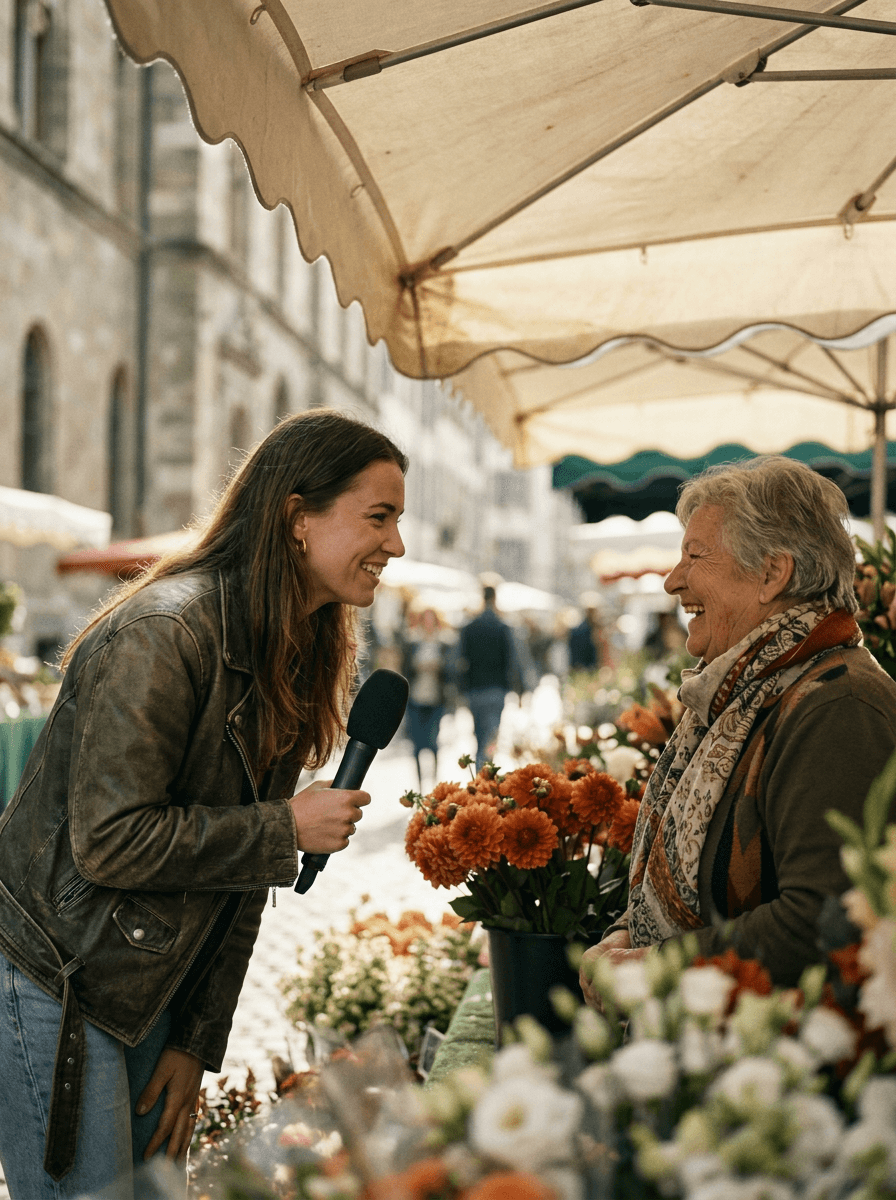
“Cast the scene as a still, then script the dialogue on top of it.”
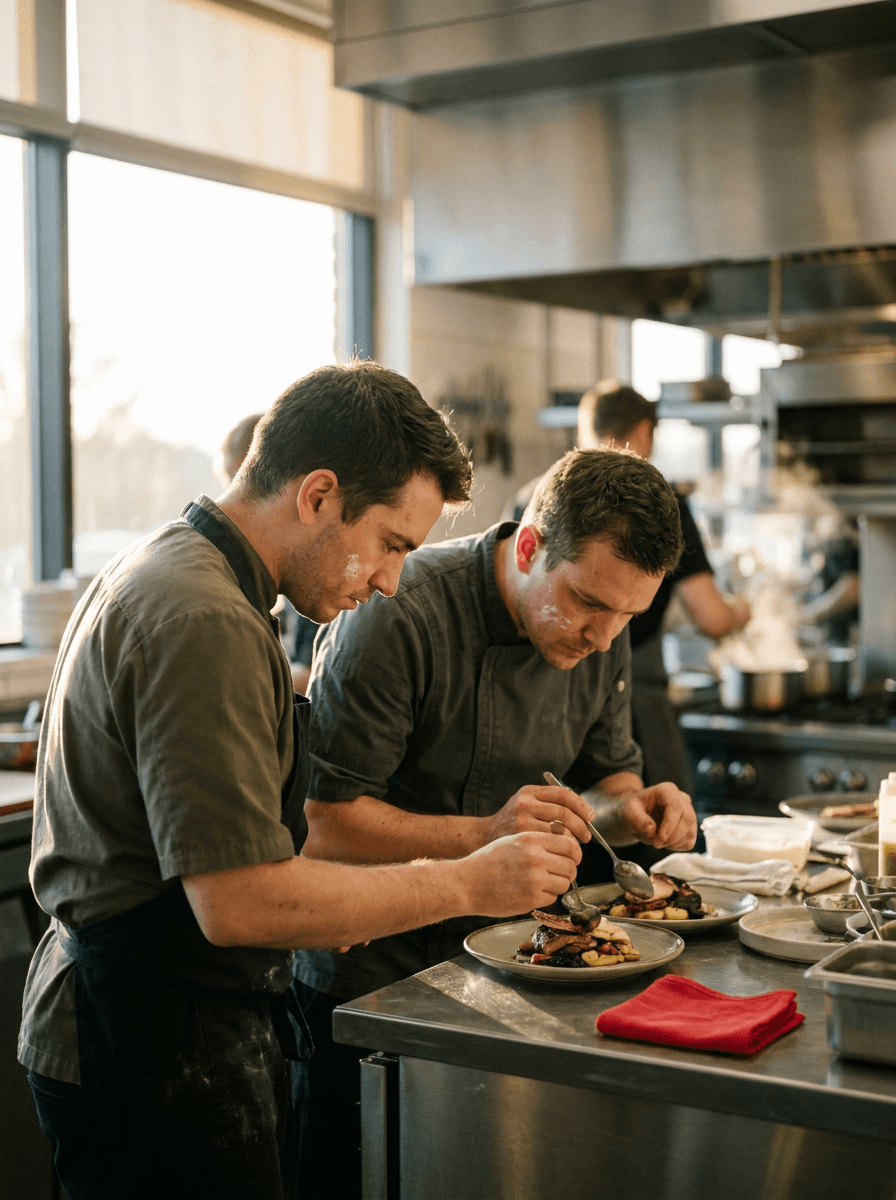
“Plan the framing as a still, then hand the performance to the model.”
Every generation animates a still — generate one with an image model or upload a photo with the speakers framed the way you want.
Put spoken lines in quotes and note who says what; the model performs them with matching lip movement and vocal delivery.
Describe tone, pacing, gestures, and the environmental sound around the speakers — it is all generated together.
Check lip-sync, delivery, and ambience, then adjust the script or direction one line at a time.
Iteration is cheap here: Veo 3.1 Native Dialogue costs 4 credits / second, so rewriting a prompt and rerunning it is a normal part of the workflow, not a budget decision. See the full Veo 3.1 Native Dialogue pricing breakdown.
It is Made’s dialogue-tuned route into Google’s Veo 3.1 image-to-video endpoint: the speech, lip movement, vocal performance, and environmental sound are created together with the picture rather than dubbed on afterward.
More tested prompts across all models live in the prompt library, and the full Veo 3.1 Native Dialogue capability rundown is on the model page.