Every model. In your agent.
Connect Made to Claude, ChatGPT, Cursor or any MCP app, then ask for images and video in plain words. Your agent picks from 107 image and video models and brings the results back to the chat. You sign in once; there’s no API key.
https://mcp.made.app/mcp
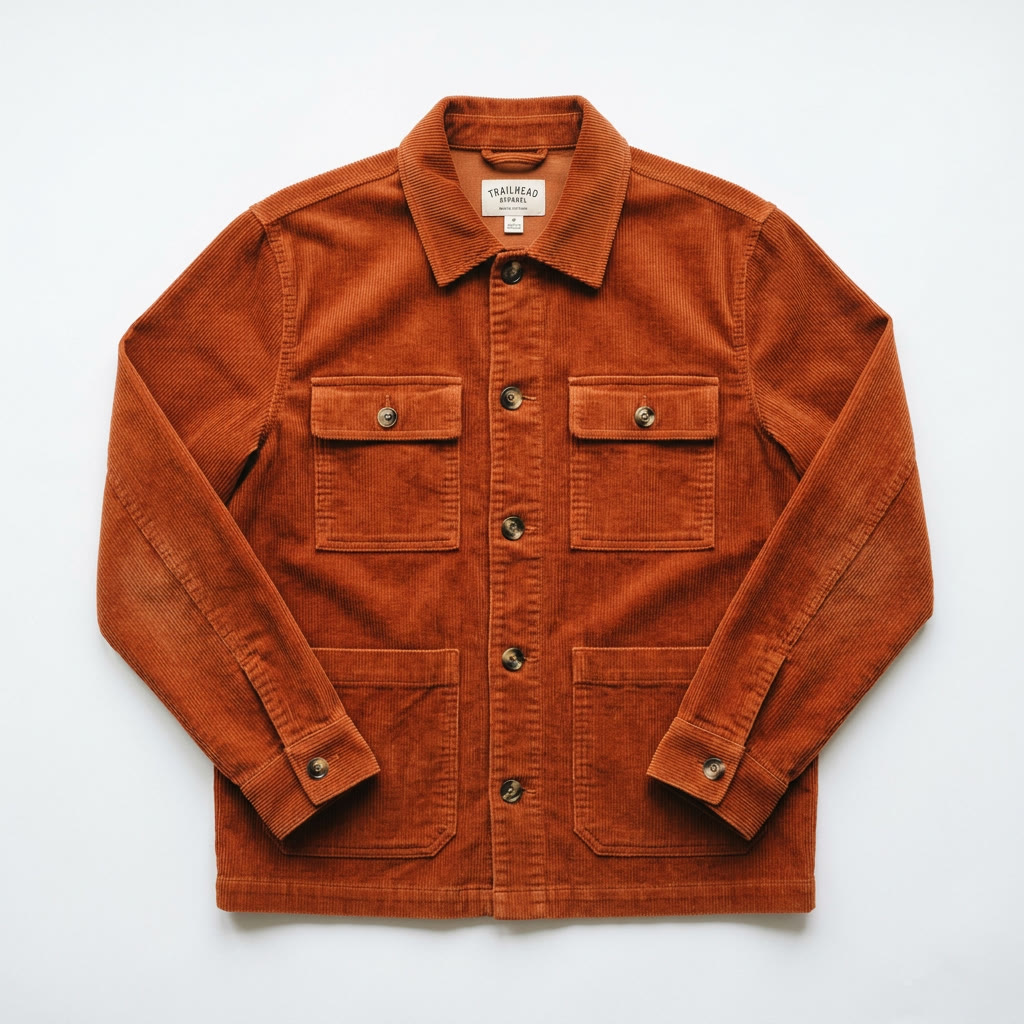
Put him in this jacket, then make a 4-second vertical clip of the look.
I’ll try the jacket on first, then animate the result.
- Made
generate_imageSeedream 5 Pro Edit · 9:16 · 2 referencesRunningDress the man from the first image in the jacket from the second image, worn open over his t-shirt. Keep his face, hair, pose, and the concrete wall exactly the same.
- Made
generate_videoVeo 3.1 Lite · 4s · 9:16RunningHe pulls the jacket collar straight and walks toward the camera. Slight handheld sway, soft street ambience.
Here’s the look, and a 4-second clip made from it. Both are saved to your Made account.

Add Made to your app
Pick your app for the exact steps. They all connect to the same server and sign in with your Made account, so there is no key to manage.
Claude
Claude on the web and Claude Desktop add Made as a custom connector. You sign in with your Made account, so there is no key to paste.
- 1
Open Settings → Connectors and choose Add custom connector.
- 2
Name it Made and paste the server URL.
Server URL https://mcp.made.app/mcp - 3
Click Connect, then sign in with your Made account.
ChatGPT
Add Made as a custom MCP plugin in ChatGPT. Sign in with your Made account to use image and video tools in a chat.
Open ChatGPT Plugins- 1
In ChatGPT Plugins, select + → Add custom MCP server. Name it Made, paste this URL, and choose OAuth.
Server URL https://mcp.made.app/chatgpt/mcp - 2
Review the connection warning, select Create as a plugin, and sign in with your Made account.
- 3
Install the plugin. In a new chat, type @ and select Made, then ask for an image or video.
Cursor
One click adds Made to Cursor. Cursor opens, confirms the server and runs the Made sign-in.
Add to Cursor- 1
Click Add to Cursor, or add the server yourself in Settings → MCP → Add new MCP server.
- 2
To set it up by hand, add this to your mcp.json:
mcp.json { "mcpServers": { "made": { "url": "https://mcp.made.app/mcp" } } } - 3
Sign in with Made when Cursor opens the sign-in page.
Claude Code
Add Made from your terminal. Claude Code runs the sign-in the first time you use it.
- 1
Run this in your terminal:
Terminal claude mcp add --transport http made https://mcp.made.app/mcp - 2
The first time you use it, approve the connection and sign in with Made in your browser.
VS Code
GitHub Copilot in VS Code works with remote MCP servers. Add Made once and use it in Agent mode.
- 1
Run this in your terminal, or use the Command Palette → MCP: Add Server.
Terminal code --add-mcp "{\"name\":\"made\",\"type\":\"http\",\"url\":\"https://mcp.made.app/mcp\"}" - 2
Open Copilot Chat in Agent mode and sign in with Made when asked.
Windsurf & Cline
Apps that only start local command servers connect through mcp-remote, an open-source bridge to the same server. The Made sign-in still opens in your browser.
- 1
Add Made to your MCP config (Windsurf: mcp_config.json, Cline: cline_mcp_settings.json):
MCP config { "mcpServers": { "made": { "command": "npx", "args": [ "-y", "mcp-remote", "https://mcp.made.app/mcp" ] } } } - 2
Reload your MCP servers, then sign in with Made when the browser opens.
Using another app? Anything that supports remote MCP servers connects with the URL.
https://mcp.made.app/mcpWhat your agent can make
Every example is a real output from the models named under it. Ask your agent for the same thing and it runs the same models.

Nano Banana 2 
Seedream 5 Pro 
GPT Image 2.5 Flare 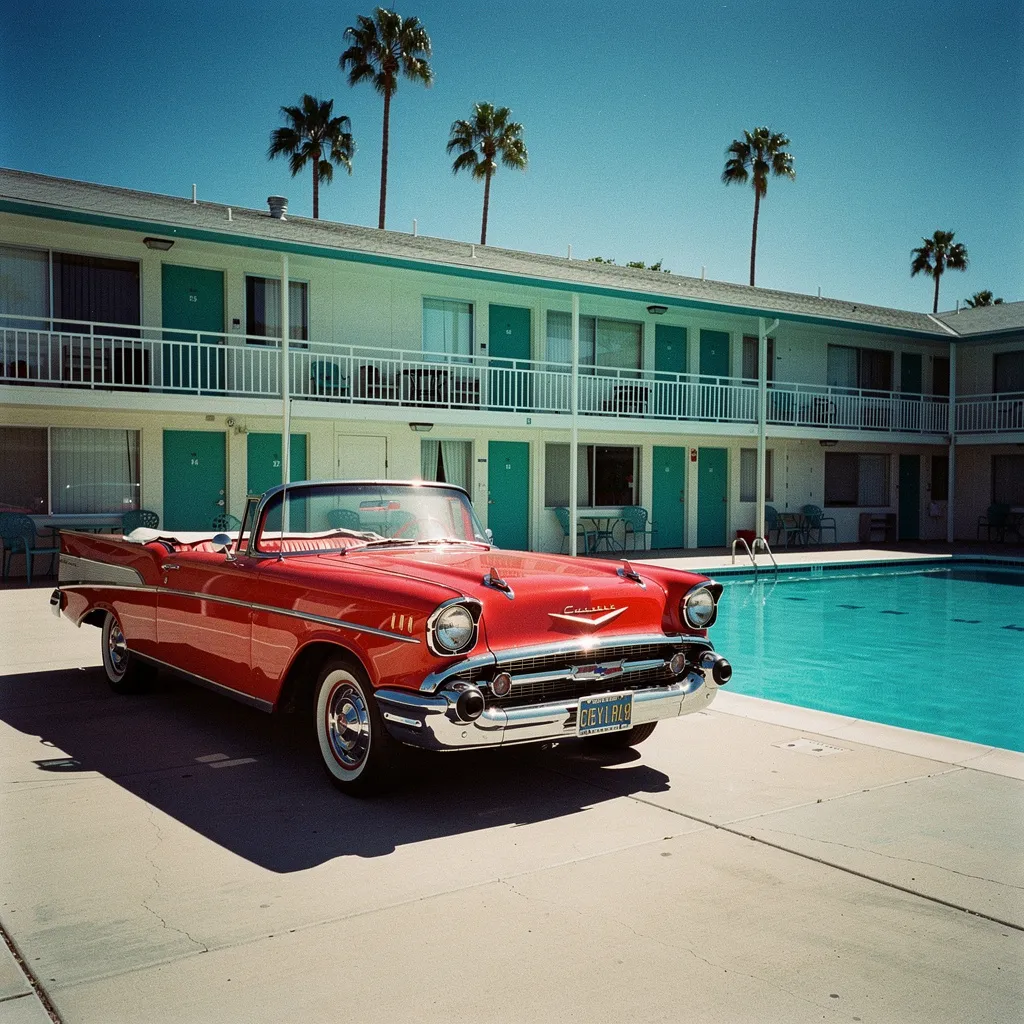
FLUX 2 Pro Images from any model
Ask for an image and your agent picks the model, or name the one you want. This prompt went to four at once.
Nano Banana 2, Seedream 5 Pro, GPT Image 2.5 Flare, FLUX 2 Pro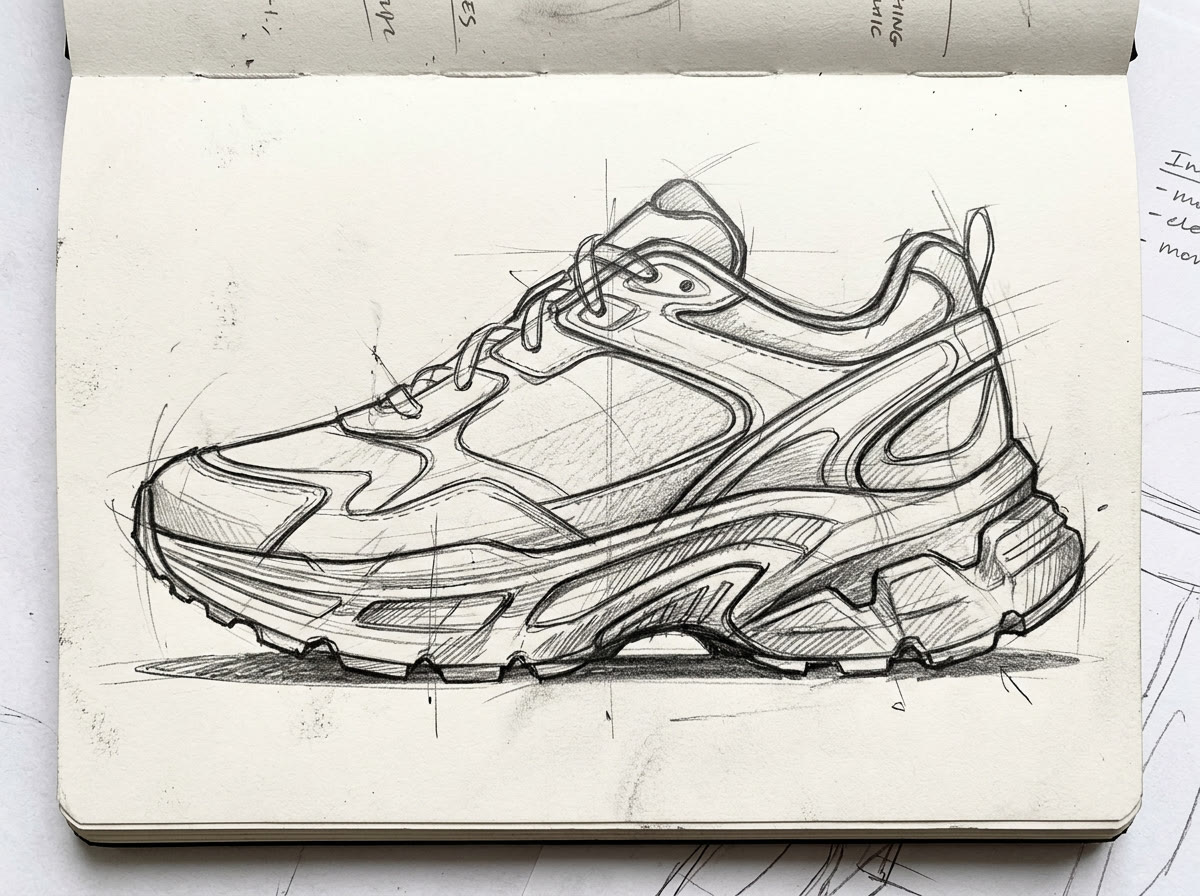
Sketch 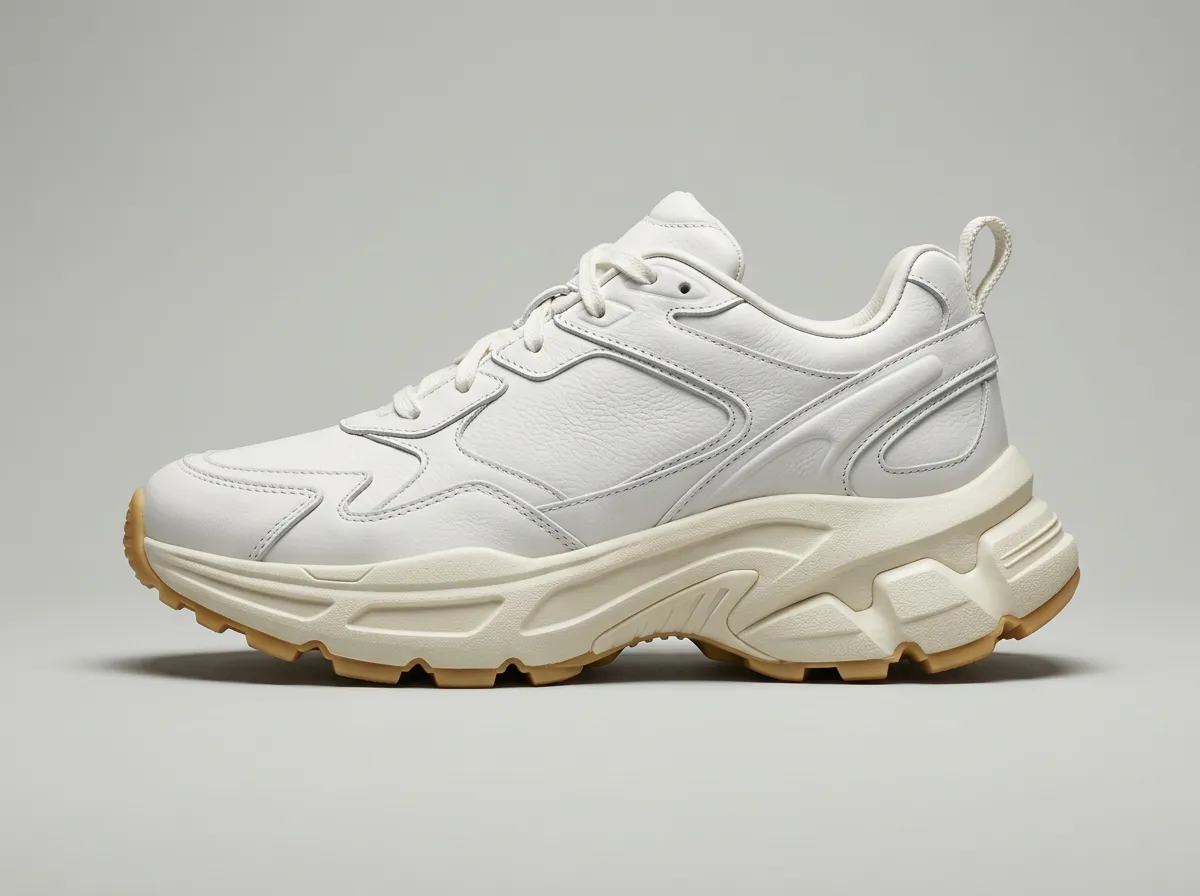
Leather Edits from your own photos
Hand over a photo, a sketch or an earlier result as the reference and say what should change.
Nano Banana 2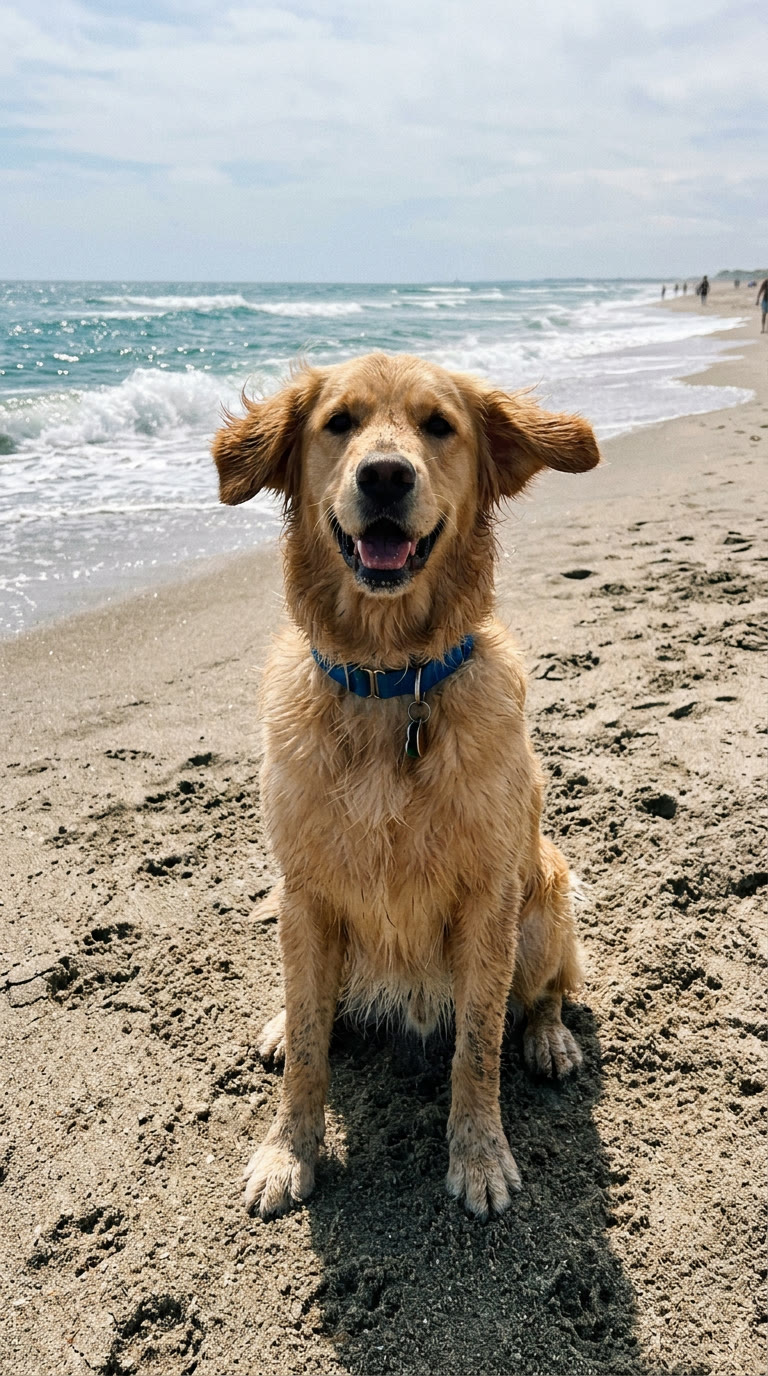
Photo 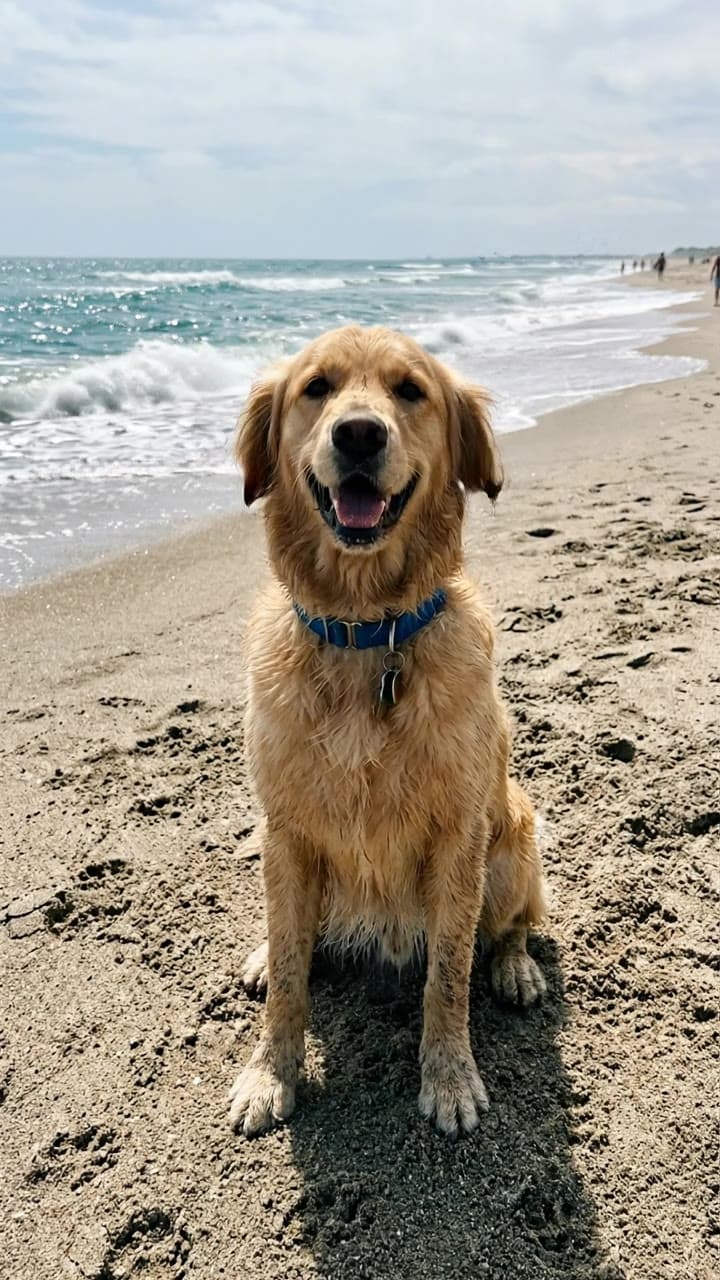
Video Video from a photo or a prompt
Your agent sets the start frame, the length and the shape, on Veo, Kling, Seedance or any other video model.
Veo 3.1 Lite
Expand to any shape
Grow a photo past its edges for a banner, a story or a wide hero. The new area continues the scene.
FLUX.2 Pro Outpaint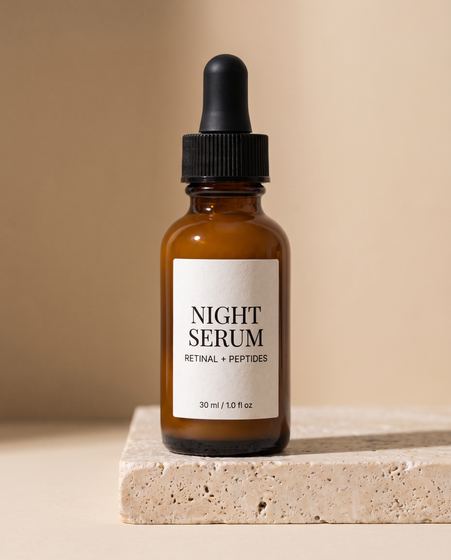
Original, 451 px 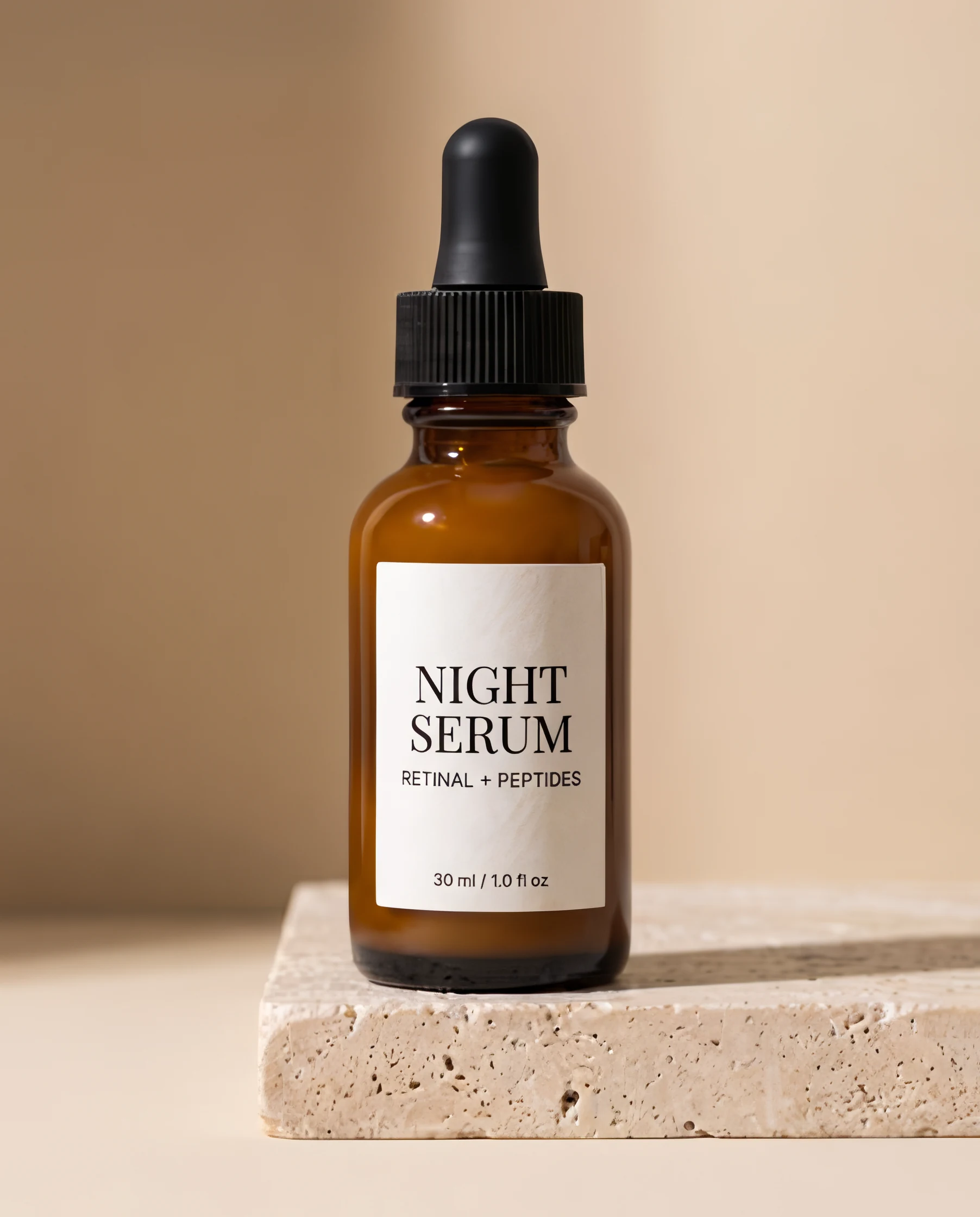
Text & logos 4× Upscale down to the small print
Run any image through Topaz for a file four times larger, with label text that stays sharp.
Topaz Image Upscale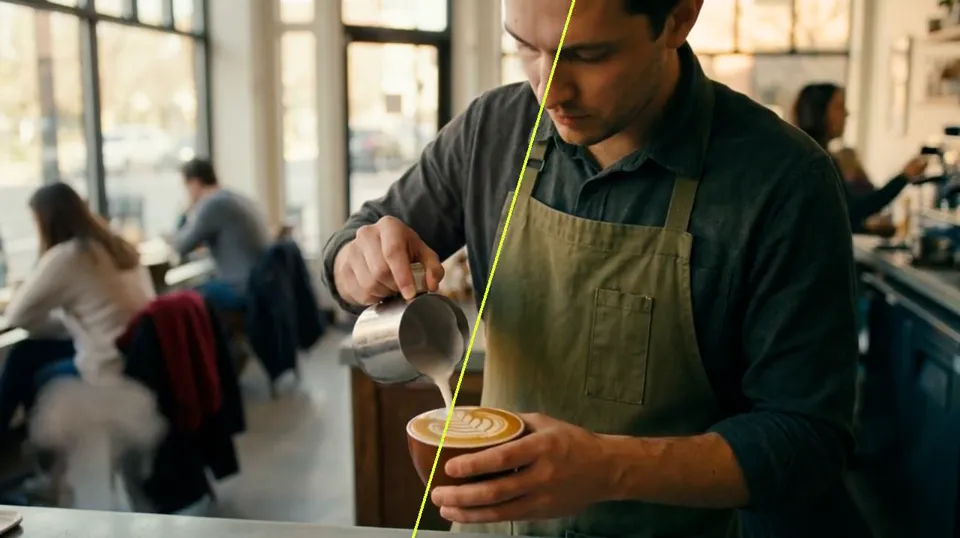
Teal & orange 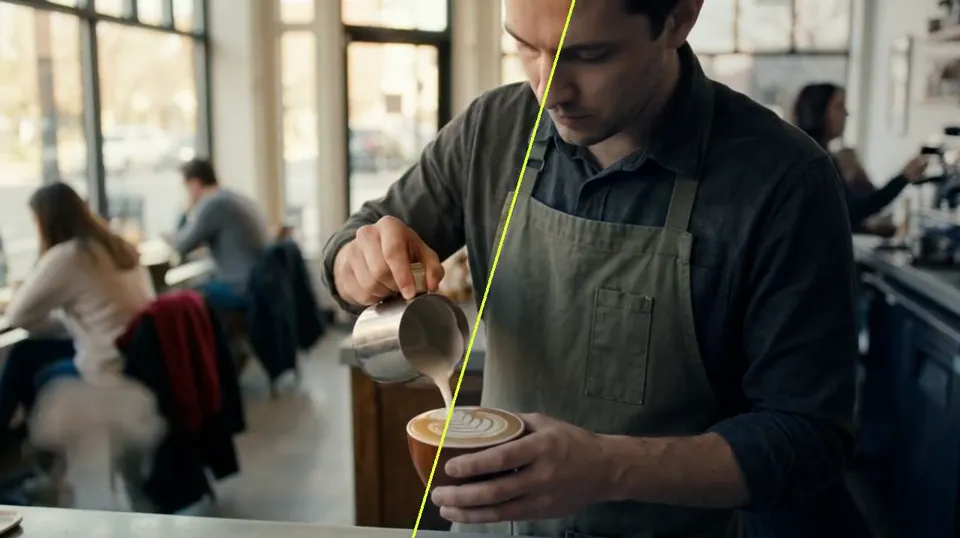
Moonlight 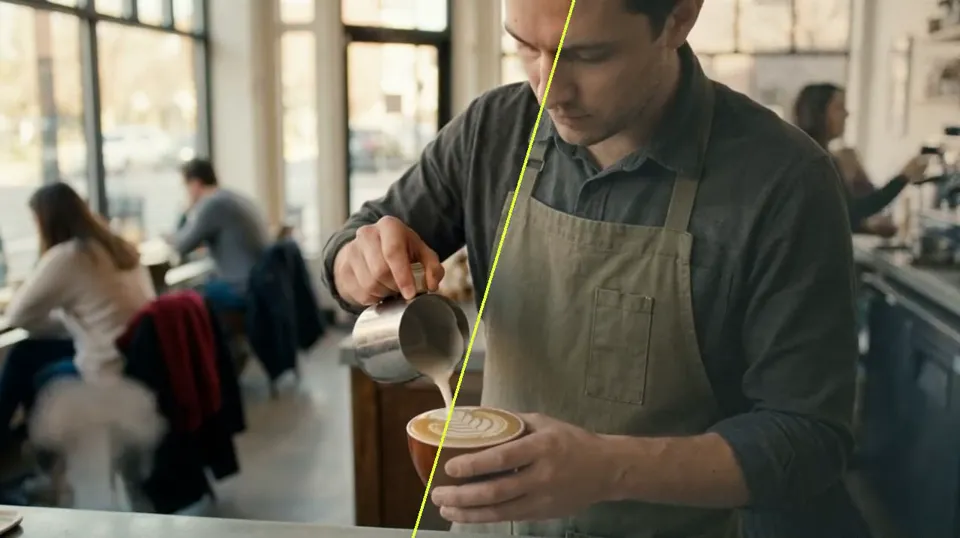
Faded film 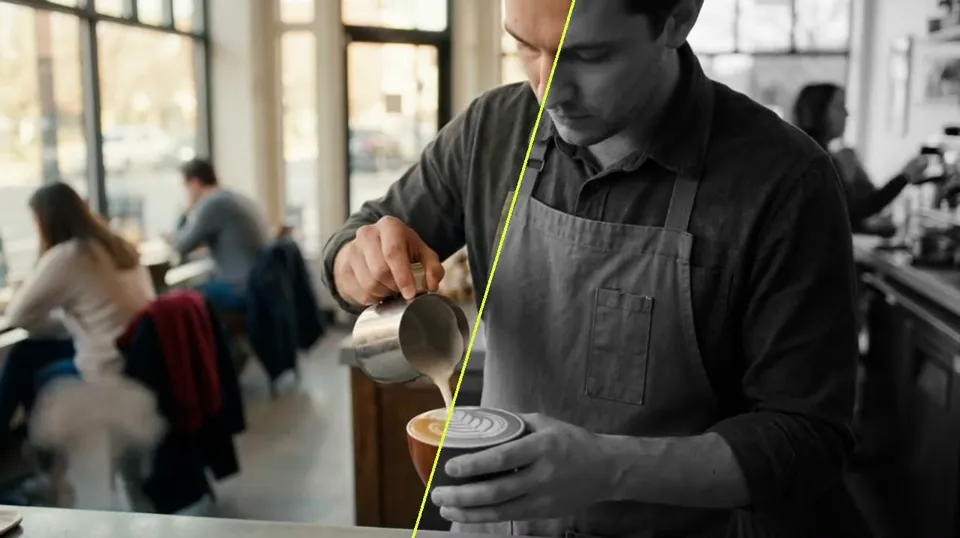
B&W film Color grades, with the LUT
Name a look or hand over a still to match. Your agent grades the photo or clip and gives back a LUT for your editor.
Made Color GradingColor Grading
Every model, one connector
43 image and 64 video models. Your agent can list them, compare them for a job and pick one.
Still have questions?
The URL, signing in, paying and the apps that work.
What URL do I add to my app?
https://mcp.made.app/mcp. Every app connects to this one server, and it works with any MCP client that supports remote servers.
Do I need an API key?
No. You sign in with your Made account when your app connects. Keys are only for your own code calling the Made API.
What can my agent do with Made?
Make images and videos with any of Made’s 107 image and video models, use your photos and earlier results as references, expand images, change a video’s aspect ratio, check prices and your balance, and list what you have made. It can also make UGC video ads for your products, post them to your ad account paused, and read how they’re doing.
How does paying work?
Each generation uses your Made credits at the model’s price, the same as everywhere else on Made. Your agent can check the price before it runs anything, and failed generations are refunded.
Can it use my own photos?
Yes. Your agent can pass a link to an image, open an uploader for a file on your device, or start from something it made earlier.
Where do my results go?
Every image and video is saved to your Made account. Your agent gets them back in the chat and can list your recent generations.
My app only runs local command servers. What do I do?
Use mcp-remote, an open-source bridge: set the command to npx -y mcp-remote https://mcp.made.app/mcp. It connects your app to the same server, and the Made sign-in still opens in your browser.
Is this the same as the Made API?
It runs on the same service, with the same models and prices. Use the connector from an AI app, and the API with a key when you write your own code.
Paste one URL. Ask for anything.
Connect Made once and your agent can make images and video with every model on Made. Every generation is priced in credits first.