Input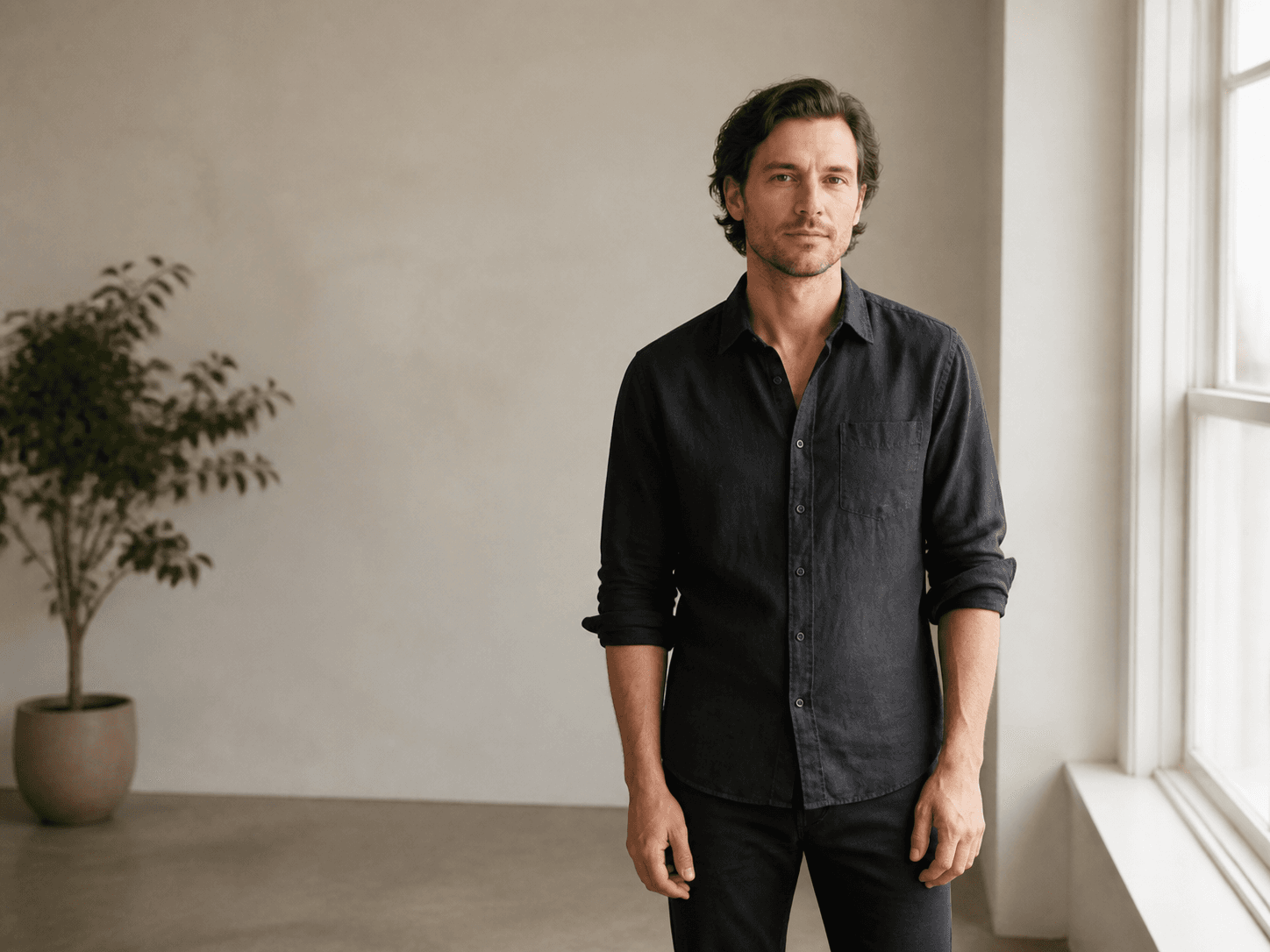
Output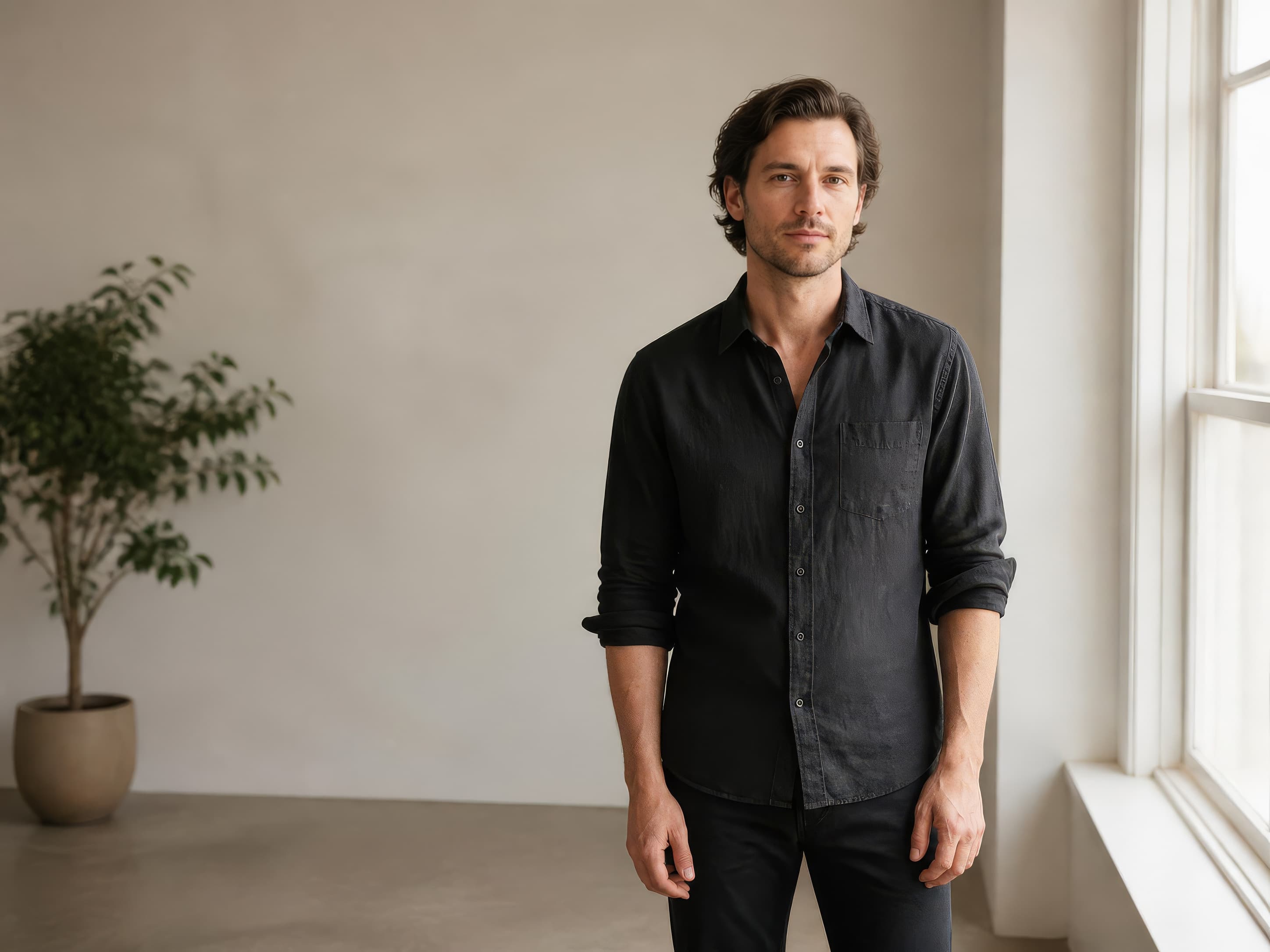
Topaz Labs · image model
0.8 credits / image · every plan · price breakdown · API playground
Add the image to upscale and pick 2× or 4× — no prompt needed.
Made with Topaz Image Upscale · Portrait at 2×
Topaz Image Upscale runs Topaz Labs’ precision upscaling models — the professional standard for enlargement — recovering real detail at 2× or 4× from a single input image, no prompt required.
Original results
These examples use media produced for Made. Prompts are included when the production record allows them.
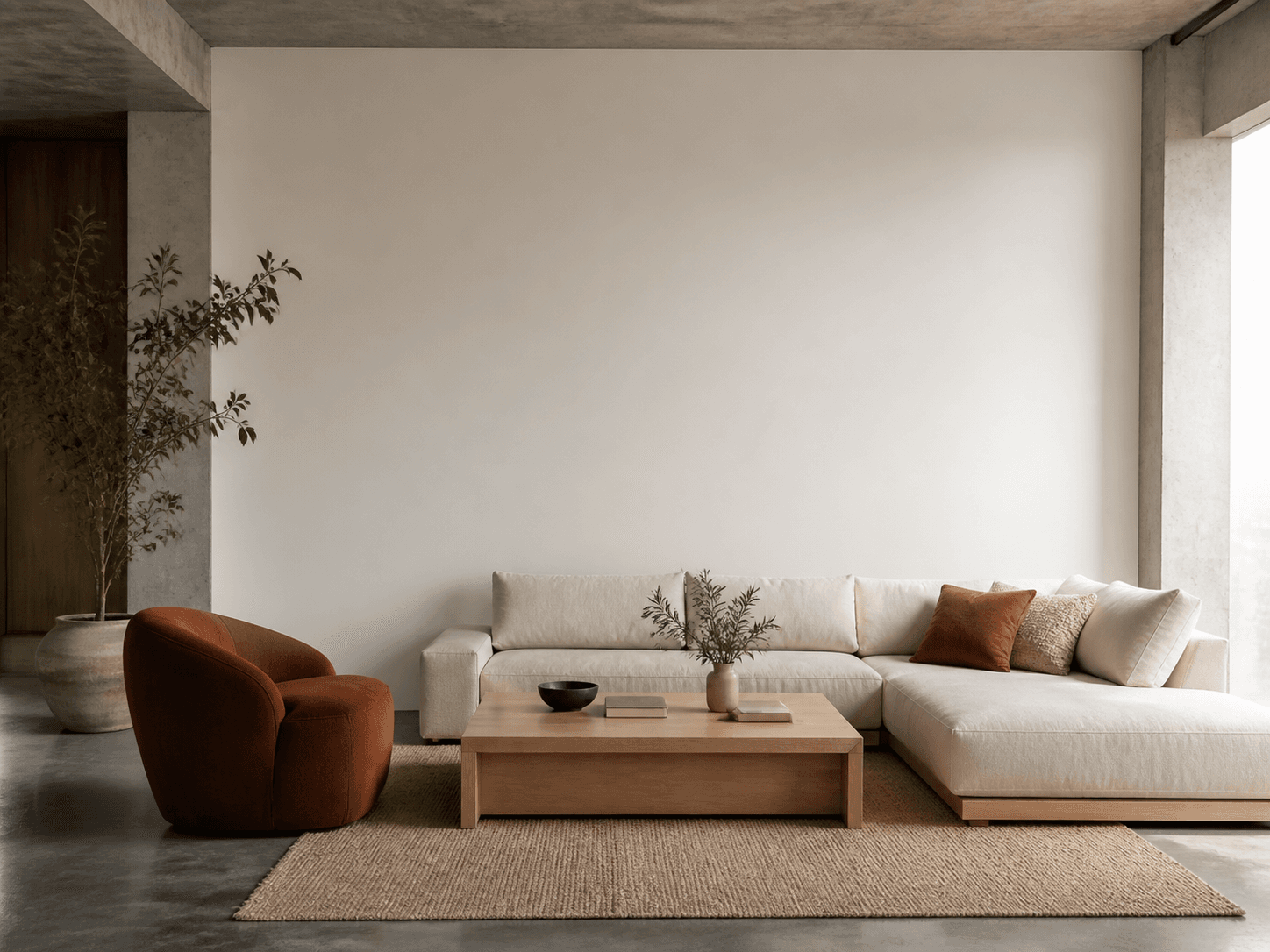
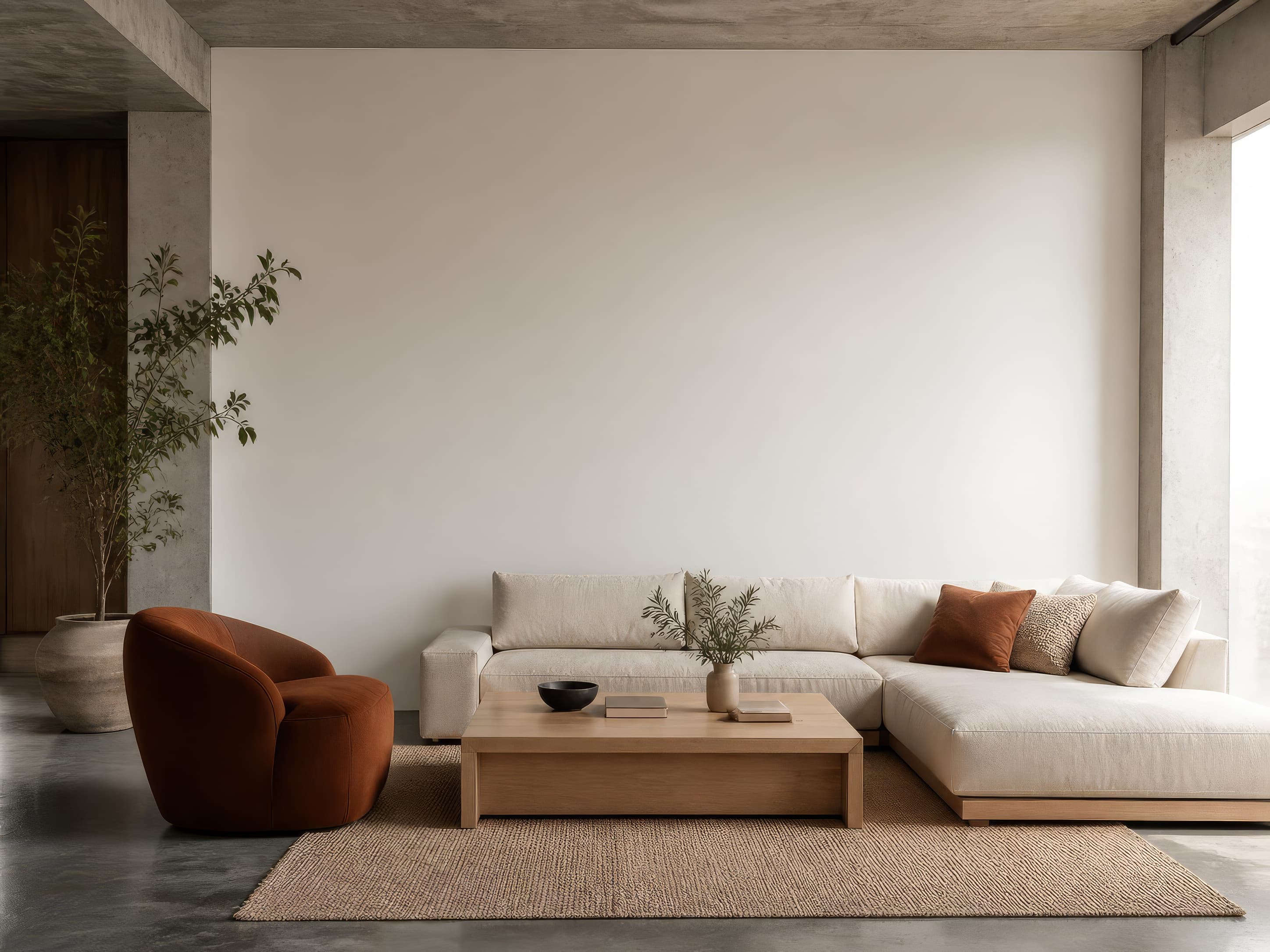
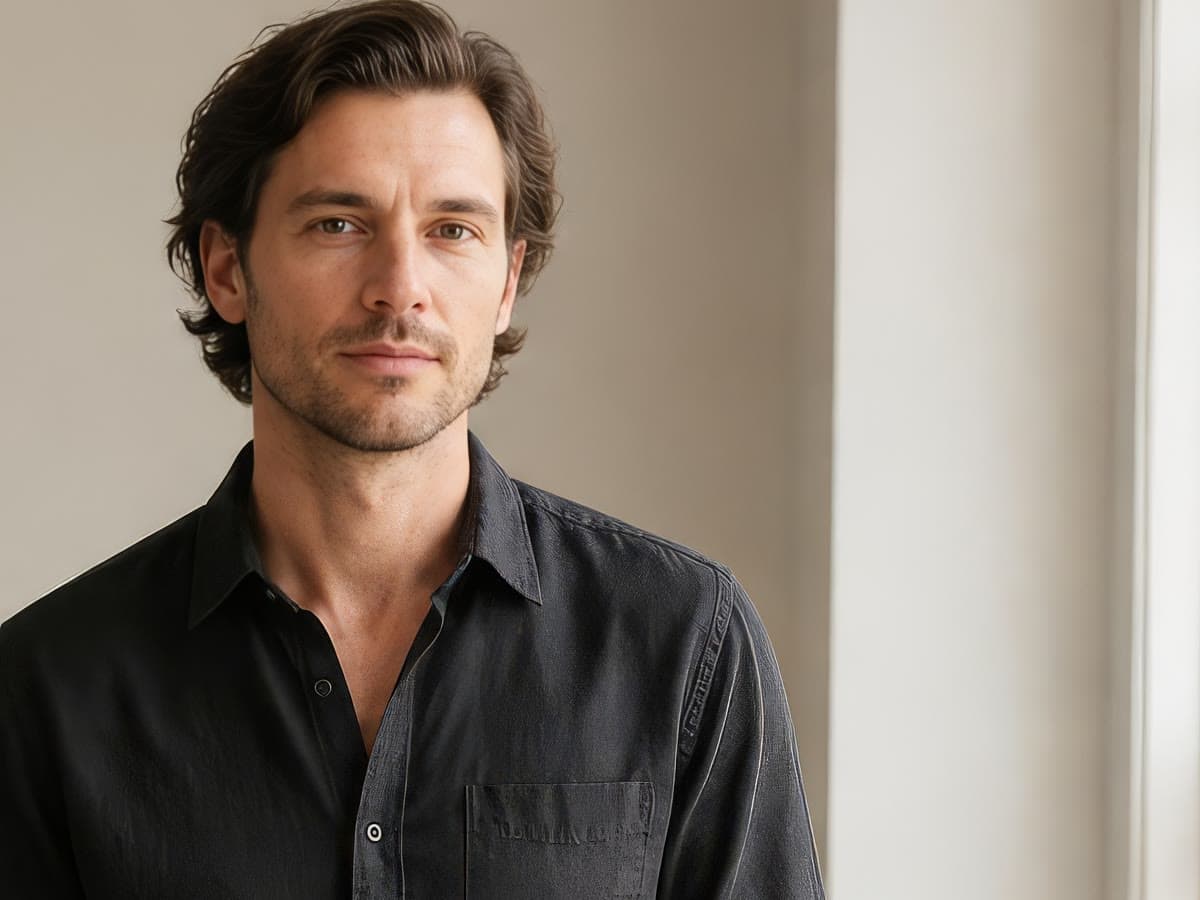
These are the controls exposed by Made, which may be narrower than a provider’s full API.
Upload the photo or generation to enlarge — there is no prompt to write.
Choose 2× for finished images or 4× for small, low-quality sources.
Cost scales with output megapixels; Made shows the exact price before you run it.
The output keeps the input’s framing at the new resolution, ready for print or delivery.
video
SeedVR2 is ByteDance’s video restoration model, upscaling any clip 2× or 4× with temporal consistency — frames stay coherent instead of flickering — from a single video input, no prompt required.
Explore model →image
Restore Image is a focused Made workflow for reducing scratches, fading, and visible damage while preserving the recognizable people and composition in a source photo.
Explore model →image
Seedream 5 Pro Edit is the editing tier of ByteDance’s flagship Seedream 5 Pro, changing only what you ask — backgrounds, colors, objects, wardrobe — while preserving everything else, with up to 10 reference images per request.
Explore model →Enlarge photos 2× or 4× with Topaz and get the detail back, or upscale video with SeedVR2 or FLUX 3. Drop a file to see the exact price before you pay.
See the tool →Skip the complex menus and toolbars. Edit Images With Text Prompts. Our AI photo editor understands what you want. Type "remove the background" or "make it brighter" and watch it happen instantly.
See the tool →Extend any photo beyond its edges. Pick a new aspect ratio or zoom out, and AI fills in the scene around your original photo.
See the tool →It runs the precision upscaling models from Topaz Labs — the company behind Gigapixel, the long-standing professional standard — enlarging images 2× or 4× while recovering real detail.