Input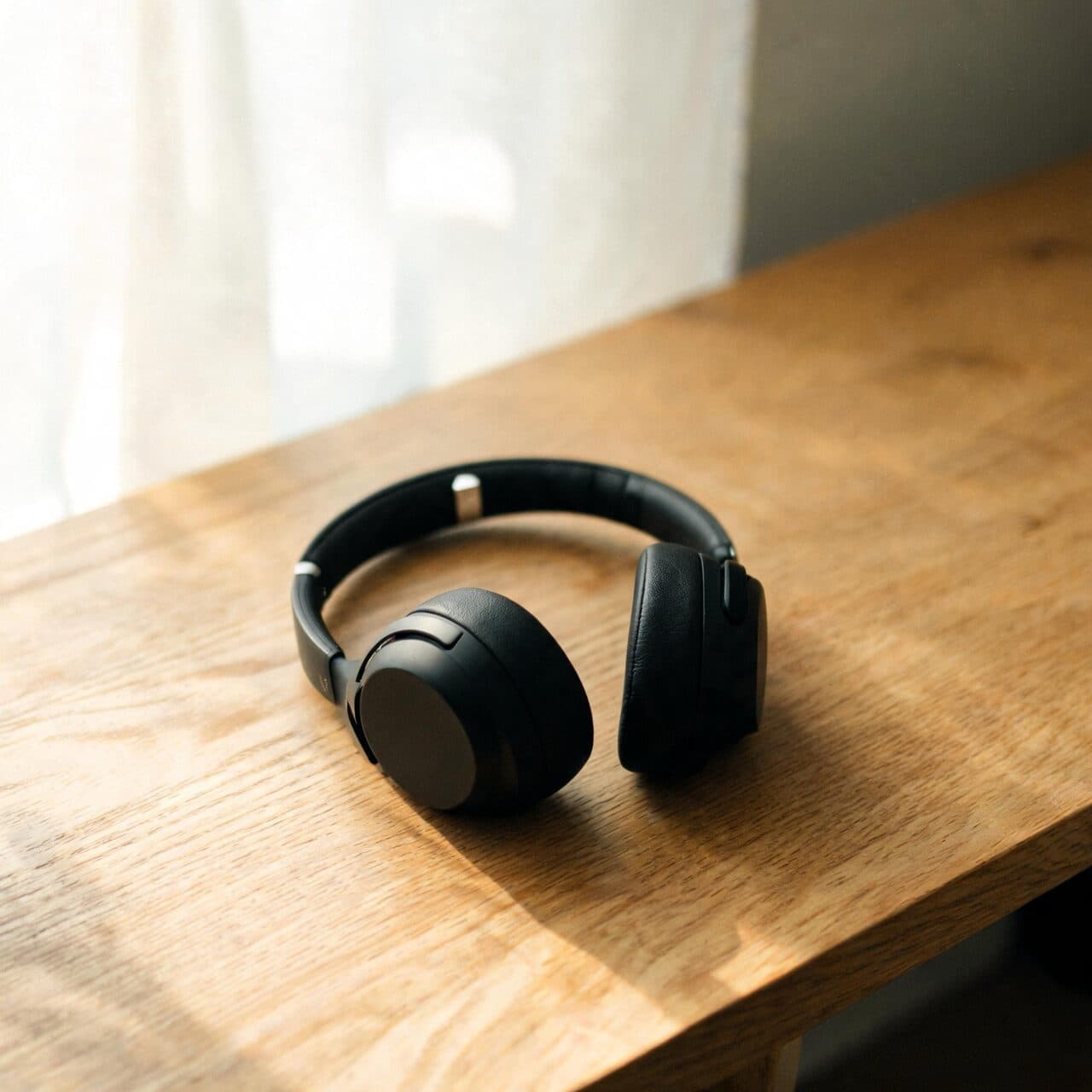
Output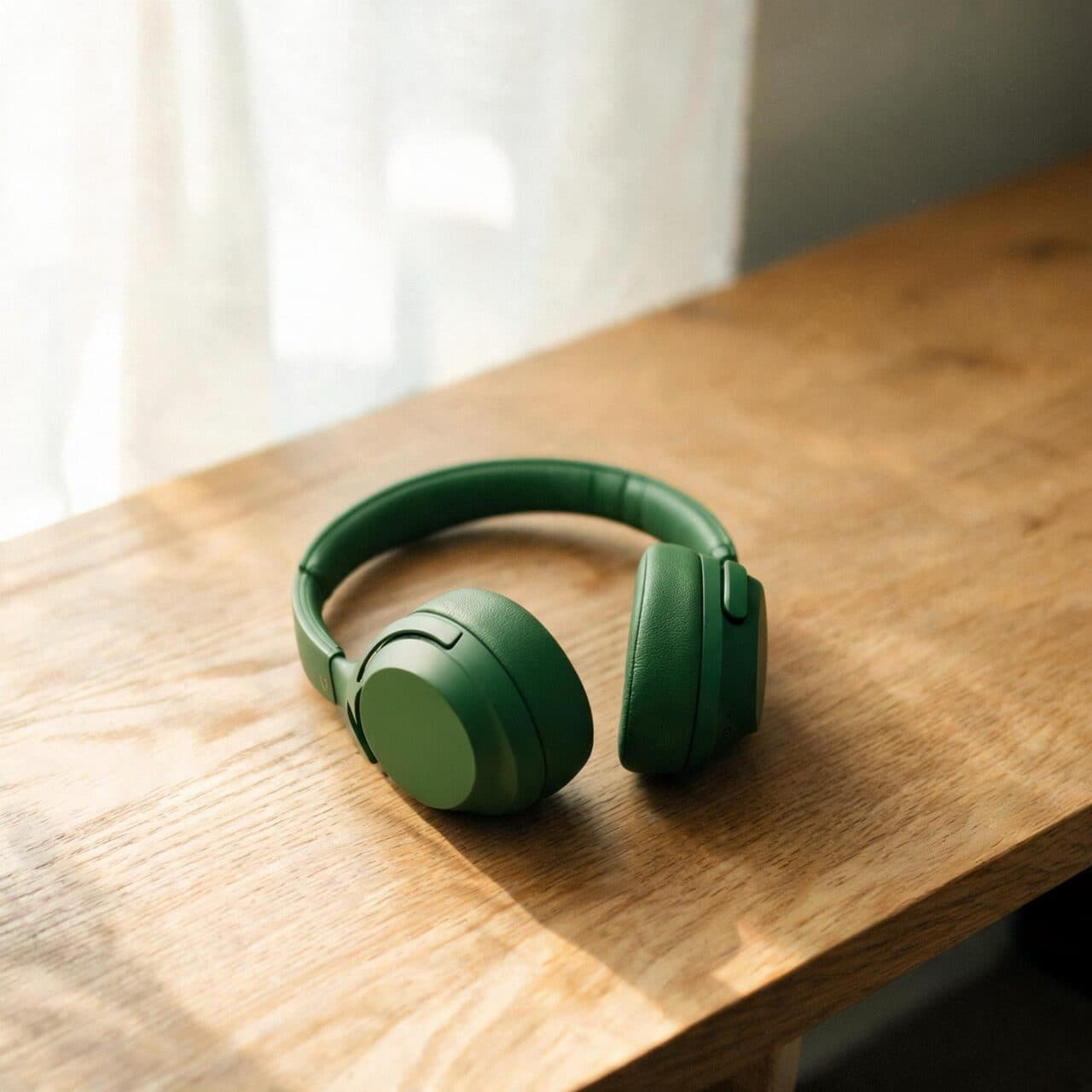
Seedream 5 Pro Edit: Product color edit
“Change only the headphones to matte forest green. Keep their shape, the desk, light and shadows unchanged.”
ByteDance · image model
0.7 credits / image · every plan · price breakdown · API playground
Add the image to edit — plus optional references — and describe the change.
Made with Seedream 5 Pro Edit · Product color edit
Seedream 5 Pro Edit is the editing tier of ByteDance’s flagship Seedream 5 Pro, changing only what you ask — backgrounds, colors, objects, wardrobe — while preserving everything else, with up to 10 reference images per request.
Original results
These examples use media produced for Made. Prompts are included when the production record allows them.
“Change only the headphones to matte forest green. Keep their shape, the desk, light and shadows unchanged.”
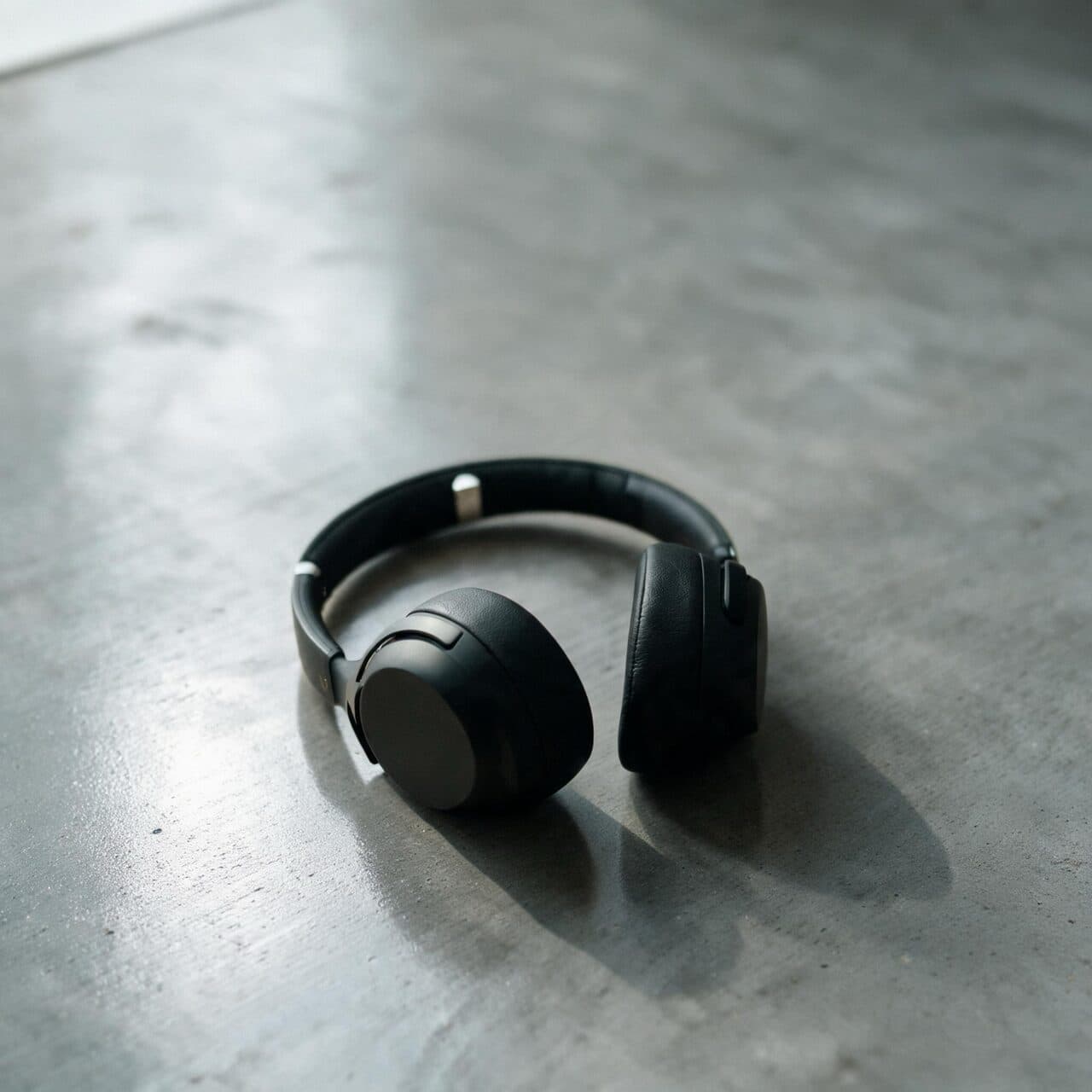
“Replace only the oak desk and background with polished grey concrete. Keep the headphones and lighting unchanged.”
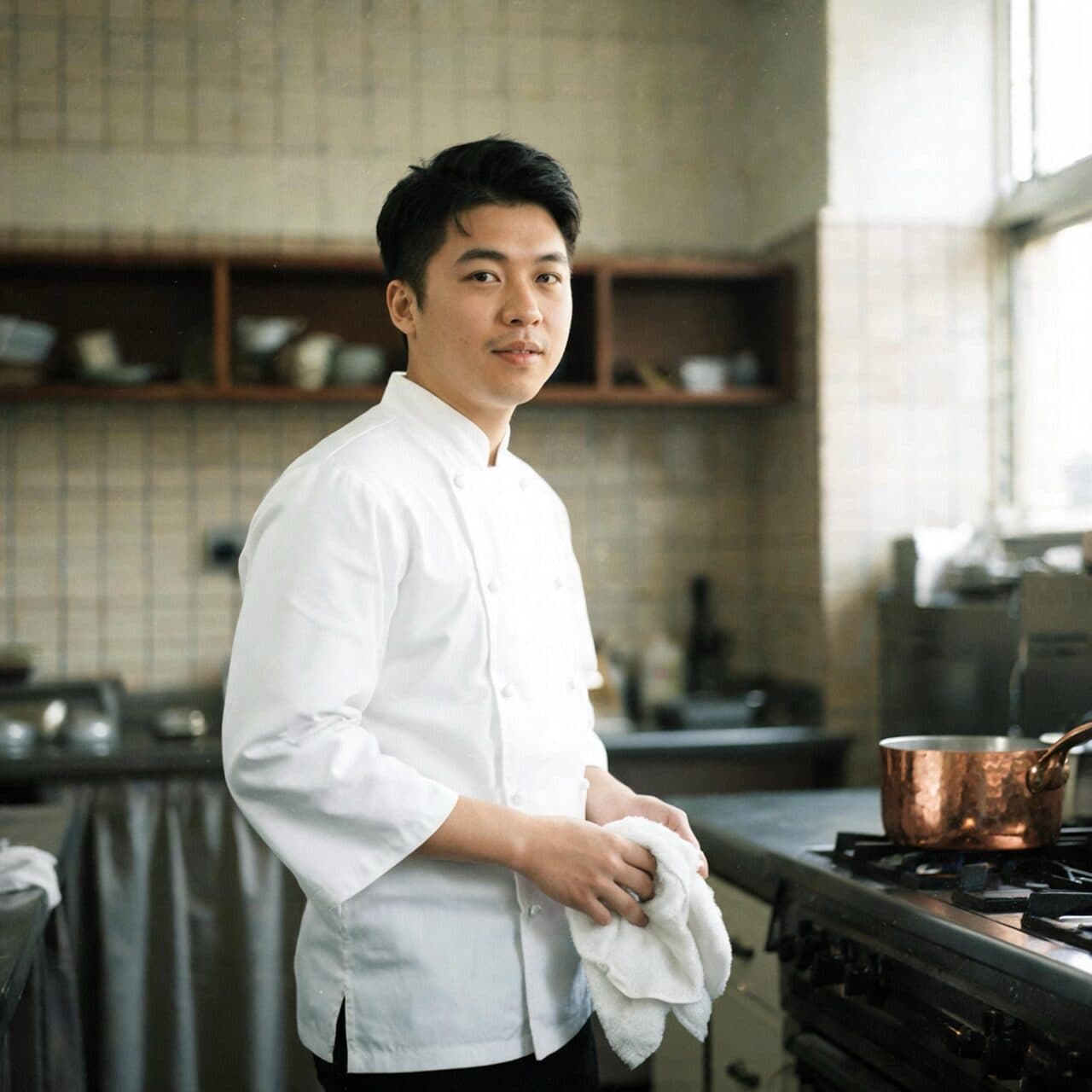
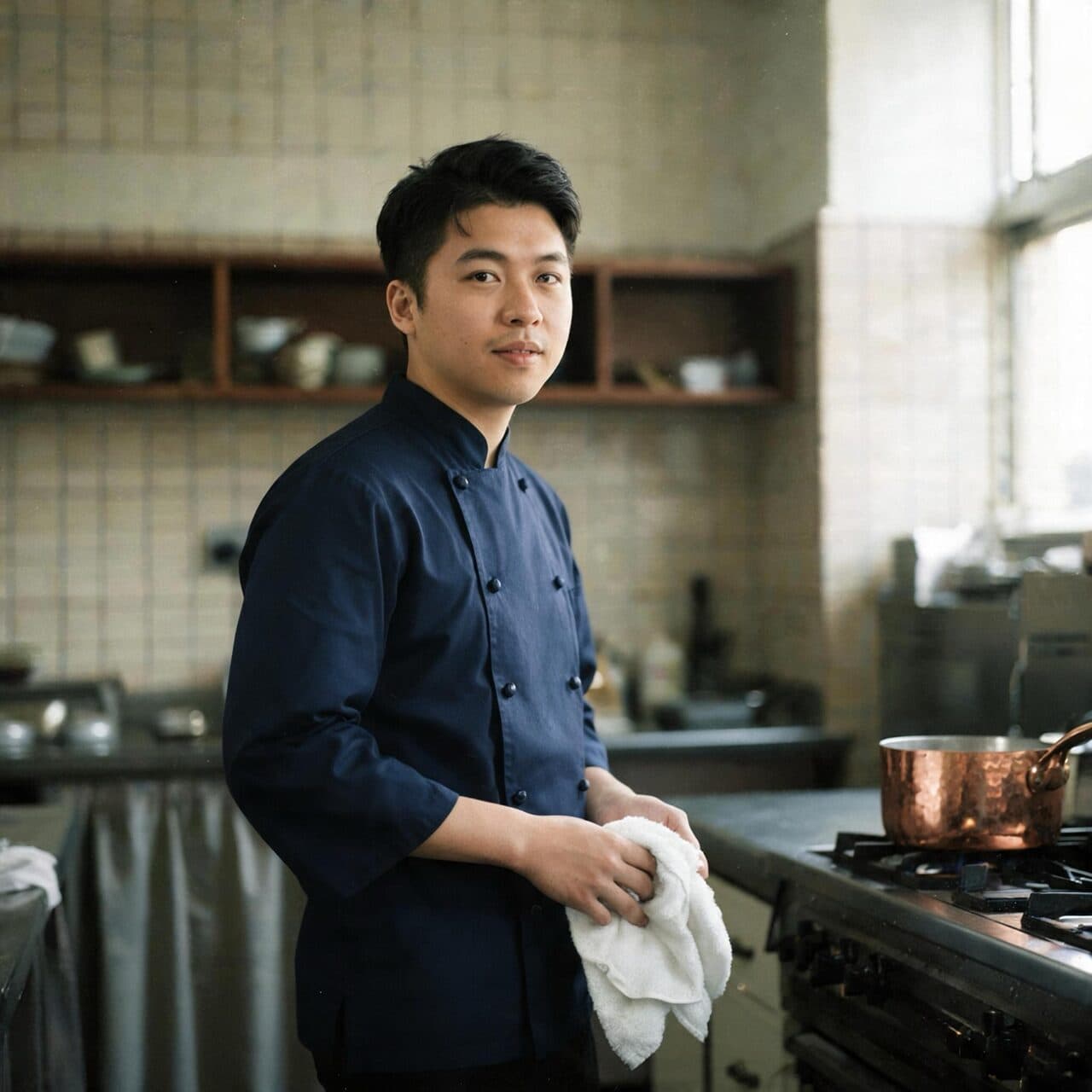
“Change only the white chef jacket to a navy chef jacket. Keep the chef’s face, pose, kitchen and light unchanged.”

“Change only the background to a busy restaurant pass with plates under heat lamps. Keep the chef unchanged.”
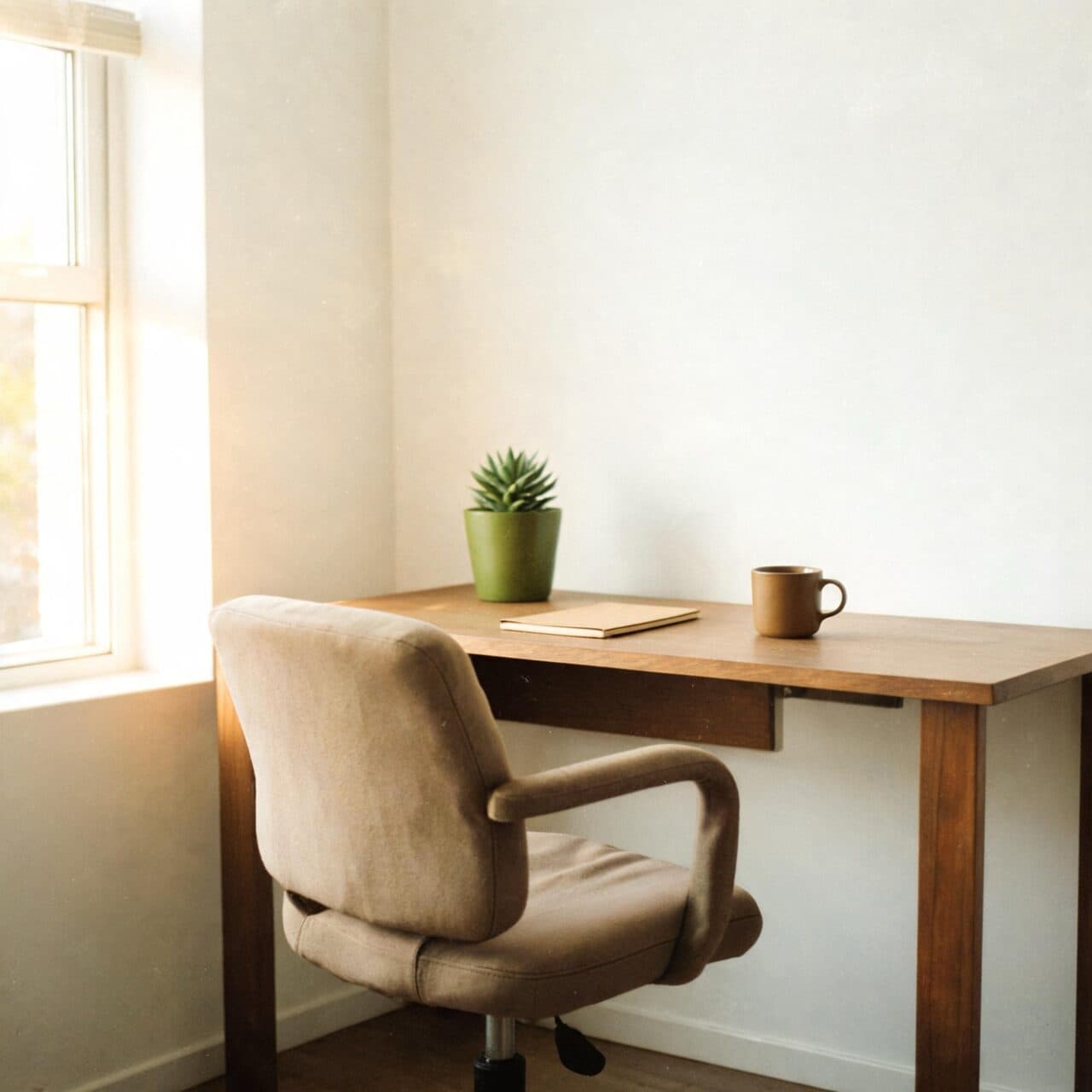
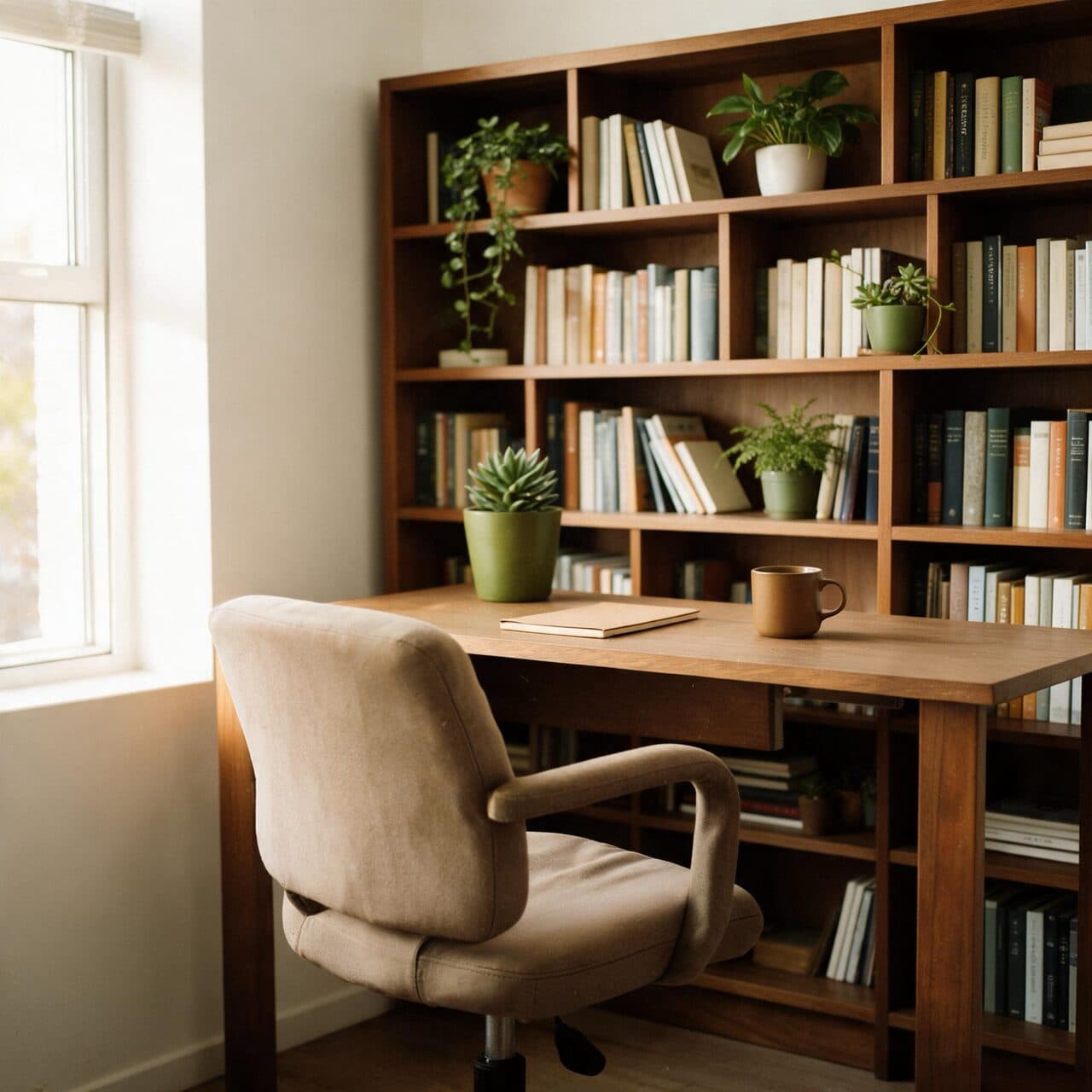
“Add a full walnut bookshelf with books and plants along the back wall. Keep the desk, chair and light unchanged.”
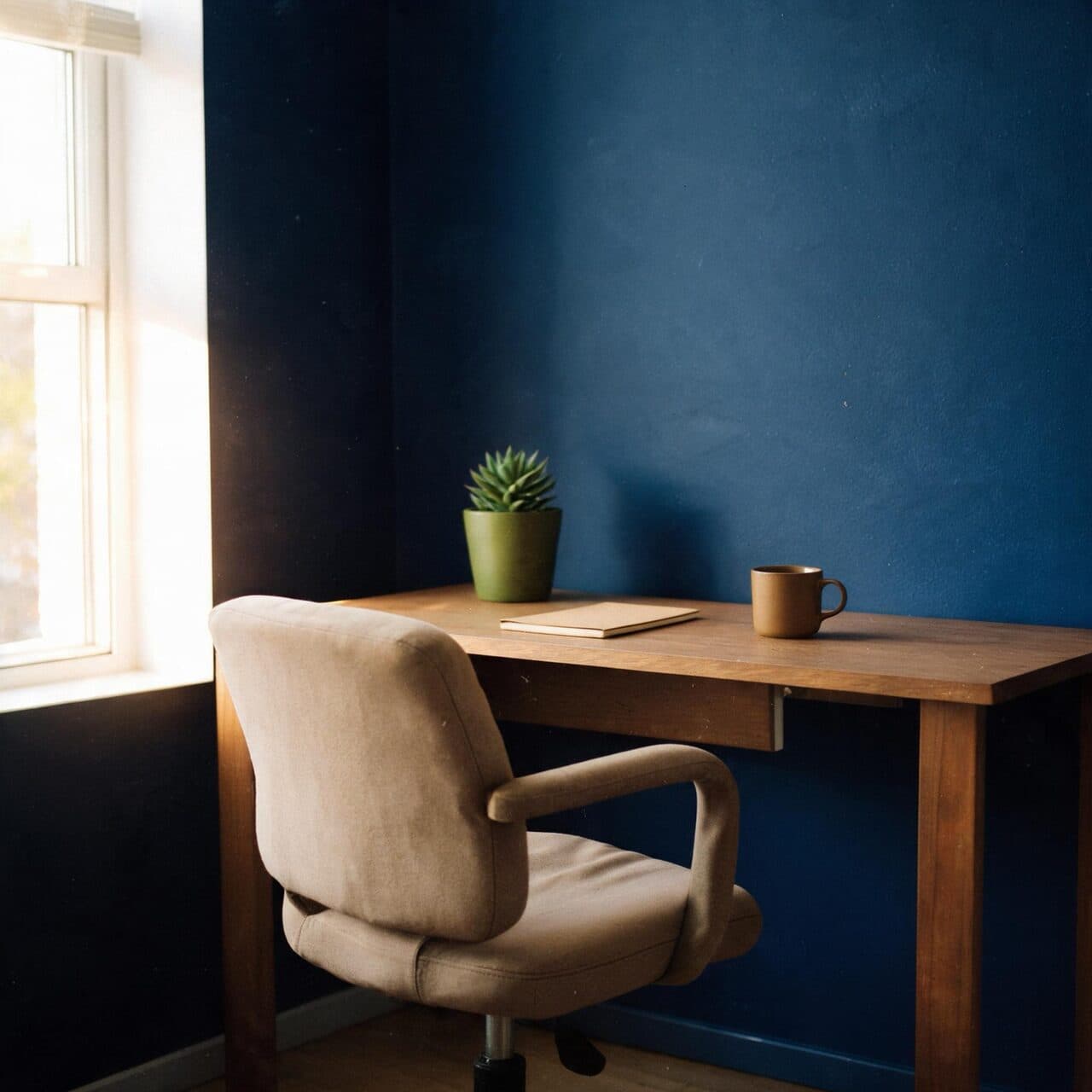
“Change only the walls to deep midnight blue. Keep the desk, chair, floor and light unchanged.”
These are the controls exposed by Made, which may be narrower than a provider’s full API.
Upload the image to edit; add further references only when the edit should borrow from them.
Name exactly what changes and state what must be preserved — the model rewards explicit constraints.
Choose an aspect ratio; output renders in the billed ≤1536² tier as PNG.
Chain single-change edits rather than bundling several changes into one prompt.
image
Seedream 5 Lite is the fast tier of ByteDance’s Seedream 5 image family, generating and editing photoreal images at a flat rate below Nano Banana and Seedream 4.5.
Explore model →image
Muse Image is Meta’s first image model, built for precise edits that change only what you ask, coherent multi-turn editing, multi-reference composition, and accurate rendered text — at 1 credit per image.
Explore model →image
GPT Image 2 is OpenAI’s flagship image model in Made, strong at photorealism, exact prompt adherence, complex layouts, and readable typography, with instruction-based editing from a reference image.
Explore model →Skip the complex menus and toolbars. Edit Images With Text Prompts. Our AI photo editor understands what you want. Type "remove the background" or "make it brighter" and watch it happen instantly.
See the tool →Create scroll-stopping product photos and marketing visuals in seconds. Describe your shot, pick your style, and get professional images ready for your store, social feed, or ad campaign.
See the tool →Upload an image, pick a size or type exact pixels, and choose whether Made crops it to fill, fits it inside, or stretches it.
See the tool →It is the instruction-based editing endpoint of ByteDance’s Seedream 5 Pro, tuned for region-precise changes that preserve the rest of the image.