made
PricingLog inGet it made
candid portrait of a coffee roaster at a drum roaster generated with GPT Image 2 in Made

OpenAI · image model

GPT Image 2Generate and edit images

1–22 credits / image · every plan · price breakdown · API playground

Edit your own photo →

Made with GPT Image 2 · Roaster portrait

GPT Image 2 is OpenAI’s flagship image model in Made, strong at photorealism, exact prompt adherence, complex layouts, and readable typography, with instruction-based editing from a reference image.

Original results

GPT Image 2 examples made in Made

These examples use media produced for Made. Prompts are included when the production record allows them.

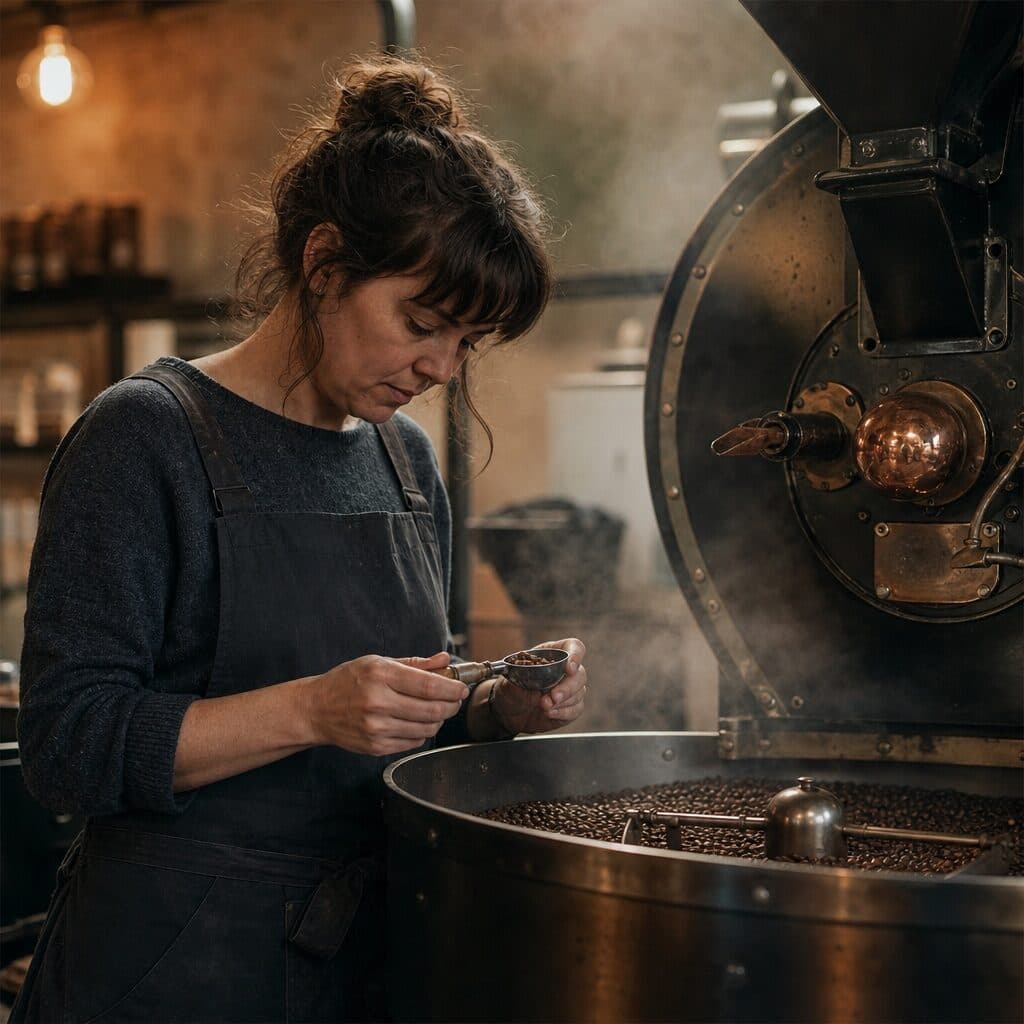
candid portrait of a coffee roaster at a drum roaster generated with GPT Image 2 in Made

GPT Image 2: Roaster portrait

“Candid portrait of a coffee roaster in her thirties checking beans at a vintage drum roaster, steam and warm tungsten light, charcoal apron. 35mm film still, soft natural light, muted earth tones with one copper accent, shallow depth of field, subtle film grain, candid and unposed, no text, logos, or watermark.”
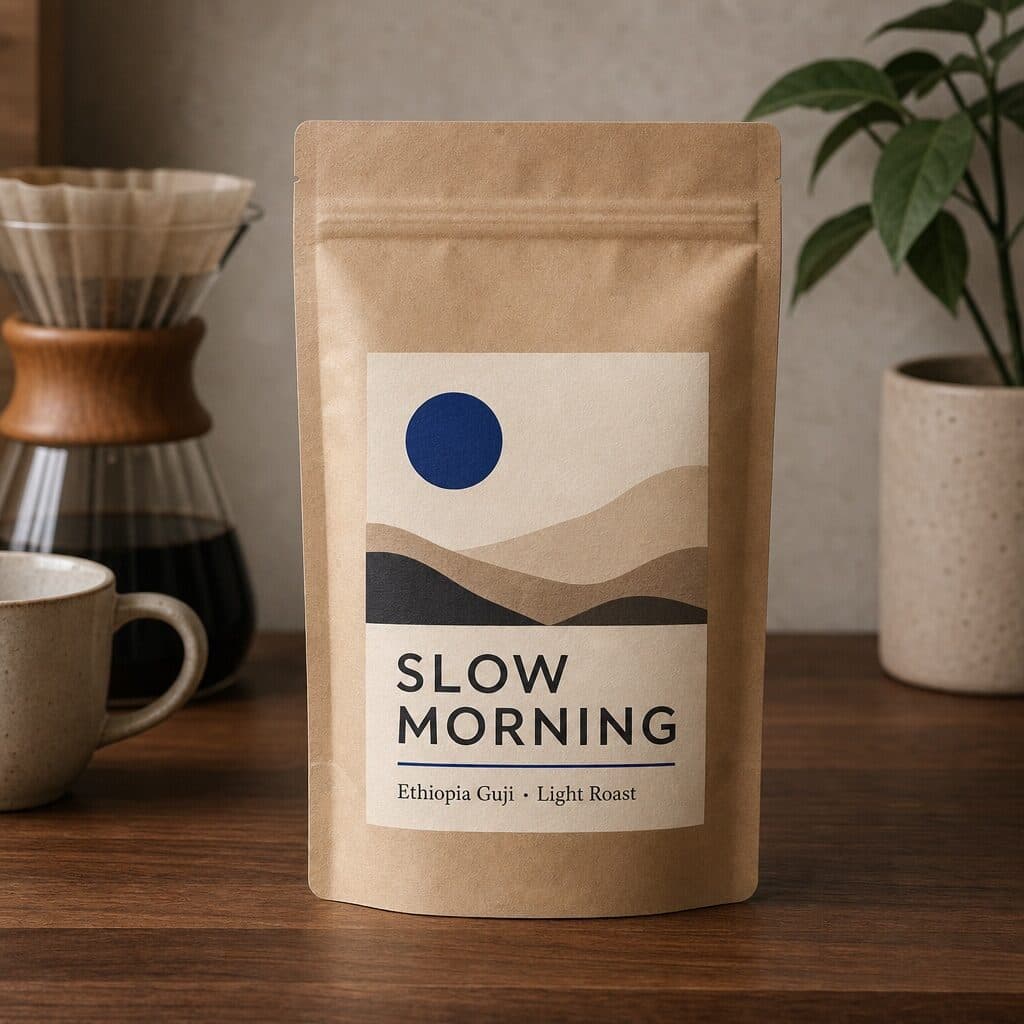
kraft coffee bag with a legible SLOW MORNING label generated with GPT Image 2 in Made

GPT Image 2: Label typography

“Product photo of a matte kraft coffee bag on a walnut counter, printed label reading exactly "SLOW MORNING" with a smaller line "Ethiopia Guji · Light Roast". Clean editorial design, muted earth tones with one cobalt accent, subtle paper texture, sharp legible type, no other words or logos.”

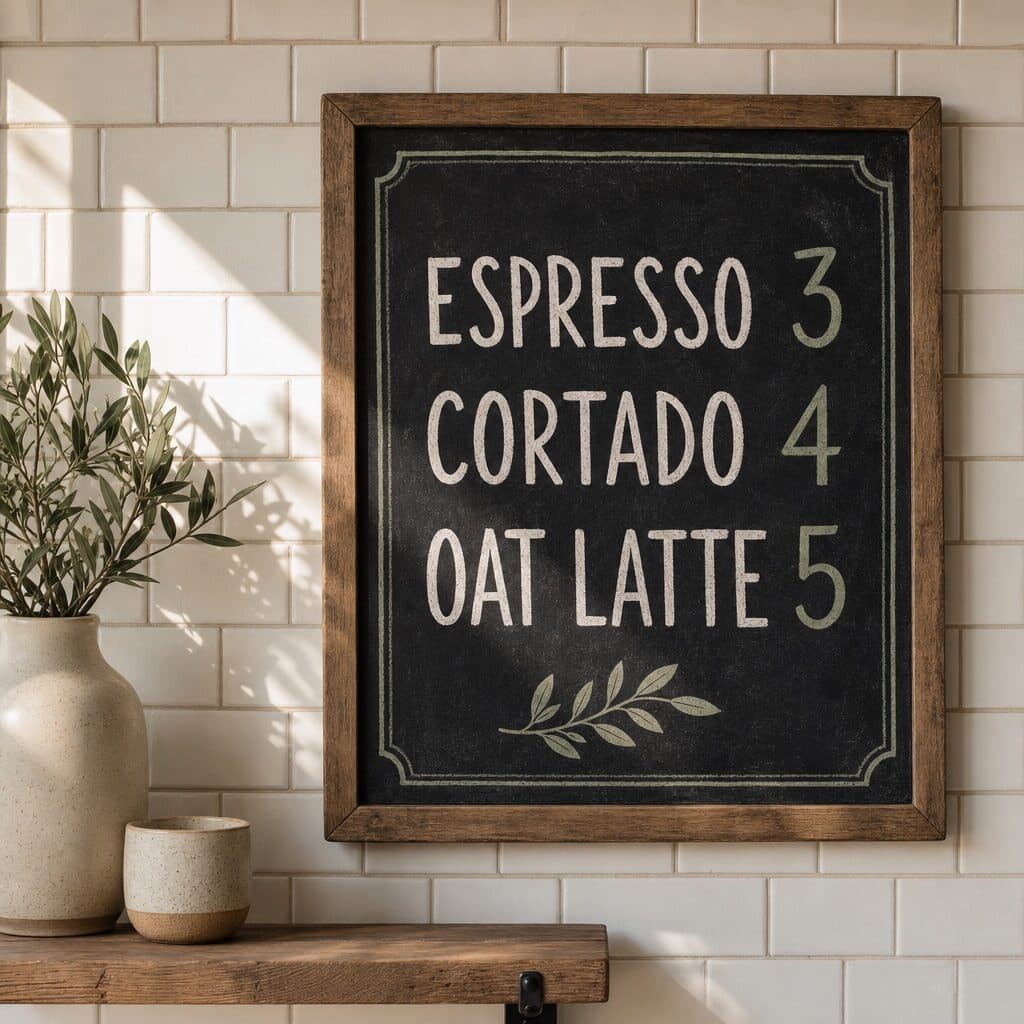
hand-lettered café chalkboard menu generated with GPT Image 2 in Made

GPT Image 2: Menu board

“Hand-lettered chalkboard menu on a white tiled café wall reading exactly "ESPRESSO 3 / CORTADO 4 / OAT LATTE 5", morning light across the tiles. Clean editorial design, muted earth tones with one sage accent, subtle paper texture, sharp legible type, no other words or logos.”

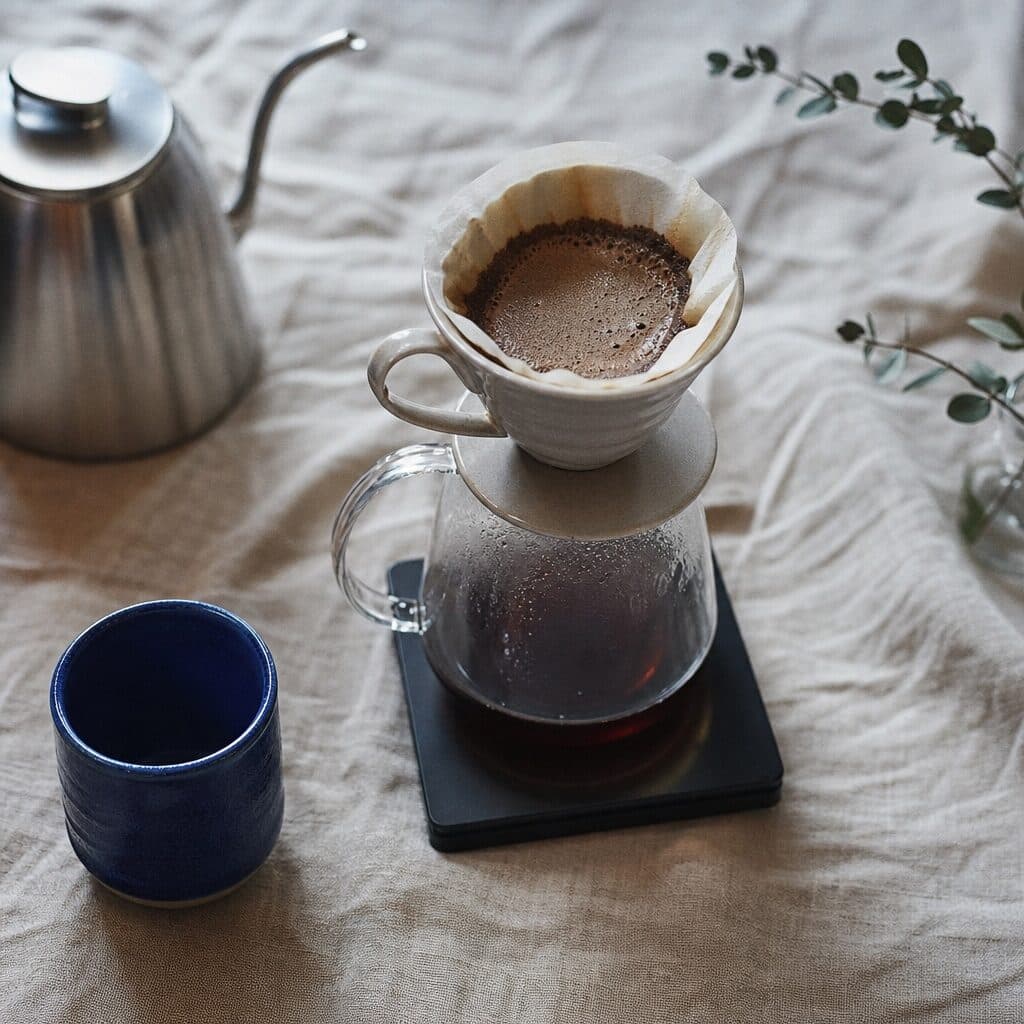
overhead pour-over coffee setup on linen generated with GPT Image 2 in Made

GPT Image 2: Pour-over flat lay

“Overhead pour-over setup on natural linen: gooseneck kettle, ceramic dripper, glass carafe, scale, one cobalt cup. 35mm film still, soft natural light, muted earth tones with one cobalt accent, shallow depth of field, subtle film grain, candid and unposed, no text, logos, or watermark.”
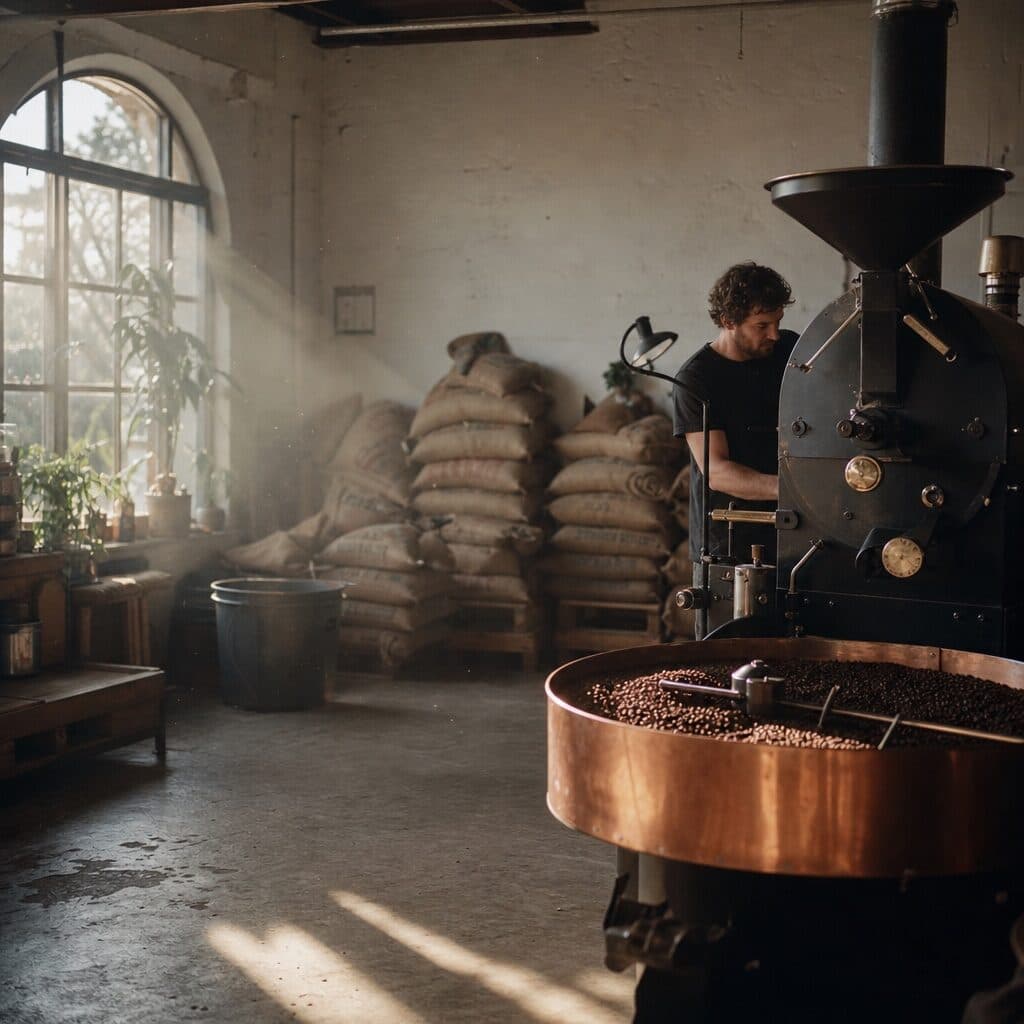
small coffee roastery interior at dawn generated with GPT Image 2 in Made

GPT Image 2: Roastery interior

“Wide shot of a small coffee roastery at dawn, burlap sacks stacked by the wall, copper cooling tray, dust floating in light beams. 35mm film still, soft natural light, muted earth tones with one copper accent, shallow depth of field, subtle film grain, candid and unposed, no text, logos, or watermark.”
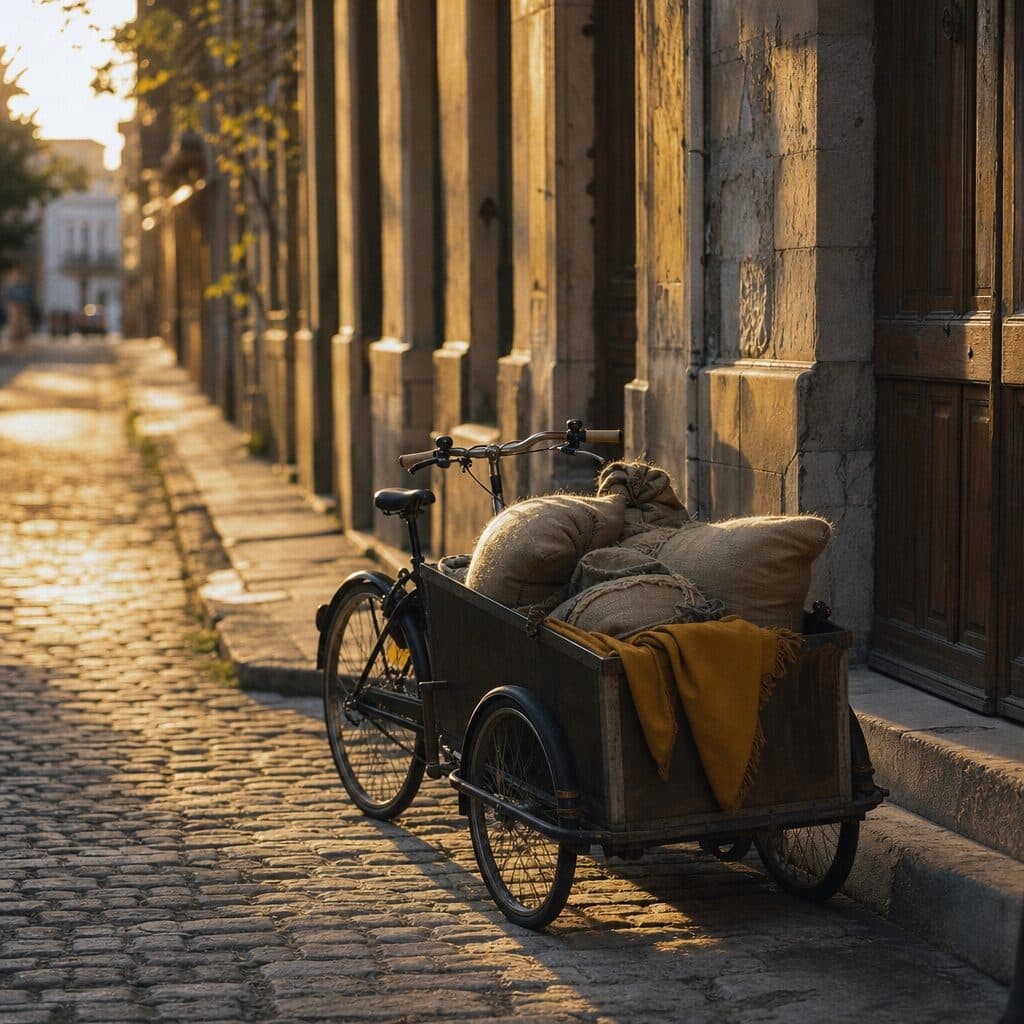
cargo bike with coffee sacks on a cobblestone street generated with GPT Image 2 in Made

GPT Image 2: Street scene

“Cargo bike loaded with coffee sacks parked on a cobblestone street at golden hour, empty sidewalk, long shadows. 35mm film still, soft natural light, muted earth tones with one mustard accent, shallow depth of field, subtle film grain, candid and unposed, no text, logos, or watermark.”
Where GPT Image 2 fits best

Best uses

  • Photorealistic product and editorial concepts
  • Layouts and graphics with readable typography
  • Prompts with several precise constraints
  • Instruction-based edits from one reference image

Limits to know

  • The high quality tier is noticeably slower and more expensive than low or medium, so iterate at low or medium first.
  • Made currently exposes two output sizes (square HD and 4:3 landscape); other shapes need a resize step.

Specifications in Made

These are the controls exposed by Made, which may be narrower than a provider’s full API.

Aspect ratios
1:1 (square HD), 4:3 (landscape)
Resolution
Square HD (1024×1024), Landscape 4:3
Duration
Not applicable
Output formats
PNG
Reference images
1
Processing
Low, medium, and high quality tiers trade speed for detail; progress appears in the generation view.

How to use GPT Image 2 in Made

  1. 1

    Write a precise brief

    Describe the subject, composition, materials, lighting, and any exact display text in quotes.

  2. 2

    Pick size and quality

    Choose square HD or 4:3 landscape. Made starts at low quality, the cheapest; raise it for the final.

  3. 3

    Add a reference for edits

    Upload one image and describe the change when you are editing rather than generating.

  4. 4

    Review and refine

    Inspect typography, hands, and fine detail, then adjust one constraint at a time or switch to high quality for the final.

Questions, answered

GPT Image 2 FAQ

Need a specific answer? Contact support

It excels at photorealism, exact prompt adherence, complex multi-element layouts, and high-quality typography — the demanding briefs where cheaper models drift.