Scene Insert · New in Made
Add the shotyou never got.
Drop in your video and drag where the new scene goes. H3 Max films the moment in between, like your dog leaping into frame, your product up close or a whale breaching, then cuts back to your footage. Same light, same sound.
Any 3.5–60 second video · 30 credits for a 5-second scene · your own footage isn’t billed
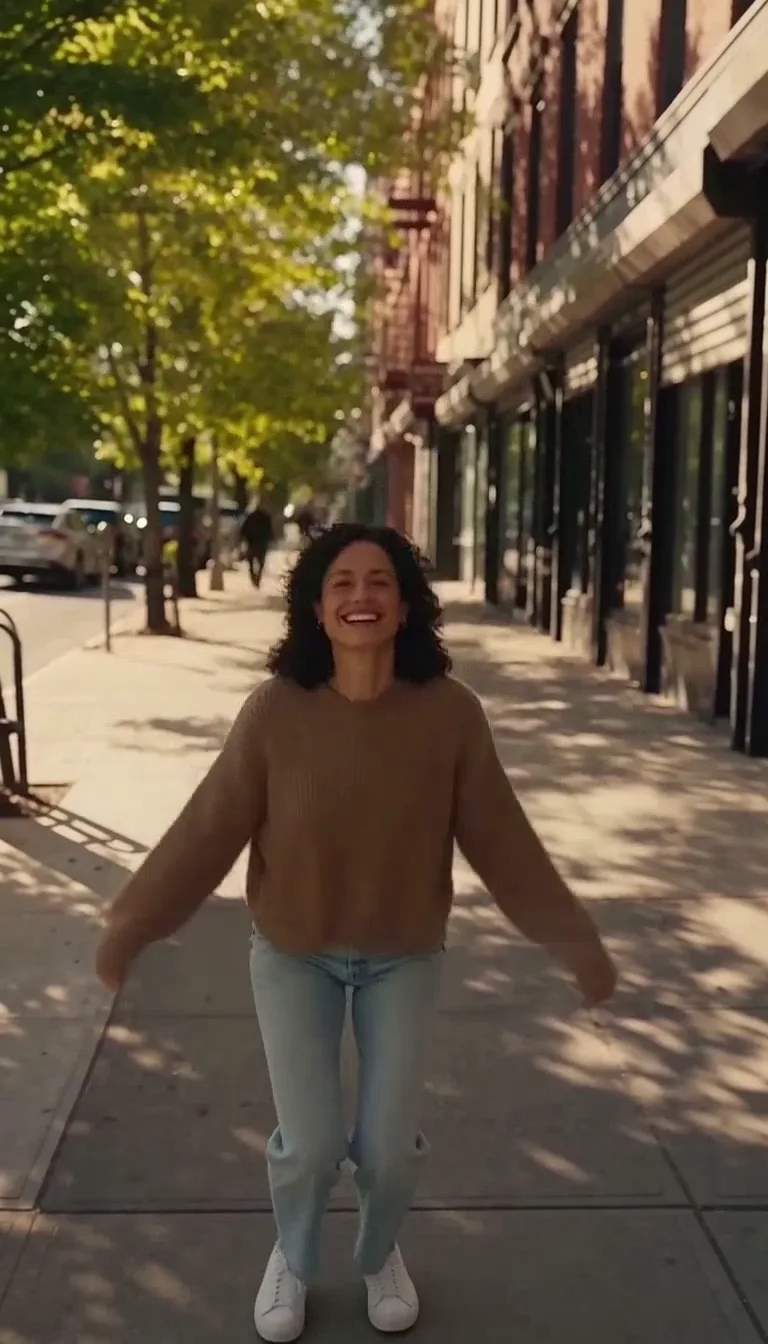
The walk in the middle is the original. Every other clip is that same footage with one new scene inside it.
Your turn
Your video.
A new scene inside it.
- 01
Add your video
- 02
Drag in the gap
- 03
Say what happens
Your video goes here
Drop it in, then drag where the new scene goes.
Made with Scene Insert
What will you add?
Real results, each with the direction that made it. Recreate one to open it in the studio, then make it yours.
+ A whale
A humpback whale breaches out of the ocean right beside the cliffs as the convertible drives past, sending up a huge white splash.
+ A kickflip
He launches off the top of the bank into a huge kickflip, catches the board clean in the air and lands, rolling away smoothly.
+ Your product
It stands alone on her white marble kitchen counter in the window light as a slow-motion splash of water arcs around it.
+ Her dog
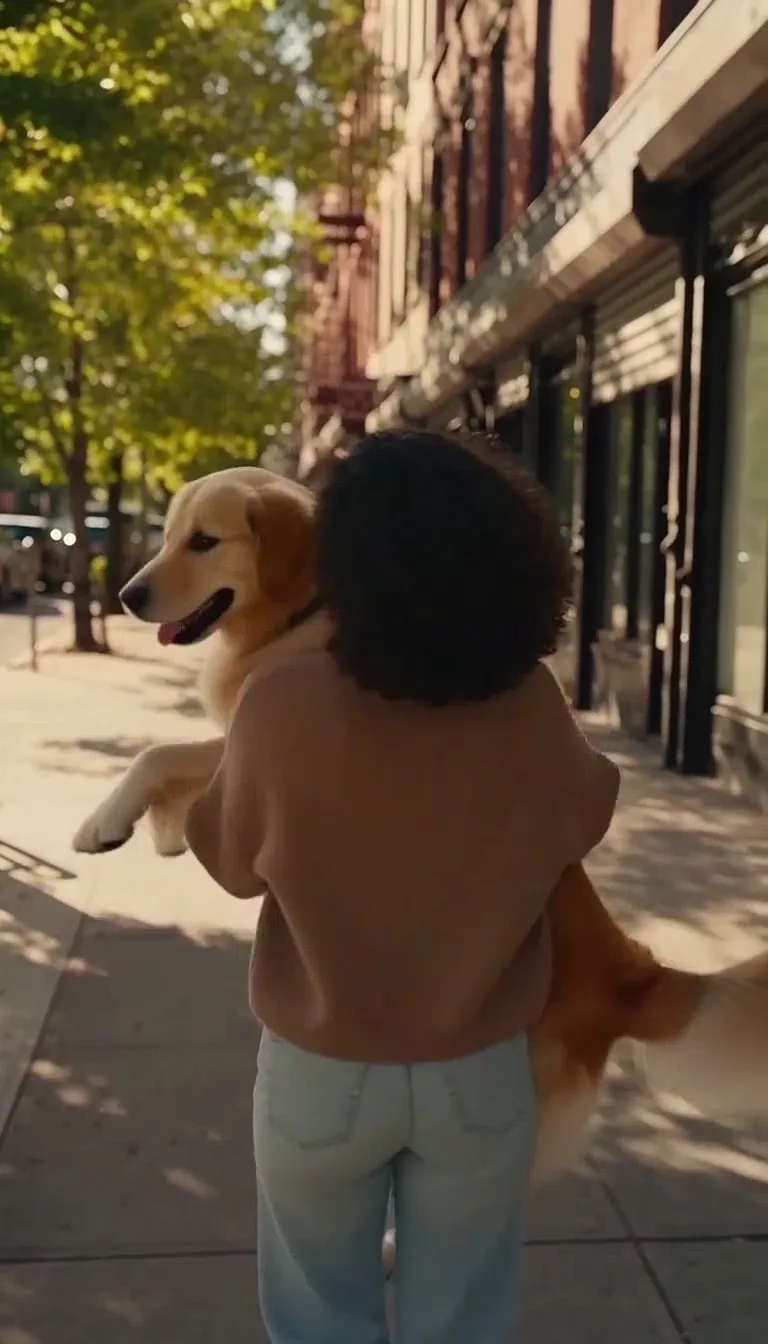
Her golden retriever sprints into frame from the side and leaps up into her arms; she catches him, laughs and spins around once.
+ A backflip
She breaks into a clean standing backflip on the sidewalk, lands smoothly and keeps walking toward the camera, grinning.
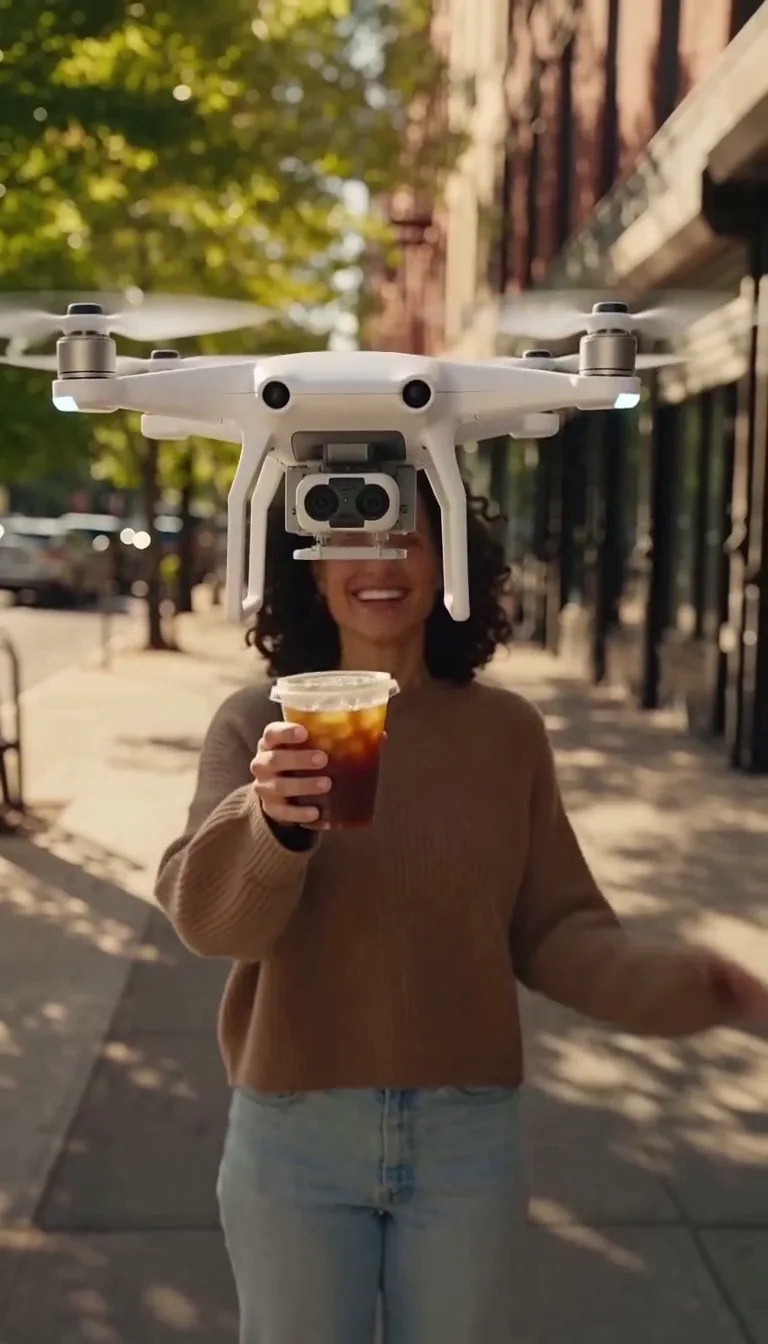
+ A drone delivery
A small white delivery drone flies down in front of her and hands her an iced coffee; she takes it, laughs and waves as it flies away.
+ Sunflowers
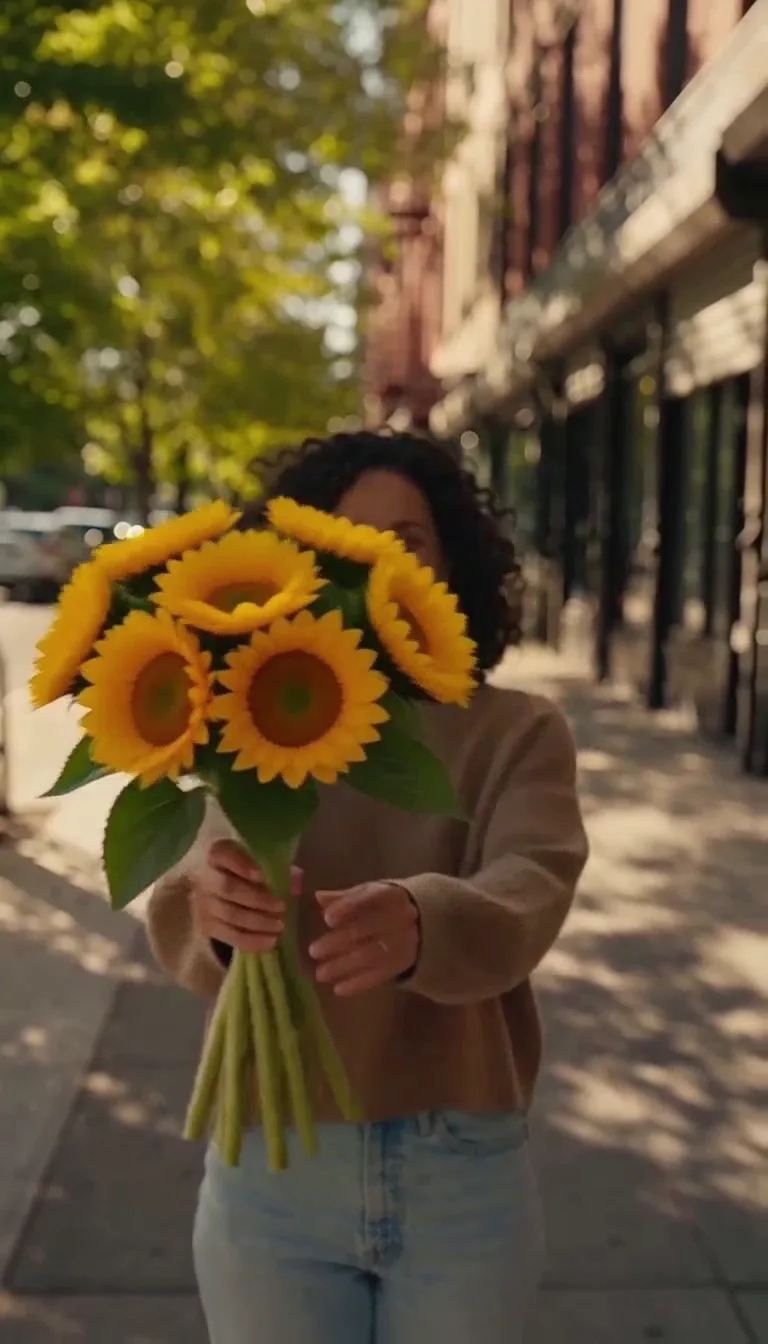
She stops, pulls a big bouquet of sunflowers from behind her back and holds it out to the camera with a huge smile.
+ Confetti
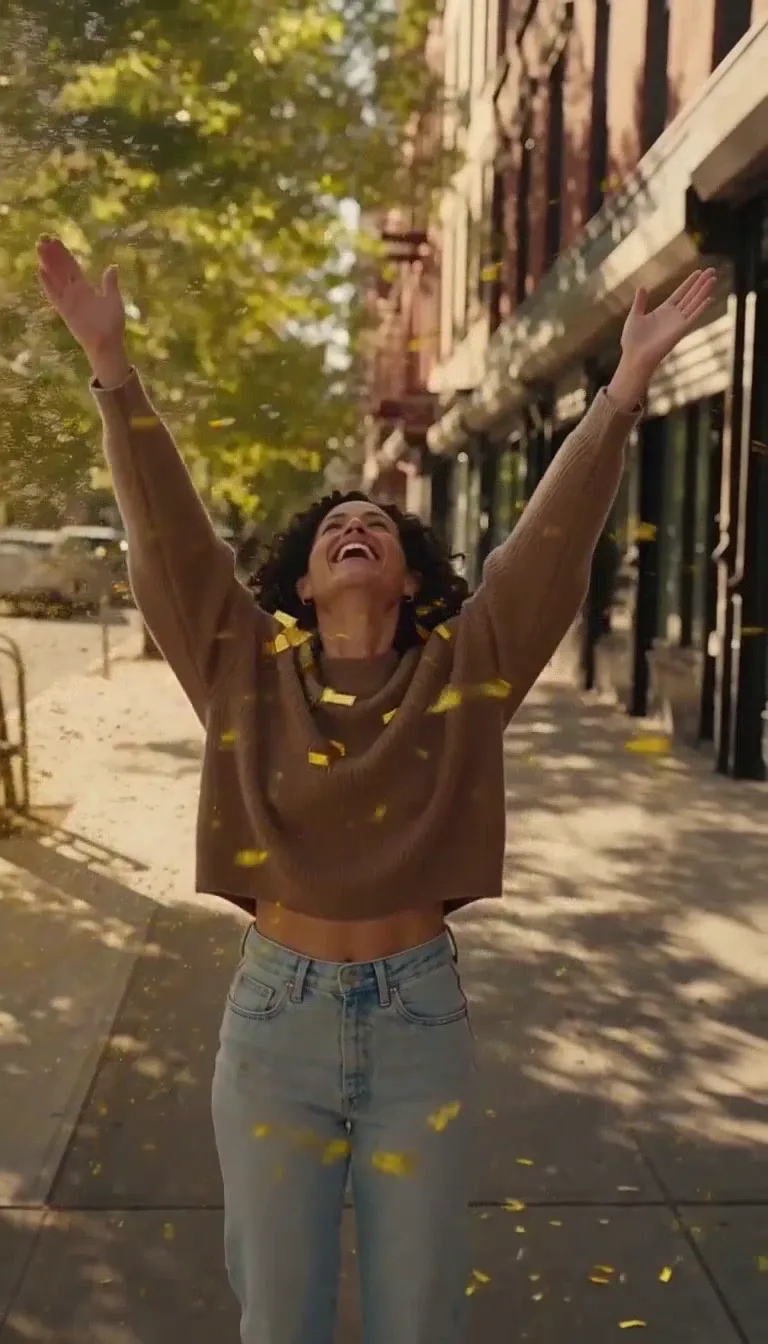
Two huge confetti cannons blast from both sides of the frame, filling the air with a thick shower of gold and white confetti that rains down all around her while she throws her arms up and laughs.
+ Snow
A sudden heavy snowstorm sweeps down the sunny street: thick white snowflakes fill the air and dust her hair and sweater, and she stops, laughs and holds out her hands to catch them.
What stays yours
A new scene.
Nothing else changes.
Most AI video starts from nothing. Scene Insert starts from your shot, films only the gap you choose, and hands the cut back to your footage.
Your footage, untouched
Everything before the cut and after it is your original video. Only the gap you choose is new.
Your sound
Your audio plays as it was on either side. The new scene gets sound made to match it.
Your light and color
H3 Max reads the shots around the gap and color-matches the new scene to them, so the cut doesn’t jump.
Your framing
Vertical stays vertical, wide stays wide. The whole video comes back in one file at 768p.
A coastal drive, with a humpback breaching beside the road.
Pricing
Pay for the new scene.
Not your footage.
Credits roll over · a scene that fails is refunded
30credits
5-second scene
42credits
7-second scene
60credits
10-second scene
78credits
13-second scene
MiniMax H3 Max at 6 credits a second of new scene, at 768p.
See every model’s priceGround rules
Your footage.
Your call. Our checks.
You’re responsible for who’s in it
Use your own footage, or footage of people who agreed to it. We don’t check who someone is.
Nothing sexual
Every direction is checked, and so is every upload: no nudity or lingerie in the clip or the photos.
Adults only
Clips and photos of anyone who looks under 18 are turned away before anything is made.
Still have questions?
What does Scene Insert do?
It adds a new scene inside a video you already have. Your video plays up to the point you choose, a new scene of 5 to 13 seconds follows, and your video picks up again at a second point you choose. You get one finished MP4.
How much does it cost?
Only the new scene is billed: 6 credits a second at 768p, so a 5-second scene is 30 credits and a 13-second scene is 78 credits. Your footage before and after isn’t billed.
What videos work?
An MP4 or MOV from 3.5 to 60 seconds, up to 64 MB. Longer videos are trimmed to the 60 seconds you pick, and big files are prepared at 768p in your browser. The new scene has to start at least 1.7 seconds in and leave 1.5 seconds of your video after it.
Can I put my product or a person in it?
Yes. Pick Your product or Someone new and add a photo, up to two. Mention them as Image 1 and Image 2 if you write your own direction.
Does my video keep its sound?
Yes. The parts of your video before and after the new scene keep their original audio, and the new scene gets sound generated to match.
How long does it take?
Usually one to four minutes. You can leave the page; the finished video is saved to your history and your Made library.
Which model makes the new scene?
MiniMax H3 Max, through its insert endpoint. It sees your footage on both sides of the gap, so the new scene starts from your shot and blends back into it.
What happens next is up to you.
Any 3.5–60 second video · 30 credits for a 5-second scene · your own footage isn’t billed