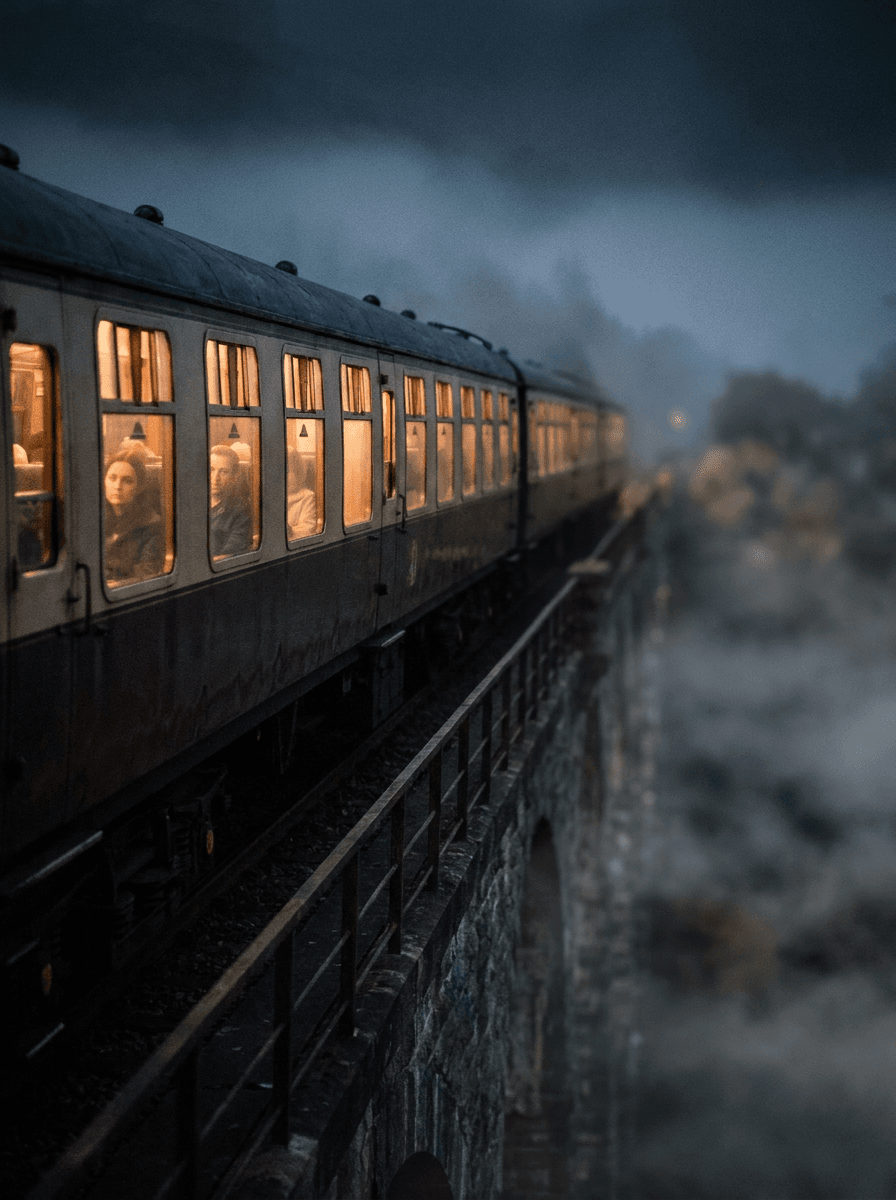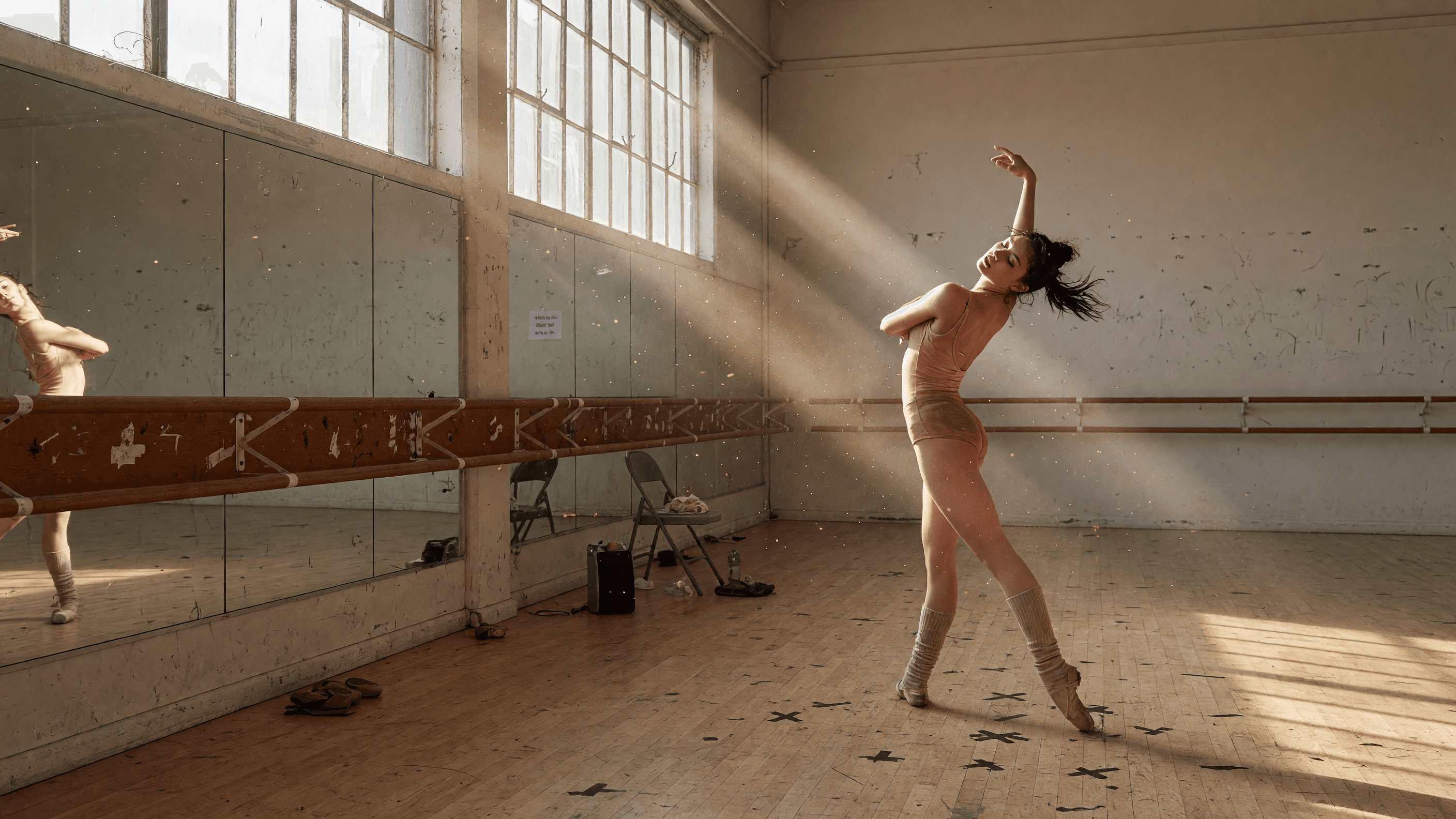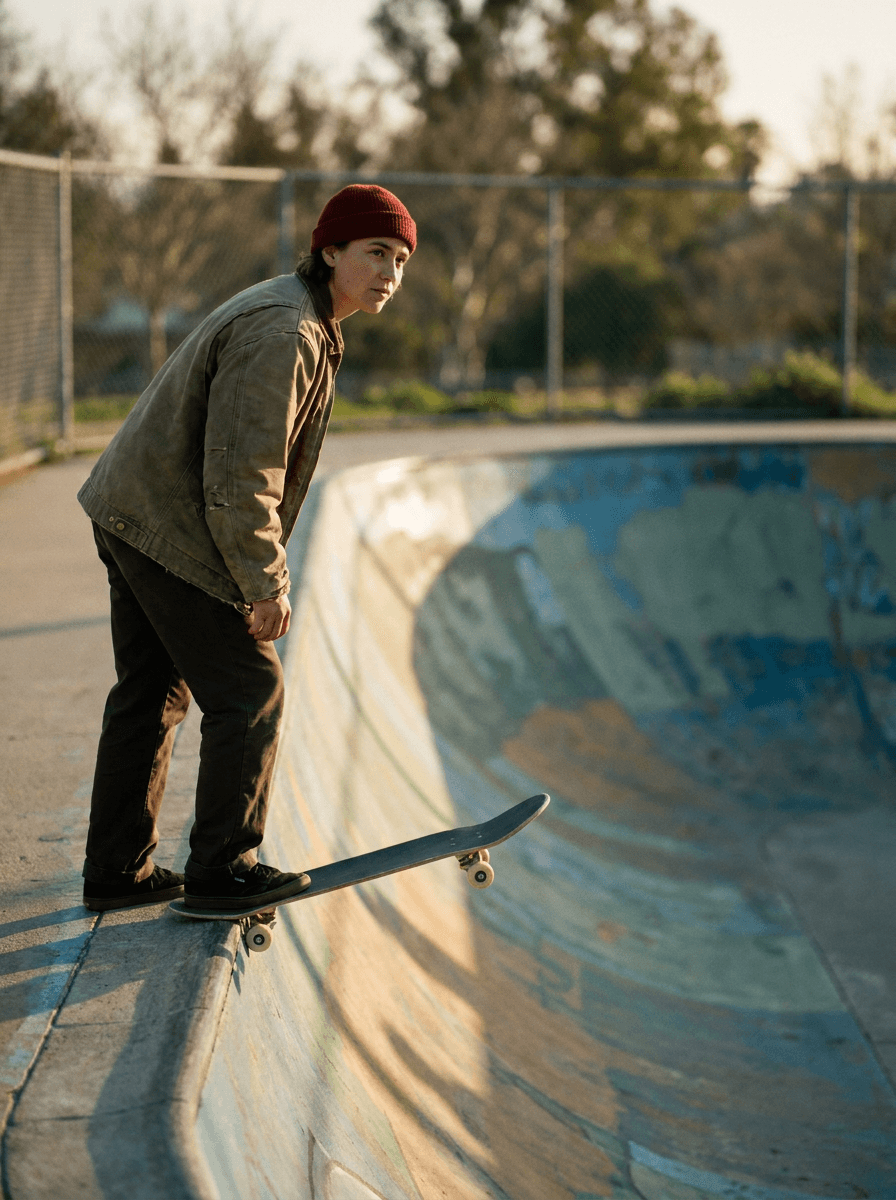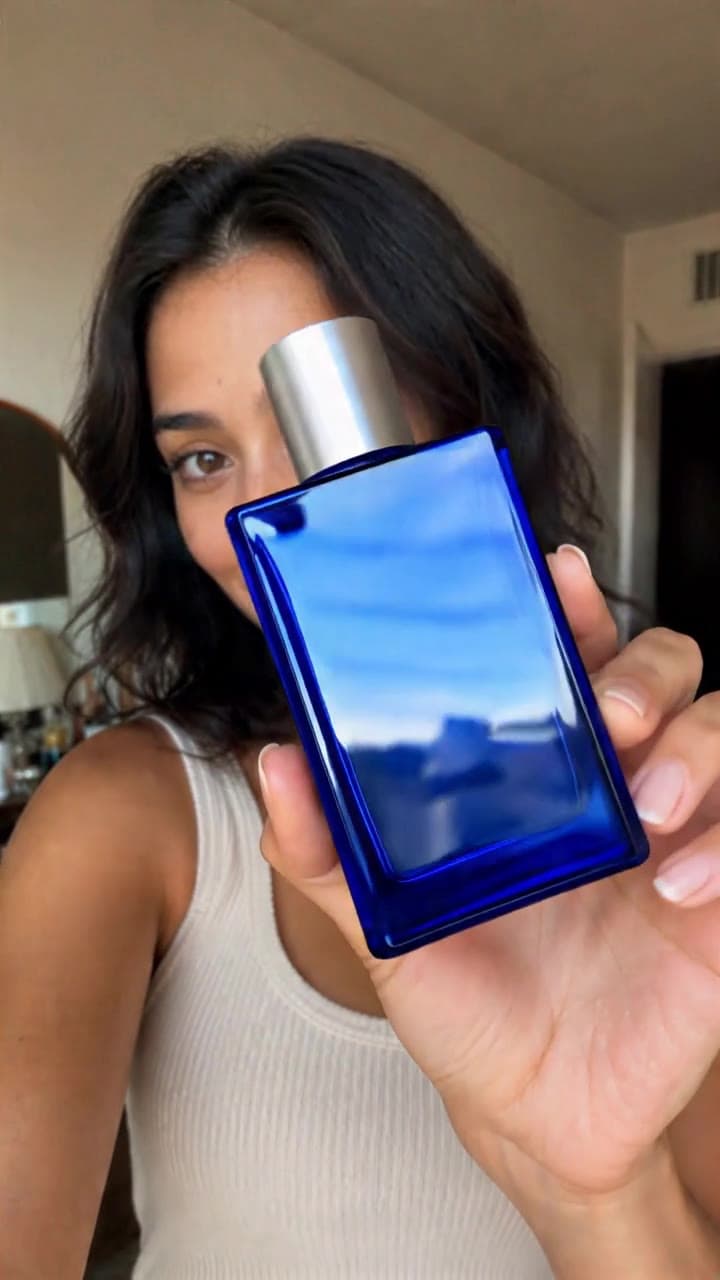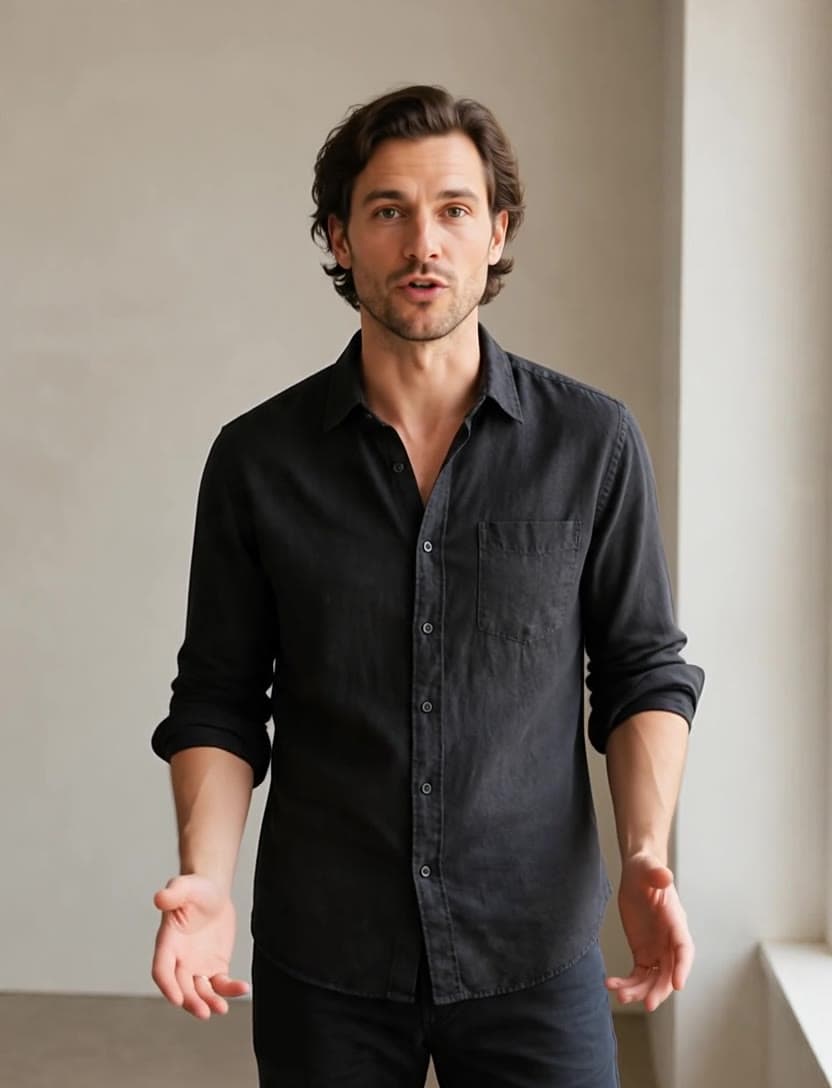

First and last frame
Set the opening and the closing shot; the model animates everything in between. Works with Seedance 2.5, Seedance 2.0, WAN 3.0 and LTX-2.5 Fast and more.
Try it with MiniMax H3 Max Turbo
Veo 3.1 · 8s · sound · 320 credits in Made
“A colossal humpback whale breaches in slow motion beside a small white sailboat at golden hour, towering spray glittering in the low sun, the calm ocean stretching to a hazy horizon, wide cinematic shot from just above the water line, open warm sky in the upper frame, filmic color, natural motion.”
Recreate this clipVeo, Kling, Seedance, WAN and more — 29 models in one workspace, each clip at the provider’s price.
Create video now89 credits, charged when you generate.
One workspace
Pick from 29 models, write the shot, set your frames. The price is on the Generate button before you spend anything — and it is the price the provider charges us.
Prompt
A glassblower turns molten glass at the furnace mouth, heat shimmer rising, the camera arcing slowly from the flame to their focused face.

A glassblower turns molten glass at the furnace mouth, heat shimmer rising, the camera arcing slowly from the flame to their focused face.
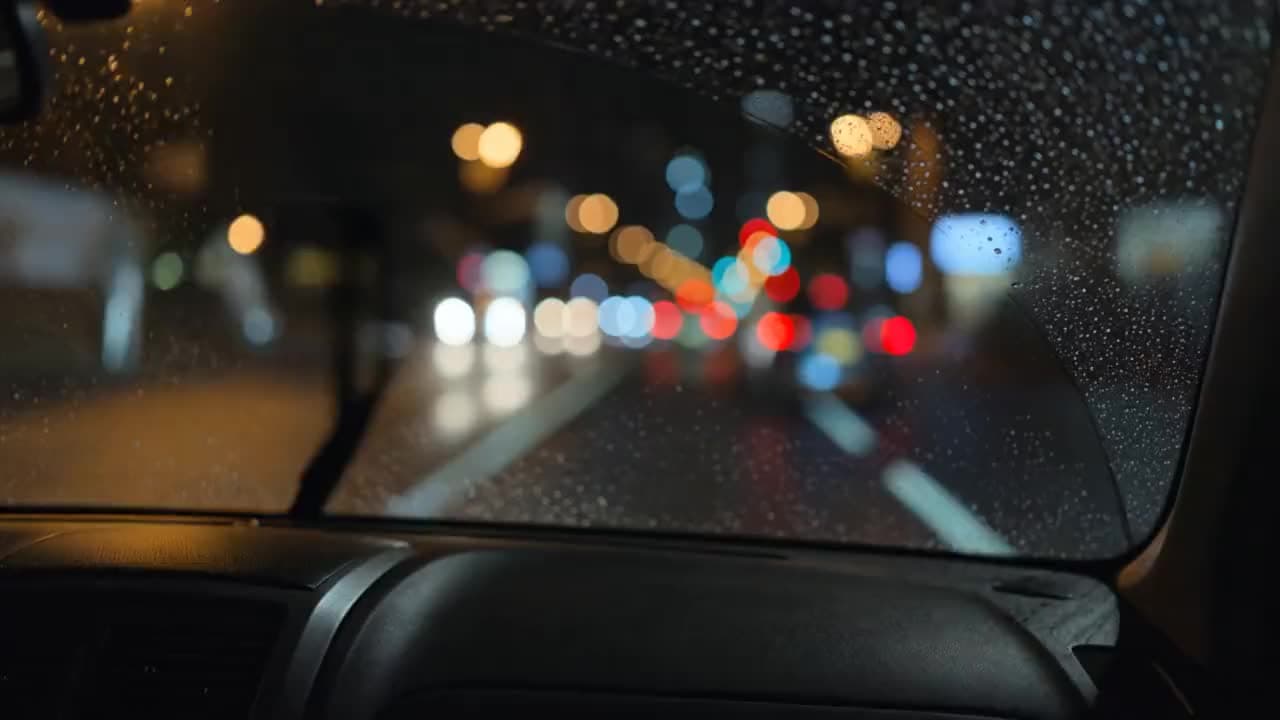
Inside a car on a rainy night drive, wipers keeping time, city lights smearing across the windshield, lo-fi radio murmur, a slow rack focus from droplets to the road.
Set the opening and the closing shot; the model animates everything in between. Works with Seedance 2.5, Seedance 2.0, WAN 3.0 and LTX-2.5 Fast and more.
Try it with MiniMax H3 Max Turbo

Upload footage and swap the product, outfit, face, or background. The camera move and the performance stay exactly as shot.
Open Object Replacement

Upload a reference clip and your character performs it — the same gestures, pacing, and timing, with your face, outfit, and product.
Open Motion Transfer29 video models from ByteDance, Google, Kling AI, Wan AI, Alibaba, Lightricks, Black Forest Labs, MiniMax, xAI — one balance, one workspace, no setup.
Compare every modelUGC Studio
Paste a product page or a photo. Made writes the script, casts a creator, and shoots the hook, problem, reveal, demo, and proof — with every clip priced before it runs.
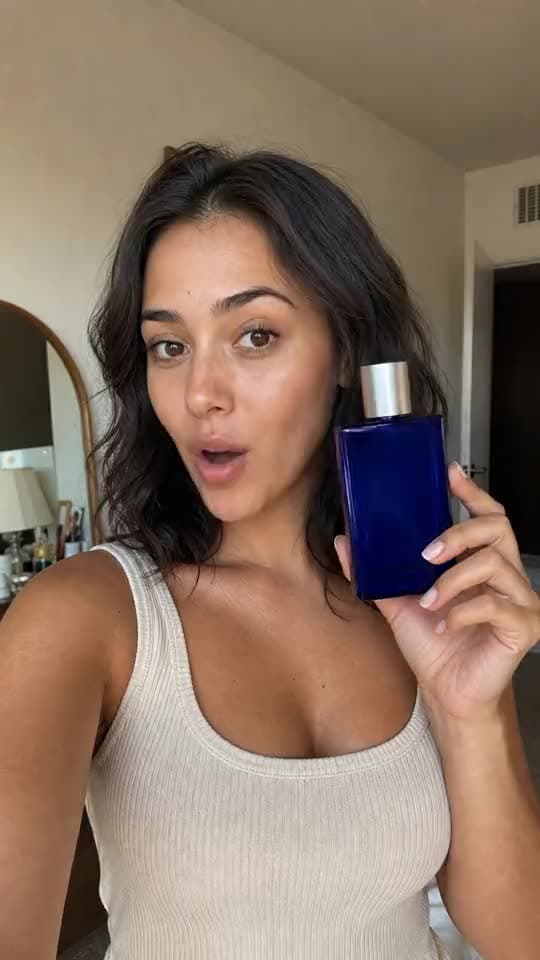
A UGC Studio creator, generated end to end.
Five shots from one UGC Studio run — each one its own generation, cut in order.

Hook
Stop the scroll in the first second.

Problem
Name the thing your buyer feels.
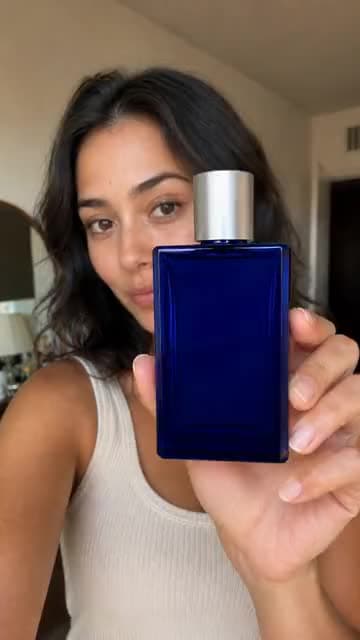
Reveal
Put the product in frame, close up.

Demo
Show it working, in hand.

Proof
Land the reason to believe.
29 video models · one set of credits
The price on each card is what a clip at default settings costs, in credits; the Generate button opens it in the editor.
Who it's for
Directing a short, running a campaign, or posting every day — pay for the clips you make, not for a month you might not use.

Previs and finished shots with real camera moves and sound in one pass.

Ads written, filmed and tested by an agent, priced before they run.

Dialogue, lip movement, and ambient sound, generated together.
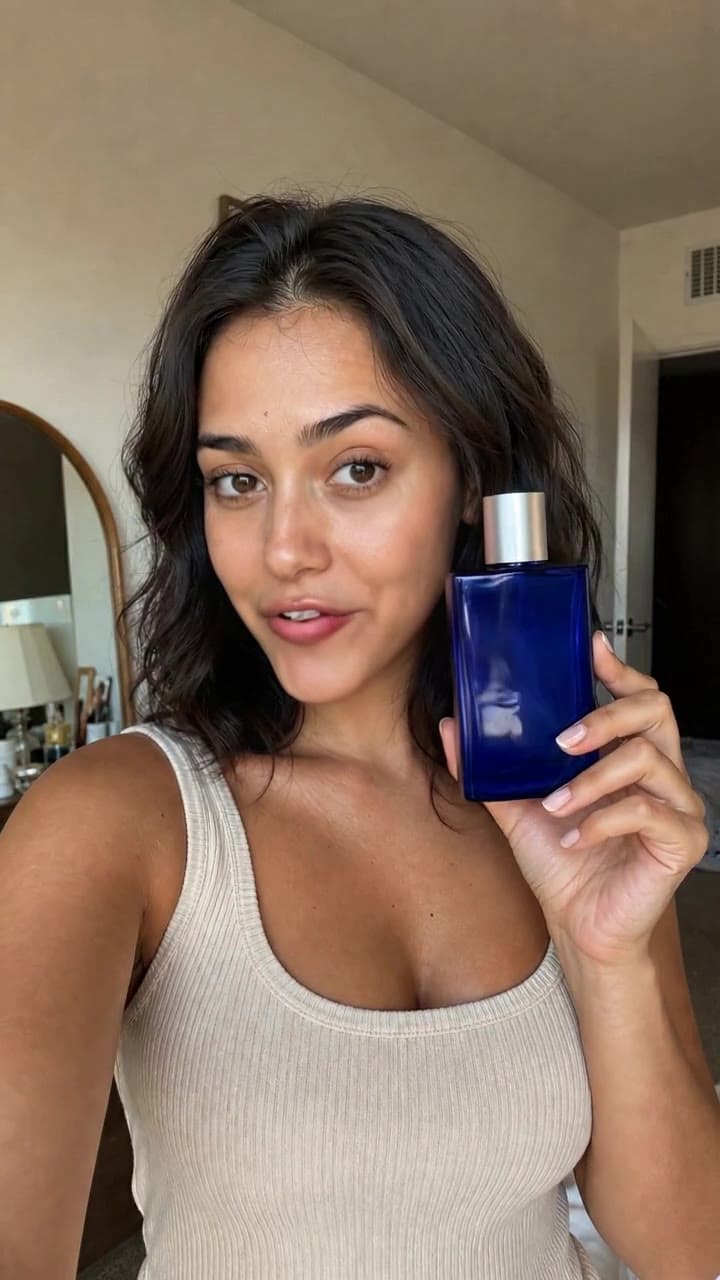
Creator videos from a product page, without booking a shoot.
Every video model from Claude, Cursor, or your own code — same prices.
Pricing
Credits roll over · failed generations refunded
What a clip costs
290 credits make
Default settings shown; longer clips, higher resolutions, and sound change the price, and the exact figure is always on the Generate button.
Pick the right model
Side-by-side comparisons built from the live price list, and the exact prompts behind real outputs.
An AI video generator turns a written description, a still image, or an existing clip into new video. On Made you describe the shot — subject, action, camera move, sound — pick a model, and get a clip back in minutes. You can also set the first and last frame, borrow the motion from a reference video, or edit footage you already shot.
29 video models from ByteDance, Google, Kling AI, Wan AI, Alibaba, Lightricks, Black Forest Labs, MiniMax and xAI: Seedance 2.5, Veo 3.1, Kling 3 Pro, Seedance 2.0, Kling 3 Turbo, WAN 3.0, Happy Horse 1.1, Veo 3.1 Lite, LTX-2.5 Fast, FLUX 3, Kling O3 Pro, MiniMax H3 Max, Gemini Omni Flash, Gemini Omni Flash 1.1, Grok Imagine Video, Grok Imagine Video 1.5, Kling 2.5 Turbo, Kling 2.6 Pro, Kling 3 4K, Kling O3 4K, MiniMax H3 Max Turbo, Seedance 1.0 Pro, Seedance 1.5 Pro, Seedance 2.0 Fast, Seedance 2.0 Mini, WAN 2.2 5B, WAN 2.2 Turbo, WAN 2.7 and WAN 3.0 Prime. For finishing there is also Kling LipSync, SeedVR2 Video Upscale and VEED Fabric 1.0. They all run from one balance, in one workspace.
Every clip is priced in credits, per second of video. For example, a 4-second Veo 3.1 Lite clip at 720p with sound is 20 credits, a 4-second Kling 3 Turbo clip with sound is 45 credits, and a 4-second Seedance 2.0 clip at 720p with sound is 121 credits. The exact price is on the Generate button before you spend anything, and unused credits roll over.
Yes. Most models animate a start frame you upload, and Seedance 2.5, Seedance 2.0, WAN 3.0 and LTX-2.5 Fast and others also take an end frame, so the clip lands exactly where you want it. For existing footage, Motion Transfer puts your character into the movement of a reference clip, and Object Replacement swaps a product, outfit, face, or background while keeping the original camera move.
Many do. Seedance 2.5, Veo 3.1, Seedance 2.0, Kling 3 Turbo, WAN 3.0, Happy Horse 1.1, Veo 3.1 Lite and LTX-2.5 Fast generate synchronized audio — dialogue, effects, and ambience — in the same pass as the picture. Kling 3 Pro, Kling O3 Pro and Kling 3 4K let you switch sound on or off, and price it separately.
Most models make clips of 4 to 15 seconds; Seedance 2.5, WAN 3.0 and WAN 3.0 Prime go up to 30 seconds in one pass. Resolution runs from 480p drafts to 1080p masters, and LTX-2.5 Fast renders up to 4K. Every clip downloads as an MP4.
Yes, with the usual care. The clip is generated for you, but clearing commercial rights is your responsibility: avoid prompts built on real people, brands, logos, or characters you do not have permission to use, and review every clip before it runs.
Every model is open on every plan, each clip’s price in credits is on the Generate button before you run it, and unused credits roll over instead of expiring. Every charge is itemized in Billing. The same models, at the same prices, are available to Claude and other assistants over MCP and to your own code through the API.