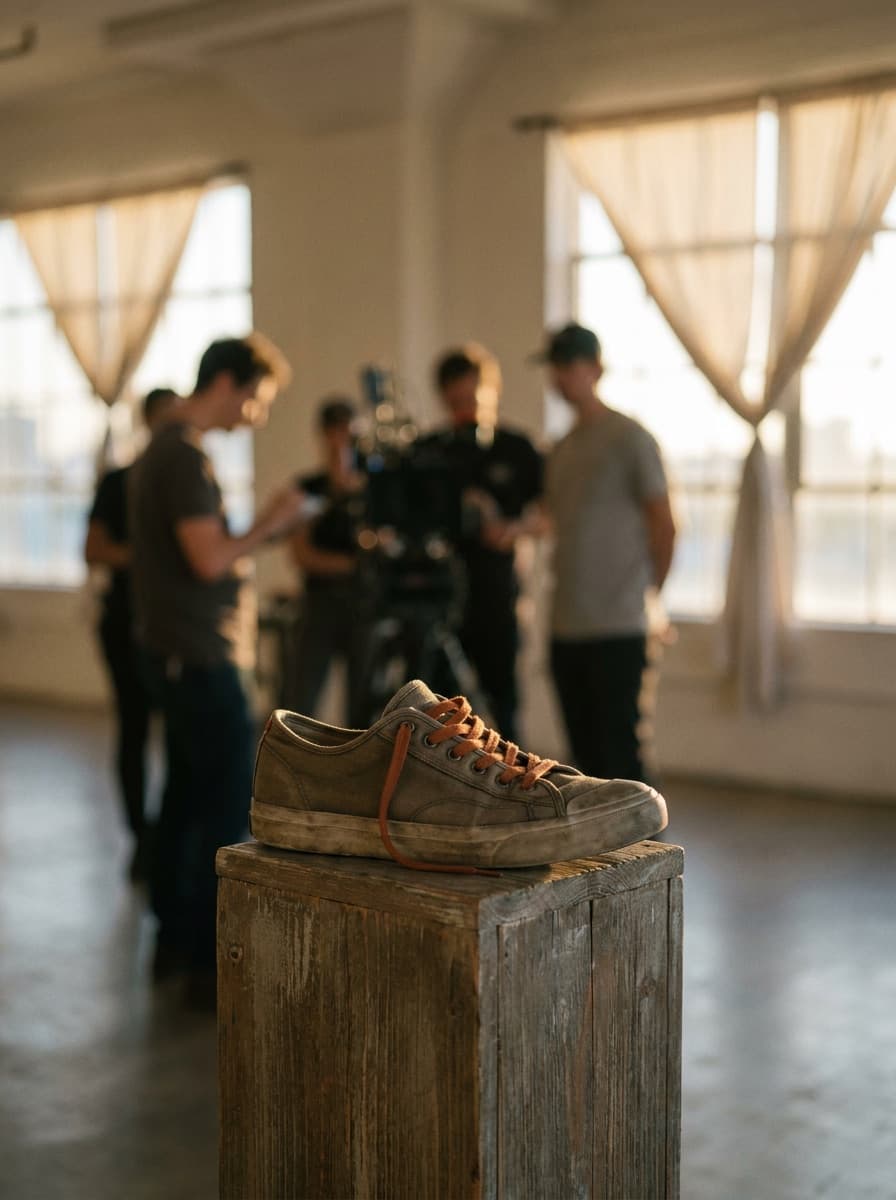
Sneaker orbit
“Orbit the camera slowly around the sneaker with studio lighting.”
Upload a single product photo and Made animates it into a short showcase clip with orbital camera motion — the rotating-product look for listings and social, generated from one still.
Sneaker orbit“Orbit the camera slowly around the sneaker with studio lighting.”
A sharp, centered shot with the whole product visible animates most convincingly.
Ask for an orbit, half-orbit, or slow rotation, and name the lighting mood.
Made writes a motion-focused prompt from the image and renders a five-second MP4.
The model imagines unseen angles — check logos and details stay plausible through the move.
Real results from Made. Use a prompt to load it into the studio above, then add your own photo.
“Orbit the camera slowly around the sneaker with studio lighting.”

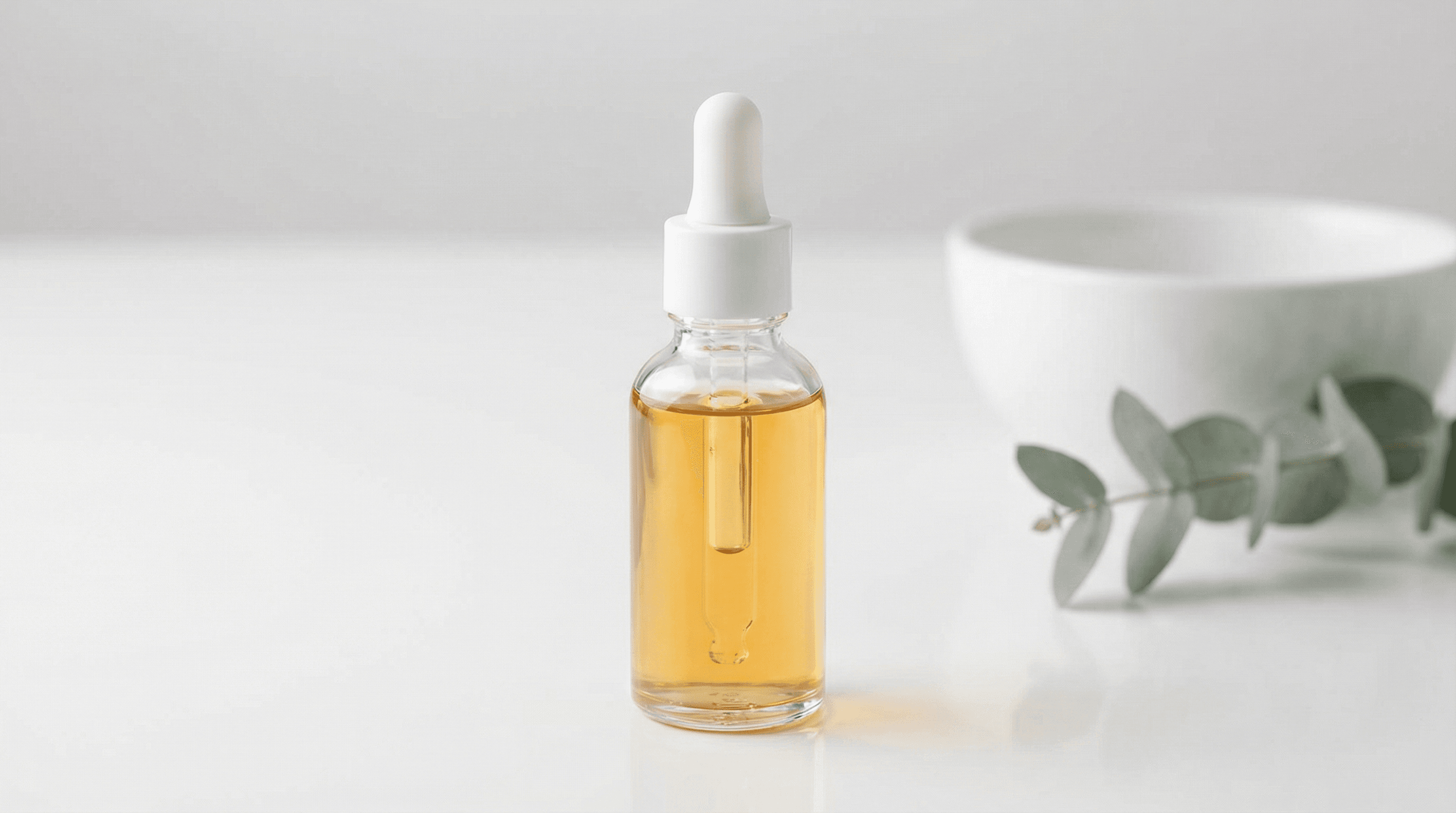
“Rotate around this bottle with soft reflections sweeping across the glass.”
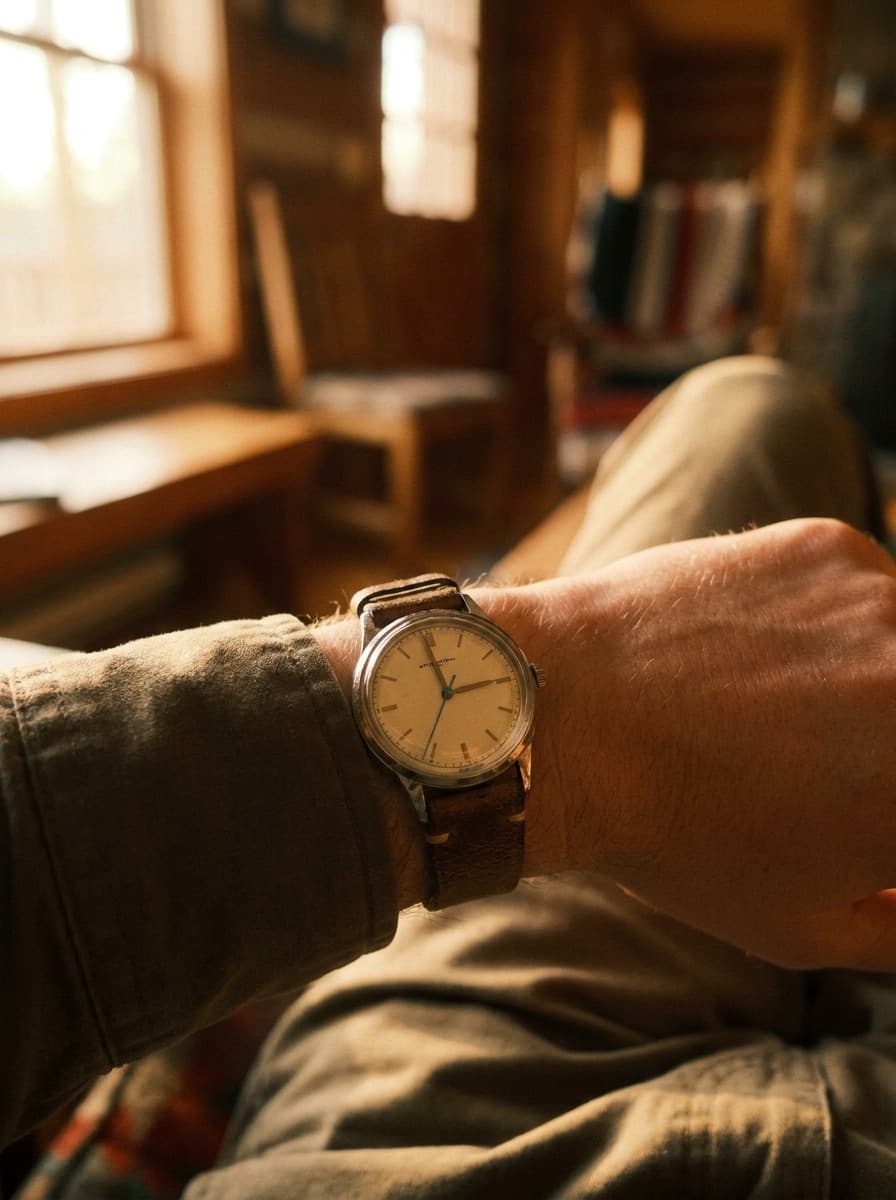
“Do a tight, slow orbit around the watch face with a gentle light sweep.”
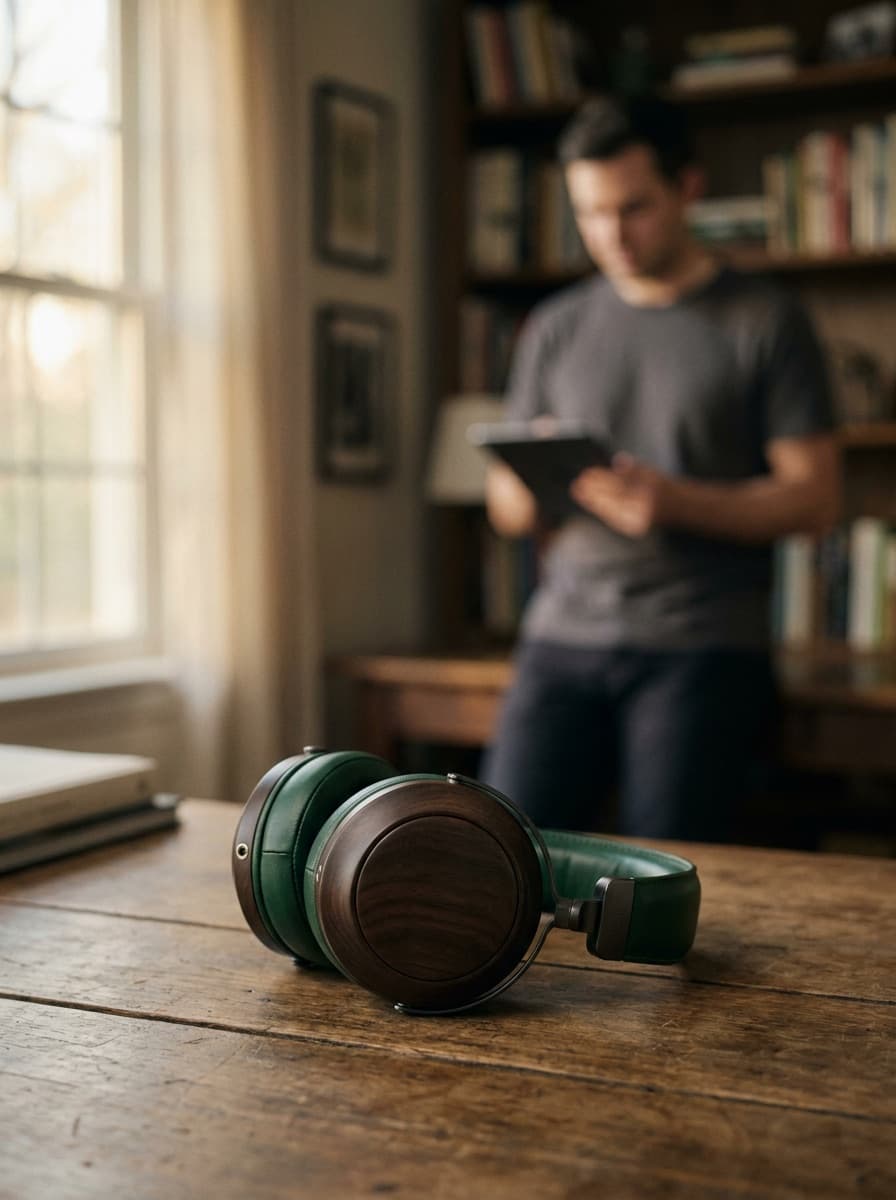
“Half-orbit around the headphones, ending on the logo side.”
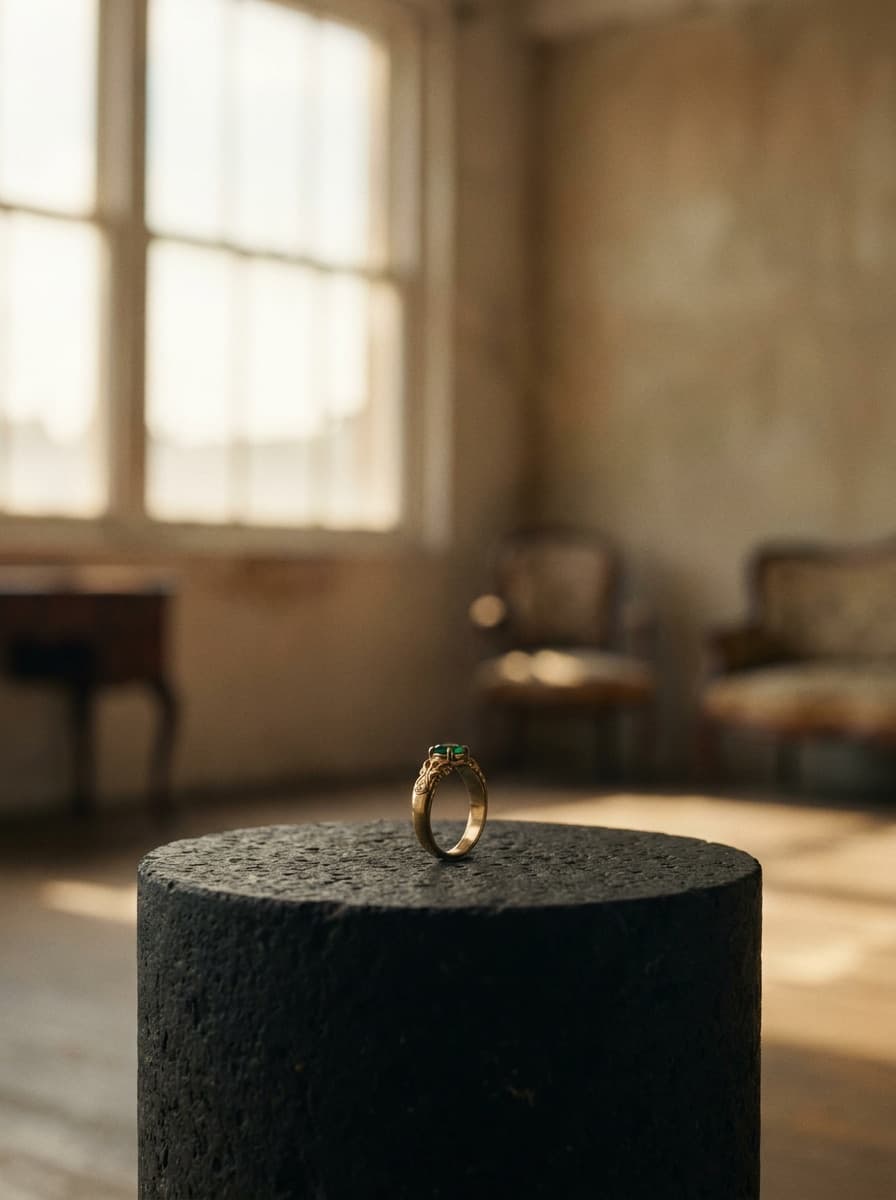
“Slowly circle the ring so the stone catches the light as the camera moves.”

“A smooth, even orbit that can loop cleanly on a product listing page.”
Checked against the running tool on 2026-09-04.
No — it is a simulated orbit generated from one photo. The model animates a camera move around your product and imagines the angles it cannot see. For most listing and social uses the effect reads as a product spin; for engineering-accurate rotation you would still need a multi-angle capture.
The model invents it plausibly from what it can see. Simple, symmetric products hold up well; products with distinct back-side branding or text can drift. Always watch the full clip and check any angle that matters commercially.
Five seconds as an MP4 at 768P, rendered by MiniMax H3 Max. That length suits listing loops and social teasers; for longer edits, generate multiple clips and cut them together.
A sharp, well-lit shot with the full product in frame and a bit of space around it. Clean backgrounds help the motion stay stable; clutter near the product tends to warp as the camera moves.
Yes, in the motion prompt — ask for a slow clockwise orbit, a half-turn reveal, or a tight close orbit. Slower moves generally look more premium and hide less-perfect imagined angles.
Ask for a smooth, even orbit; clips with constant speed loop most gracefully. A perfect seamless loop is not guaranteed, so preview the restart point — a subtle crossfade in your page player covers the seam.
Yes — the same workflow animates any product photo, including in-context shots. For scene photos, gentler motion such as a slow push-in often looks better than a full orbit; use the Image to Video Generator page for general-purpose animation.

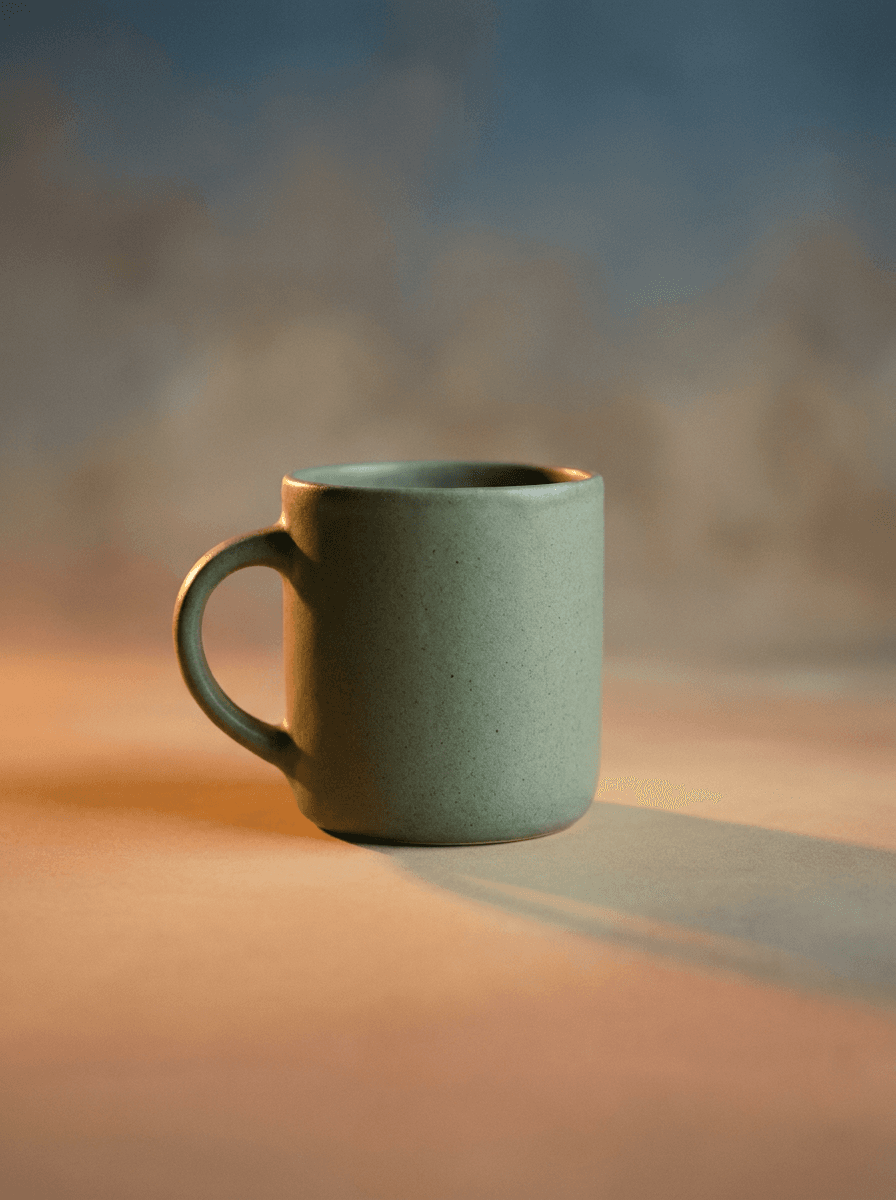
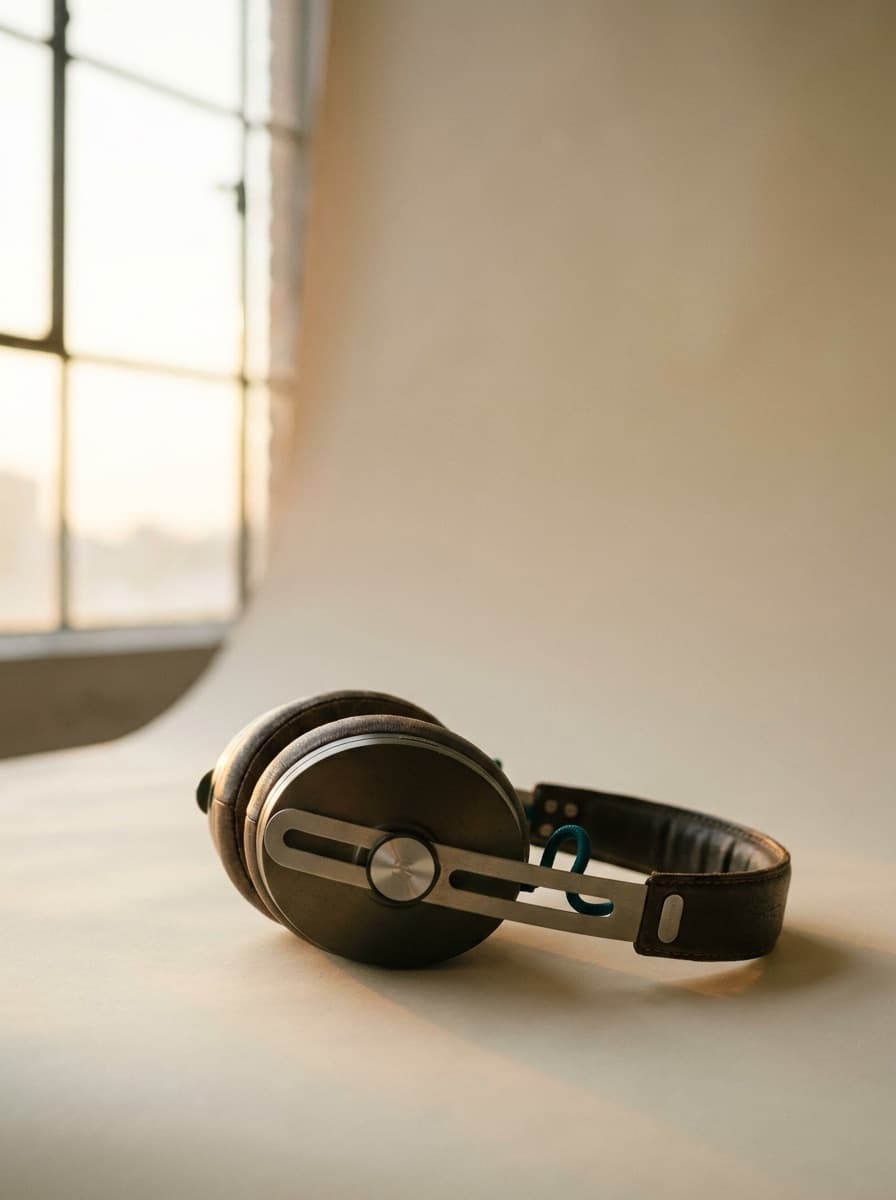
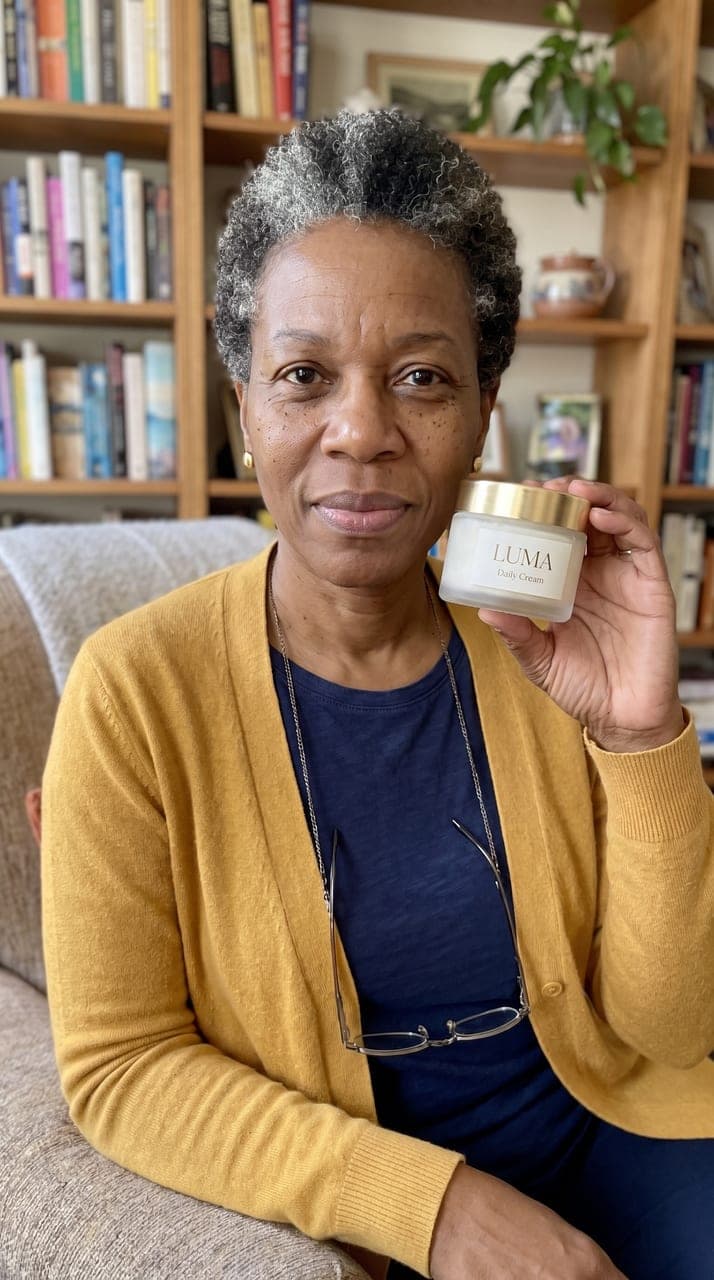
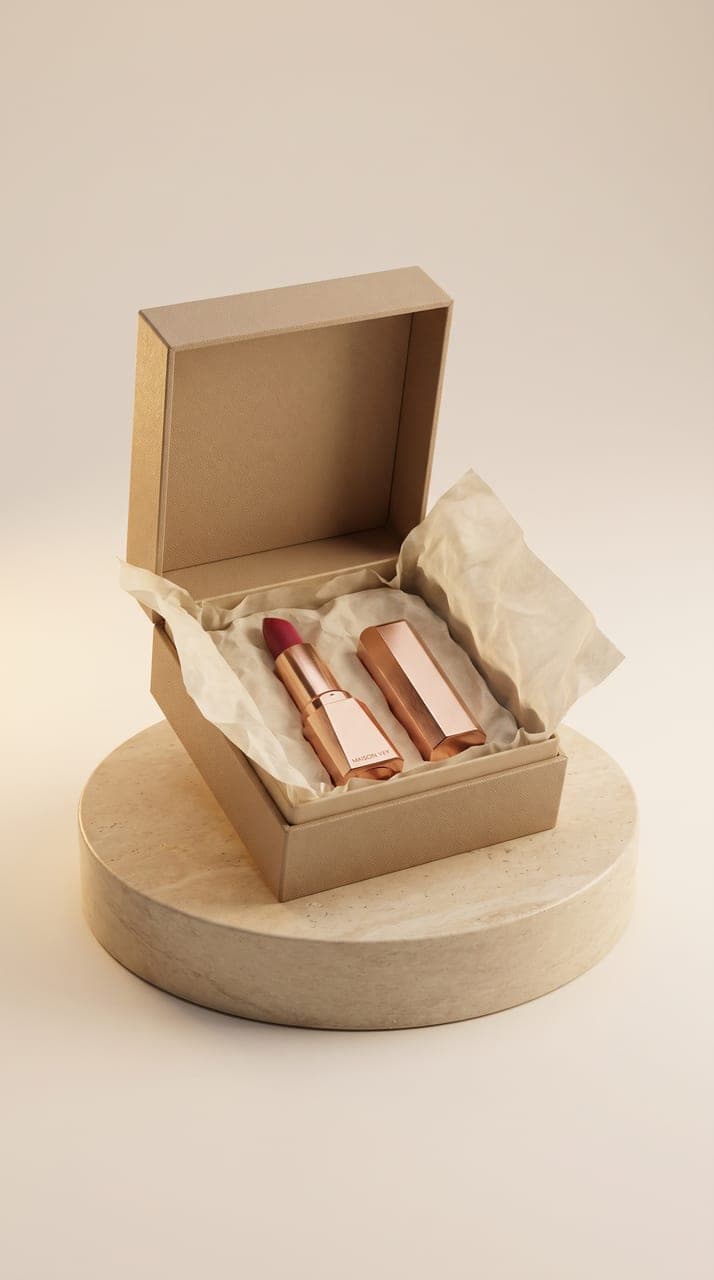
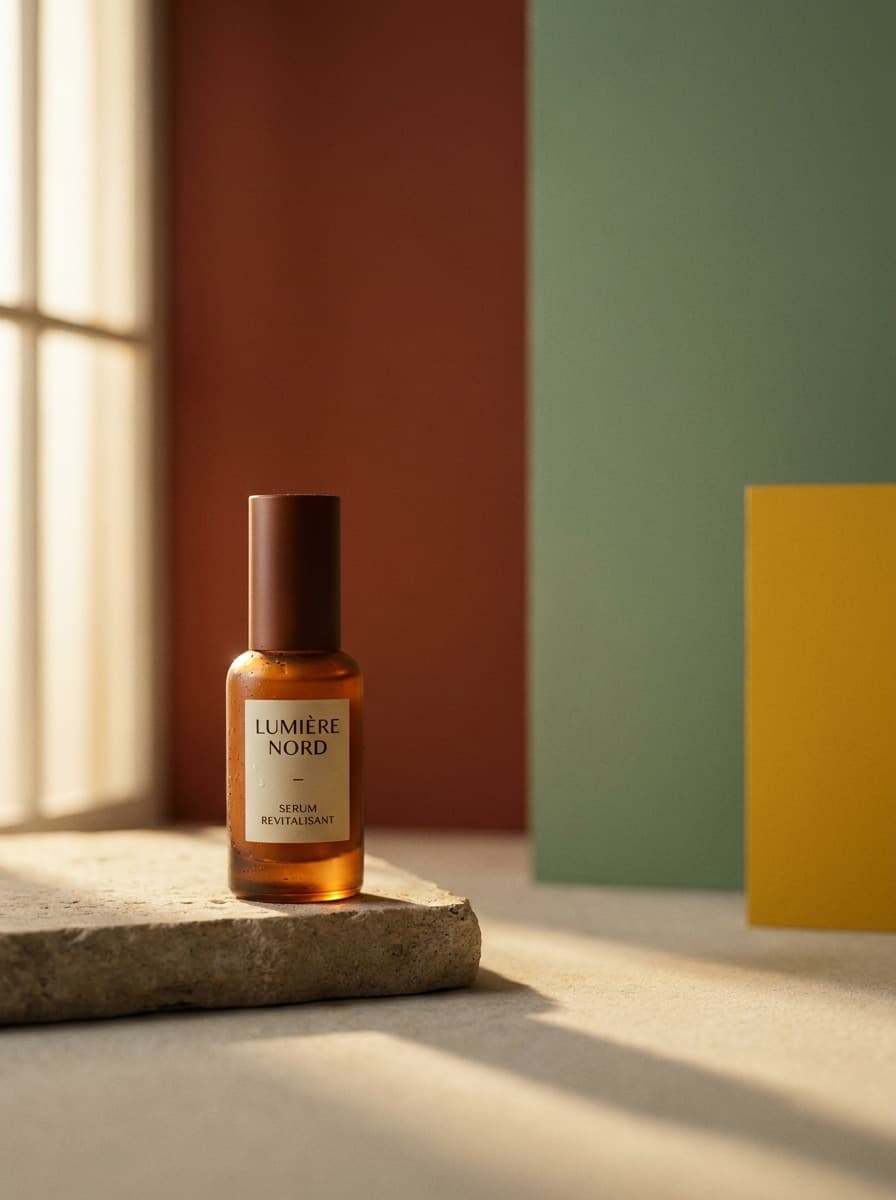
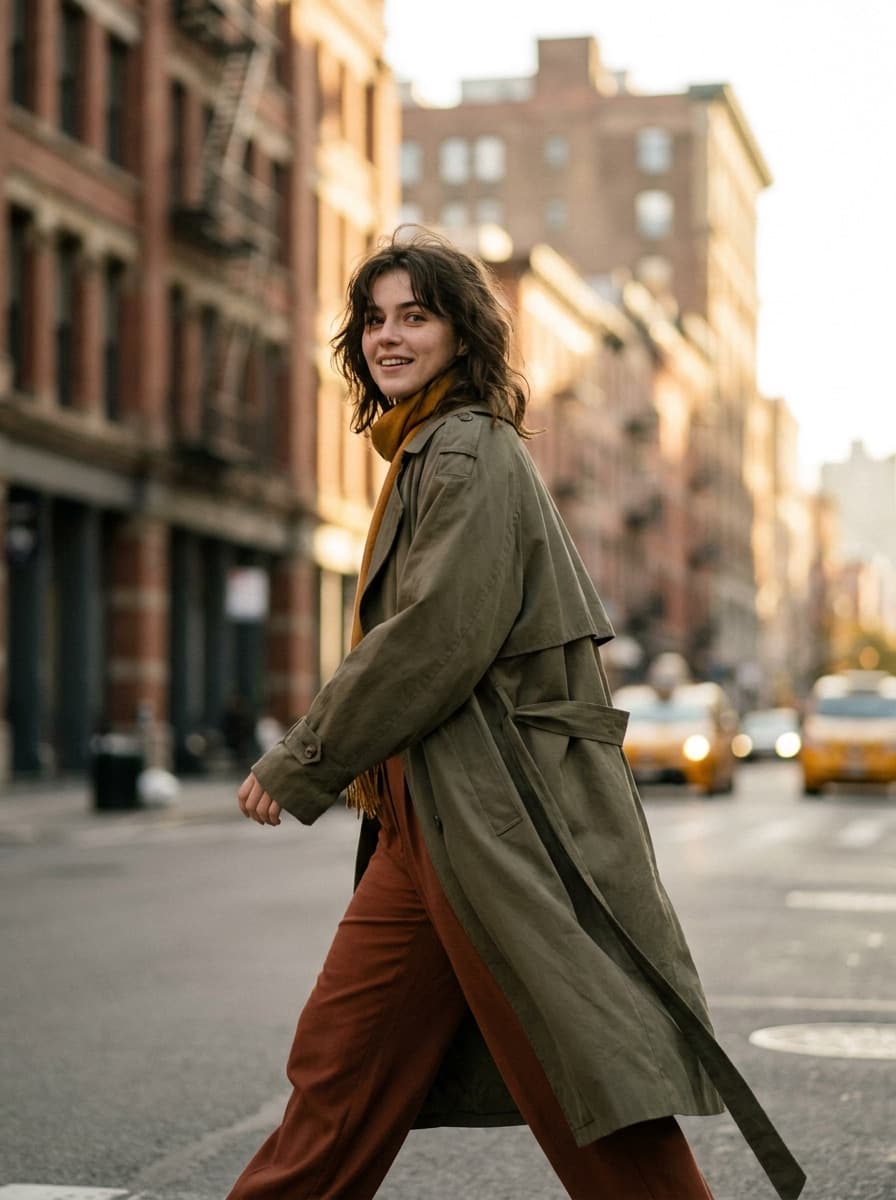


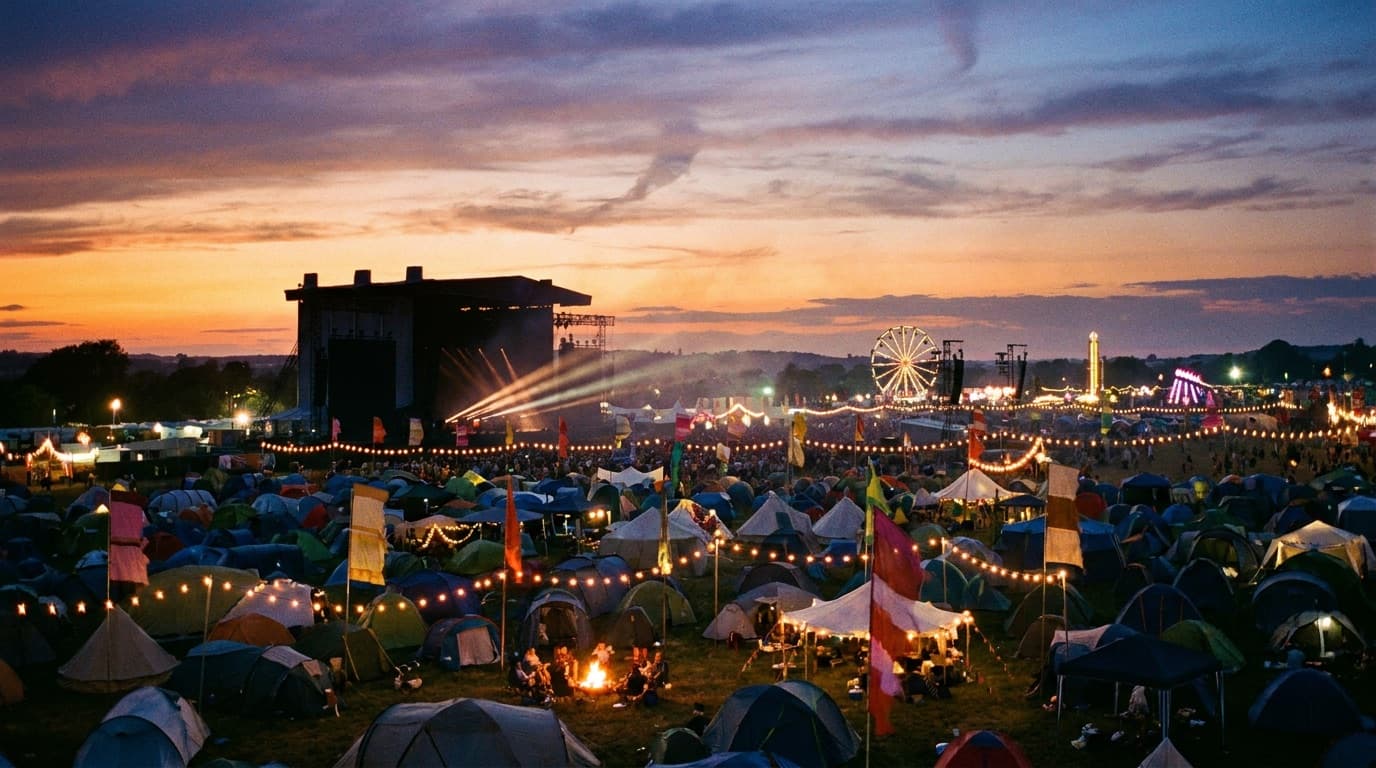

See what each one makes, then open it in Made.