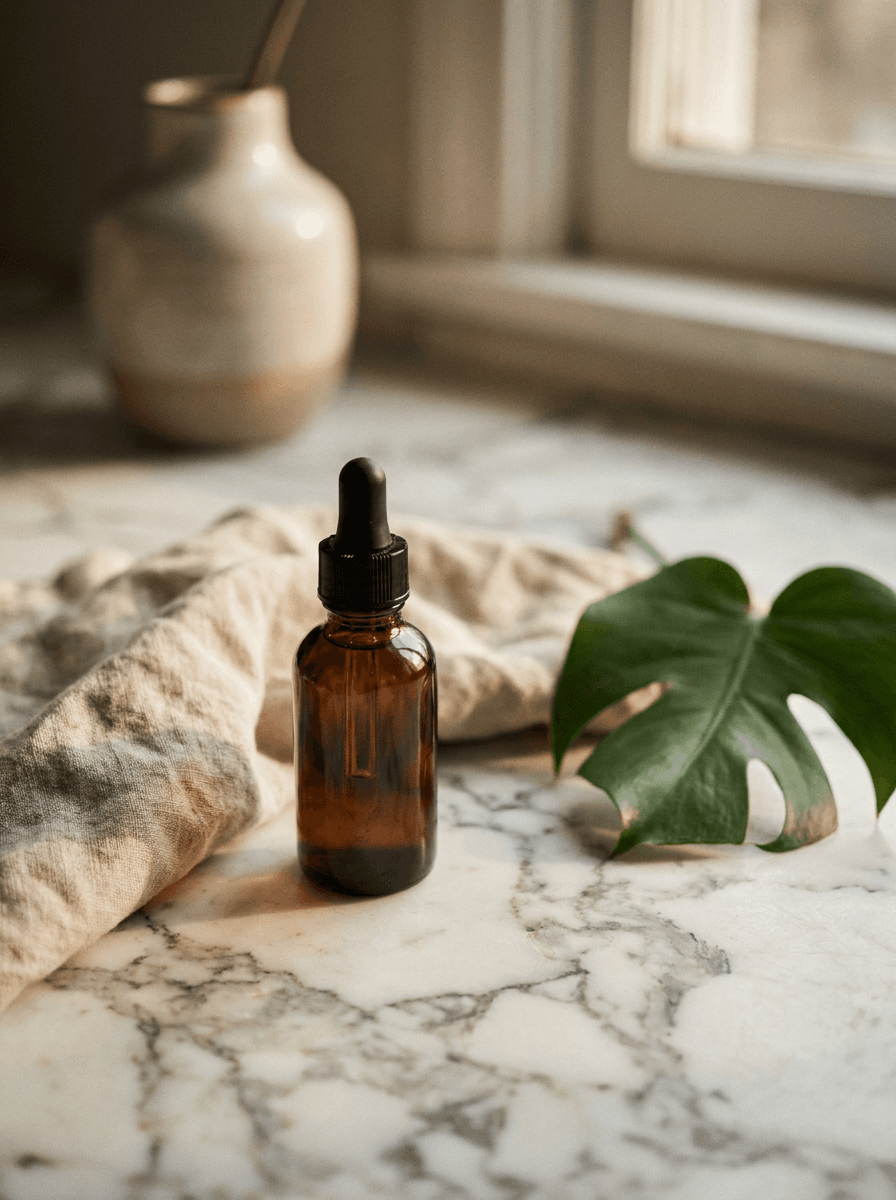
Marble counter
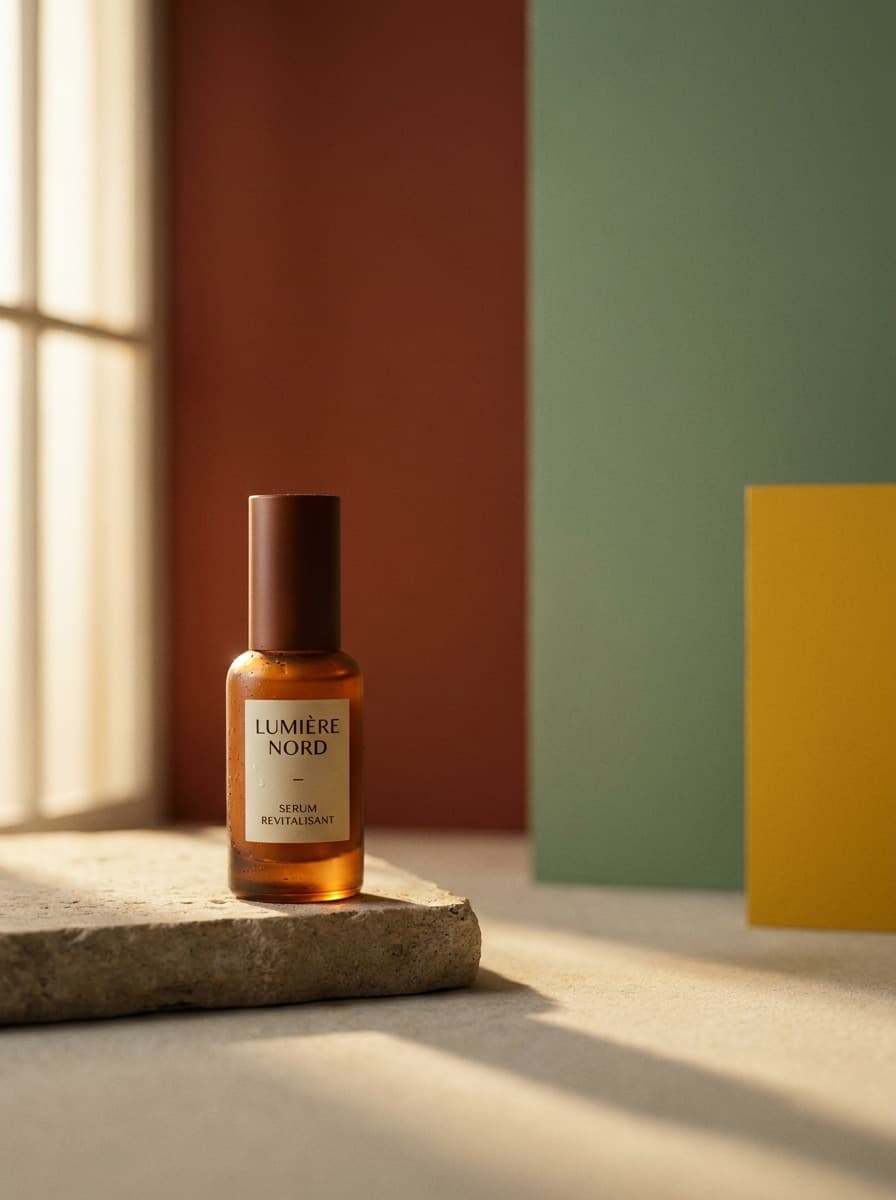
“Place this bottle on a white marble counter with soft morning light.”
Upload a plain product shot and describe the setting — a marble counter, an outdoor lifestyle scene, a studio gradient. Made rebuilds the scene around your unchanged product and returns a JPG.
Marble counter“Place this bottle on a white marble counter with soft morning light.”
Choose a JPEG, PNG, or WebP where the product is clearly visible — a plain background works well.
Name the surface, setting, props, and lighting: “white marble counter, soft morning light, eucalyptus stems nearby.”
The model renders the described scene around your product, keeping the product as photographed.
Check the label, edges, and shadows, then pair with Image Upscaler for a larger delivery file if needed.
Real results from Made. Use a prompt to load it into the studio above, then add your own photo.
“Place this bottle on a white marble counter with soft morning light.”
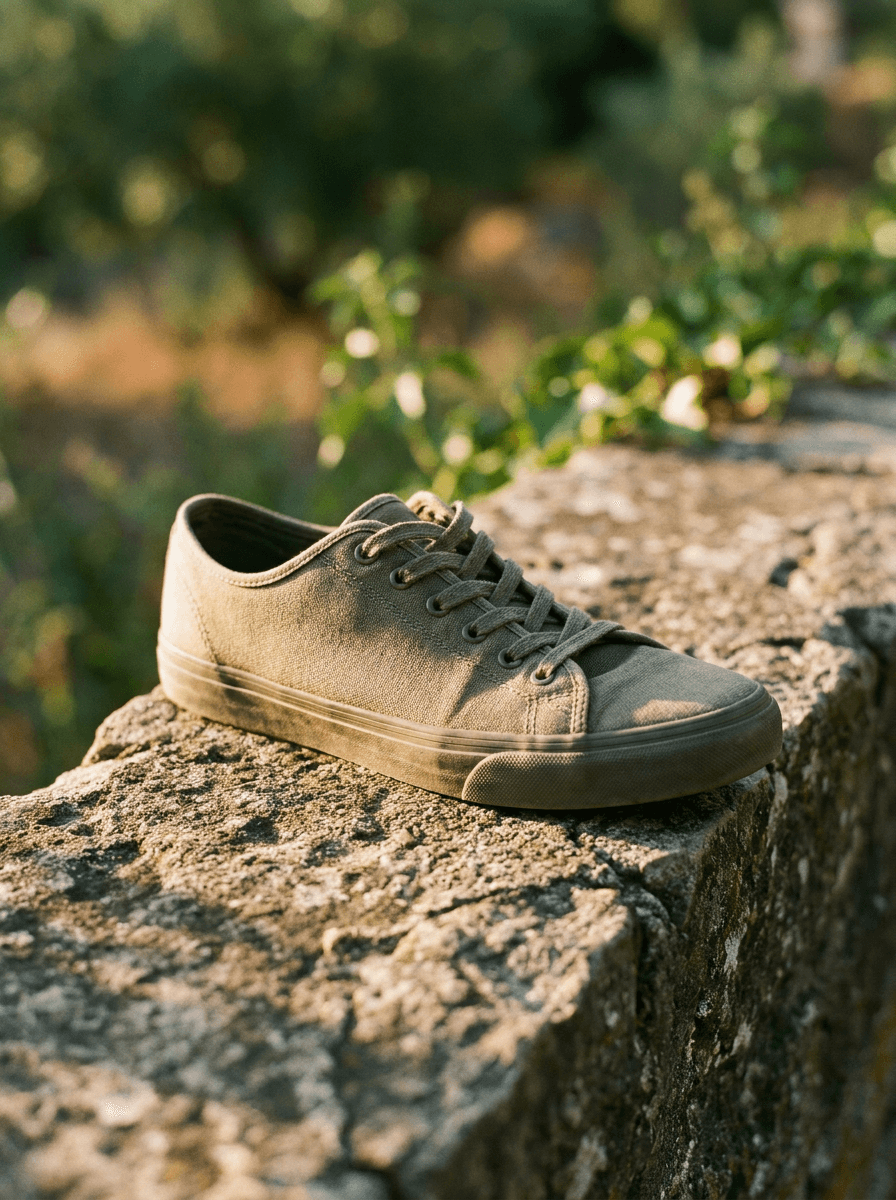
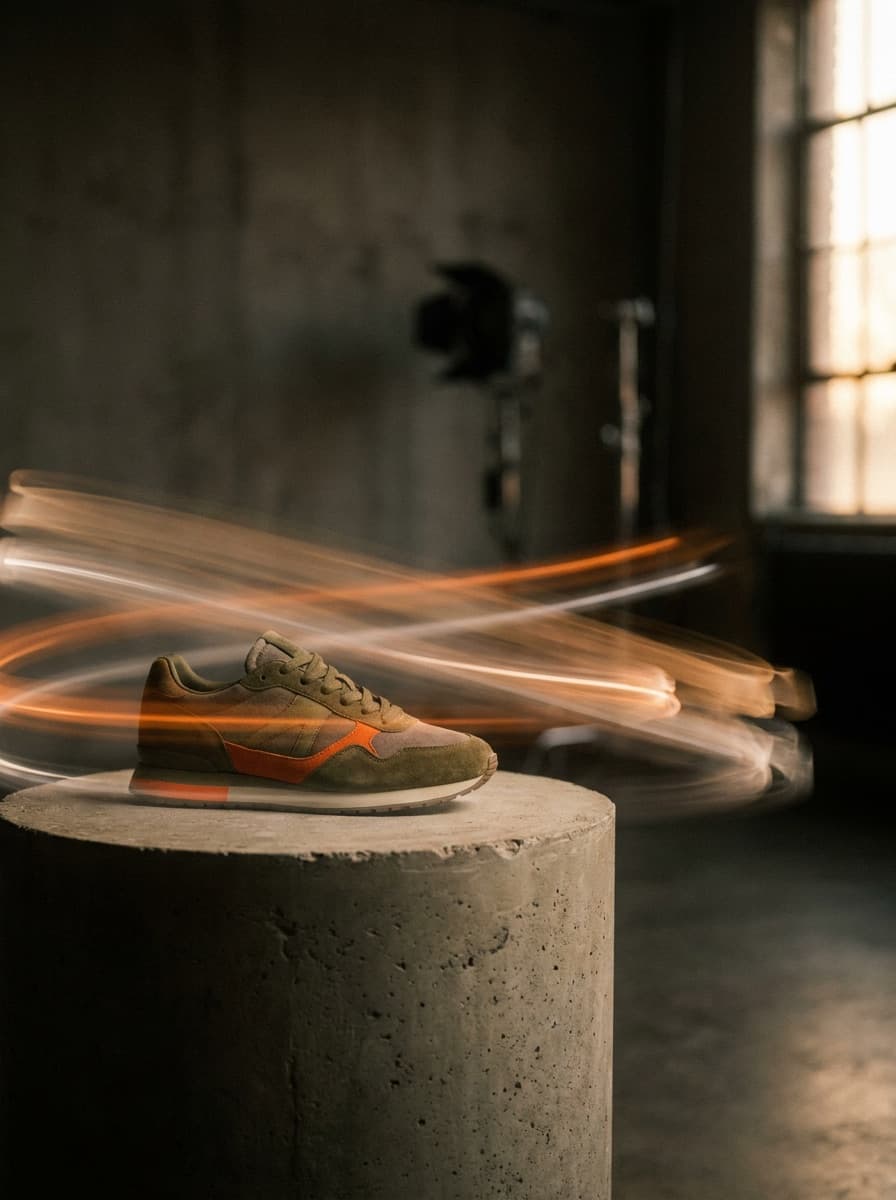
“Stage this sneaker outdoors on a sunlit stone wall.”
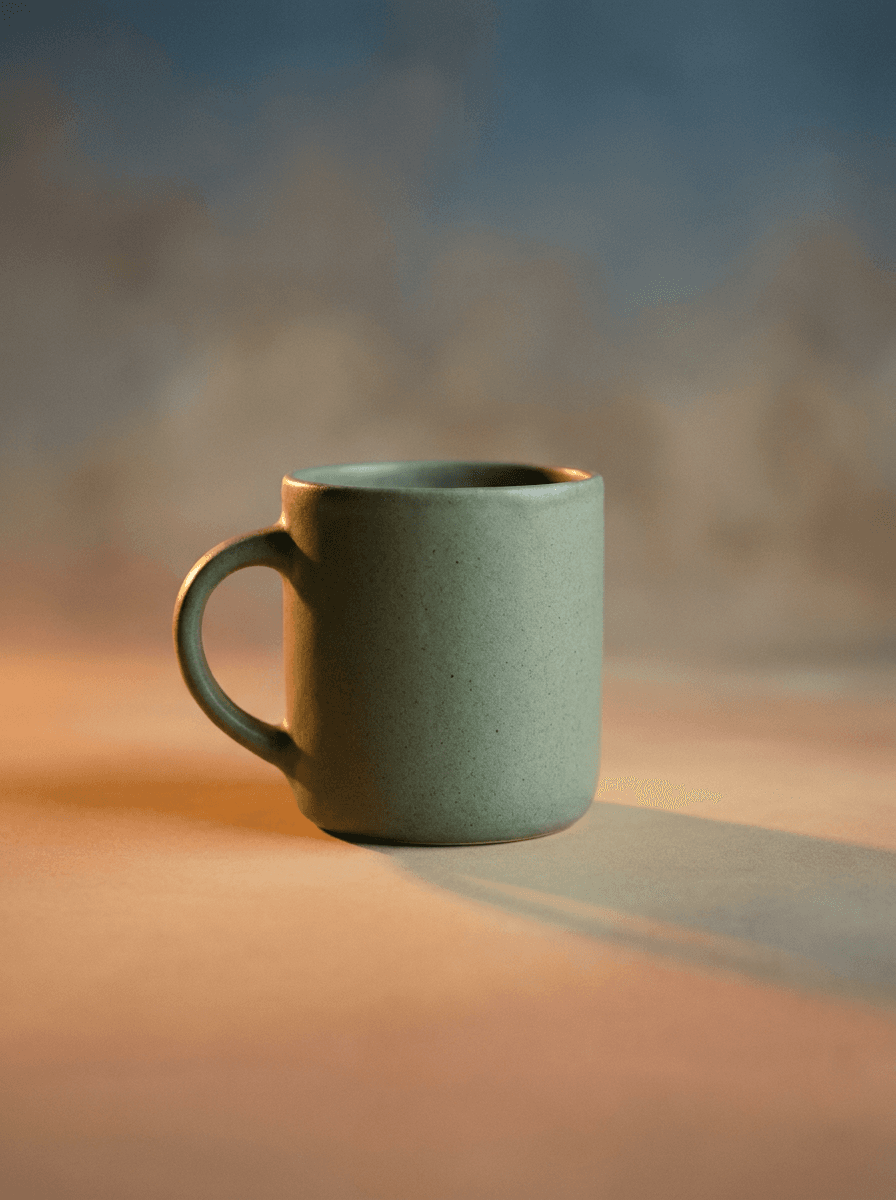
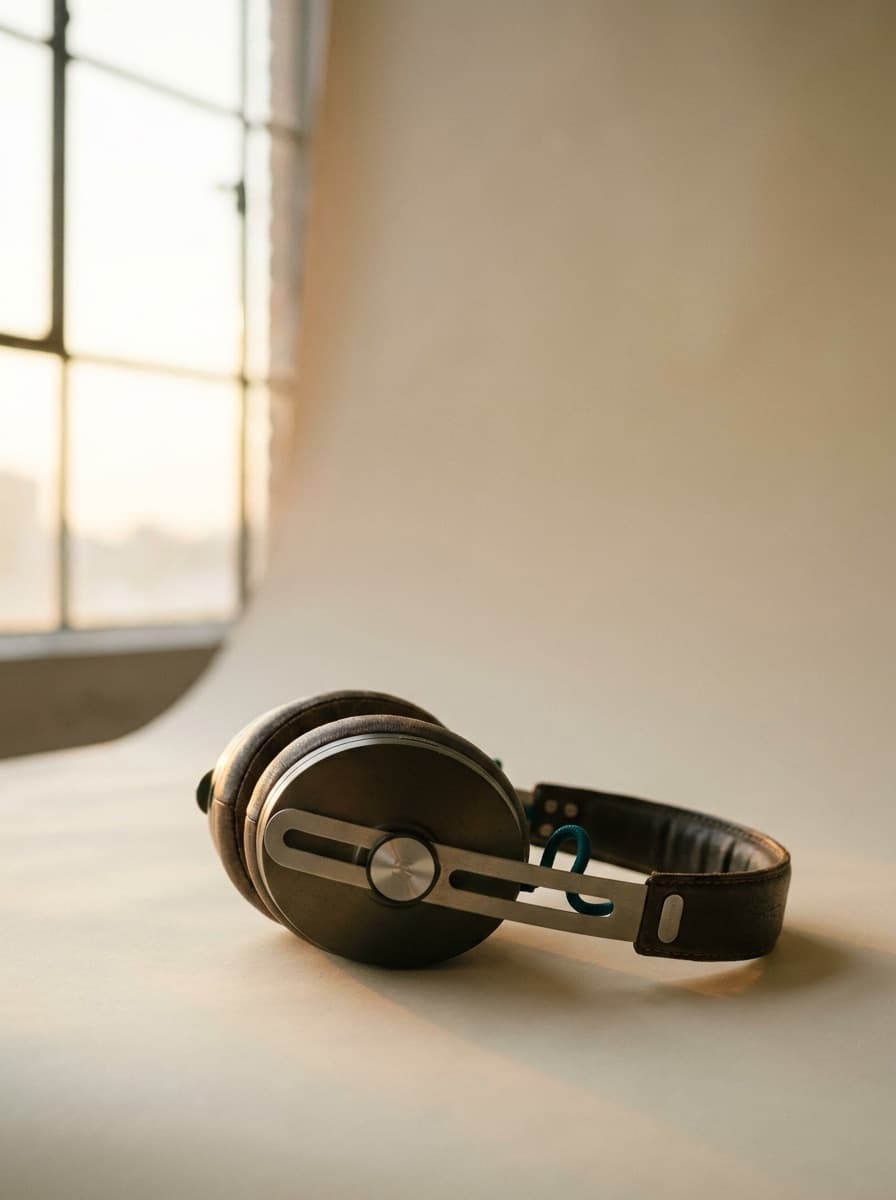
“Put this mug on a seamless gradient studio backdrop.”
Checked against the running tool on 2026-09-03.
It turns a plain product shot into a styled product scene without a photoshoot. You upload one photo of the product, describe the setting you want — a marble counter, an outdoor lifestyle scene, a studio gradient — and Made renders that scene around your product and returns a JPG.
Made prompts Google’s Nano Banana model on Replicate with your scene description. A keep-subject instruction is built into the prompt, so the model replaces the background while the product itself stays as photographed.
The workflow is designed to preserve the product exactly as photographed and change only the scene. The render is still generative, so inspect the label, logo placement, shape, and contact shadows before using the image in a listing.
A clear, well-lit shot of the product — a simple phone photo on a plain background is a good start. Upload one JPEG, PNG, or WebP per request; the staged result comes back as a JPG.
Any setting you can put into words: kitchen counters, bathroom shelves, outdoor lifestyle scenes, seamless studio backdrops with gradient lighting. Include the surface, props, and lighting in your description for the most art-directed result.
Stage the scene here, then run the result through Image Upscaler for a larger delivery file. If a marketplace requires a pure white or transparent background instead of a scene, use Background Remover to produce a clean cutout.
It is the same one-step scene replacement, focused on products: this page is about staging merchandise in sellable settings, while Background Changer covers general photos of people and subjects. If your subject is a product for a store, ad, or catalog, start here.
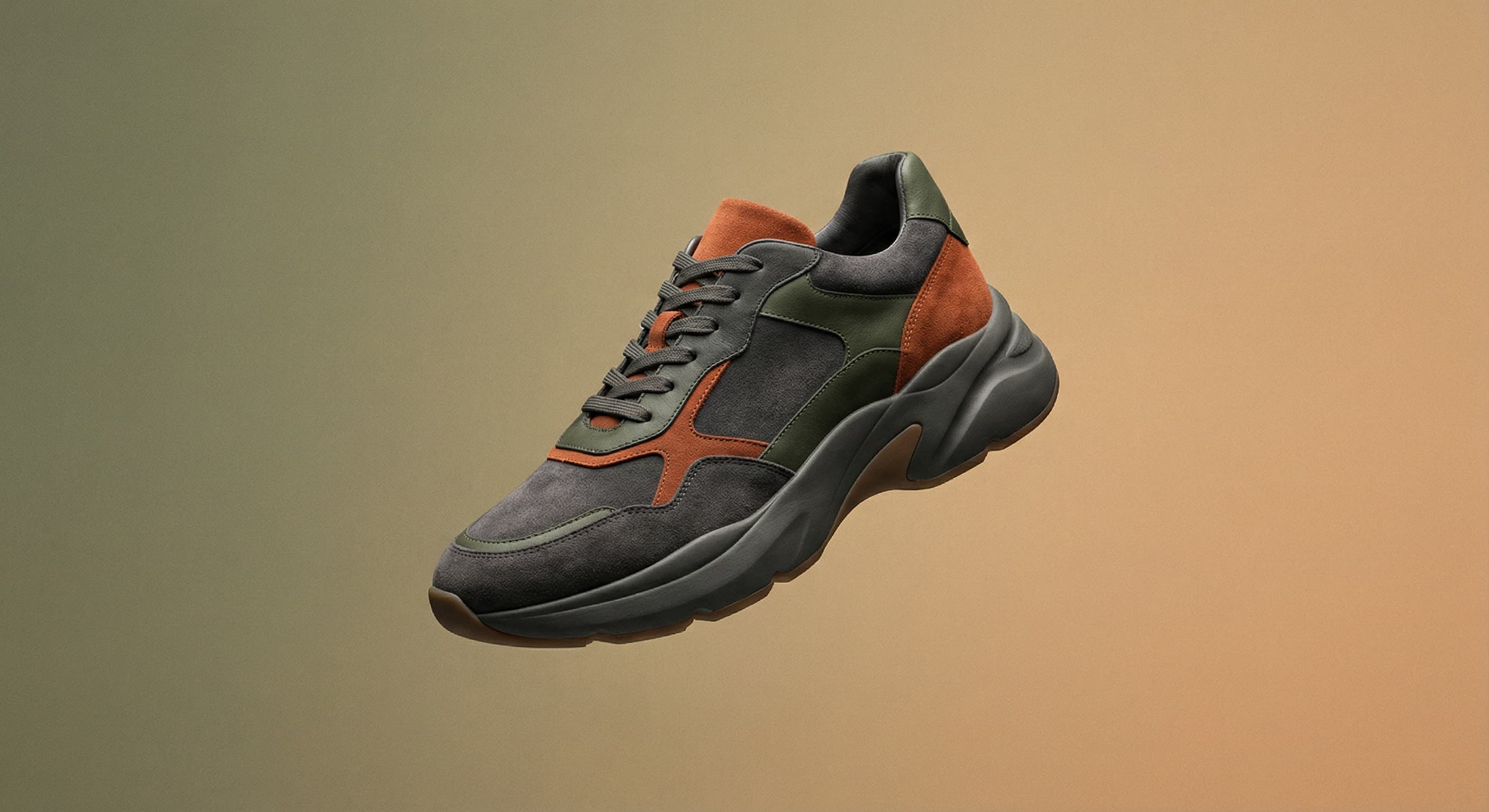

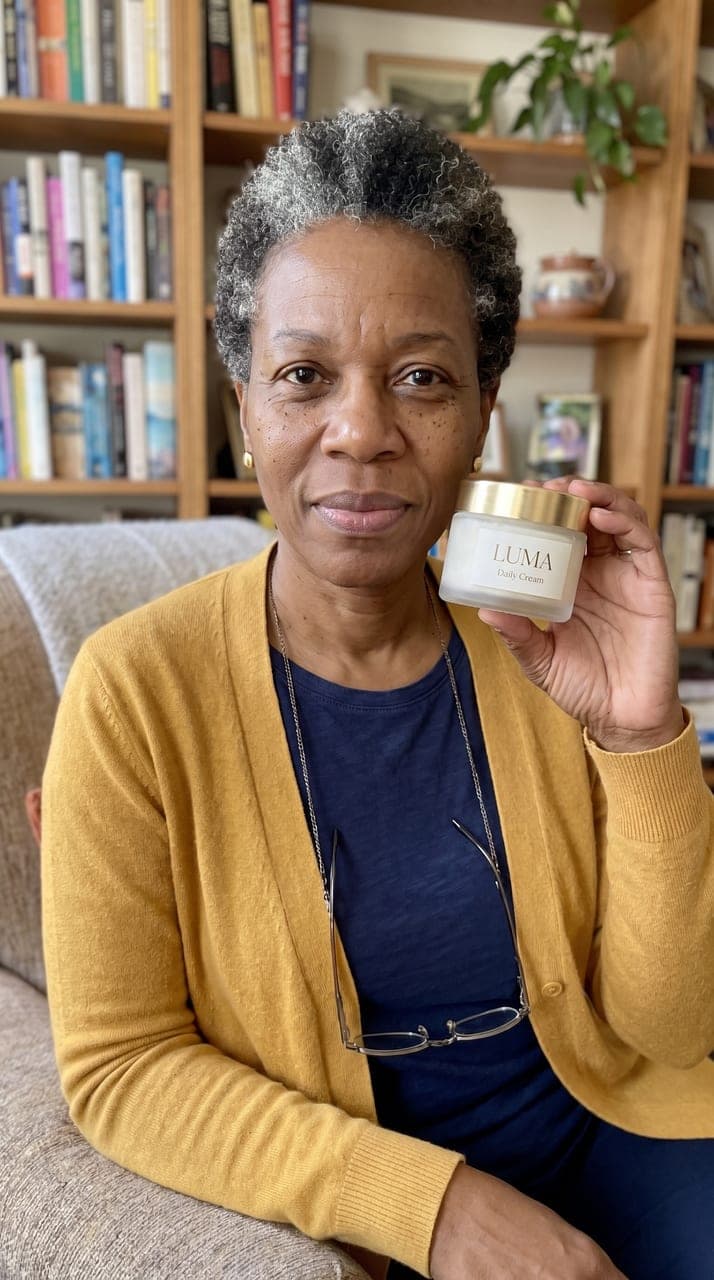
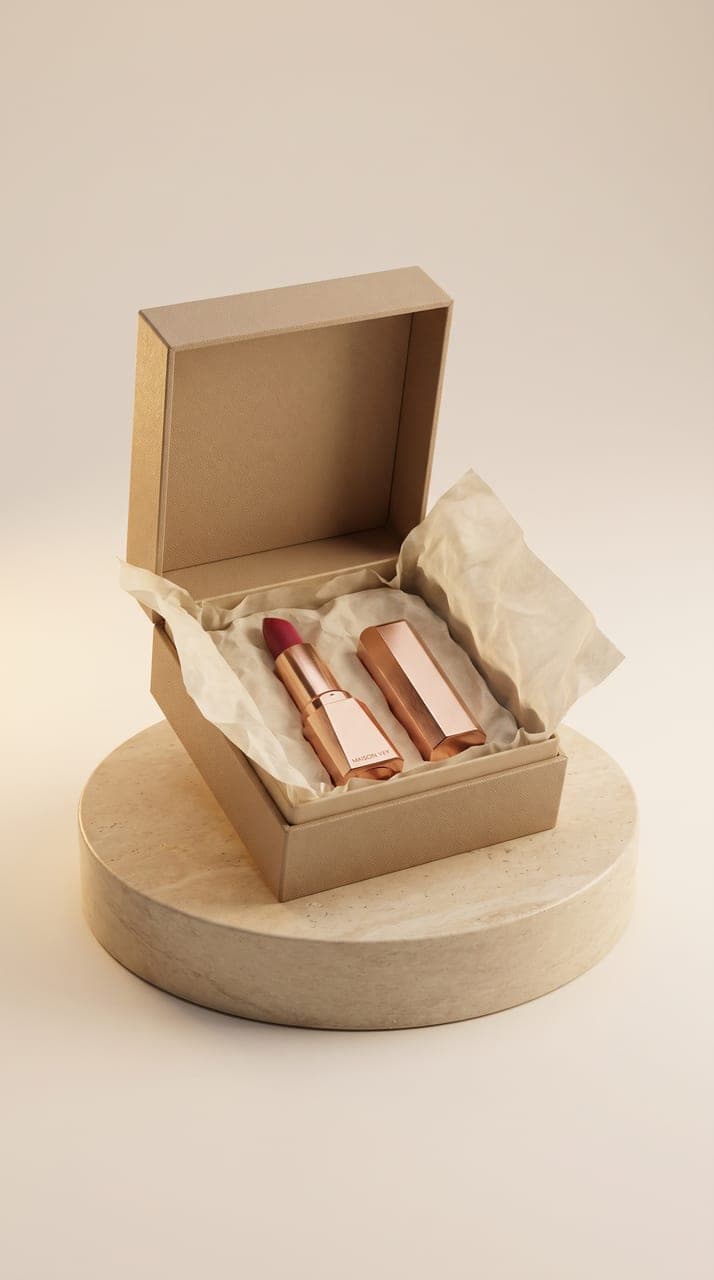
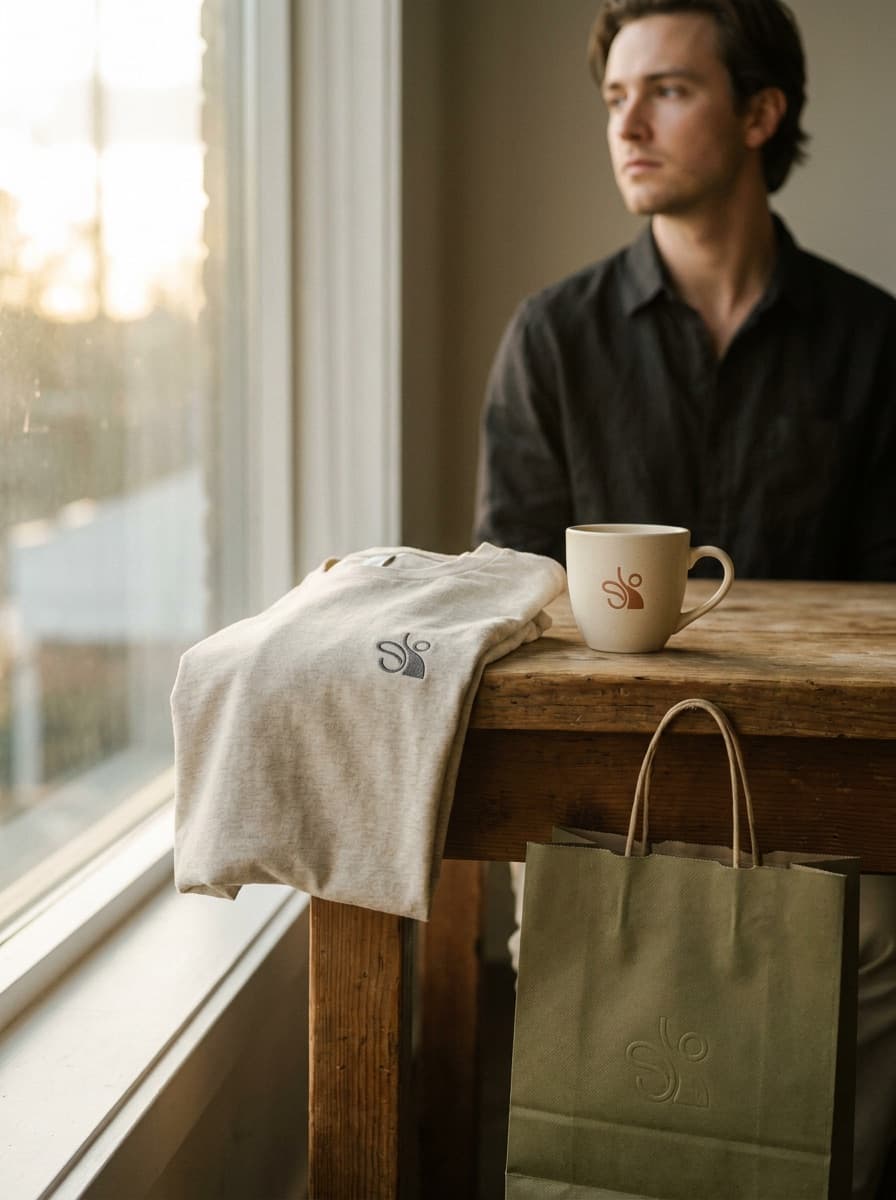

See what each one makes, then open it in Made.


