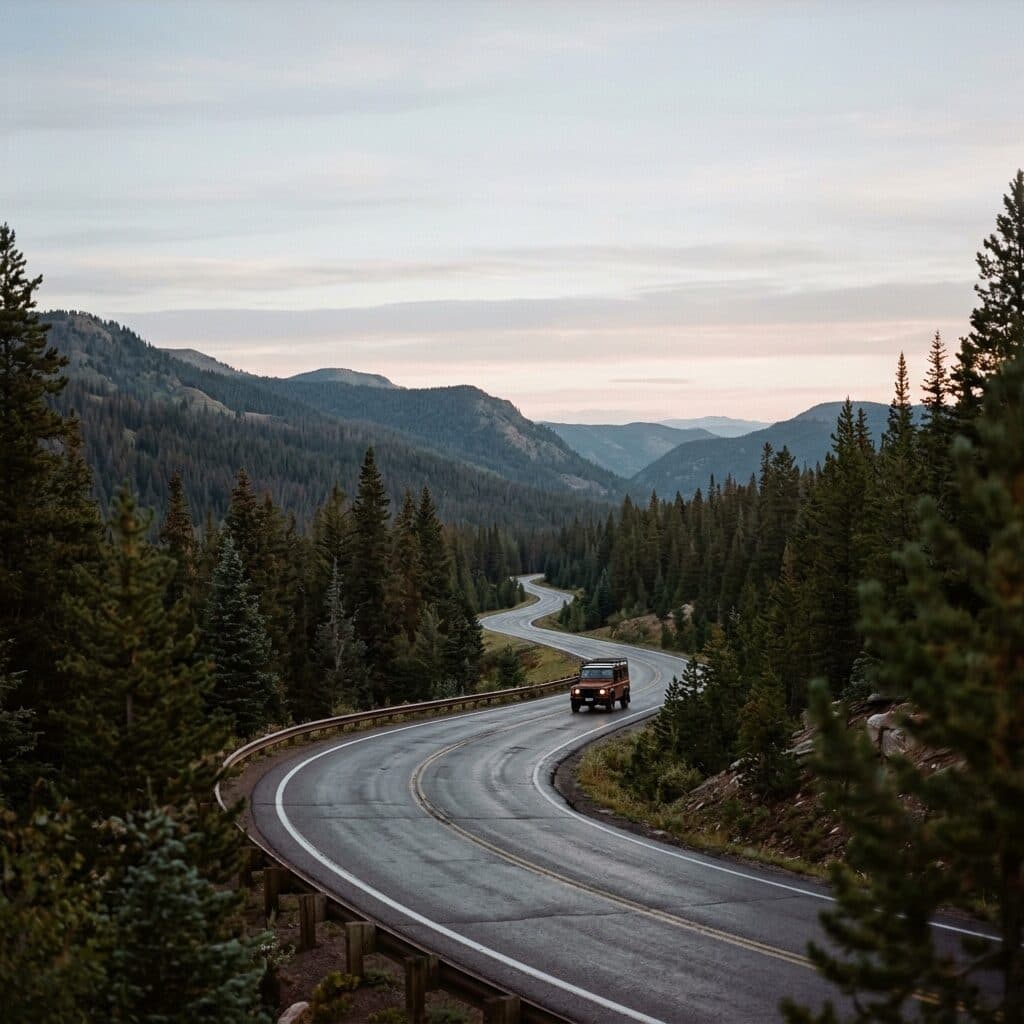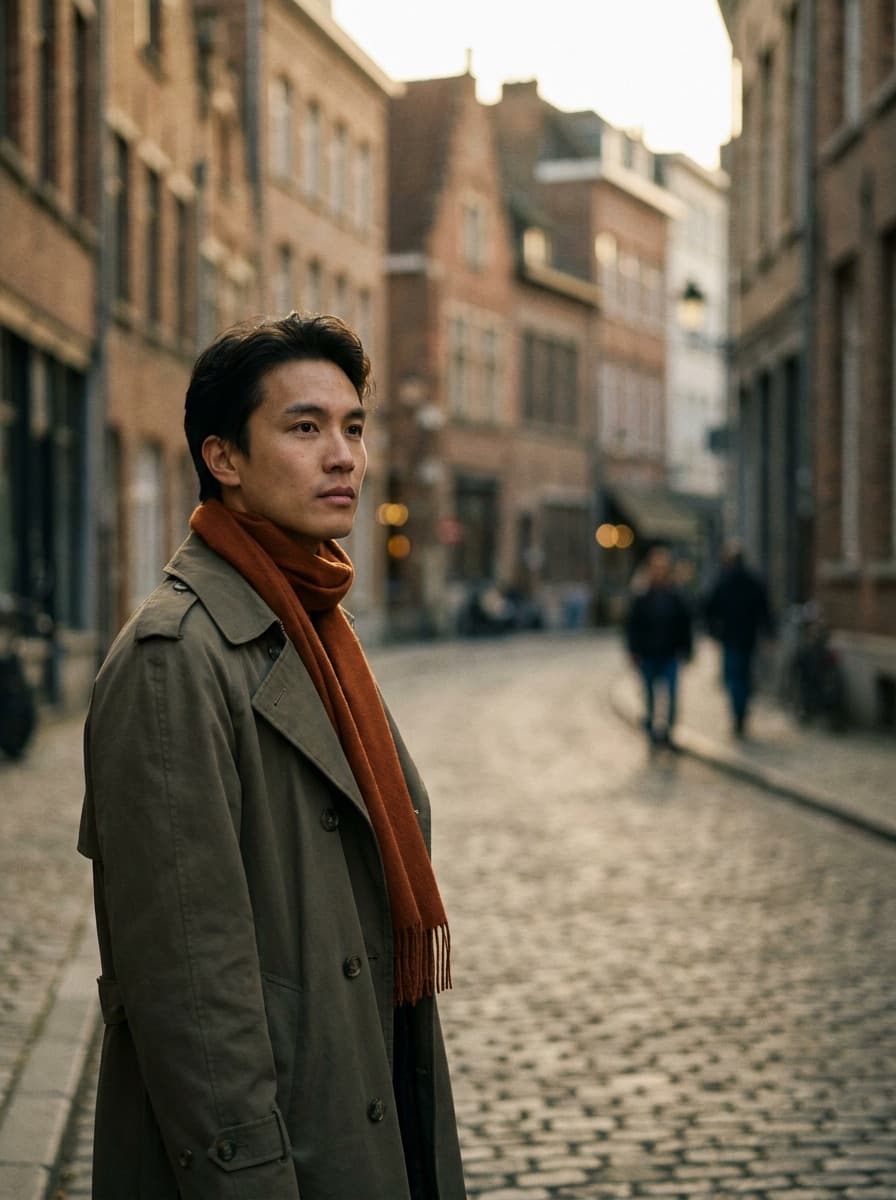
Street editorial
“Re-stage this photo as a street-style editorial shot at golden hour.”
Upload one photo — of yourself, a model, or a product — and describe the shoot: the location, lighting, and styling. Made re-stages your subject into editorial-quality scenes, one look per request.
Street editorial“Re-stage this photo as a street-style editorial shot at golden hour.”
Front-lit, sharp, and unobstructed — the subject in this photo anchors every generated look.
Location, lighting, wardrobe or staging, and the mood you want, one look per request.
Check that the subject still reads as themselves — regenerate if identity or details drift.
Repeat with new looks while reusing the same source photo for a coherent series.
Real results from Made. Use a prompt to load it into the studio above, then add your own photo.
“Re-stage this photo as a street-style editorial shot at golden hour.”
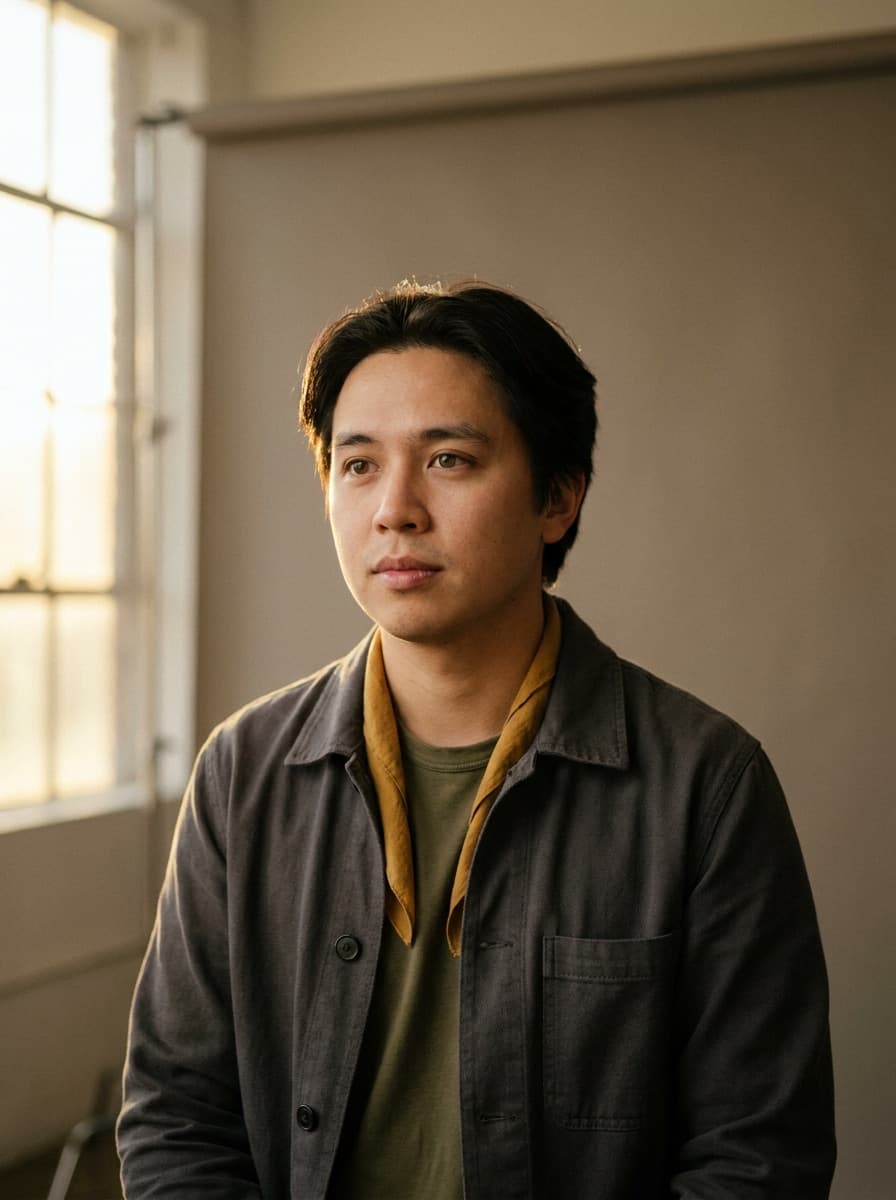
“Put me in a studio portrait session with a beige seamless backdrop and soft key light.”
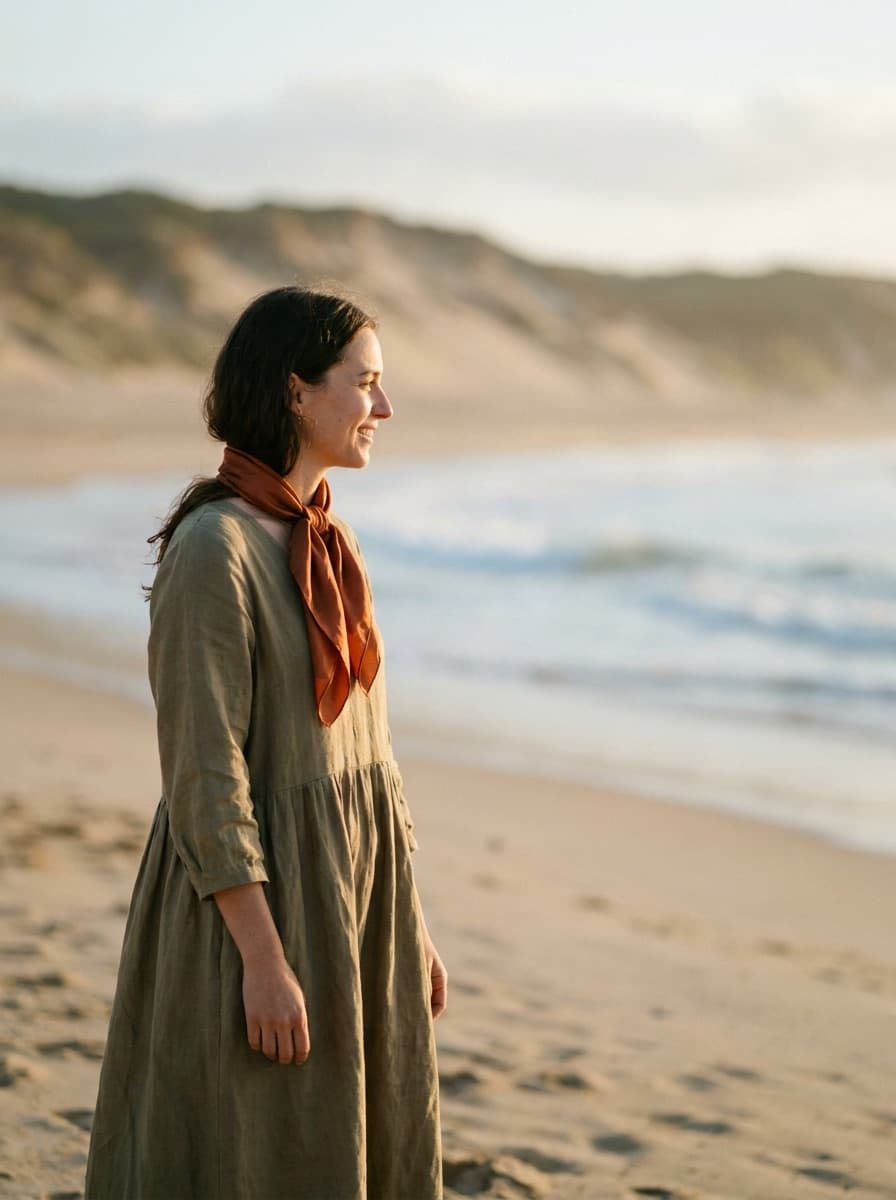
“Make this a beach photoshoot at sunset with wind-blown styling.”
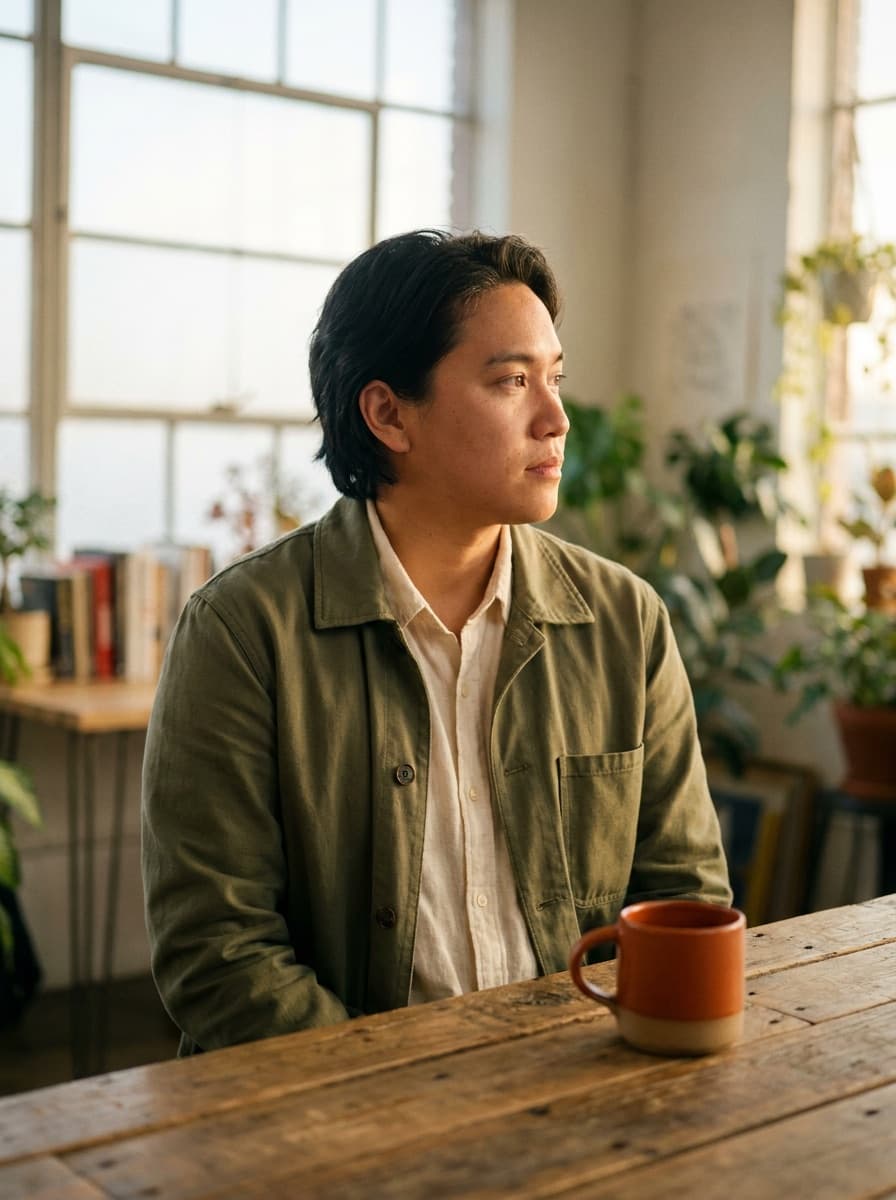
“Stage this product like a brand campaign shot with props and directional light.”
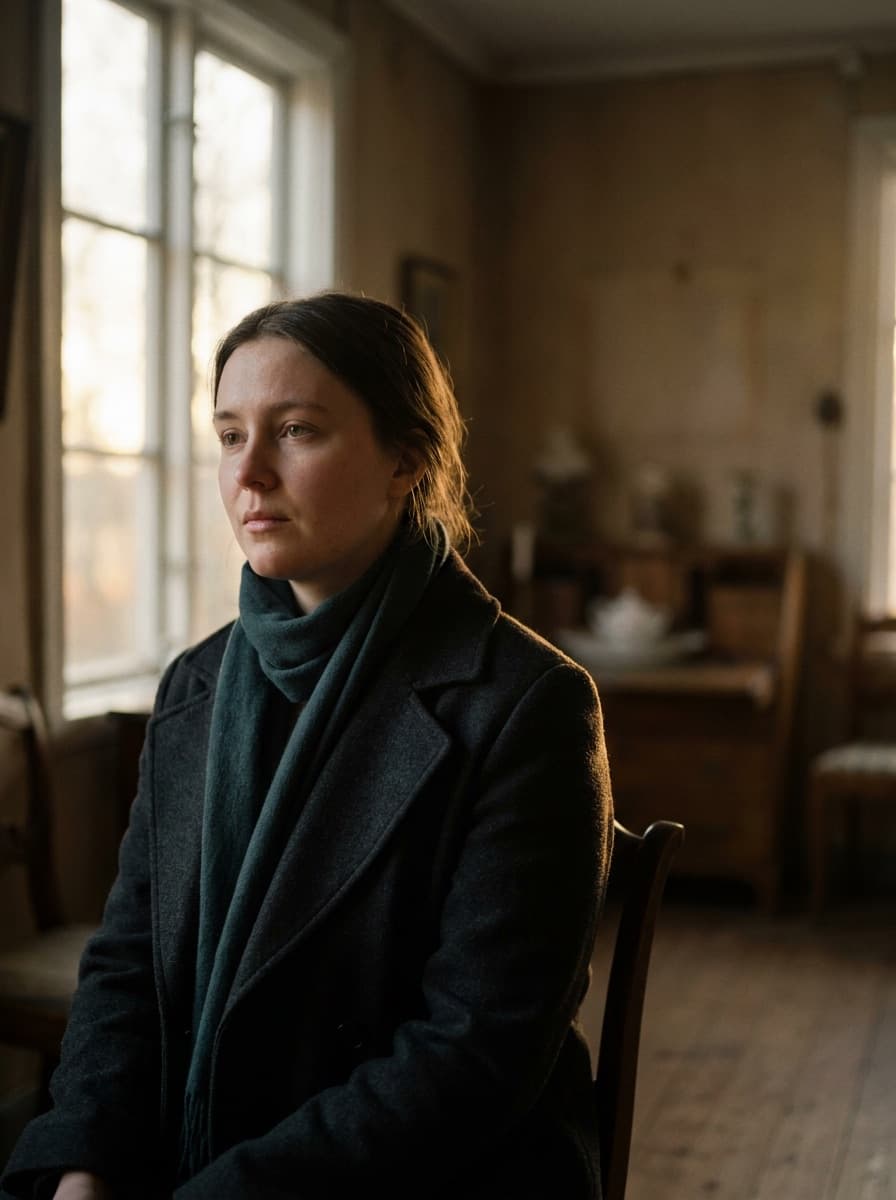
“Shoot this like a moody indoor editorial with window light and deep shadows.”
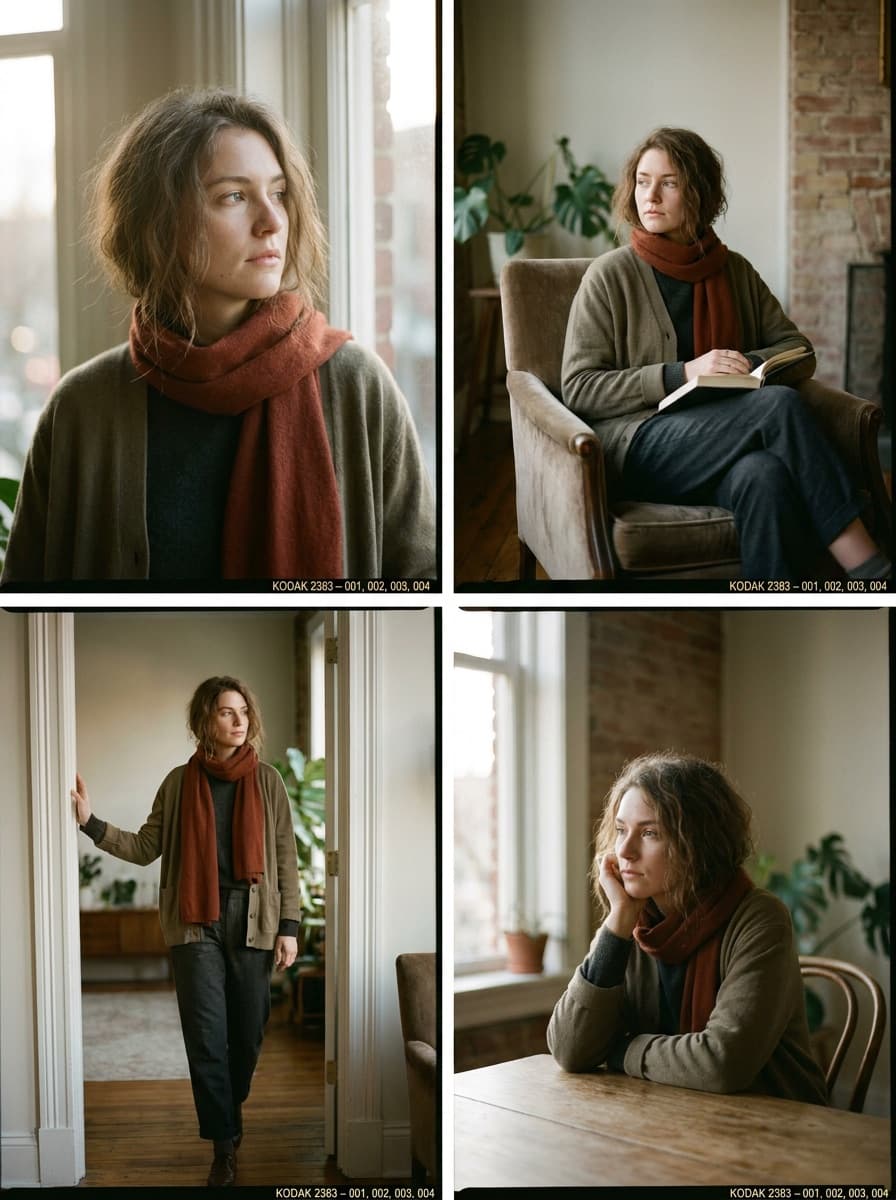
“Keep the same subject and give me another look for a consistent lookbook set.”
Checked against the running tool on 2026-09-04.
Headshots target one thing: a professional head-and-shoulders portrait. The photoshoot workflow is open-ended — full scenes, locations, styling, and lighting concepts — and works for products as well as people. Use headshots for LinkedIn; use this for everything a shoot day would produce.
The edit model preserves the subject from your photo, and most generations hold likeness well. Some drift is possible, especially with strong restyling — review each image and regenerate when a look stops reading as you.
One. Unlike train-a-model photoshoot services that want ten to twenty selfies, this workflow edits directly from a single photo. The quality of that one photo matters: sharp, front-lit, and unobstructed anchors the whole set.
Yes — upload a product photo and describe the campaign scene, props, and lighting. The keep-subject behavior applies the same way: the product is preserved while the world around it is generated.
Yes, describe the wardrobe in the shoot concept — “white linen suit, studio backdrop.” For focused clothing swaps on an existing photo, the AI Clothes Changer is the more precise tool.
Reuse the same source photo and keep a fixed style sentence — palette, film look, lighting — in every request, changing only the scene. The set will match at an art-direction level, like frames from the same campaign rather than identical shots.
Your own, or people who have consented to this use. Do not generate photoshoots of third parties or public figures without permission — likeness rights apply even when the scene is synthetic.
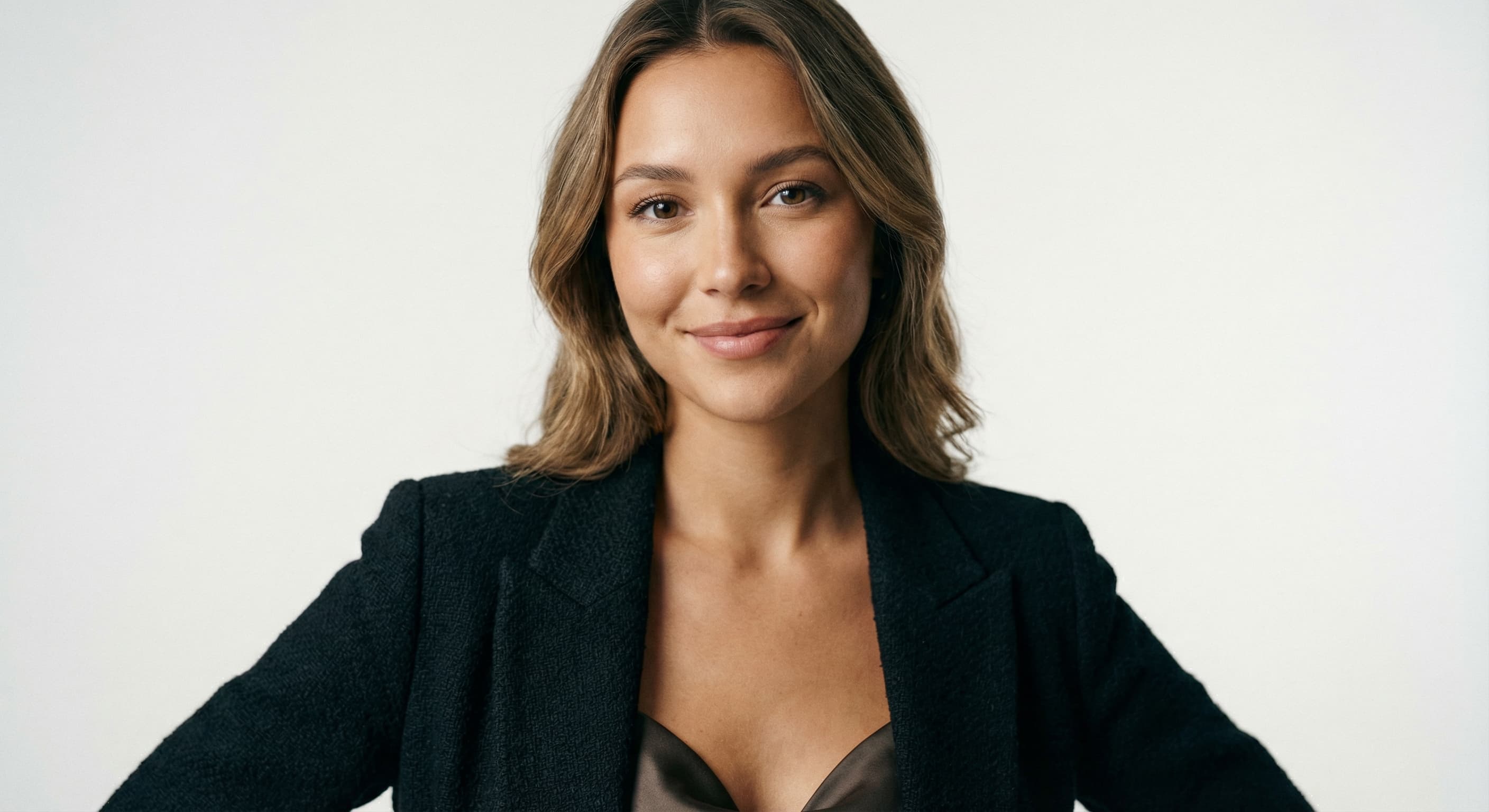
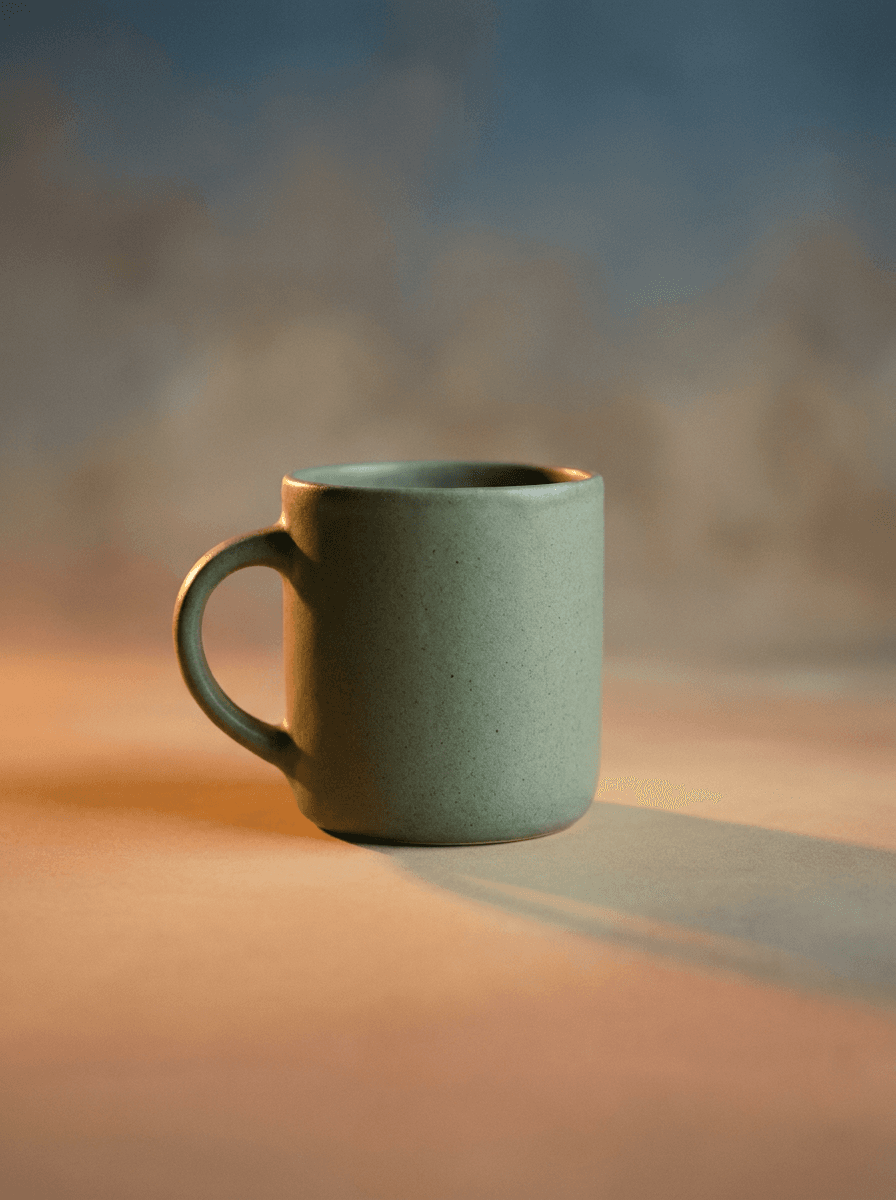
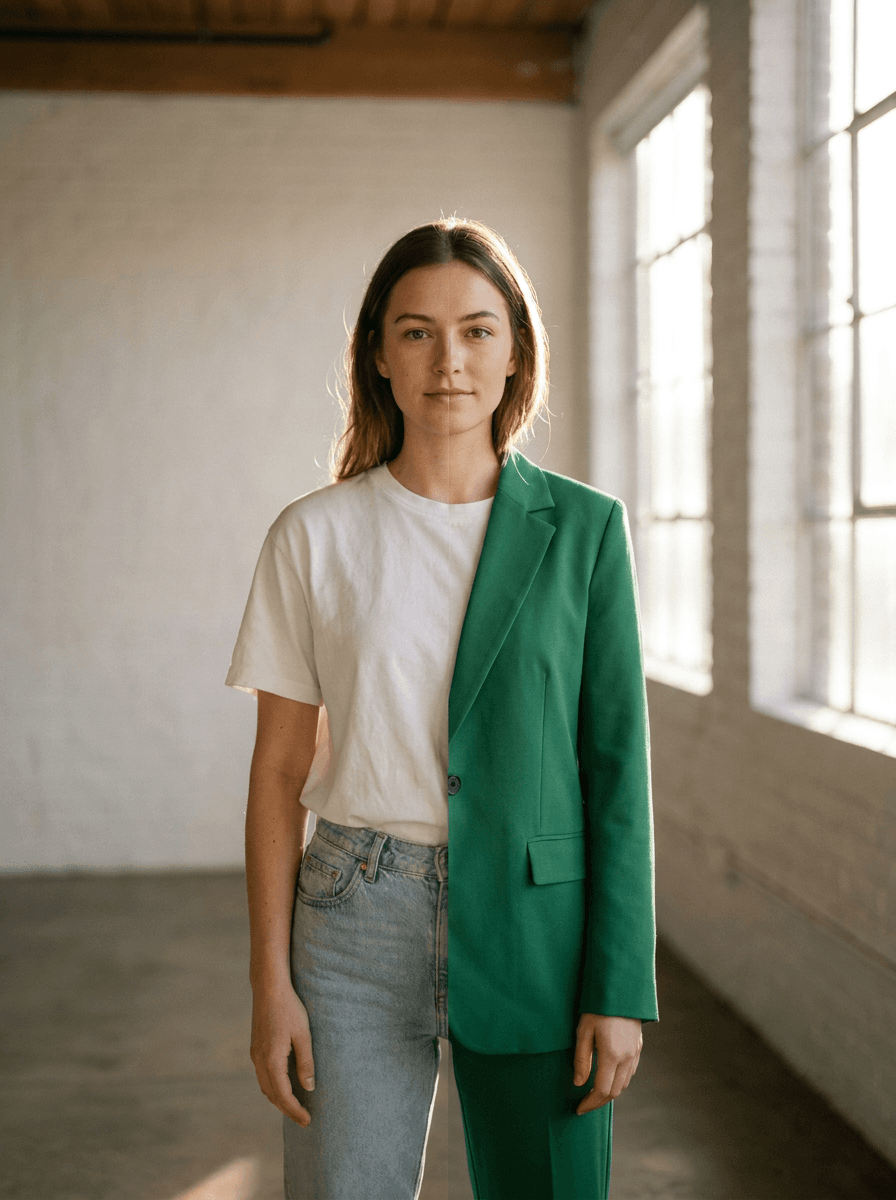
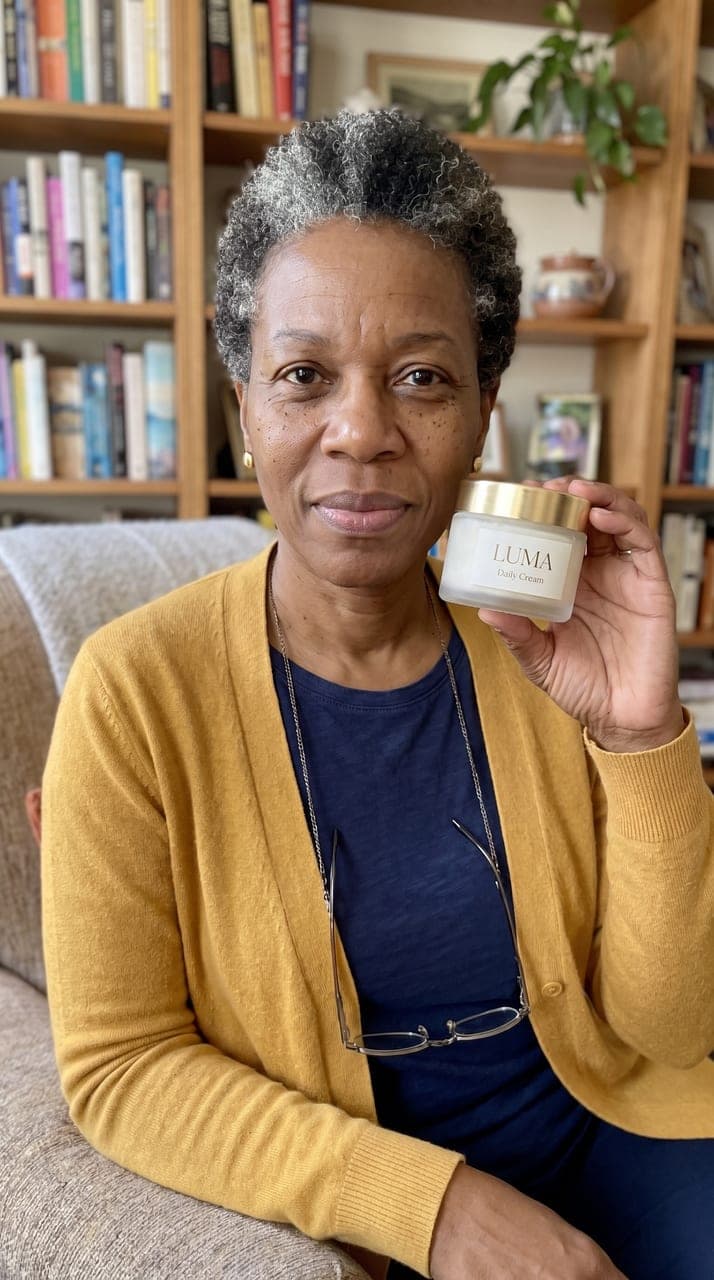
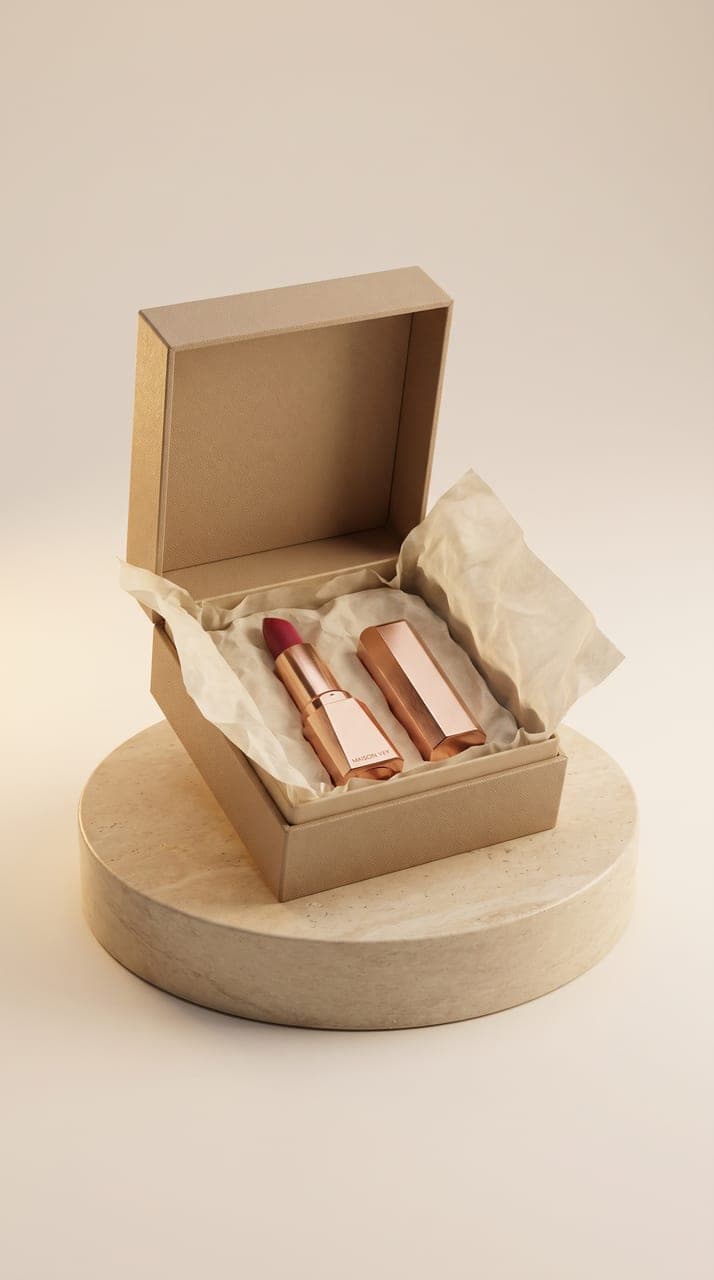
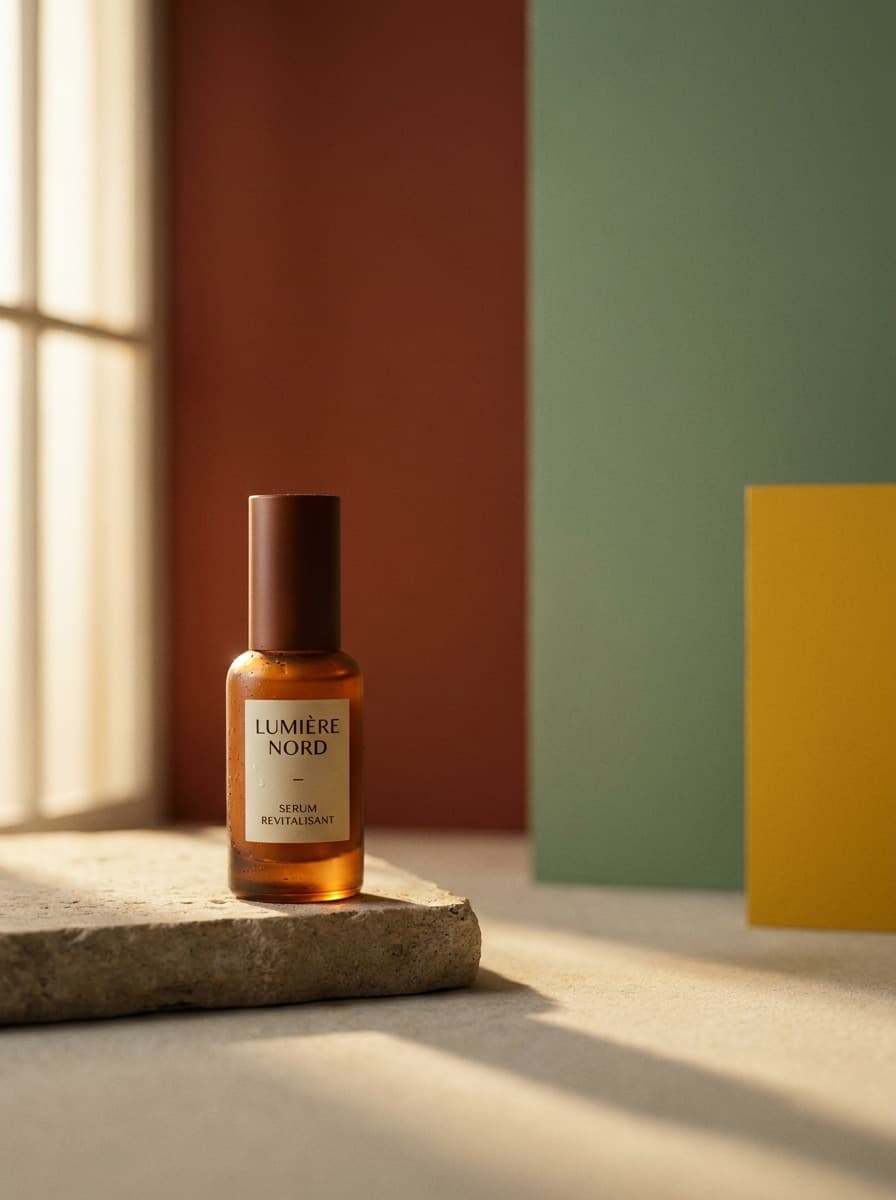
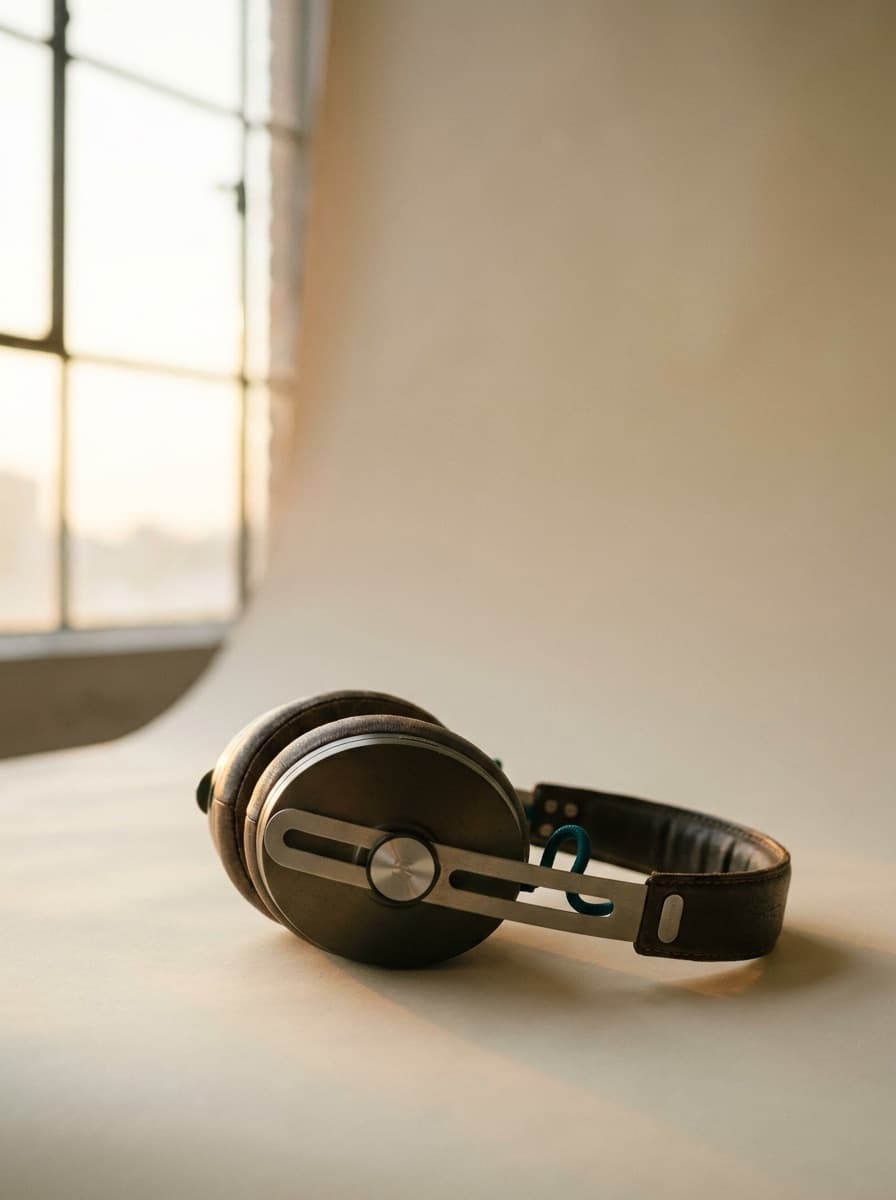
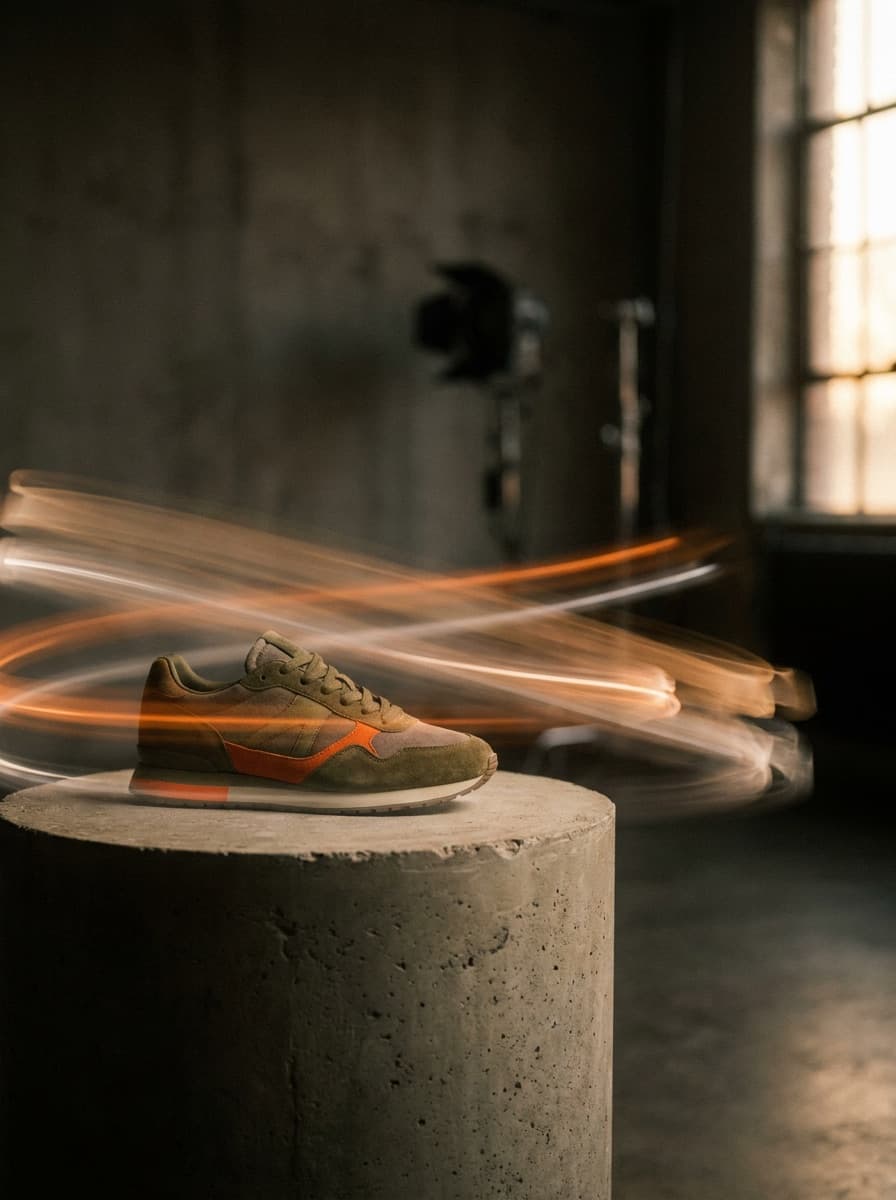
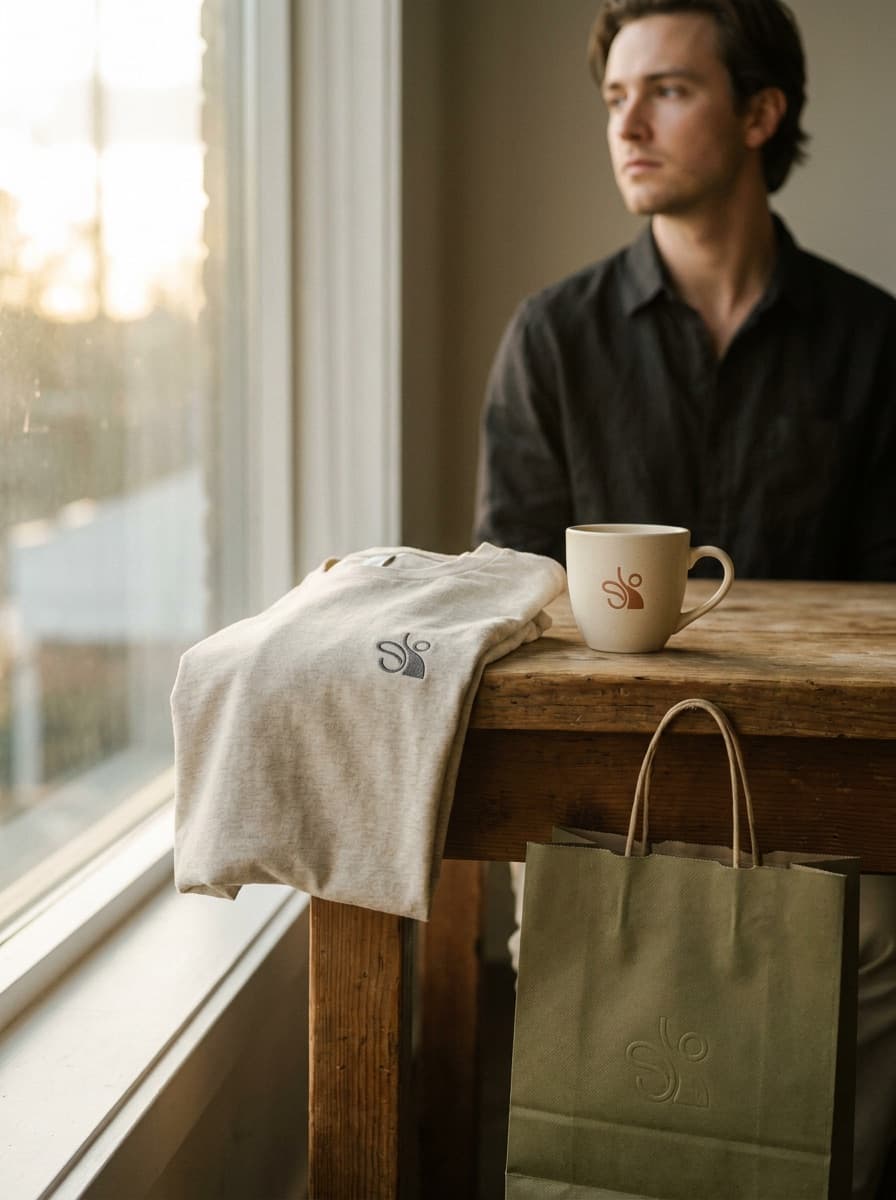

See what each one makes, then open it in Made.