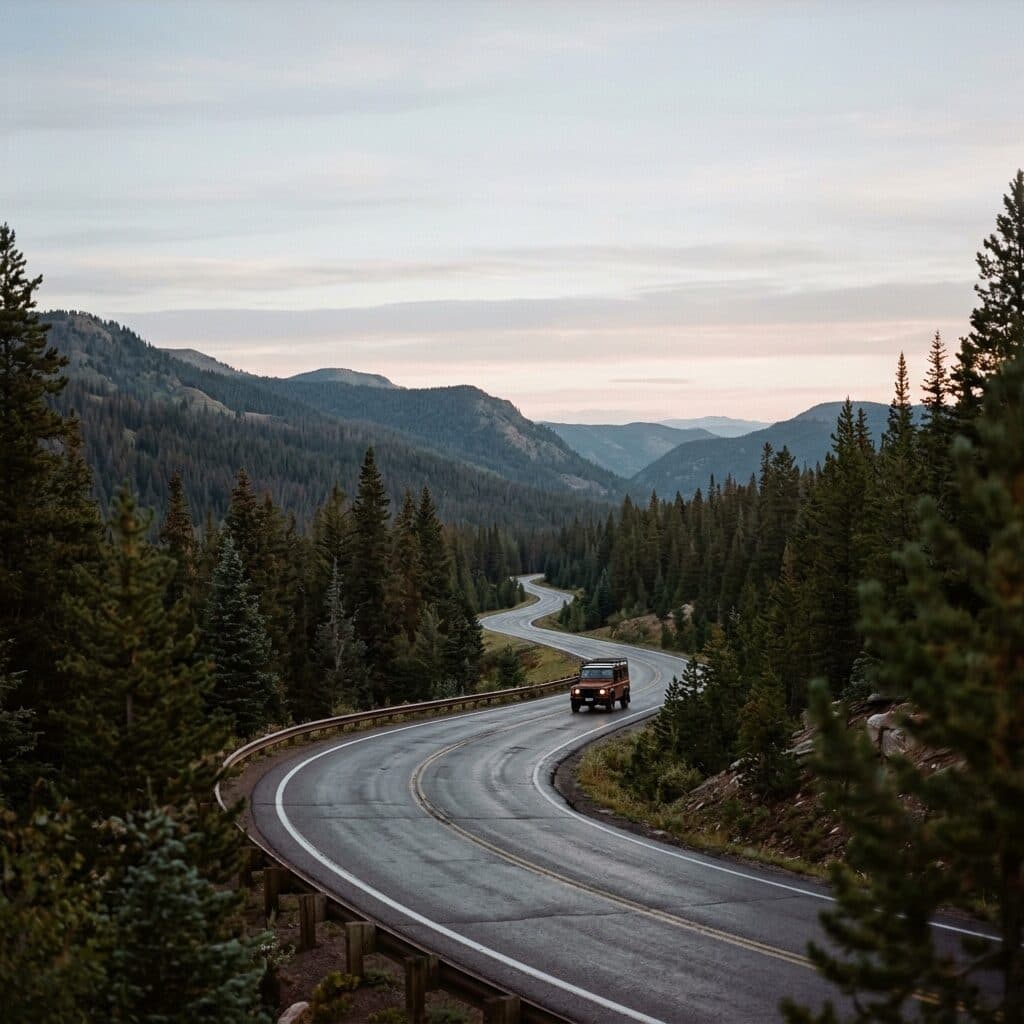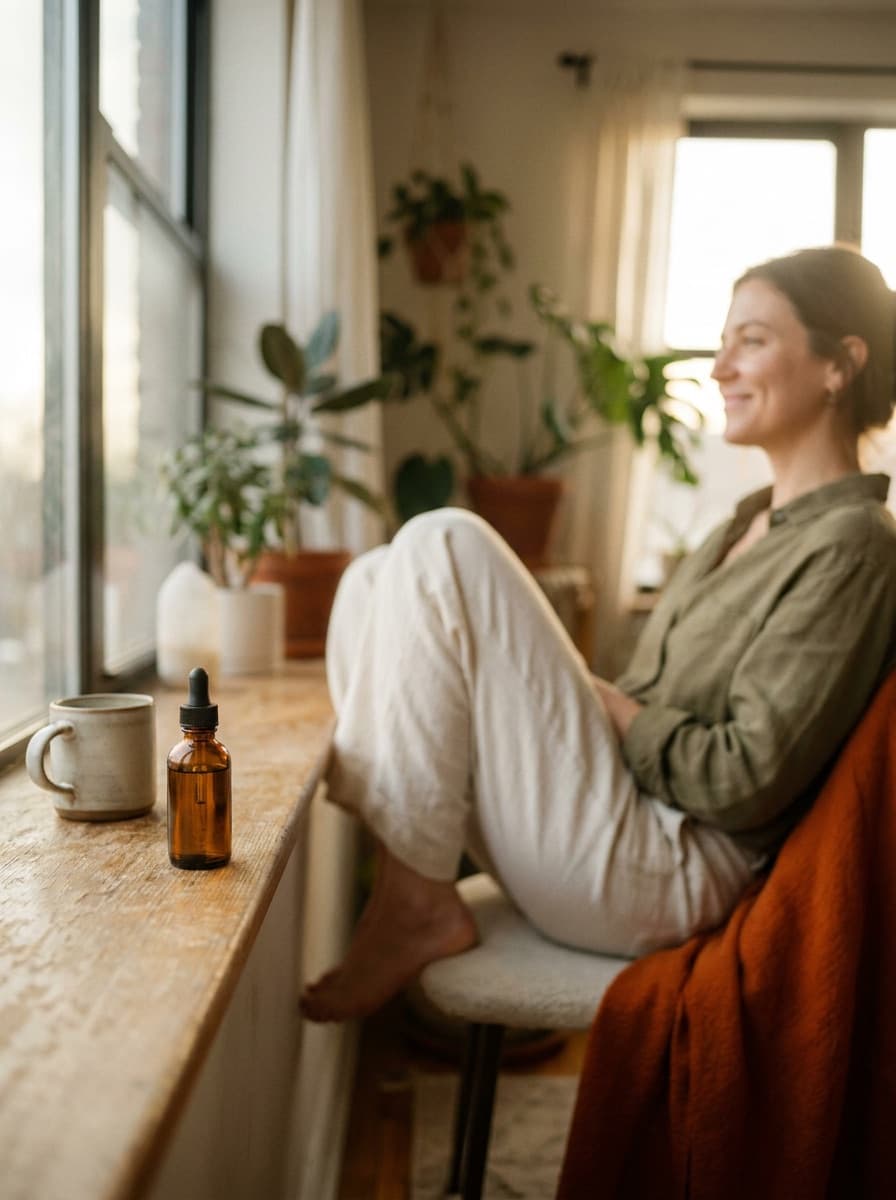
Lifestyle scene
“Place this product in a bright morning-bathroom scene with soft natural light for a lifestyle ad.”
Upload a photo of your product and describe the ad you want — the setting, mood, and angle. Made re-renders the scene around your product as a static ad visual you can take into any campaign.
Lifestyle scene“Place this product in a bright morning-bathroom scene with soft natural light for a lifestyle ad.”
Use a clear, well-lit photo where the product is fully visible — it stays as photographed.
State the setting, lighting, mood, and any composition needs such as copy space.
Run the concept, then request variations to build a set of candidates worth testing.
Save the PNG and add your logo, headline, and CTA in your ad platform or design tool.
Real results from Made. Use a prompt to load it into the studio above, then add your own photo.
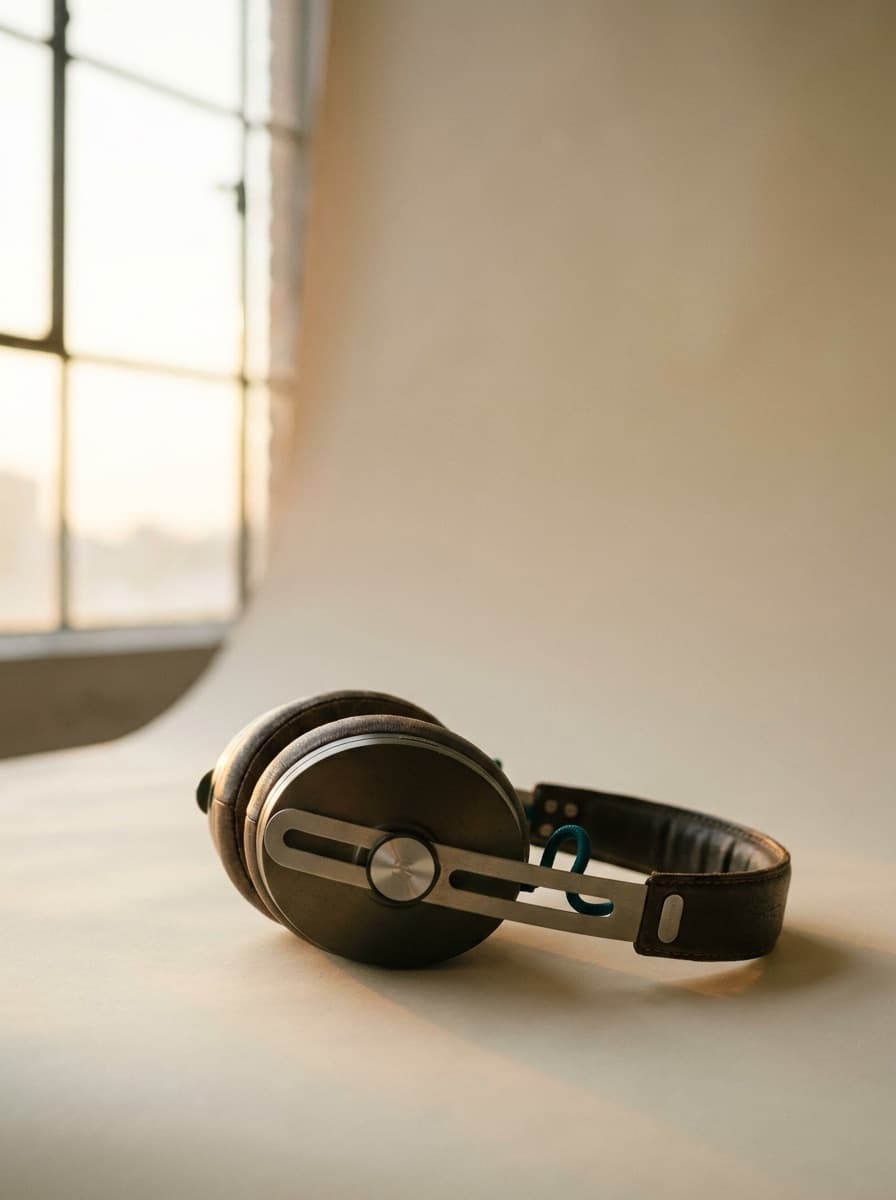
“Place this product in a bright morning-bathroom scene with soft natural light for a lifestyle ad.”
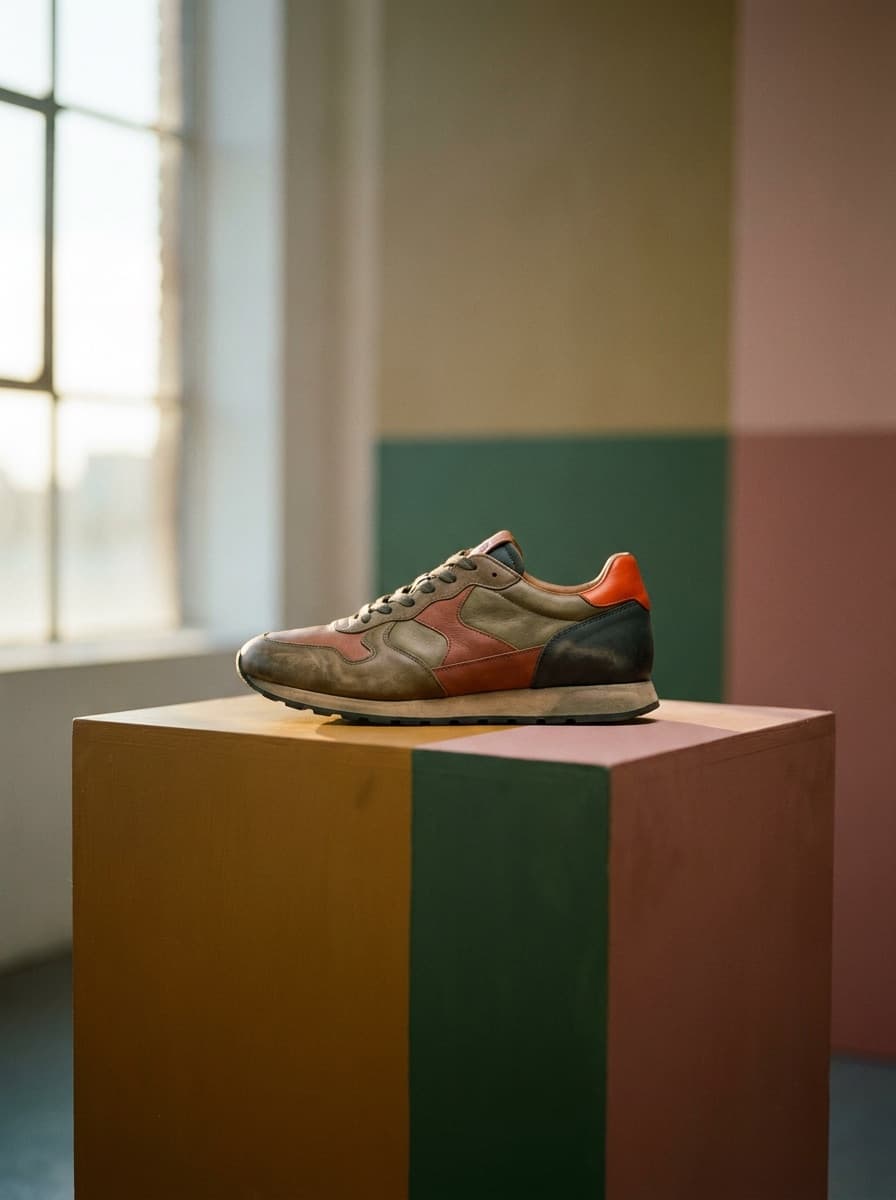
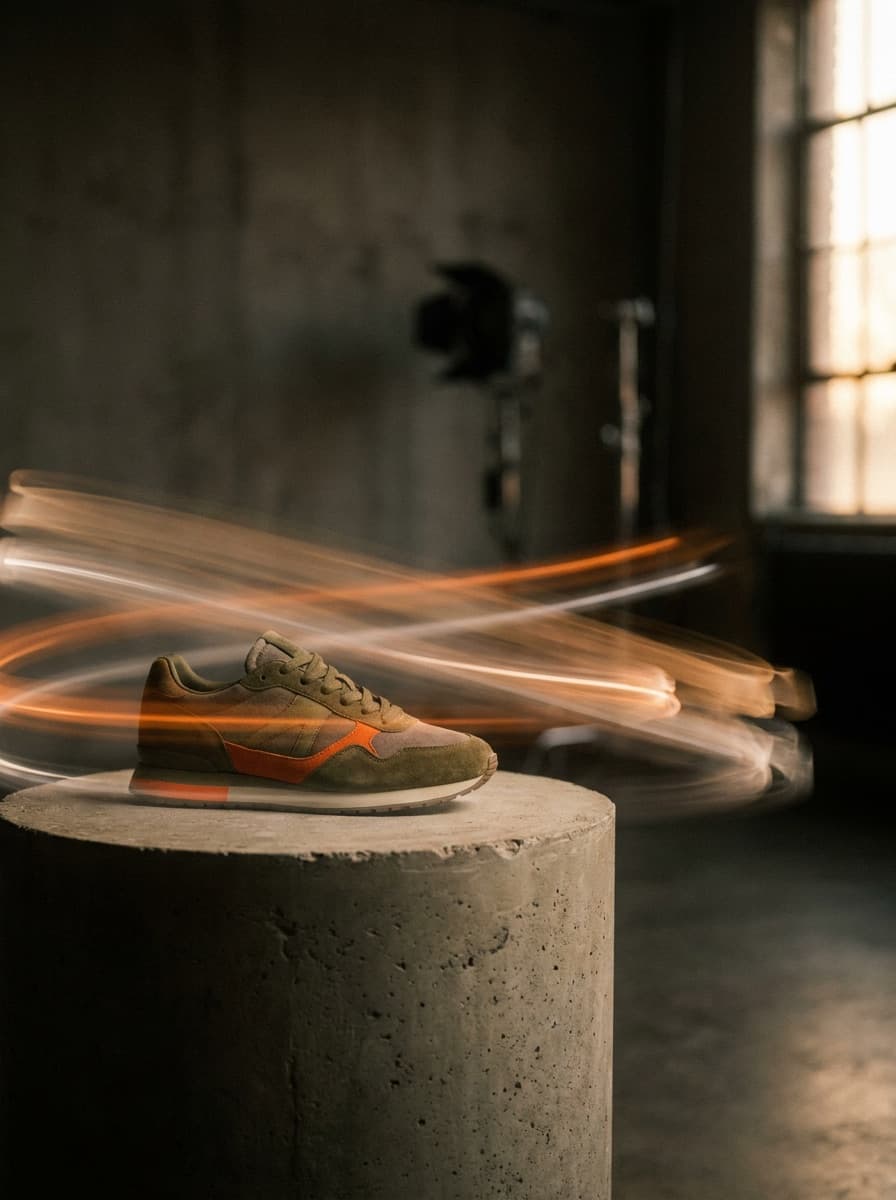
“Put this sneaker on a bold color-blocked studio background with dramatic side lighting.”
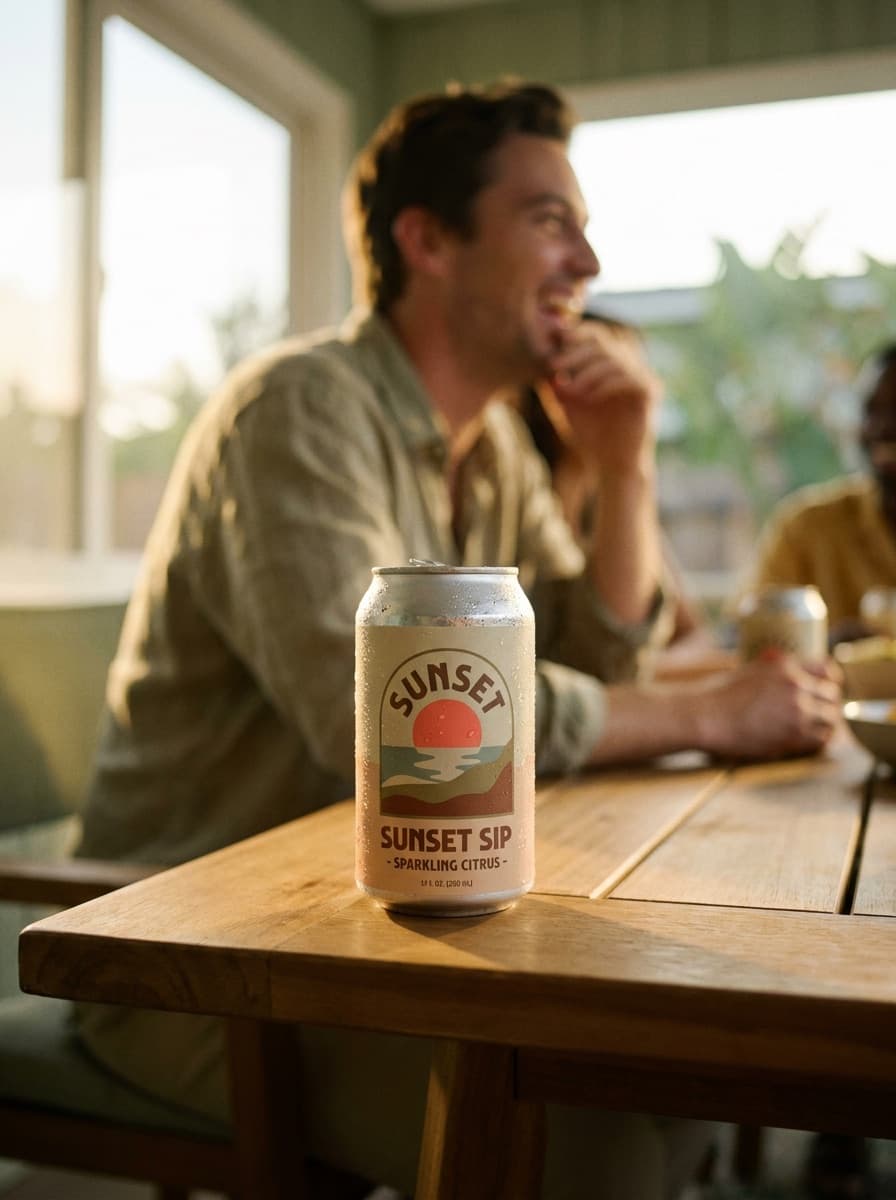
“Make a summer campaign visual: this can on wet ice with citrus slices and hard sunlight.”
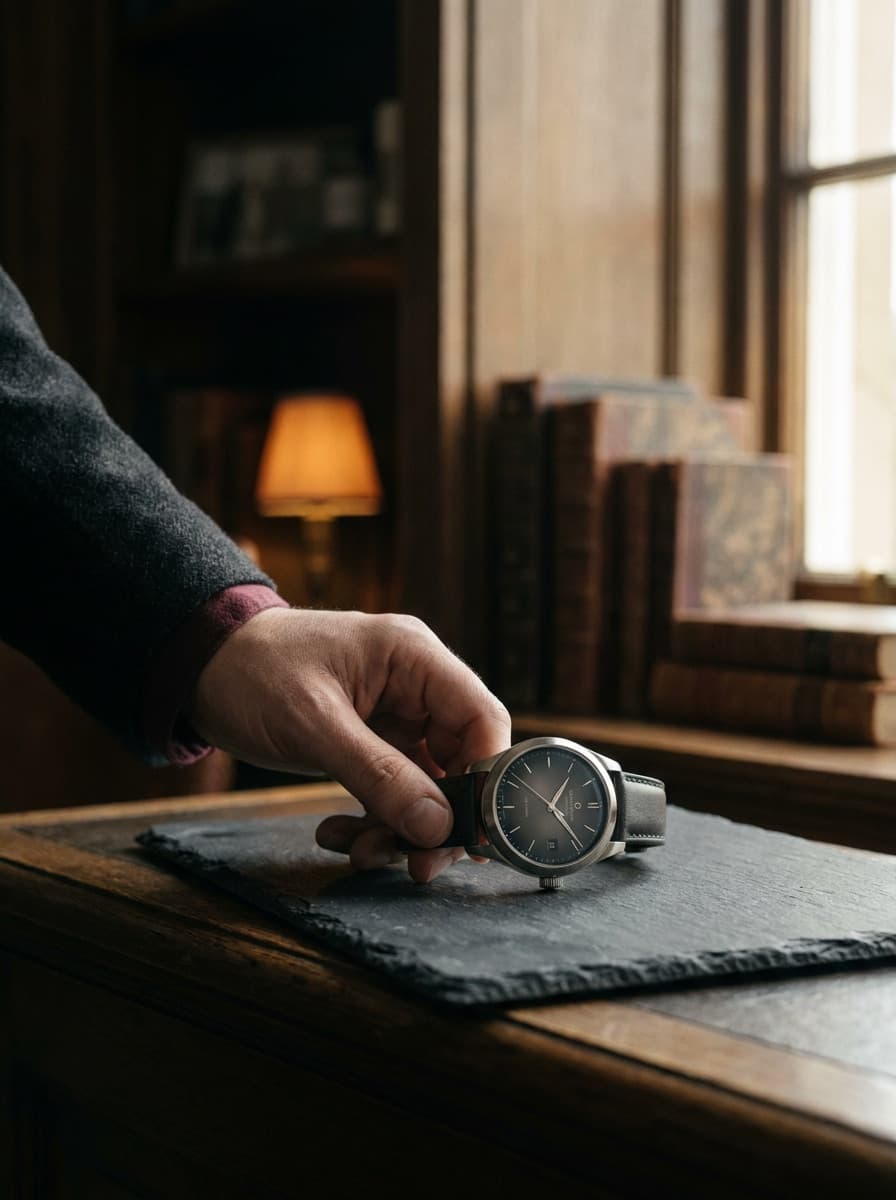
“Create a premium ad look: the watch on dark stone with a single warm spotlight.”
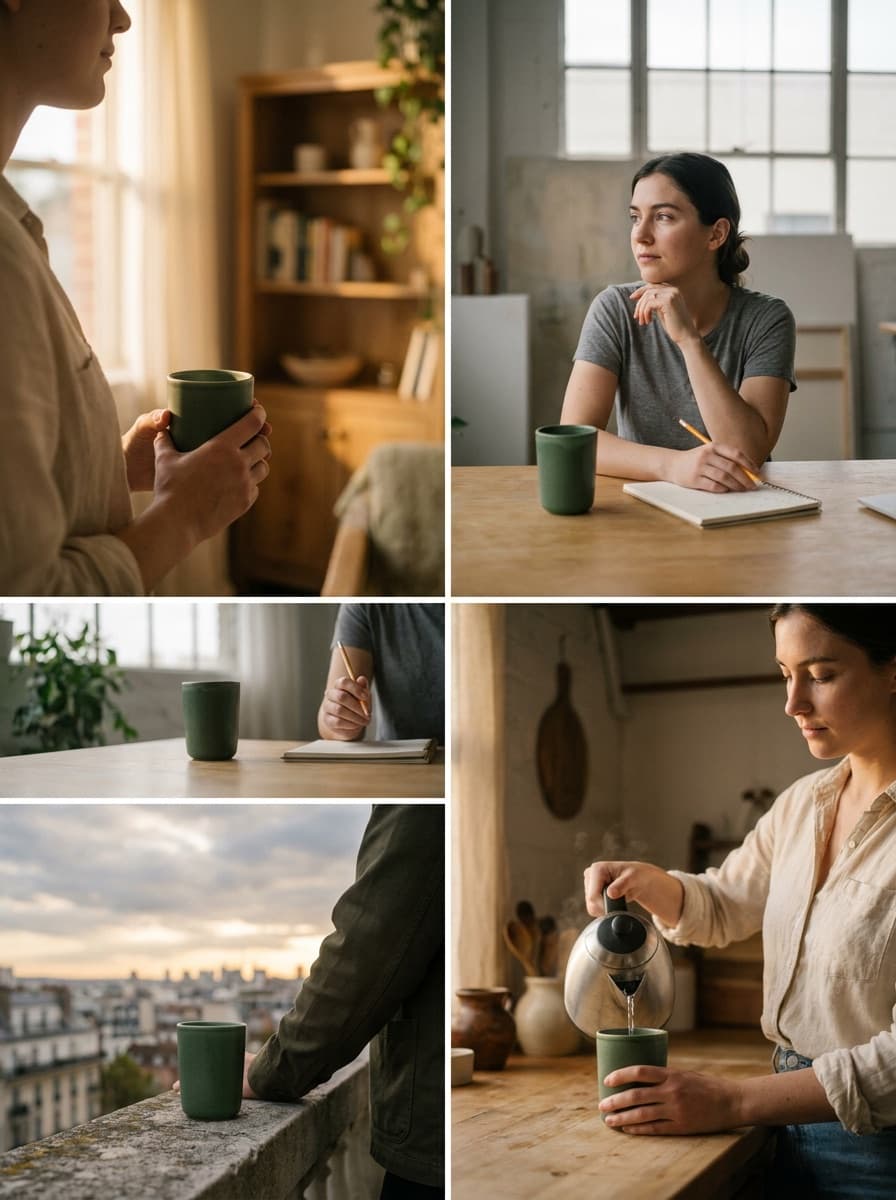
“Give me a different scene for the same product so I can test multiple ad concepts.”
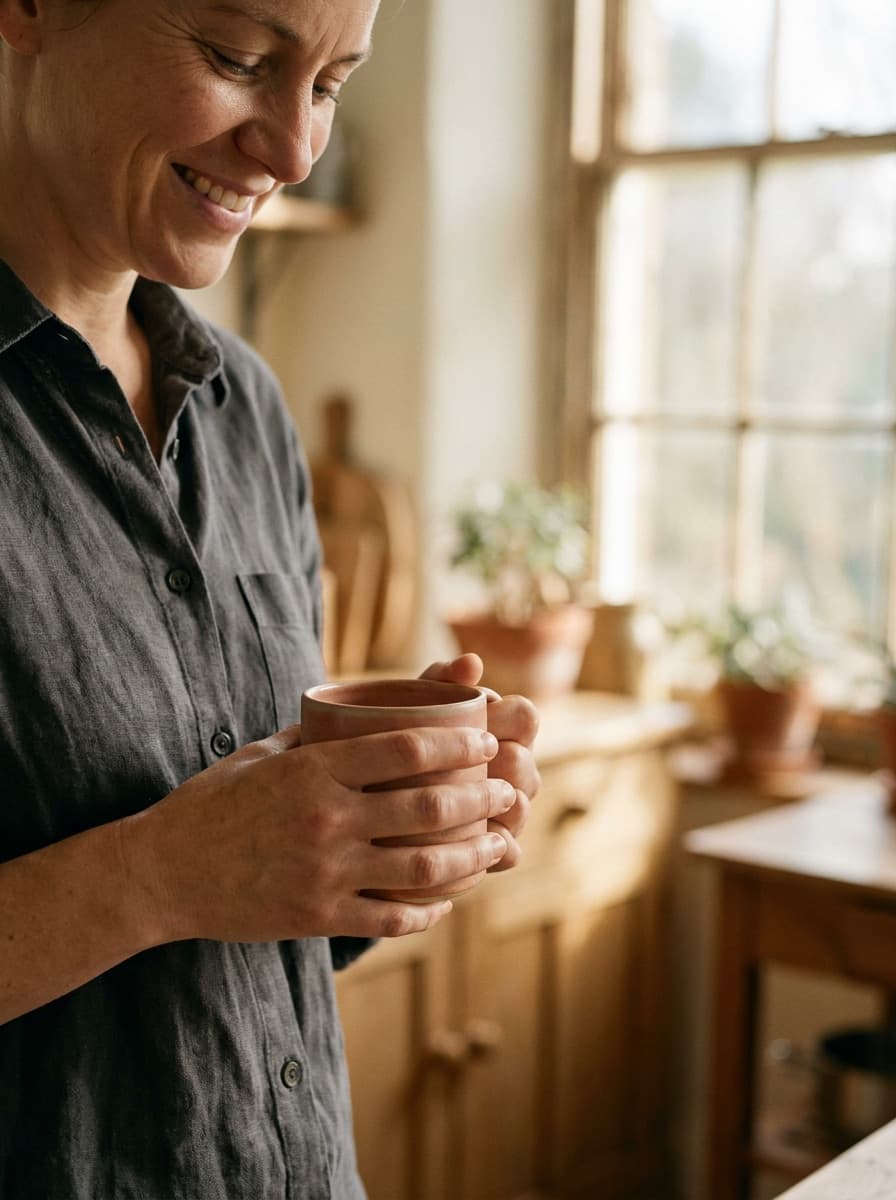
“Frame this as a vertical ad visual with space above the product for headline text.”
Checked against the running tool on 2026-09-04.
A static ad visual as a PNG: your product re-staged into the scene you describe, with lighting and composition built for advertising. It does not produce finished ads with your logo and copy — add those in your ad platform or design tool, where you control the exact wording.
The workflow includes a keep-subject instruction, so the product from your photo is preserved rather than reinvented. Still, inspect labels, logos, and fine print on every output — small text on packaging is where edits most often drift.
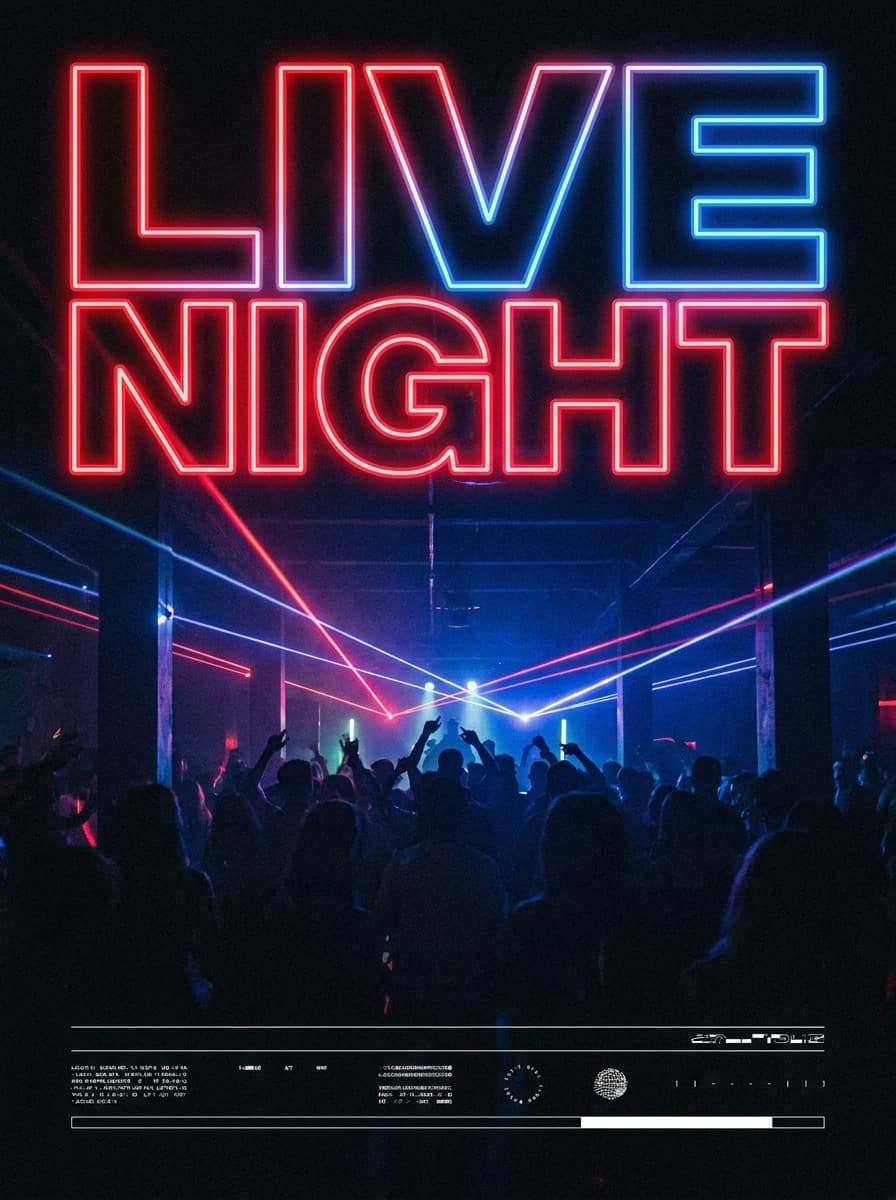
You can ask for text in the scene, but generated lettering is not reliable enough for ad copy. The dependable workflow is to request copy space in the composition and set the final headline and CTA in your design or ads tool.
Ask for the aspect ratio you need — square for feed, 9:16 vertical for stories and short-form, or wide for display placements. For an exact pixel spec, run the result through Image Resizer afterward.
Keep the same product photo and change one thing per request — the setting, the lighting, or the mood. Distinct single-variable scenes give you a cleaner creative test than one prompt that mixes everything.
Major platforms accept AI-generated imagery, but their standard ad policies still apply, and some require disclosure for certain categories such as politics. Check the policy for your platform and vertical before launching.
Sharp focus, even lighting, and the full product in frame. Busy backgrounds are fine since the scene is replaced, but blur, glare, or cropped edges on the product itself carry through to the ad.
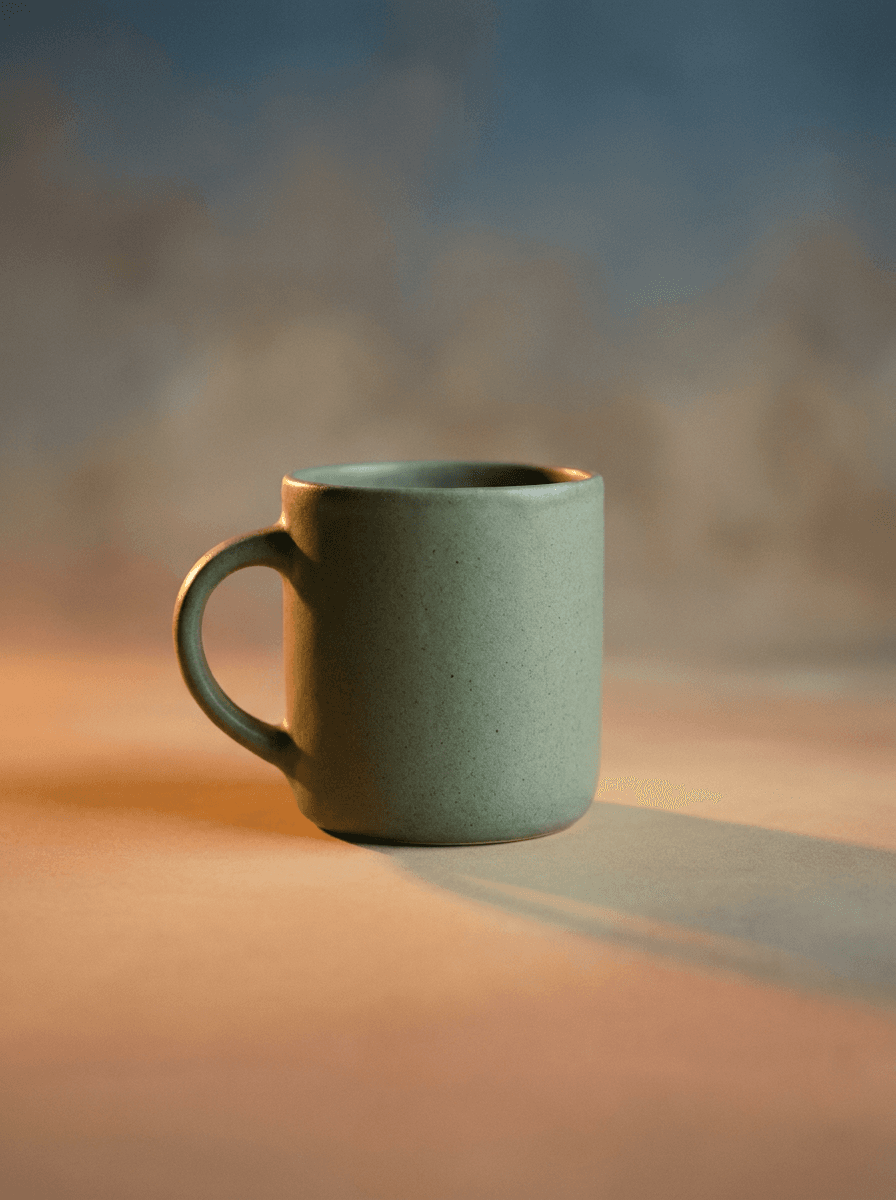
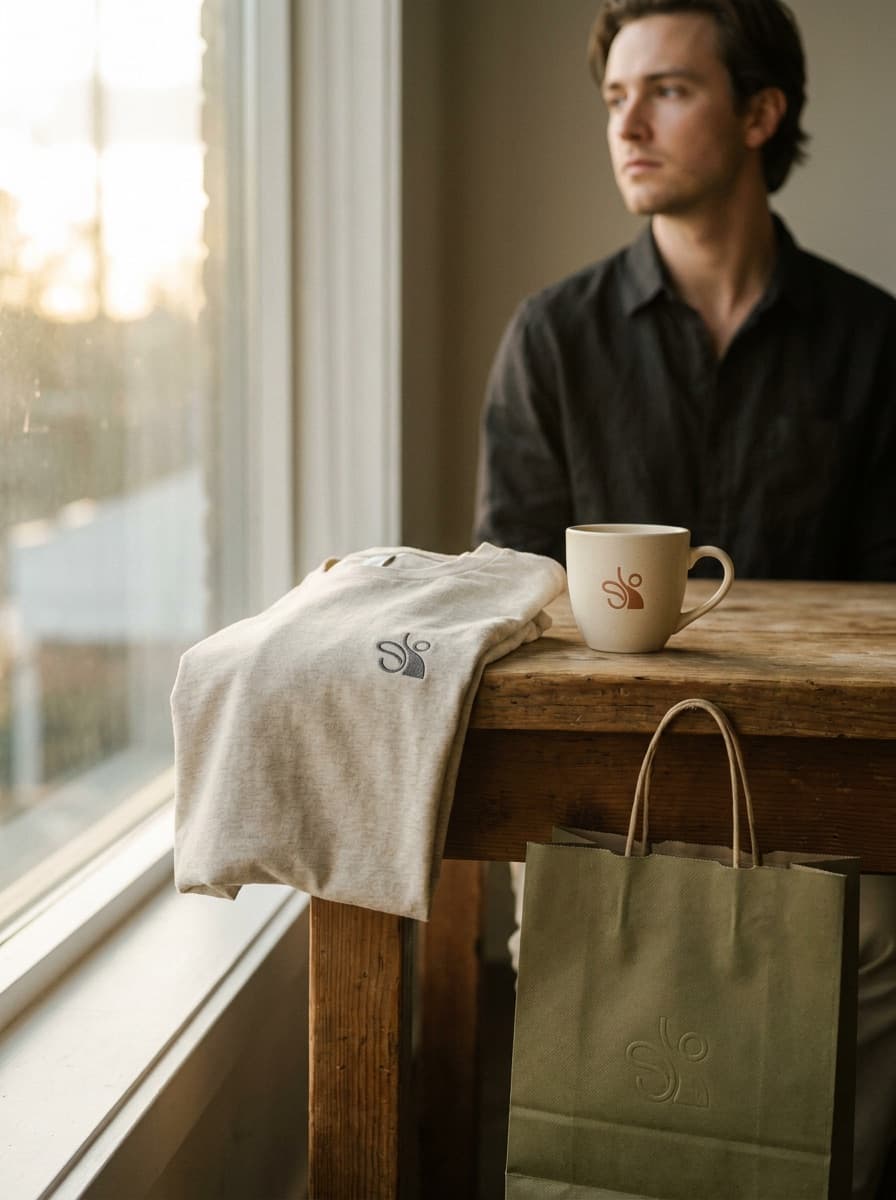
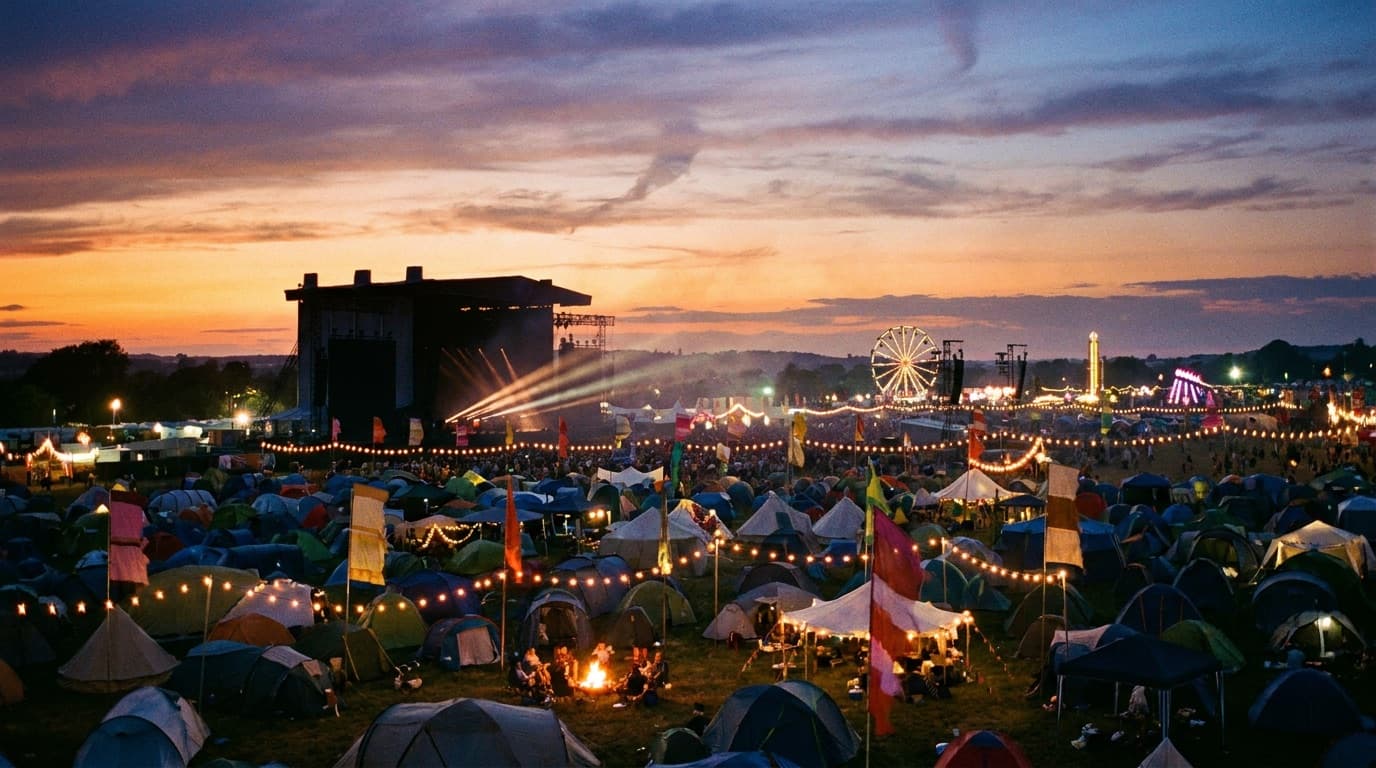
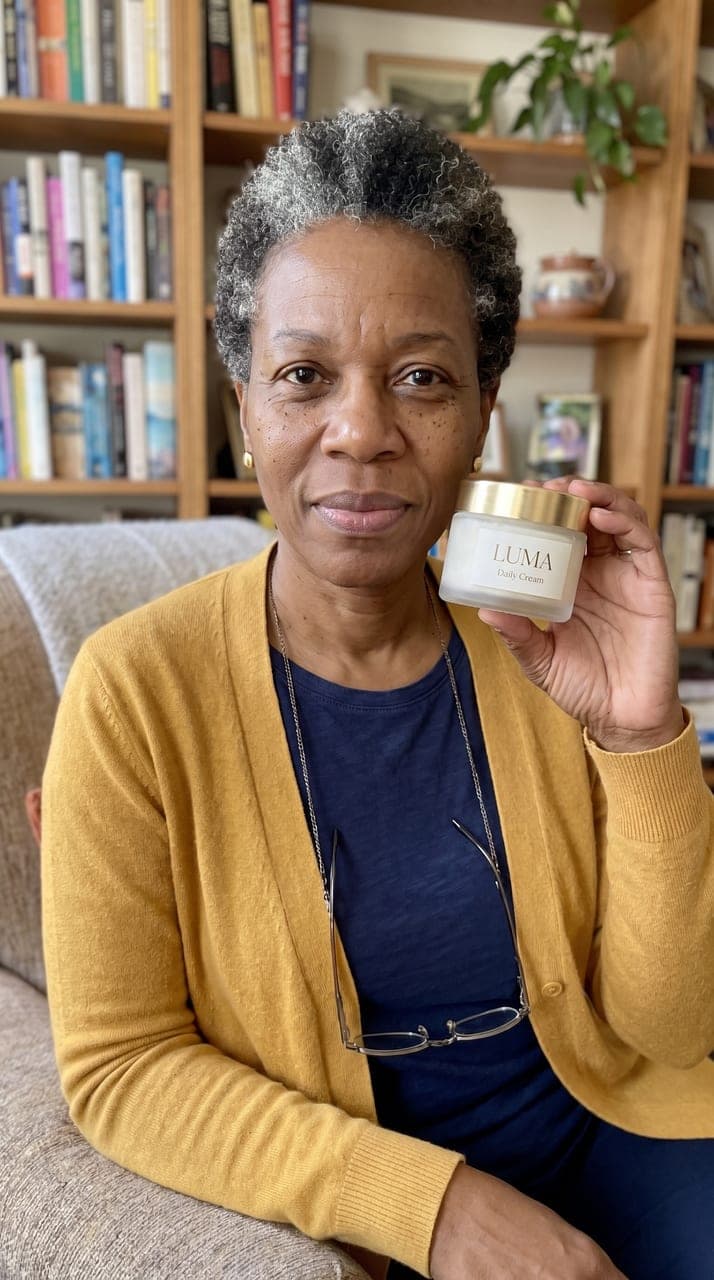
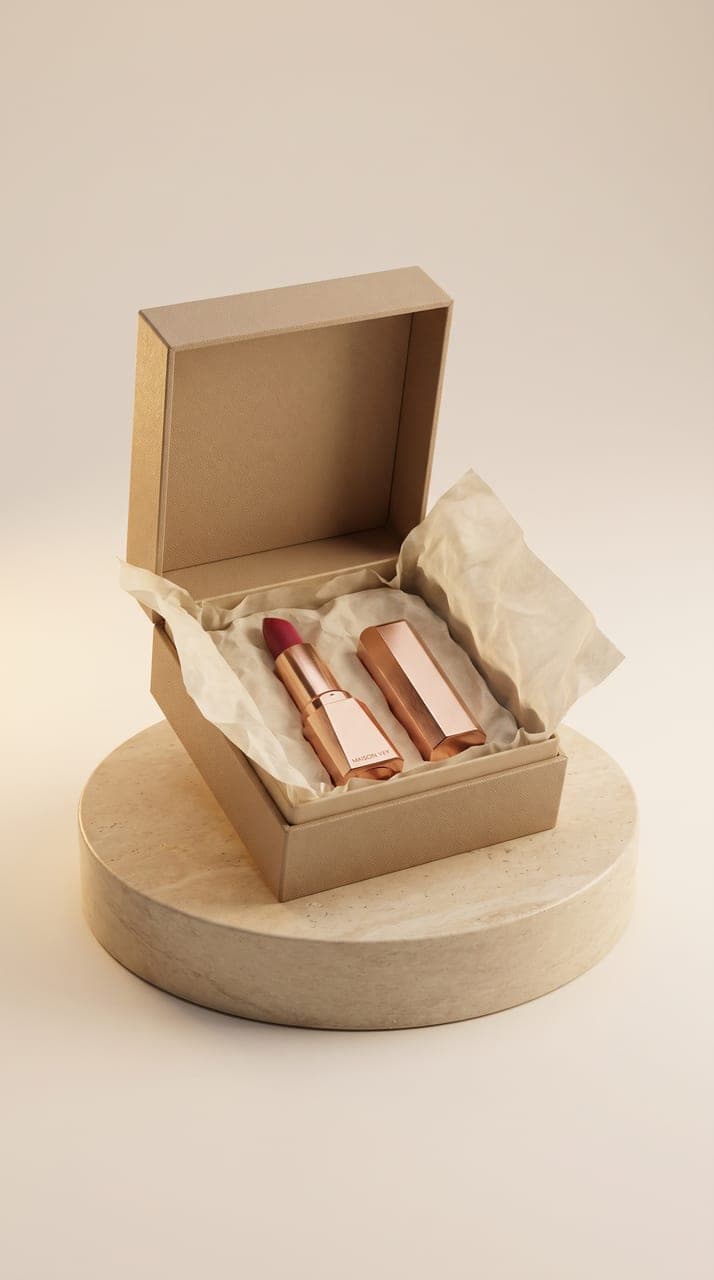

See what each one makes, then open it in Made.