Every model. One canvas.
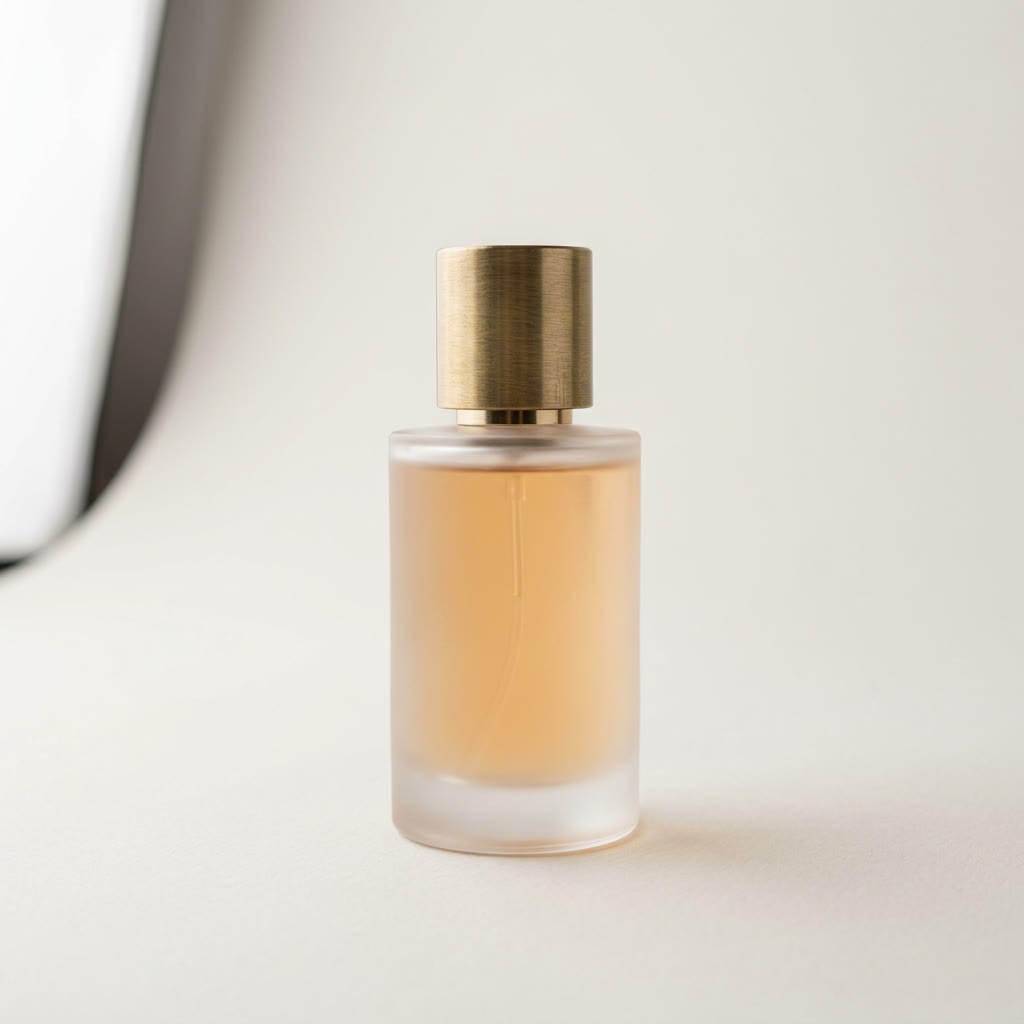
Chain photos, prompts and 102 image and video models into one workflow, from a product photo to a finished ad. Start from a template or a blank board. Building is free, and you only sign in to run.
Product photo to ad video
Place this exact bottle on wet black volcanic rock at dusk. Low mist rolls behind it, a cool rim light traces the glass, and a warm glow sits inside the liquid. Cinematic product photo.
1K · 16:9Run
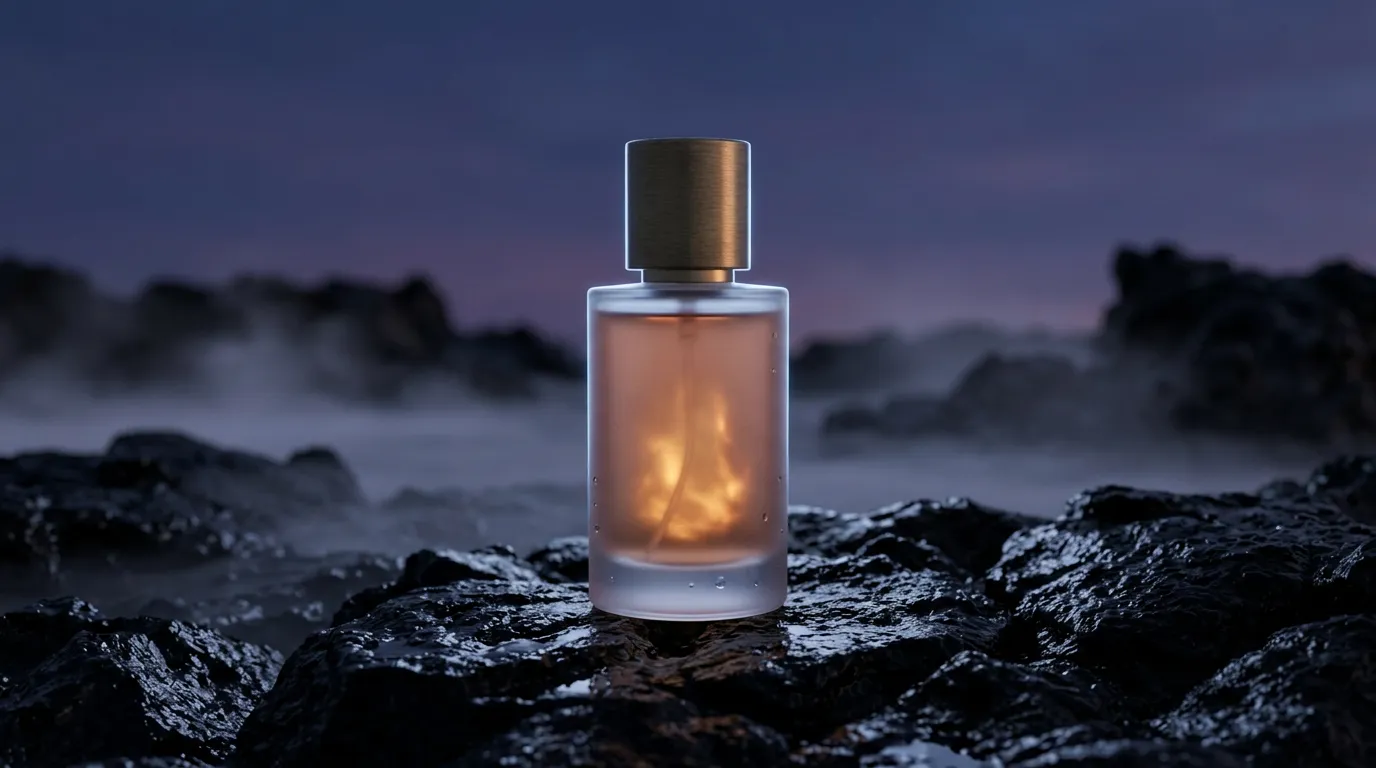 Waiting for Nano Banana 2
Slow push-in toward the bottle. Mist drifts across the rock and droplets on the glass catch the light. Quiet, low ambient hum.
4s · 16:9Run
Waiting for Veo 3.1 Lite
Start from a template
Each one opens as your own copy with the prompts and sample photos that made it. Swap in your photo and run.
Put your product in a new scene, then turn that still into a four-second clip with sound.
Nano Banana 2, Veo 3.1 Lite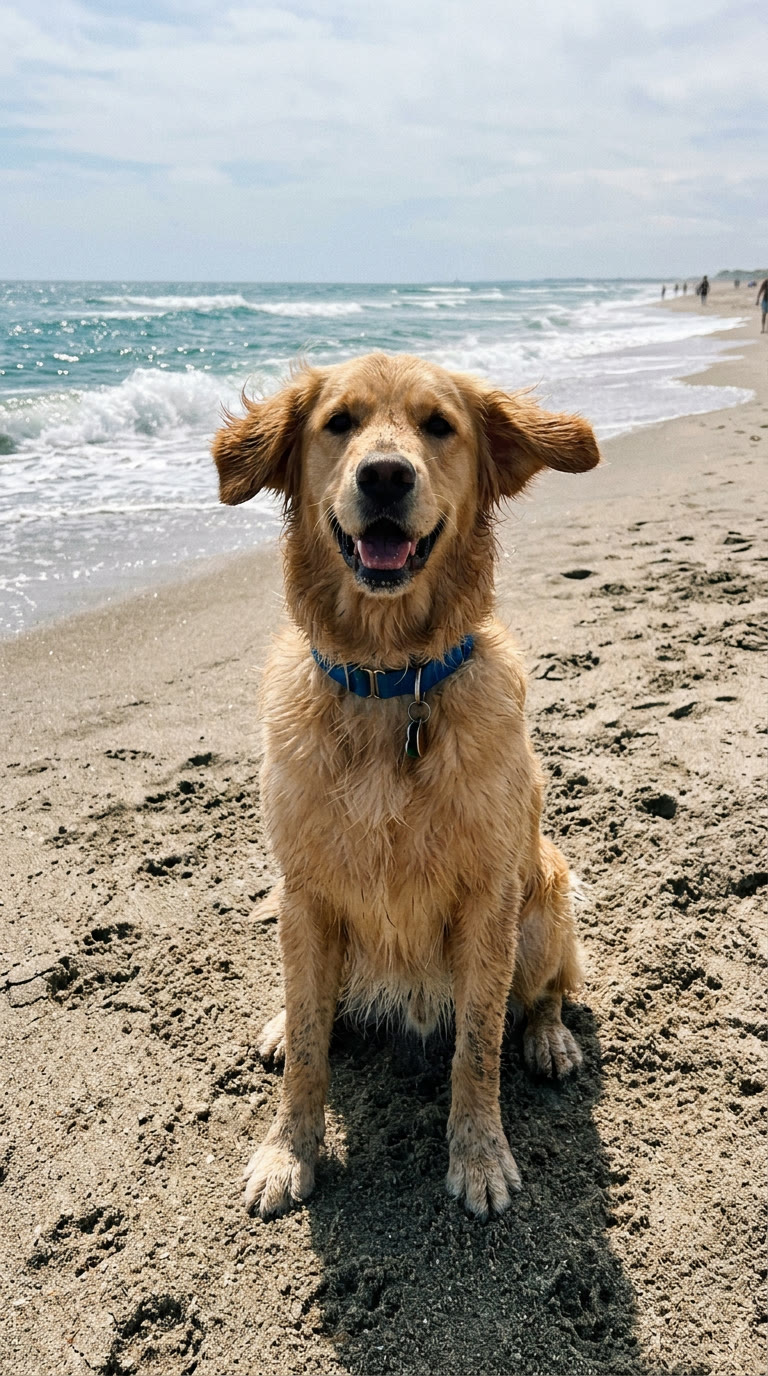
Start from any photo and describe what happens next. Veo animates it with sound to match.
Veo 3.1 Lite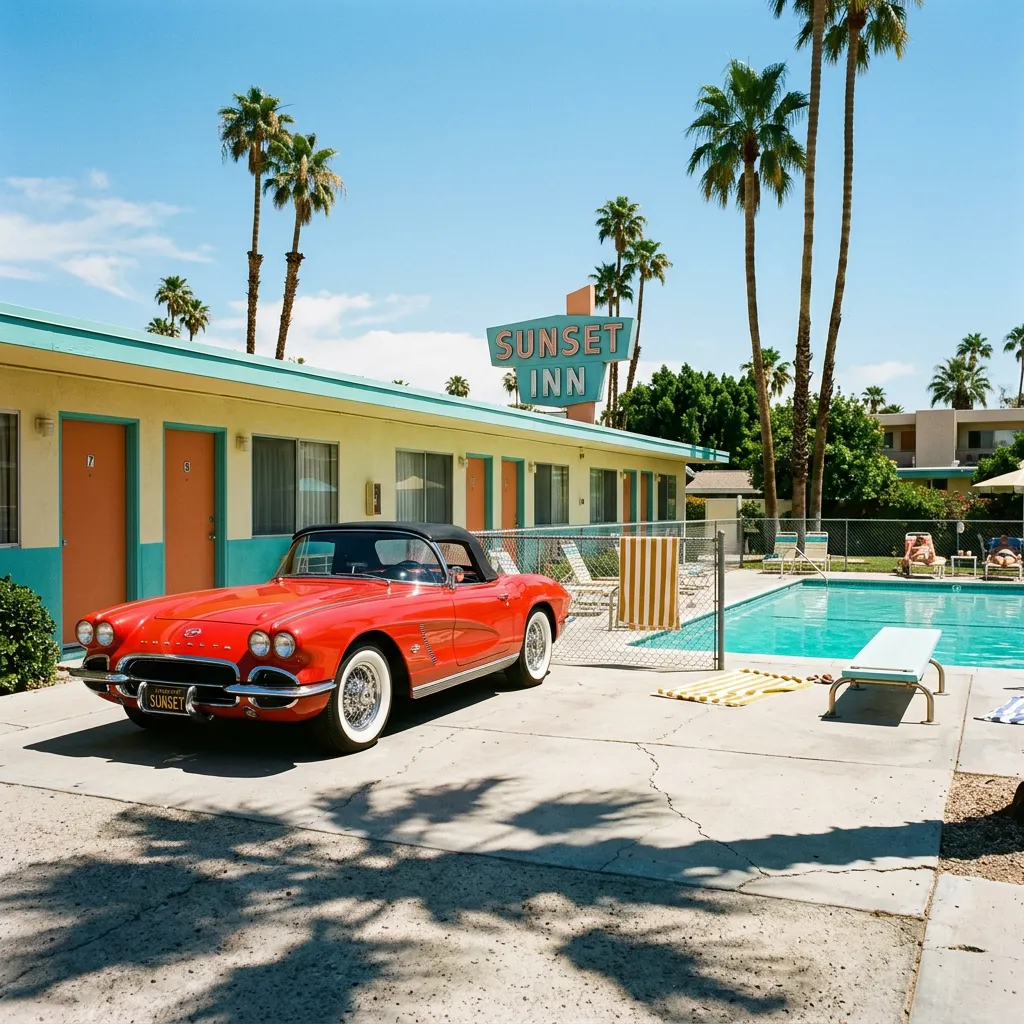
Nano Banana 2 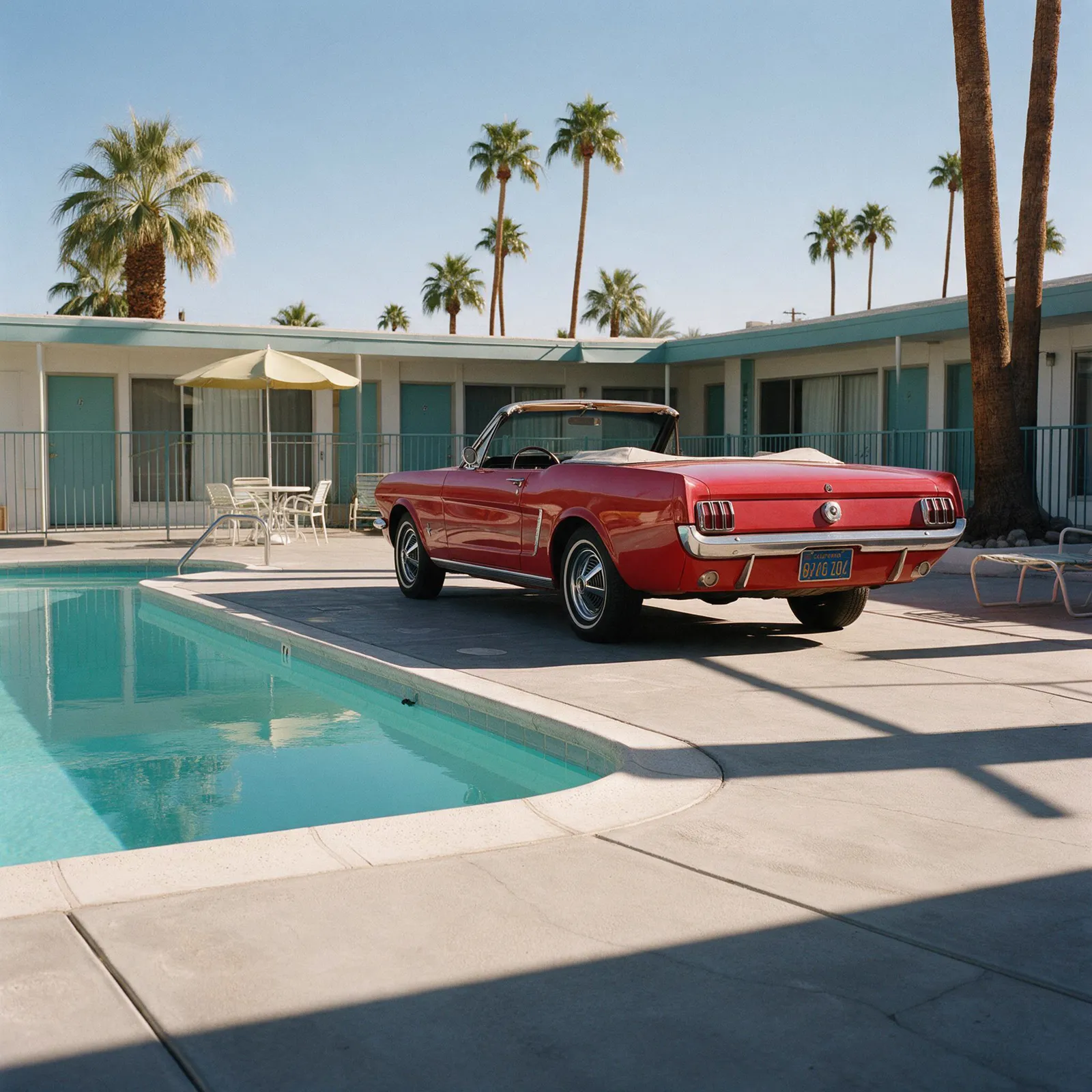
Seedream 5 Pro 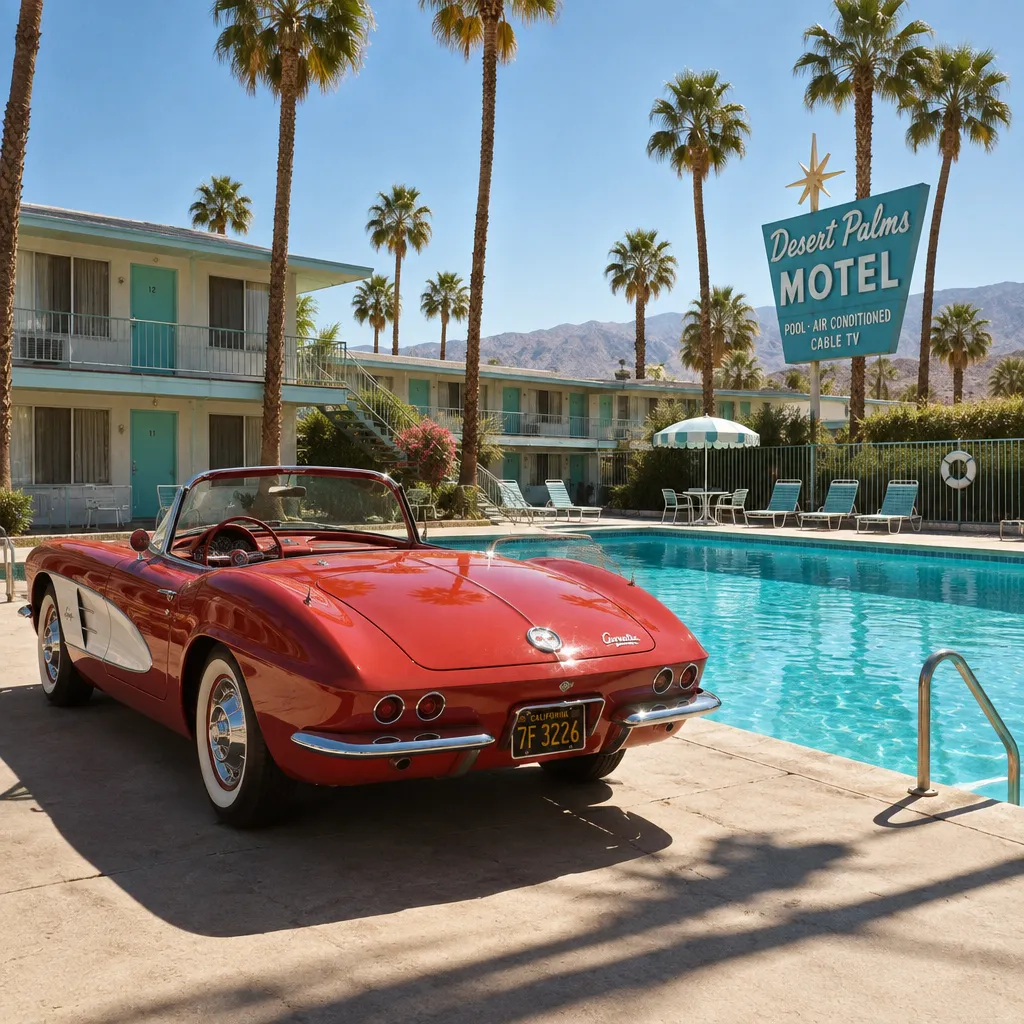
GPT Image 2.5 Flare 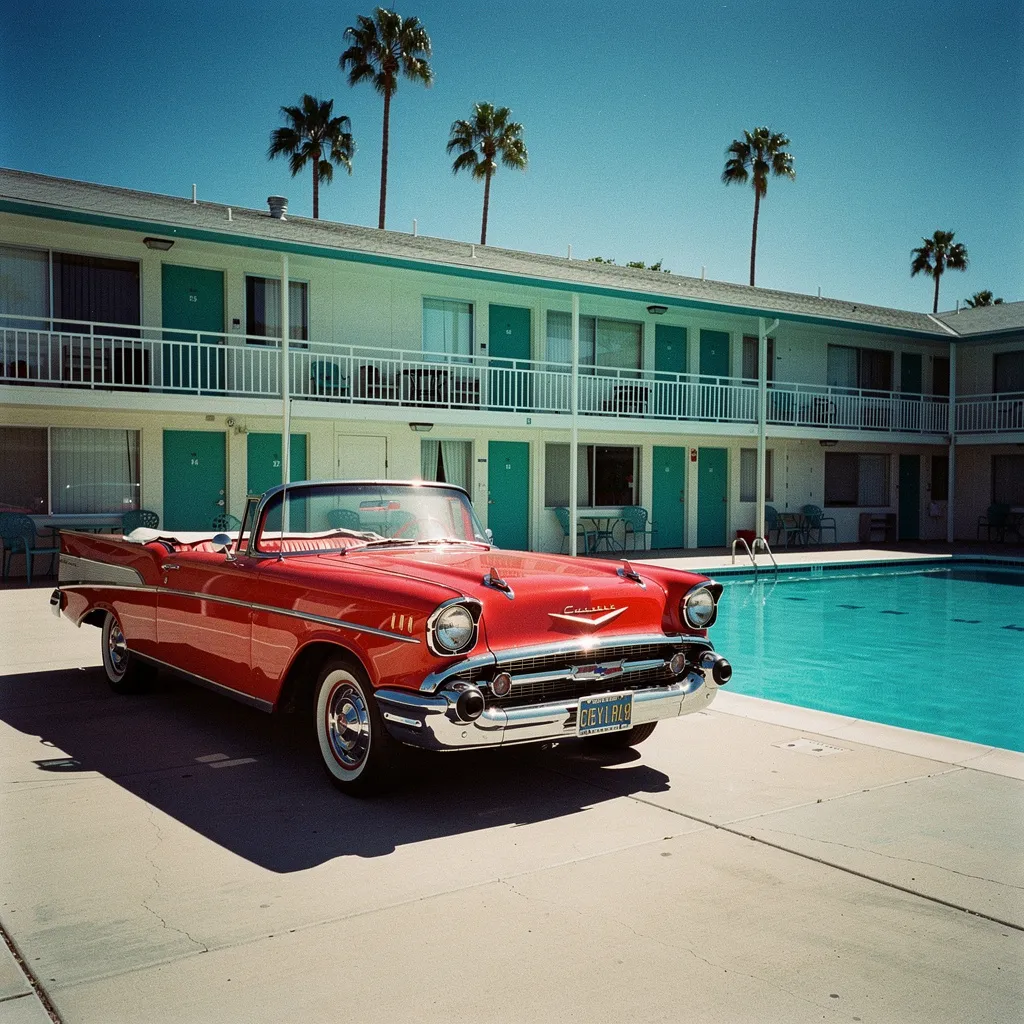
FLUX 2 Pro Send the same prompt to four image models at once and keep the one you like.
Nano Banana 2, Seedream 5 Pro, GPT Image 2.5 Flare, FLUX 2 Pro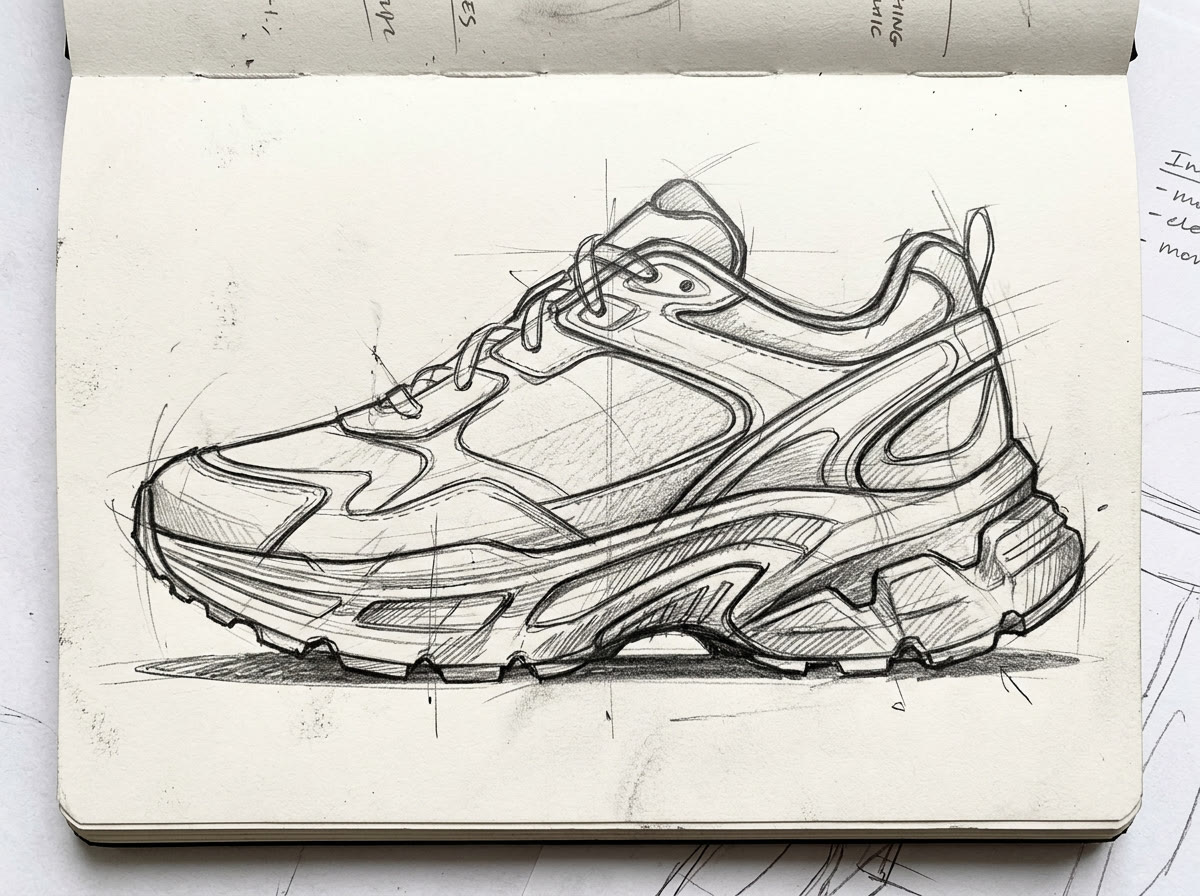
Sketch 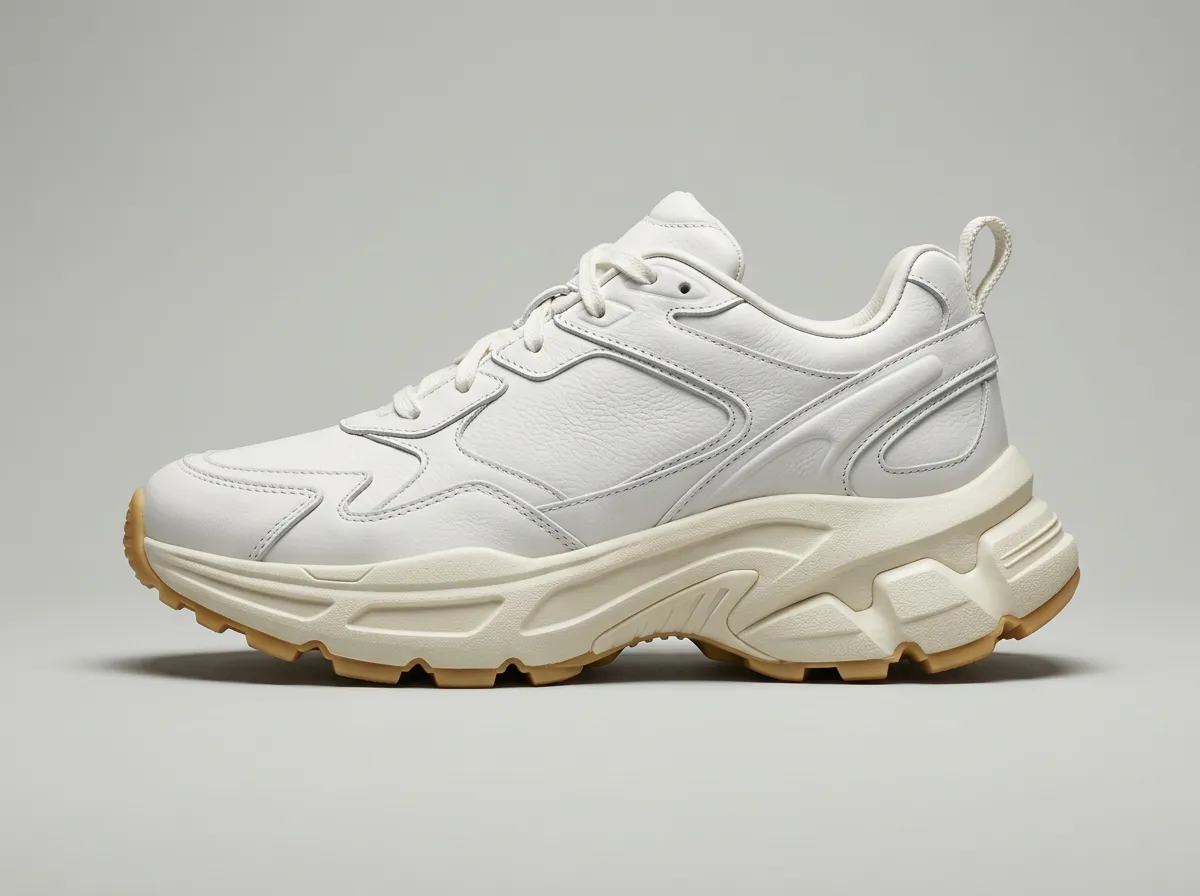
Leather 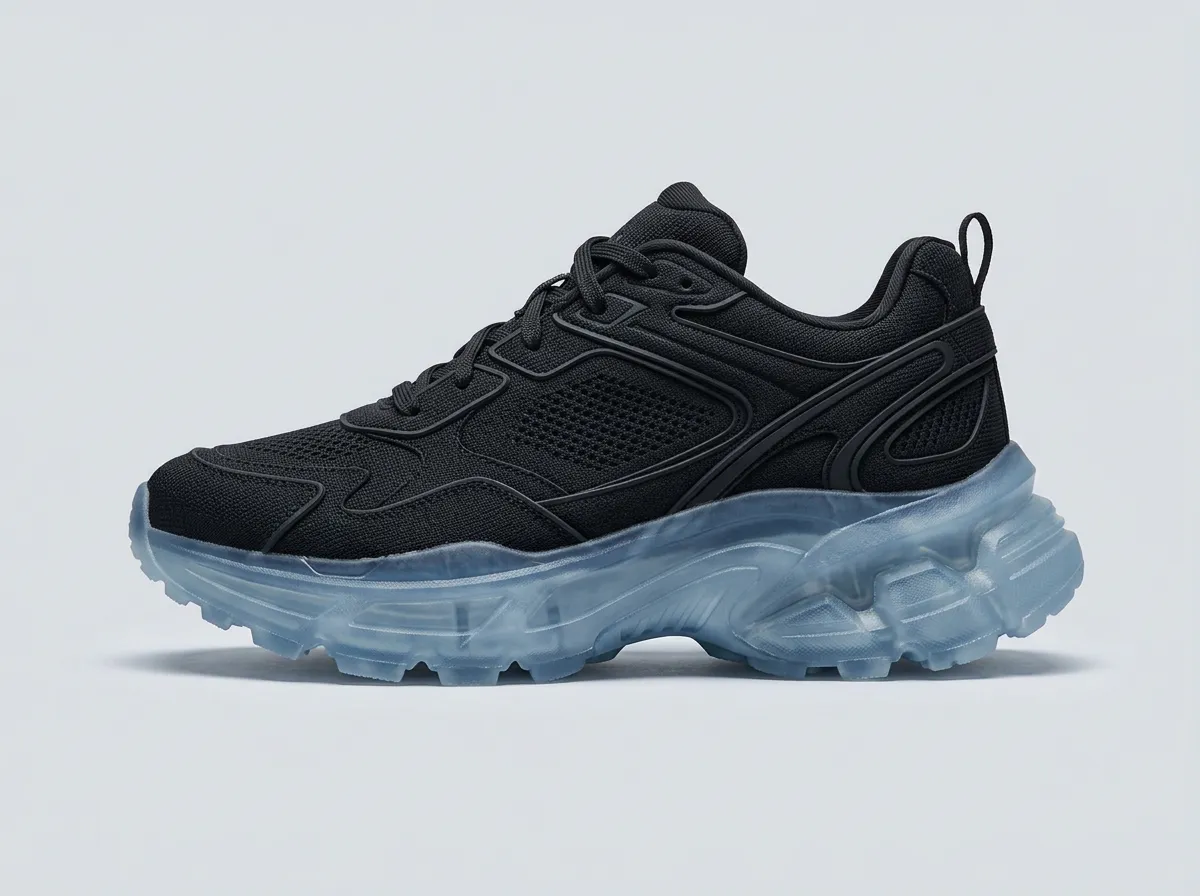
Knit 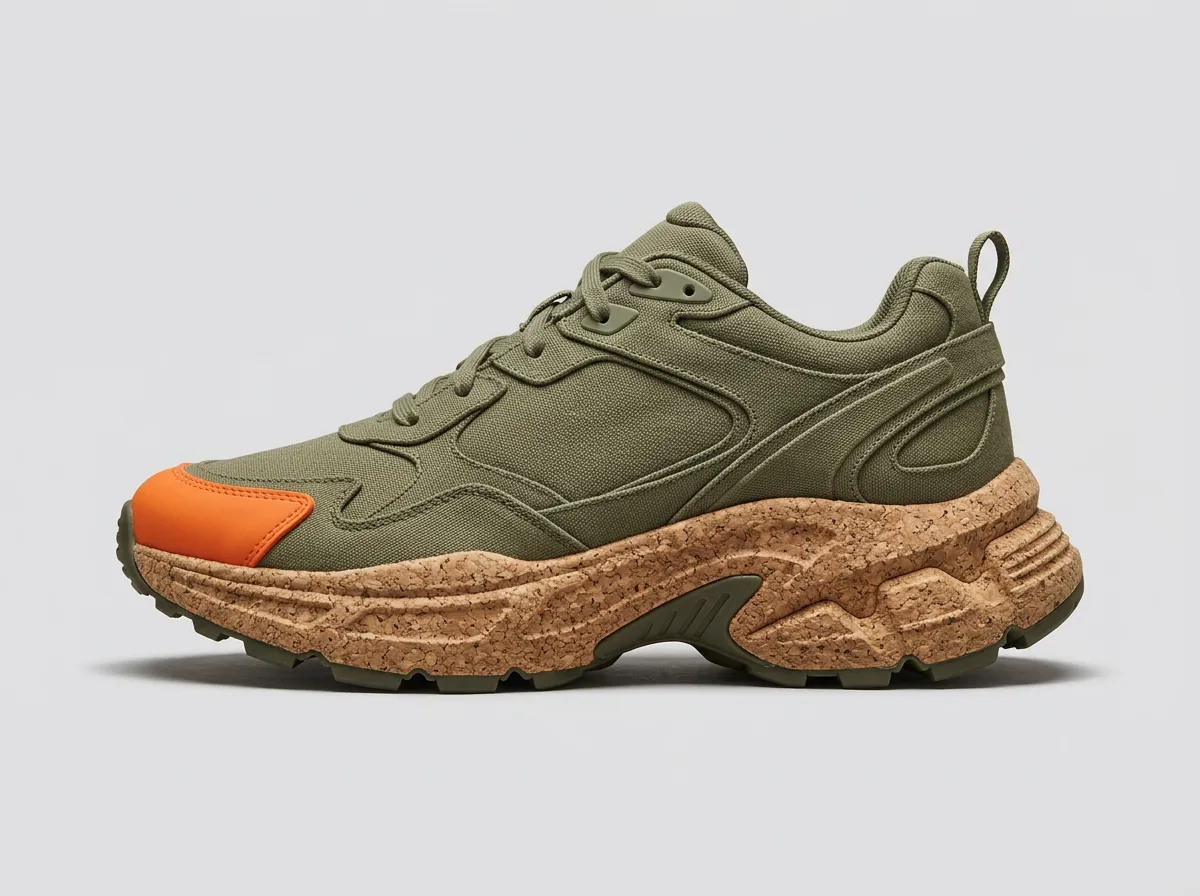
Canvas Turn one pencil sketch into finished product shots in three materials.
Nano Banana 2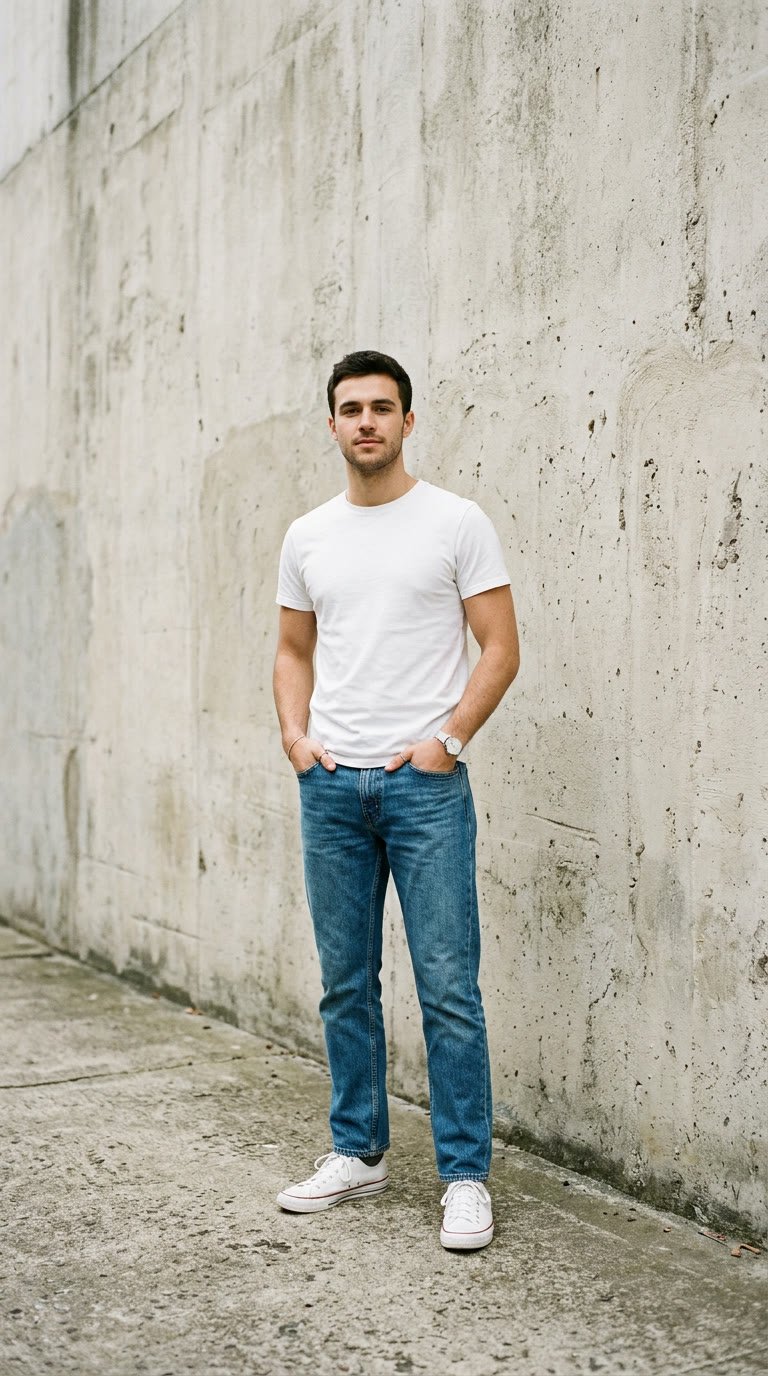
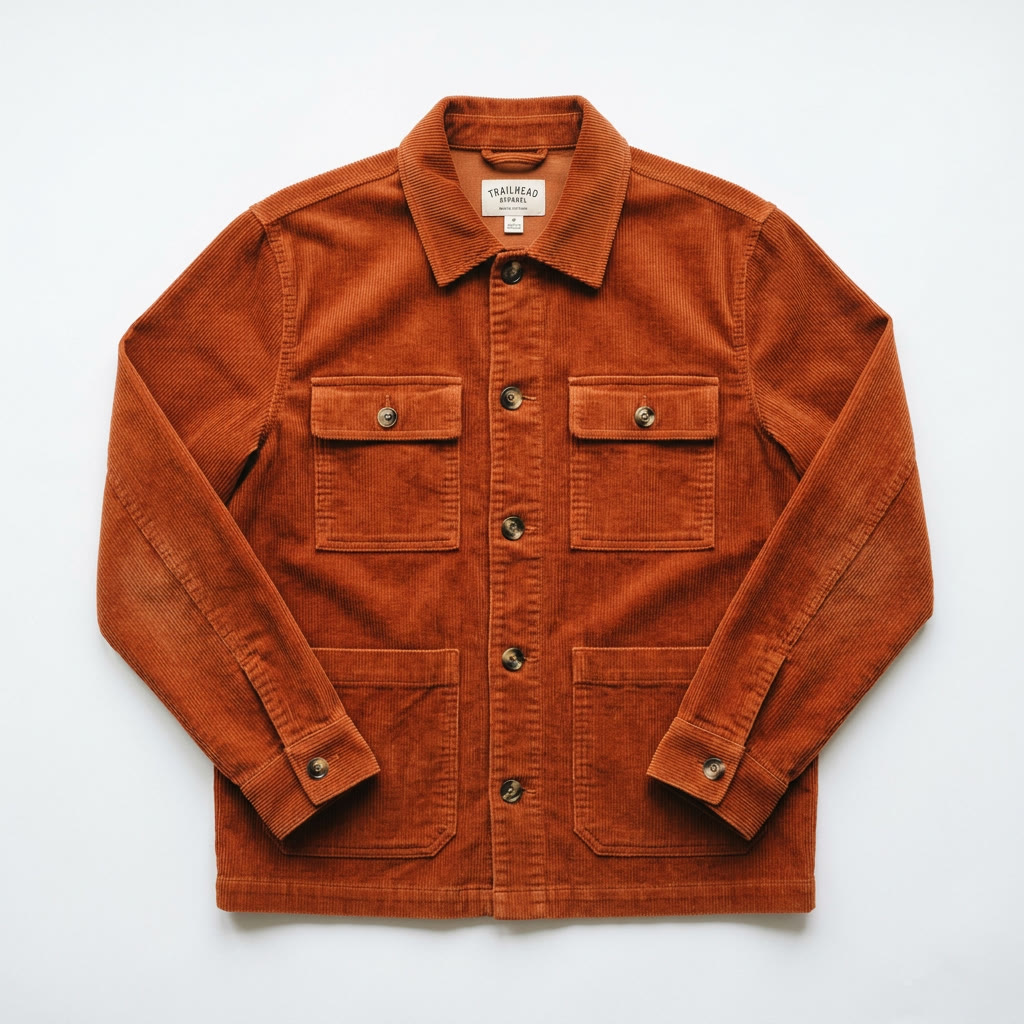
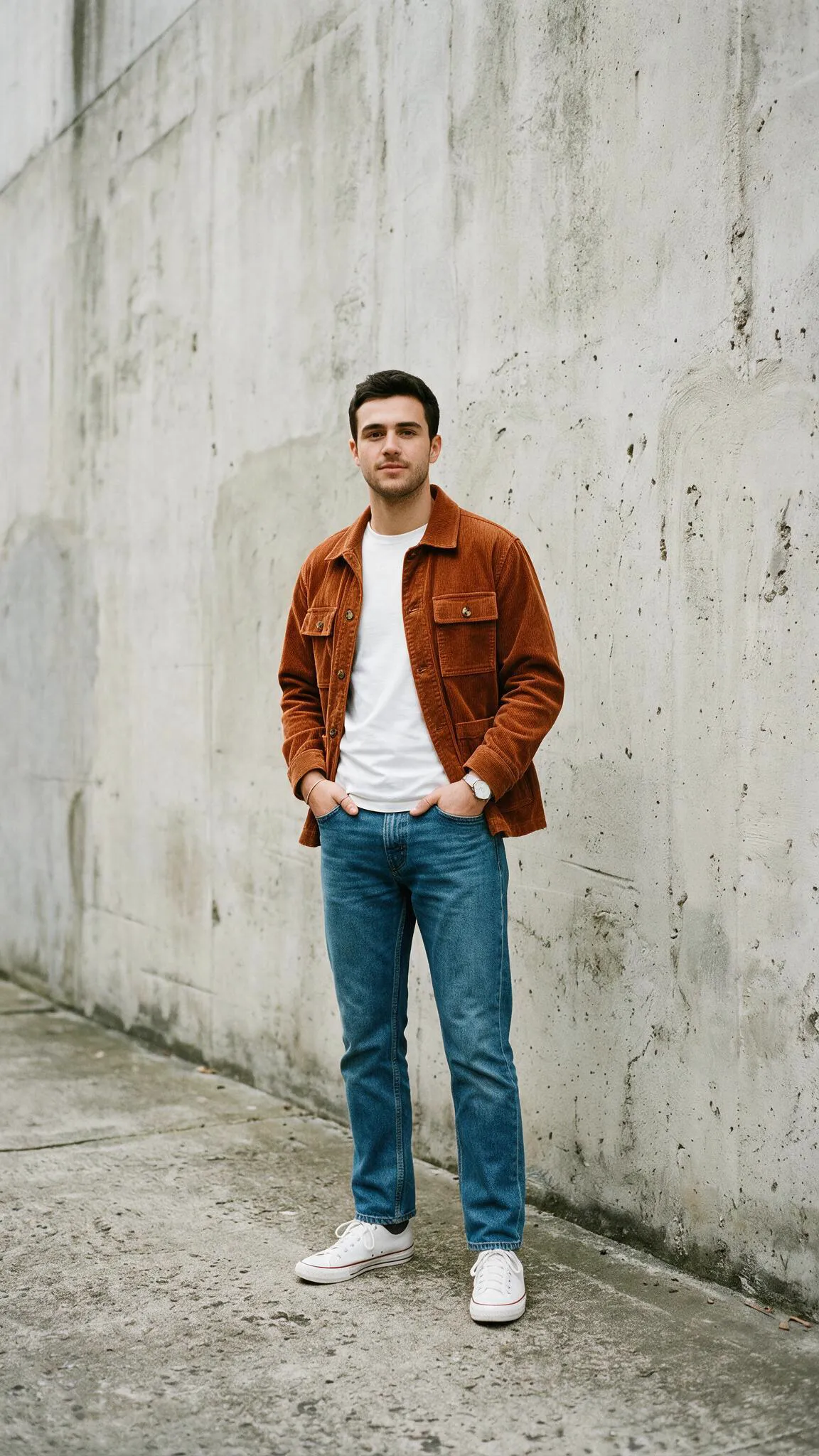
Dress a person in a jacket from a product photo, then shoot a vertical clip of the look.
Seedream 5 Pro Edit, Veo 3.1 Lite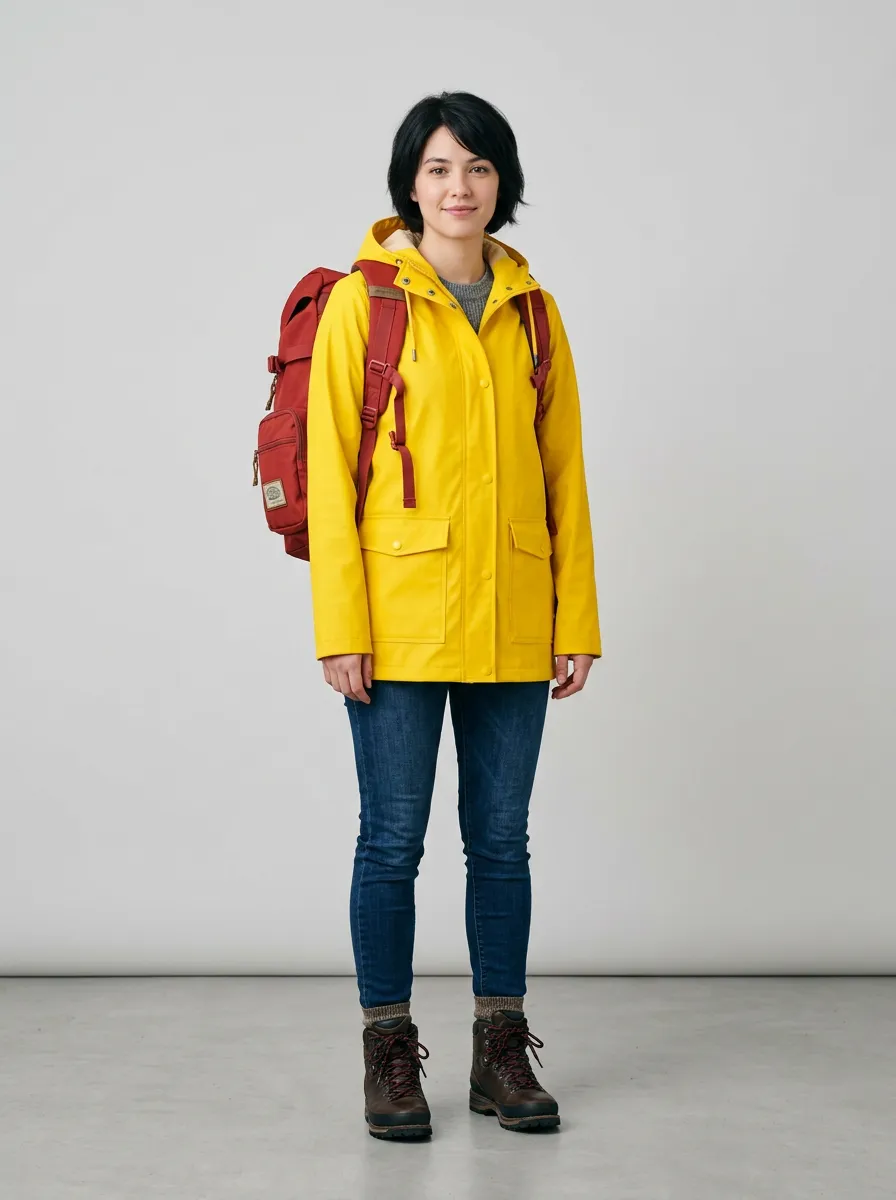
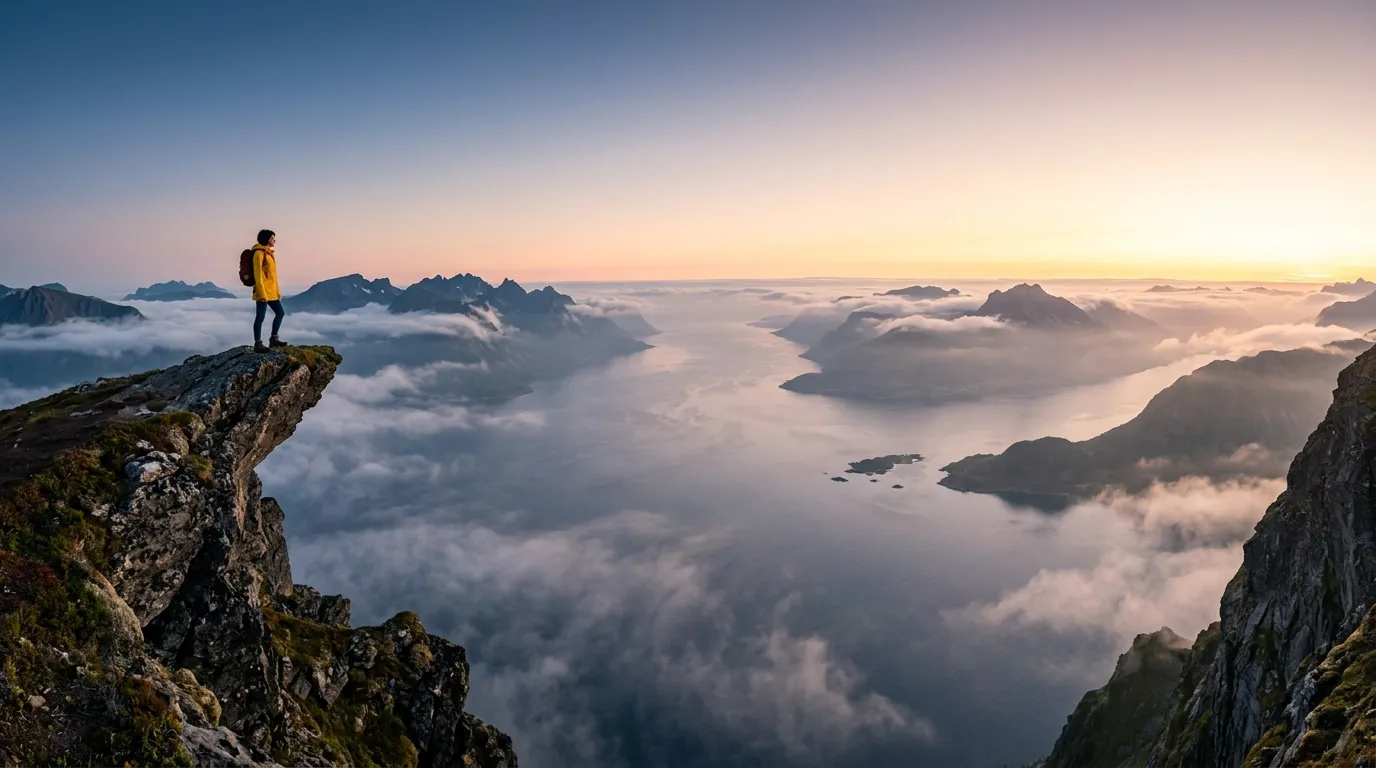
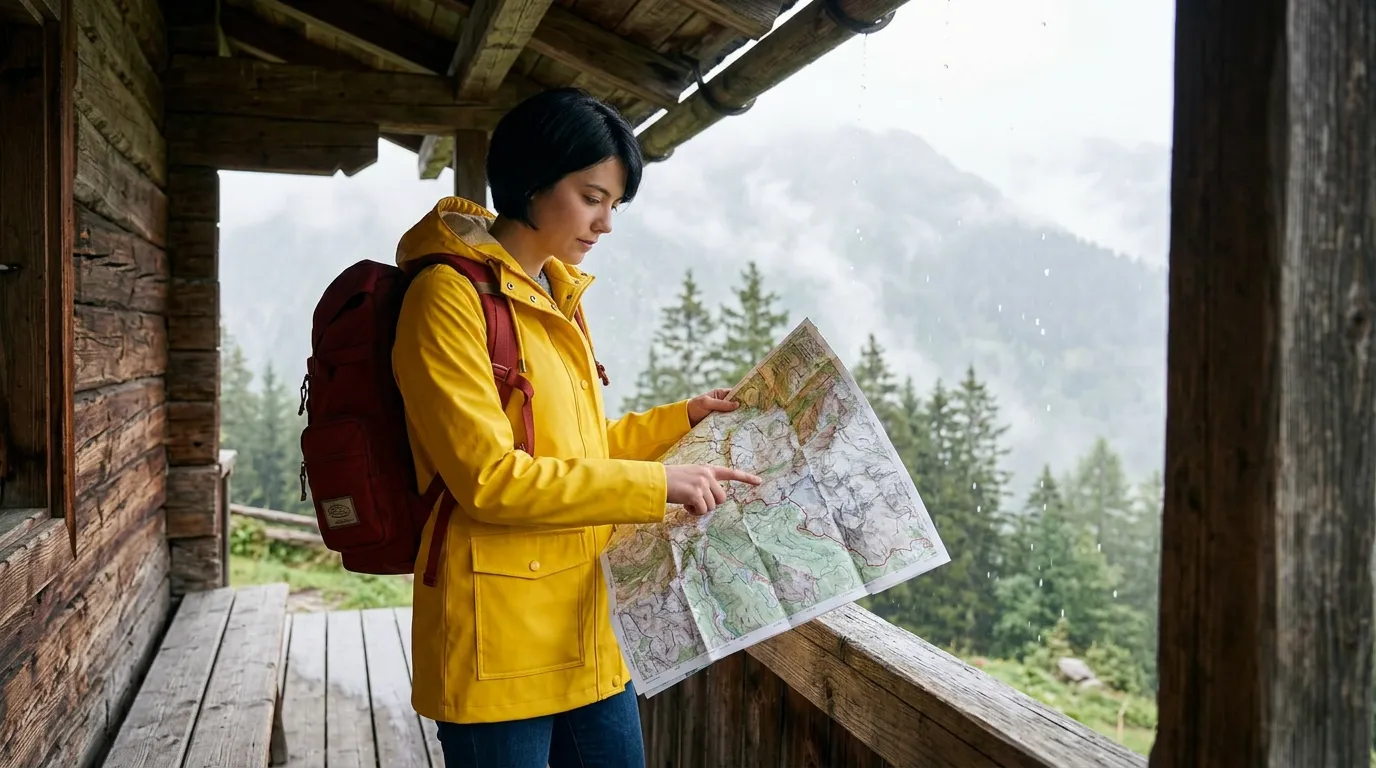
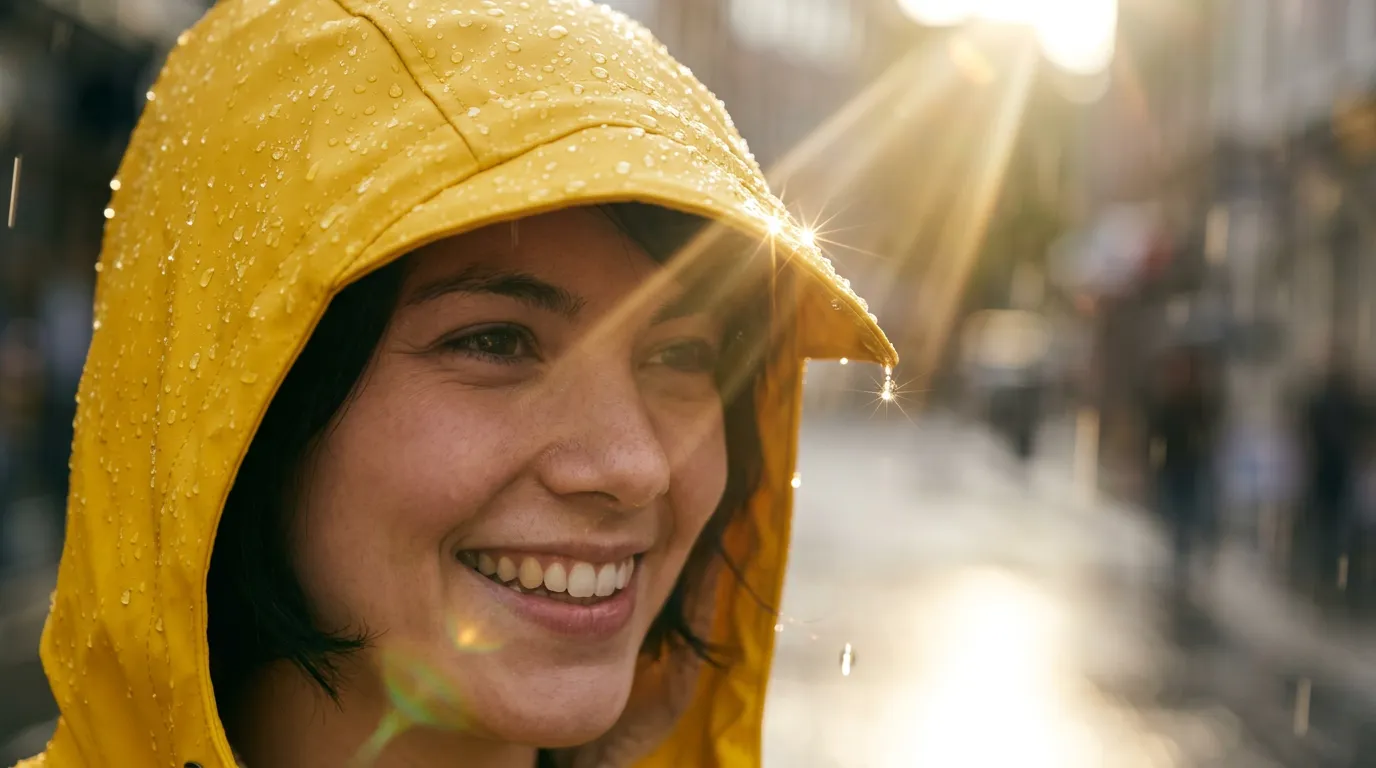
Design a character once, keep them consistent across three shots, then animate the opener.
Nano Banana 2, Veo 3.1 Lite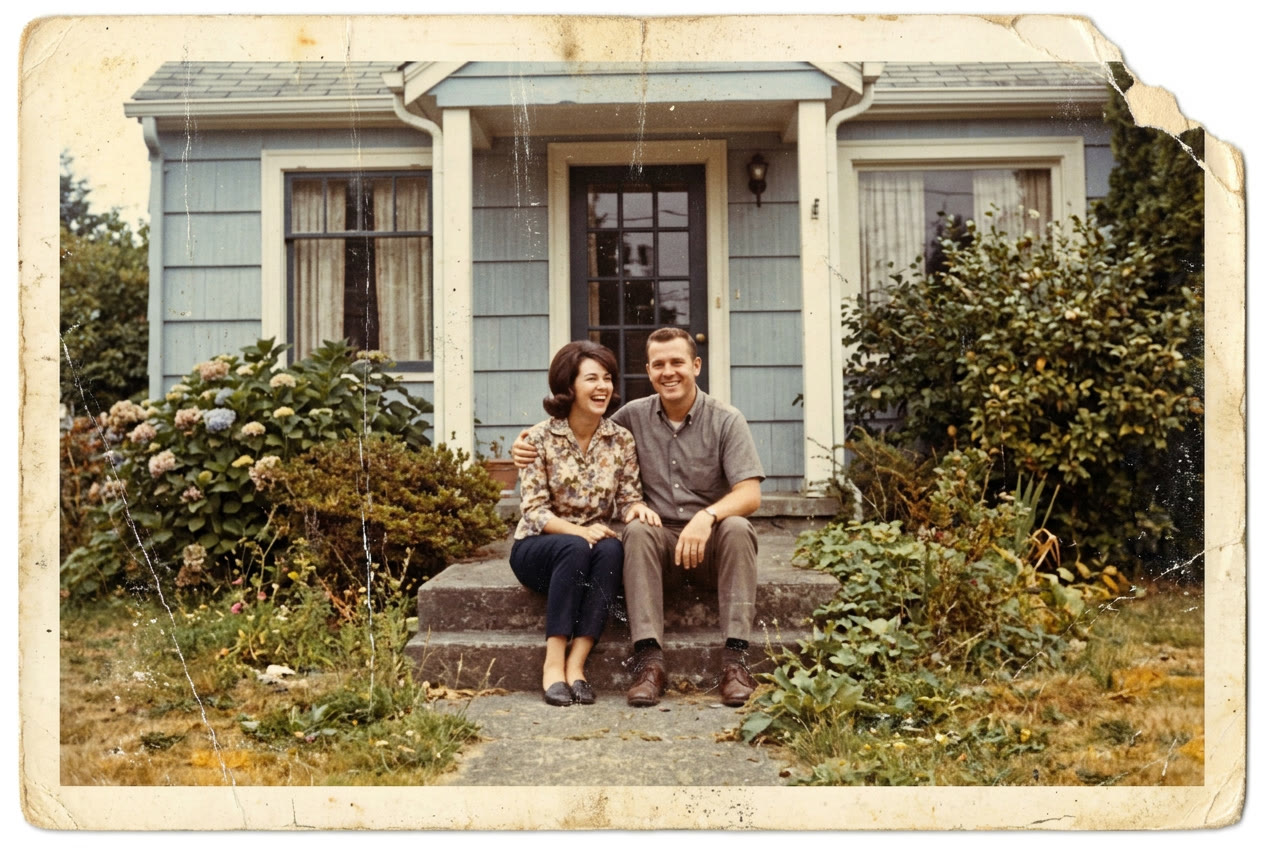
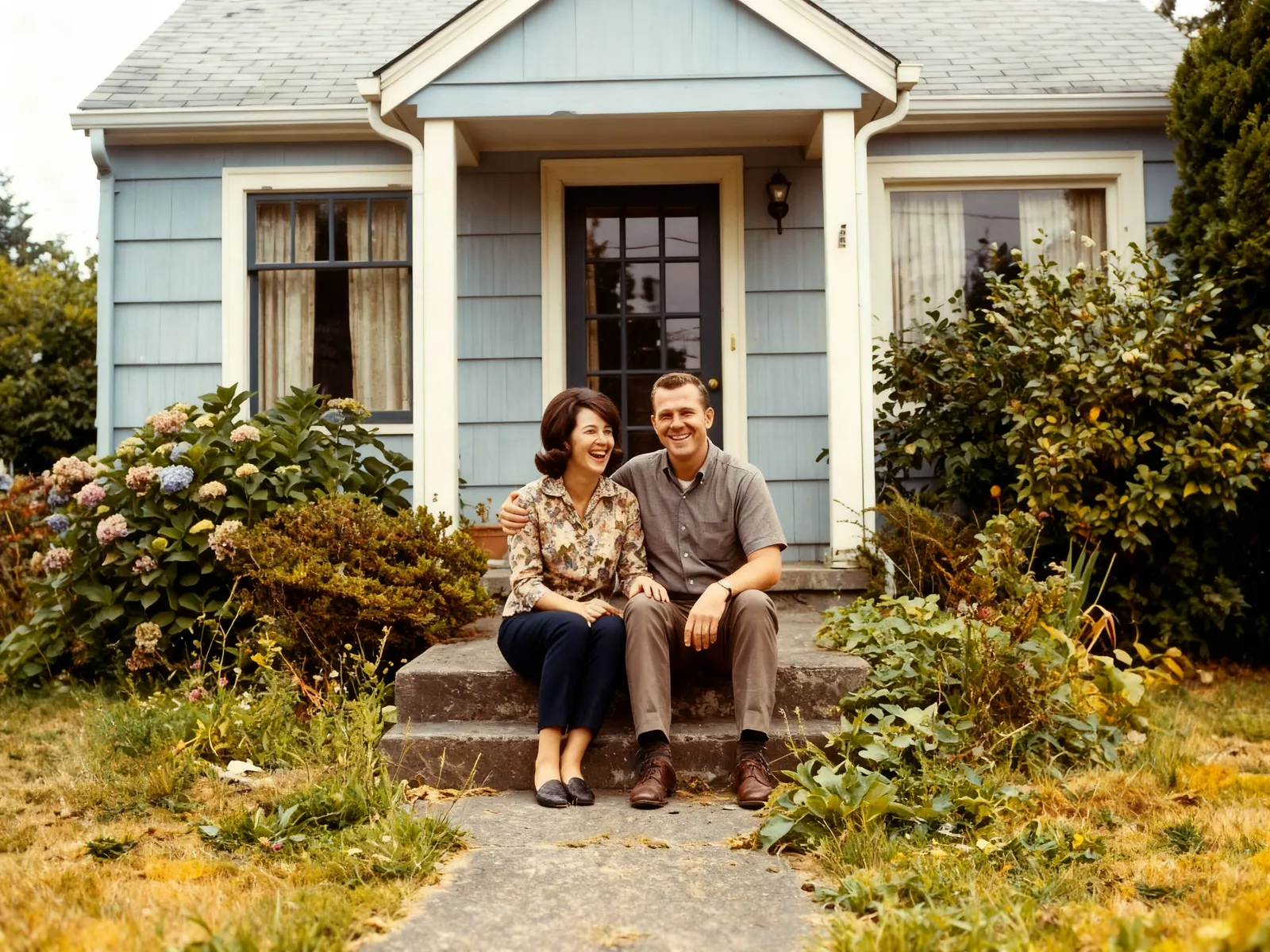
Clean up scratches and color cast in one step, then let the moment move.
Restore Image, Veo 3.1 LiteAn empty board. Add prompts, photos and any model.
How a canvas works
- 1SketchPrompt
Turn this sketch into a finished product photo: white full-grain leather upper, cream gum sole, tonal laces. Side view on a pale gray studio backdrop with a soft shadow. No logos or brand marks.
Drop in what you have
A product photo, a sketch, a selfie or just a prompt. Each one becomes a node on the board.
- 2Choose a model
- Nano Banana 2Image
- Seedream 5 ProImage
- Veo 3.1 LiteVideo
- Kling 3 ProVideo
Connect models
Wire one output into the next model — an image into a video, a video into an upscaler. Mix any of the 102 image and video models.
- 3Nano Banana 2GenerateSaved in this browser
Run, tweak, run again
Run one step or the whole chain. Change a prompt and rerun only that step; the rest of the canvas stays put.
Every model, one board
43 image and 59 video models, all in one place. Pick one to start a canvas with it.
Image
Video
Still have questions?
Straight answers about models, prices and rights.
What is Made Canvas?
A board where prompts, photos and AI models connect into one workflow. Each model is a node: plug a photo and a prompt into an image model, then plug that image into a video model. Change any step and run it again without redoing the rest.
Do I need an account to use it?
Not to build. Open a template or a blank canvas, add photos, write prompts and connect models without signing in. You sign in when you run a model, and each run is priced in credits.
Which models can I use?
All of Made’s image and video models — 102 in total — including Nano Banana 2, Seedream 5 Pro, GPT Image 2.5, Veo 3.1, Kling 3 and Seedance 2.0. Video outputs also connect to editing, extension, lip sync and upscaling models.
How does paying for a canvas work?
Building, connecting and saving are free. Running a step uses credits at that model’s price, the same as everywhere else on Made, and its Generate button shows the price before anything starts. Unused credits roll over, and failed generations are refunded.
Can I use my own photos, videos and audio?
Yes. Add a reference node and upload a PNG, JPG or WebP up to 15 MB, or a video or audio file up to 200 MB (video and audio uploads need an account). Connect it to any model that accepts that kind of input.
Where are my canvases saved?
In your browser, automatically, as you work. Save project downloads the whole workflow as a file you can reopen on another computer or send to someone else.
Can I use what I make commercially?
Yes. Images and videos you generate on Made are yours to use in personal and commercial work, subject to each model provider’s content rules.
Open a template. Make it yours.
Swap in your own photo, change the prompts and run. Building is free, and each step you run is priced in credits.