Draw
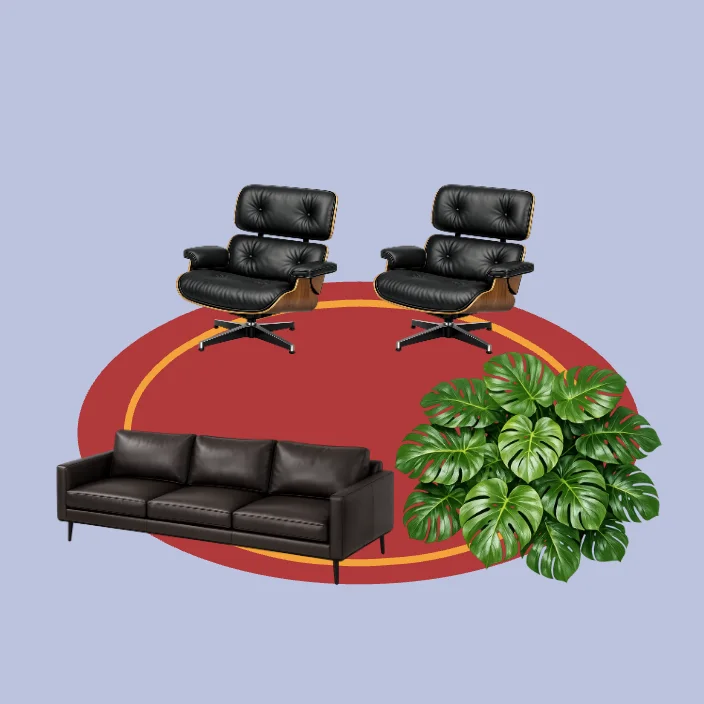
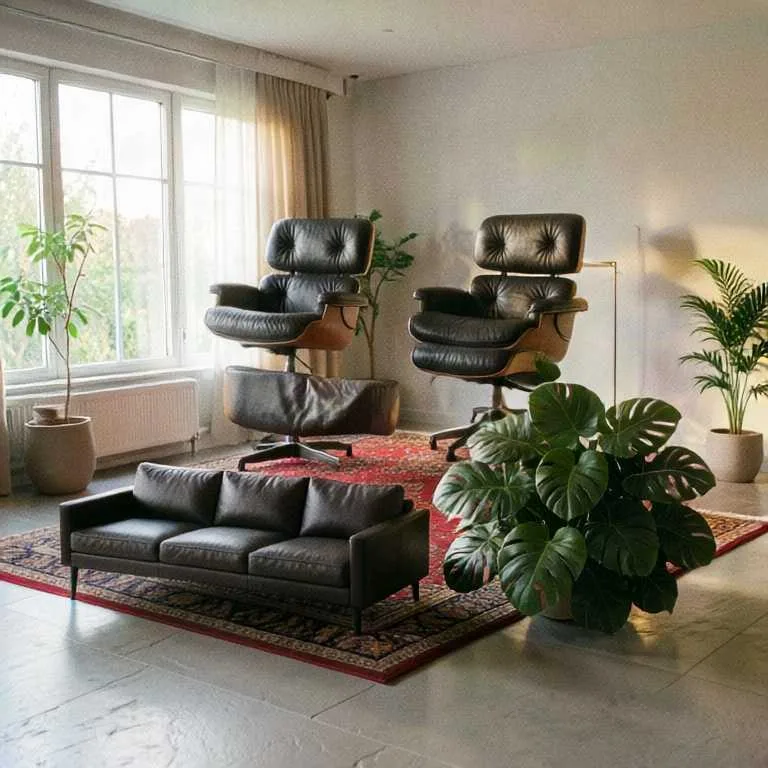
Paint, drop in shapes and cutouts, and move things around. Every stroke updates the image, so you compose by hand and the model does the rendering.
Draw, point a camera, or share a screen. The image follows you live.
Pick where the picture comes from, say what it should become, and keep going. FLUX.2 [klein] Realtime redraws it about once a second while you work.
Paint, drop in shapes and cutouts, and move things around. Every stroke updates the image, so you compose by hand and the model does the rendering.
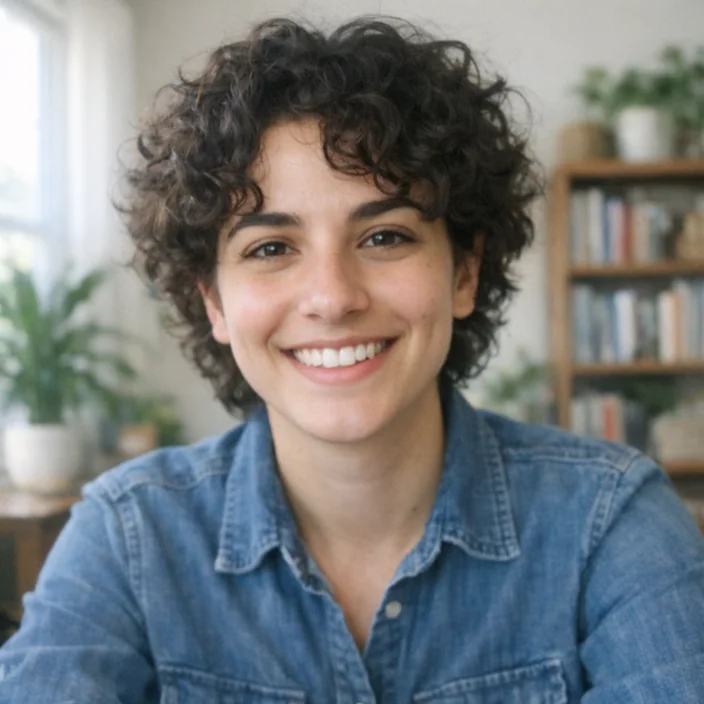
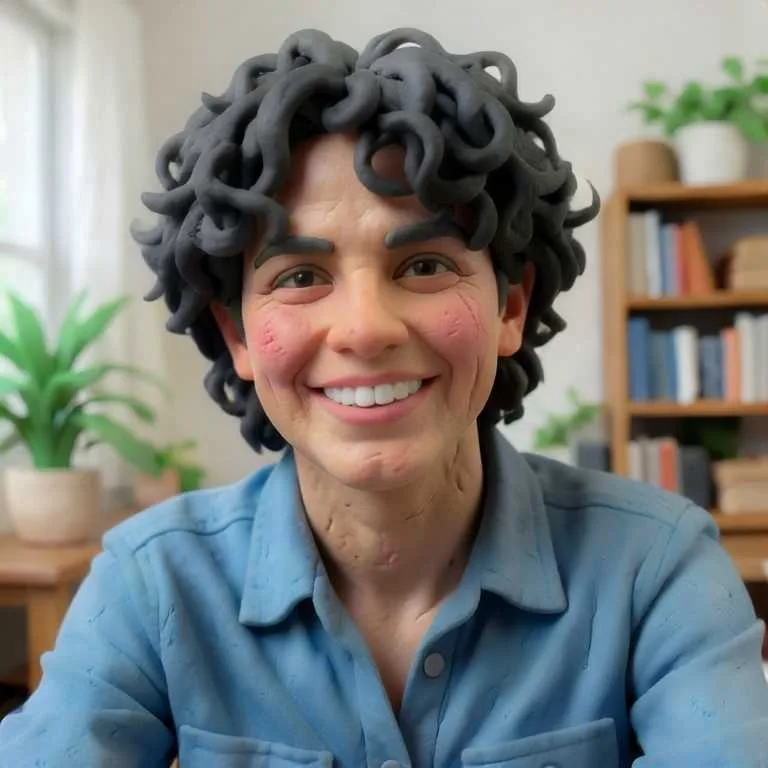
Turn on your webcam and become a claymation character, a marble statue, or an anime lead. Move and it follows, frame after frame.
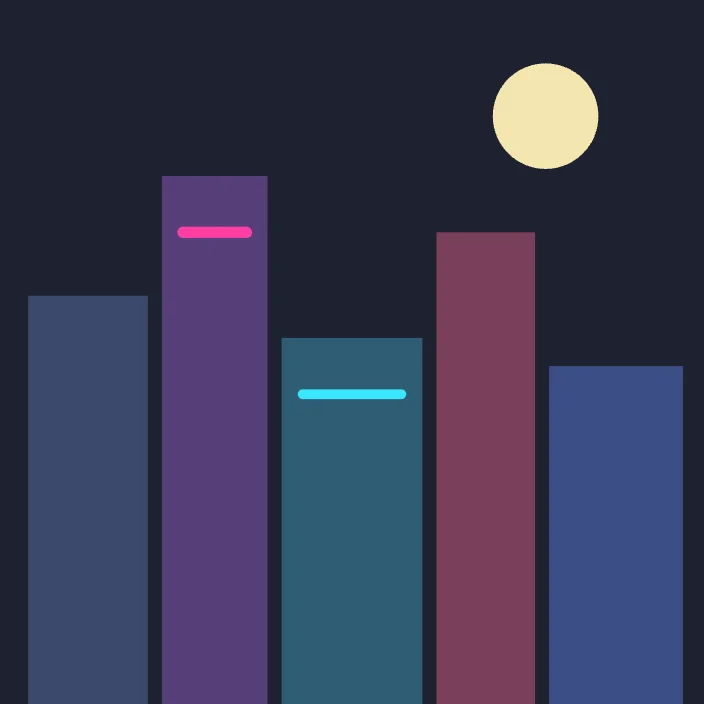
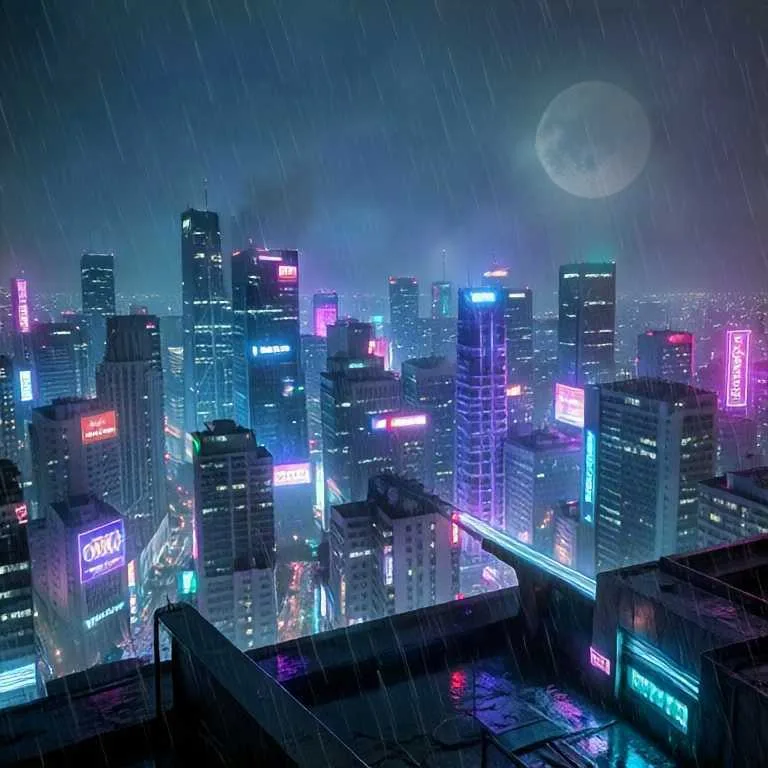
Share a window or a tab, a 3D viewport, a game, a slide, and restyle it live. Great for turning blockouts and wireframes into finished looks.
A live canvas. Whatever you draw, film, or share is redrawn by FLUX.2 [klein] Realtime about once a second, following your prompt and style. There’s no Generate button and no queue: change something and the image changes with it.
Per second of live time, in credits. The price per minute is on the Go live button. Time spent idle is free: when you stop drawing, Made stops renewing the GPU within about half a minute.
Yes. Camera mode restyles your webcam, and on phones you can flip to the back camera. Screen mode takes any window, tab, or display you pick in your browser. Screen sharing needs a computer; drawing and camera work on phones too.
Save it, record the live output as a video, or pick a frame from the history strip. Take it further sends the frame to Made’s other models: render it in HD with FLUX.2 Pro, upscale it with Topaz, or animate it into a five-second clip with Seedance.
Square, at 768 pixels on Fast and Standard, or 1024 pixels on HD. Fast updates quickest; HD is sharper. They cost the same per second.
Made doesn’t save your camera or screen frames, or the live images, unless you save or record them yourself. Frames go over an encrypted connection straight from your browser to the GPU that redraws them.
Type anything, or pick one of 13 looks: film photo, claymation, 3d animation, anime, oil painting, watercolor, product shot, architecture, felt & plush, pixel art, comic ink, neon night, marble. The Vary button tries a new take on the same prompt.