One prompt. Thousands of layers.
An AI motion designer builds every title, shape, 3D card, camera move and effect as layers you can edit. Export MP4 up to 4K, right in your browser.
Made in one prompt
Each of these is a single message to the designer. Open one and every layer, keyframe and camera move is yours to change.
A motion designer, not a video generator
Edit and export
Every title, card, particle system and camera move lands on a real timeline. Retime it, recolor it, or ask for changes.
The designer builds it
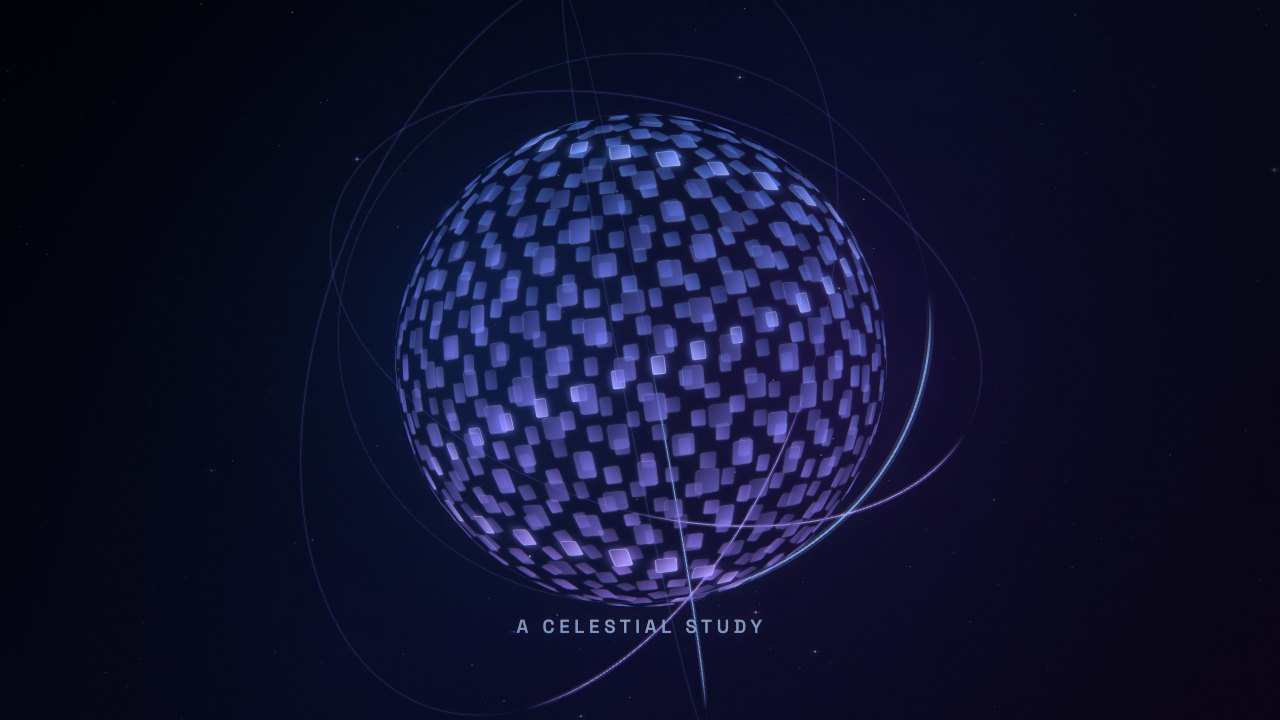
It writes the motion as a program, so a tunnel of 400 cards or a chart that counts up is precise, fast and easy to revise.
Pictures, sound, export
It asks for pictures when an idea needs them, scores the piece with music and sound effects, and renders MP4 up to 4K on your device.
Questions
What is Motion Studio?
An AI motion designer in your browser. You describe a motion graphic and it builds it as a real layered composition: text with per-letter animation, vector shapes, 3D cards with a camera, particles, glows and a finished look, all keyframed. Nothing to install.
Is everything really editable?
Yes. The designer doesn’t render a flat video: it builds layers and keyframes. You can click any layer to change its text, font, color, timing or position, drag bars and keyframes on the timeline, or ask the designer for changes. Your hand edits are kept when it rebuilds.
How does it make so many layers?
It writes the motion as a short program. A loop can lay out a tunnel of 400 cards or a grid of animated dots in a few lines, and each element still becomes its own editable layer.
Which AI model designs it?
GPT-6 Sol by default, free to use. For the most demanding pieces, signed-in accounts can switch to GPT-6 Astra, which is priced in credits by the tokens it uses. The editor shows its price before you send, and you pay only when the build lands.
Can it use my logo, product or photos?
Attach up to six images and the designer places them where they belong, like your logo on the end card or your product as the hero. When an idea needs pictures you don’t have, it can generate them; the price shows on the Generate button before anything is charged.
How do I export?
Export renders an MP4 on your device at 720p, 1080p or 4K and 24, 30 or 60 fps, with the music and sound effects mixed in. You can also save any frame as a PNG, or download the project file to keep working later.
Does it do sound?
Yes. The designer picks a music bed and places sound effects on the big moments: whooshes on transitions, impacts on titles, risers into reveals. You can swap the music or change levels in the editor.
Is it free?
Designing with GPT-6 Sol, editing and exporting are free, with a daily limit before you sign in. GPT-6 Astra and generated pictures are the paid parts, priced in credits.