Apparel mockup
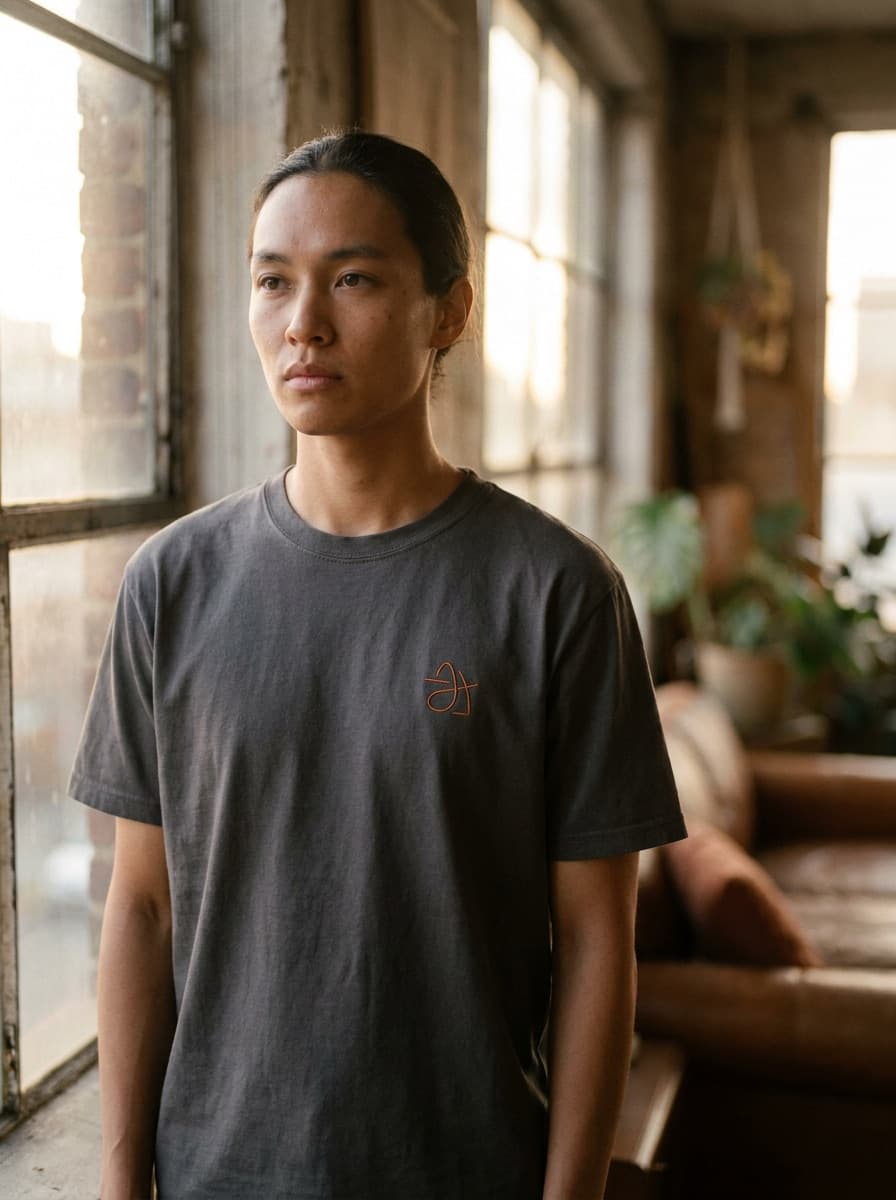
“Put this design on a black t-shirt worn by someone in natural daylight.”
Upload a design, logo, or artwork and describe where it should live — a t-shirt, a coffee cup, a storefront, a billboard. Made renders a photorealistic mockup with the design placed in the scene.
Apparel mockup“Put this design on a black t-shirt worn by someone in natural daylight.”
A flat, high-contrast version of the logo or artwork reproduces most faithfully.
Say what it goes on and where — “on a white ceramic mug on a kitchen counter, morning light.”
Verify the artwork survived intact: colors, proportions, and any lettering.
Keep the design fixed and vary the surface, angle, or environment for more shots.
Real results from Made. Use a prompt to load it into the studio above, then add your own photo.
“Put this design on a black t-shirt worn by someone in natural daylight.”
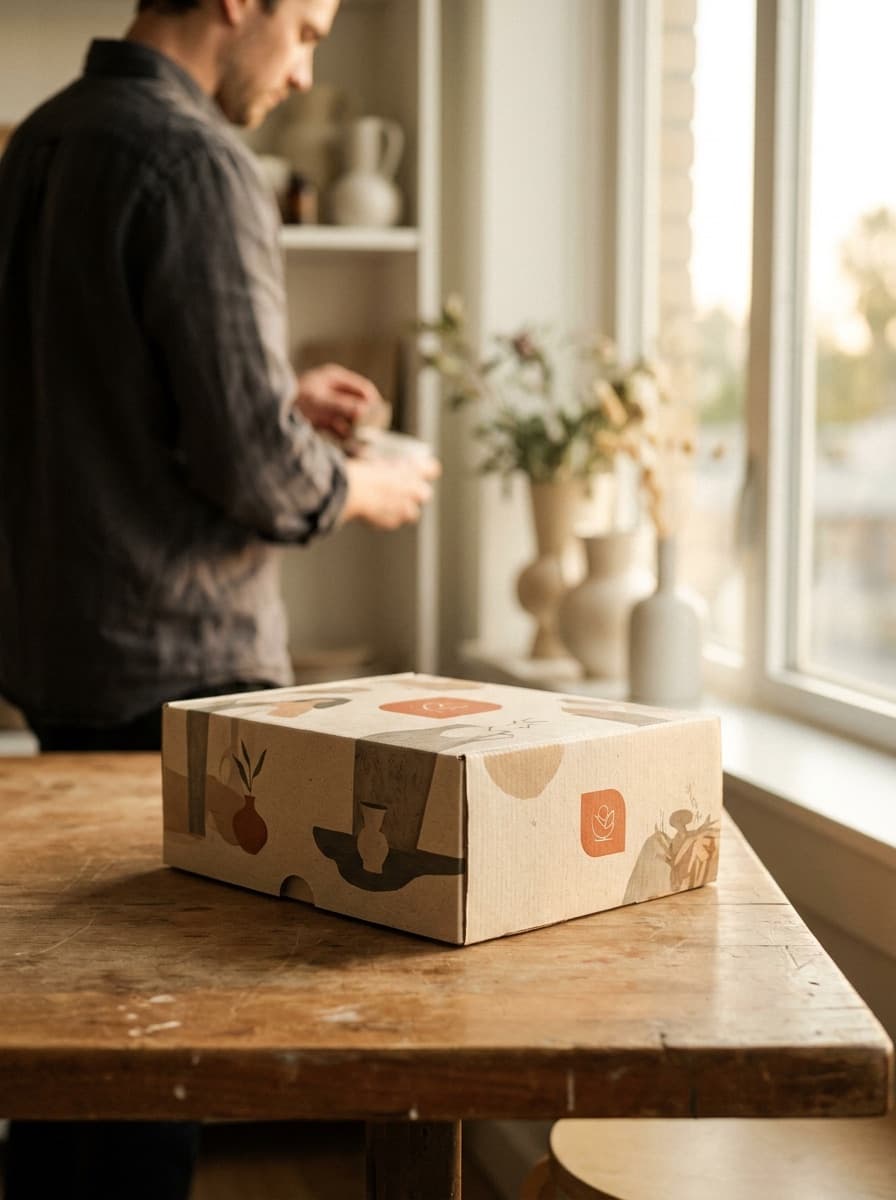
“Apply this artwork to a matte product box photographed on a clean studio table.”
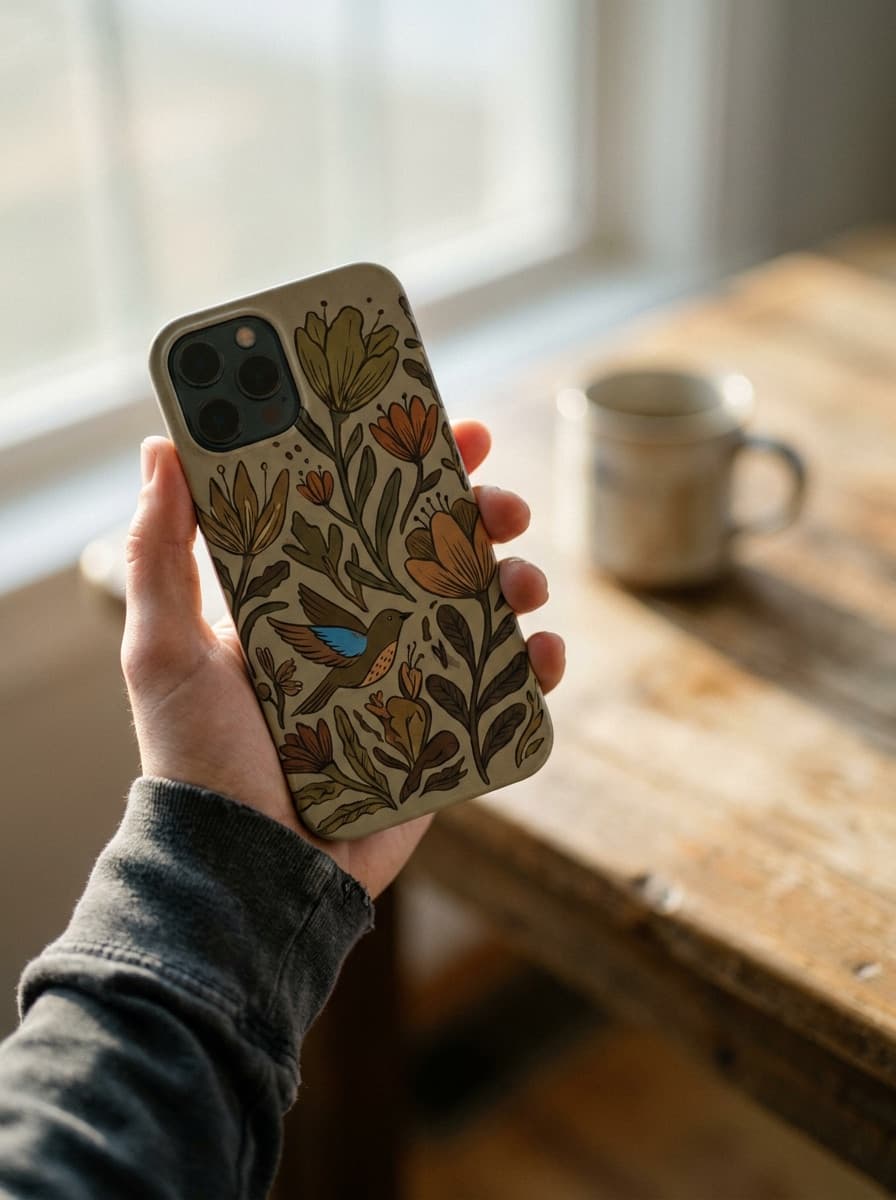
“Render this illustration on a phone case held in someone’s hand.”
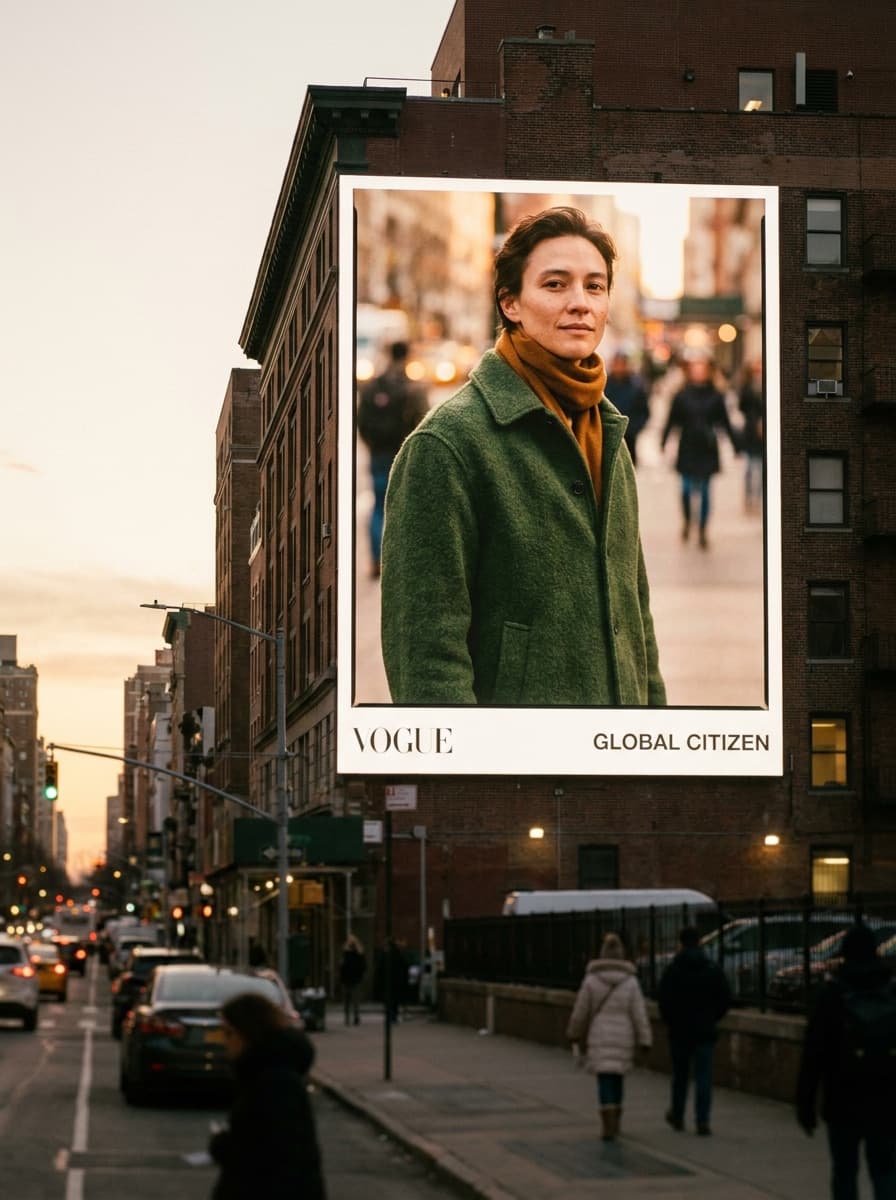
“Show this visual on a large city billboard at dusk with realistic lighting.”
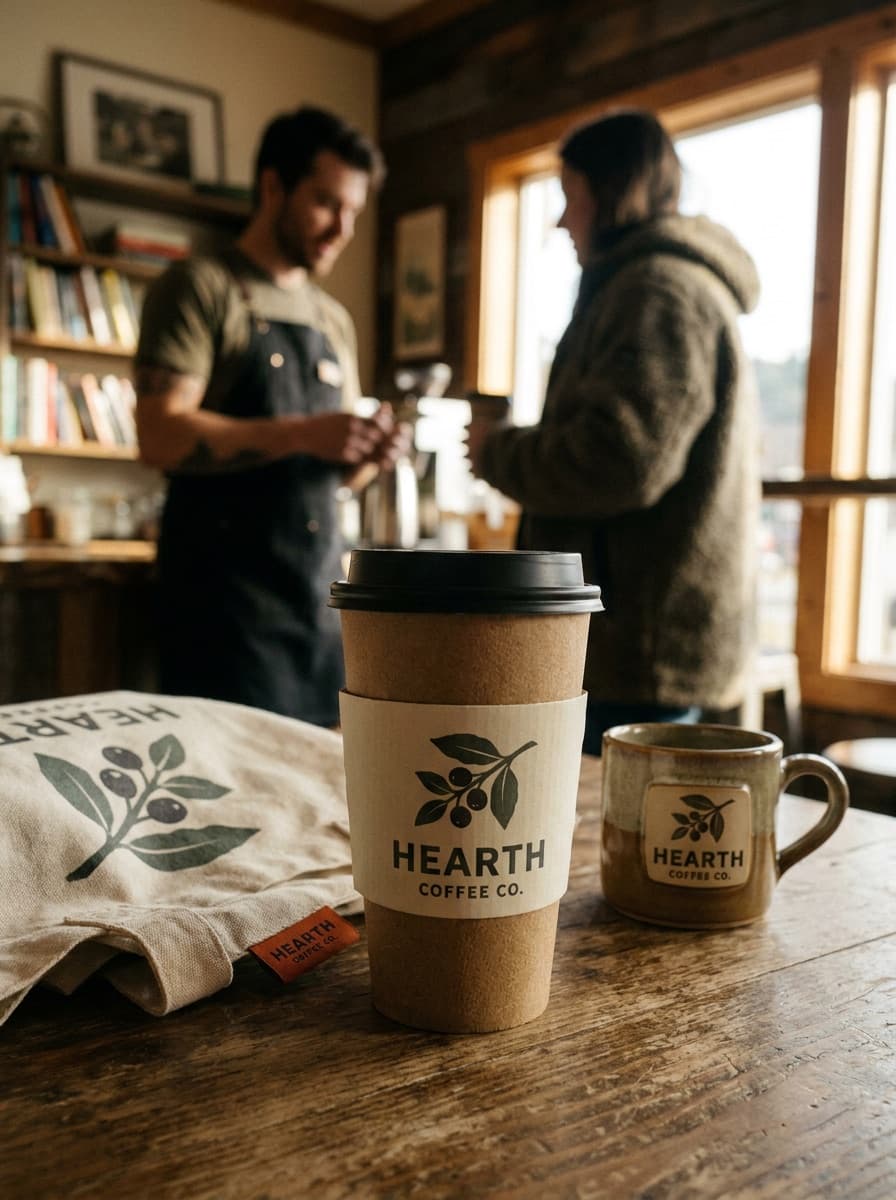
“Print this logo on a takeaway coffee cup on a cafe counter.”
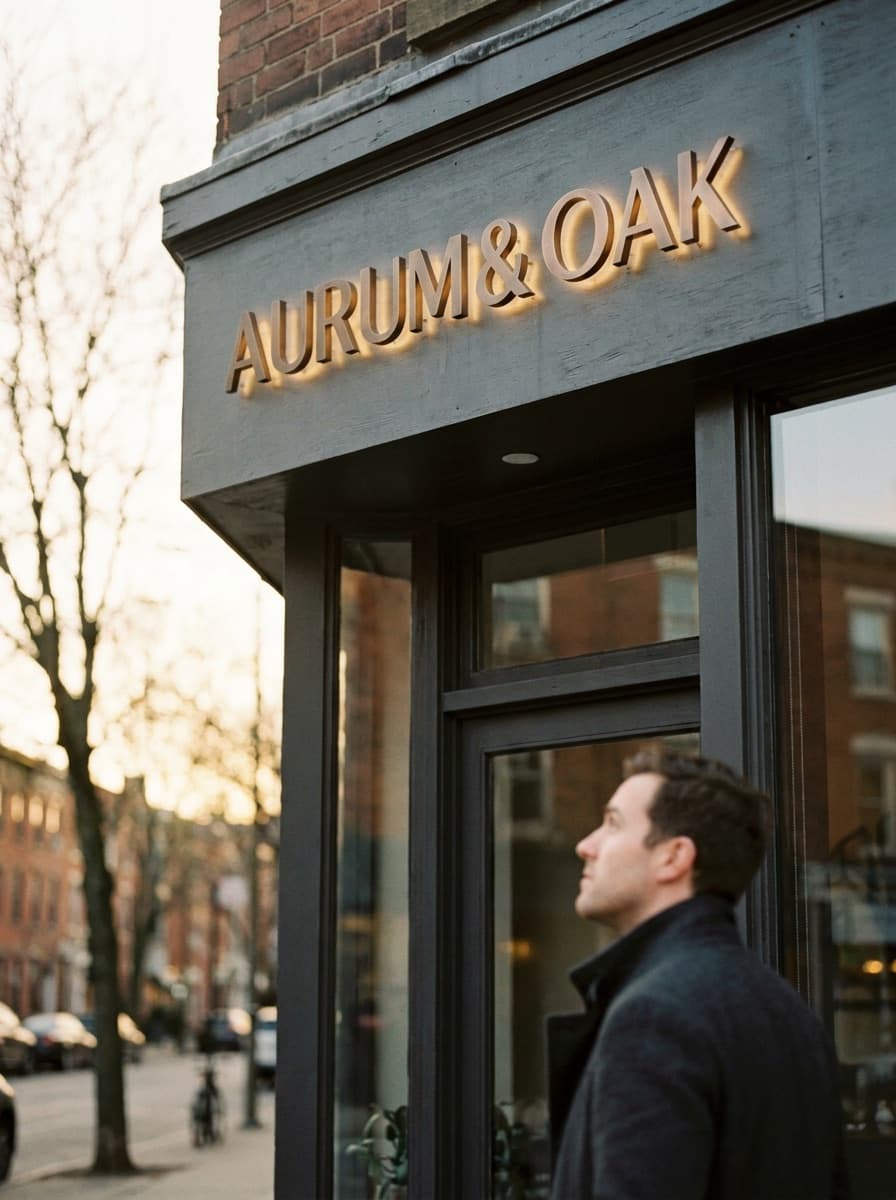
“Mock this wordmark up as a storefront sign on a modern shop facade.”
Checked against the running tool on 2026-09-04.
Template tools composite your file onto a fixed photo, which is pixel-exact but limited to the templates you own. Made generates the whole scene, so any surface and setting is possible — the trade-off is that the design is re-rendered rather than pasted, so you must check its fidelity on each output.
Simple, bold marks reproduce well. Fine lettering, thin strokes, and precise brand colors can drift when the model wraps the design onto fabric or curved surfaces. Review every output against the original, and regenerate if details slipped.
Anything you can describe: apparel, packaging, cups, phone cases, book covers, signage, vehicles, billboards. Flat and gently curved surfaces are the most faithful; heavily distorted surfaces like crumpled fabric take more attempts.
Yes — upload once and run one request per surface. Keeping the design fixed while changing only the product description gives you a consistent mockup set for a listing or brand presentation.
The PNG is listing-quality for lifestyle context shots. For the actual production file, upload your original vector or high-resolution artwork to the print service — the mockup is presentation imagery, not a print file.
Yes. Describe the person and context — “worn by a runner stretching outdoors” — and the scene is generated around the product. People in mockups are generated, not real customers.
A clean PNG of the design on a plain background, at a reasonable resolution. Screenshots with UI chrome or busy backgrounds around the artwork make it harder for the model to isolate what should be placed.
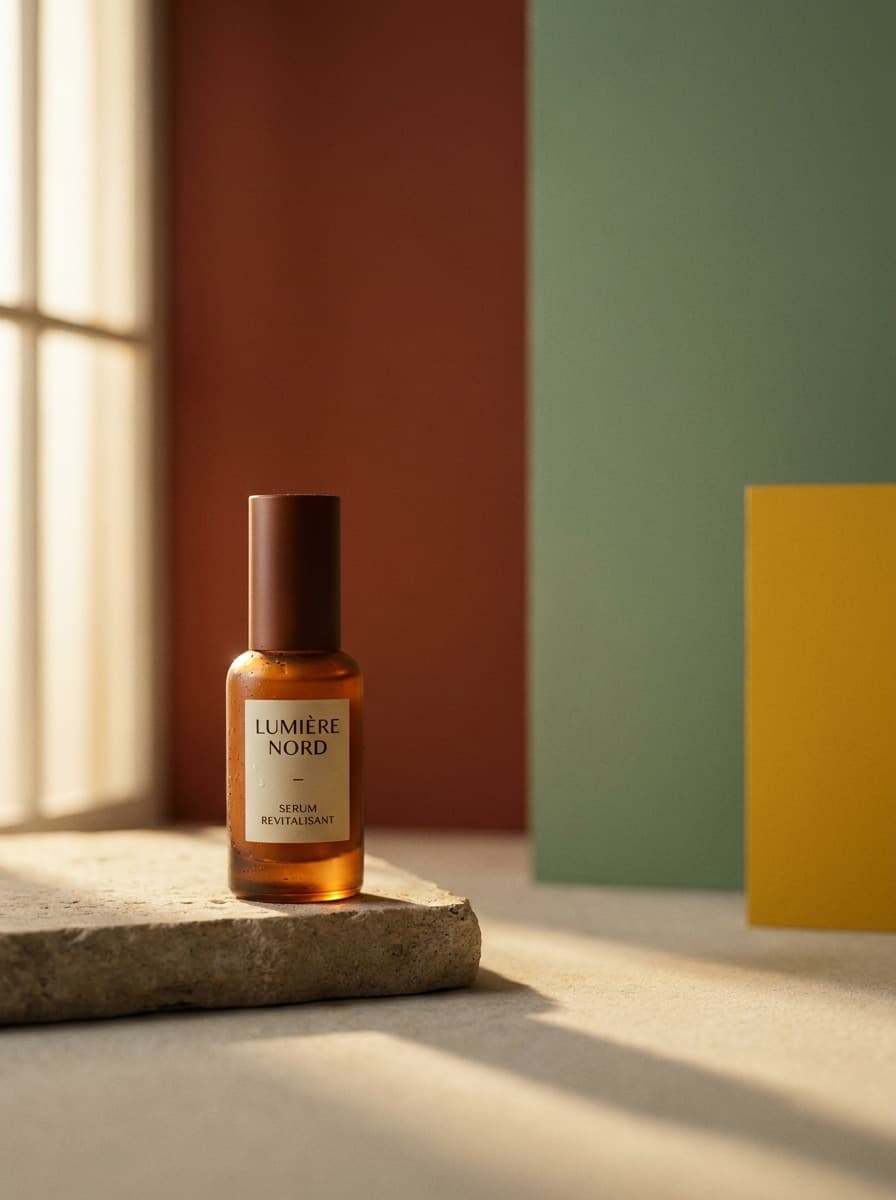
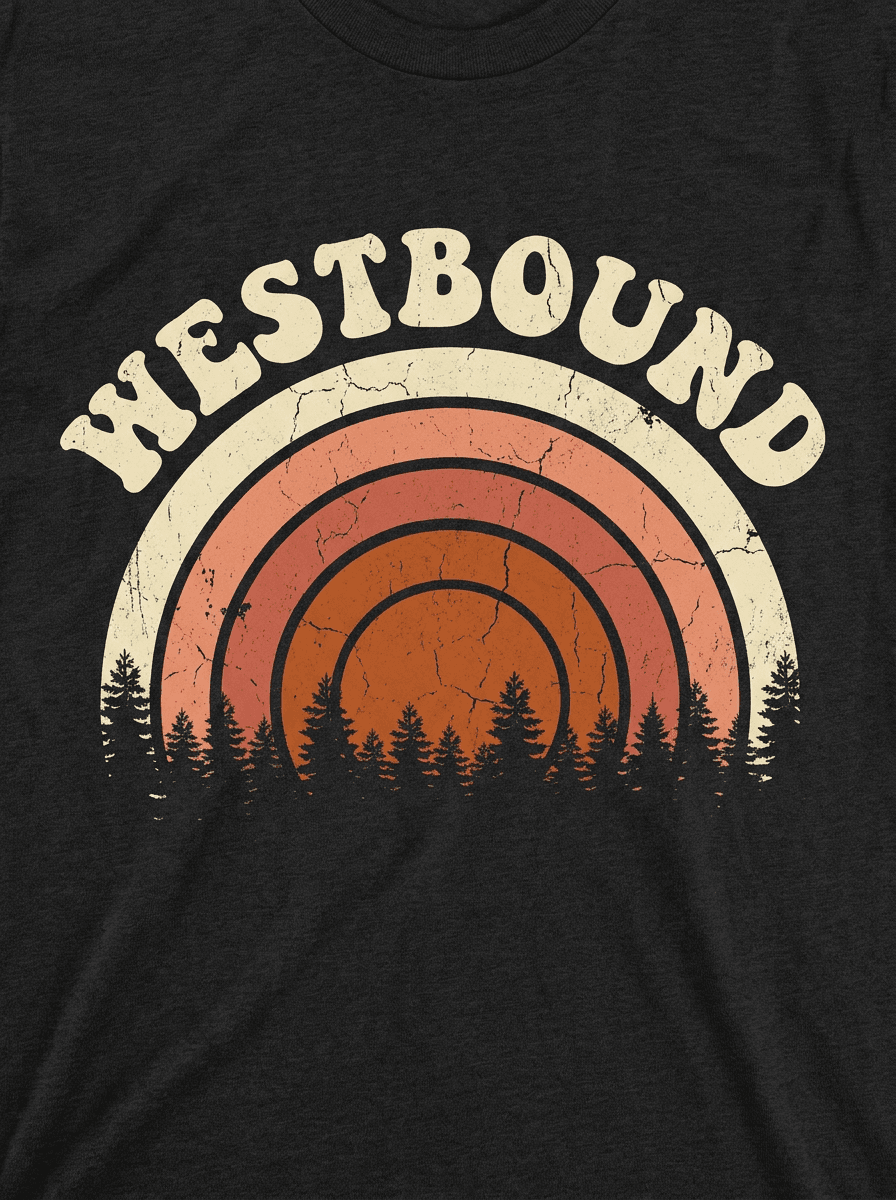
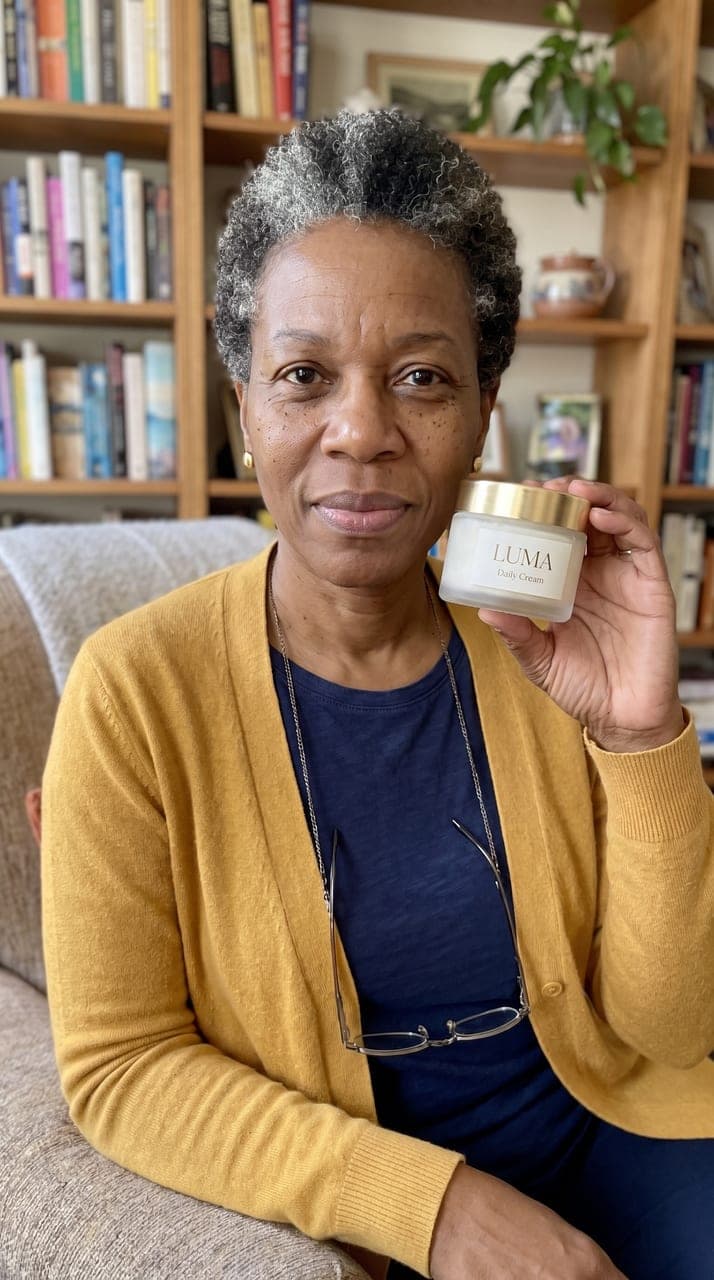
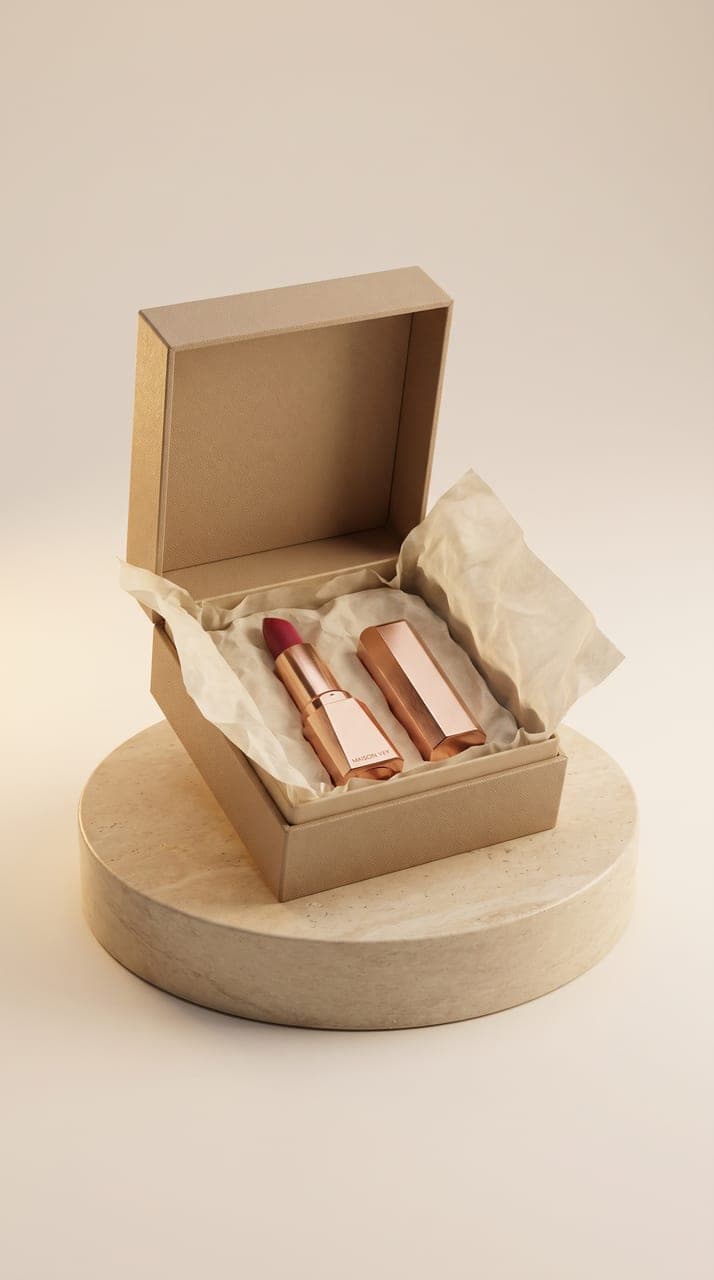
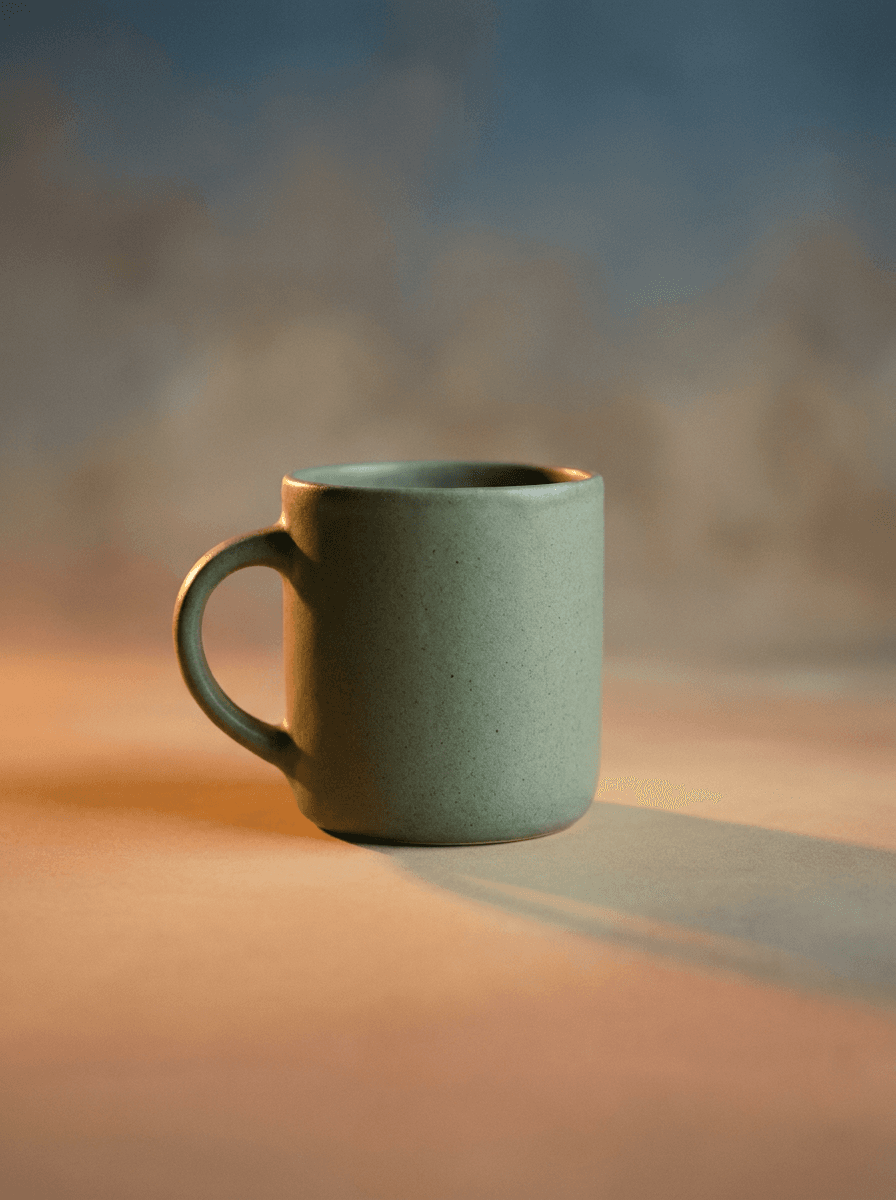
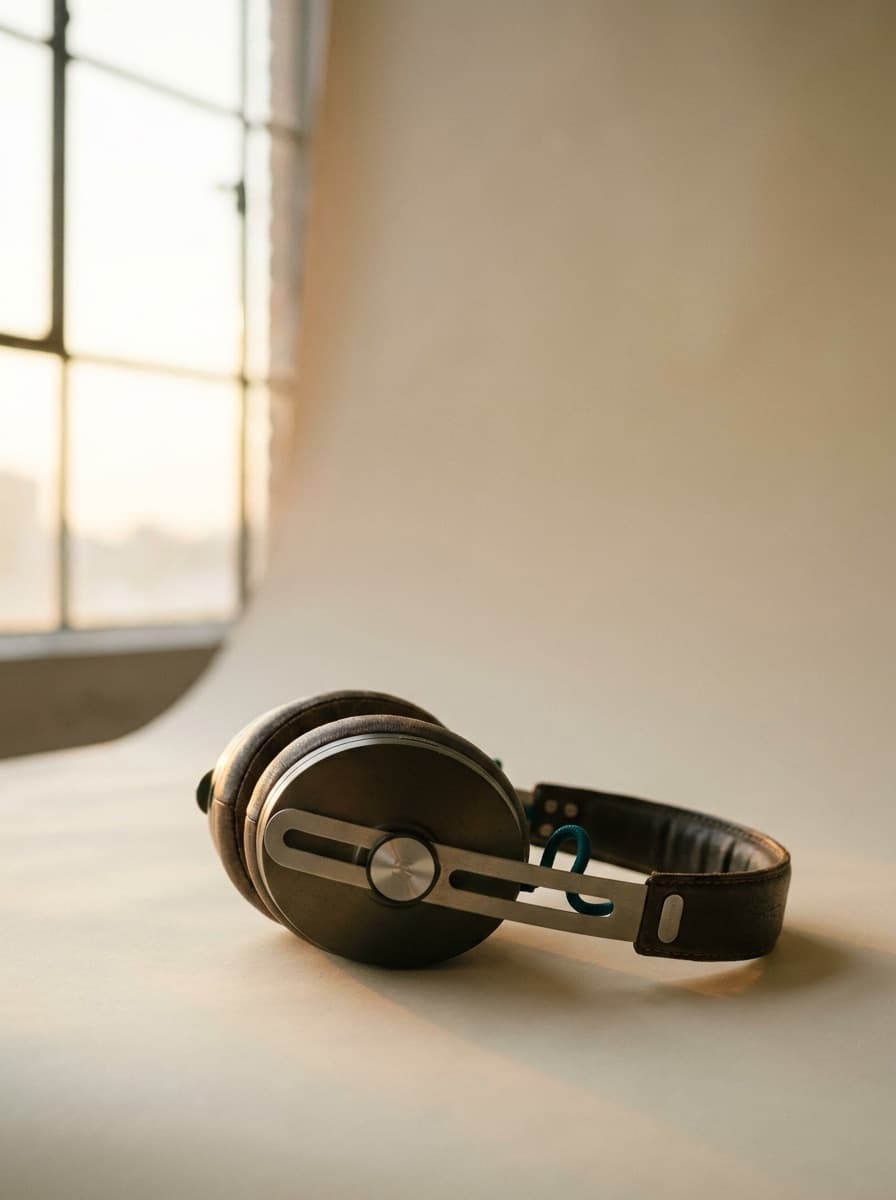
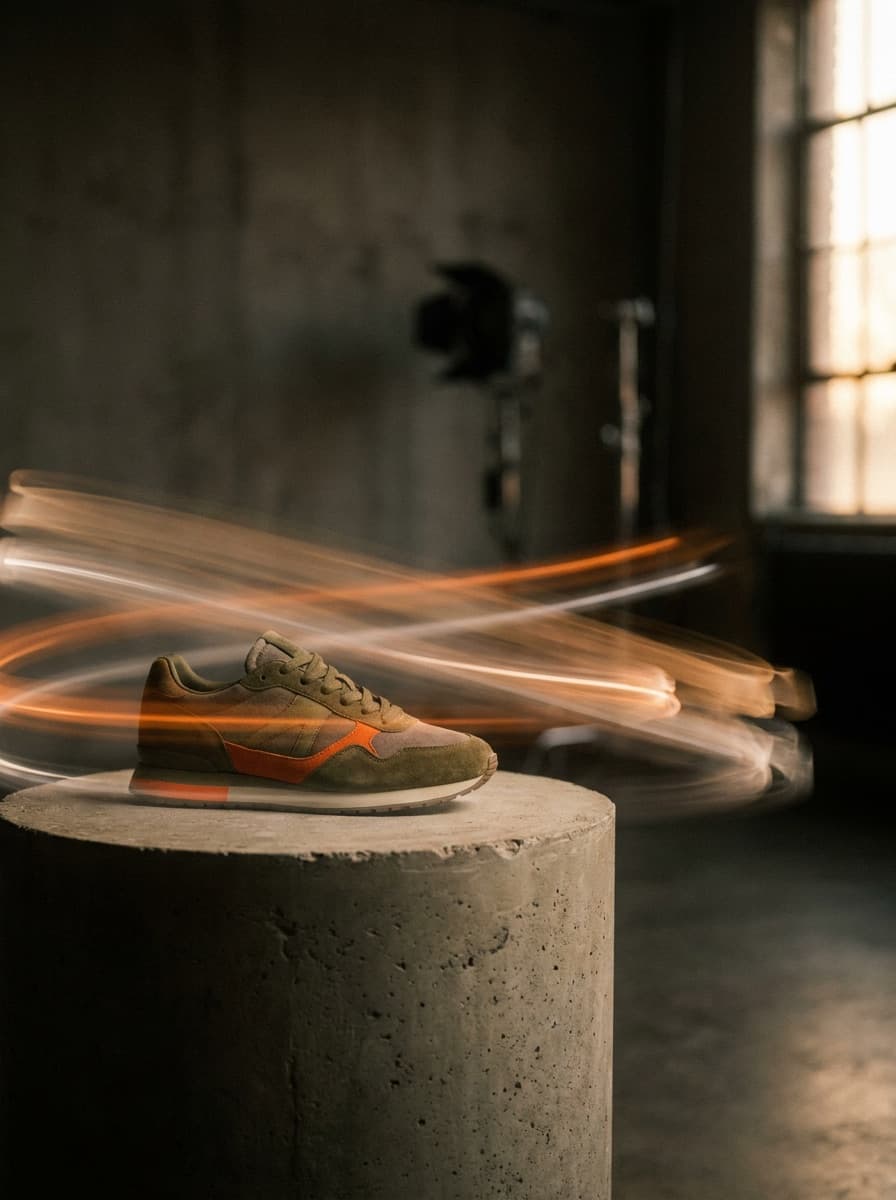
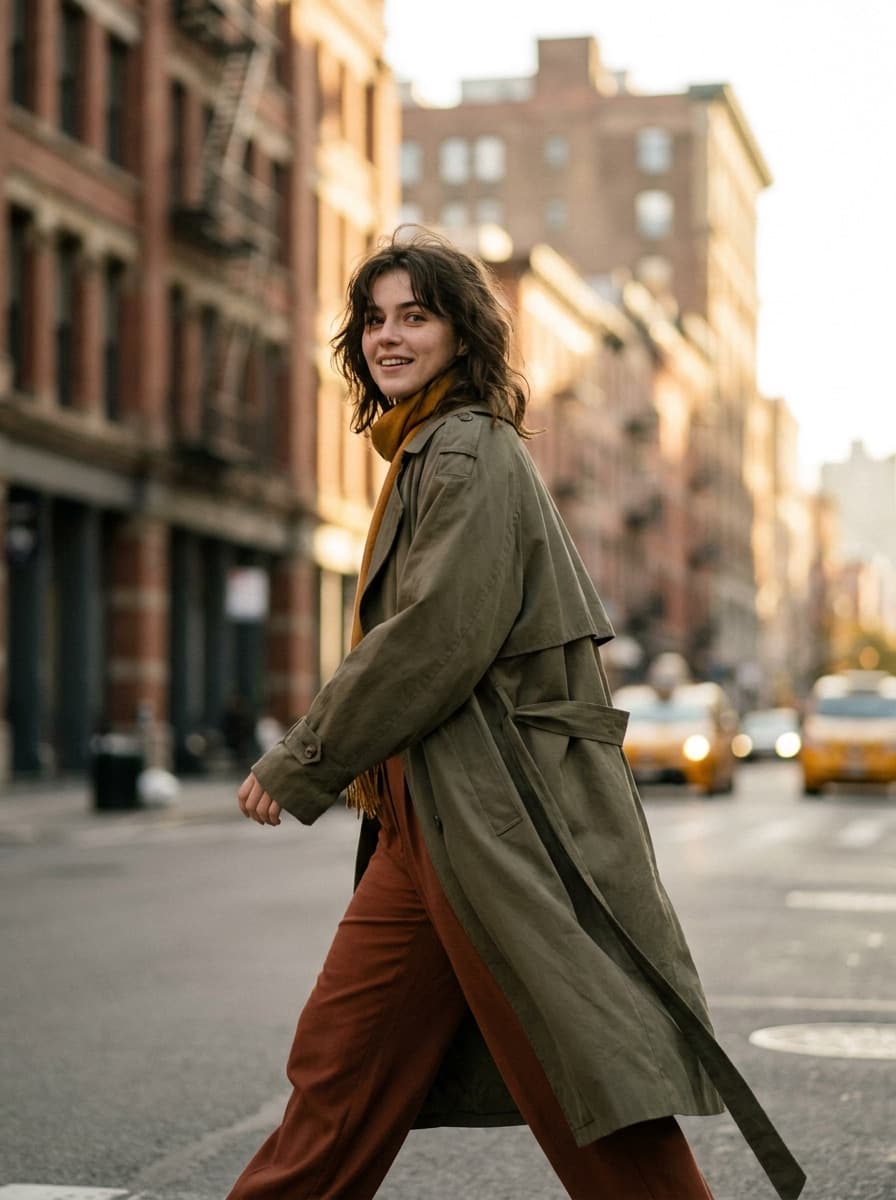

See what each one makes, then open it in Made.