Retro graphics
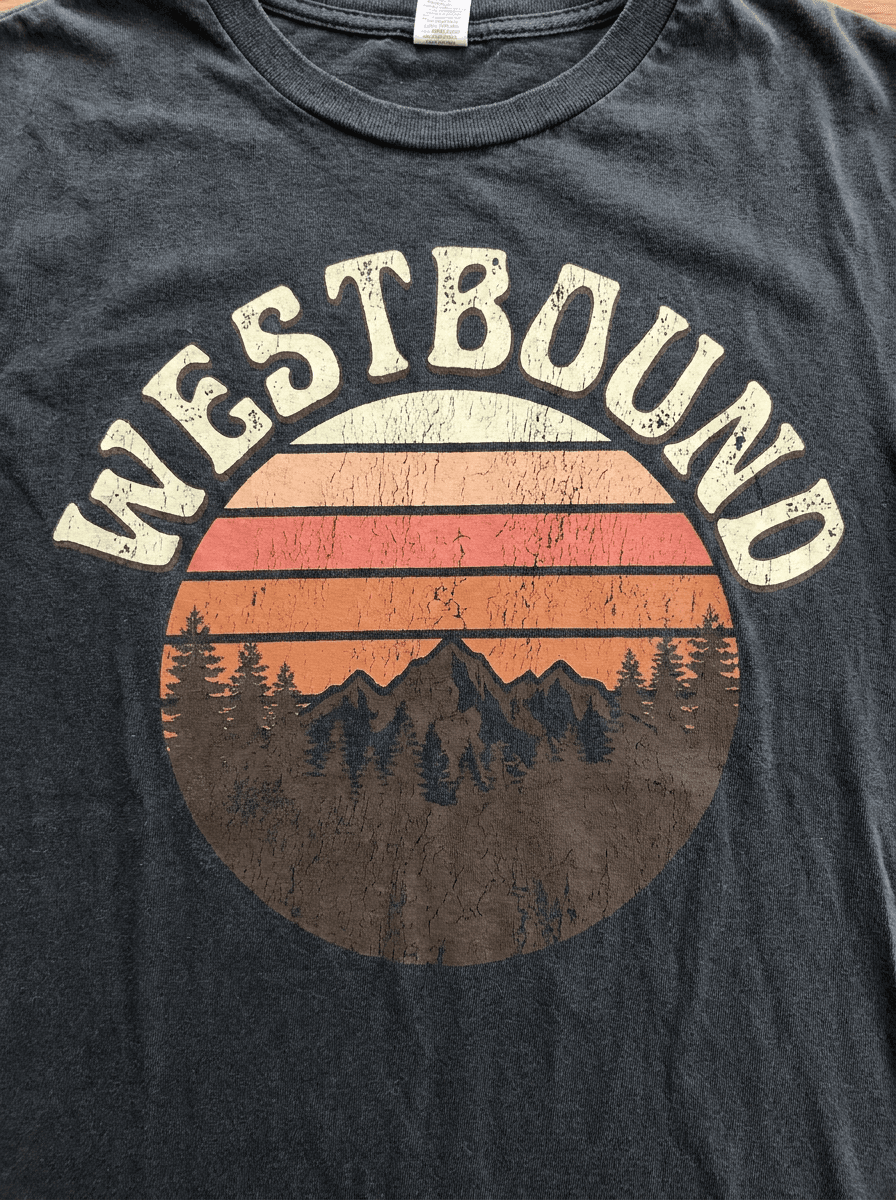
“Generate a retro t-shirt graphic: striped semicircle sunset in cream, coral, and burnt orange over a pine ridgeline, arched chunky 1970s lettering reading Westbound, distressed print texture.”
Describe the graphic — subject, style, colors, and any slogan text — and Made generates print-style artwork as a PNG you can take to a print-on-demand service or local printer.
Retro graphics“Generate a retro t-shirt graphic: striped semicircle sunset in cream, coral, and burnt orange over a pine ridgeline, arched chunky 1970s lettering reading Westbound, distressed print texture.”
Name the subject, the art style — retro, grunge, minimal line art, badge — and the color palette. Mention the shirt color so the design contrasts with it.
Spell out slogans or names exactly as they should print. Proofread rendered lettering carefully and regenerate if a character is off.
Each run is a new render. Adjust one variable at a time — palette, texture, lettering style — until the design is right.
Download the PNG, isolate the graphic with Background Remover if your printer needs transparency, and upscale with Image Upscaler if the print service asks for higher resolution.
Real results from Made. Use a prompt to load it into the studio above, then add your own photo.
“Generate a retro t-shirt graphic: striped semicircle sunset in cream, coral, and burnt orange over a pine ridgeline, arched chunky 1970s lettering reading Westbound, distressed print texture.”
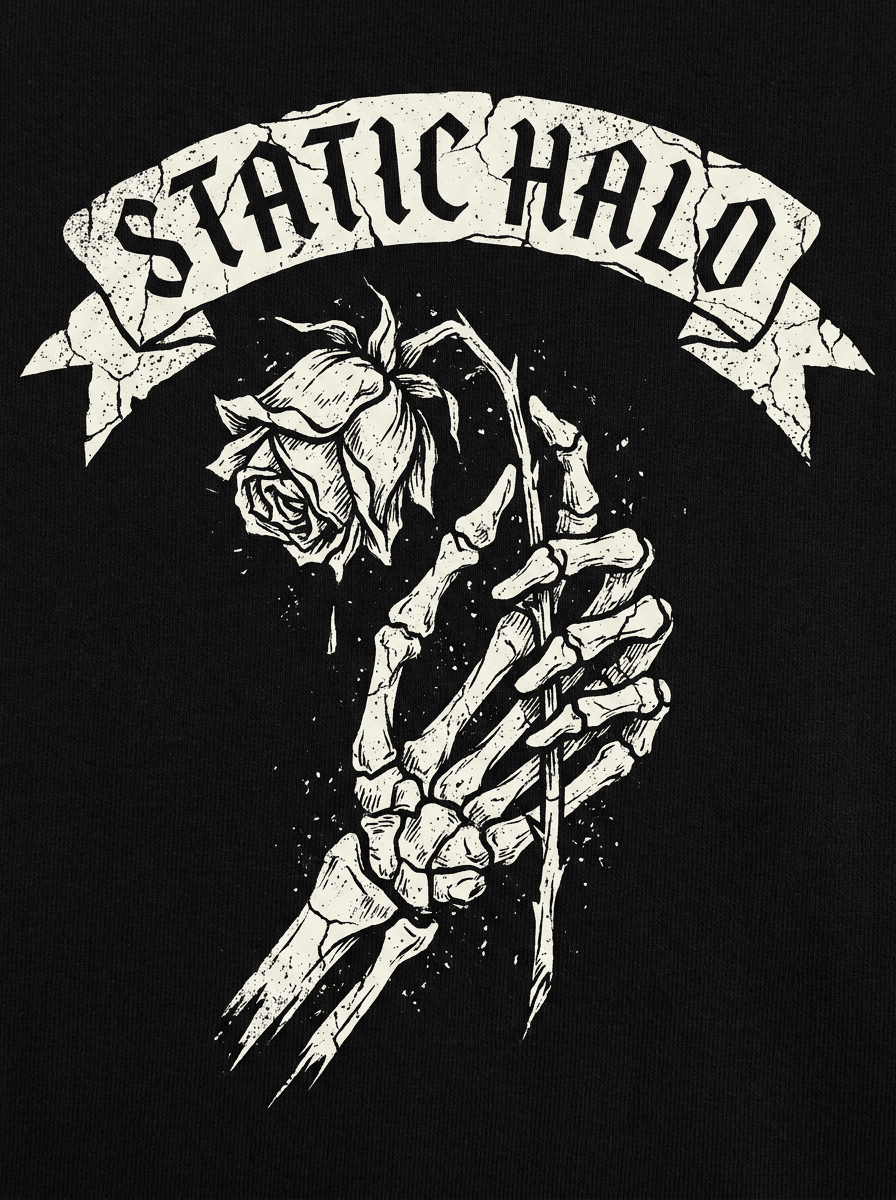
“Create a grunge band-style t-shirt graphic: skeletal hand holding a wilted rose in rough high-contrast ink, gothic lettering reading Static Halo, single-color off-white ink look.”
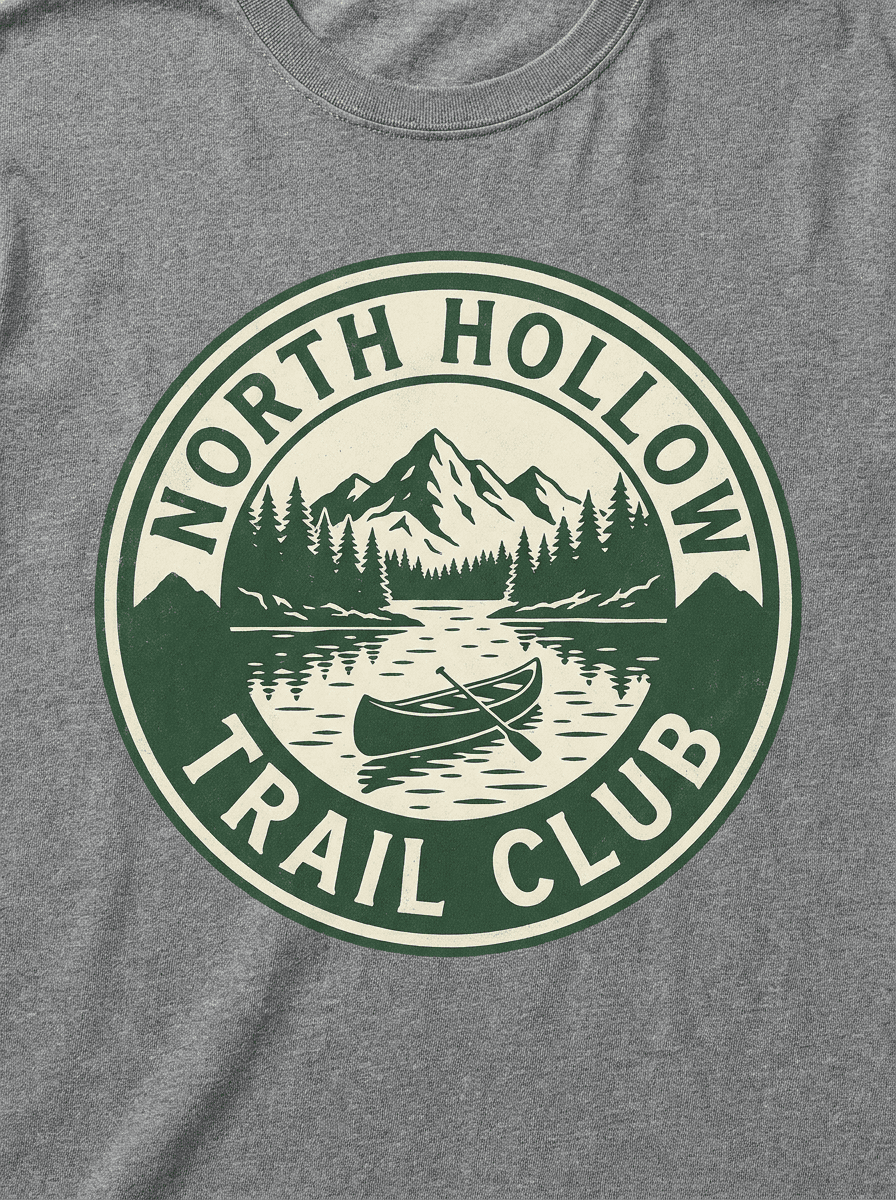
“Design a circular badge t-shirt graphic: mountain lake, canoe, and evergreen treeline, the words North Hollow Trail Club around the ring, forest green and cream, vintage parks style.”
Checked against the running tool on 2026-09-03.
You describe the graphic — subject, art style, colors, and any slogan — and Made sends the description to the Nano Banana 2 image model, which renders the artwork and returns it as a PNG at 1K resolution. Each run is a new render, so iterate on the description until the design lands.
A raster PNG. Print-on-demand services accept PNG uploads, so the file works directly — but each service publishes its own resolution requirements for print areas, so check those specs. If your service asks for a larger file than the 1K output, run the design through Image Upscaler first.
The graphic is generated on whatever background you describe. Ask for a plain, solid background in the prompt, then run the result through Background Remover to get a transparent PNG that drops cleanly onto any shirt color.
Yes — include the exact wording in your prompt and name the lettering style. Rendered text should be proofread character by character before printing; if the spelling drifts, regenerate or refine the prompt, or generate the art without text and set the type in a design app.
The design is generated for you, but clearing it for commercial sale is your responsibility. Avoid prompts referencing real brands, logos, bands, or characters, and check that the final design does not conflict with existing trademarks before listing it.
This page generates the flat graphic only. To mock it up, upload a photo of a blank shirt to the AI Photo Editor and ask Made to place the design on it, or use your print-on-demand service’s built-in mockup preview after uploading the PNG.
Requirements vary by service and print size — many recommend files in the 3000–4500 pixel range for a full chest print at high DPI. The default output here is 1K, so for large print areas upscale the finished design with Image Upscaler and confirm it meets your service’s stated minimum.
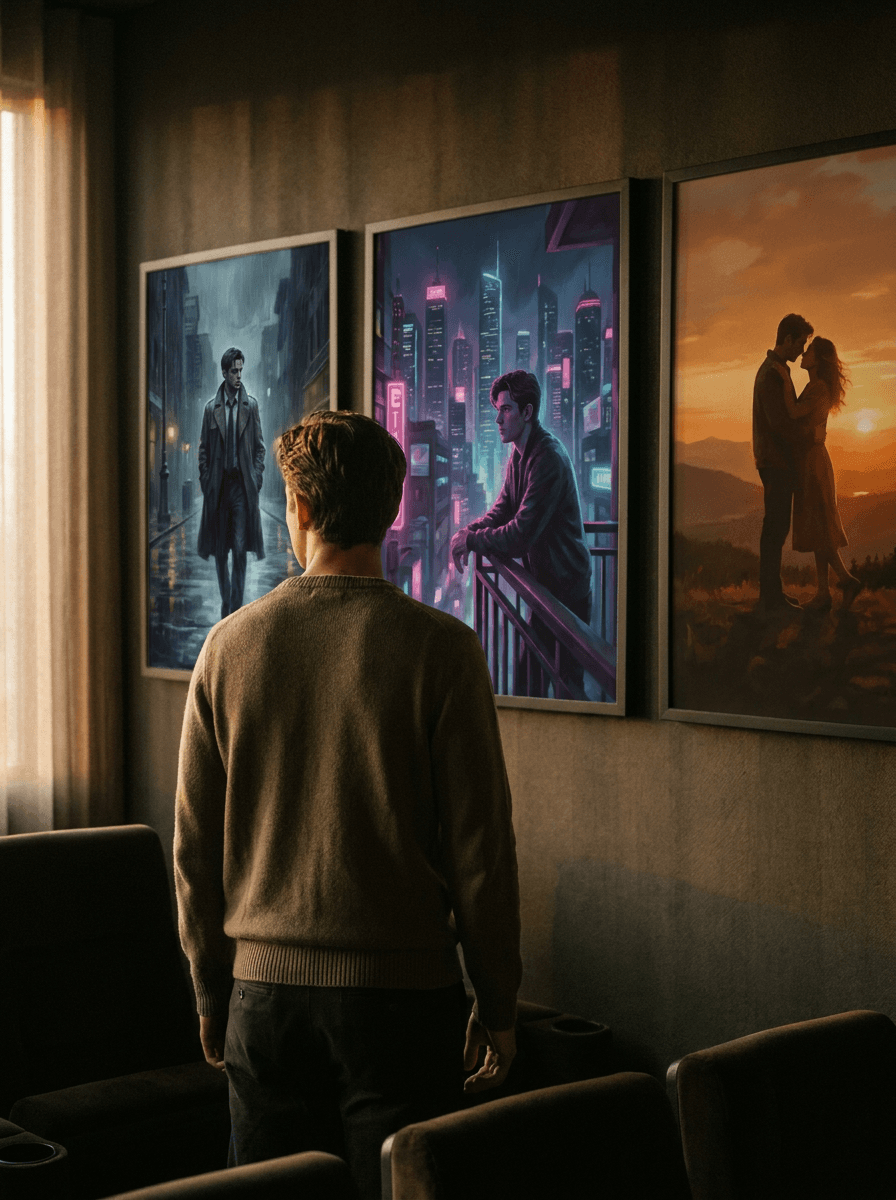
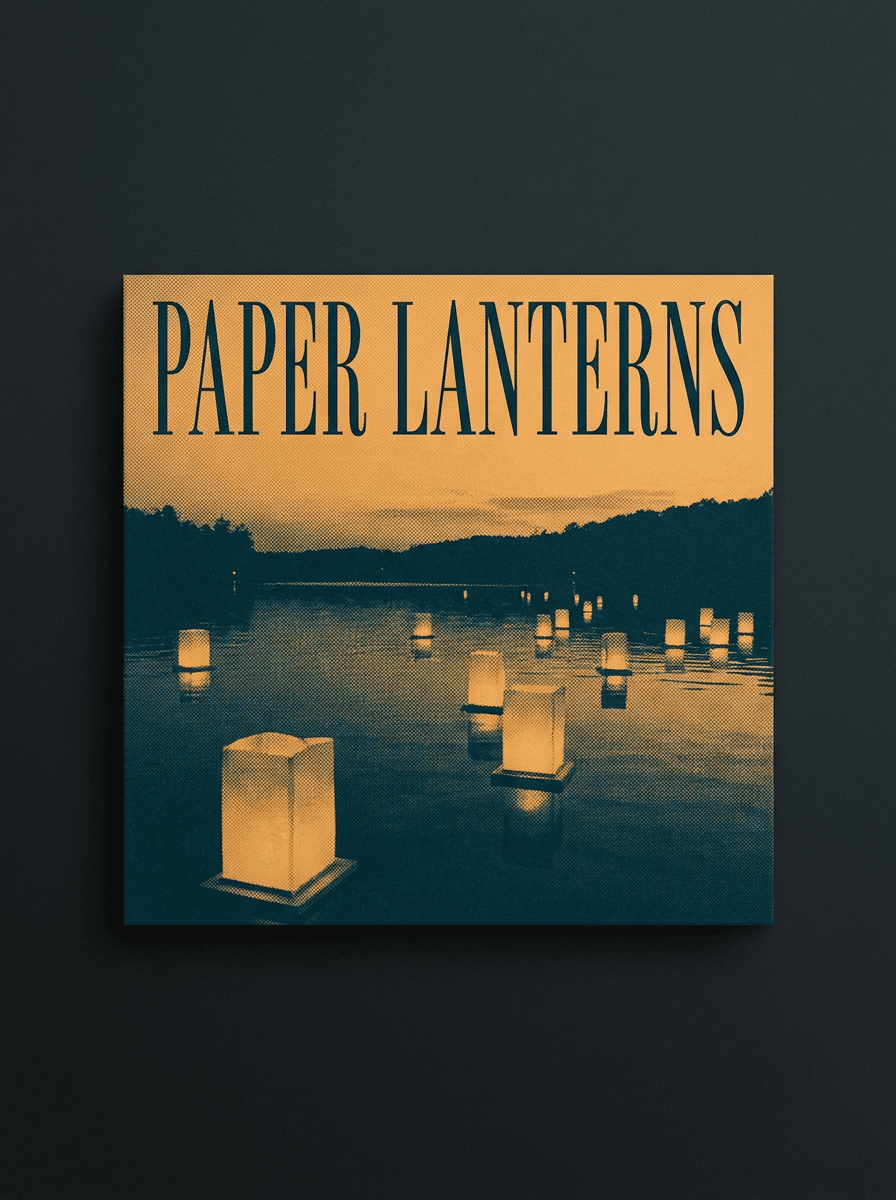
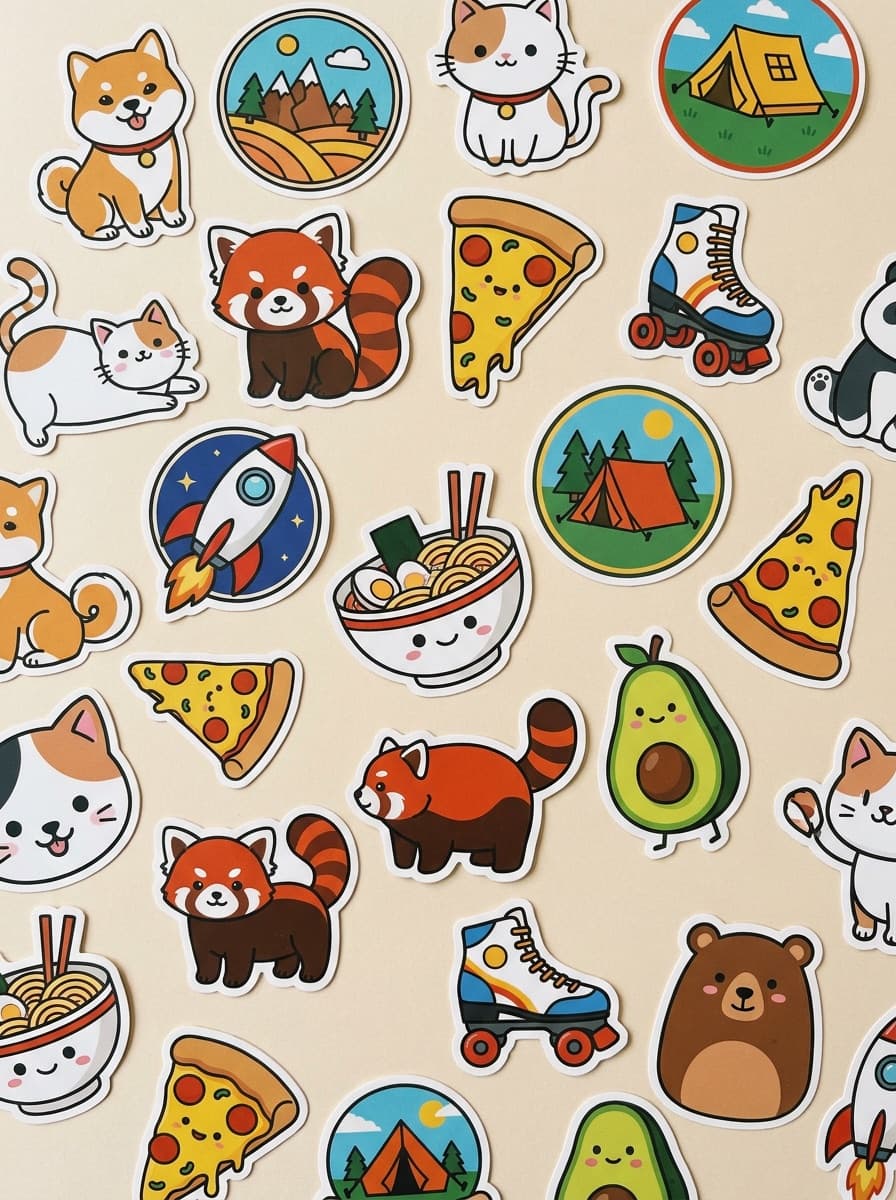
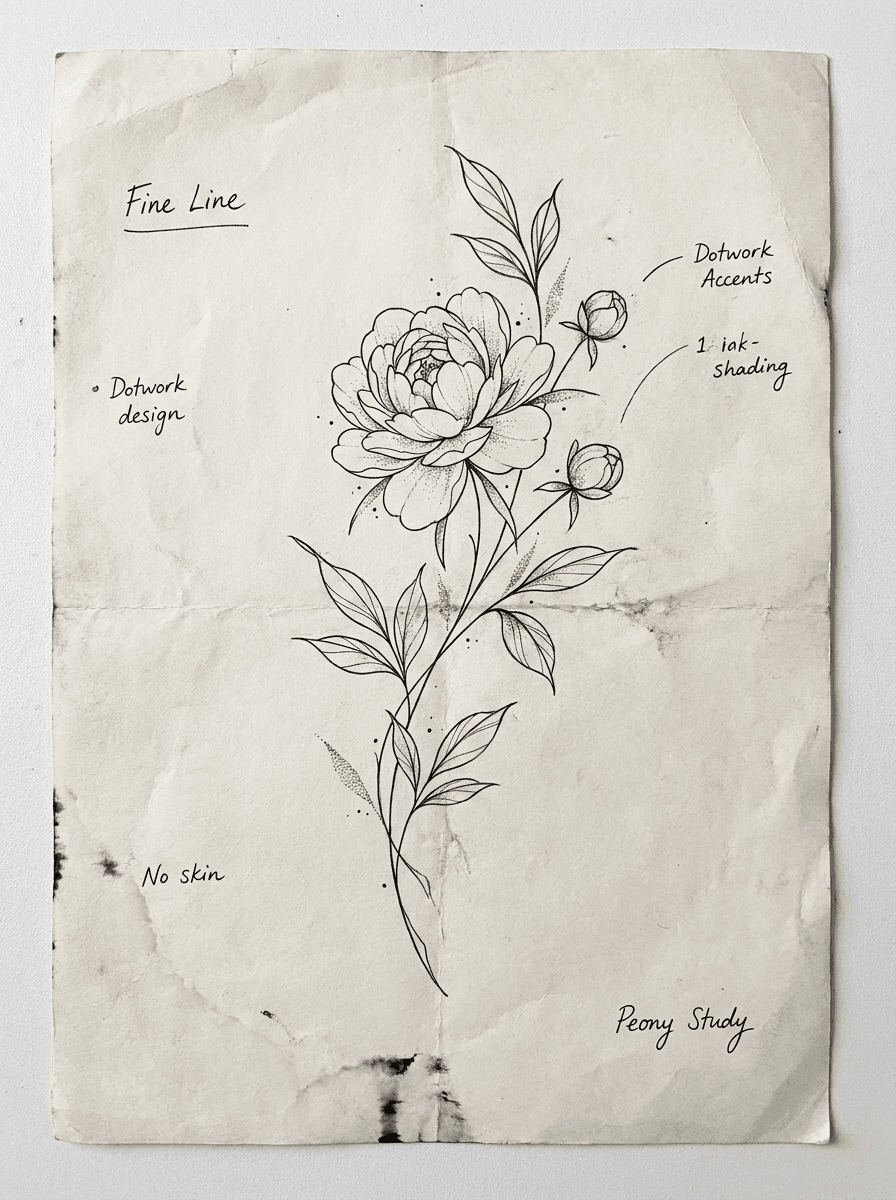
See what each one makes, then open it in Made.