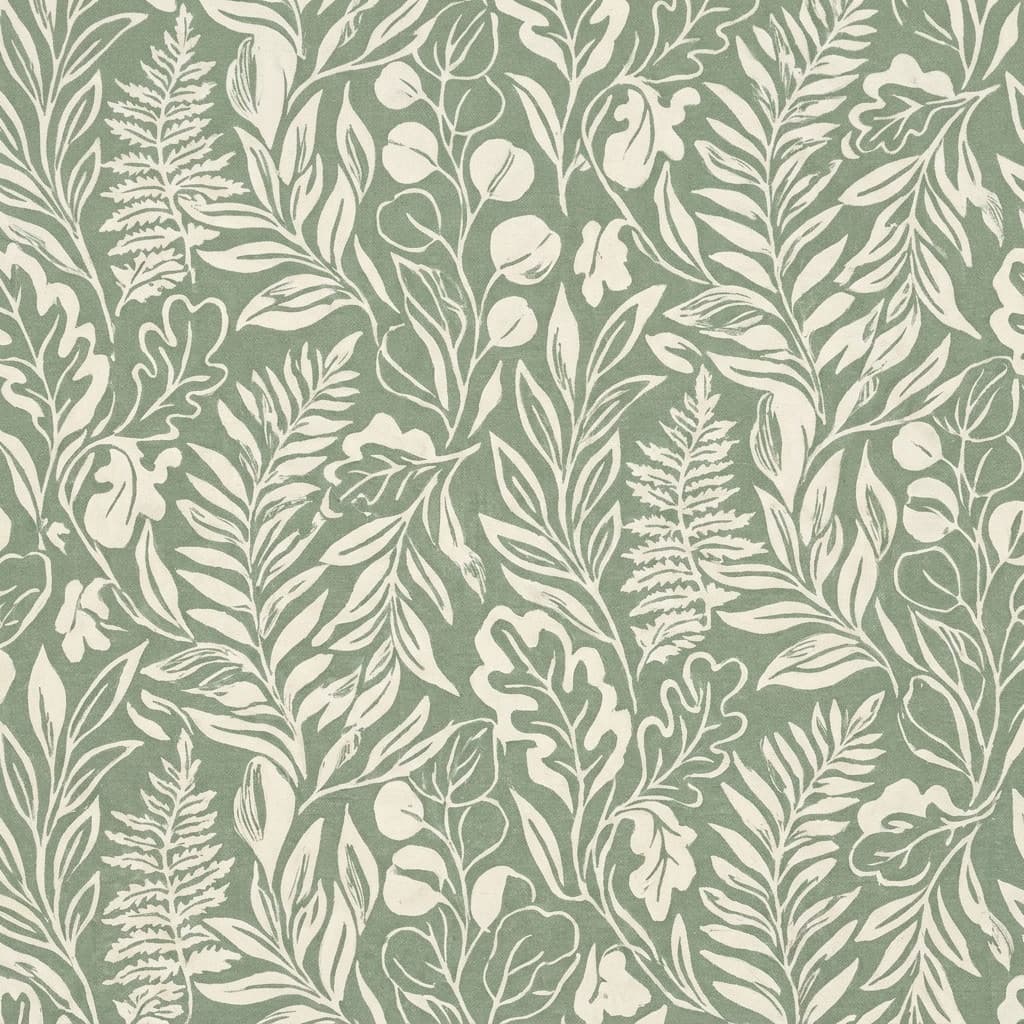
Botanical print
“A seamless repeating pattern of eucalyptus leaves, sage and cream, evenly spaced.”
Describe the motif, palette, and density, and Made generates a repeating pattern design — the starting point for fabric prints, wrapping paper, backgrounds, and brand textures.
Botanical print“A seamless repeating pattern of eucalyptus leaves, sage and cream, evenly spaced.”
Name the elements, style, and palette — “hand-drawn lemons, Mediterranean blue and white.”
That phrasing pushes the model toward even spacing and edge-to-edge coverage.
Place the image side by side with itself and inspect where the edges meet.
For production use, refine the repeat in a pattern tool — treat the output as the master motif.
Real results from Made. Use a prompt to load it into the studio above, then add your own photo.
“A seamless repeating pattern of eucalyptus leaves, sage and cream, evenly spaced.”
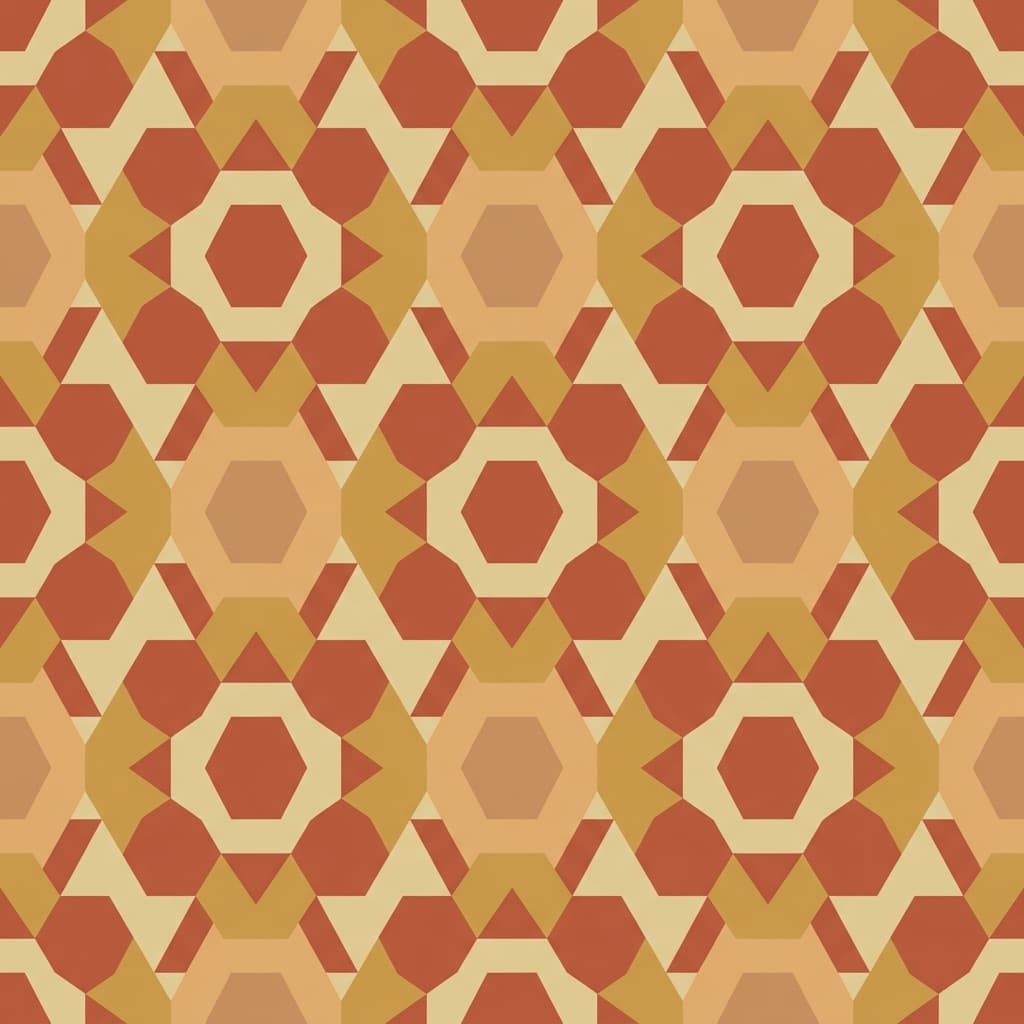
“A seamless geometric tile pattern, terracotta and sand, clean flat shapes.”
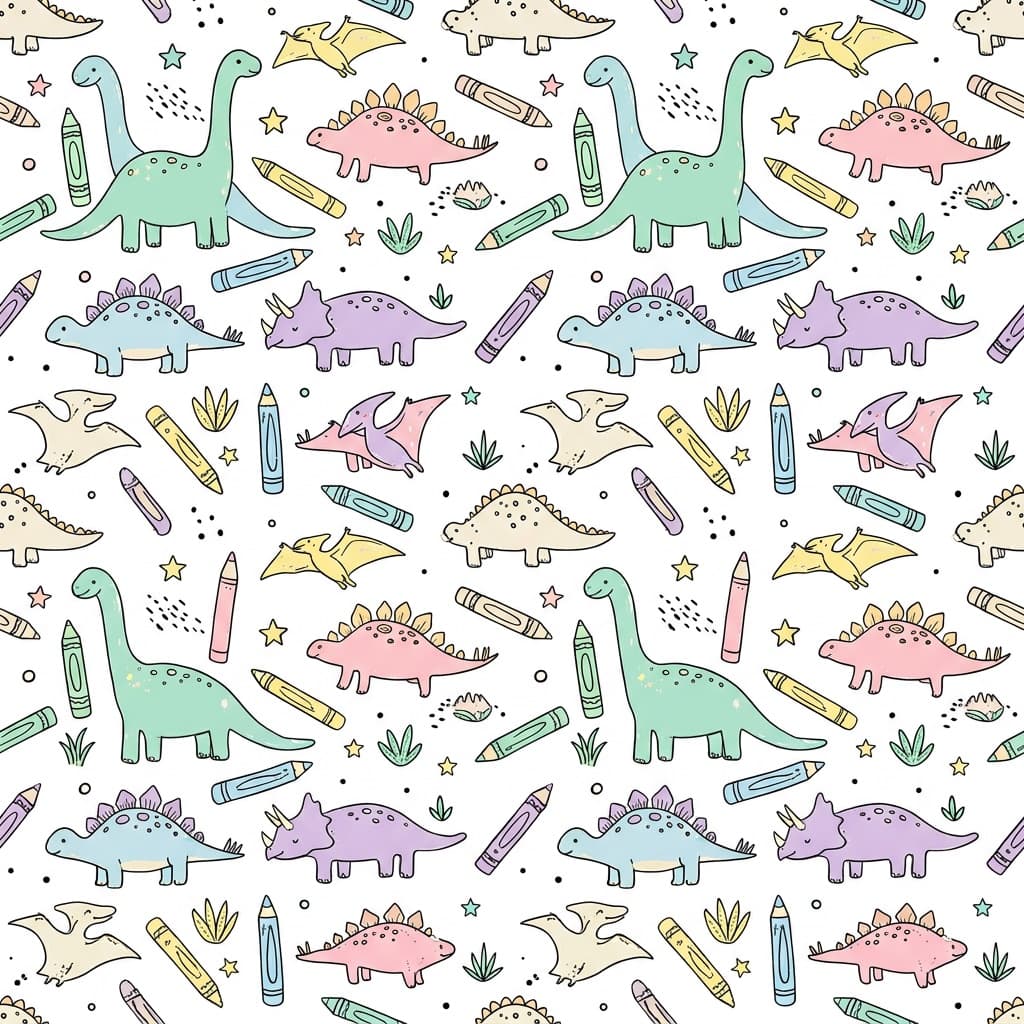
“A seamless playful pattern of hand-drawn dinosaurs, pastel palette, evenly repeating.”
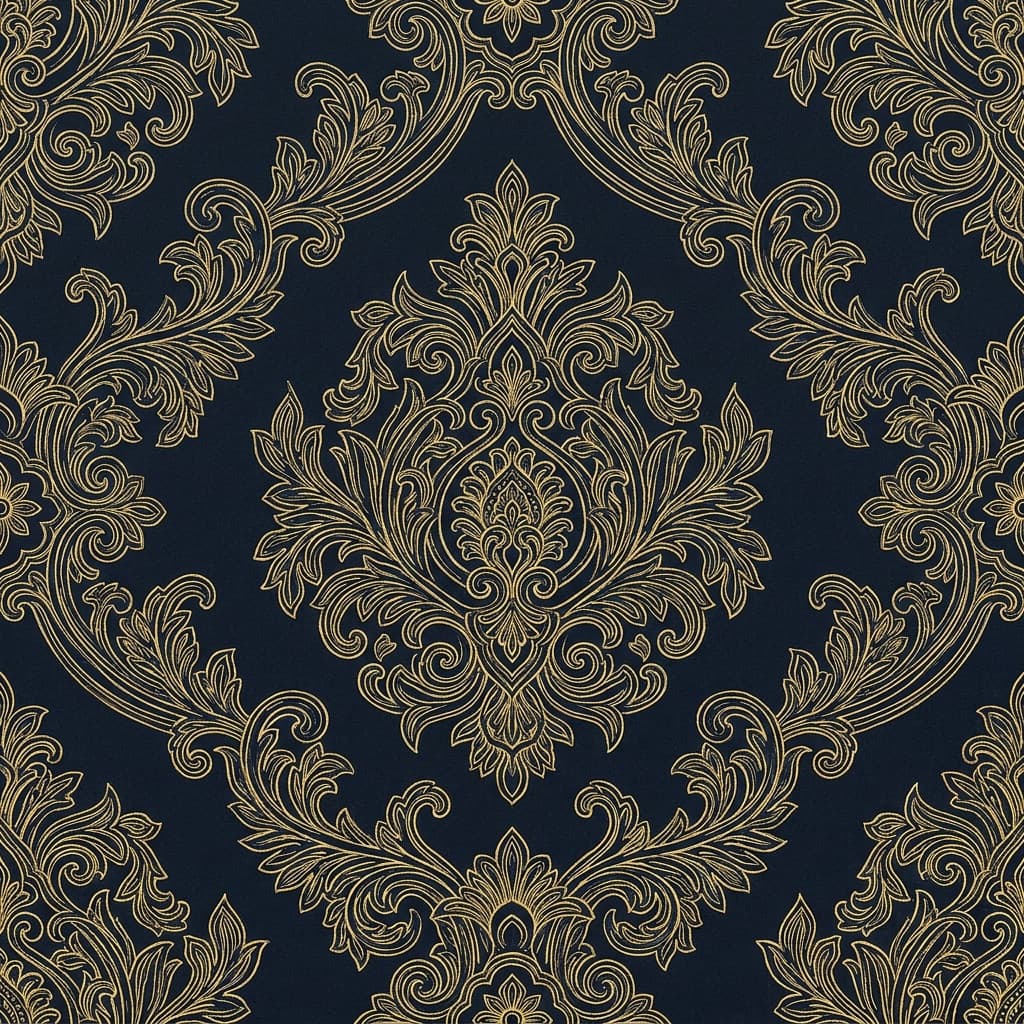
“A seamless damask-style pattern, deep navy with gold line work, symmetrical repeat.”
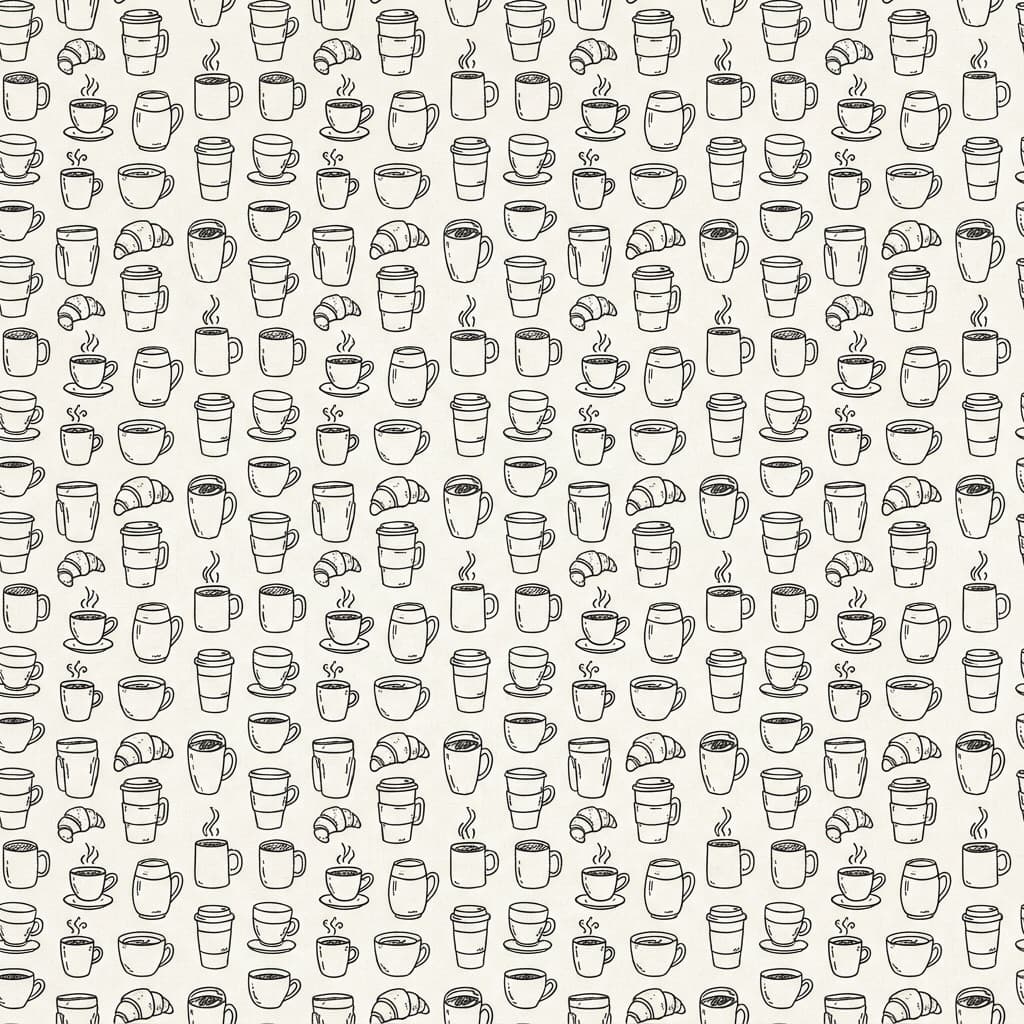
“A seamless doodle pattern of coffee cups and croissants, line art on warm white.”
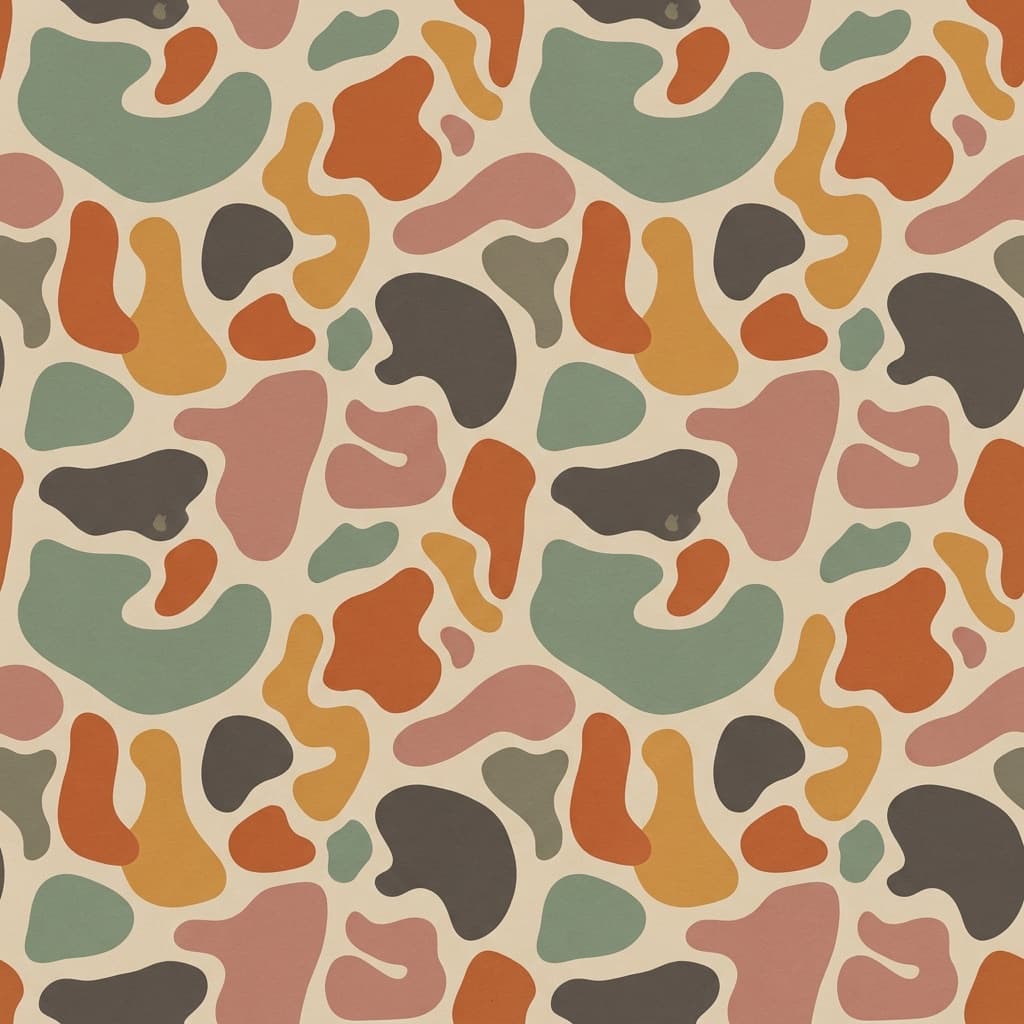
“A seamless pattern of abstract organic shapes, muted earth tones, balanced spacing.”
Checked against the running tool on 2026-09-04.
Not guaranteed. The model composes in a repeating style, but exact edge-to-edge tiling is not enforced mathematically. Test by placing the image next to itself; for production fabric or wallpaper, finish the repeat in a pattern tool using the generation as your master motif.
Duplicate the image and butt the copies together horizontally and vertically. Watch the meeting line: motifs that cut off or spacing that jumps reveal the seam. Small mismatches can be retouched; large ones mean regenerating or rebuilding the repeat.
Generated patterns can be used in your product designs. Avoid prompting for existing branded prints or a named designer’s signature style, and check your print-on-demand platform’s content policies for AI-generated art.
Output is a PNG at 1K resolution — comfortable for digital backgrounds and small print areas. Fabric and wallpaper printing usually wants more; run the pattern through Image Upscaler, and remember print vendors specify DPI at physical size.
Say it directly: “sparse, lots of background space” or “dense, tightly packed.” Also name the background color — density and ground color together define how the print reads at a distance.
Yes — rerun the same description for sibling designs, or change one variable (palette, scale, one motif) for a coordinated collection. Pattern collections built this way share a hand, like a designer’s range.
Flat, illustrative styles — line art, watercolor, geometric, folk — repeat most convincingly. Photorealistic motifs are harder to distribute evenly and tend to expose the repeat; if you want realism, keep motifs small and spacing generous.
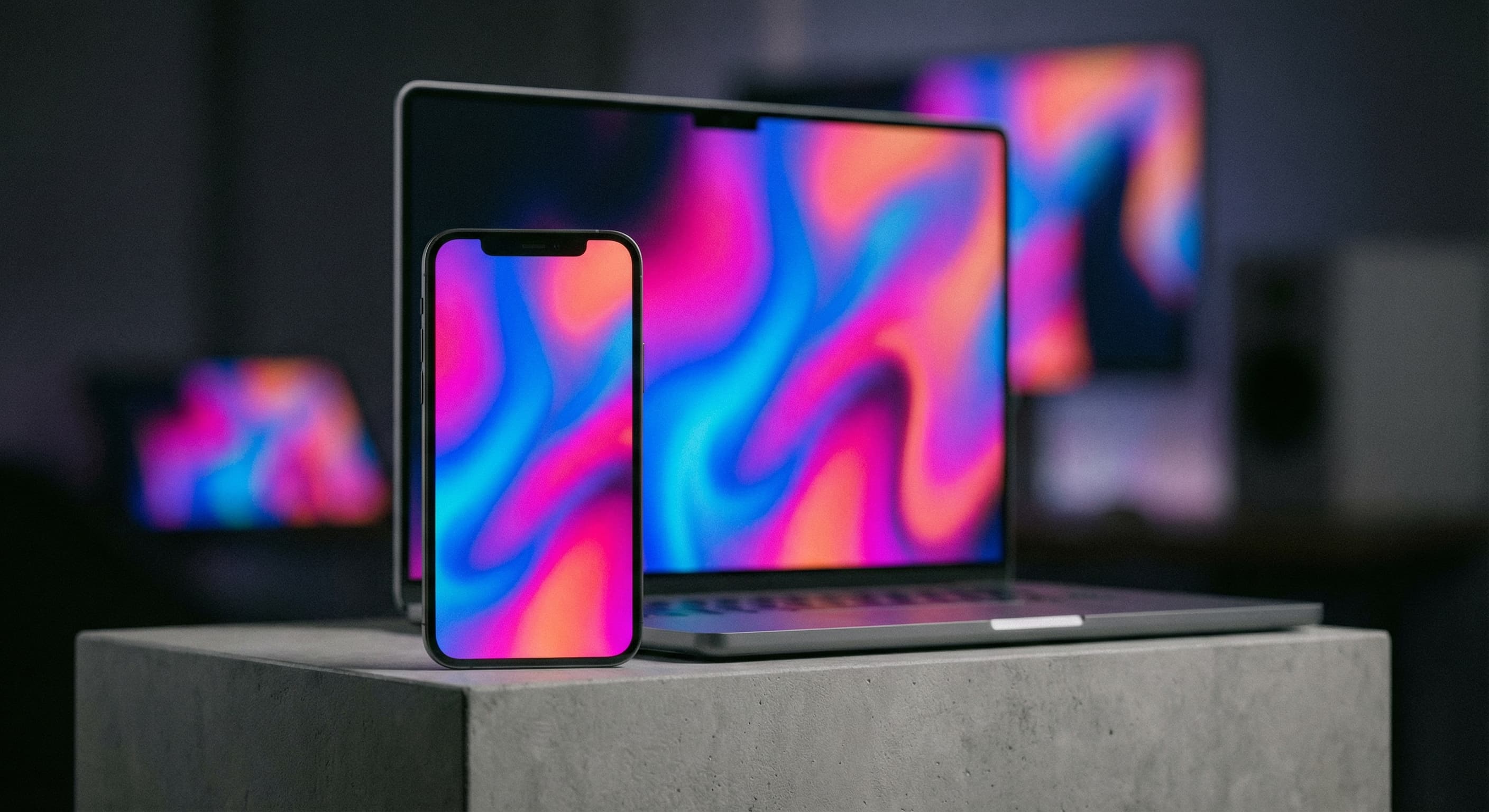


See what each one makes, then open it in Made.