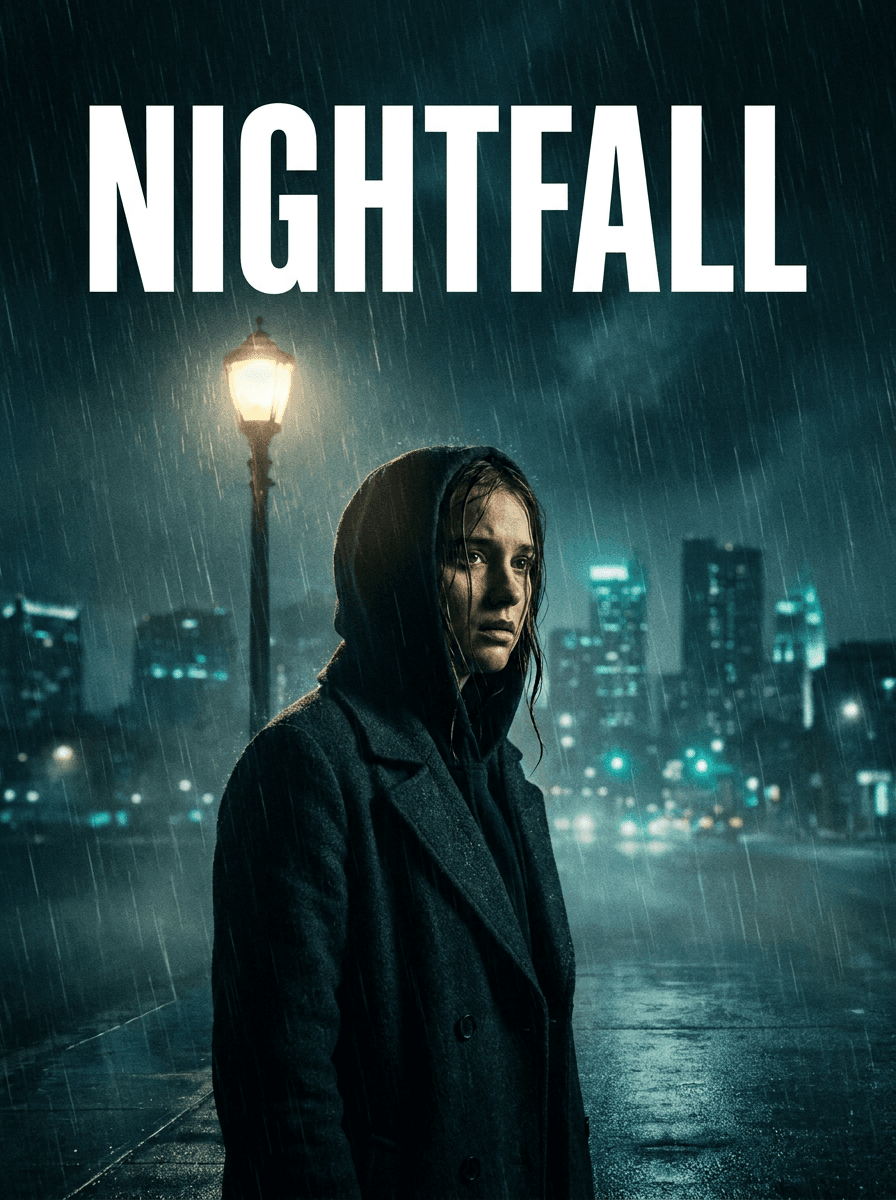
Thriller
“Turn this photo into a dark thriller movie poster with rain and moody shadows.”
Upload a photo of yourself, a friend, or a pet and describe the film: genre, mood, and an optional title. Made composes a cinematic poster-style image around your subject and returns a PNG.
Thriller“Turn this photo into a dark thriller movie poster with rain and moody shadows.”
A clear shot of the person or pet works best — the model builds the poster around them.
Name the genre and mood, and add scene details: “thriller, rain-soaked city, dramatic shadows.”
Ask for a title in the instruction — “with the title ORBIT in bold letters at the top” — and the model renders it into the art.
Check your subject’s likeness and any generated lettering for accuracy, then refine the instruction and run again if needed.
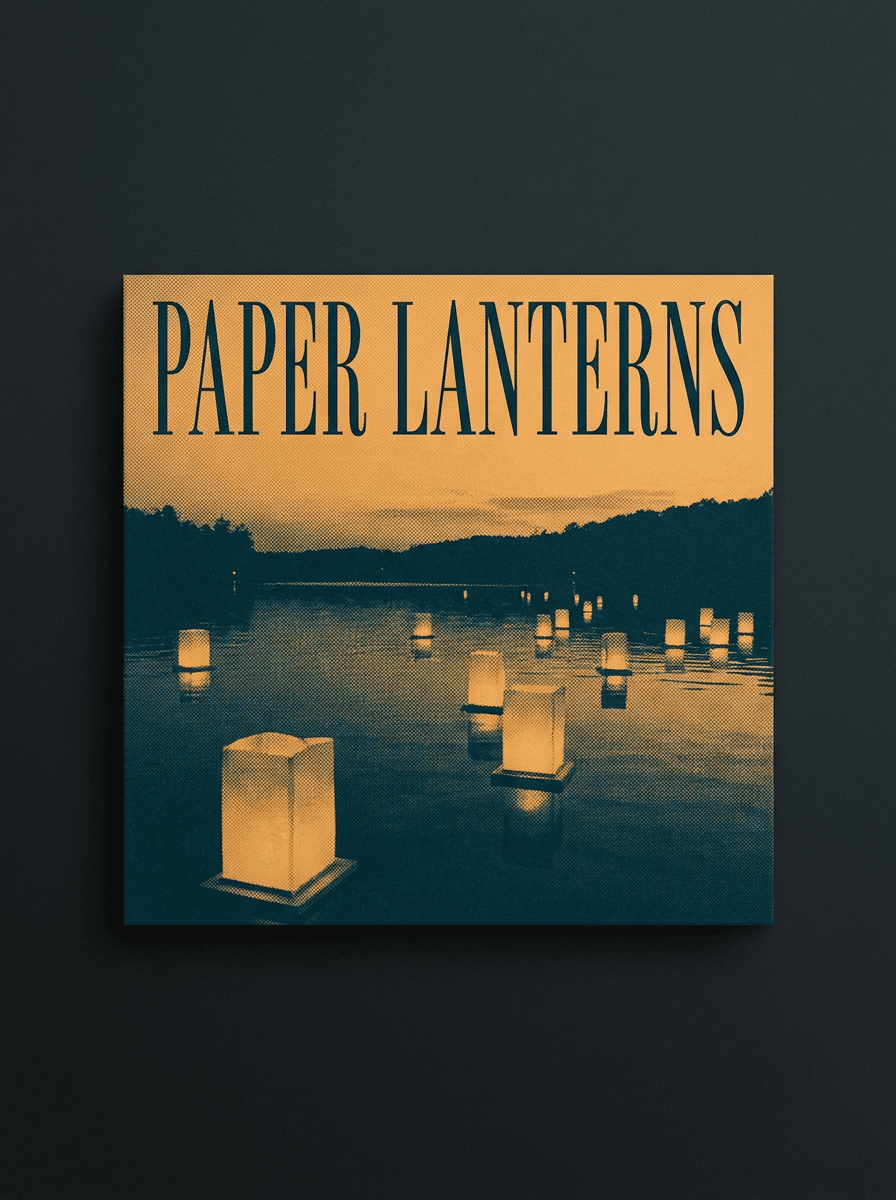
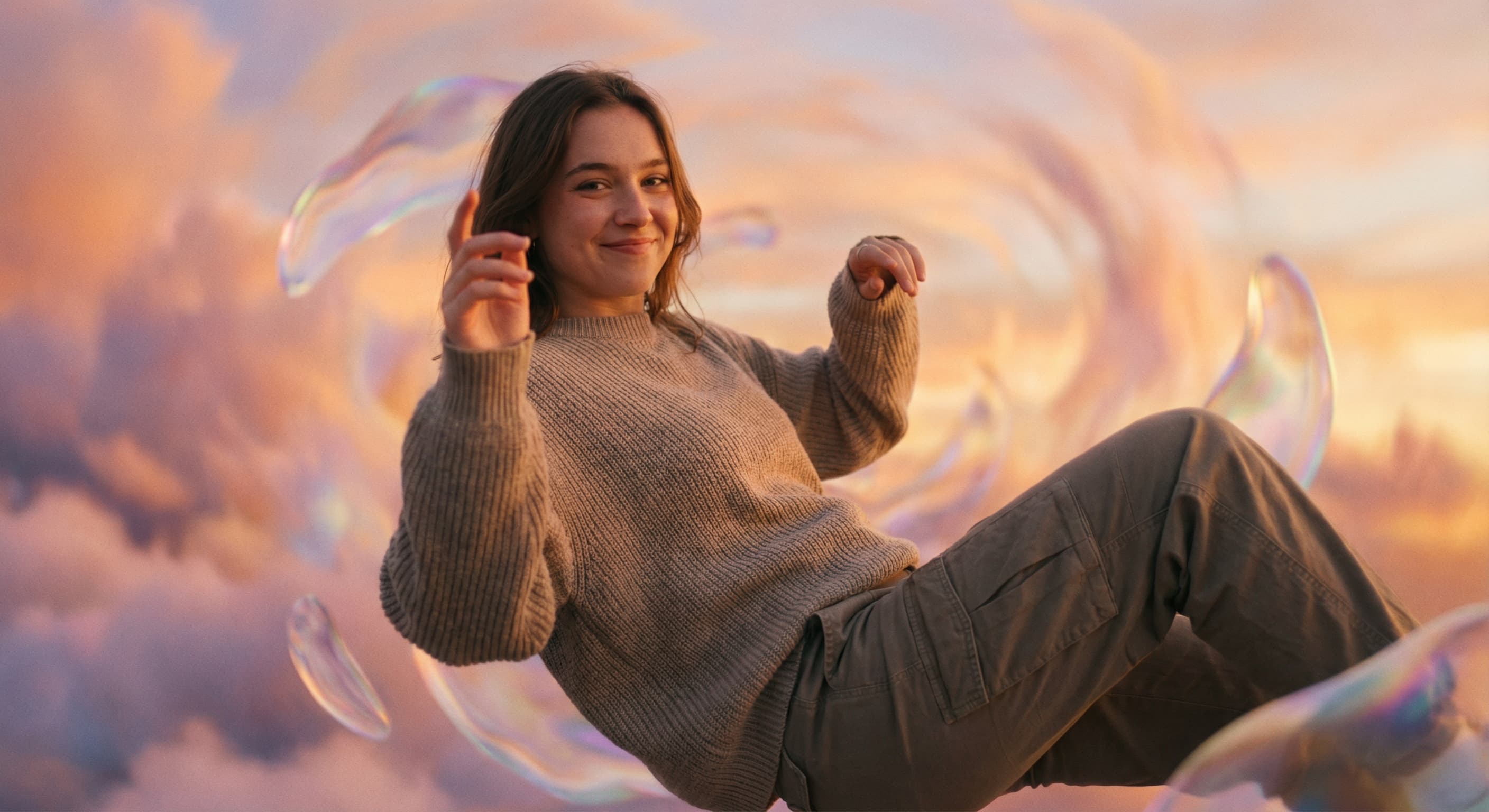
Real results from Made. Use a prompt to load it into the studio above, then add your own photo.
“Turn this photo into a dark thriller movie poster with rain and moody shadows.”
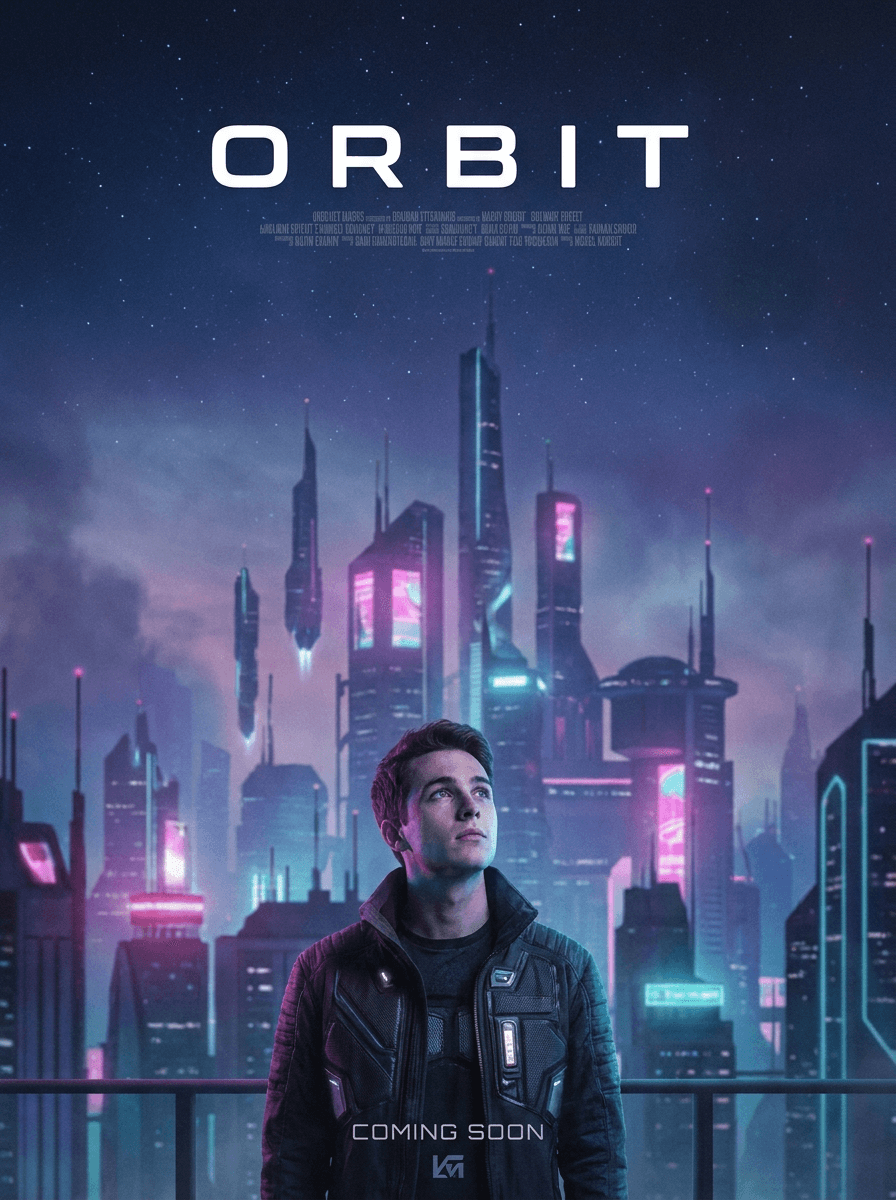
“Make this a neon sci-fi movie poster set in a futuristic city.”
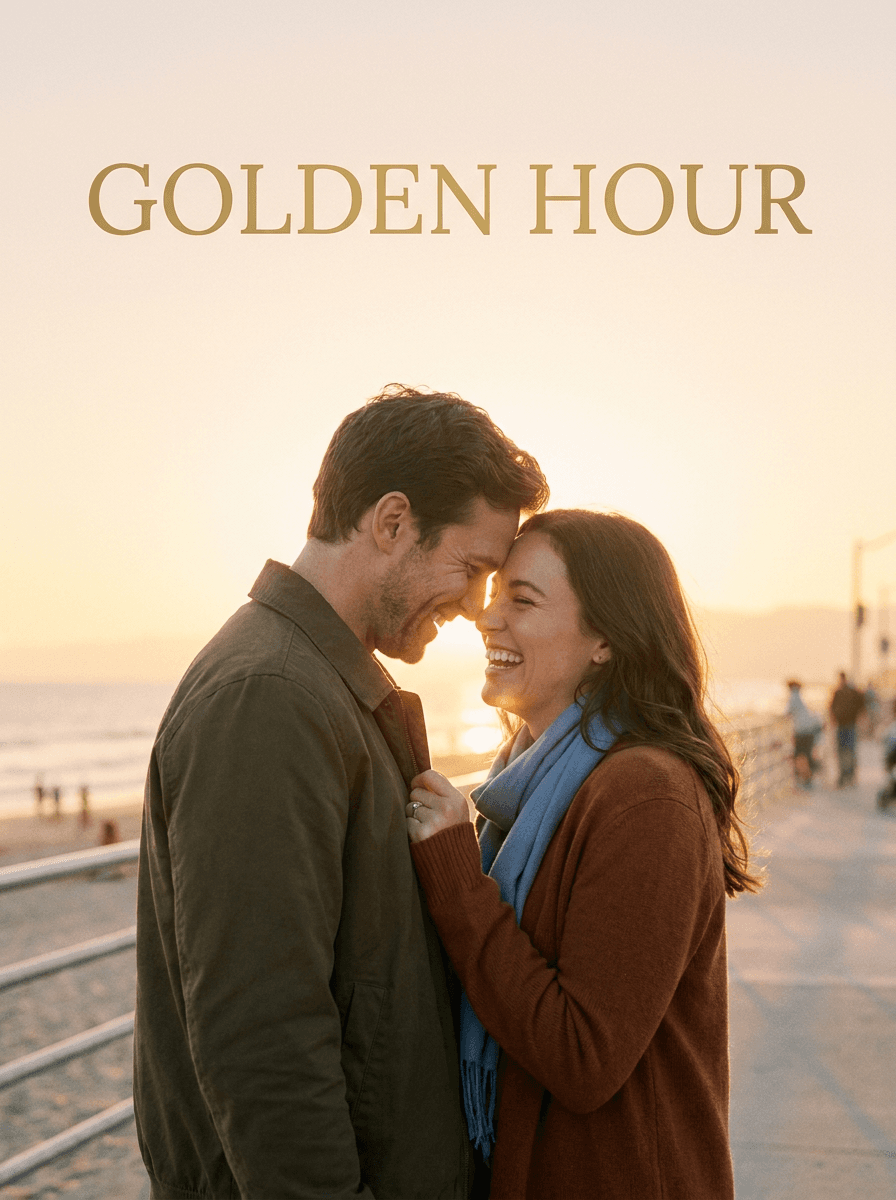
“Turn this photo of us into a romance movie poster with golden sunset light.”
Checked against the running tool on 2026-09-03.
You upload a photo and describe the poster — genre, mood, scene, and optionally a title. Made sends the photo and instruction to an AI edit model that composes a cinematic poster-style image around your subject and returns a PNG.
Yes — ask for it in the instruction, such as “with the title MIDNIGHT RUN HOME in bold letters at the top.” The lettering is generated into the artwork, so proofread it; generated text can come out misspelled, and a re-run with the same request usually fixes it.
Any look you can describe: thriller, sci-fi, horror, romance, western, action, animation-style, or a mix. Describing the visual elements — lighting, setting, color palette — steers the poster more reliably than the genre name alone.
The poster is built from your actual photo, so the subject is you rather than a generated stand-in. That said, heavy stylization is a generative edit and facial detail can shift — review the likeness and re-run with “keep my face accurate” if it drifted.
The tool composes original poster-style art from your description; it isn’t meant to replicate existing posters, which are copyrighted. Describe the genre look you want — “neon sci-fi with a city skyline” — instead of naming a specific film.
You get a PNG, and inputs over 1,536 pixels on a side are downscaled before editing, so for a large print run the result through Image Upscaler first and check the lettering and fine detail at full size.
Both restyle your photo into designed artwork, but this page is tuned for cinematic one-sheet looks — billing-block-style composition, dramatic genre lighting, a title treatment — while Album Cover Maker targets square music-cover aesthetics. Pick the page matching the format you need.

See what each one makes, then open it in Made.