Kids’ themes
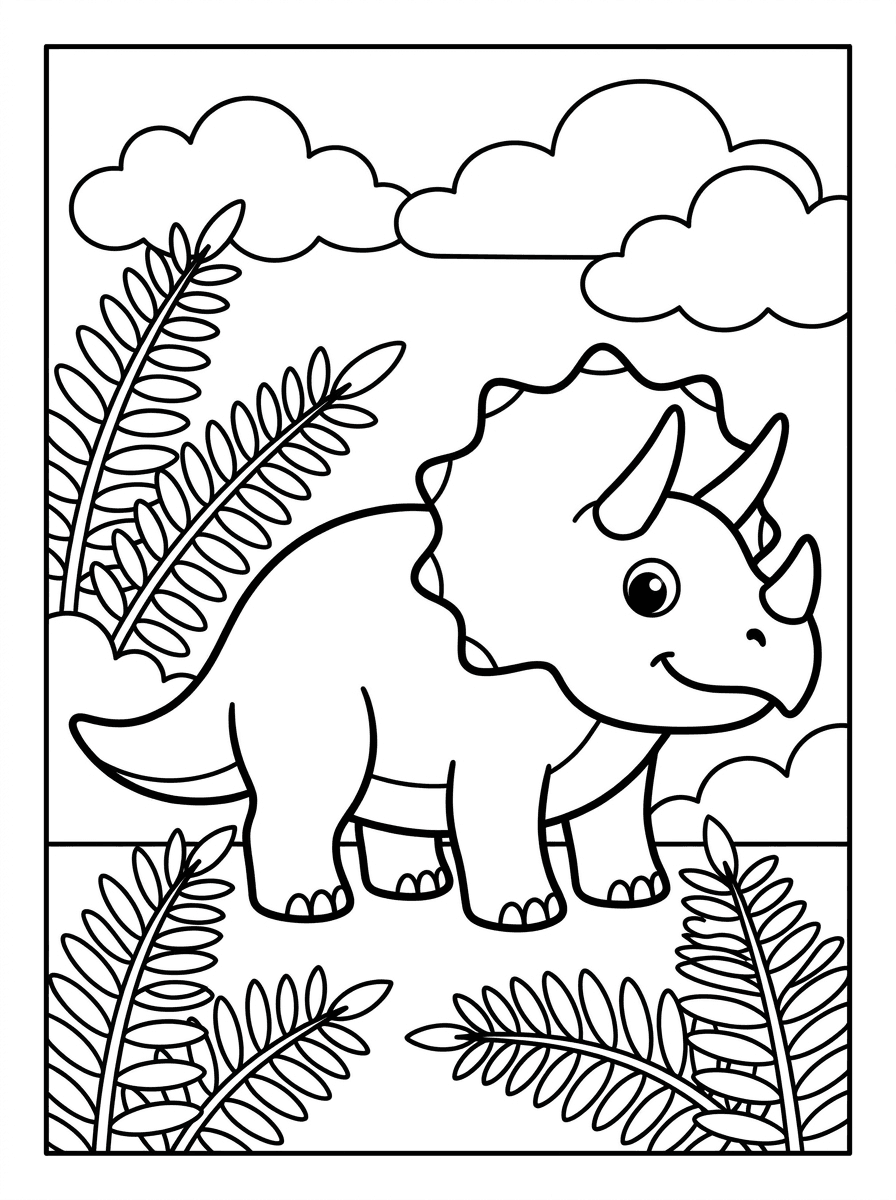
“Generate a coloring page of a smiling triceratops among big ferns and round clouds, thick black outlines, pure white fill, no shading, simple shapes for young kids.”
Describe the scene and the detail level, and Made generates clean black-and-white line art with white fill — ready to download as a PNG and print at home.
Kids’ themes“Generate a coloring page of a smiling triceratops among big ferns and round clouds, thick black outlines, pure white fill, no shading, simple shapes for young kids.”
Name the subject and setting, and ask explicitly for black-and-white line art with white fill and no shading.
Say “thick simple outlines for young kids” or “fine intricate detail for adults” — line weight and density are what separate a toddler page from a mandala.
Choose an aspect ratio close to your paper, such as a 4:3-style portrait frame, so the page fills a Letter or A4 sheet cleanly.
Save the PNG and print it from any photo or preview app at home. Plain paper and default print settings work fine for line art.
Real results from Made. Use a prompt to load it into the studio above, then add your own photo.
“Generate a coloring page of a smiling triceratops among big ferns and round clouds, thick black outlines, pure white fill, no shading, simple shapes for young kids.”
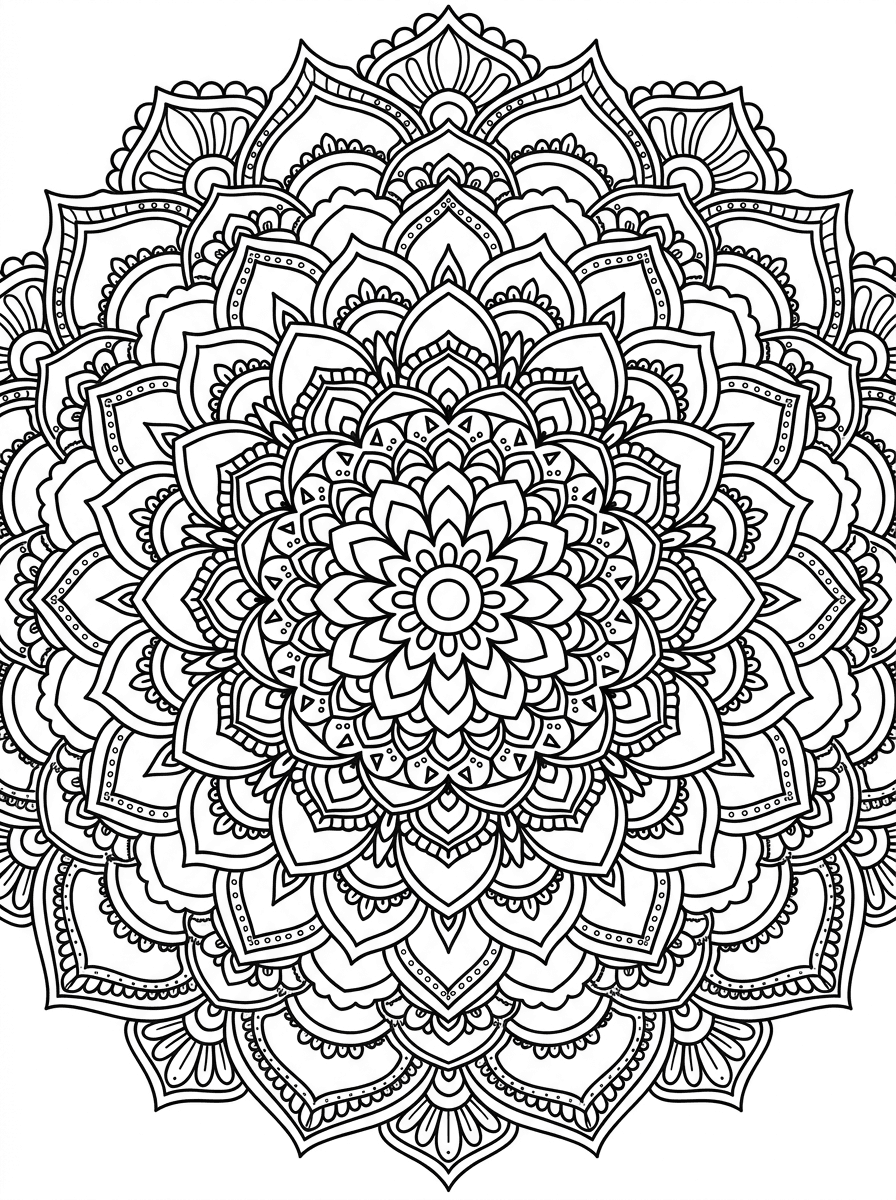
“Create a mandala coloring page: intricate circular pattern of petals, scallops, and dot rings, crisp even black linework on pure white, no shading or gray fill.”
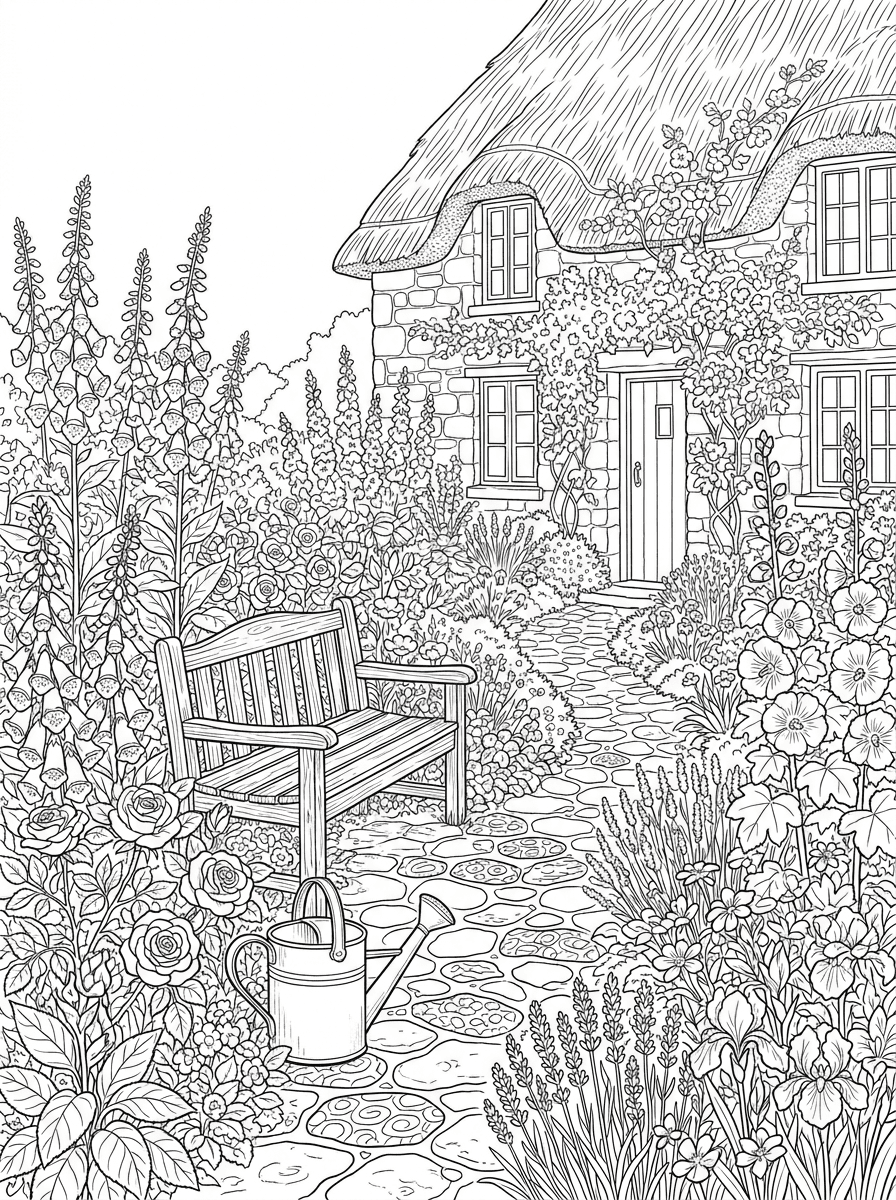
“Make an adult coloring page of a cottage garden: winding stone path, foxgloves, roses, a watering can and bench, fine black line art with white fill, no shading.”
Checked against the running tool on 2026-09-03.
You describe the scene and detail level, and Made sends the description to the Nano Banana 2 image model, which renders black-and-white line art and returns it as a PNG at 1K resolution. Asking explicitly for “clean black outlines, white fill, no shading” keeps the page colorable.
Download the PNG and print it from any photo viewer or preview app on plain paper — line art needs no special settings or paper. Generating at an aspect ratio close to your paper, such as a 4:3-style portrait frame, helps the page fill a Letter or A4 sheet without large margins.
Usually, if the prompt asks for it. Include “black line art, pure white fill, no shading, no gray” in your description; if a render still sneaks in gray tones or color, regenerate — each run is a new render and a clean version typically appears within a try or two.
Yes, through the description. “Thick simple outlines, large shapes” produces toddler-friendly pages, while “fine intricate linework, dense patterns” produces adult-level detail. Mandalas sit at the detailed end and benefit from words like “symmetrical” and “evenly spaced.”
Not on this page — this workflow generates from a written description only. To convert an existing photo into line art, upload it to the AI Photo Editor or use Photo to Sketch, which start from your image instead of text.
Each request generates one page. To build a set, keep a consistent style phrase — “thick outlines, white fill, no shading, storybook style” — and repeat it with a different subject each run so the pages feel like they belong together.
The default output is a 1K PNG, which prints cleanly at typical home paper sizes since line art tolerates scaling well. If you want extra sharpness for larger prints, run the page through Image Upscaler before printing.
 Core
Core
See what each one makes, then open it in Made.