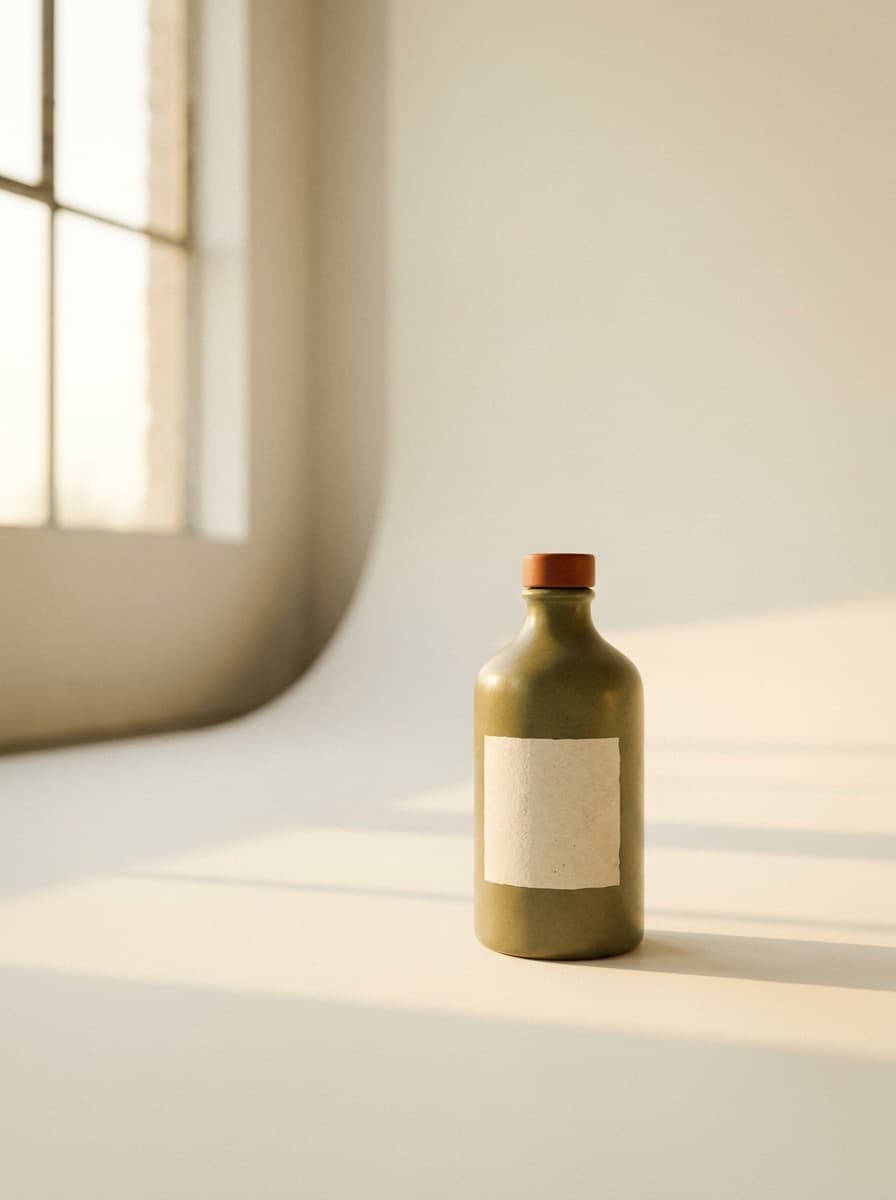
White seamless
“Put this product on a white seamless studio background with soft, even lighting.”
Upload a product photo taken anywhere and Made re-stages it as a clean packshot: seamless backdrop, studio lighting, and a catalog-ready composition, with the product preserved as photographed.
White seamless“Put this product on a white seamless studio background with soft, even lighting.”
Shoot sharp and well-lit; the background does not matter since it will be replaced.
White seamless is the default ask; or specify a gradient, color block, or textured surface.
Inspect labels, edges, and the contact shadow where the product meets the surface.
Reuse the same backdrop description across products for a consistent catalog set.
Real results from Made. Use a prompt to load it into the studio above, then add your own photo.
“Put this product on a white seamless studio background with soft, even lighting.”
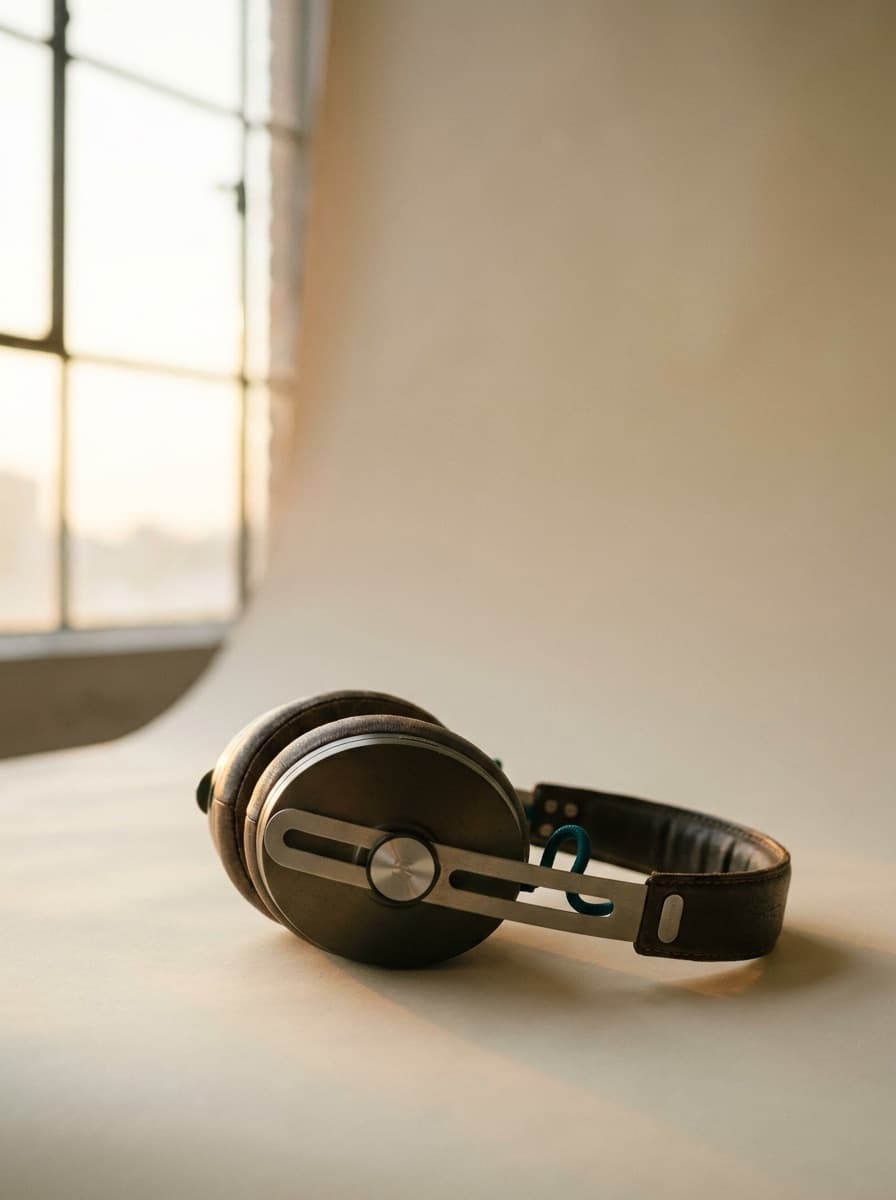
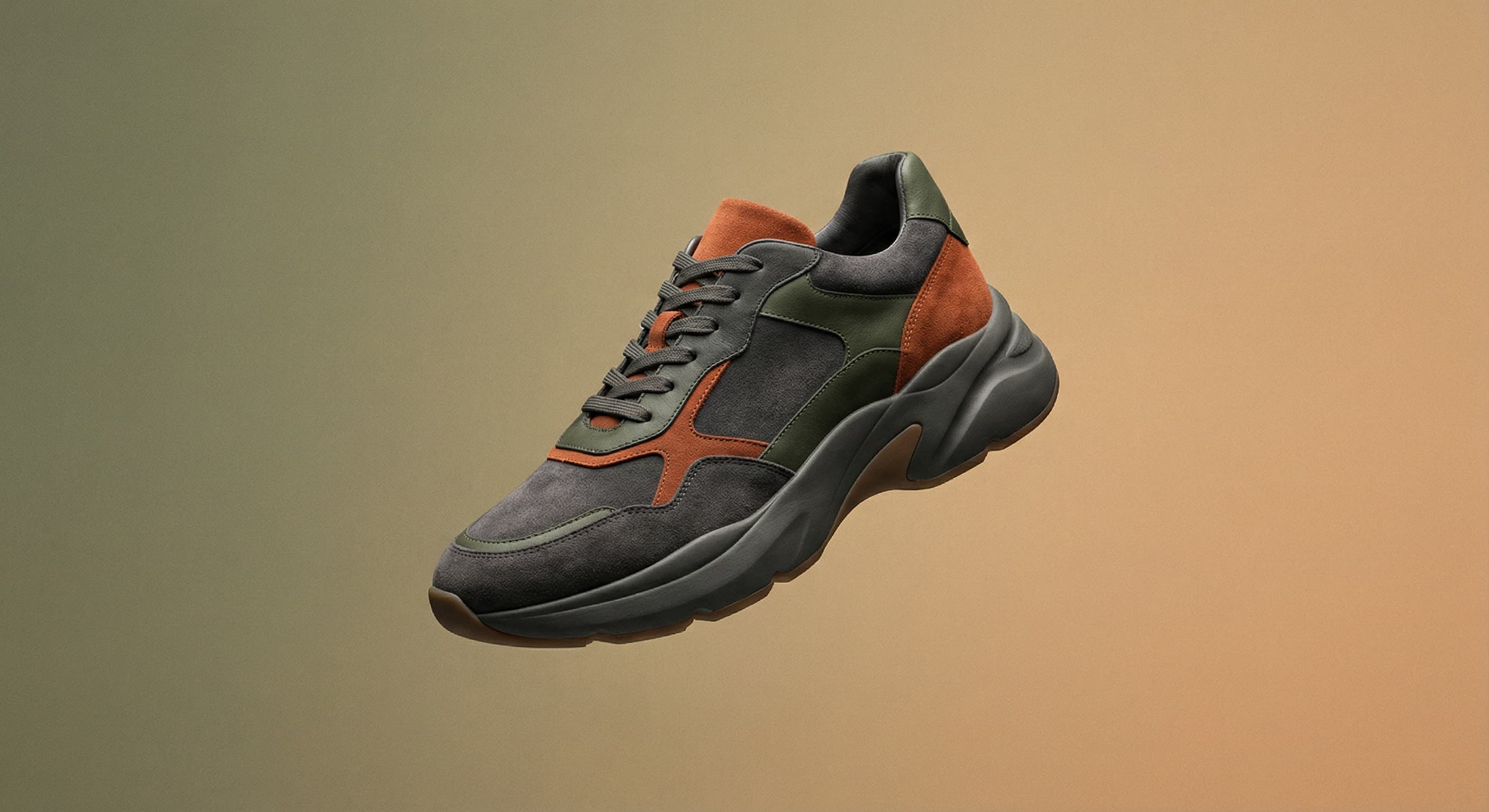
“Place this on a smooth grey-to-white gradient backdrop with a subtle reflection.”
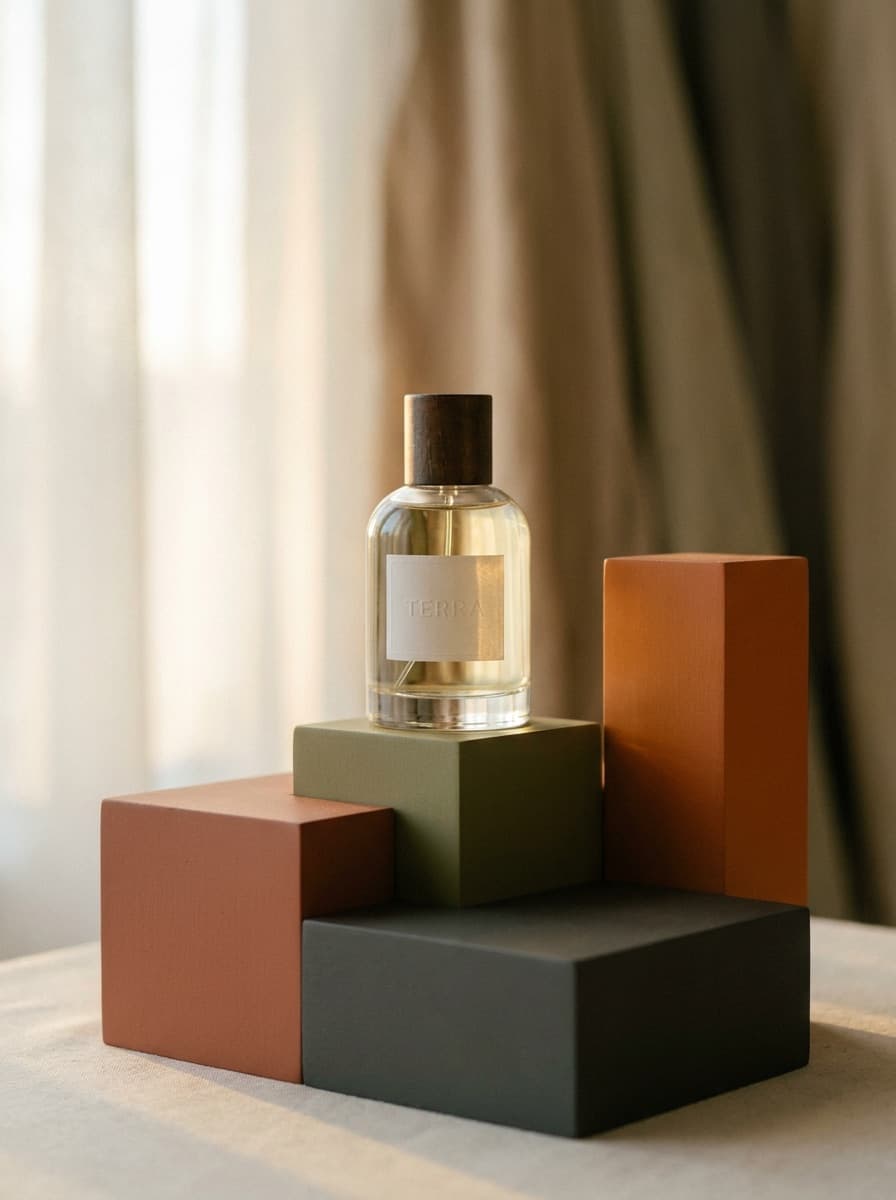
“Stage this bottle on a pastel pedestal against a matching color-blocked background.”
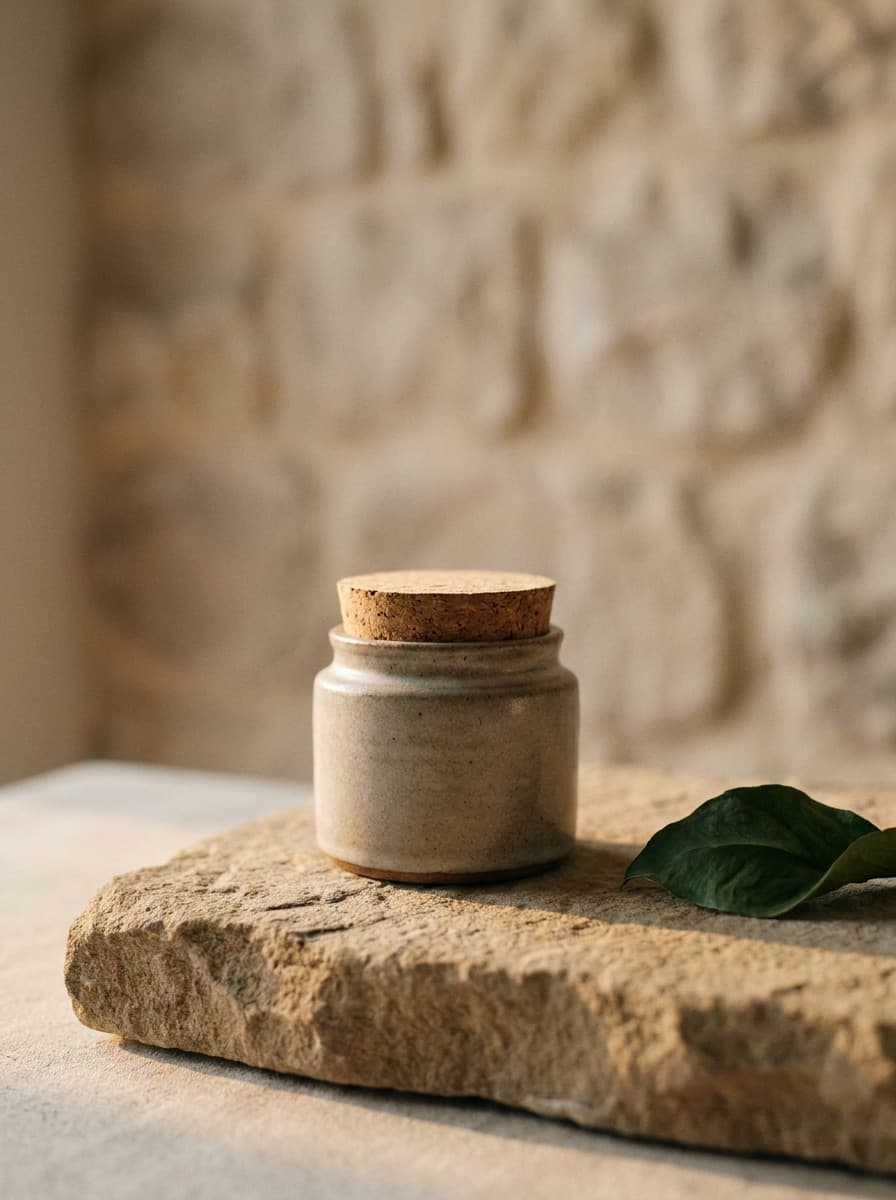
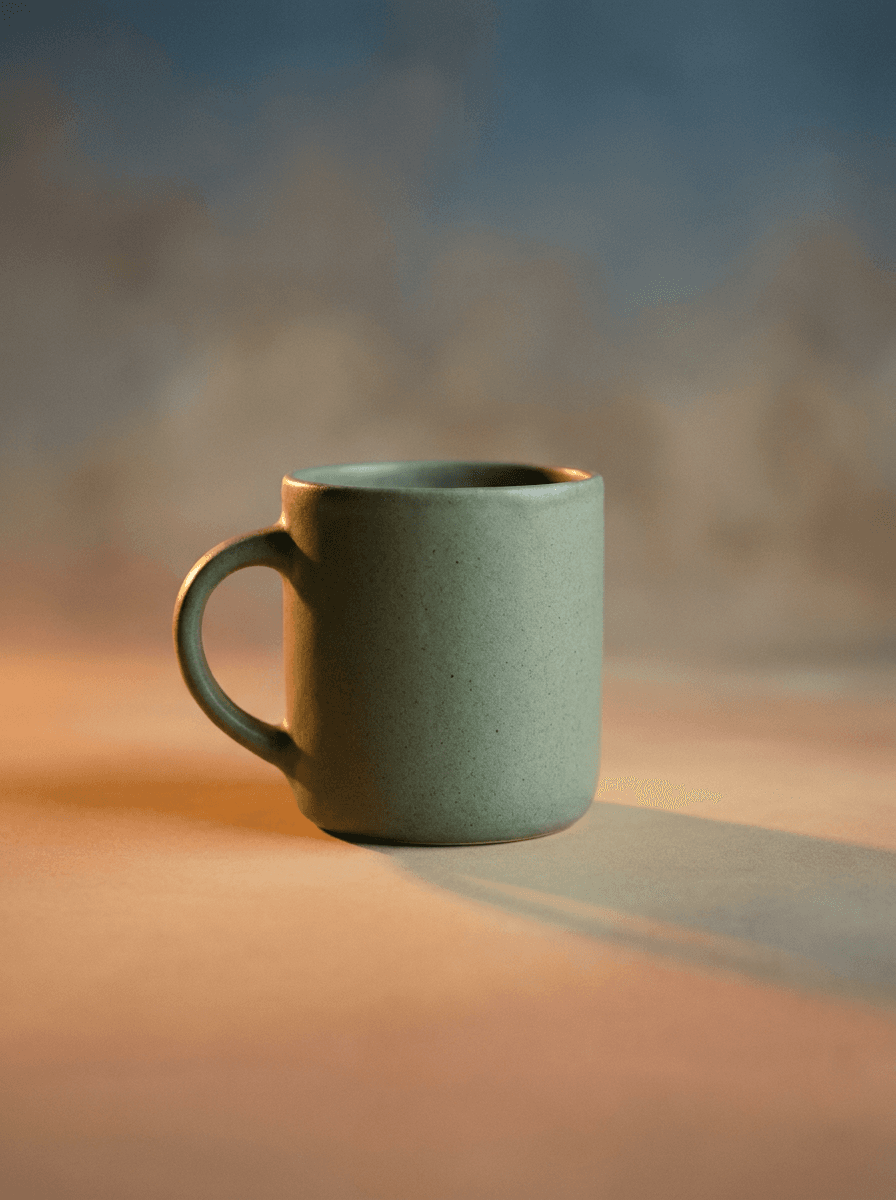
“Stage this jar on light stone with soft natural shadows and a neutral backdrop.”

“Use the same white backdrop and lighting so my product line looks consistent.”
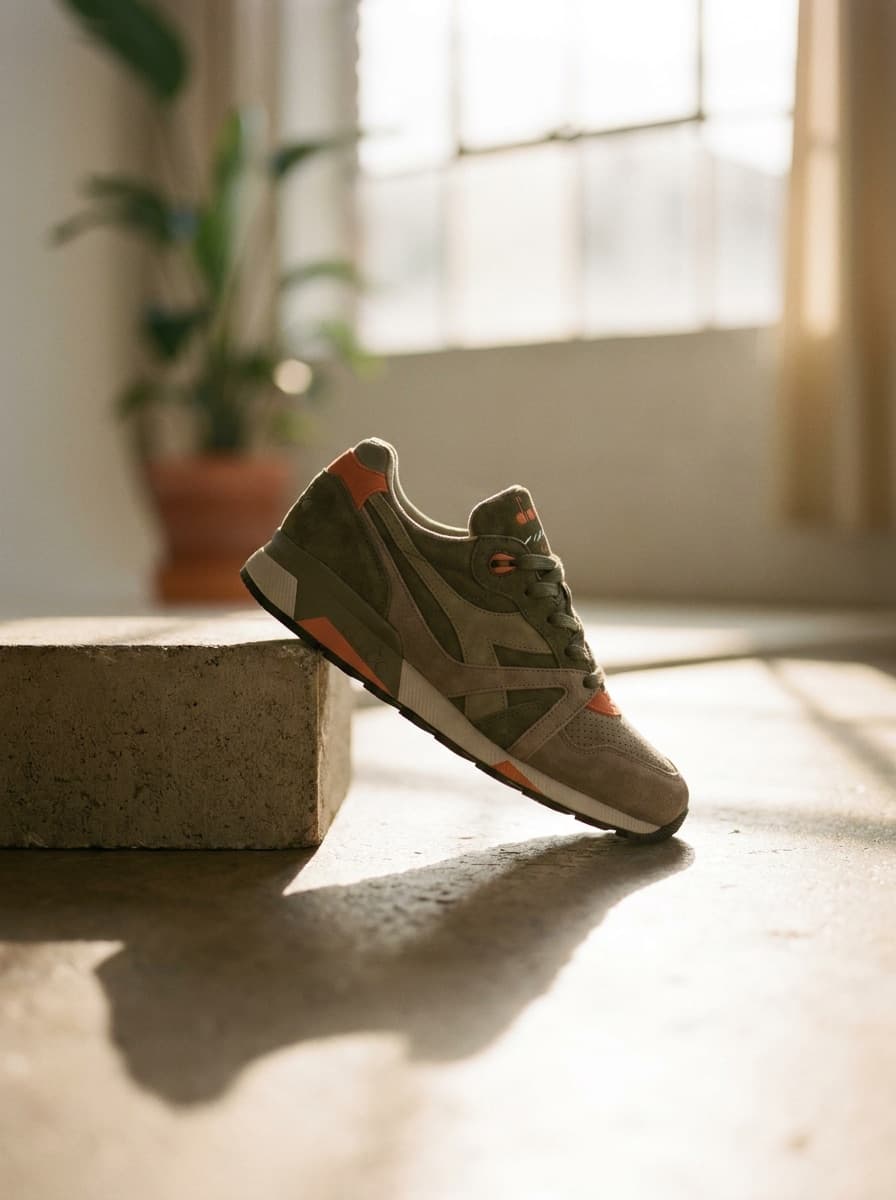
“Make a hero packshot: low angle, clean single shadow, plain studio background.”
Checked against the running tool on 2026-09-04.
A packshot is the clean, catalog-style product shot used in listings and line sheets — product, plain backdrop, controlled light. This tool returns one as a PNG, generated from whatever product photo you upload.
Background Remover gives you a transparent cutout to place yourself. The packshot workflow re-stages the product into a finished studio scene — backdrop, lighting, and shadow included — so the output is ready to use as-is.
A keep-subject instruction preserves the product as photographed. Fine label text is the most fragile detail, so compare it against the original before publishing — regenerate if anything drifted.
Yes — ask for a pure white seamless background. Marketplaces also specify canvas sizes, margins, and file rules, so run the result through Image Resizer to hit exact pixel requirements.
Write one backdrop-and-lighting description and reuse it verbatim for every product. Generated scenes are consistent at the art-direction level; expect sibling-level matching rather than pixel-identical backdrops.
Sharp focus, even light, no glare on the product, and the whole item in frame. A phone photo on a desk works; a blurry or cropped one does not — flaws on the product itself carry through.
Yes, ask for it — a soft contact shadow or subtle tabletop reflection reads as studio-made. Check that the shadow direction matches the described lighting; regenerate if it looks pasted.
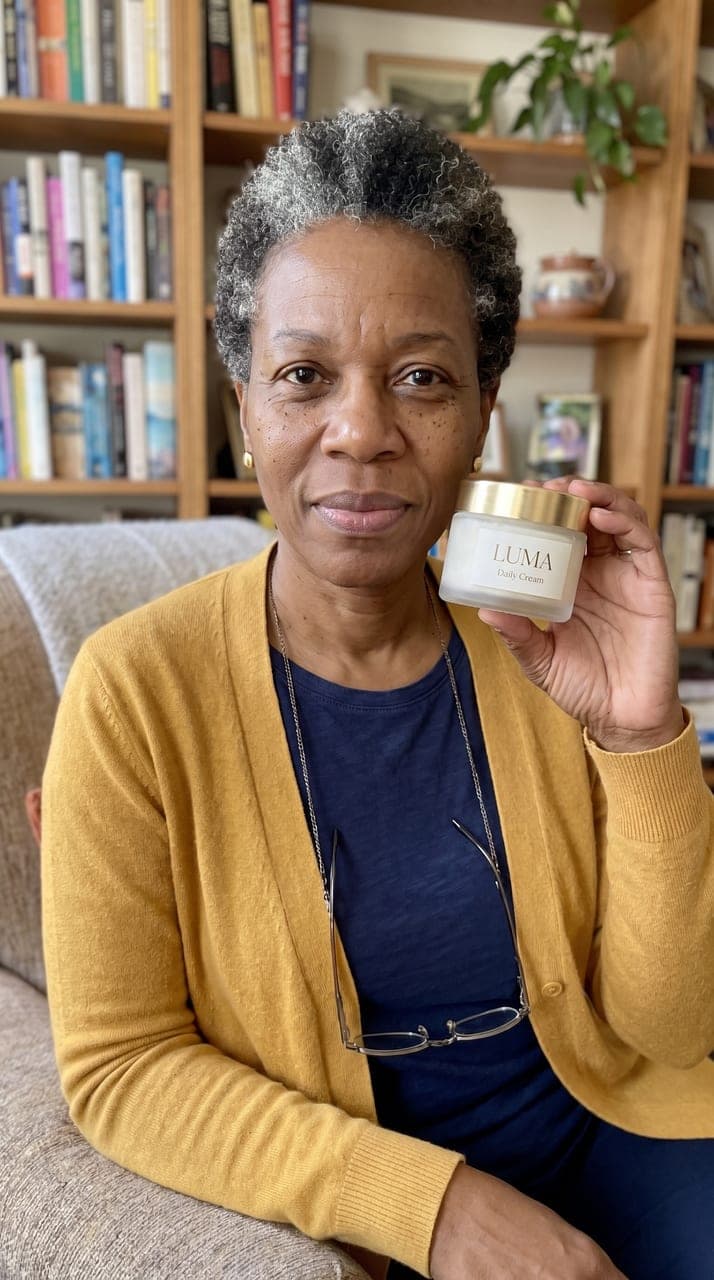
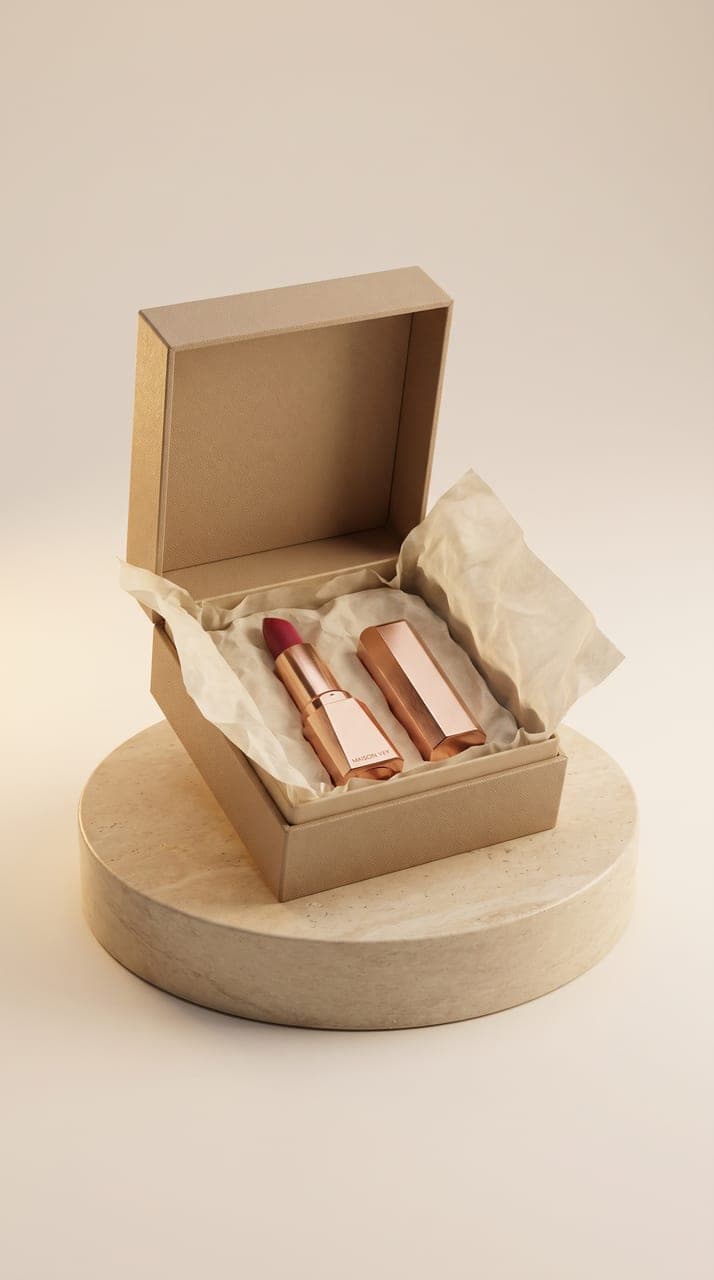
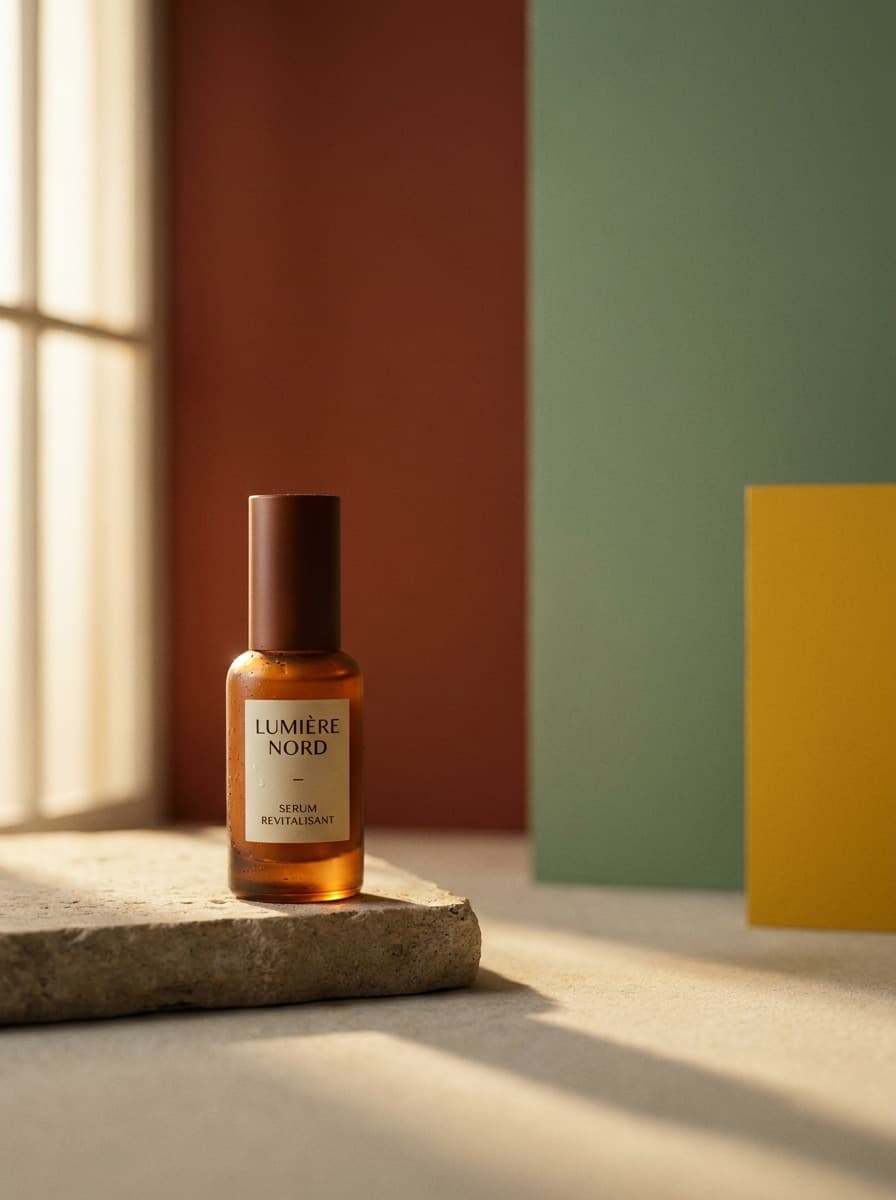
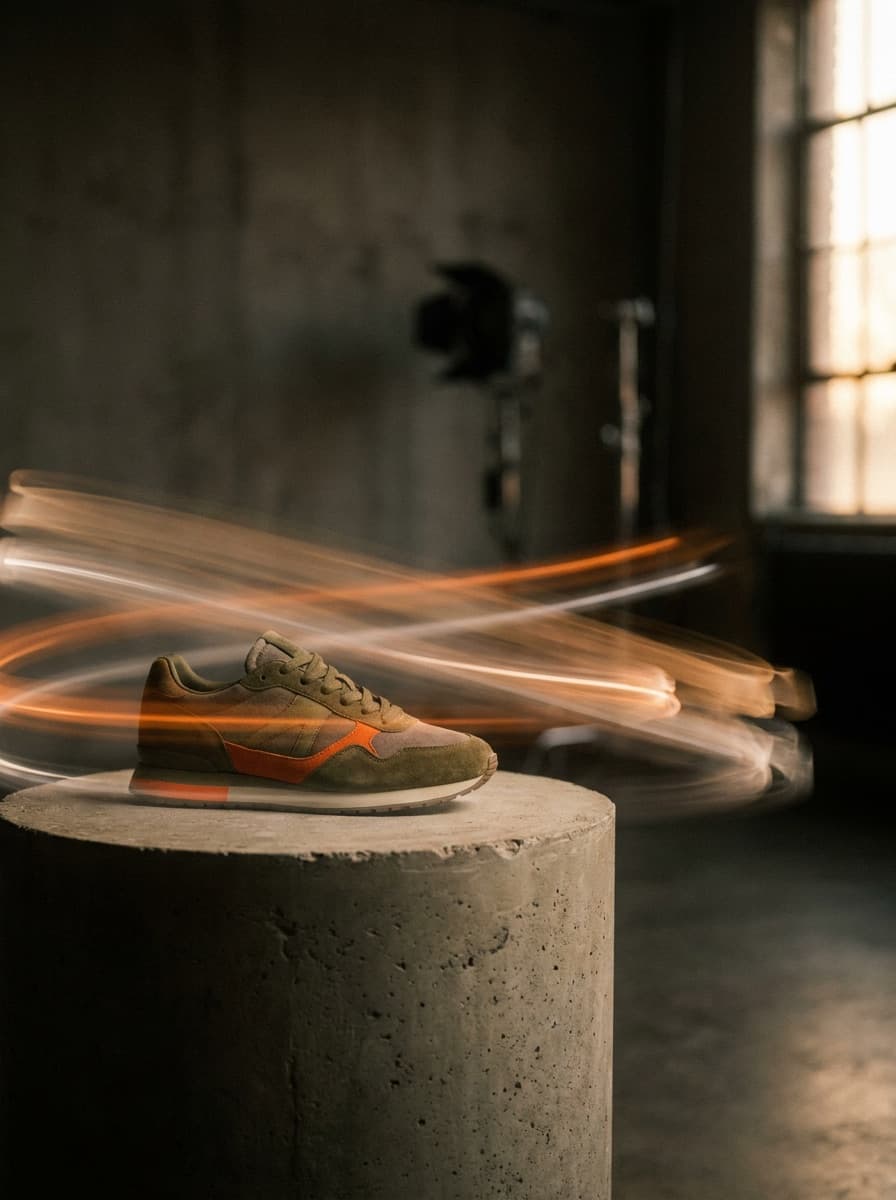


See what each one makes, then open it in Made.

