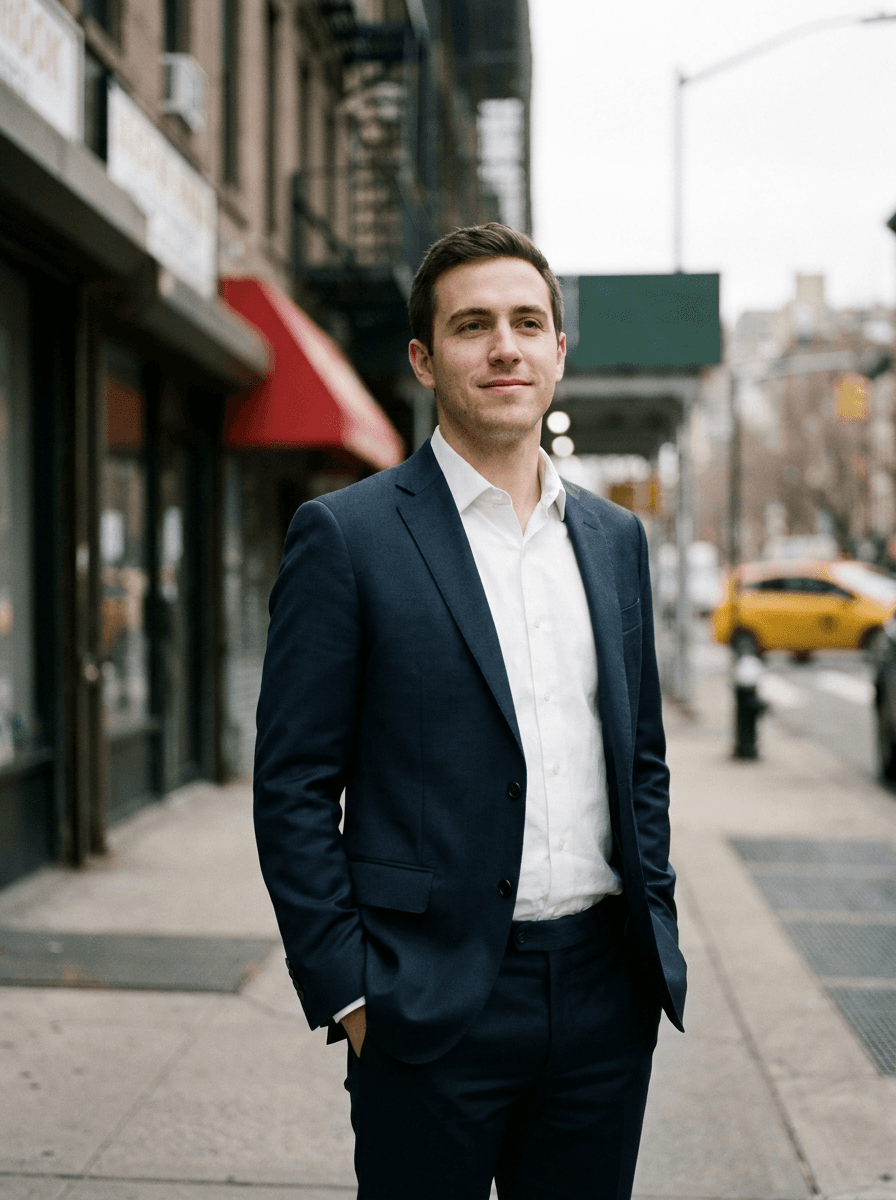
Formal suit
“Dress me in a tailored navy suit with a white shirt.”
Upload a photo and describe the outfit you want — a navy suit, a summer dress, a leather jacket. Made re-dresses the subject while the background, pose, and position stay unchanged.
Formal suit“Dress me in a tailored navy suit with a white shirt.”
Choose a JPEG, PNG, or WebP where the person and their current clothing are clearly visible.
Say what they should wear — garment, color, and style, such as “a charcoal double-breasted suit” or “a white linen dress.”
Made changes the clothing while keeping the background, pose, and position unchanged.
Check the face, hands, and garment edges, then re-run with a refined description if you want a different cut or color.
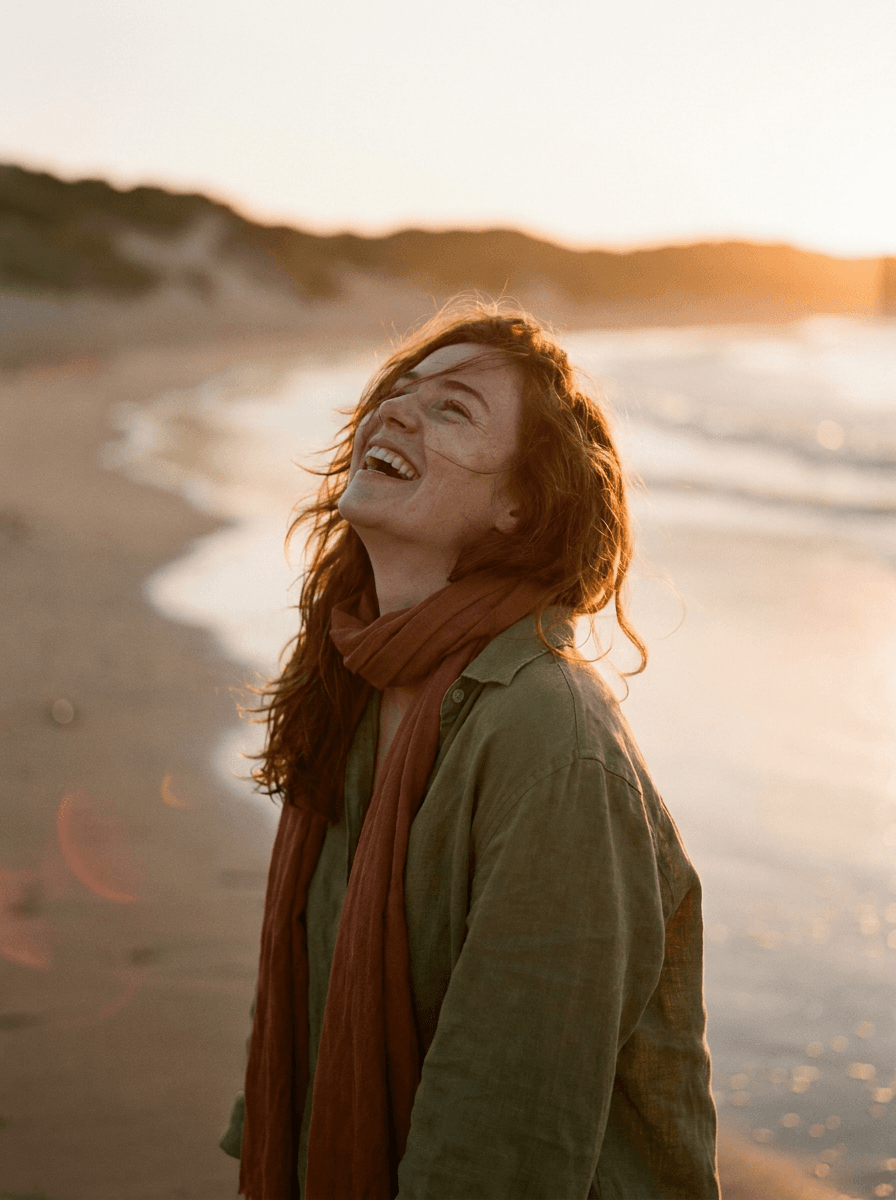
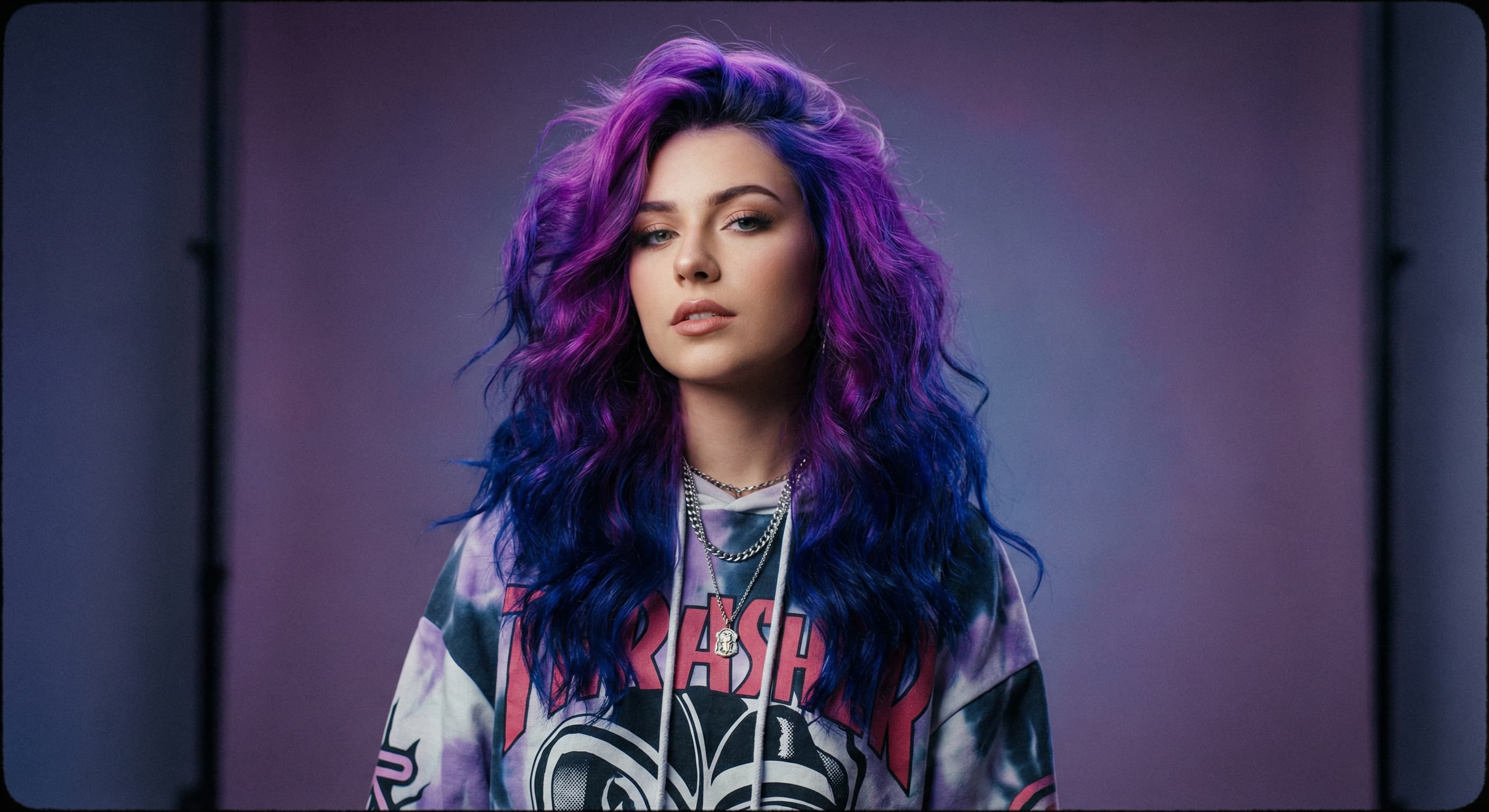
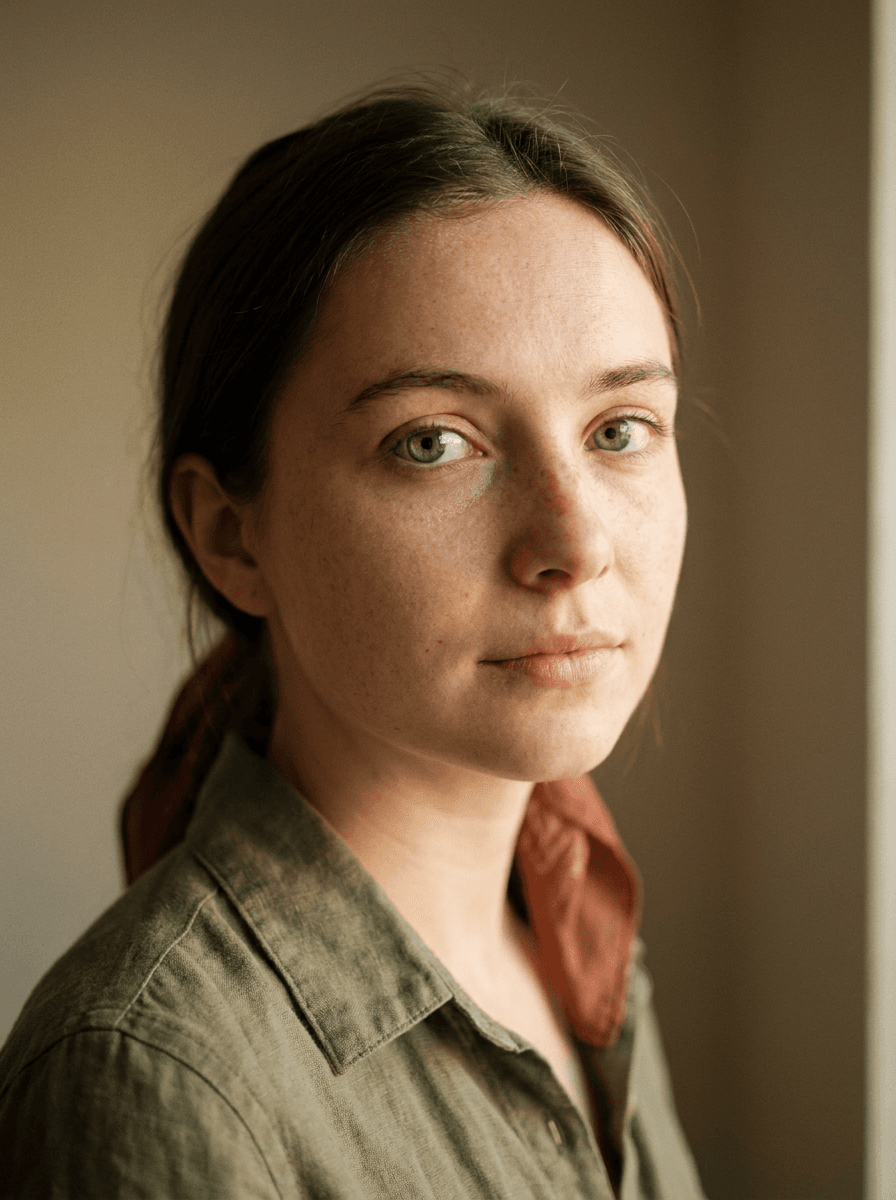
Real results from Made. Use a prompt to load it into the studio above, then add your own photo.
“Dress me in a tailored navy suit with a white shirt.”
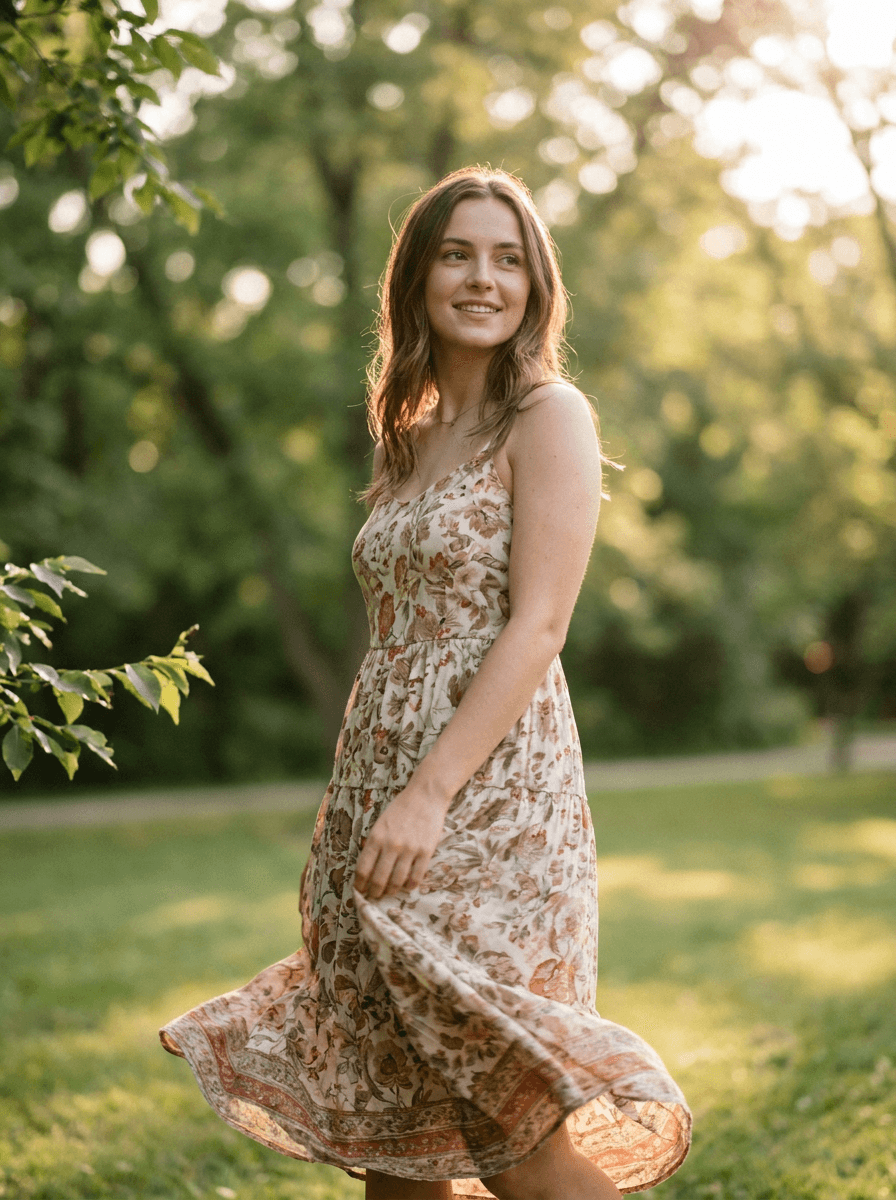
“Change my outfit to a light floral summer dress.”
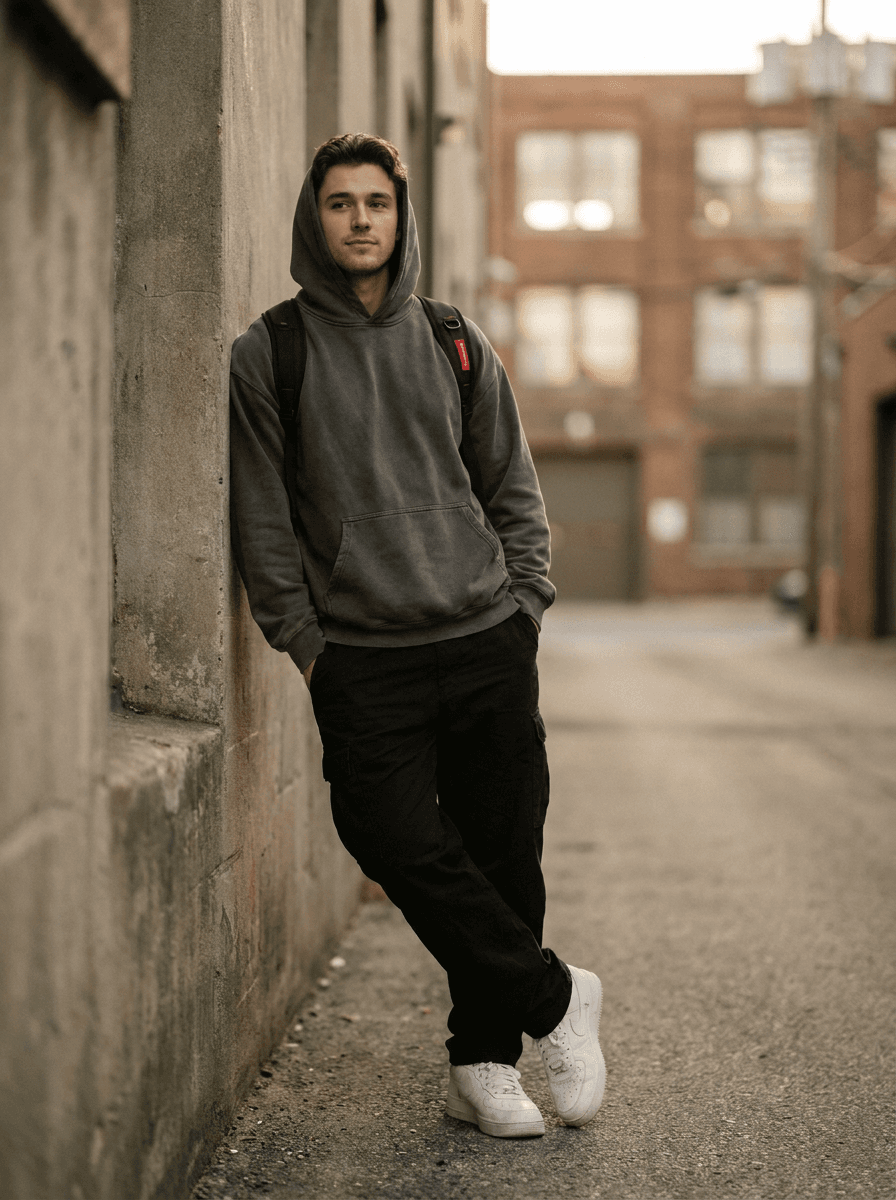
“Put me in an oversized hoodie, cargo pants, and chunky sneakers.”
Checked against the running tool on 2026-09-03.
You upload a photo and describe the outfit you want. Made prompts Google’s Nano Banana model on Replicate with that change, and the built-in prompt instructs the model to keep the background, pose, and position unchanged while producing a natural, realistic result.
The workflow is built to change only the clothing — the background, pose, and position are preserved by the built-in prompt. Because this is a generative edit, identity and fine detail can still shift slightly per run, so review the face and hands before using the result.
No. The tool visualizes described clothing on your photo; it does not guarantee accurate fit, sizing, or fabric behavior, so don’t rely on it for shopping decisions about how a real garment will sit on your body. It’s a style preview, not a fitting.
Anything you can put into words: suits, dresses, jackets, uniforms, costumes, or specific colors and materials. The more concrete the description — garment, color, cut — the closer the result usually lands.
Generative edits vary per run, so the same description can produce a slightly different garment. If the result isn’t right, re-run with a more specific description, such as naming the collar style, fabric, or exact color.
A JPG of the edited photo. Each request processes one JPEG, PNG, or WebP image; to try several outfits, run the tool once per outfit description.
The AI Photo Editor handles open-ended edits of any kind. The AI Clothes Changer is tuned for one job: its built-in prompt re-dresses the subject while explicitly preserving the background, pose, and position, so you don’t have to write those constraints yourself.
 +
+ New
New
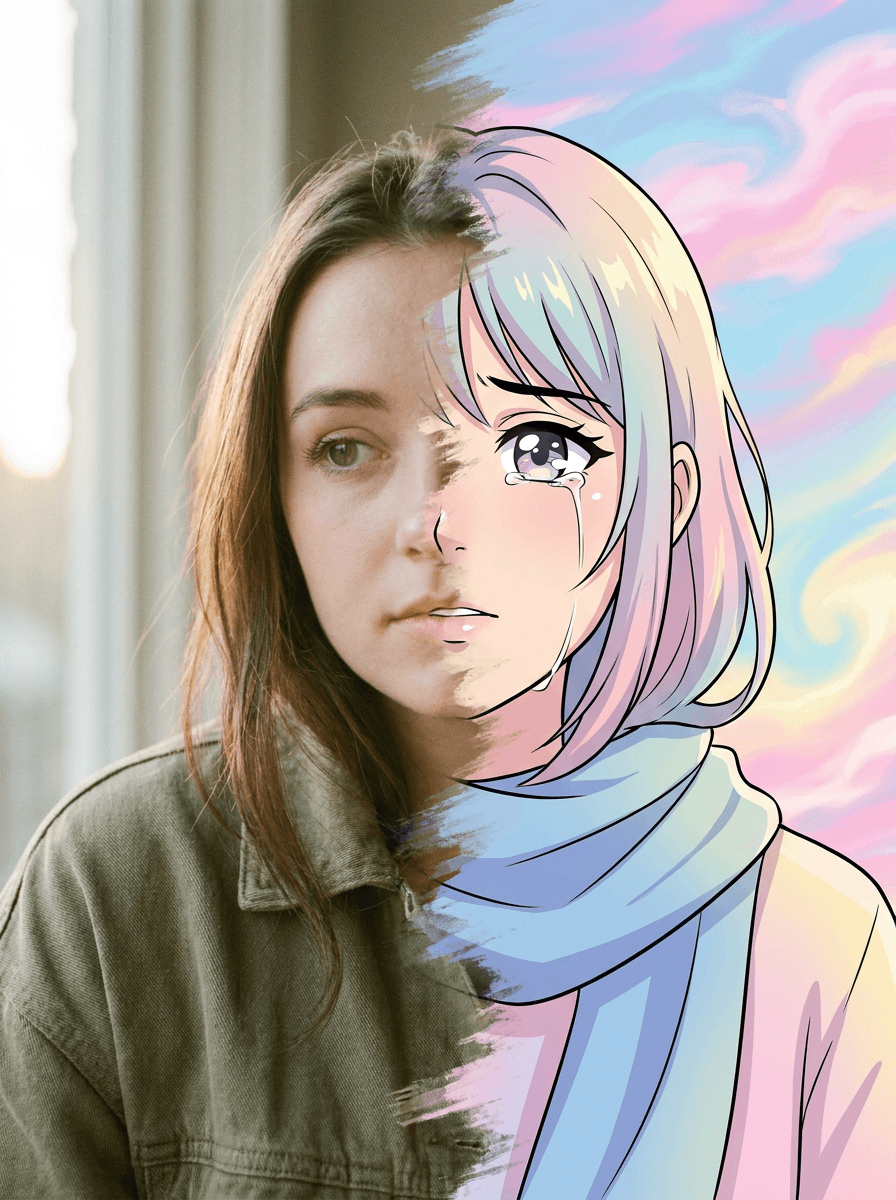
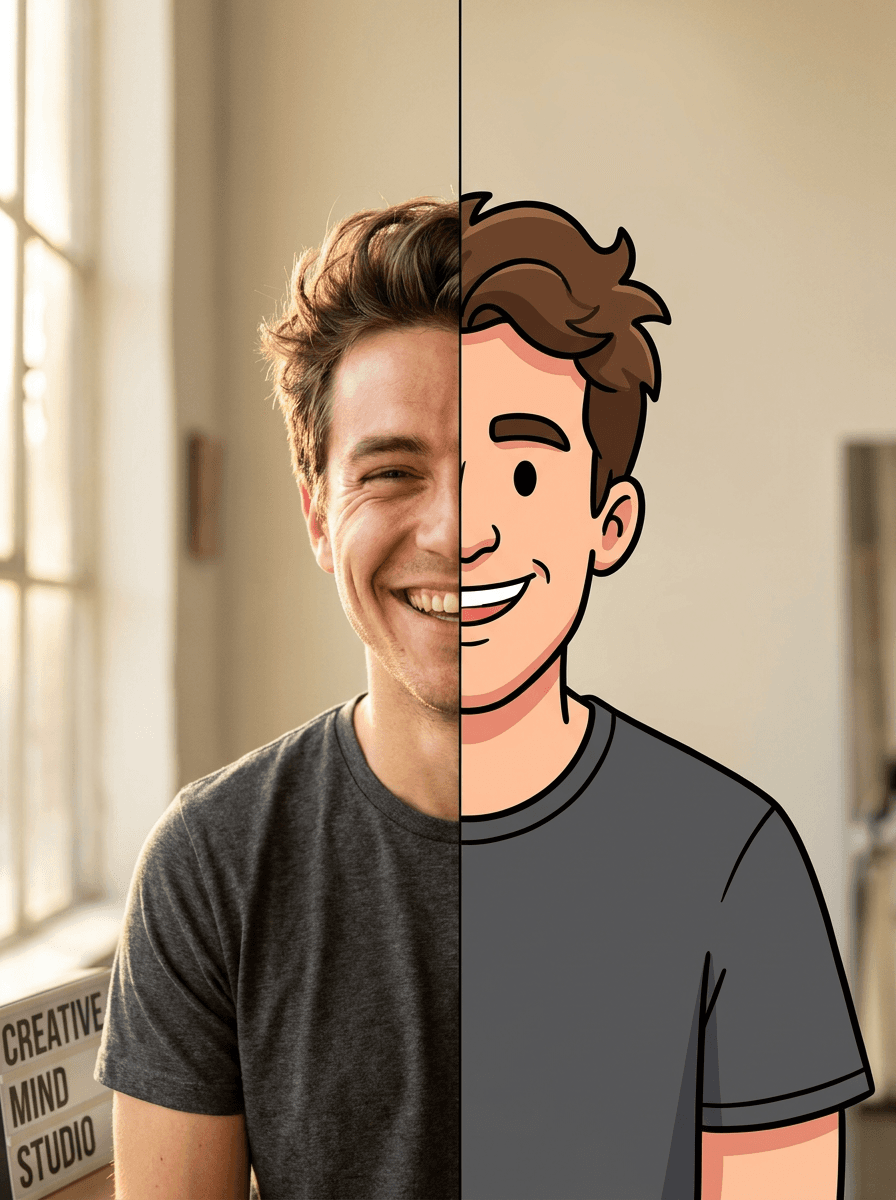
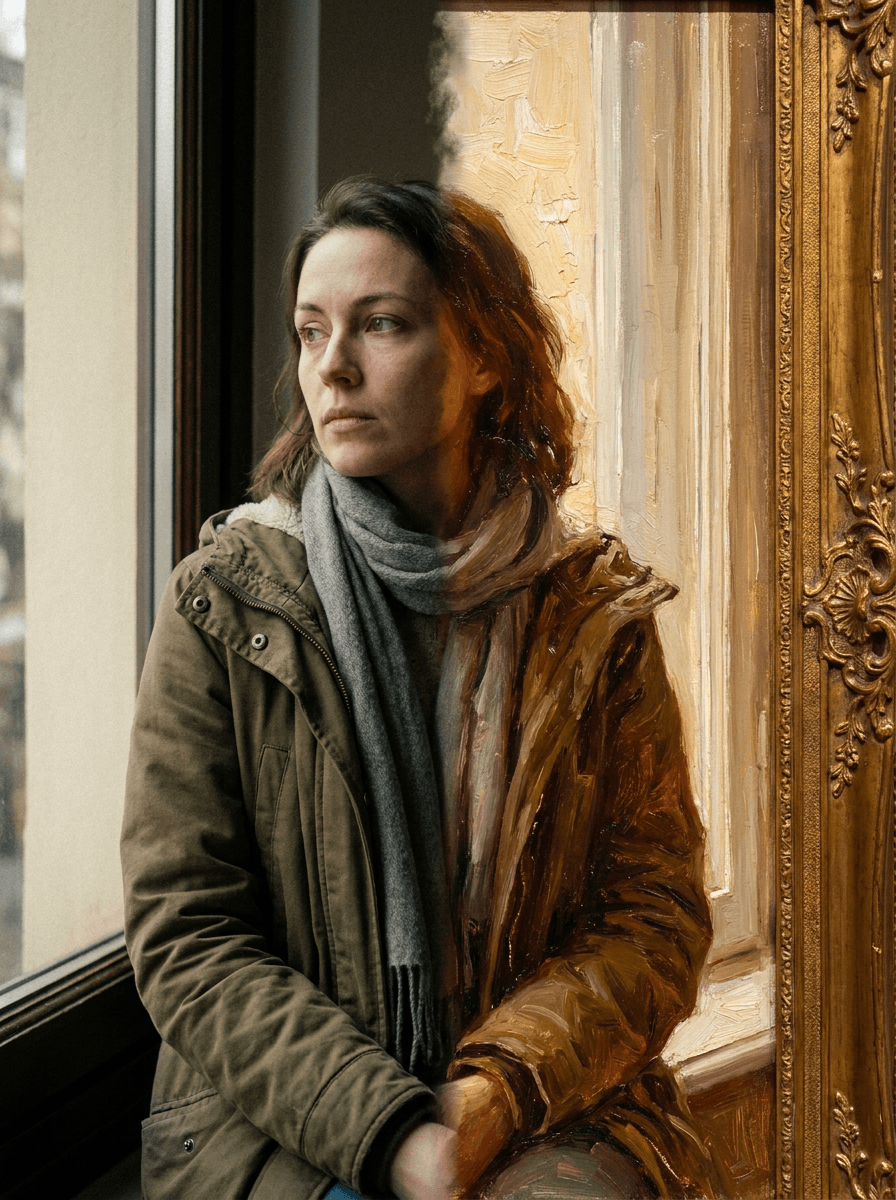
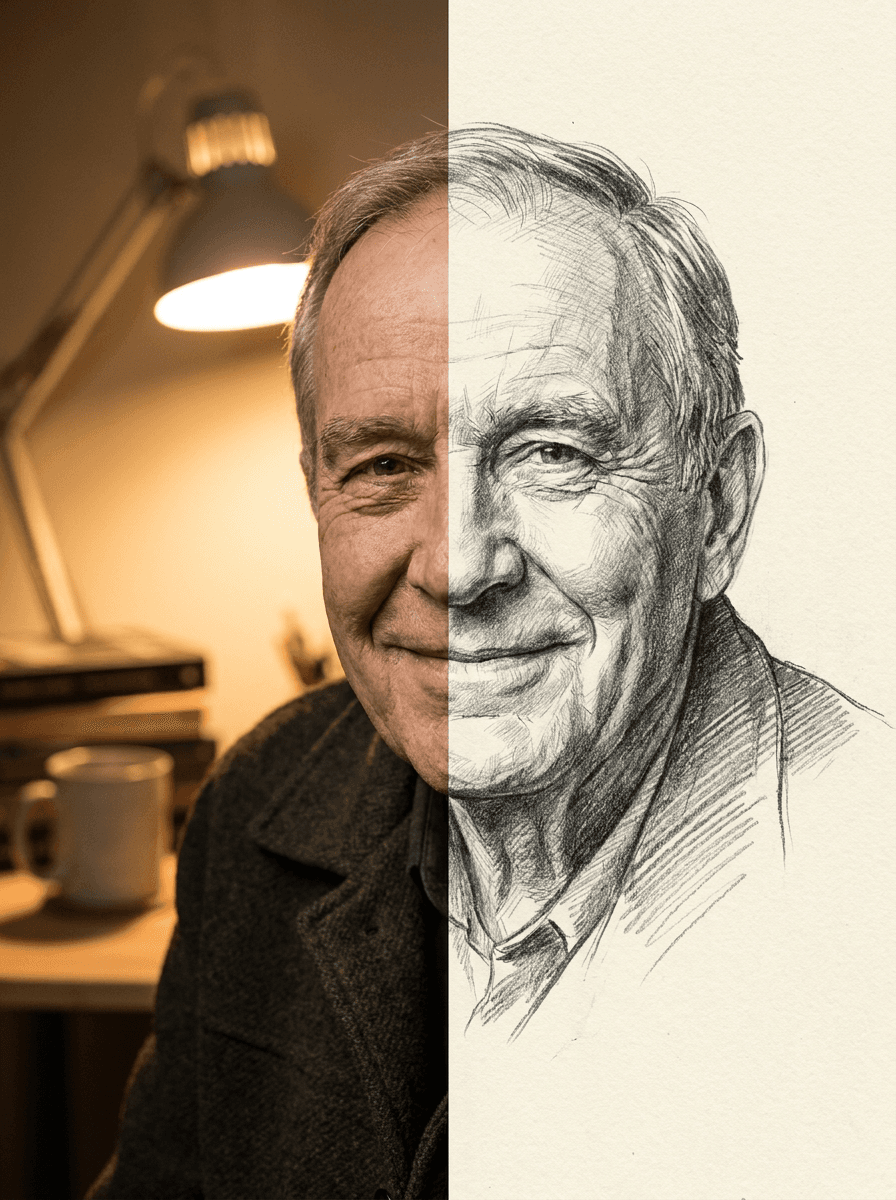
See what each one makes, then open it in Made.

