
Formal suit
“Dress me in a tailored navy suit with a white shirt.”
Upload a photo of yourself and describe the garment — Made renders the outfit on you while keeping your pose, body, and setting unchanged, so you can judge a look before buying it.
Formal suit“Dress me in a tailored navy suit with a white shirt.”
Standing, well lit, current outfit visible — the pose you upload is the pose you keep.
Cut, fabric, color, and fit: “oversized cream cable-knit sweater over straight-leg dark jeans.”
The render shows how the style reads on your frame; exact fabric behavior varies in reality.
Change the top, then the bottom — single swaps stay more realistic than full-look rewrites.
Real results from Made. Use a prompt to load it into the studio above, then add your own photo.
“Dress me in a tailored navy suit with a white shirt.”
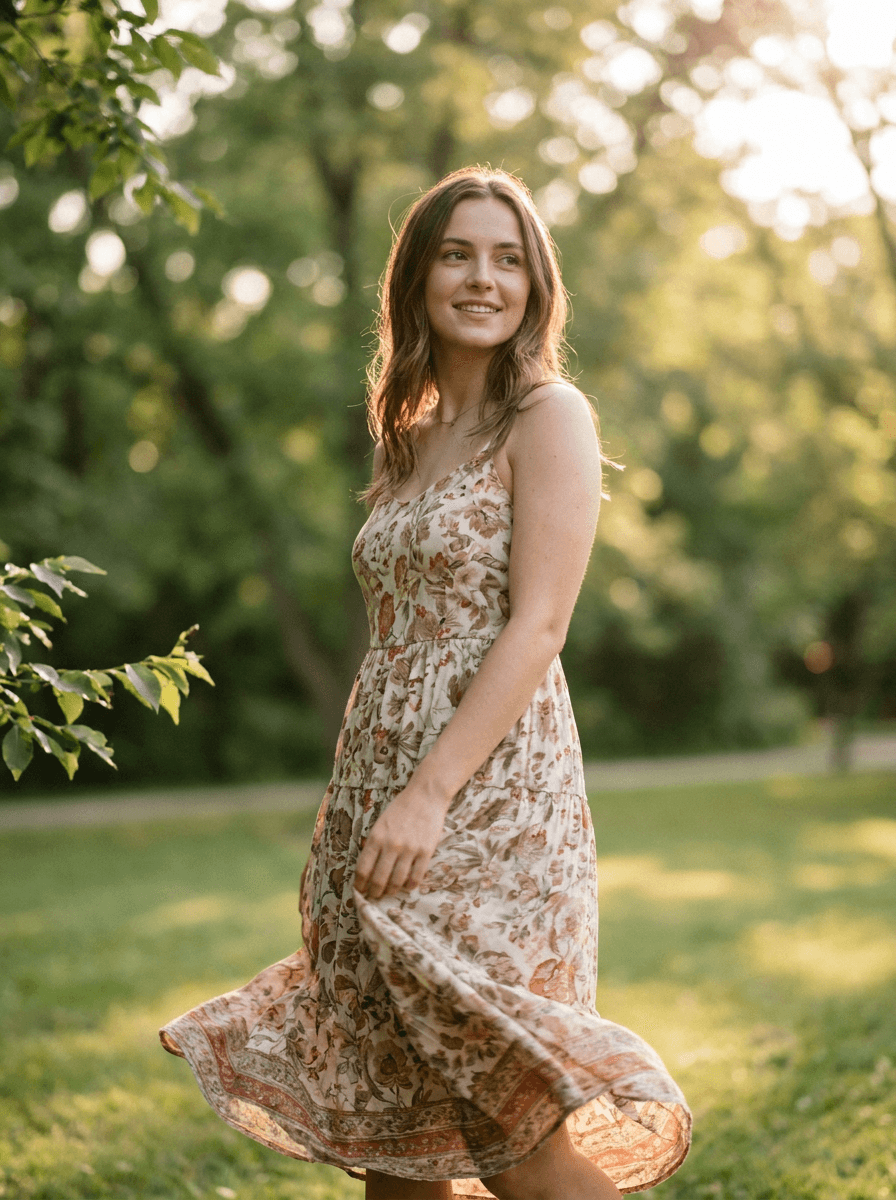
“Change my outfit to a light floral summer dress.”
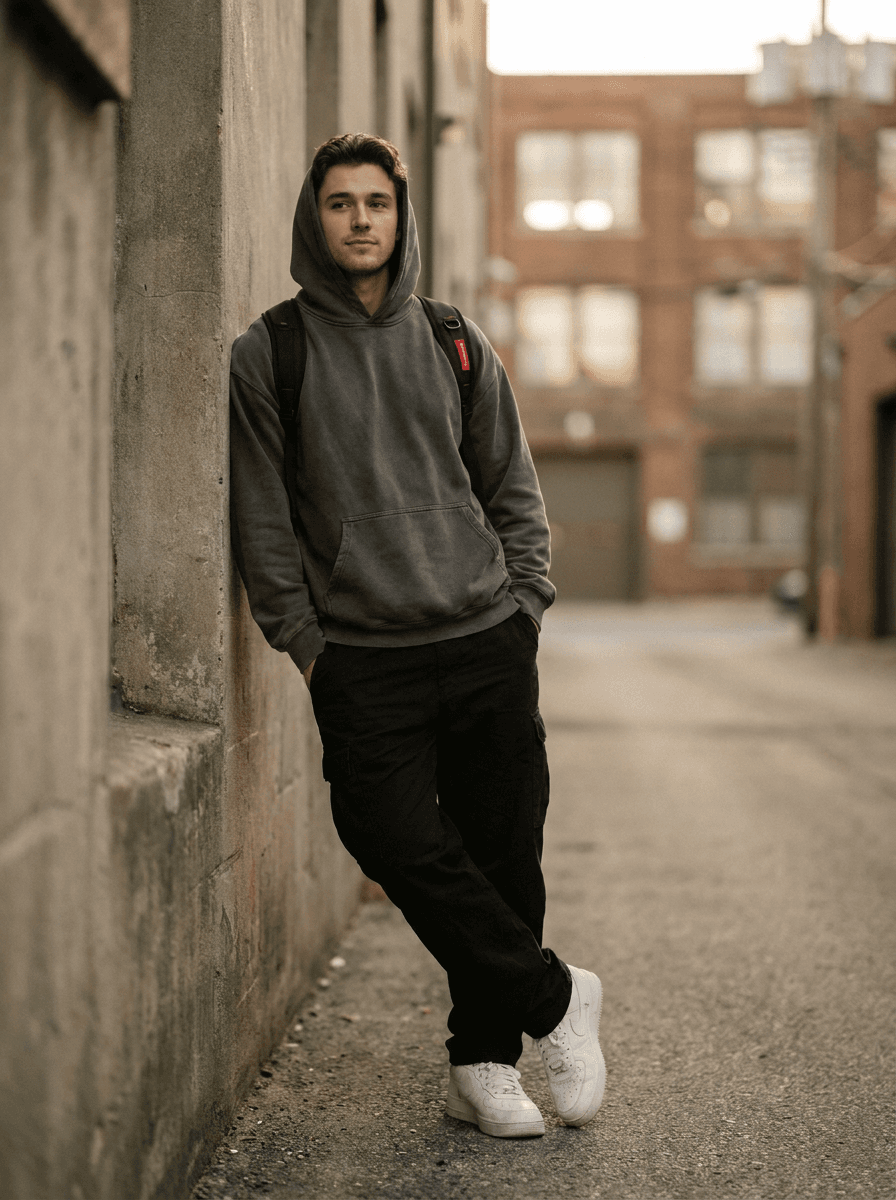
“Put me in an oversized hoodie, cargo pants, and chunky sneakers.”
Checked against the running tool on 2026-09-03.
The garment is rendered onto your actual pose and body with matching light, so silhouette, color, and overall vibe read accurately. It is a styling preview, not a fitting: real-world drape, stretch, and sizing still vary by brand — it answers “does this look like me?”, not “is this a size M?”.
Describe it precisely — cut, color, fabric, details — and the render approximates it well. It generates from description rather than the retailer’s exact product file, so treat it as that garment’s style rather than a pixel-exact preview.
Yes — the built-in prompt keeps your background, pose, and position, changing only the clothing. Your body shape is preserved rather than idealized, which is exactly what makes the preview useful.
A straight-on, full-body or three-quarter shot in even light with your current clothes visible and unobstructed. Sitting poses and heavy occlusion (bags, crossed arms) make garment replacement less clean.
Yes — hats, glasses, jewelry, shoes, and complete looks all work by description. Small accessories are more fragile than large garments; if a detail matters, mention it explicitly and check it in the result.
 +
+ New
New

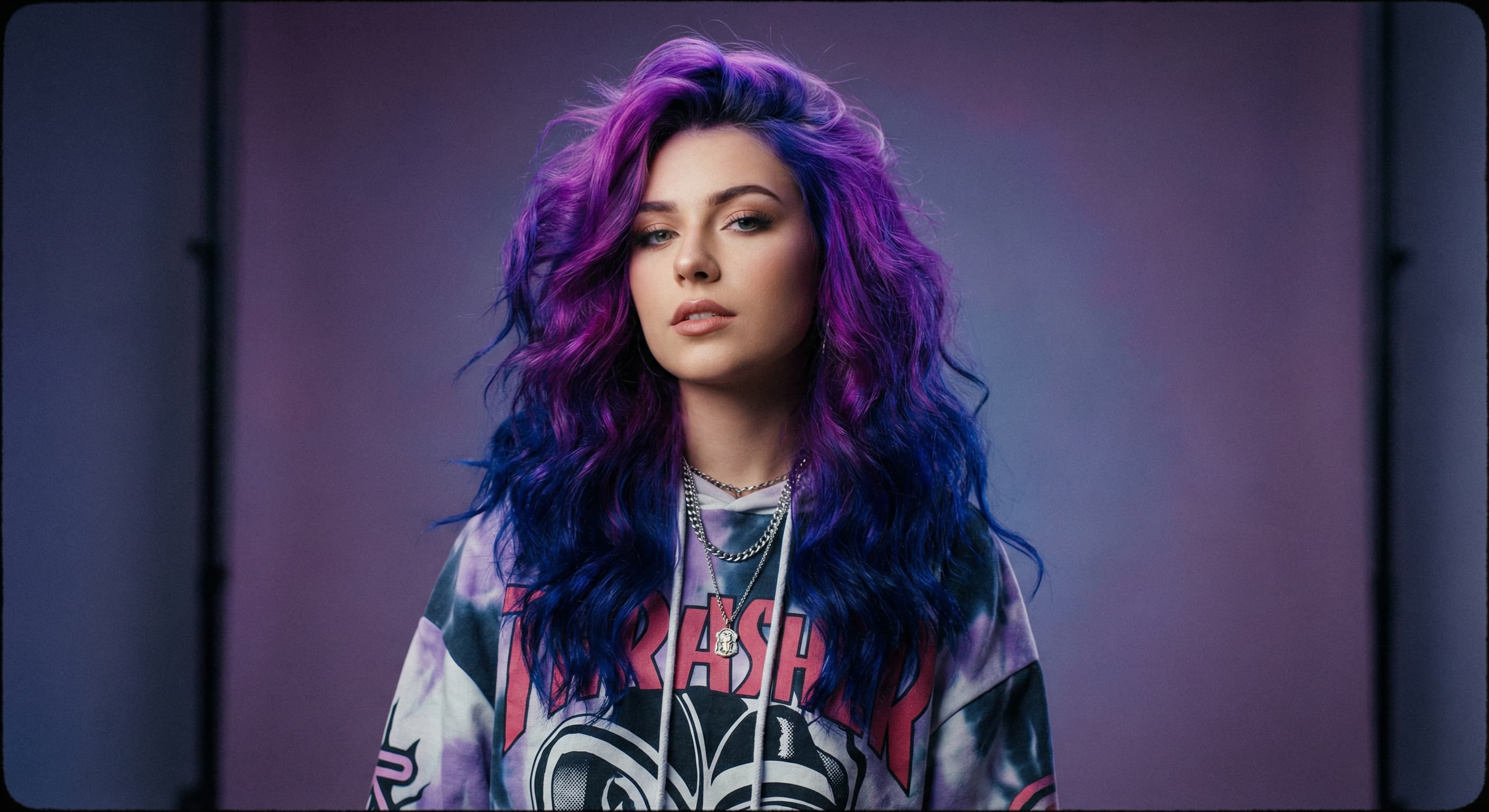
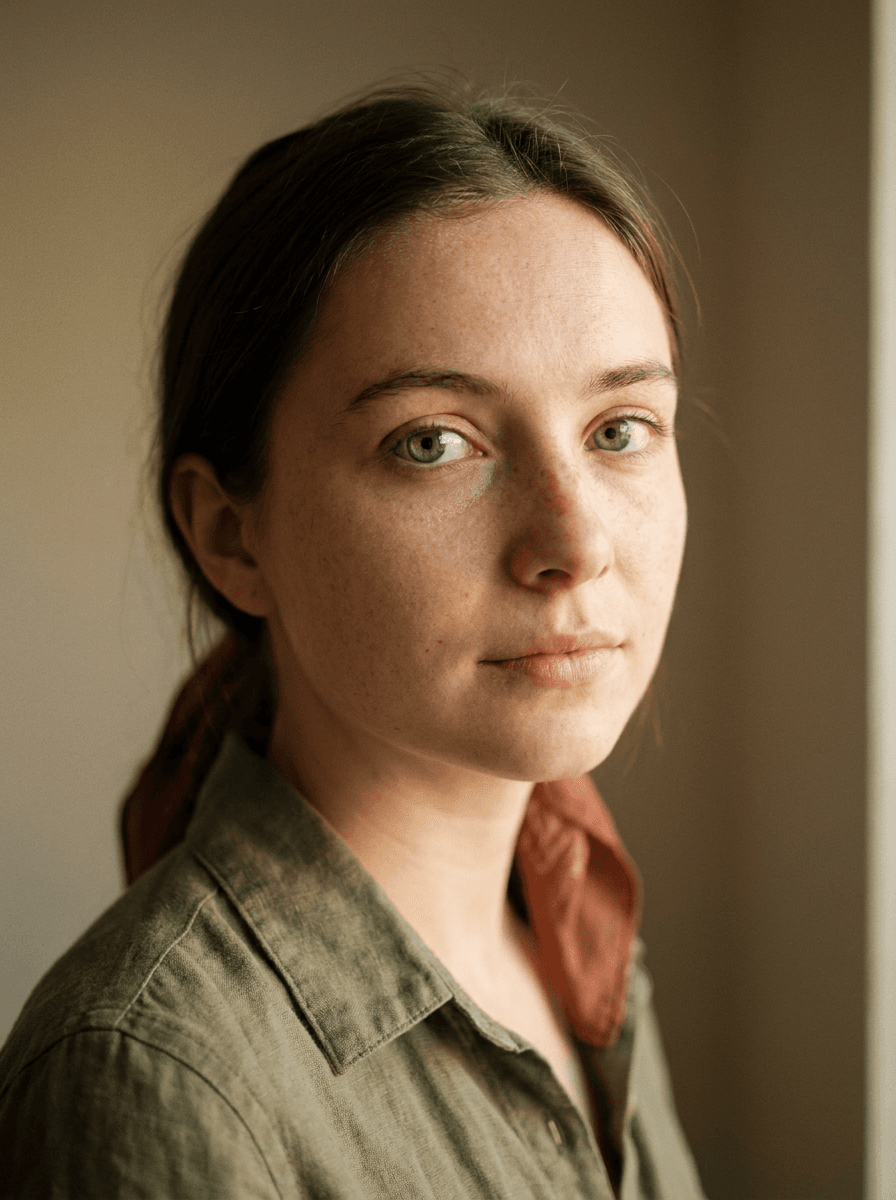

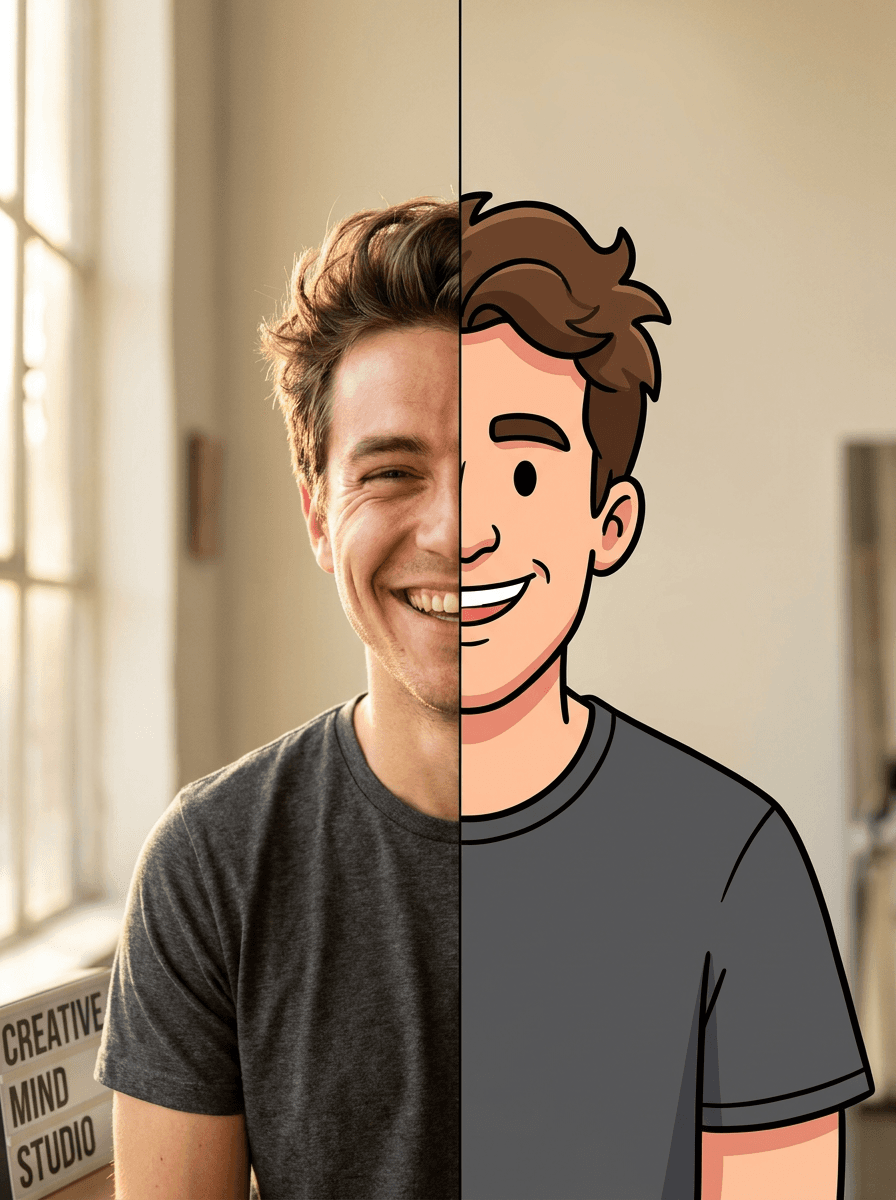
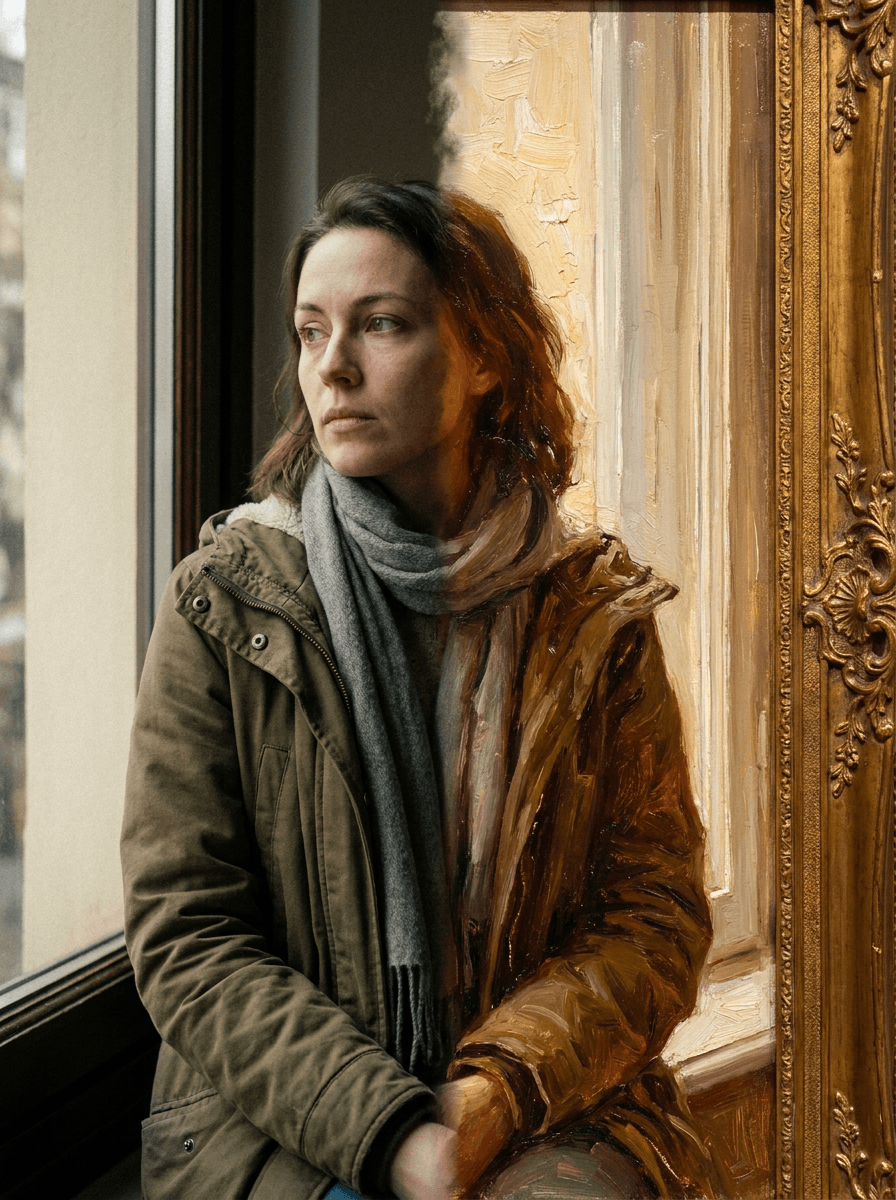
See what each one makes, then open it in Made.

