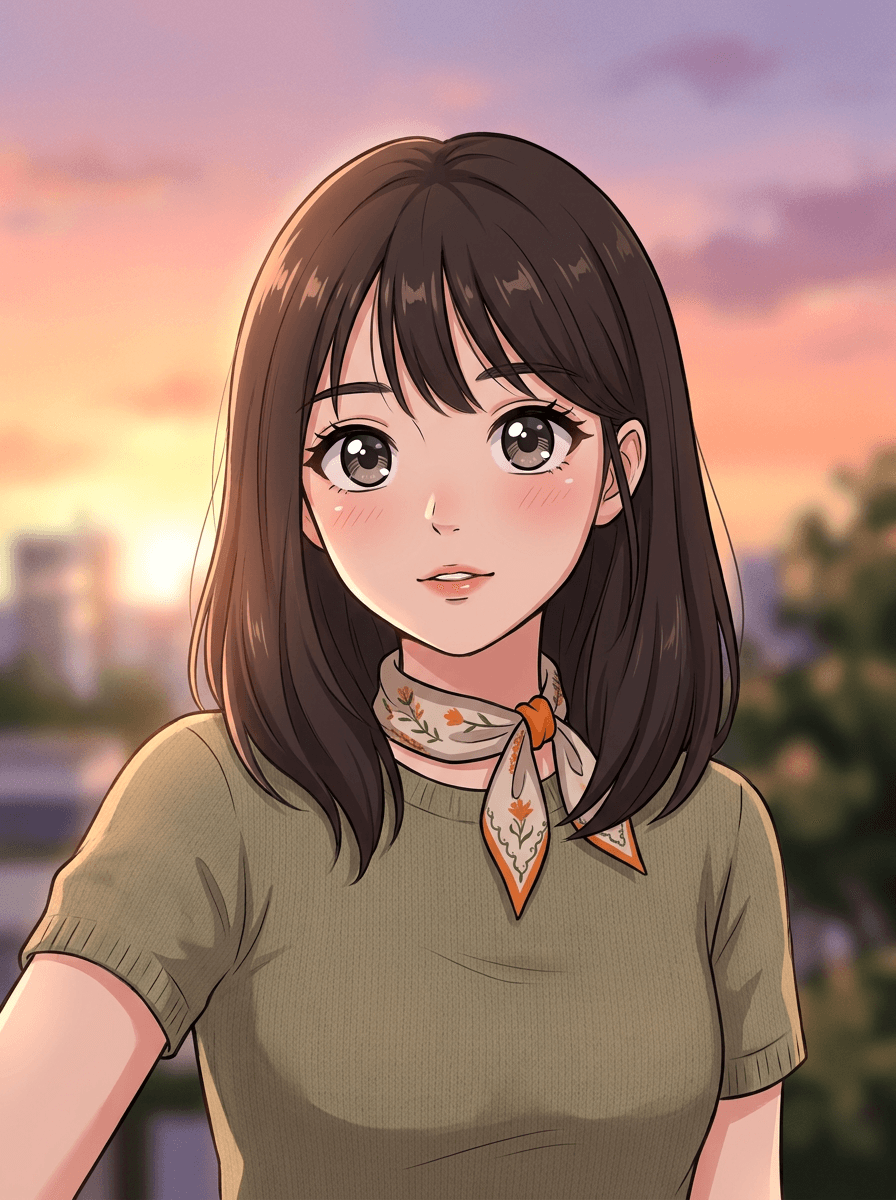
Anime portrait
“Turn this selfie into an anime-style portrait.”
Upload a photo and Made redraws it as an anime-style illustration — expressive eyes, clean linework, and cel-shaded color — while the composition, subjects, and layout stay the same.
Anime portrait“Turn this selfie into an anime-style portrait.”
Choose a JPEG, PNG, or WebP — a clear, well-lit portrait gives the strongest result.
Say “turn this into anime art,” and add direction if you want it — soft and painterly, or bold with cel shading.
The 0.7 default gives a clear anime look; go toward 0.3 to keep more of the photo or toward 0.95 for a fully redrawn illustration.
Check that the likeness and details carried over, then download the JPG or re-run with a refined description.
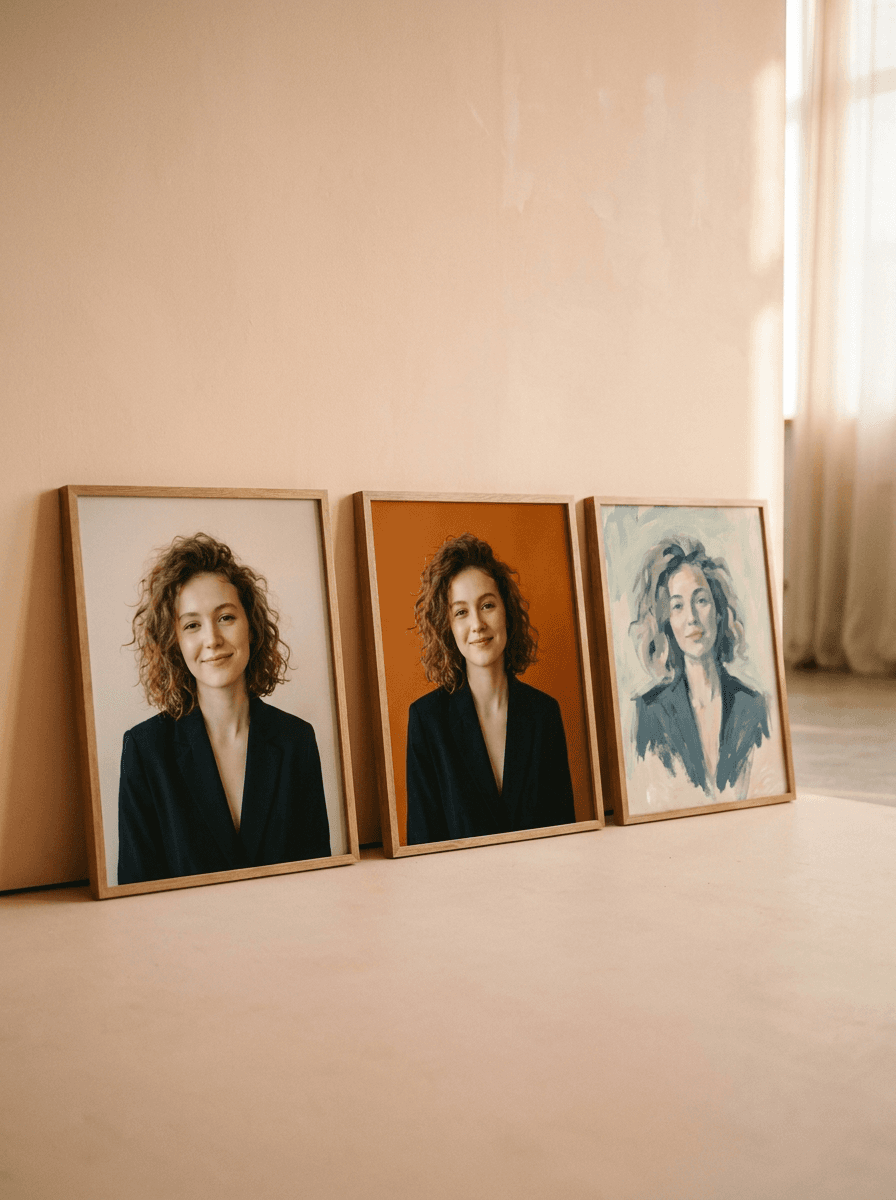
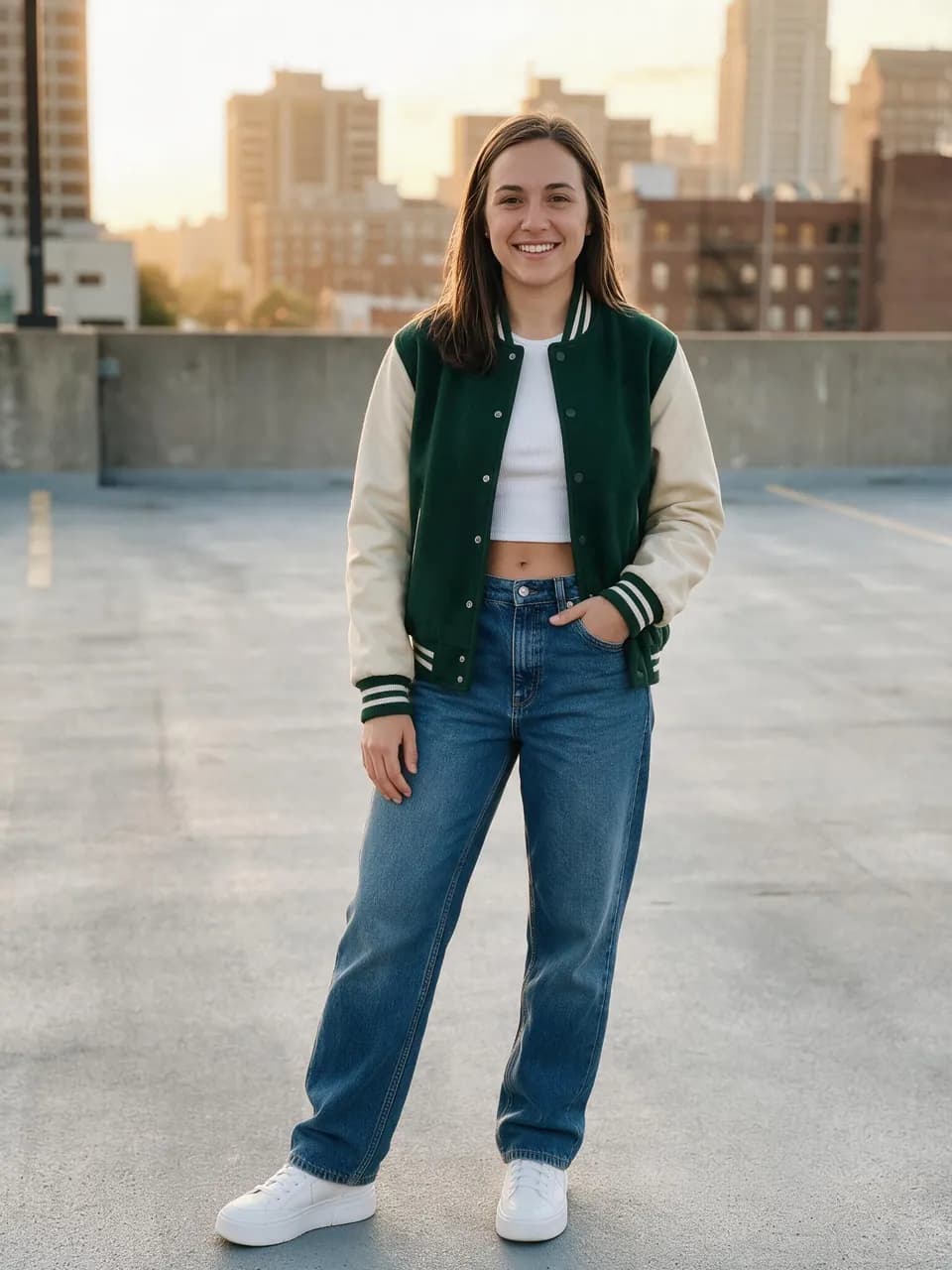
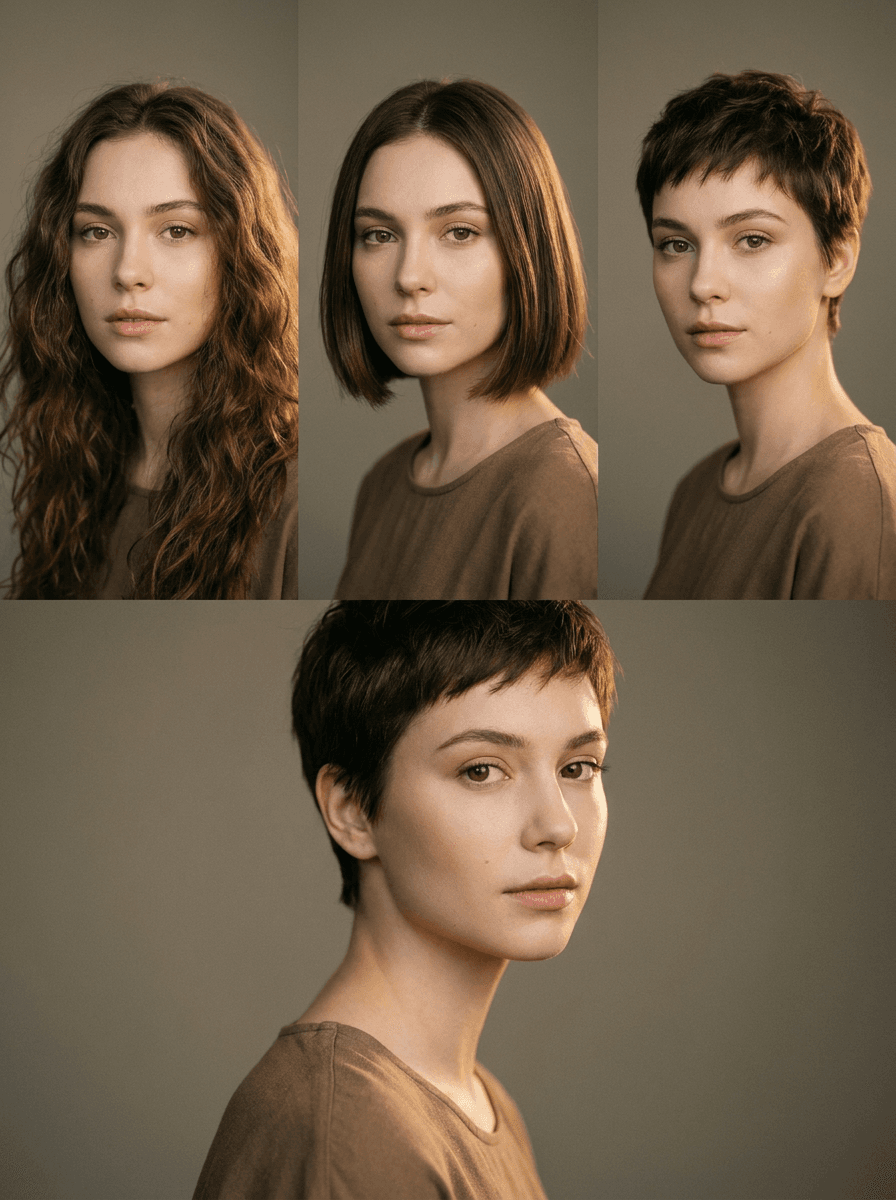
Real results from Made. Use a prompt to load it into the studio above, then add your own photo.
“Turn this selfie into an anime-style portrait.”
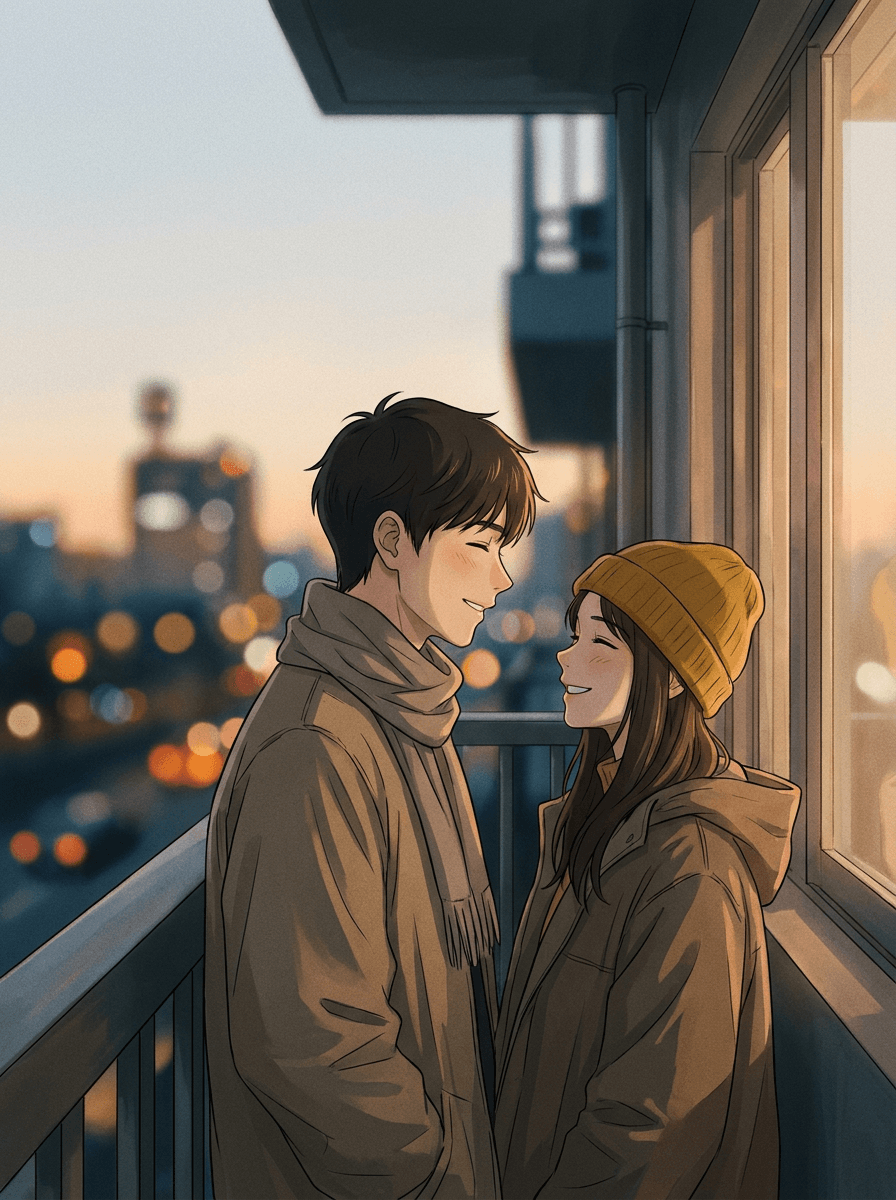
“Turn this photo of us into anime art.”

“Make an anime avatar from this photo.”
Checked against the running tool on 2026-09-03.
You upload a photo and Made prompts Google’s Nano Banana model on Replicate to restyle the whole image in an anime aesthetic. The composition, subjects, and layout stay the same, and the result comes back as a JPG.
Your pose, position, and framing are preserved, and distinguishing features like hair and clothing usually carry over. Anime styles redraw facial features by convention, and results vary per run — lower the intensity toward 0.3 if you want the result closer to the photo.
Describe the aesthetic generically instead — “soft watercolor anime,” “bold cel-shaded anime,” “90s retro anime look.” The tool works from your visual description, not from named studios, shows, or characters.
Both use the same restyle workflow. This page is tuned for anime illustration — expressive eyes, clean linework, cel shading — while Photo to Cartoon covers general western-cartoon and comic looks. Choose whichever matches the art style you’re after.
Yes. The whole image is restyled at once, so groups, couples, and pets are all redrawn in place with the same layout as the original photo.
Yes. Style intensity is adjustable from 0.3 (a subtle stylization that keeps most of the photo) to 0.95 (a fully redrawn illustration), with 0.7 as the default.
A JPG of the anime-styled image. Each request processes one JPEG, PNG, or WebP image; re-run with a different description or intensity to explore variations.
 +
+ New
New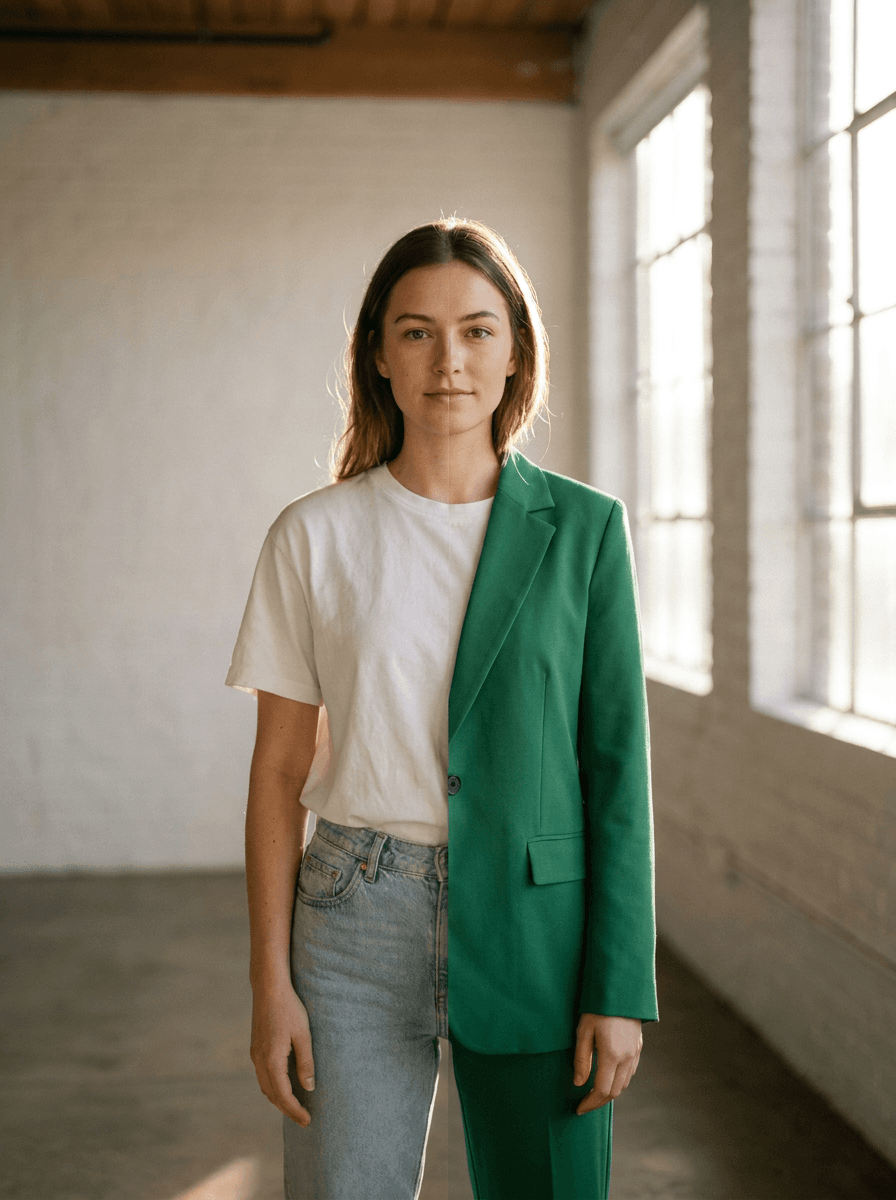
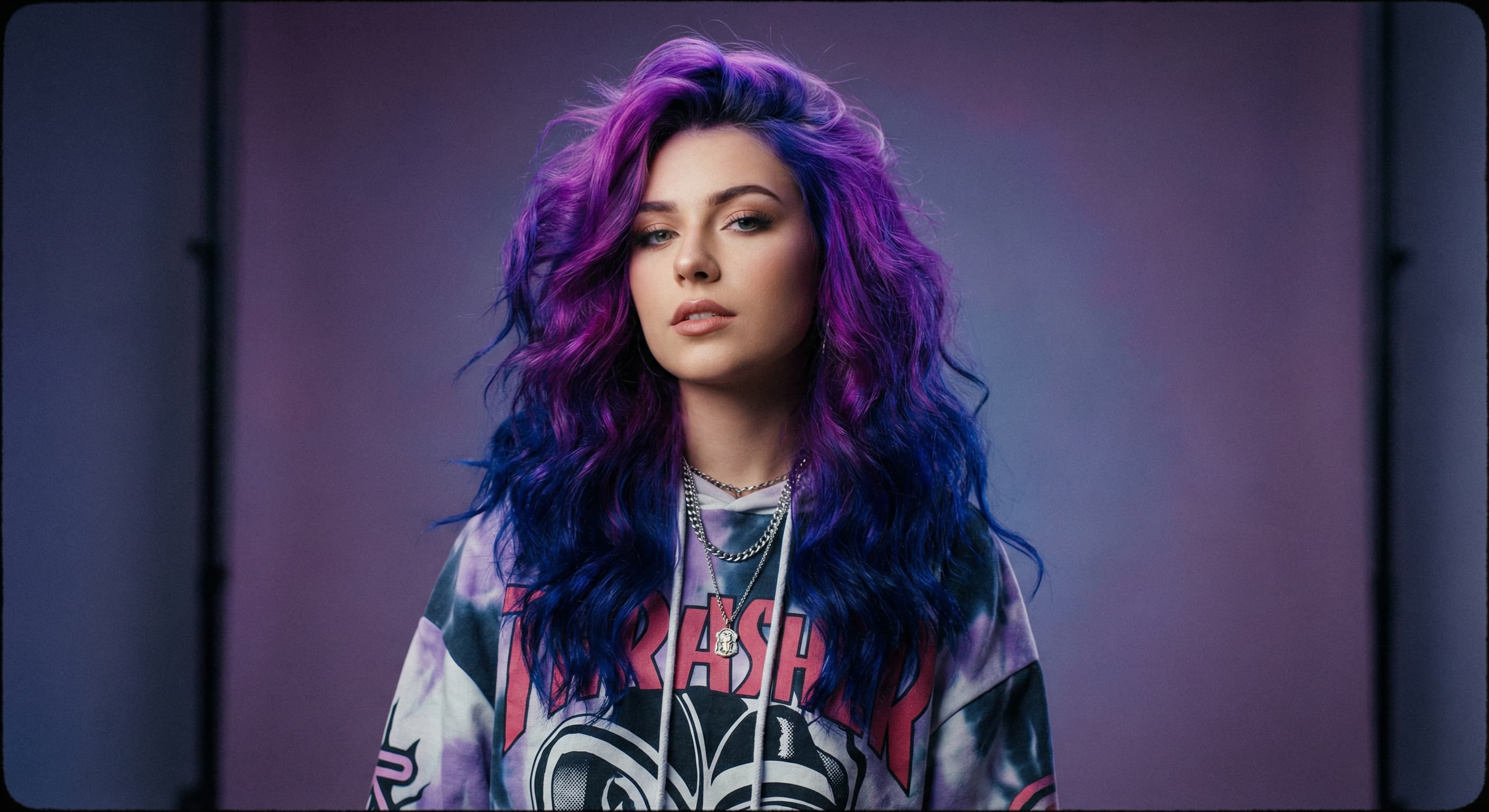
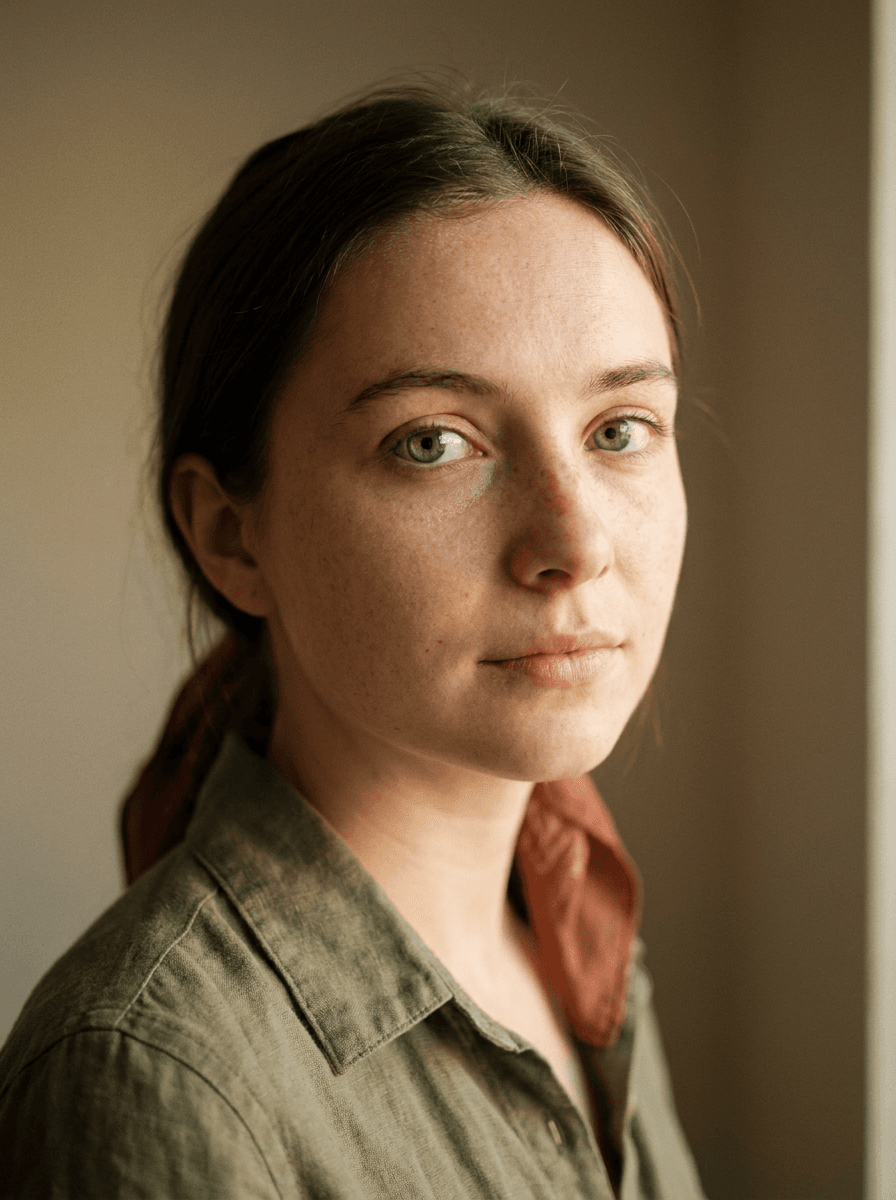
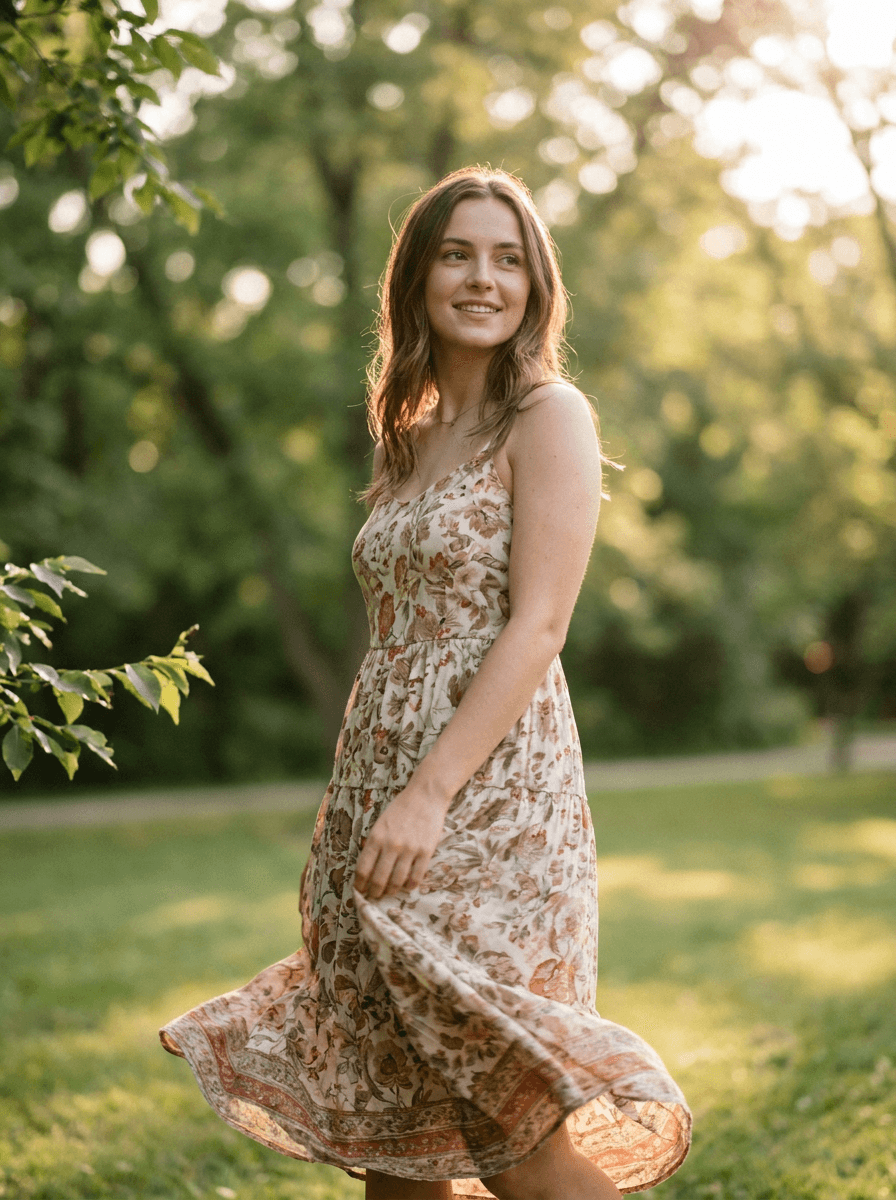
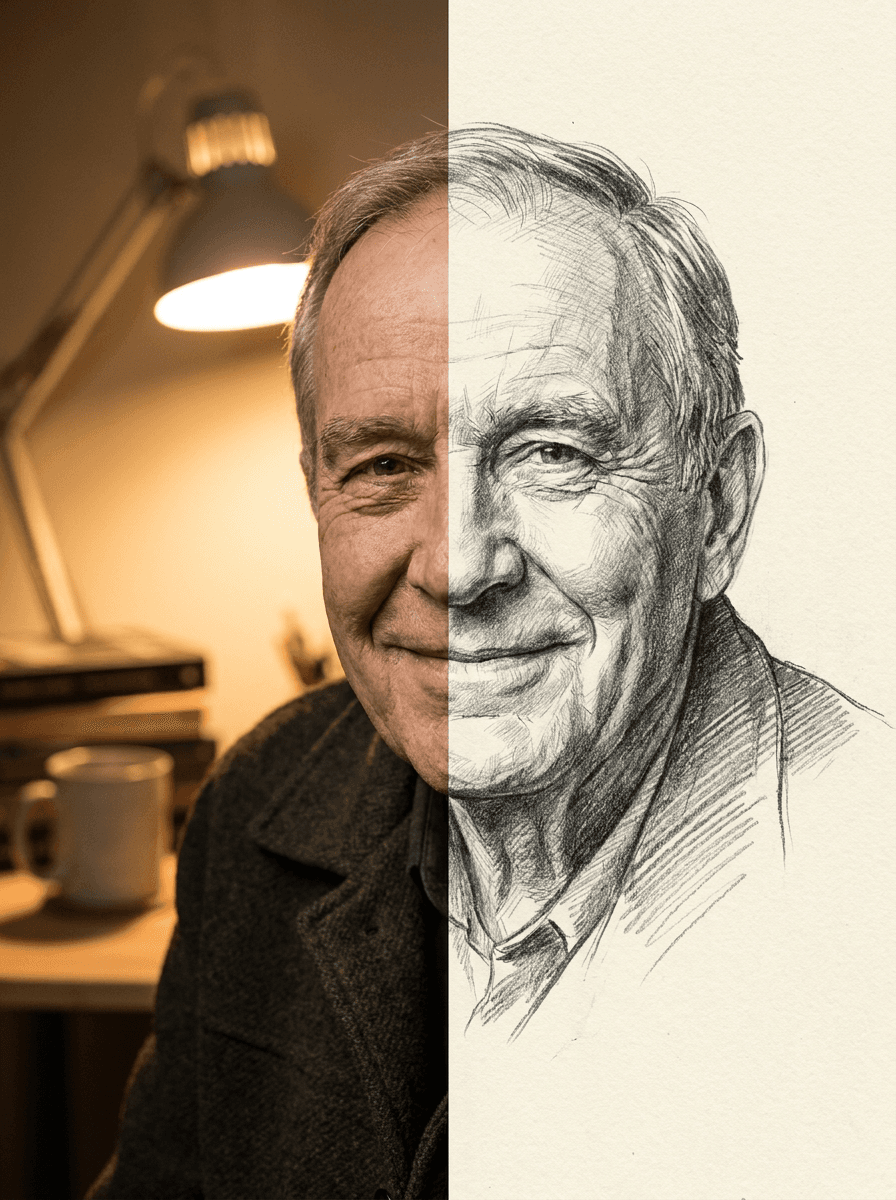
See what each one makes, then open it in Made.

