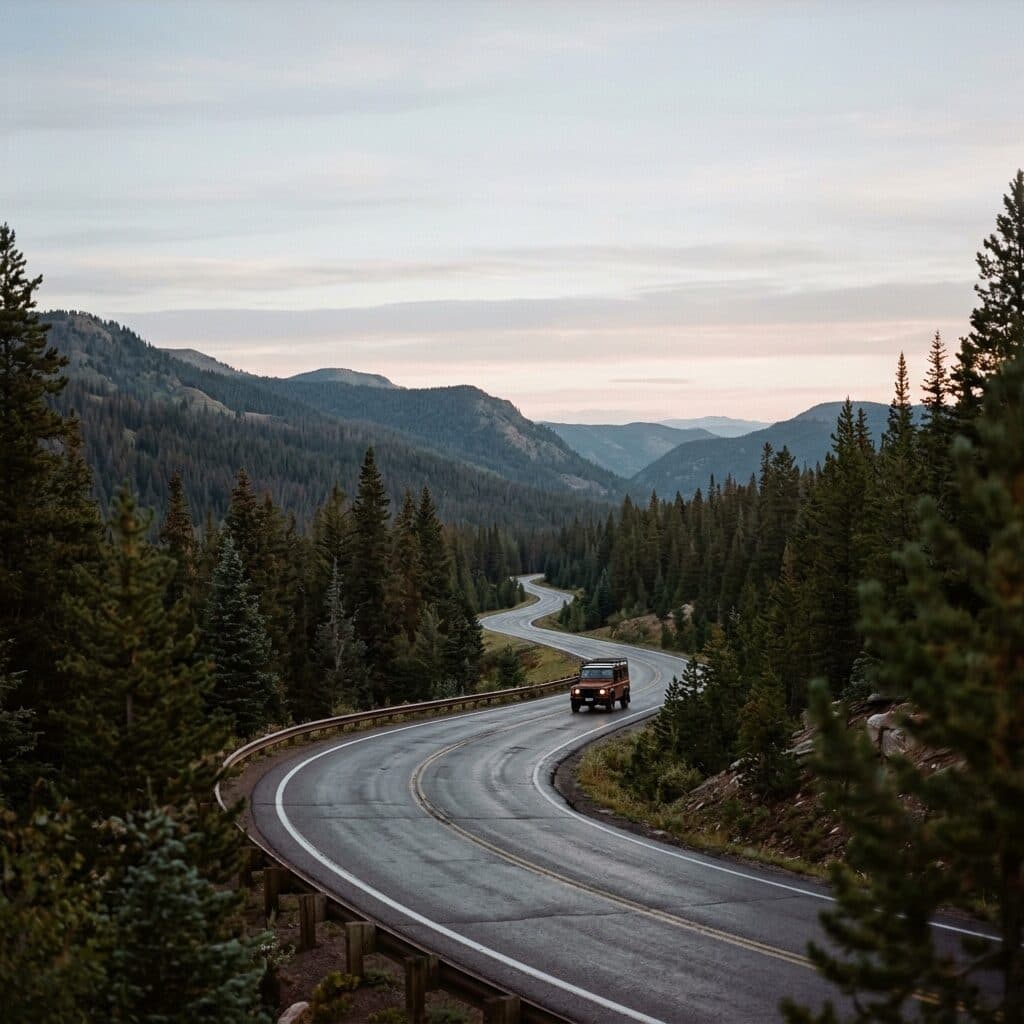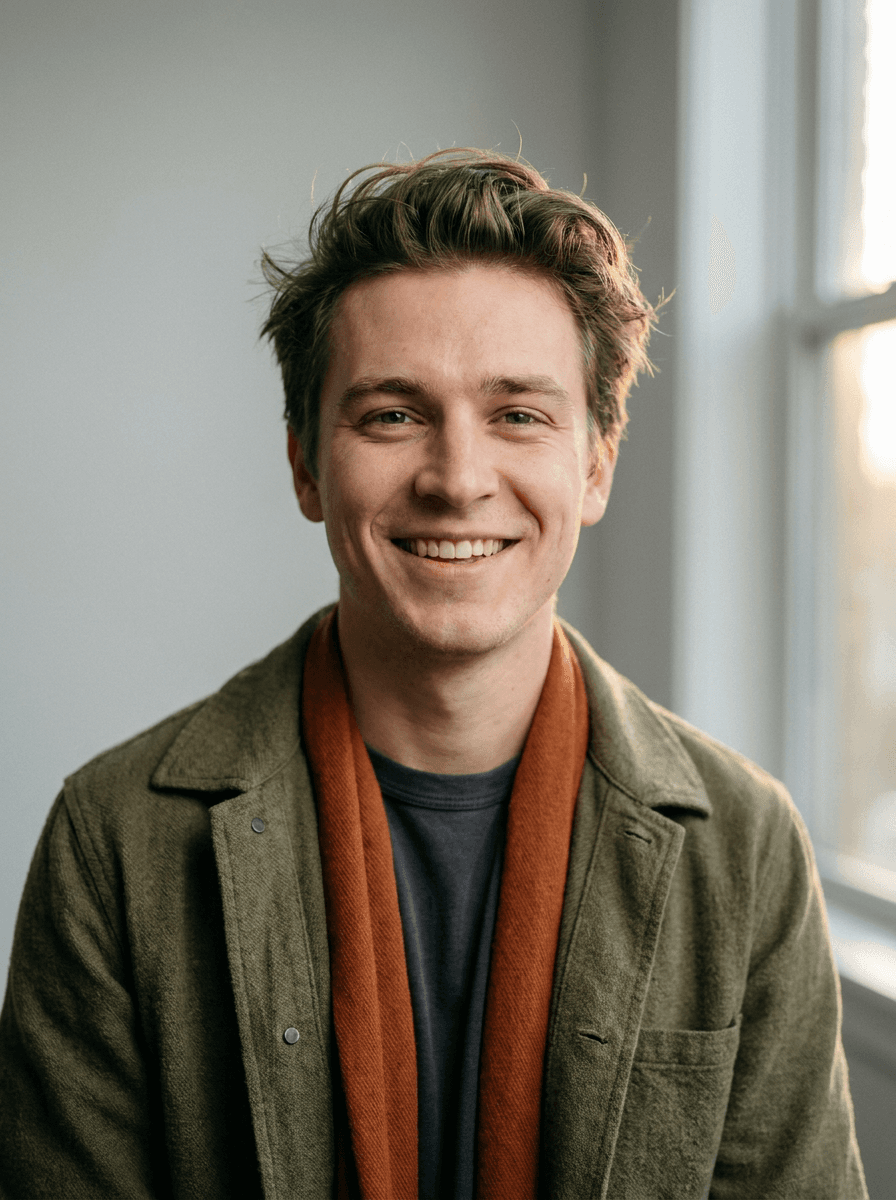
Cleaned-up photo
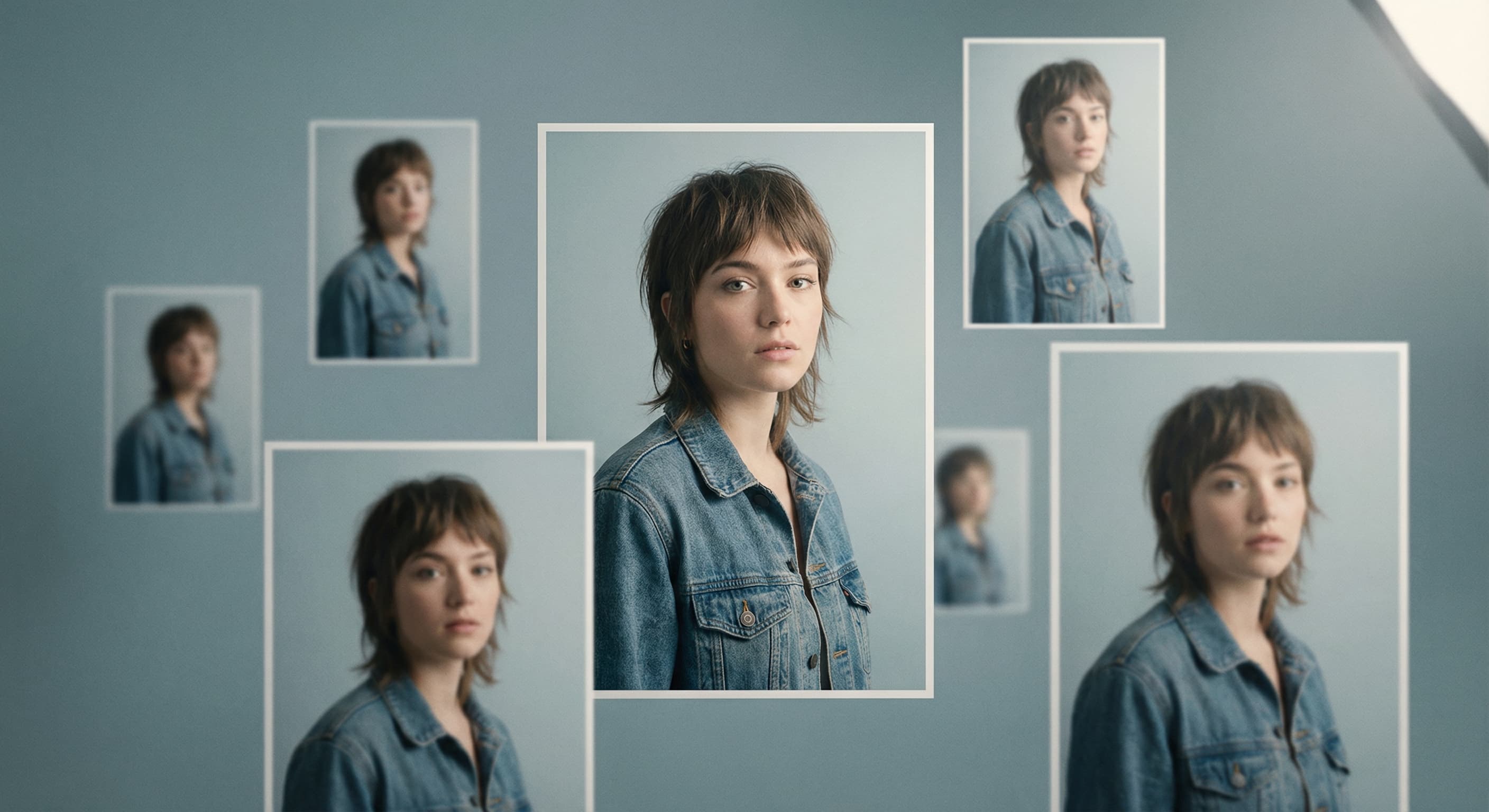
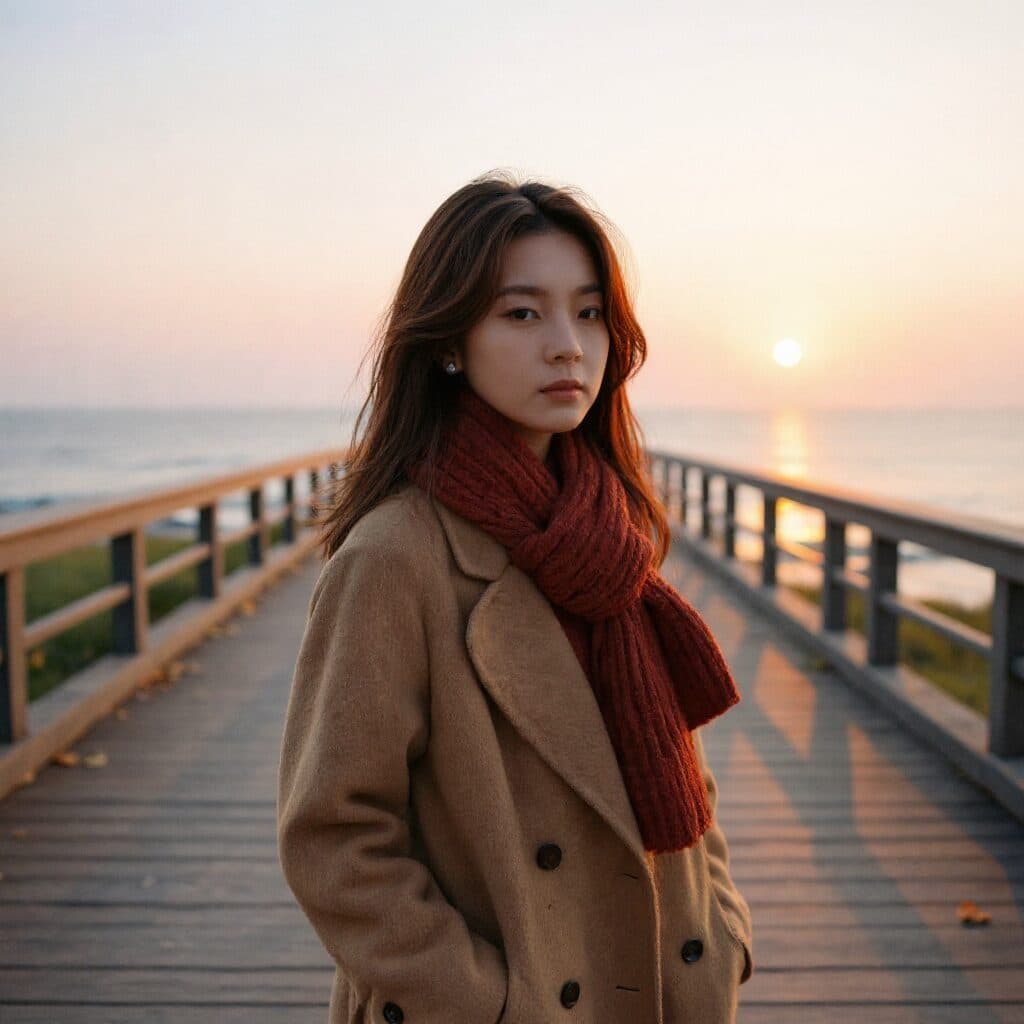
“Clean up this photo for a profile picture with better lighting.”
Upload a photo and describe the profile picture you want — a cleaner version of the shot, a new backdrop color, or a stylized avatar look. Made applies the edit and returns a PNG.
Cleaned-up photo“Clean up this photo for a profile picture with better lighting.”
Choose a JPEG, PNG, or WebP where your face — or whatever the avatar features — is clear.
Say what should change: the backdrop, the lighting, or a full restyle such as “illustrated avatar” or “clean and bright.”
The edit model applies the change while working from your original photo.
Profile pictures render tiny — shrink the result to thumbnail size to check it still reads, then re-run if it doesn’t.
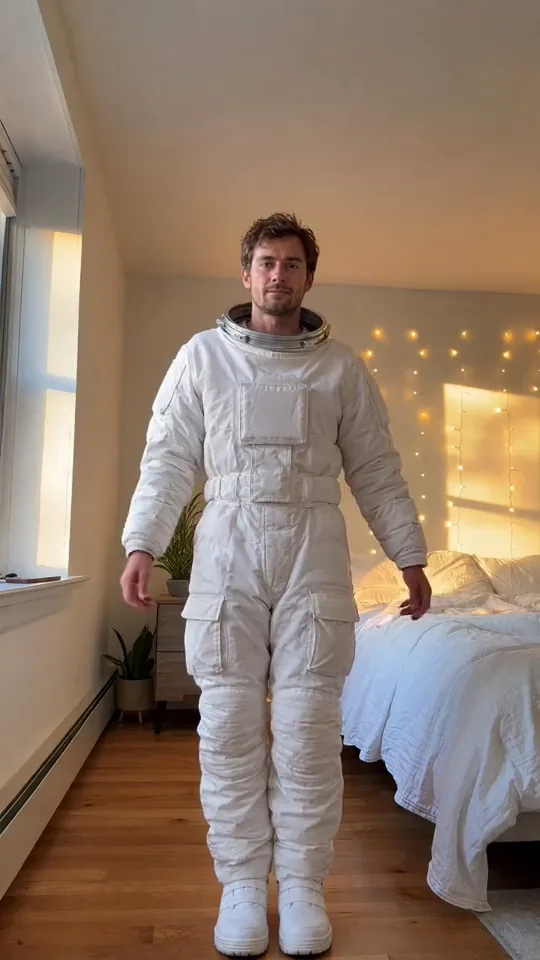
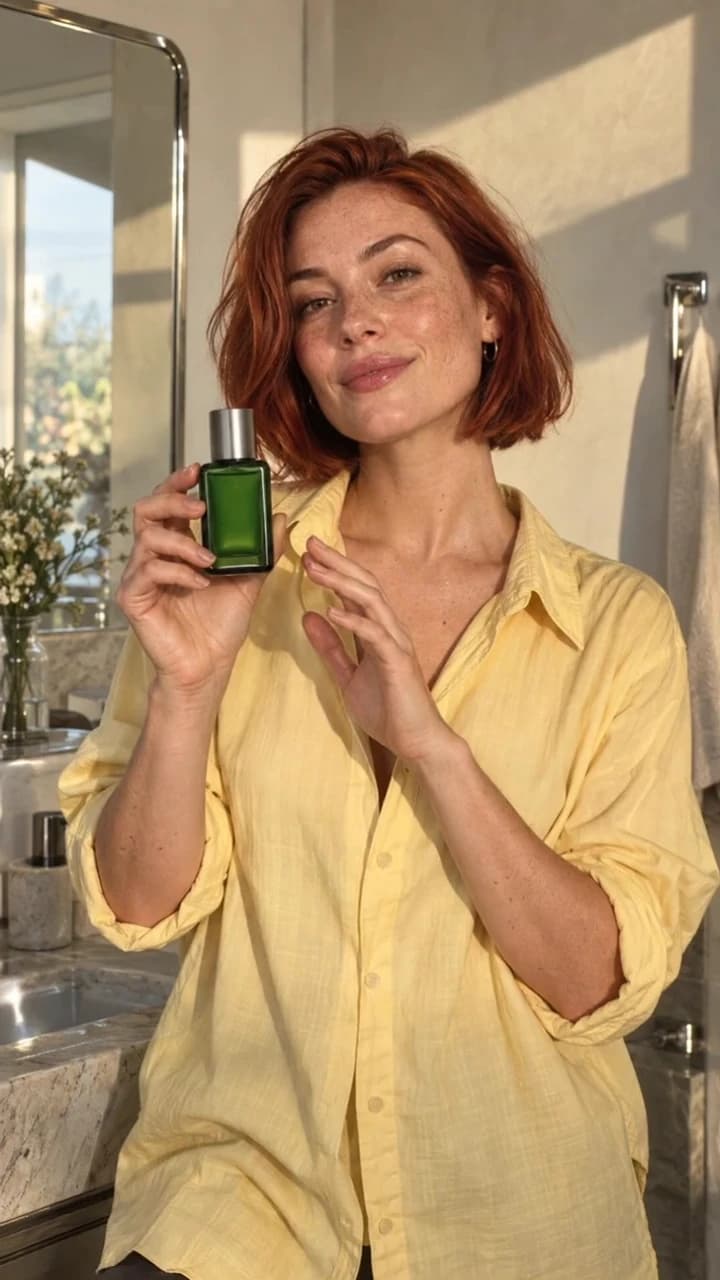
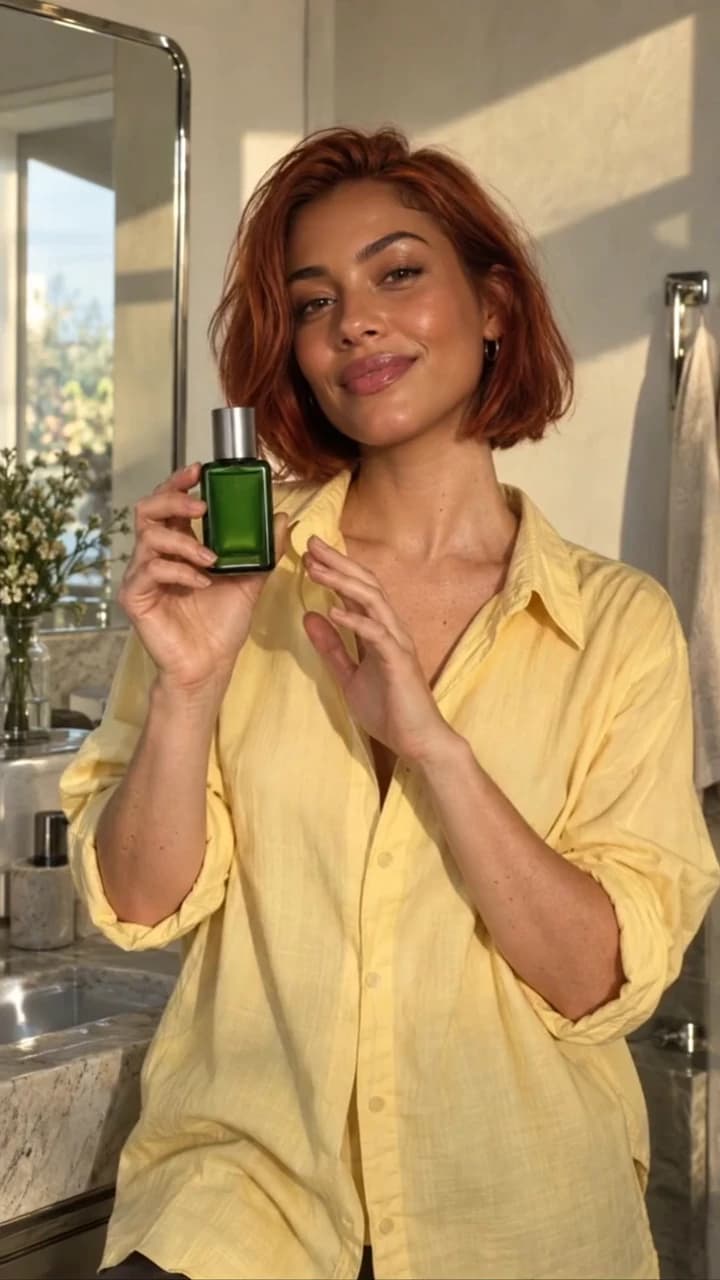
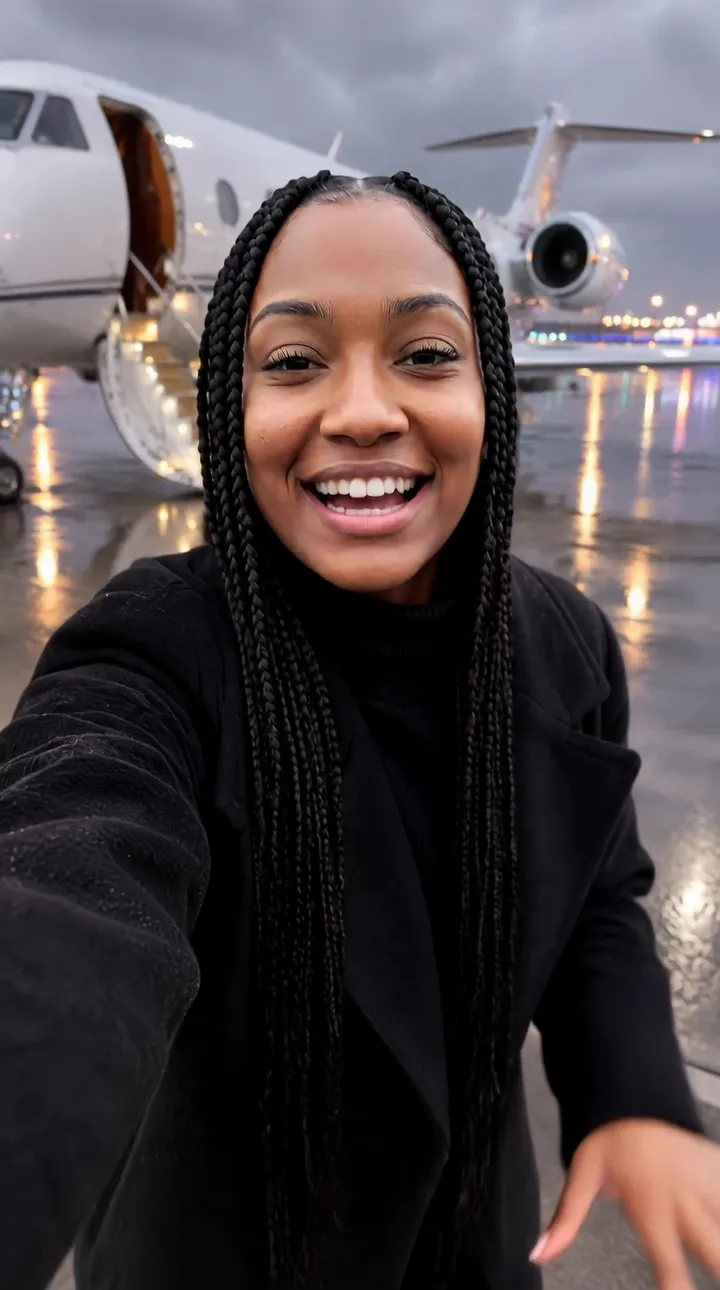
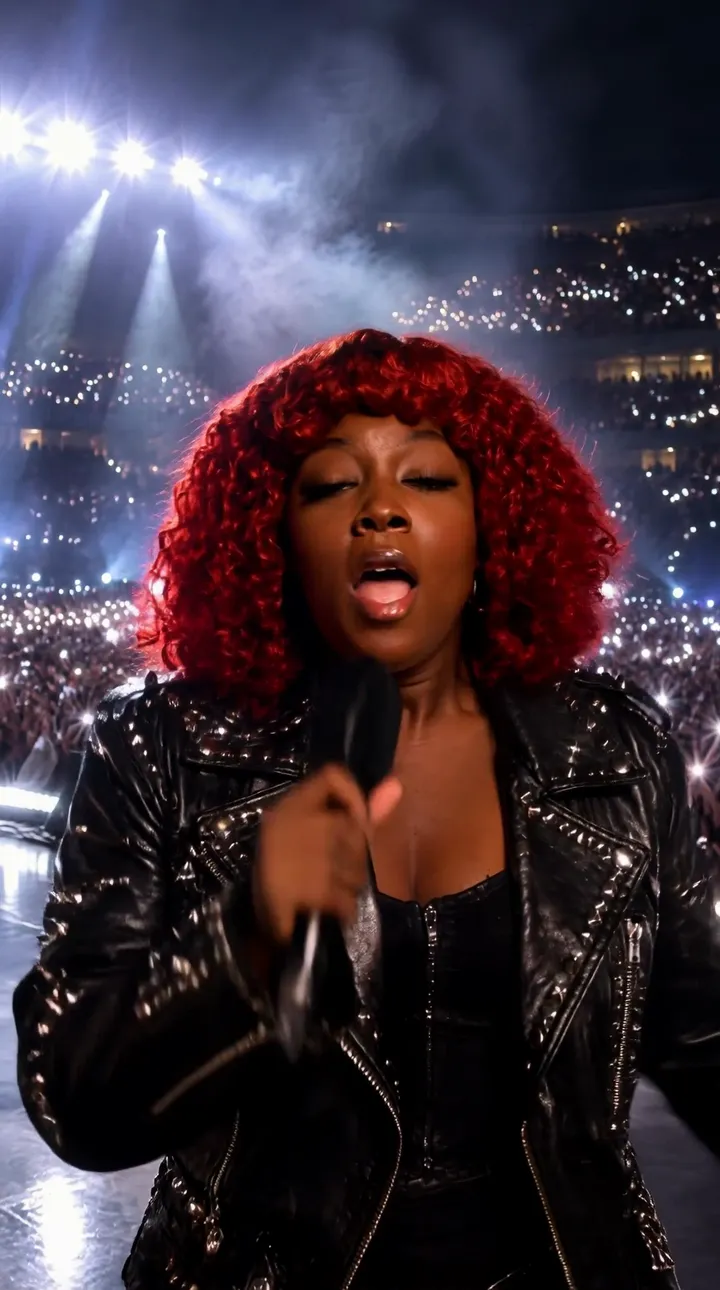
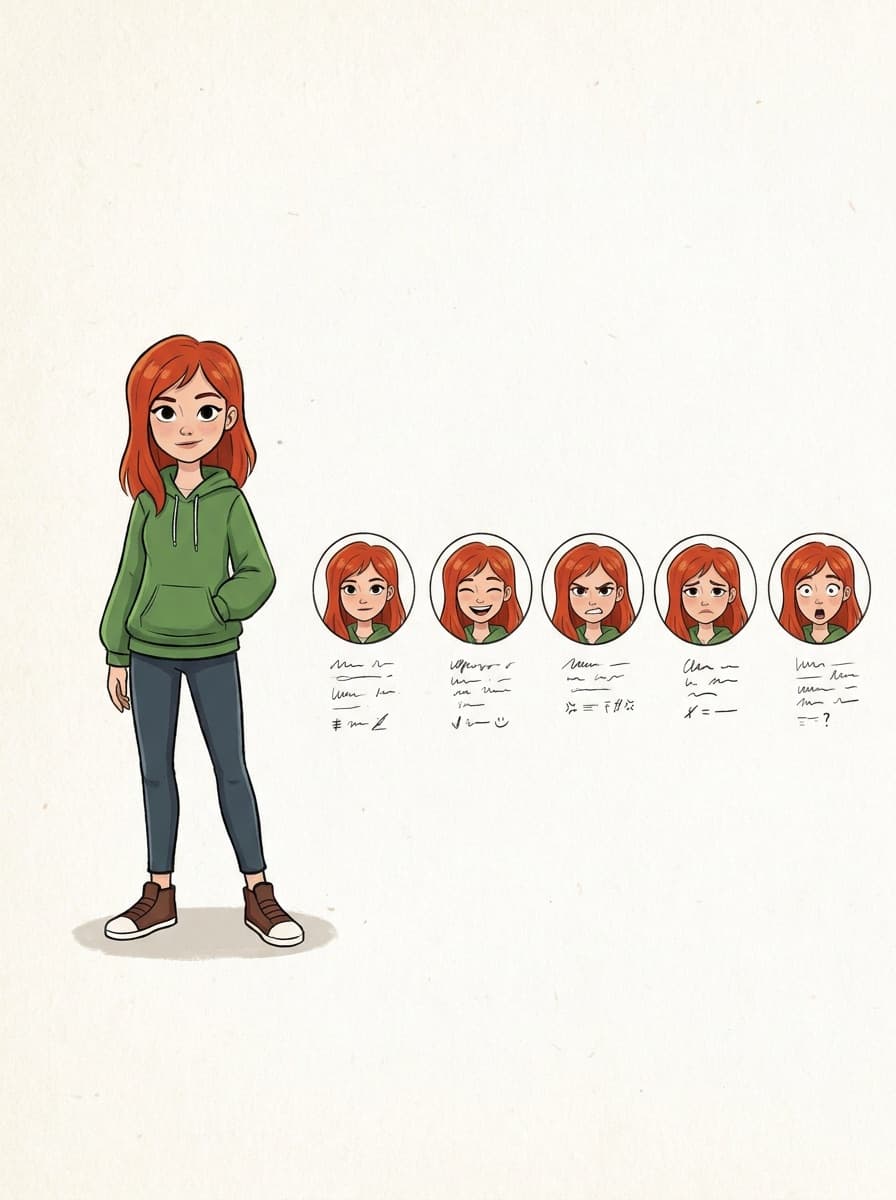
Real results from Made. Use a prompt to load it into the studio above, then add your own photo.
“Clean up this photo for a profile picture with better lighting.”
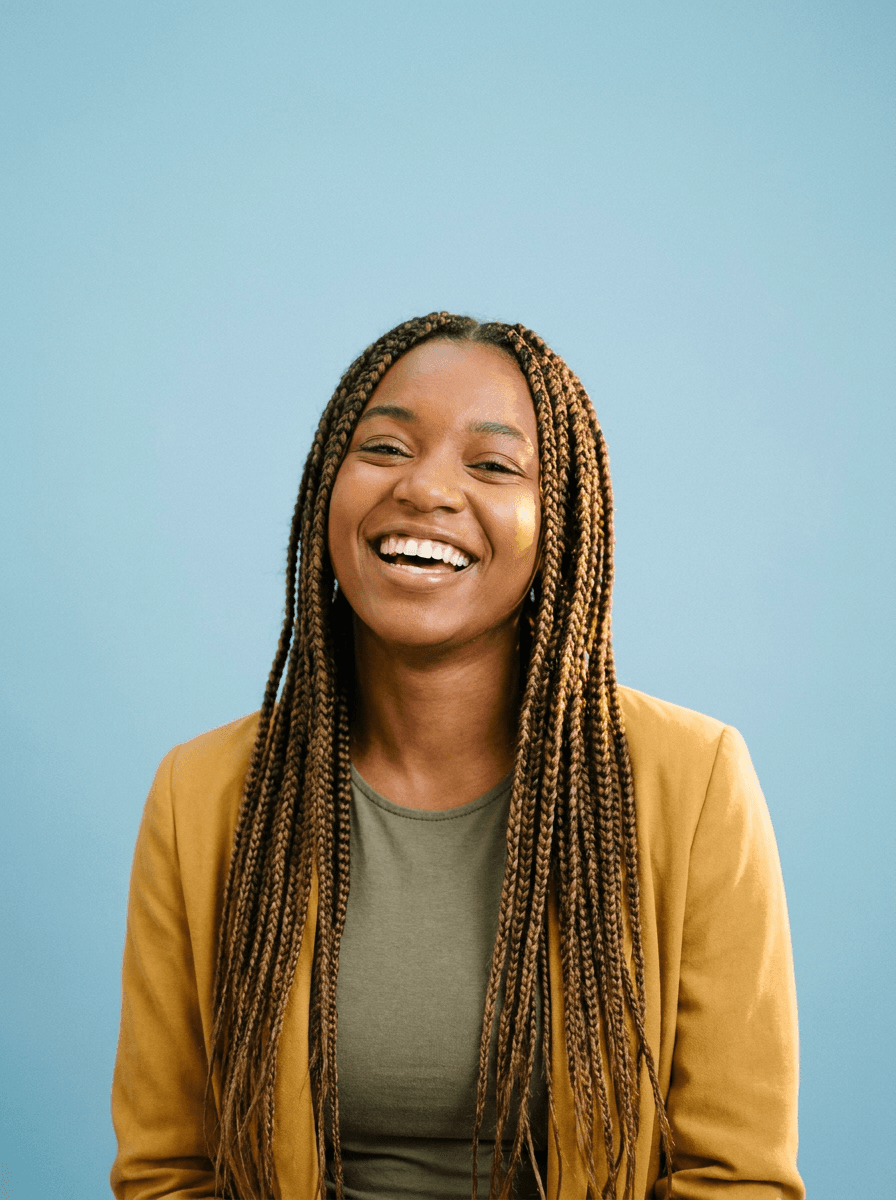
“Put me on a solid pastel background for my profile.”

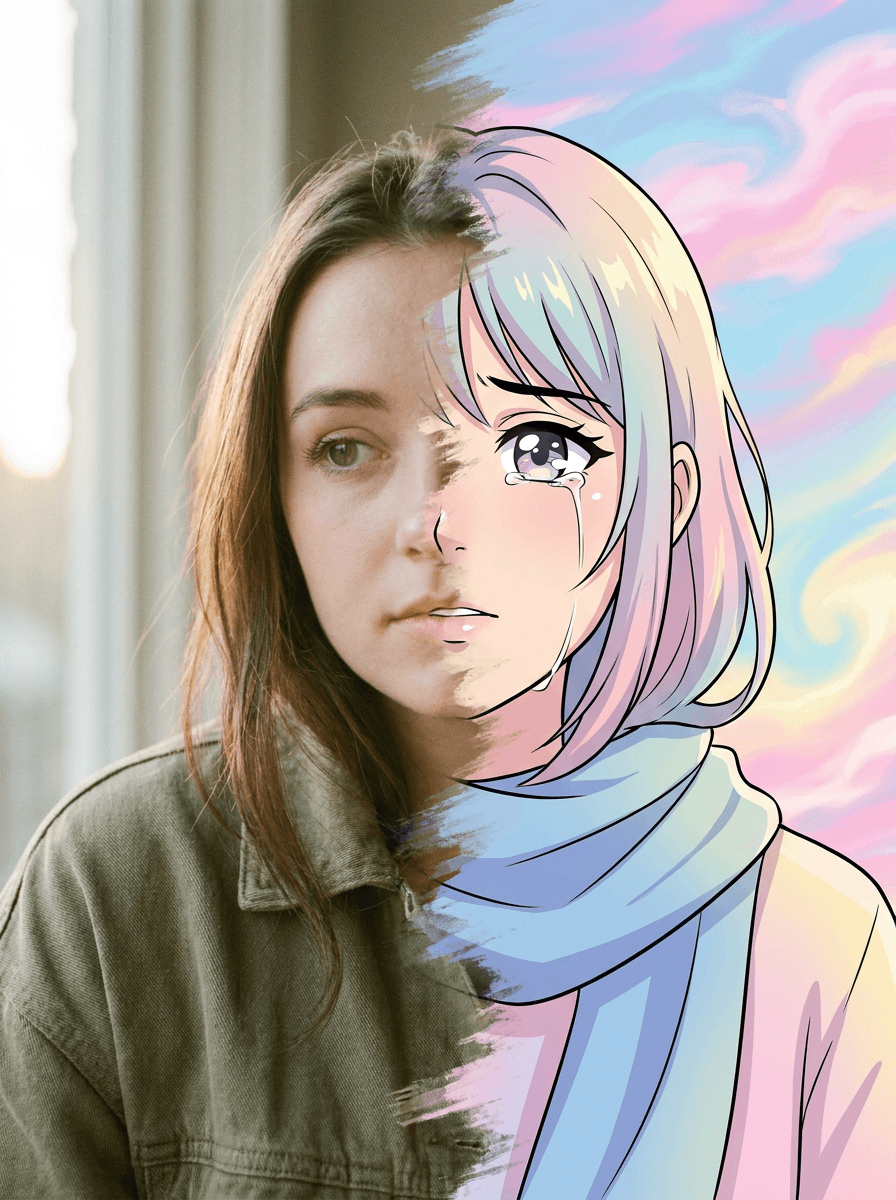
“Turn this photo into an illustrated gaming avatar.”
Checked against the running tool on 2026-09-03.
Upload the photo and describe what you want — a cleaner version, a solid color backdrop, or a stylized avatar. Made sends the photo and instruction to an AI edit model and returns the restyled image as a PNG.
Yes. Describe the style — “bold illustrated avatar with dramatic rim lighting” — and the model restyles your photo to match. Stylized looks vary between runs, so re-run with a refined instruction until one lands.
The AI Headshot Generator is tuned for professional results — office backdrops, studio lighting, business attire. Profile Picture Maker covers everything else: casual cleanups, color backdrops, and creative or illustrated avatar styles. Both run the same instruction-driven edit underneath.
Yes — name the color in the instruction, like “solid pastel blue background” or a described brand shade, and the model replaces the backdrop while keeping you in place. Check the edges around hair after the swap.
The edit returns the image at the composition the model produces; it isn’t a cropping tool. You can ask for a centered, square-friendly composition in the instruction, then use Image Resizer to cut the exact dimensions your platform wants.
One JPEG, PNG, or WebP per request with one instruction; inputs over 1,536 pixels on a side are downscaled before editing. The result comes back as a PNG on the primary path.
These are generative edits, so the model redraws the image and details can shift — especially with strong style requests. If the likeness drifted further than you want, re-run with “keep my facial features exactly the same” or ask for a lighter touch.
 New
New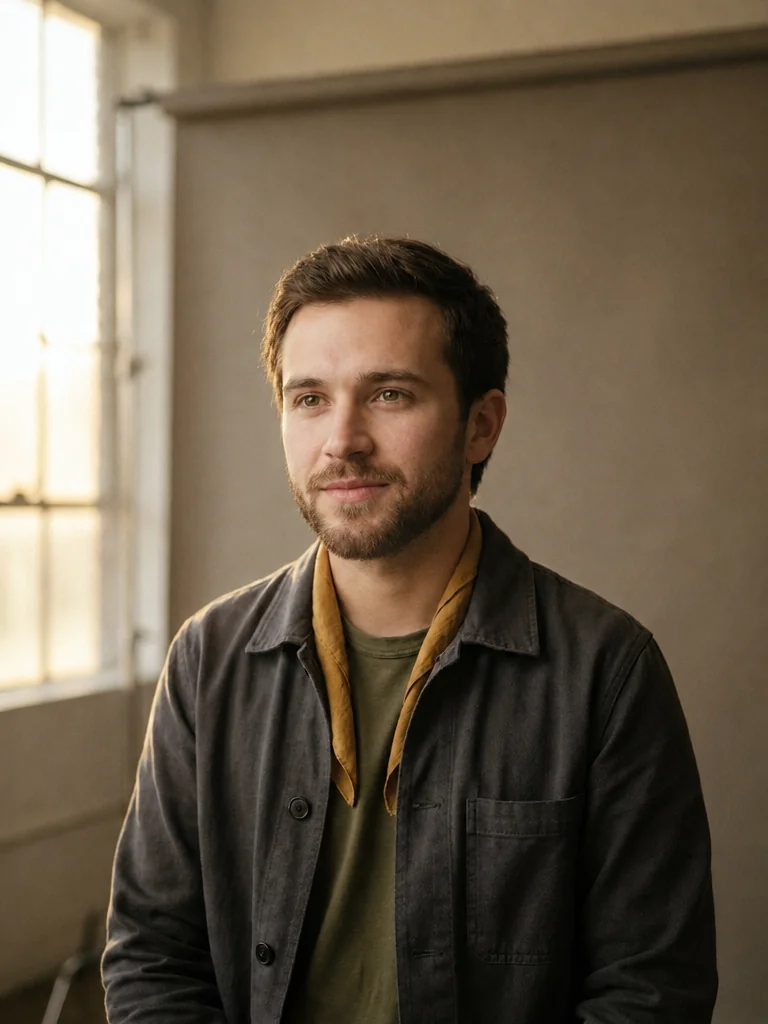
 +
+ New
New
See what each one makes, then open it in Made.