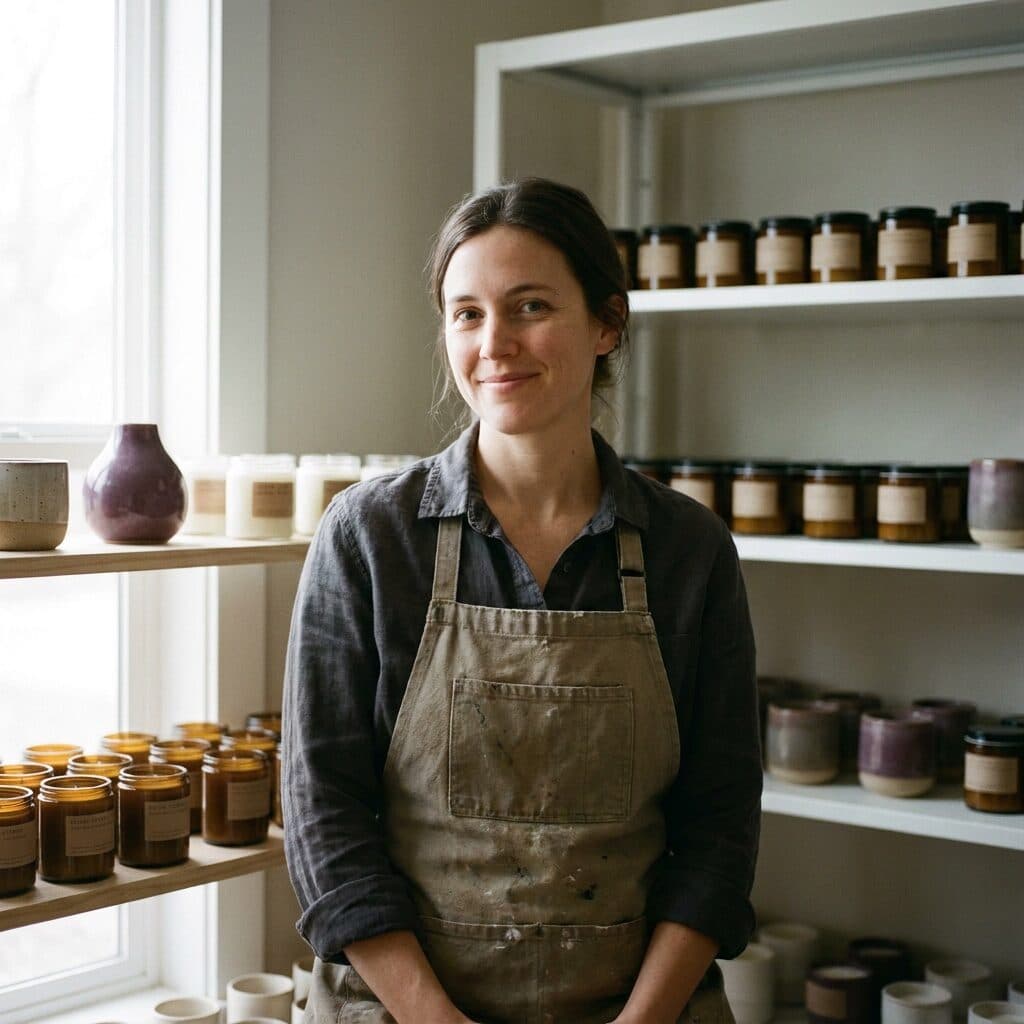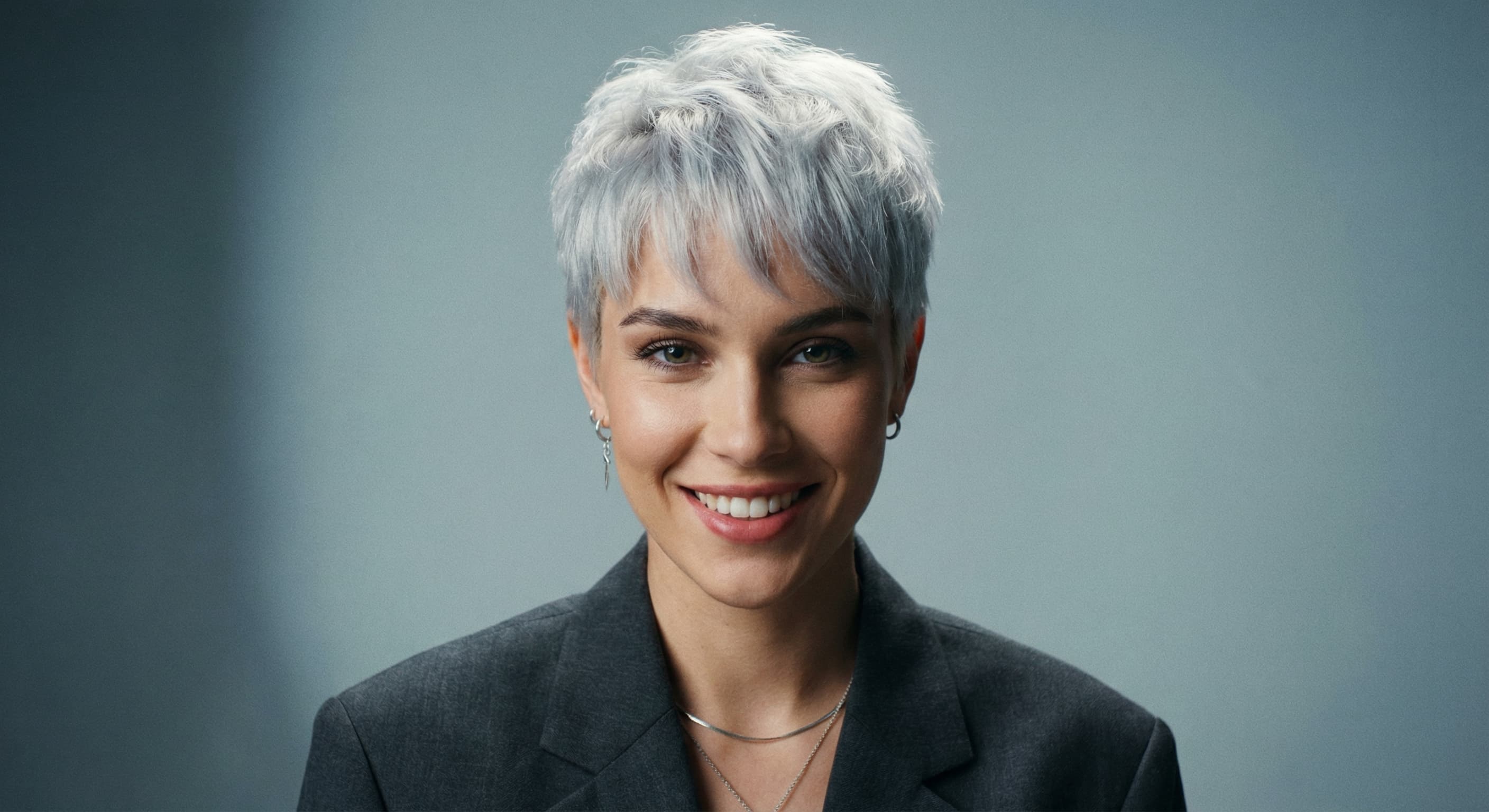
Bold colors
“Change my hair to pastel pink.”
Upload a photo and name the shade — honey blonde, copper red, jet black, pastel pink. Made recolors your hair while your face, cut, pose, and background stay the same, so you can compare shades before booking a salon visit.
Bold colors“Change my hair to pastel pink.”
Choose a JPEG, PNG, or WebP where your hair is clearly visible and well lit.
Be specific — “warm honey blonde,” “cool ash brown,” “copper red” — rather than just “lighter.”
Made changes the hair color while your cut, face, pose, and background stay unchanged.
Try a few shades on the same photo, then download the JPGs you want to keep or show your stylist.
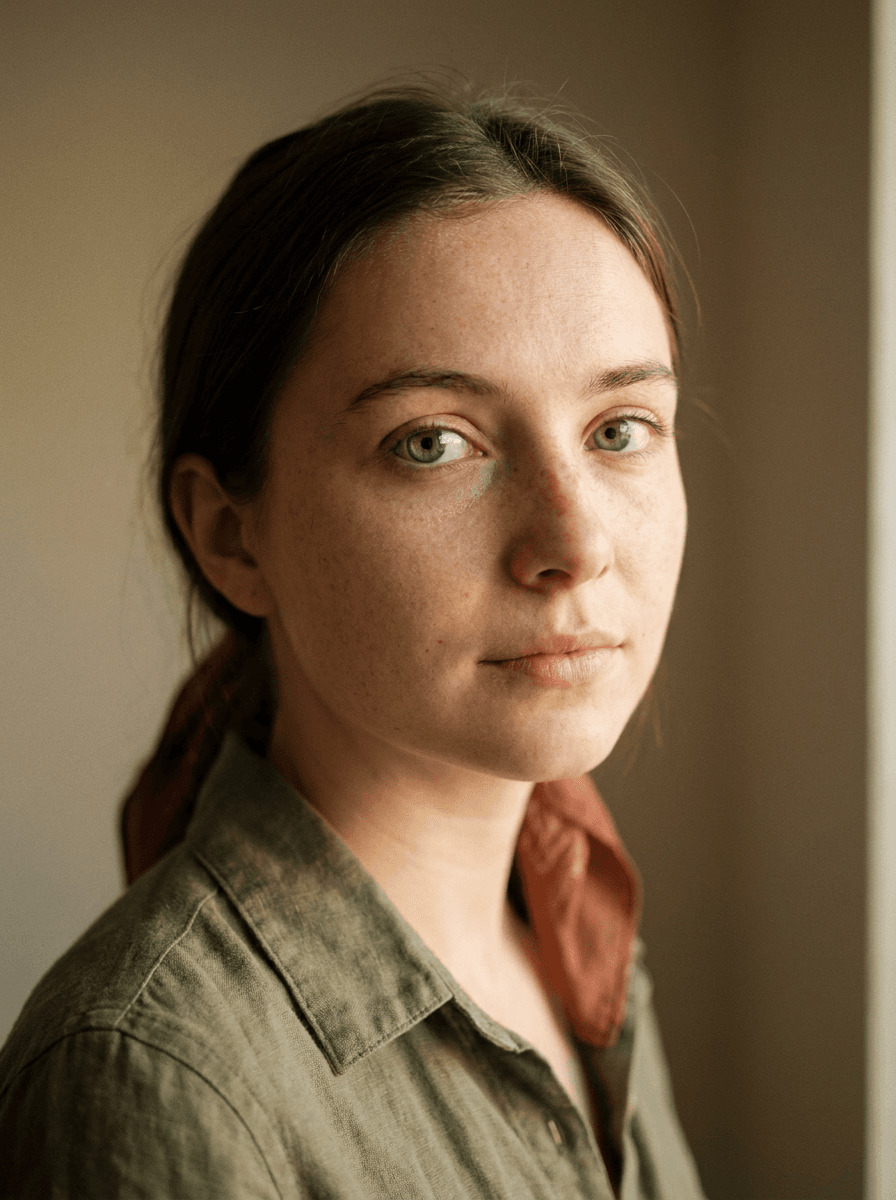
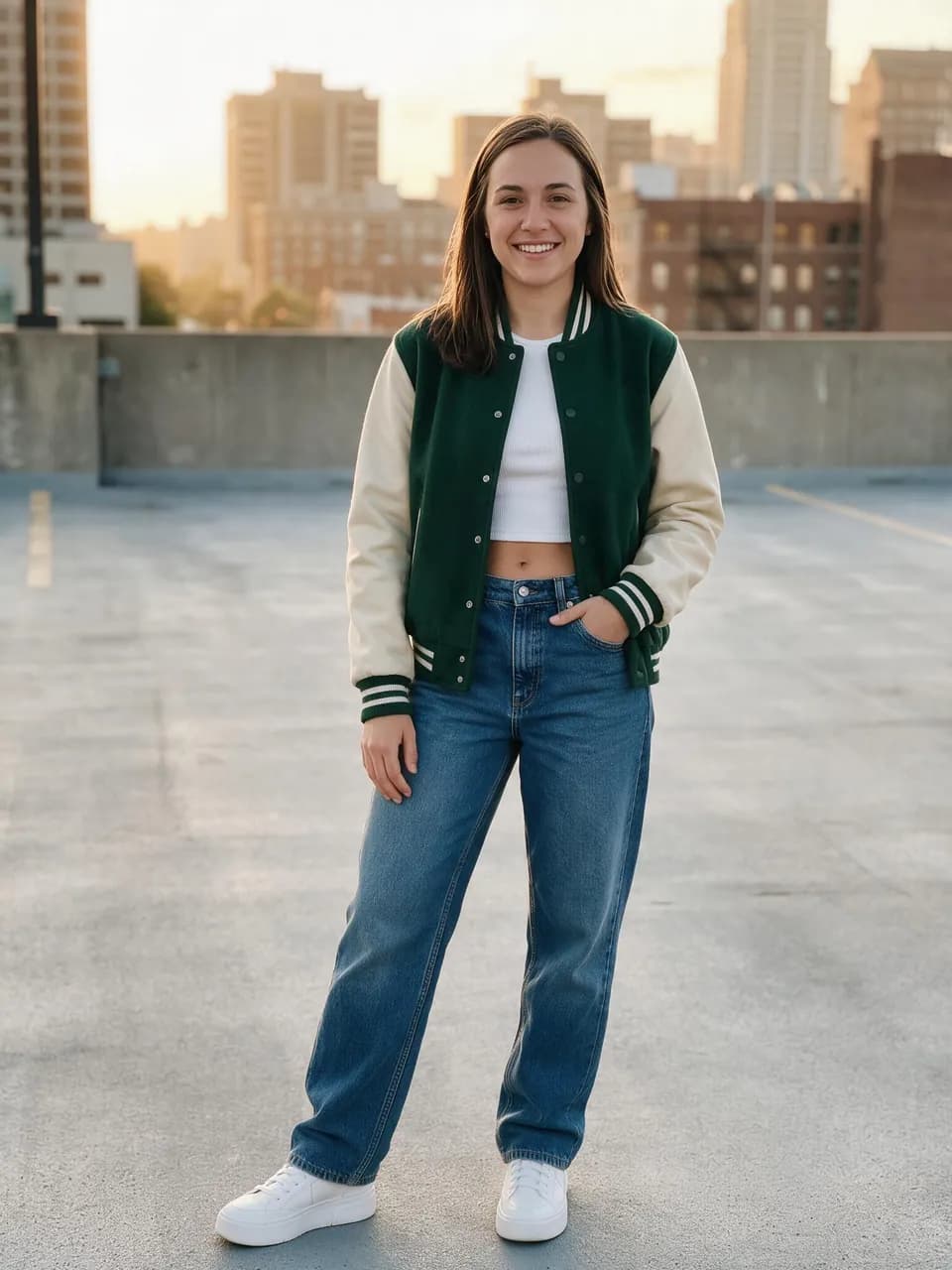
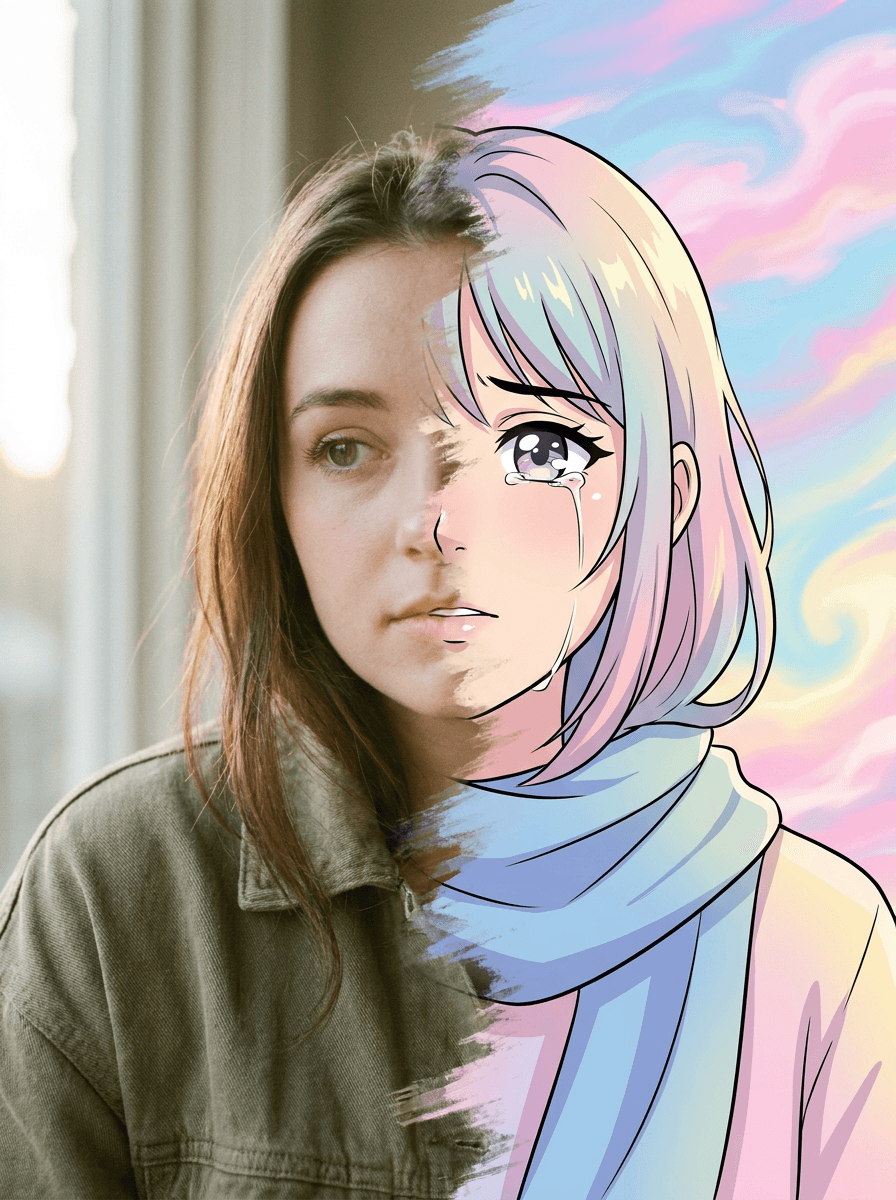
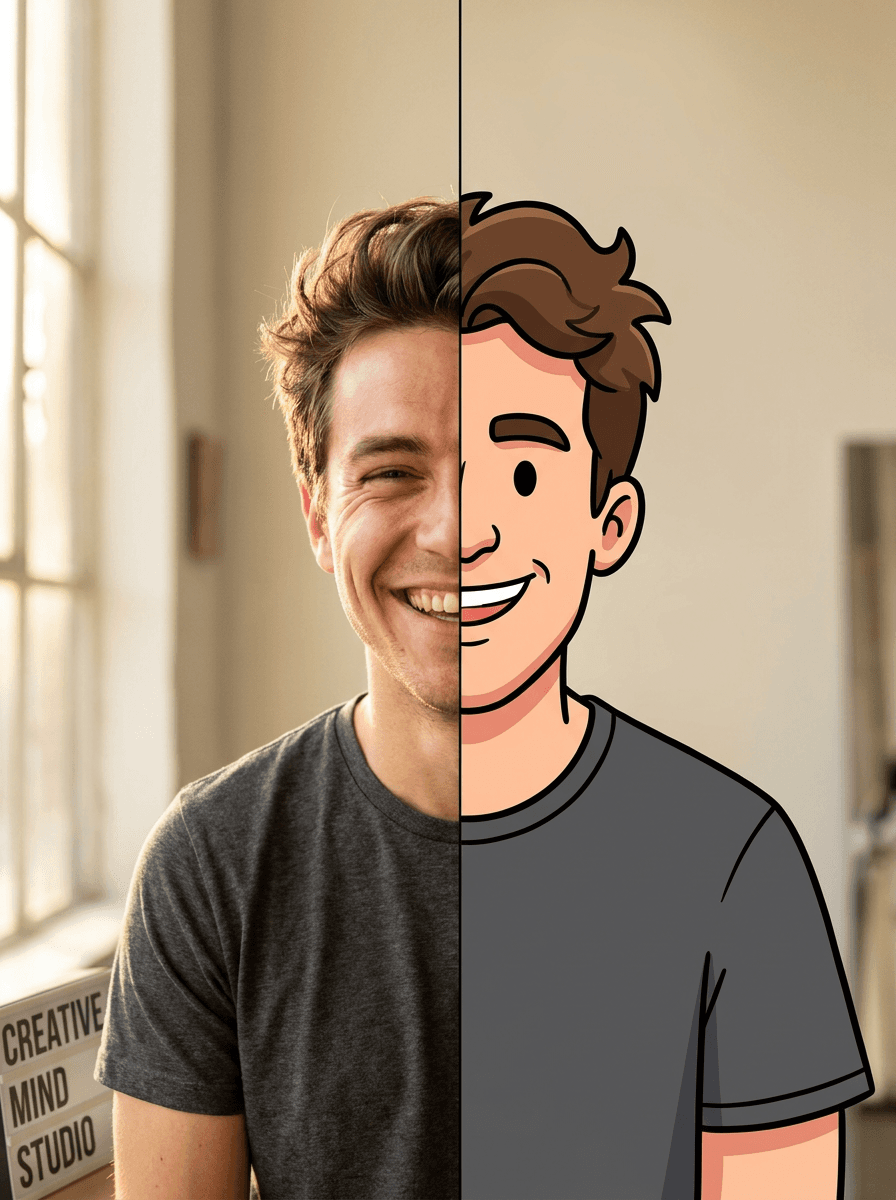
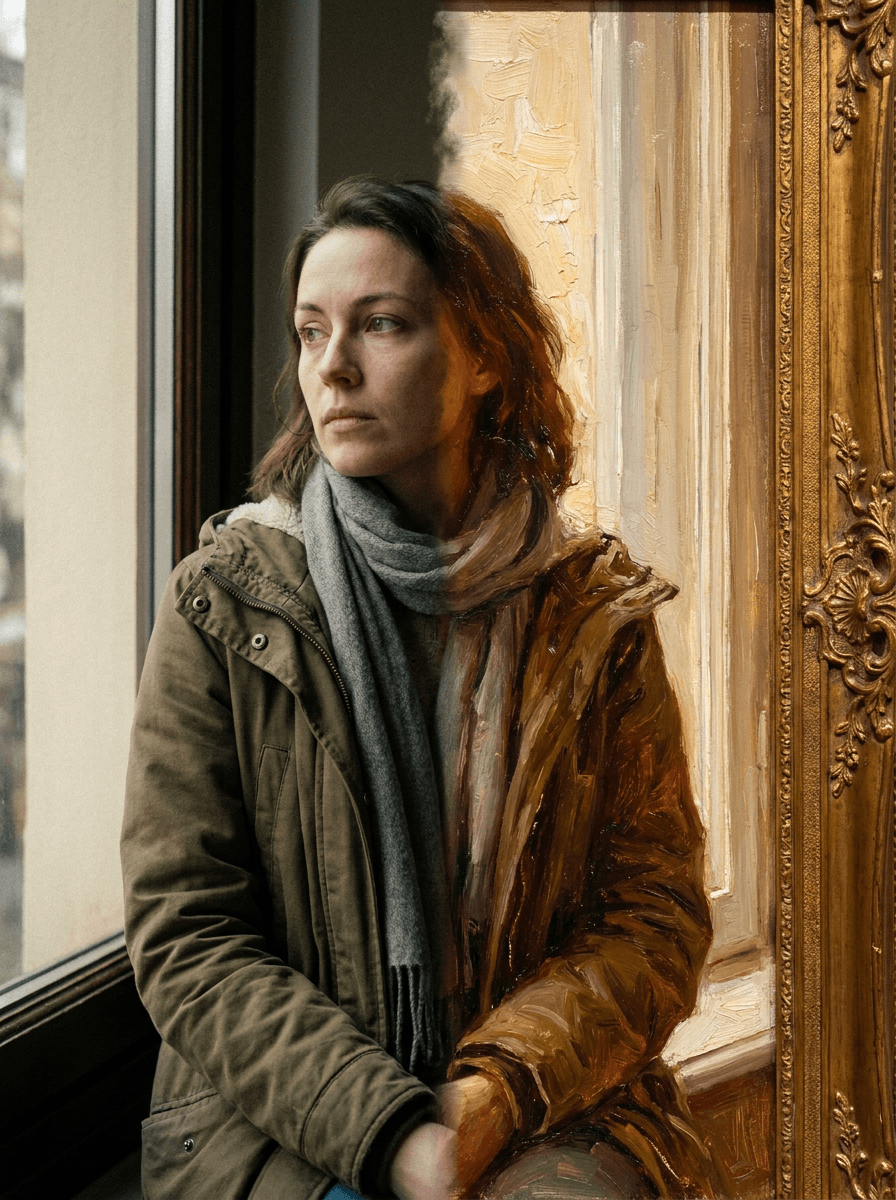
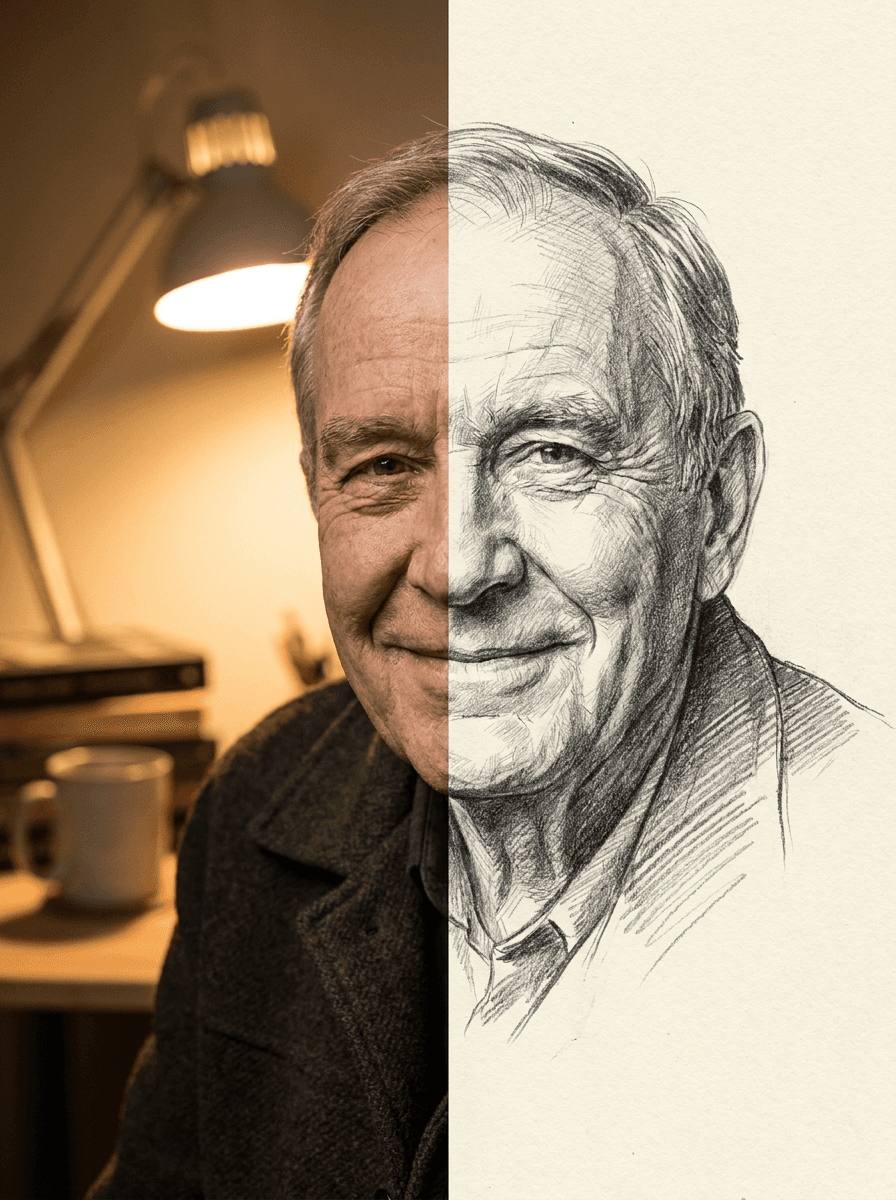
Real results from Made. Use a prompt to load it into the studio above, then add your own photo.
“Change my hair to pastel pink.”
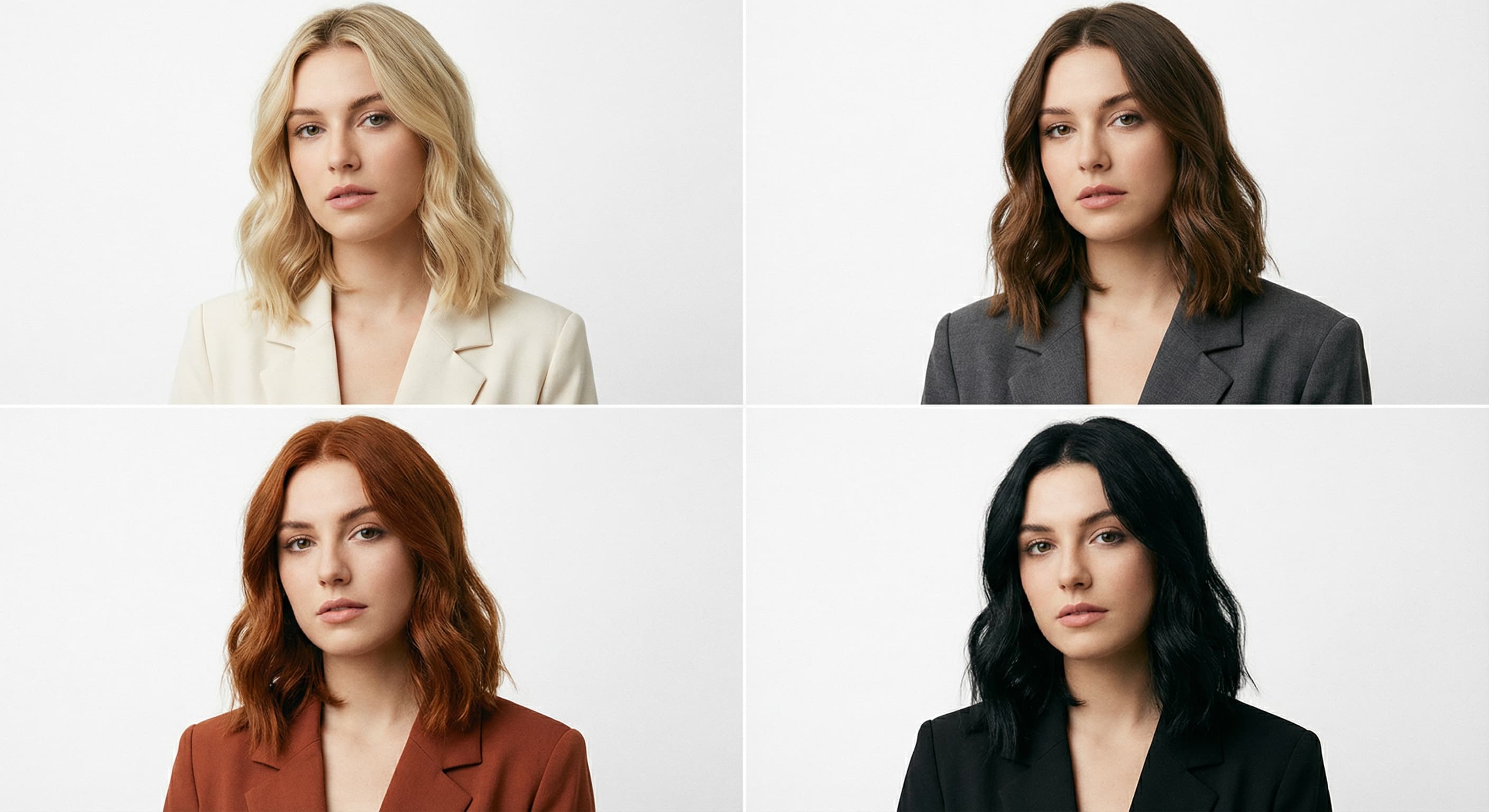
“Make my hair a warm honey blonde.”
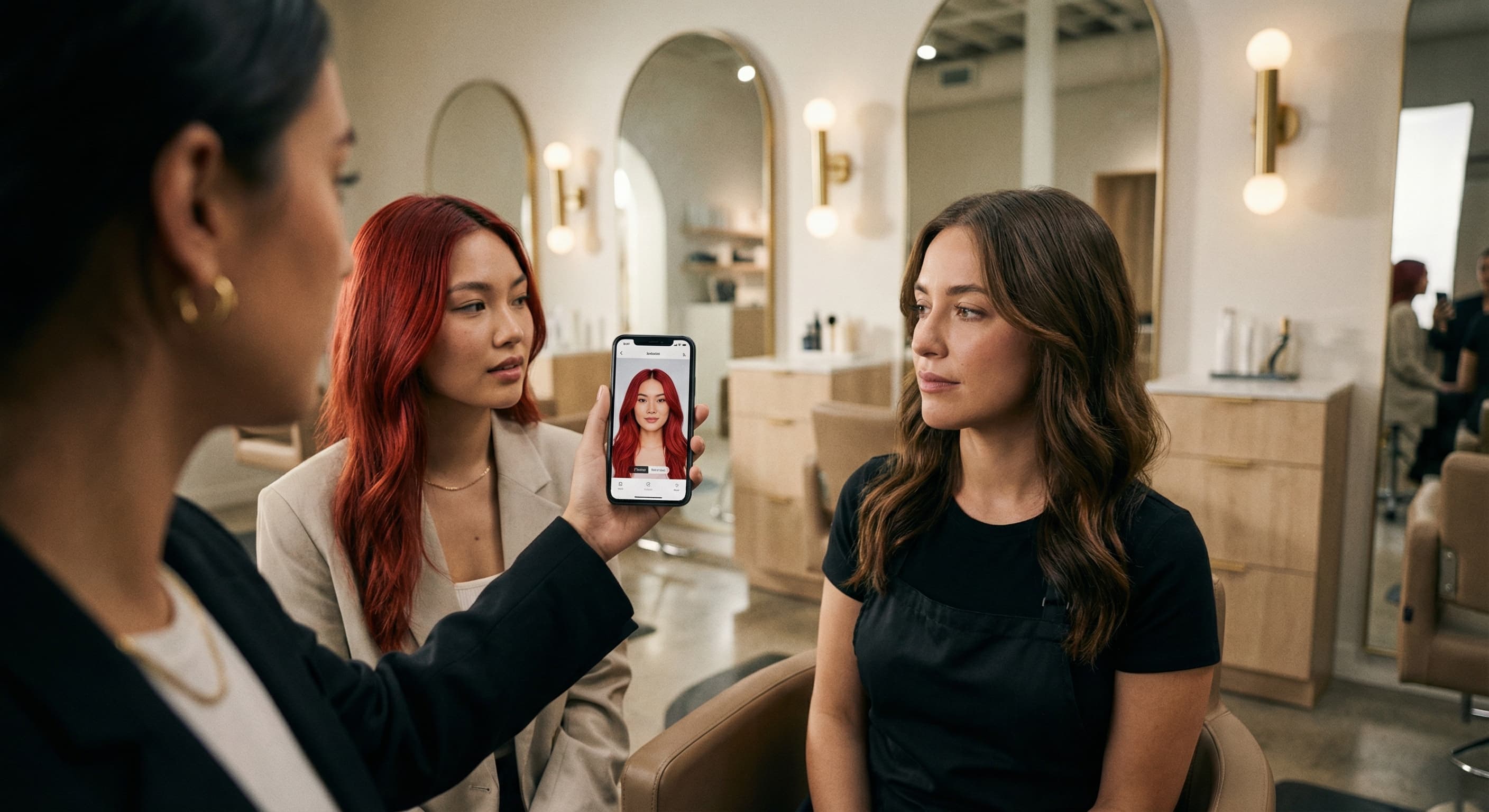
“Show me with dark chocolate brown hair before my salon visit.”
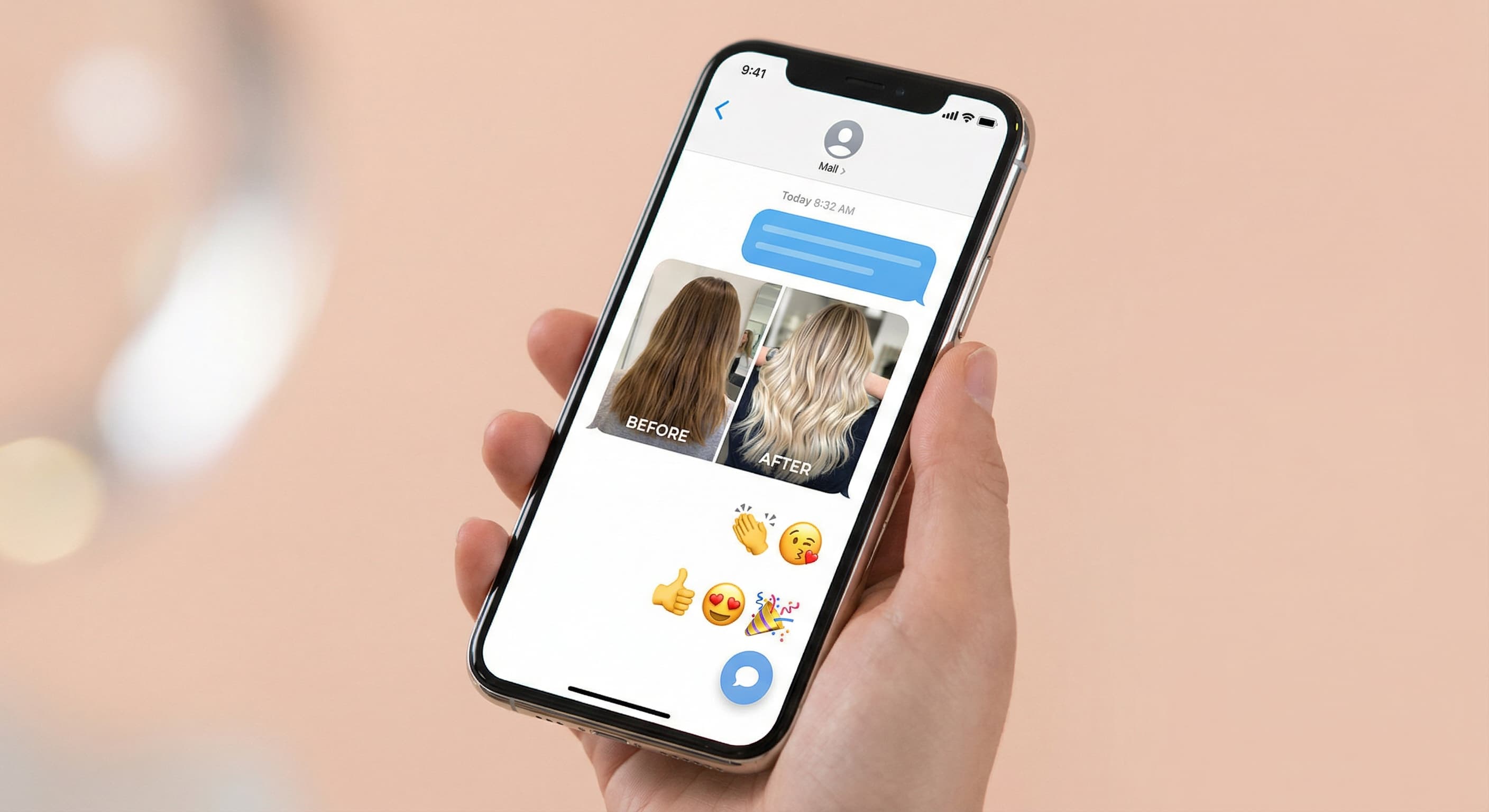
“Change my hair to copper red.”
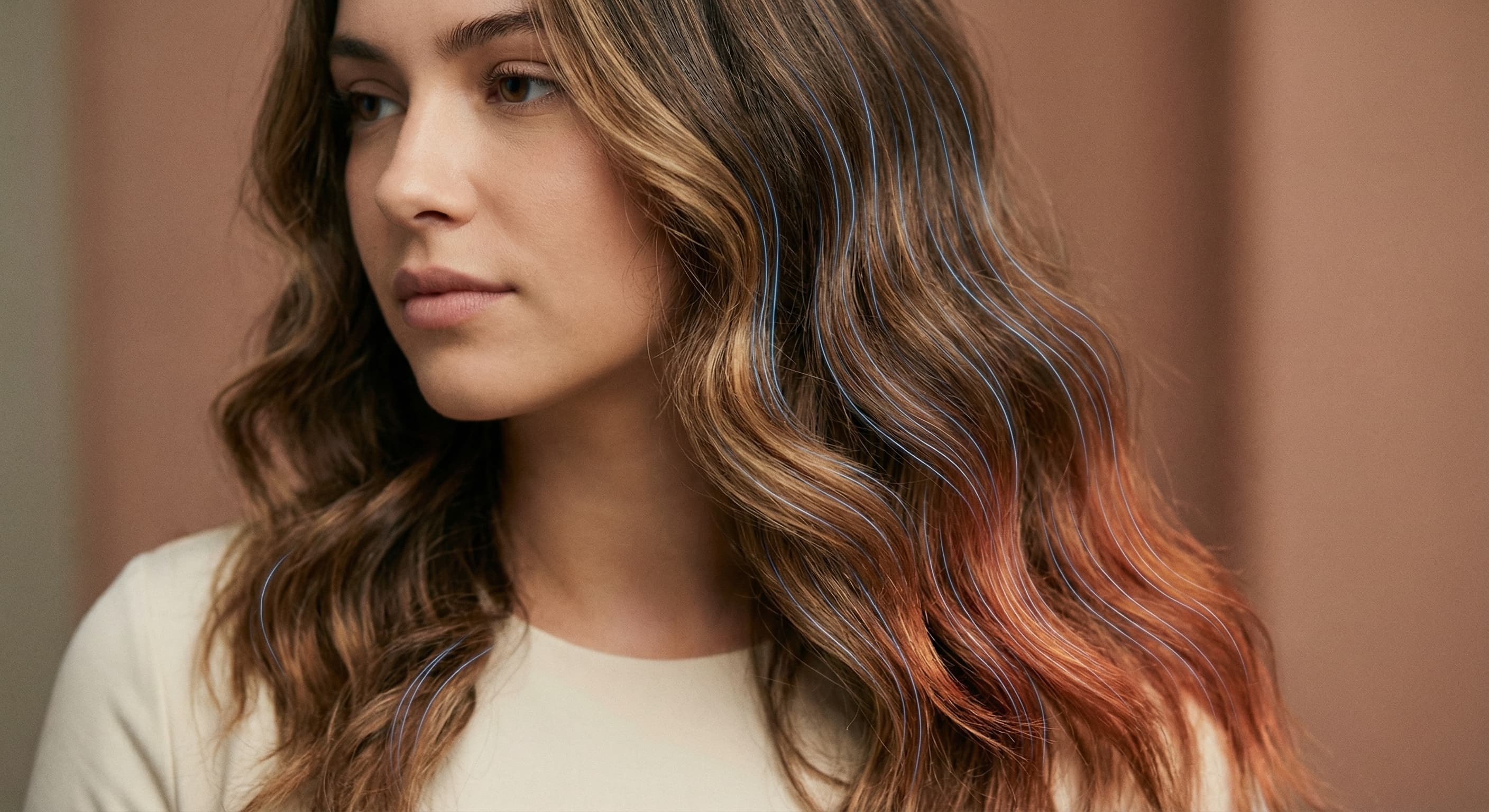
“Recolor only my hair to jet black and keep everything else the same.”
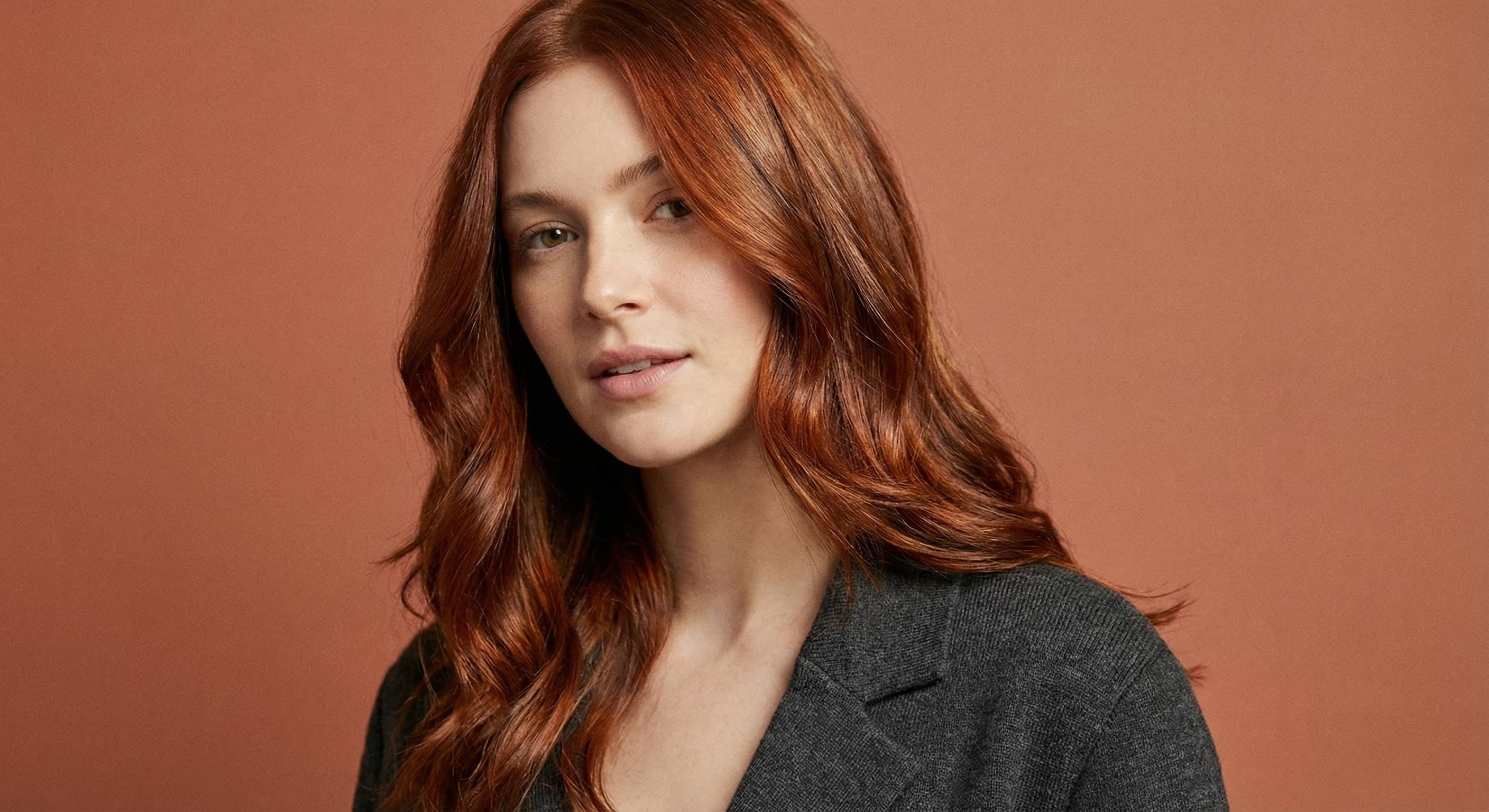
“Give me a natural ash blonde hair color.”
Checked against the running tool on 2026-09-03.
You upload a photo and describe the shade you want. Made prompts Google’s Nano Banana model on Replicate with that change, and the built-in prompt keeps the background, pose, and position unchanged while asking for a natural, realistic recolor.
Yes. The shade is whatever you describe — natural blondes, brunettes, and reds work the same way as pastel pink, silver, or blue. For bold shades, naming the exact tone (“pastel lavender,” “deep teal”) gives more predictable results.
The Hair Color Changer keeps your current cut and changes only the shade. The AI Hairstyle Changer changes the cut, length, and shape. If you want a new cut and a new color at once, use the Hairstyle Changer and include the color in your description.
The built-in prompt preserves the background, pose, and position and limits the change to what you described. As with any generative edit, review the edges around the hairline before sharing, and re-run if anything outside the hair shifted.
Treat the preview as a direction, not a guarantee. Real color depends on your starting shade, hair condition, and your colorist’s process, and generated results also vary slightly per run. The JPG works well as a reference to bring to the appointment.
Each request recolors one image with one description. To compare shades, run the same photo several times — once per shade — and line up the downloaded JPGs.
A JPG of the recolored photo. Each request accepts one JPEG, PNG, or WebP image.

 +
+ New
New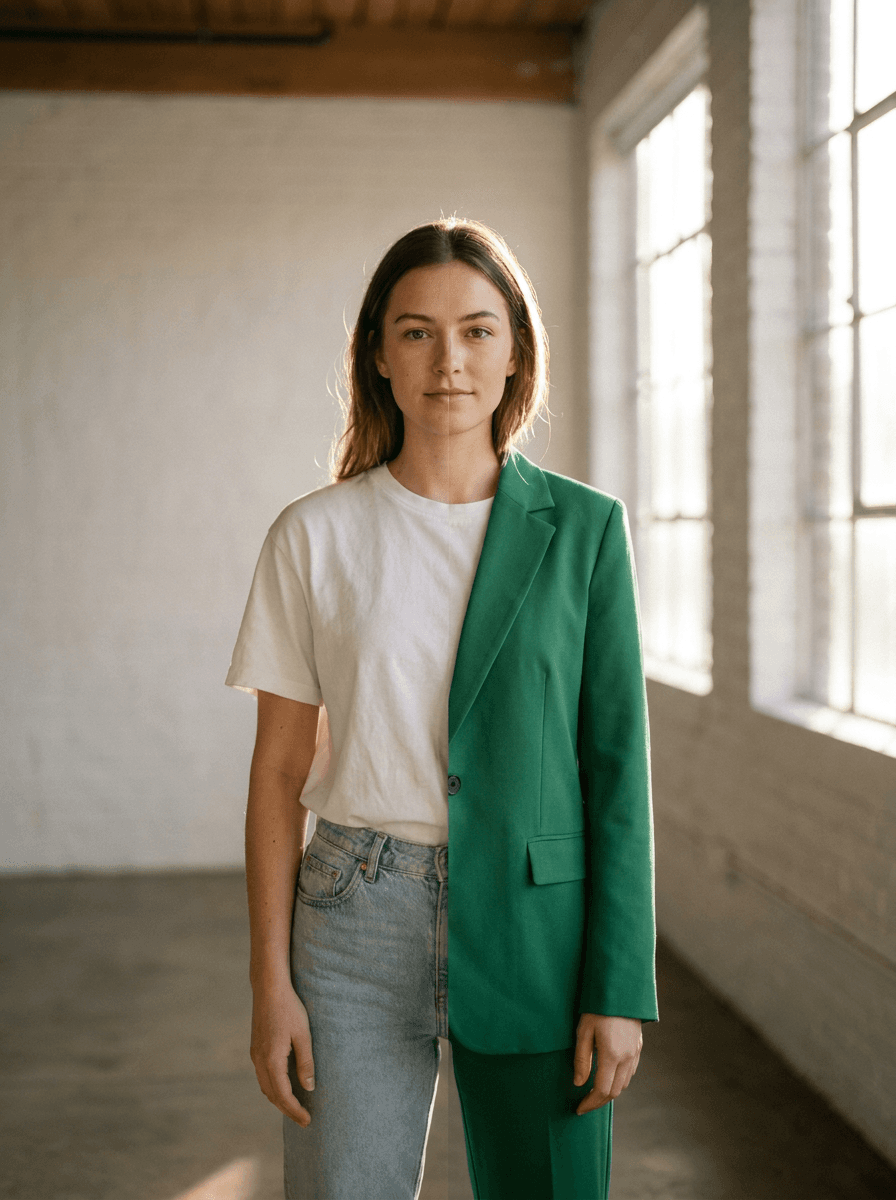
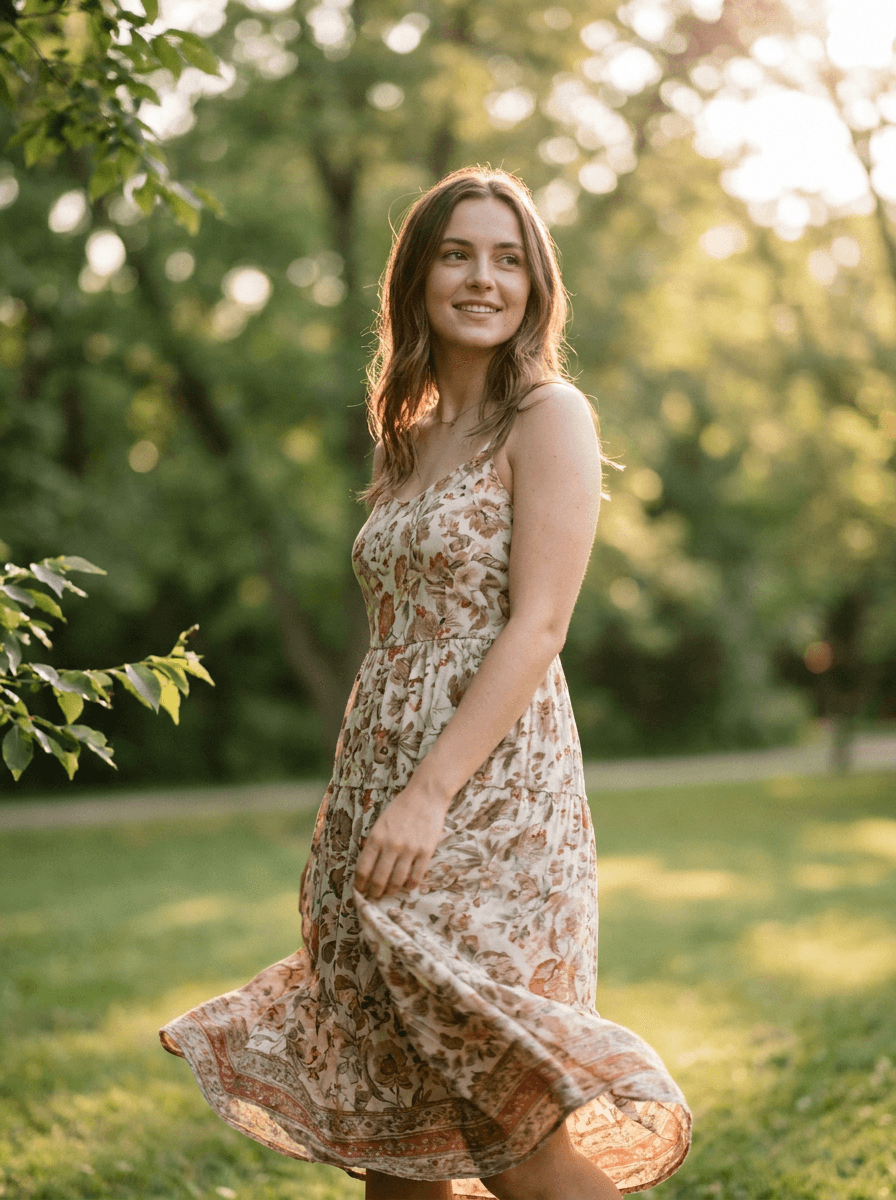
See what each one makes, then open it in Made.