Log inUpgrade
glamping tent in a red desert at twilight generated with Seedream 4.0 in Made

ByteDance · image model

Seedream 4.0Create high-resolution images

0.3 credits / image · every plan · price breakdown · API playground

Made with Seedream 4.0 · Desert camp

Seedream 4.0 combines detailed text-to-image generation with optional reference-image guidance, making it useful for polished concepts across square, portrait, landscape, and wide formats.

Original results

Seedream 4.0 examples made in Made

These examples use media produced for Made. Prompts are included when the production record allows them.

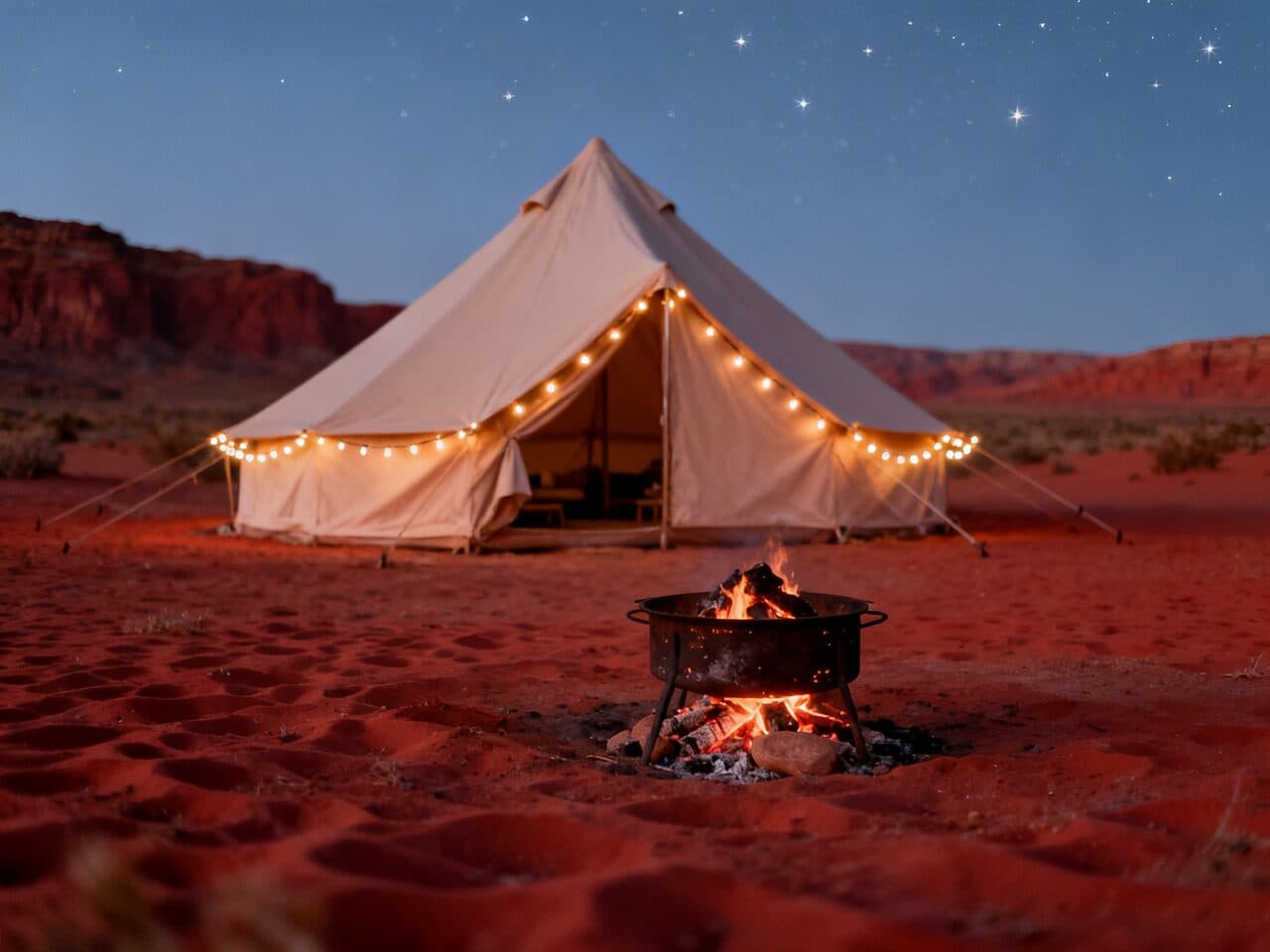
glamping tent in a red desert at twilight generated with Seedream 4.0 in Made

Seedream 4.0: Desert camp

“Canvas glamping tent in a red desert at twilight, string lights and a low fire pit, first stars. 35mm film still, soft natural light, muted earth tones with one terracotta accent, shallow depth of field, subtle film grain, candid and unposed, no text, logos, or watermark.”
minimalist hotel suite with an ocean view generated with Seedream 4.0 in Made

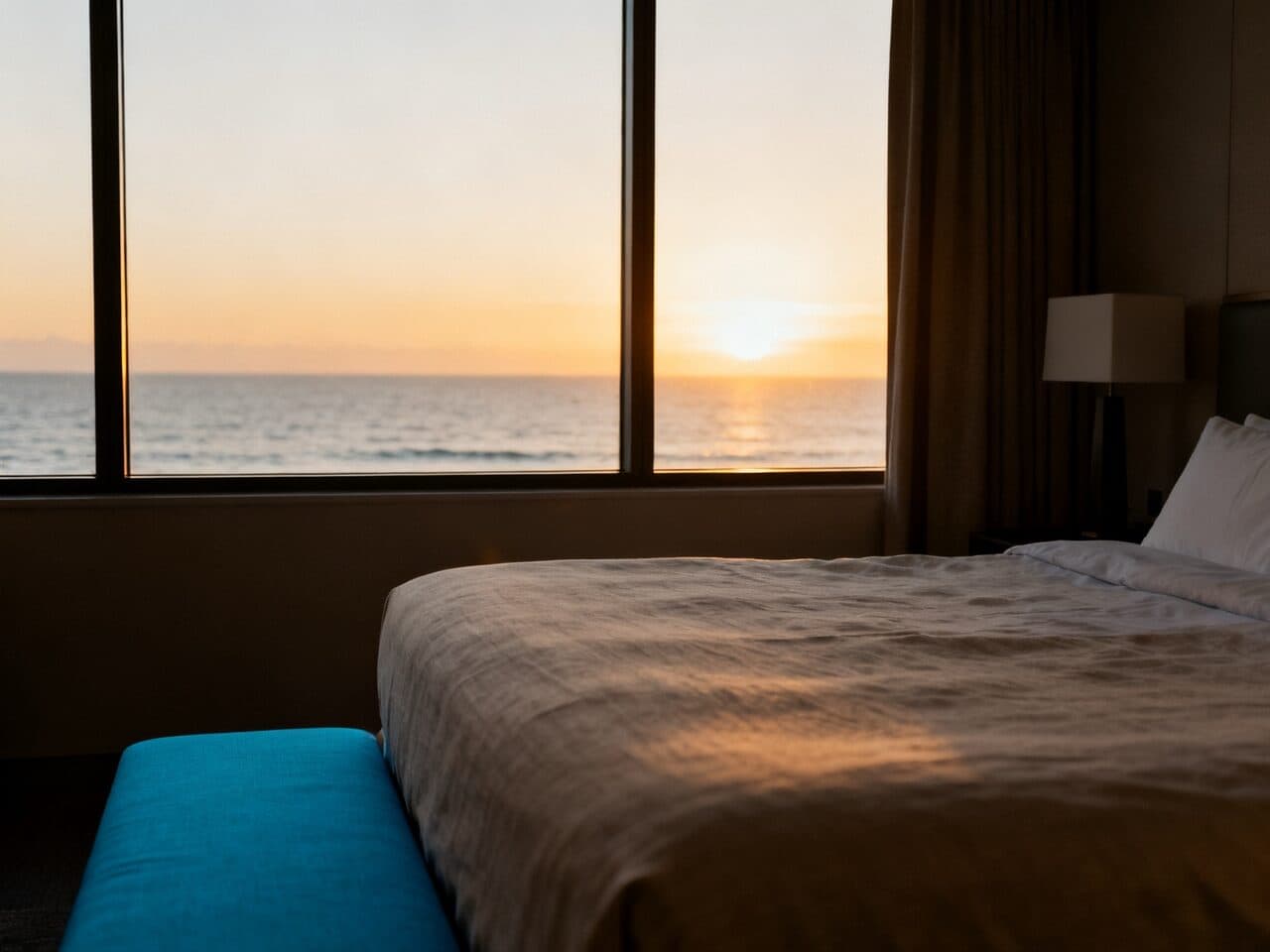
Seedream 4.0: Hotel suite

“Minimalist hotel suite with linen bedding and a wide window onto the ocean at sunrise. 35mm film still, soft natural light, muted earth tones with one sea blue accent, shallow depth of field, subtle film grain, candid and unposed, no text, logos, or watermark.”
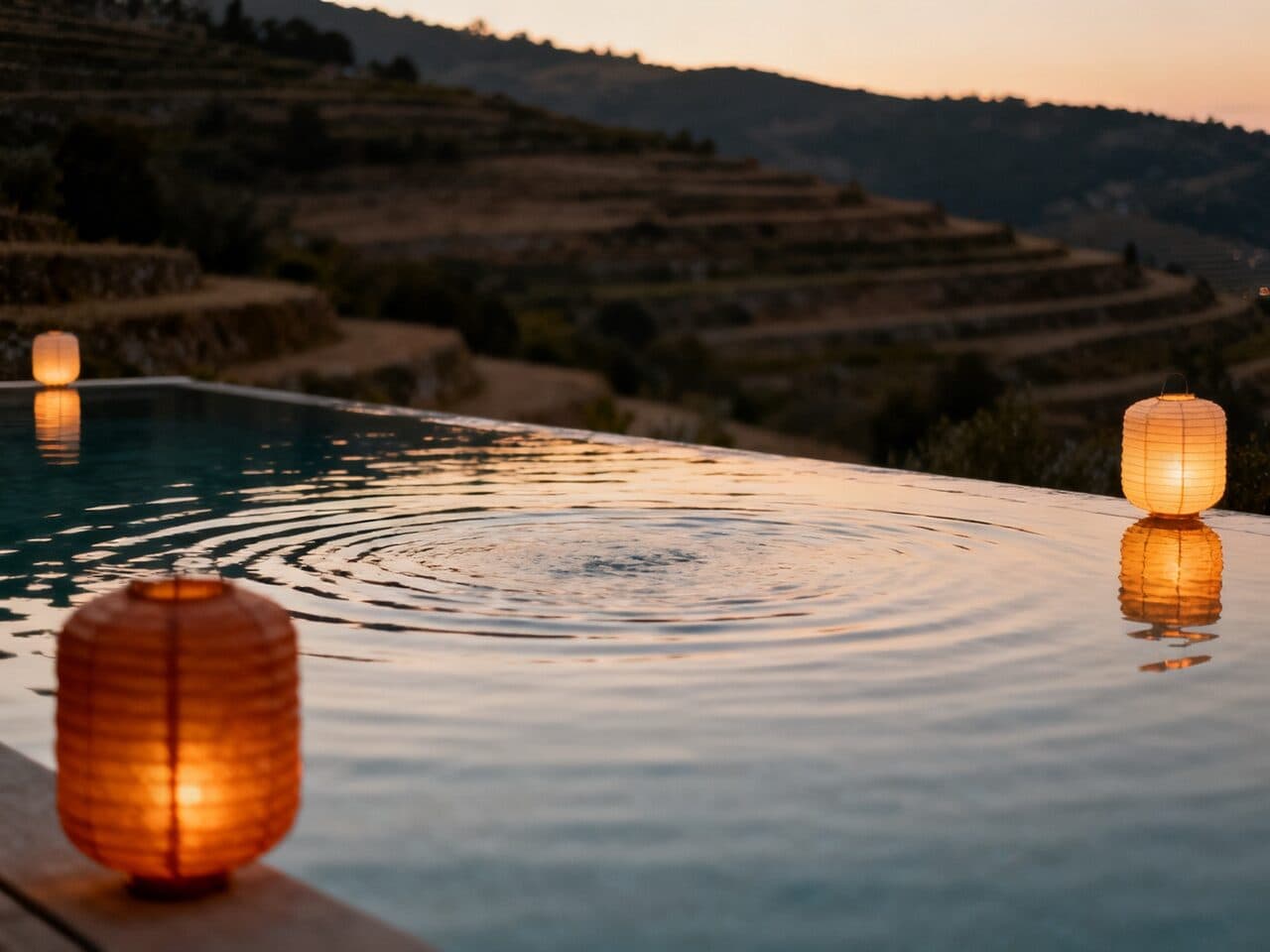
infinity pool at dusk over terraced hills generated with Seedream 4.0 in Made

Seedream 4.0: Infinity pool

“Infinity pool at dusk overlooking terraced hills, warm paper lanterns reflected in the water. 35mm film still, soft natural light, muted earth tones with one amber accent, shallow depth of field, subtle film grain, candid and unposed, no text, logos, or watermark.”
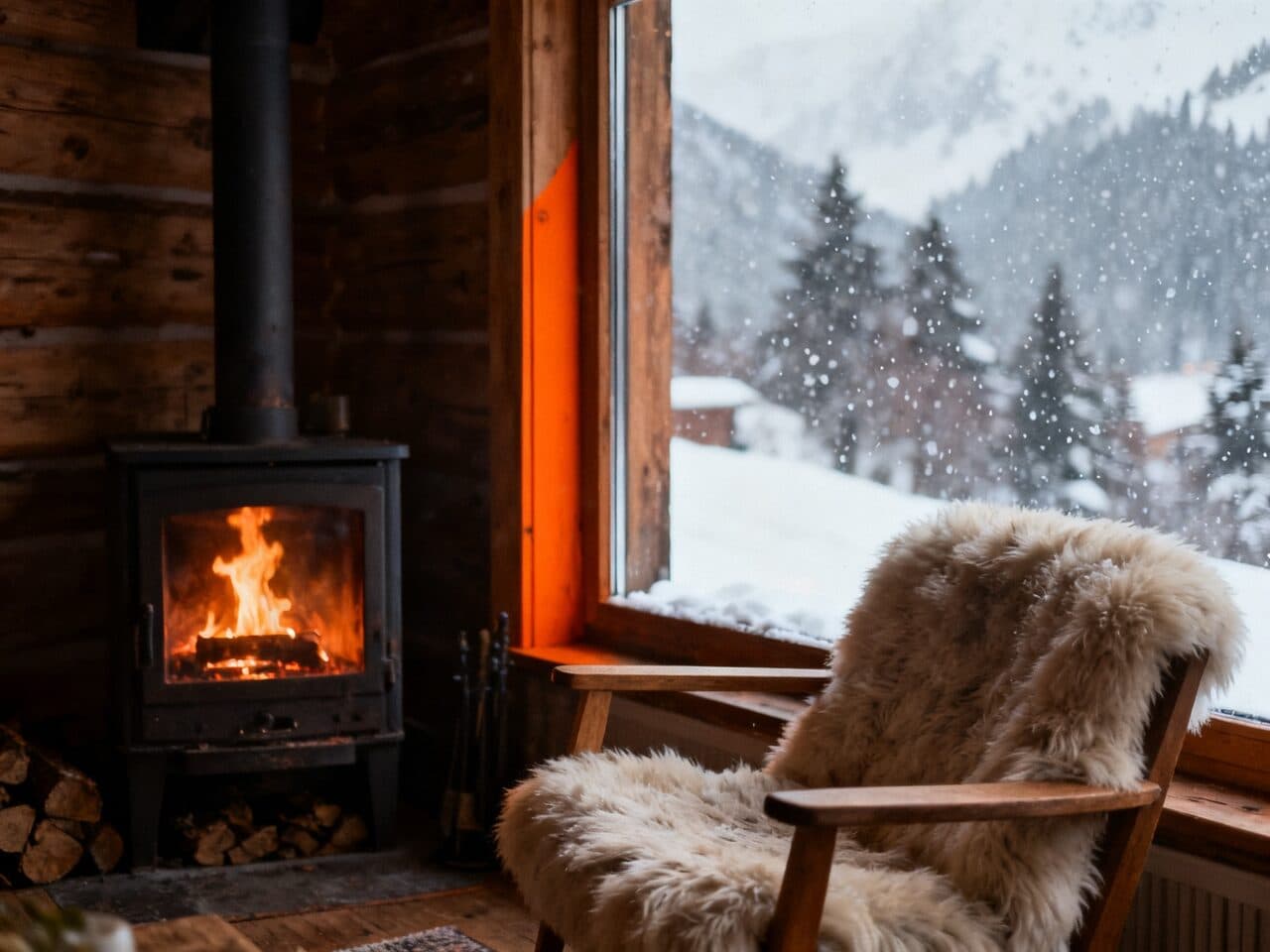
alpine cabin interior with a fireplace generated with Seedream 4.0 in Made

Seedream 4.0: Alpine cabin

“Cozy alpine cabin interior with a crackling fireplace, sheepskin chair and snow falling outside the window. 35mm film still, soft natural light, muted earth tones with one ember orange accent, shallow depth of field, subtle film grain, candid and unposed, no text, logos, or watermark.”
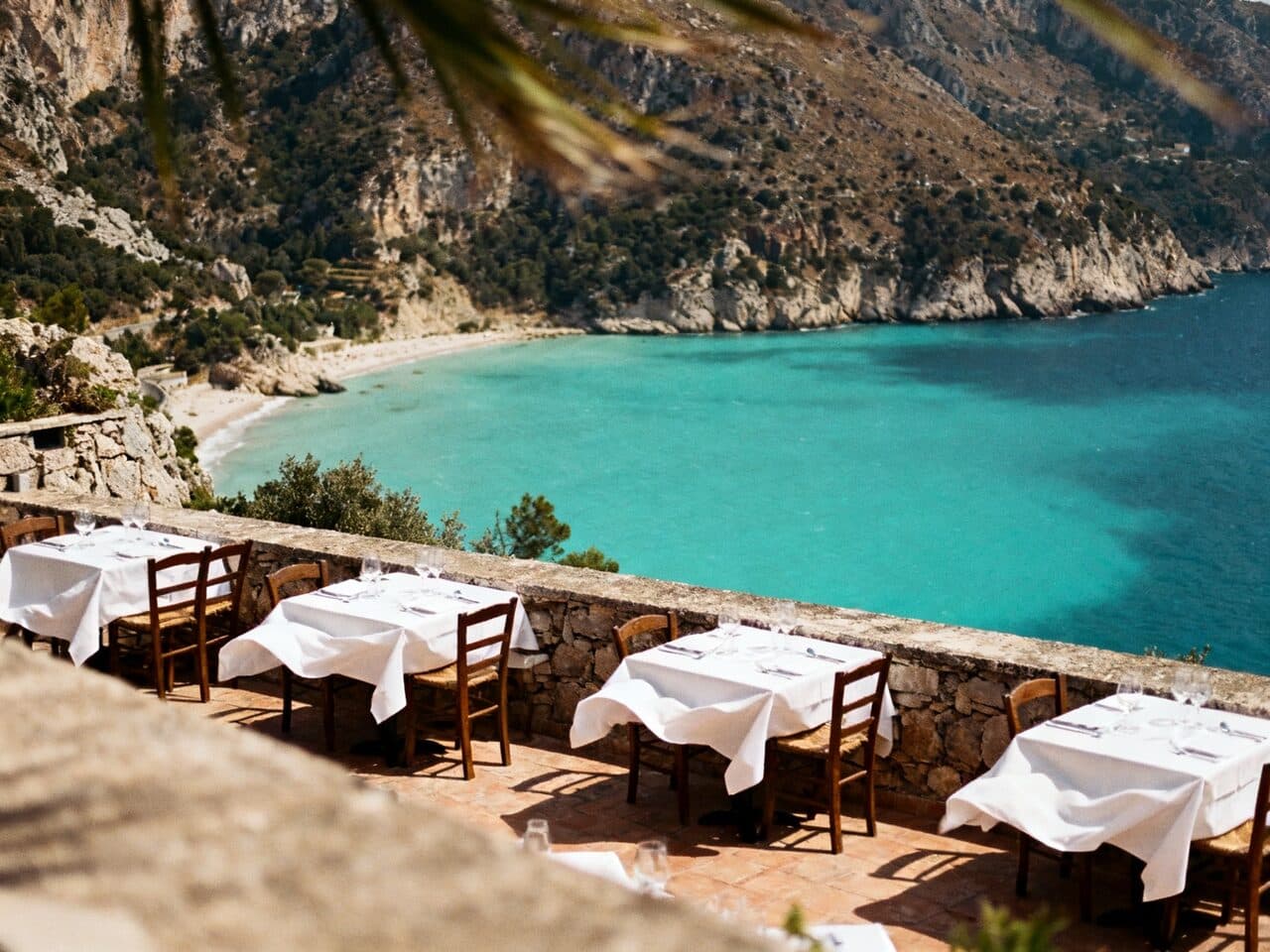
cliffside restaurant terrace above a bay generated with Seedream 4.0 in Made

Seedream 4.0: Cliffside dinner

“Cliffside restaurant terrace set for dinner above a turquoise bay, white tablecloths moving in the breeze. 35mm film still, soft natural light, muted earth tones with one turquoise accent, shallow depth of field, subtle film grain, candid and unposed, no text, logos, or watermark.”

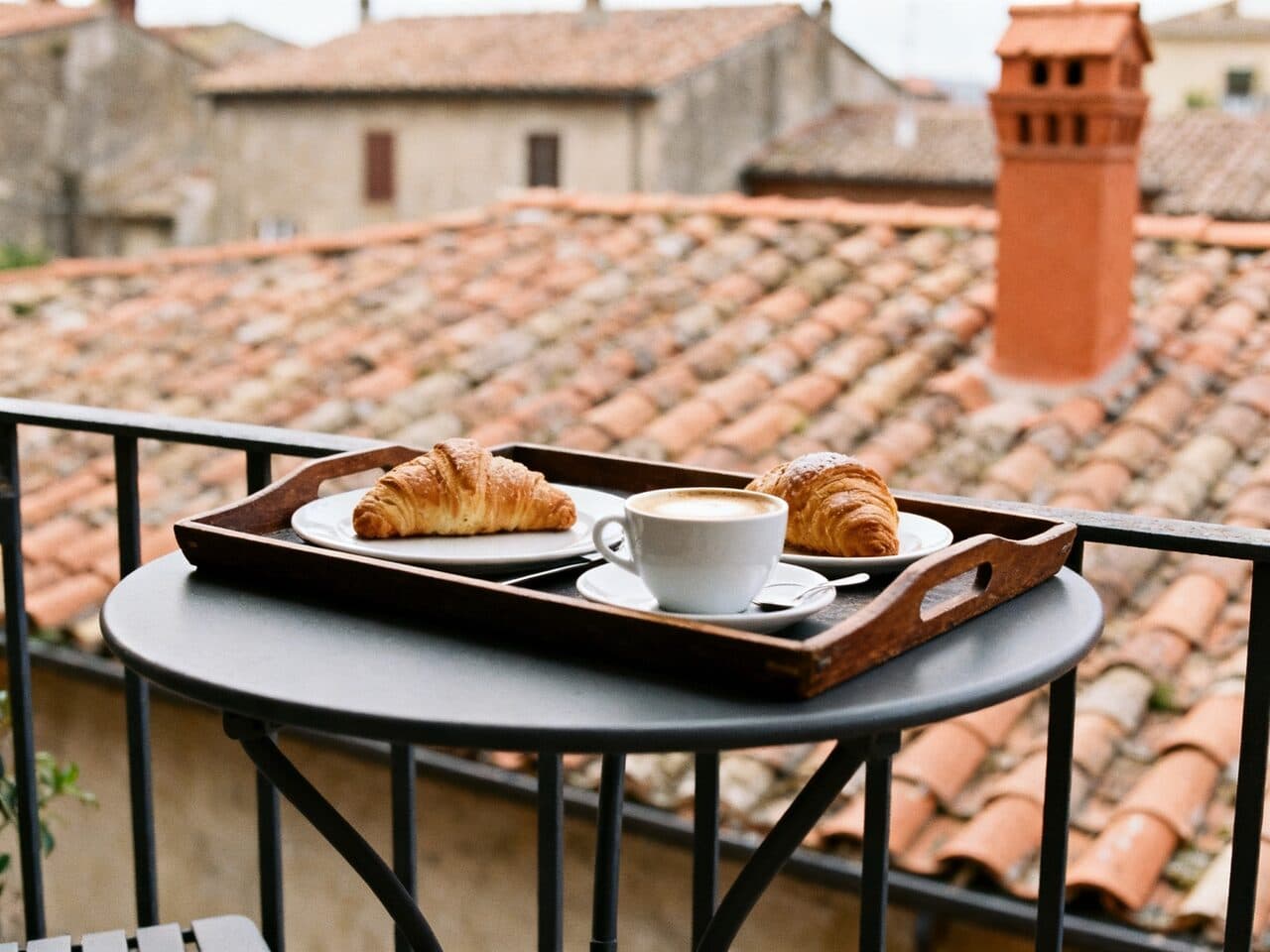
breakfast tray on a balcony over rooftops generated with Seedream 4.0 in Made

Seedream 4.0: Balcony breakfast

“Breakfast tray with coffee and pastries on a small balcony table overlooking terracotta rooftops. 35mm film still, soft natural light, muted earth tones with one terracotta accent, shallow depth of field, subtle film grain, candid and unposed, no text, logos, or watermark.”

Where Seedream 4.0 fits best

Best uses

  • High-resolution editorial and product concepts
  • Graphic compositions that include short, prominent text
  • Portrait, square, landscape, and ultrawide placements
  • Reference-guided variations that need a flexible visual direction

Limits to know

  • Small or densely packed text can still contain errors even when a short headline is correct.
  • Reference-guided results can reinterpret fine identity, product, or layout details and should be compared with the source.

Specifications in Made

These are the controls exposed by Made, which may be narrower than a provider’s full API.

Aspect ratios
Match input, 1:1, 4:3, 3:4, 16:9, 9:16, 3:2, 2:3, 21:9
Resolution
1K, 2K, 4K
Duration
Not applicable
Output formats
JPG
Reference images
1
Processing
Higher resolution and prompt enhancement can take longer; progress appears in the generation view.

How to use Seedream 4.0 in Made

  1. 1

    Describe the visual

    Name the subject, setting, composition, lighting, materials, and visual style you want.

  2. 2

    Add a reference if useful

    Upload an image when the new result should borrow visual context rather than start only from text.

  3. 3

    Choose shape and resolution

    Select one of the aspect ratios and the available 1K, 2K, or 4K settings.

  4. 4

    Generate and inspect

    Check text, hands, identities, and product details before downloading or revising the prompt.

Questions, answered

Seedream 4.0 FAQ

Need a specific answer? Contact support

It is a versatile choice for high-resolution editorial imagery, product concepts, illustrations, and layouts that benefit from multiple aspect-ratio options.