Made guides
How to make it,
step by step.
Product photos, UGC ads, AI influencer posts, faceless videos and edits to videos you already have. Every guide shows a real Made result, the exact prompt behind it and what to check before you post.
Ads and product content
For sellers and brands: listing photos, UGC ads and product videos from the product photos you already have.
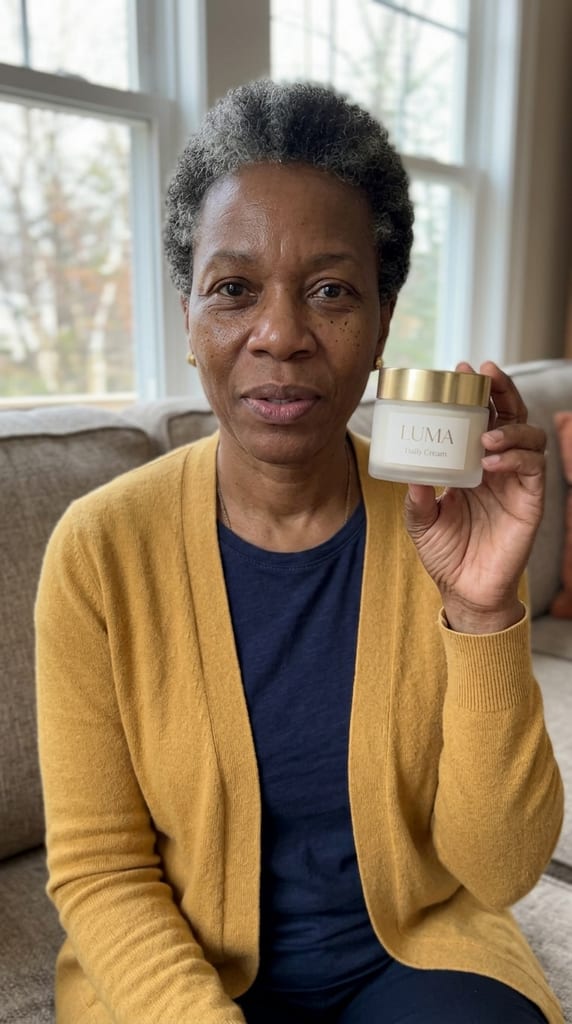
UGC ads · 7 min read
How to make a UGC video ad for your product with AI
Turn one product photo into a phone-style video of a person holding it and saying your line. See a real Made example, both prompts, and how the price works.
Read the guide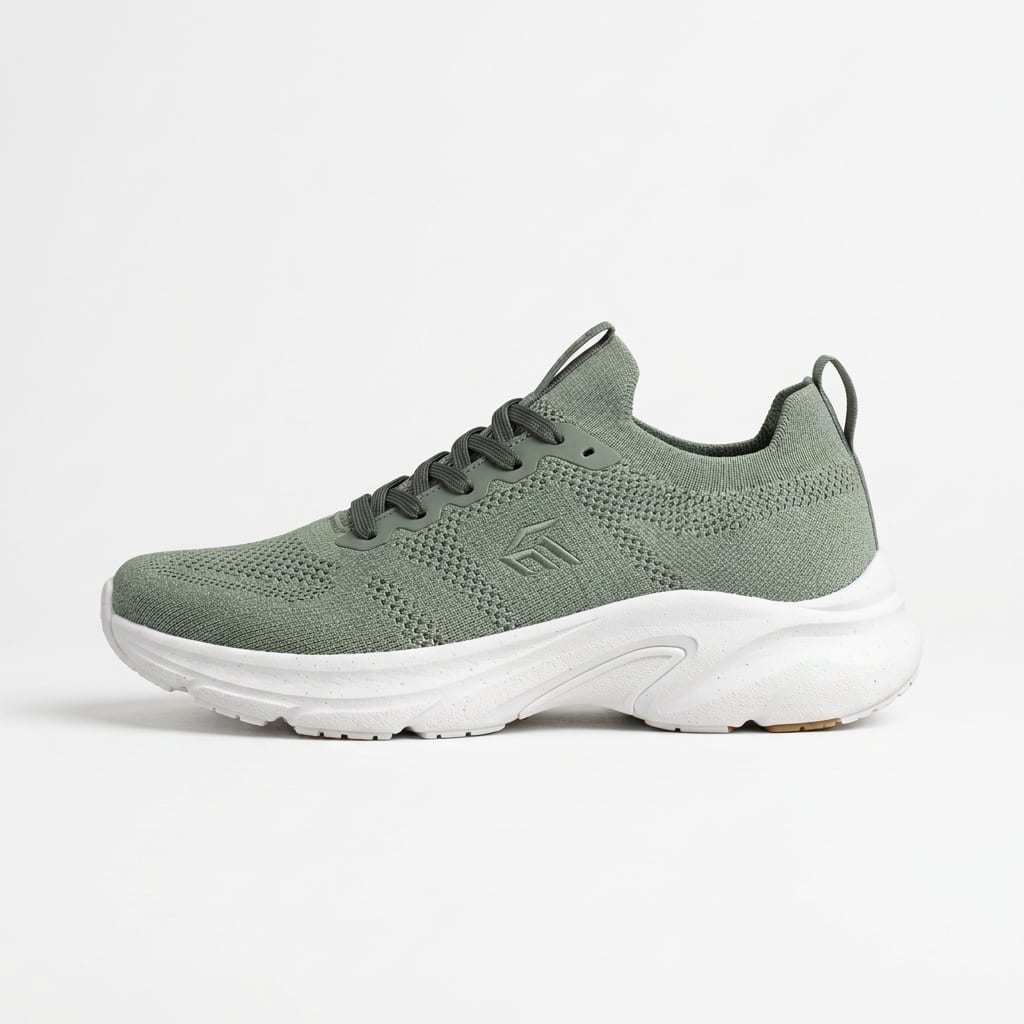
Product photos · 6 min read
How to make product photos for your online store with AI
Turn one product photo into listing images: a white-background main image, lifestyle, dark, pastel and feature callouts. See real Made outputs and exact prompts.
Read the guide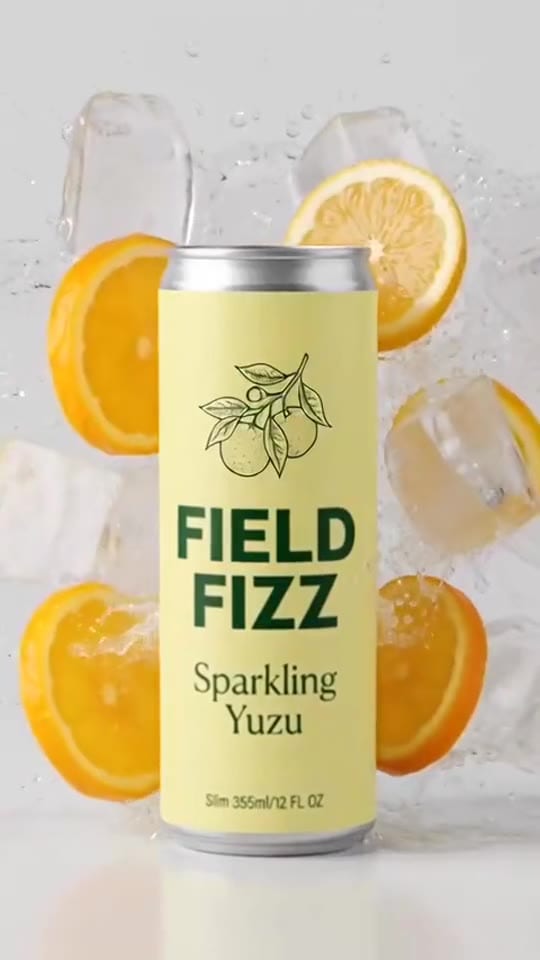
Product videos · 6 min read
How to turn a product photo into a video ad
Turn product photos into a 5, 8 or 10 second product video: bursts, orbits and macro glides with no person. See a real Made example, its prompt and pricing.
Read the guide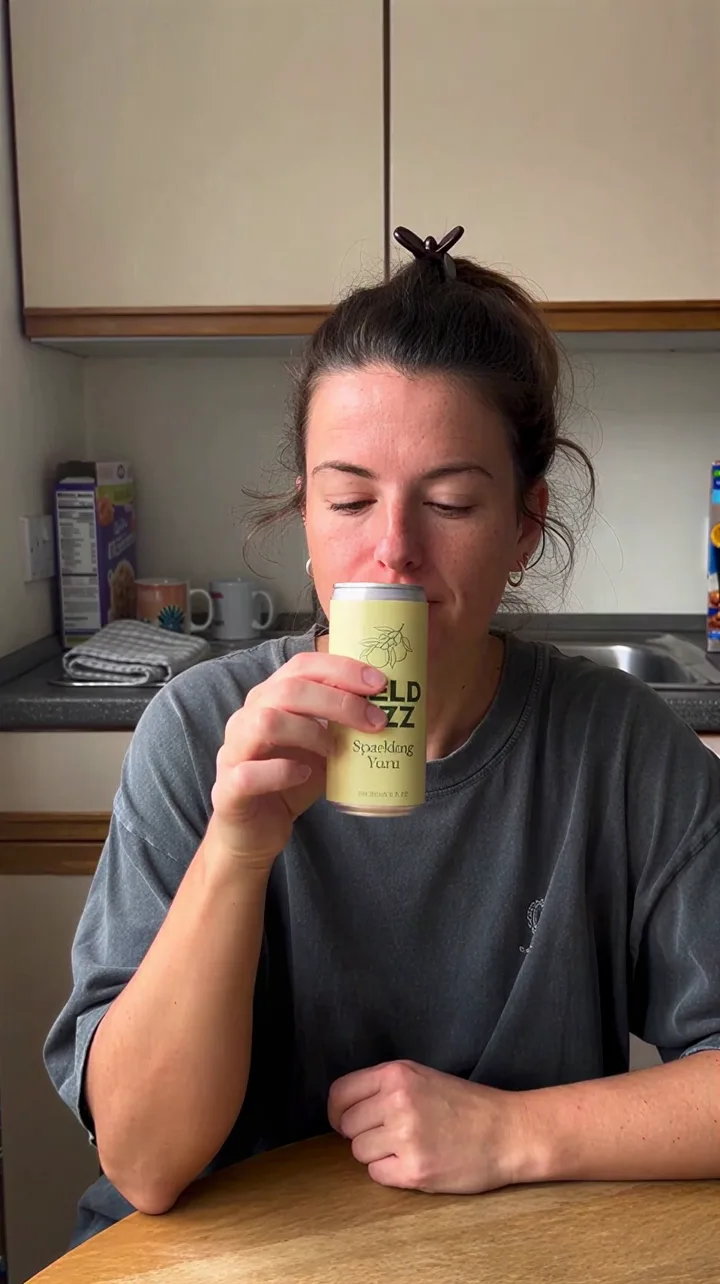
Product ads · 7 min read
How to put your product in a trending video
Recreate a Motion Library clip in Made’s Object Swap, put your product photo in, and rewrite the prompt. See a real example, the exact prompt, limits and what to check.
Read the guide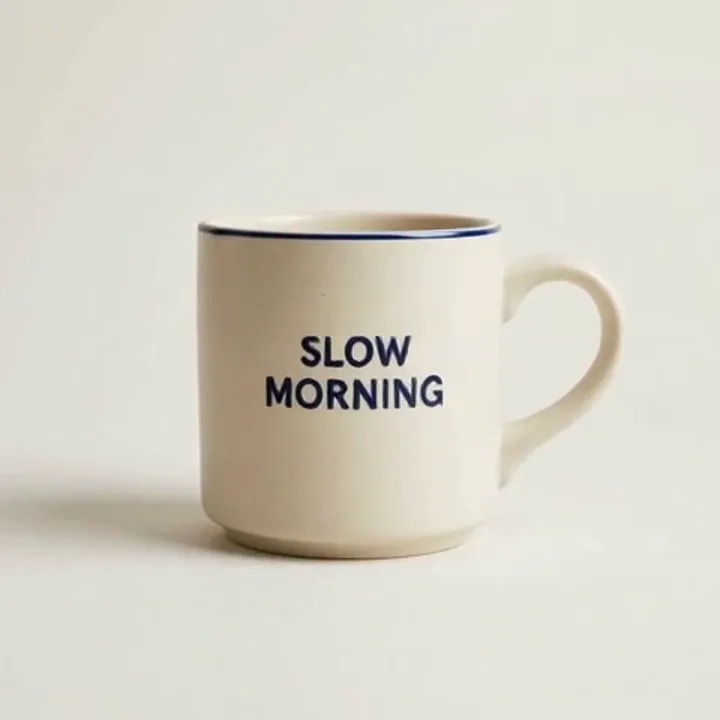
Product videos · 6 min read
How to make a 360 product video from one photo with AI
Upload one product photo to Made’s 360 Product Video Maker and get a 5-second spinning product clip. A real mug example, the prompt, and what the back is.
Read the guide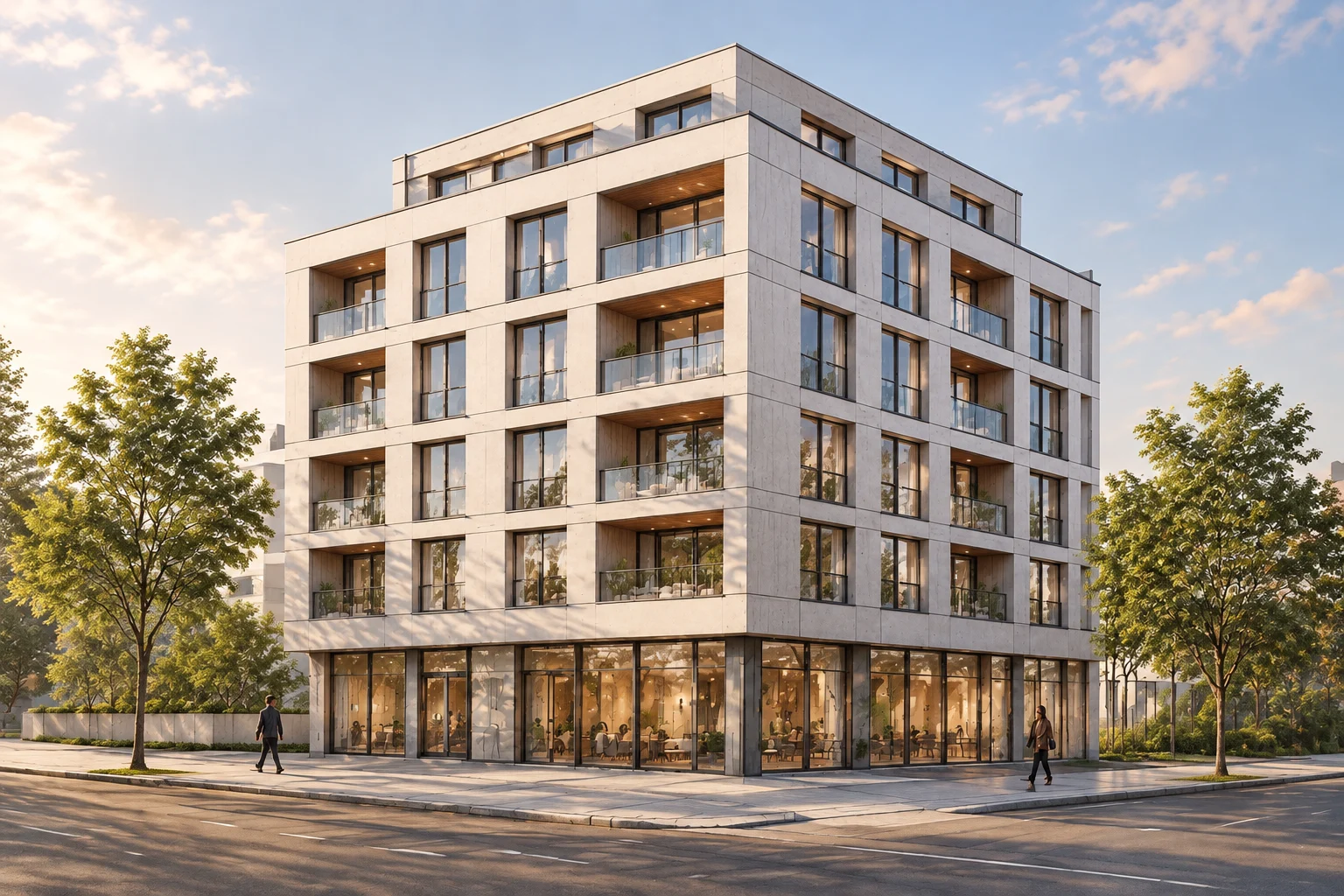
Architecture renders · 5 min read
How to turn a building photo or sketch into a realistic render
Turn a sketch, a model photo or a photo of a building into a realistic render with AI Exterior Design. See a real sketch-to-render result, the prompt and the limits.
Read the guide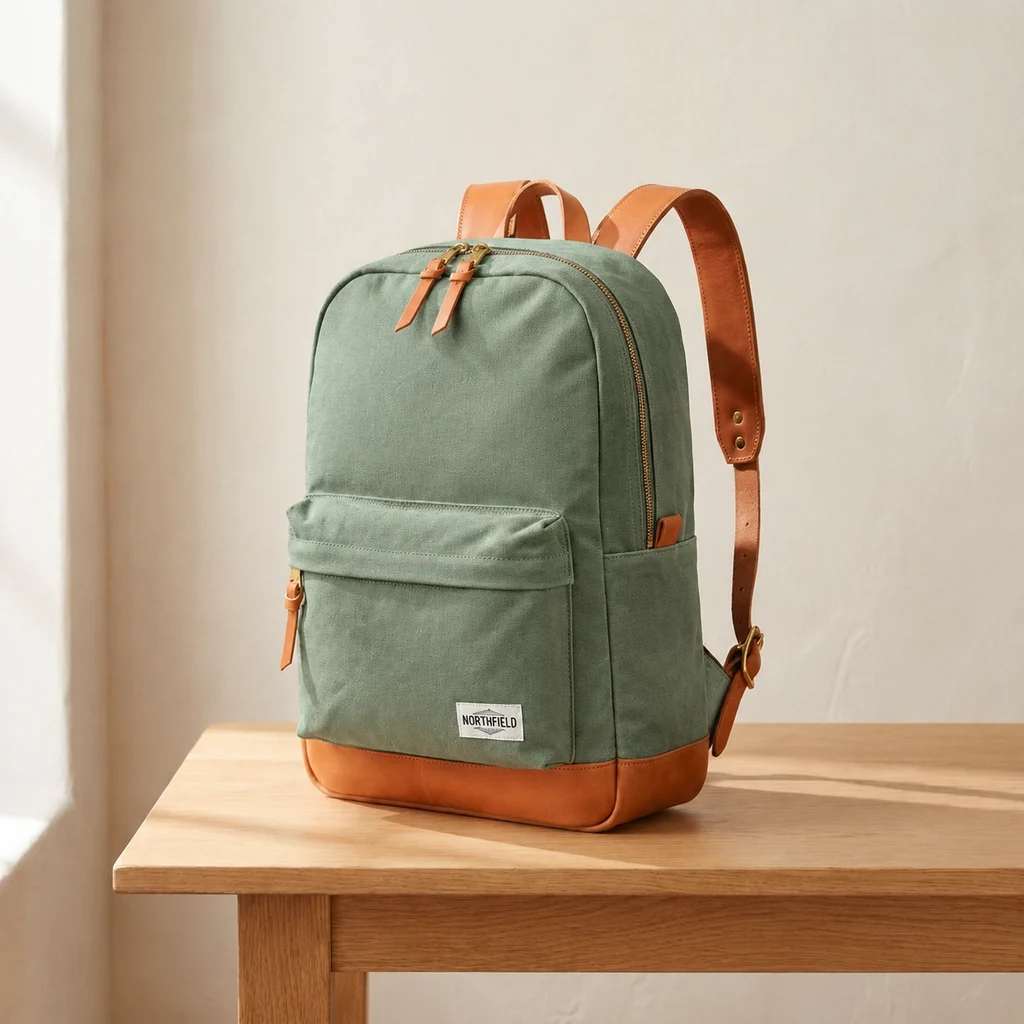
Product recolor · 5 min read
How to change a product’s color in a photo with AI
Recolor a product photo with Made’s AI Photo Editor: type the new color, or add a second photo with the shade to match. A real before and after.
Read the guide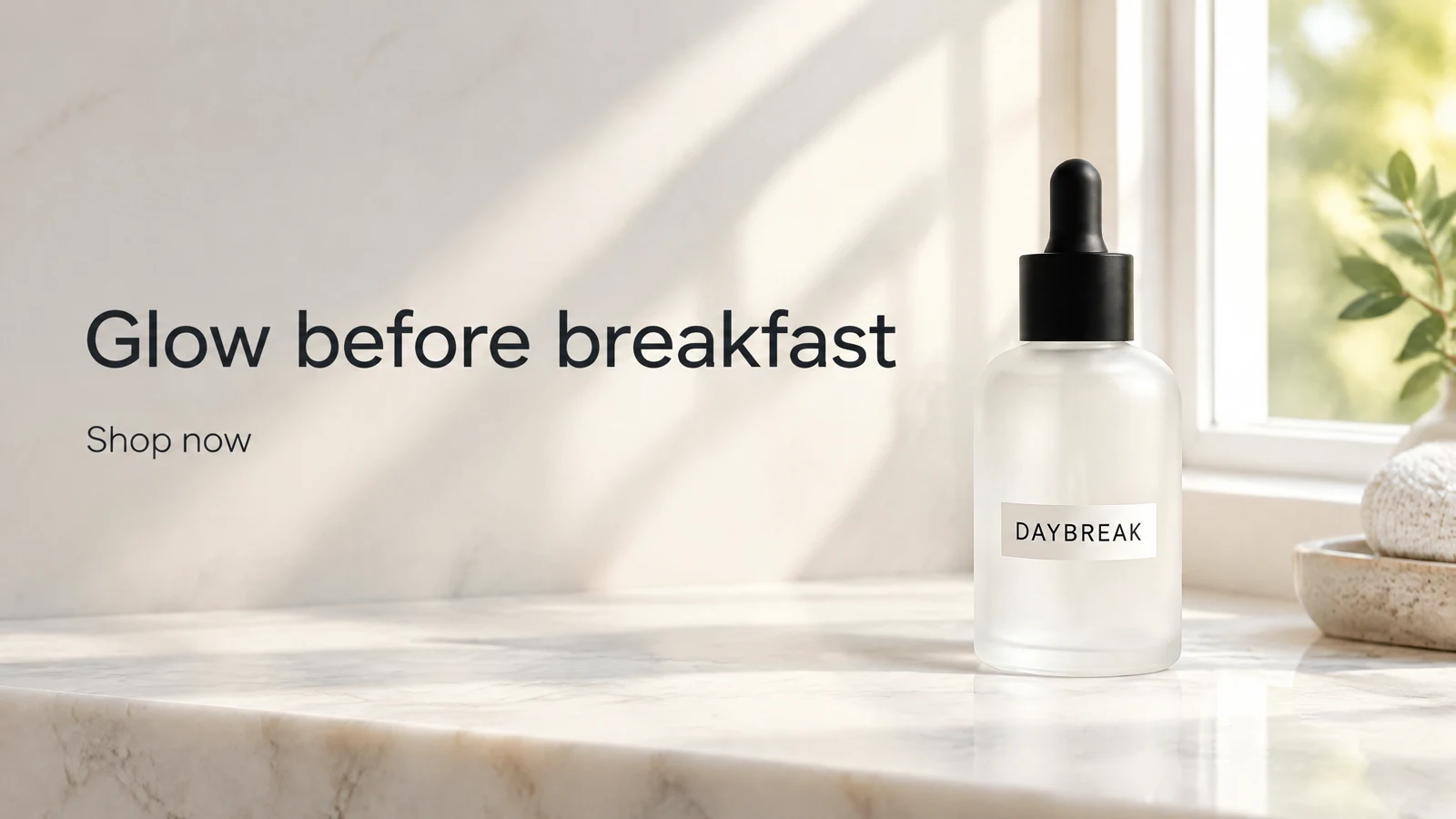
Ad banners · 6 min read
How to turn a product photo into an ad banner with AI
Open Made’s AI Ad Generator, add one product photo and type the scene and headline. A wide photo comes back as a wide banner. See a real result, zoomed in.
Read the guide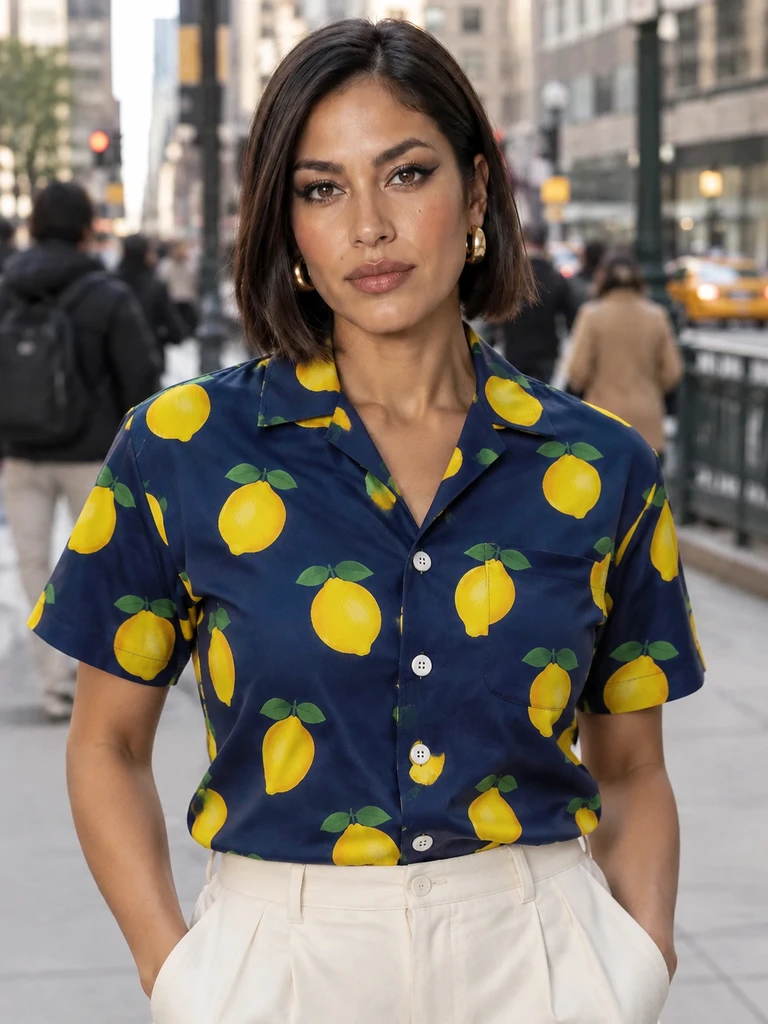
Fashion photos · 6 min read
How to put your clothing product on a model with AI
Put a flat-lay photo of your garment on a model photo with Outfit Swap. See a real example, what stays exact, what changes on its own, and the limits.
Read the guide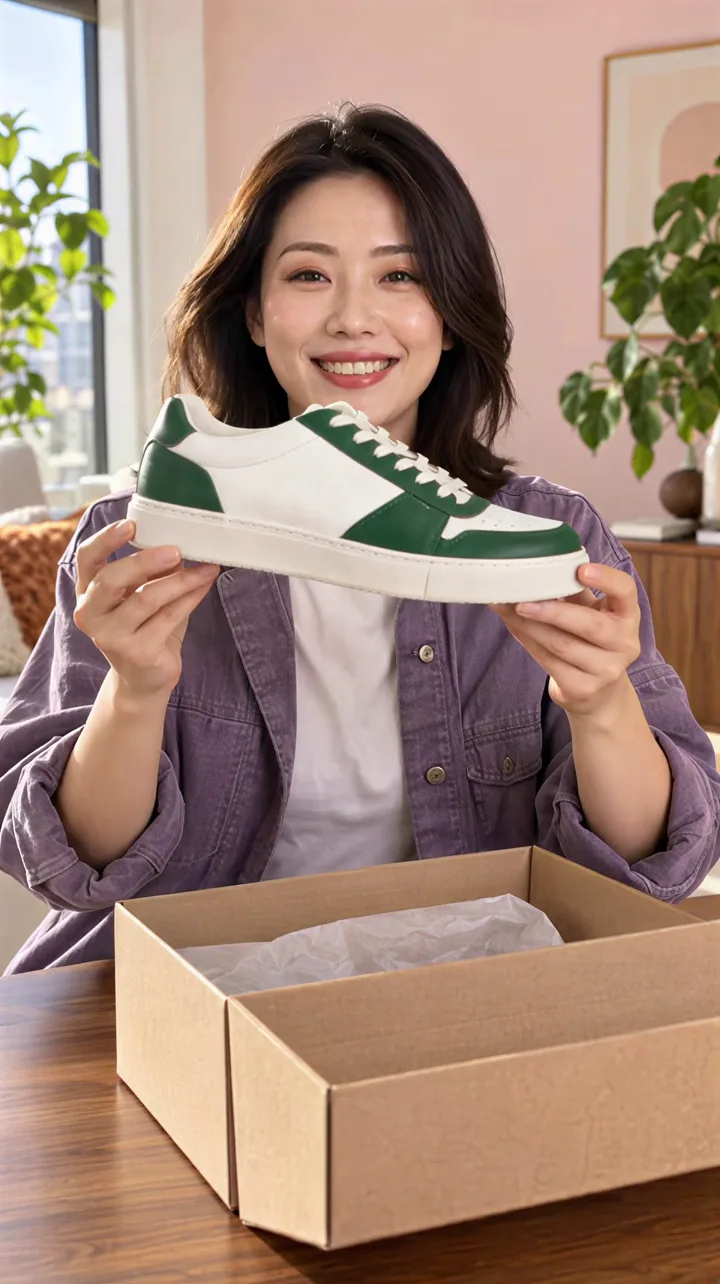
Product videos · 6 min read
How to change the color of a product in a video with AI
Recolor a product in your own video with Object Swap: add the clip and a photo of the product in the new color. See a real result, the prompt and the limits.
Read the guideCreators and channels
For creators: an AI influencer to post every day, faceless channel episodes, talking videos and trends with you in them.
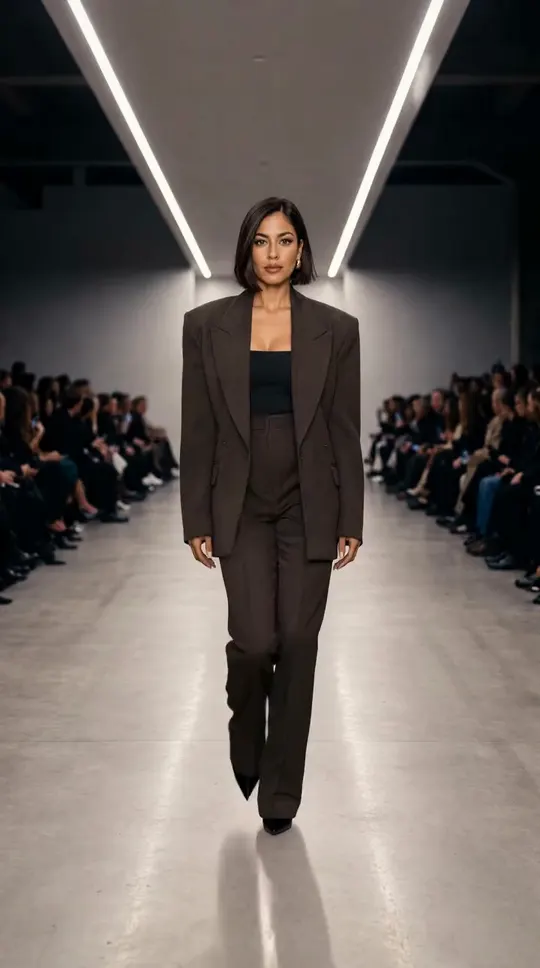
AI influencers · 7 min read
How to make an AI influencer for Instagram
Design an AI influencer in Made from tiles or one sentence, keep the same face, then make posts, stories, clips and trends for Instagram. With a real example.
Read the guide
Faceless video · 7 min read
How to make a faceless YouTube video with AI
Turn a channel idea into a narrated faceless episode in Faceless Studio: topic, script, style, voice. See a real episode, its topic, and how it’s priced.
Read the guide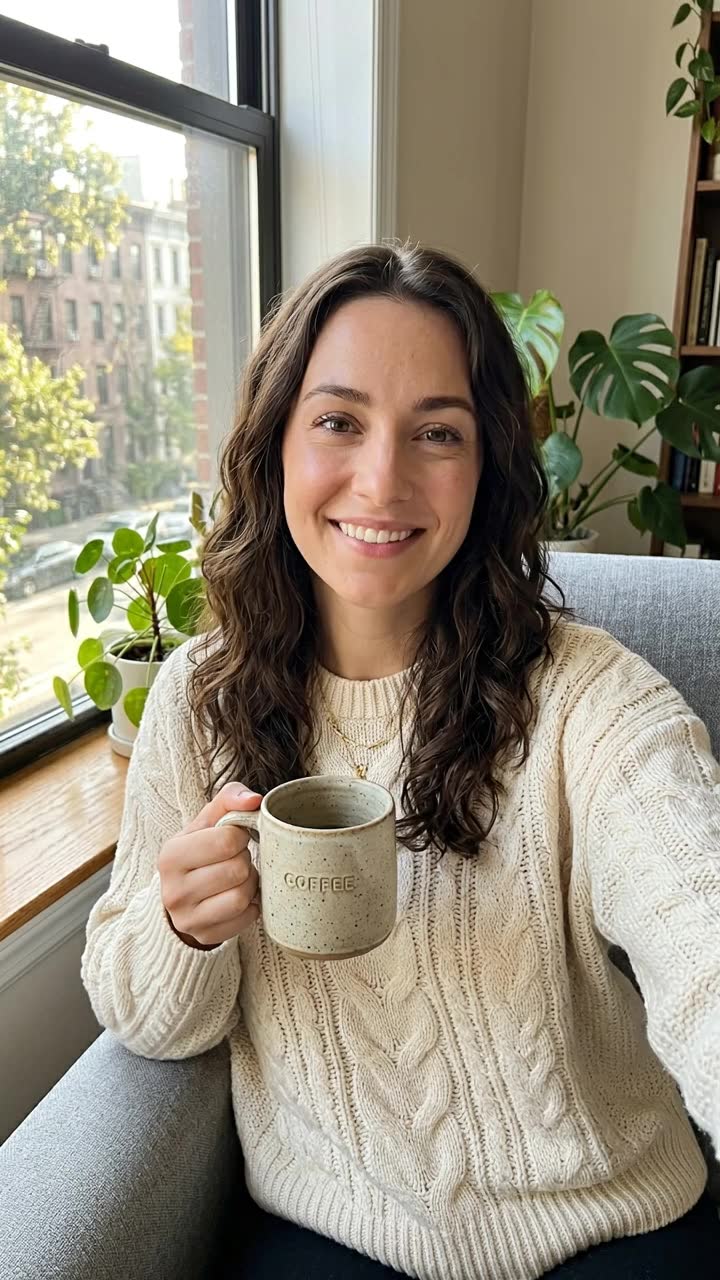
Talking videos · 6 min read
How to make a talking video from one photo
Make one photo talk in Lip Sync Studio: type the words or use your own voice, pick a model, and generate. See a real example, the exact prompt, and the limits.
Read the guide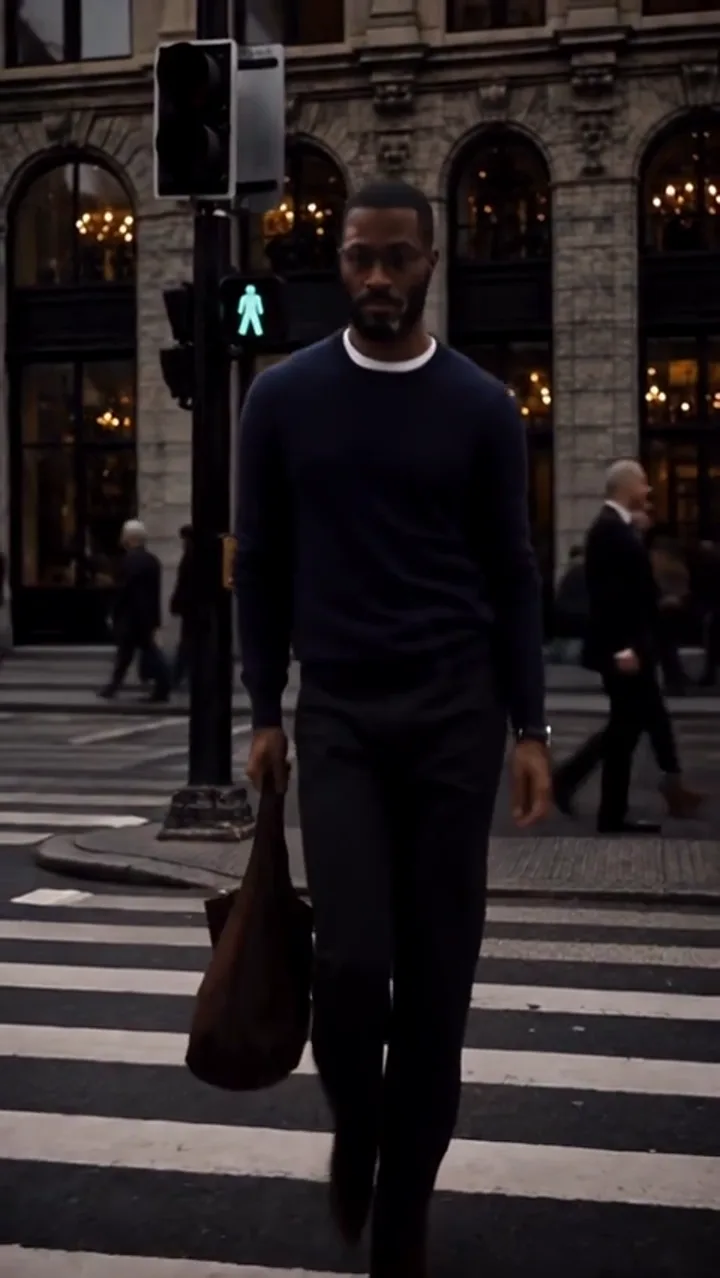
Trend videos · 6 min read
How to recreate a trending video with yourself in it
Pick a trend in Made’s Motion Library, put your photo in place of its cast with Recast, and keep the moves and camera. A real example, prompts and limits.
Read the guide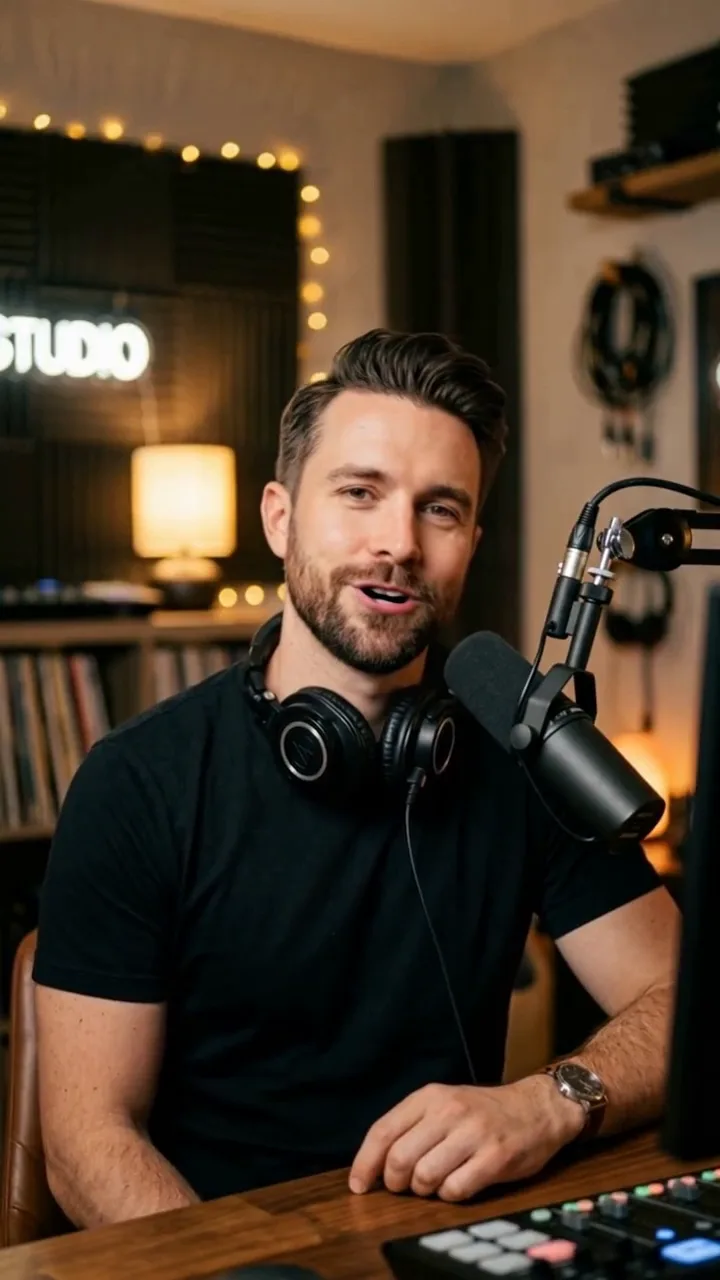
Dubbing · 6 min read
How to dub a video into another language with lip sync
Dub a video into Spanish, Hindi or another language in Lip Sync Studio: paste the translated line, pick a voice, and the mouth re-syncs. A real example and limits.
Read the guide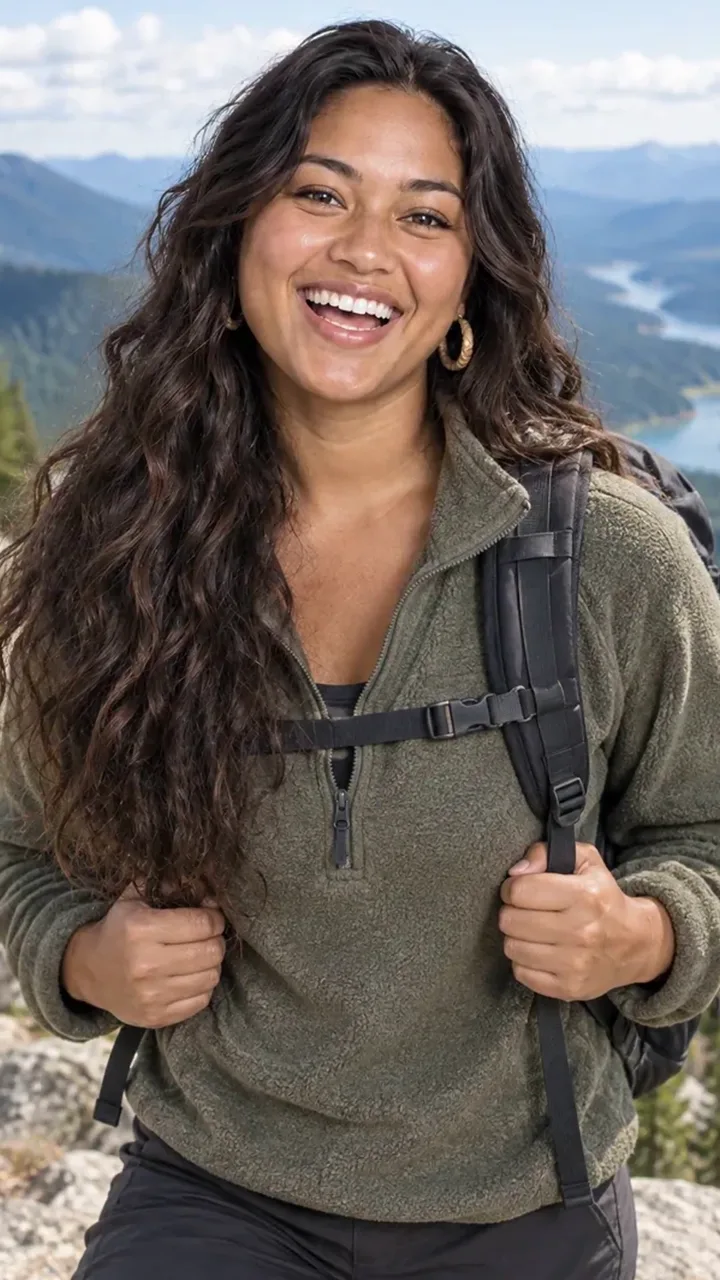
Slideshows · 5 min read
How to make a slideshow video from photos with music
Add 2 to 20 photos to Made’s AI Slideshow Maker and ask for music. The agent makes a track and edits your photos into an MP4. A real example, prompts and limits.
Read the guide
Video effects · 4 min read
How to make an Earth zoom out video from a photo
Open Earth zoom out in Made’s Video Effects, add one photo and tap Generate. The camera pulls back from the person to space in 8 seconds. A real example and limits.
Read the guide
Logo animation · 6 min read
How to animate your logo with AI
Attach your logo in Made’s Motion Studio and describe the motion. It animates your actual file, not a redraw. See a real example, frame by frame, and where it can’t go.
Read the guide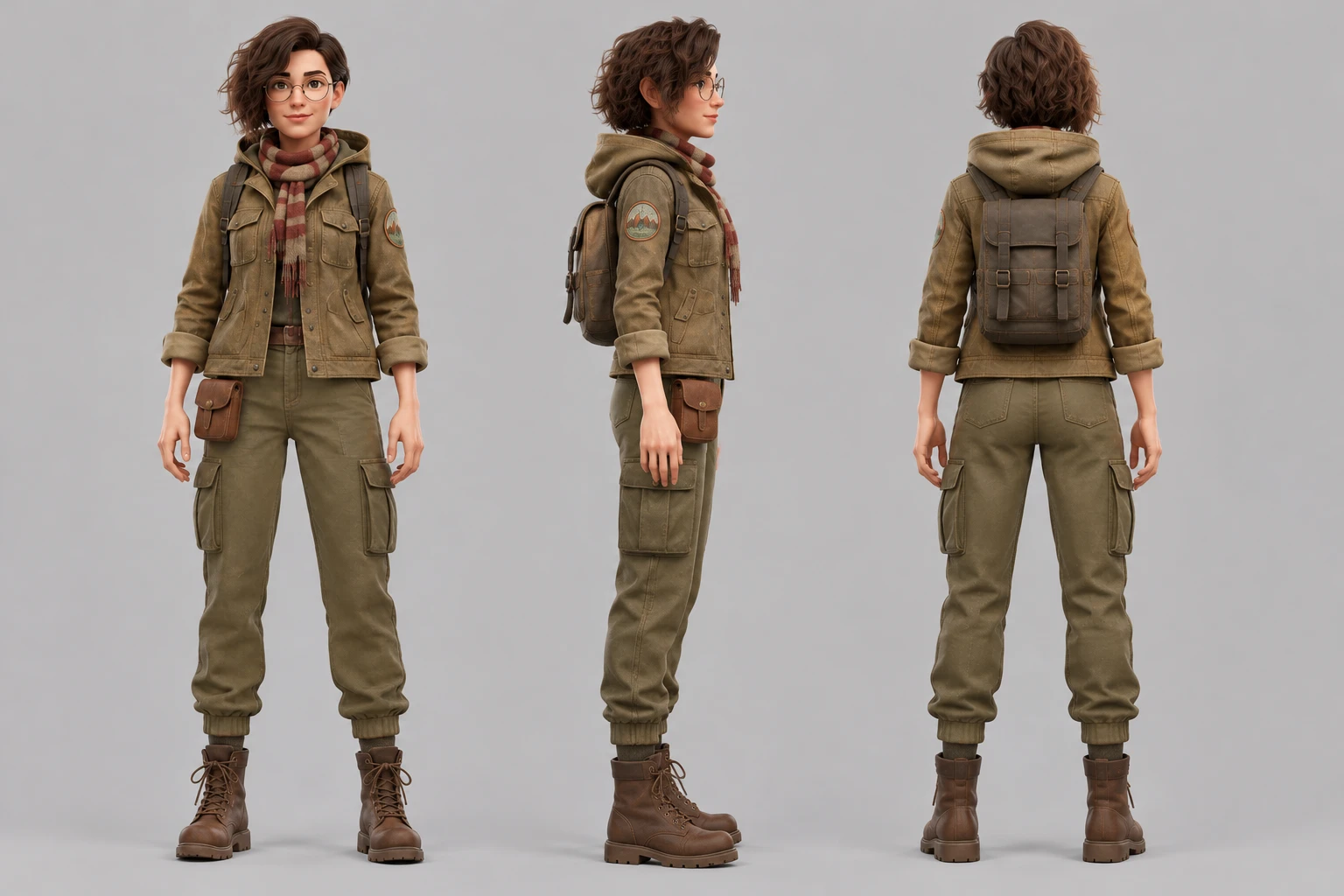
Character workflows · 6 min read
How to make a character turnaround sheet with AI
Upload one character image to Character Turnaround in Made and get front, side and back views on one sheet. A real example, and where the back is guessed.
Read the guide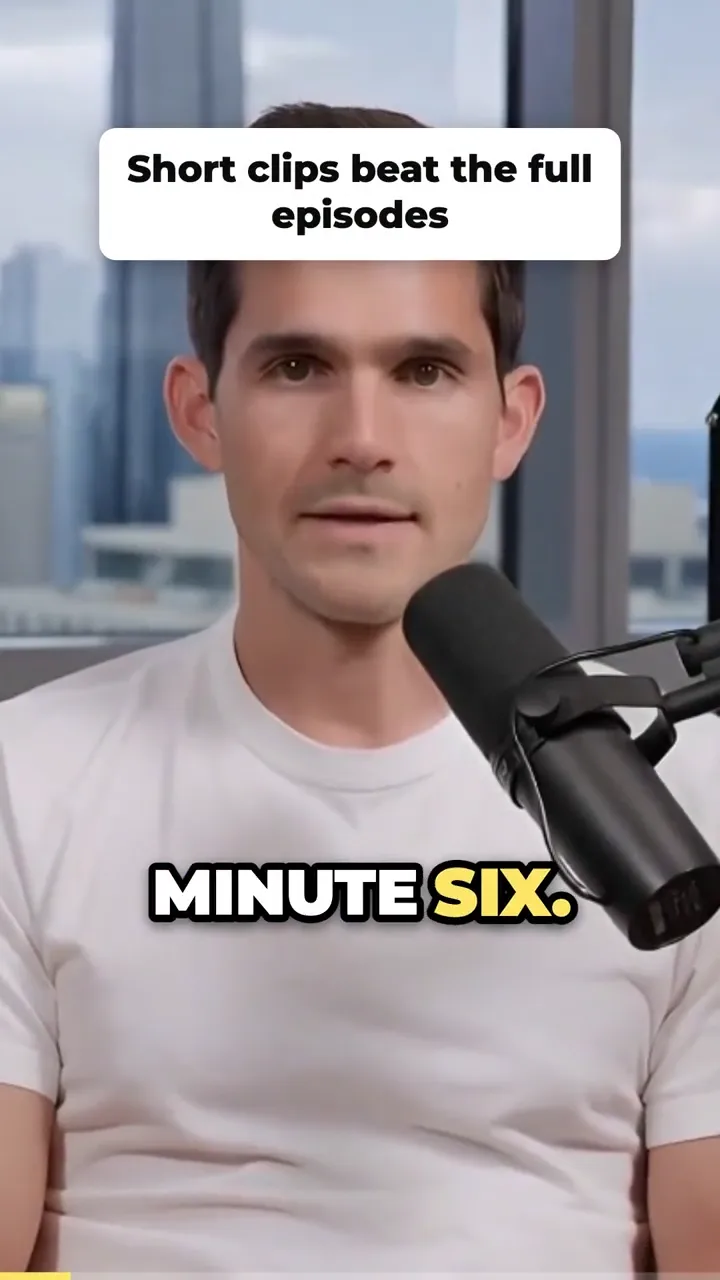
Clipping · 6 min read
How to cut a long video into short clips with AI
Turn a podcast, stream or interview into vertical clips with Made’s AI Clipper: it finds the moments, frames the speaker and adds captions. A real example.
Read the guide
Talking videos · 6 min read
How to make a 3D or cartoon character talk from one image
Make a 3D render, cartoon mascot or animal character talk in Lip Sync Studio from one image and a typed line or your own voice. A real example and the limits.
Read the guide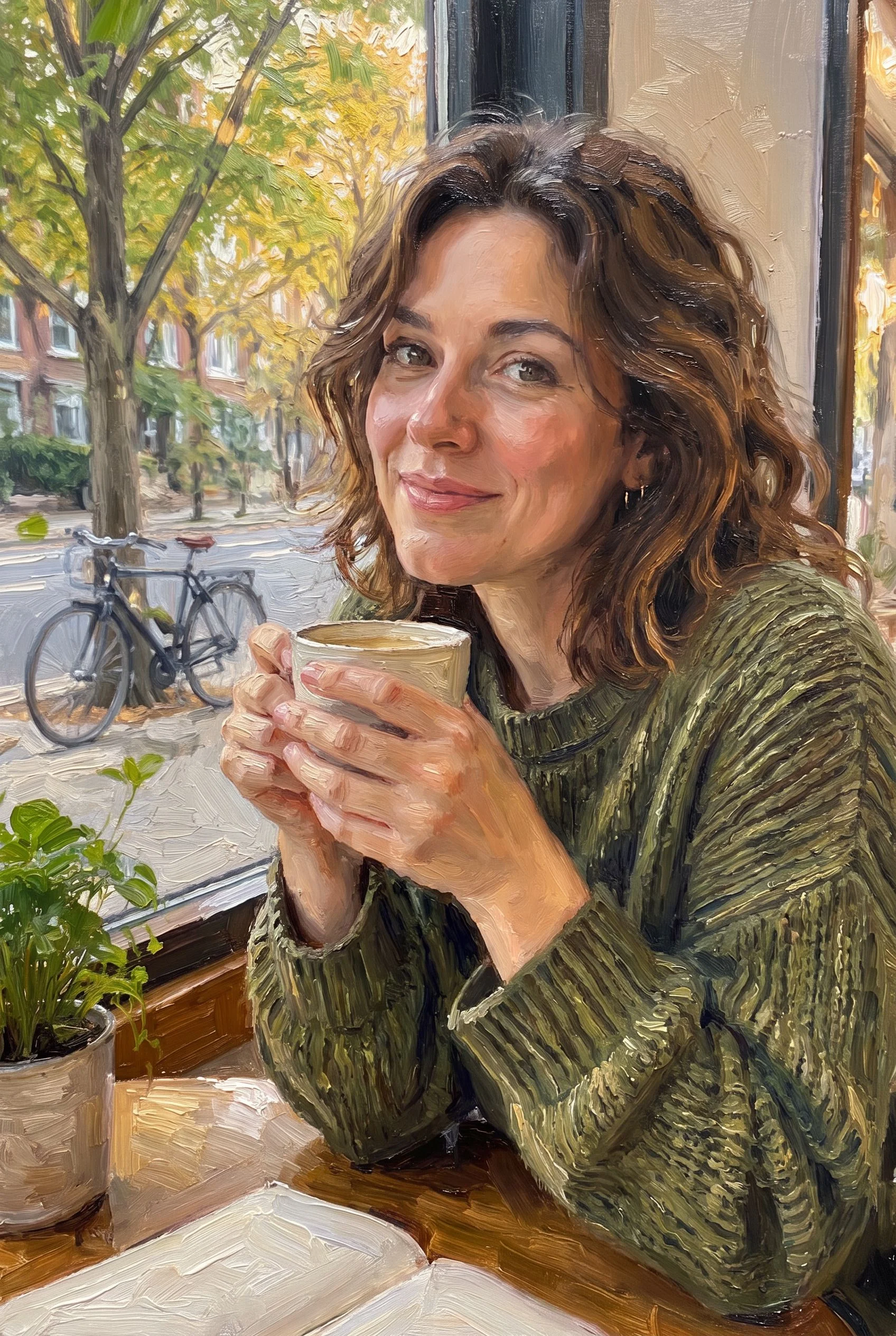
Photo to painting · 5 min read
How to turn a photo into a painting with AI
Open Made’s Photo to Painting, add one photo and pick oil, watercolor or your own style. A real before and after, with the faces and hands checked.
Read the guide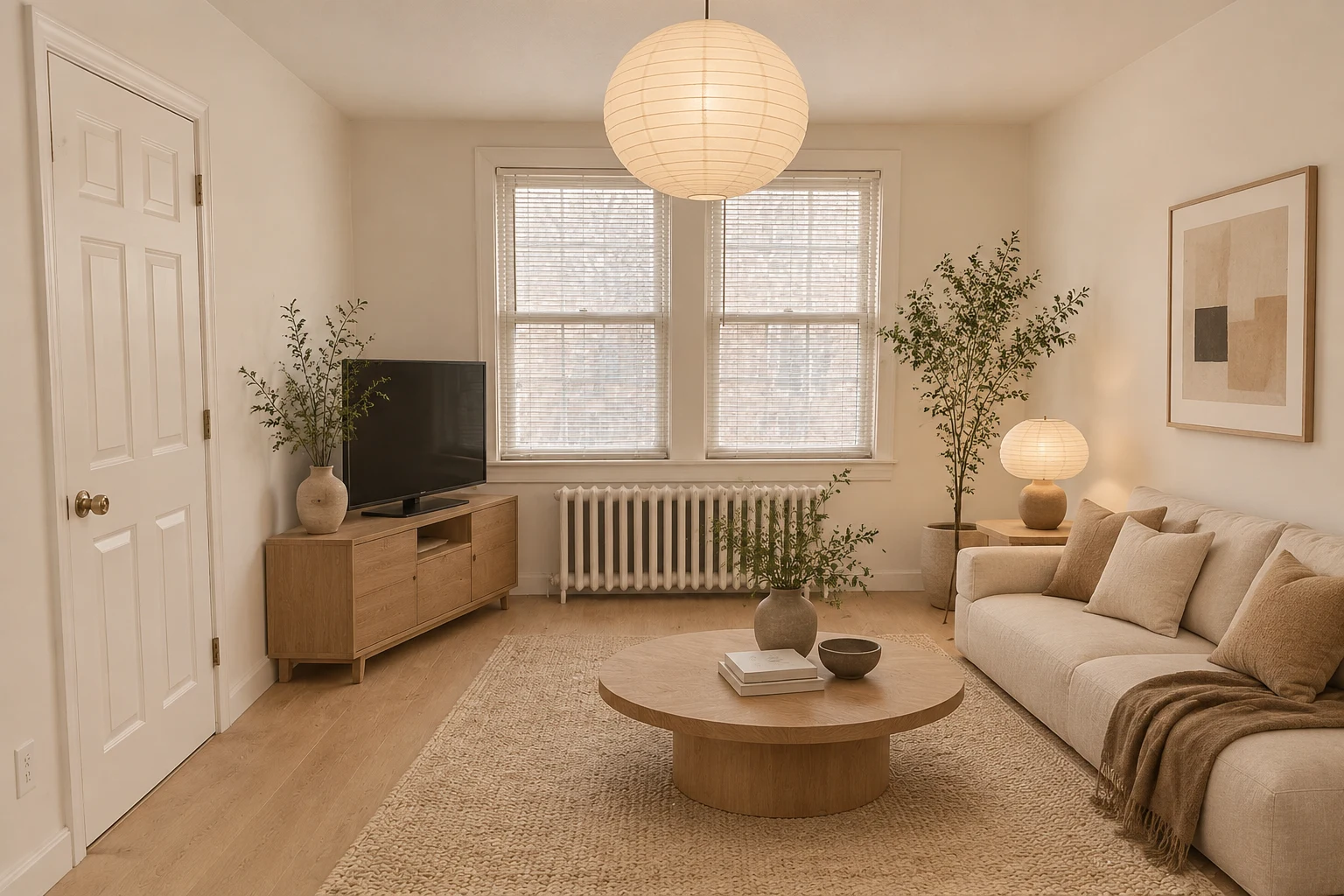
Interior design · 5 min read
How to redesign a room from a photo with AI
Upload one photo of your room to AI Interior Design in Made, name a style, and get the same room redrawn. A real Japandi makeover, with what it kept and missed.
Read the guide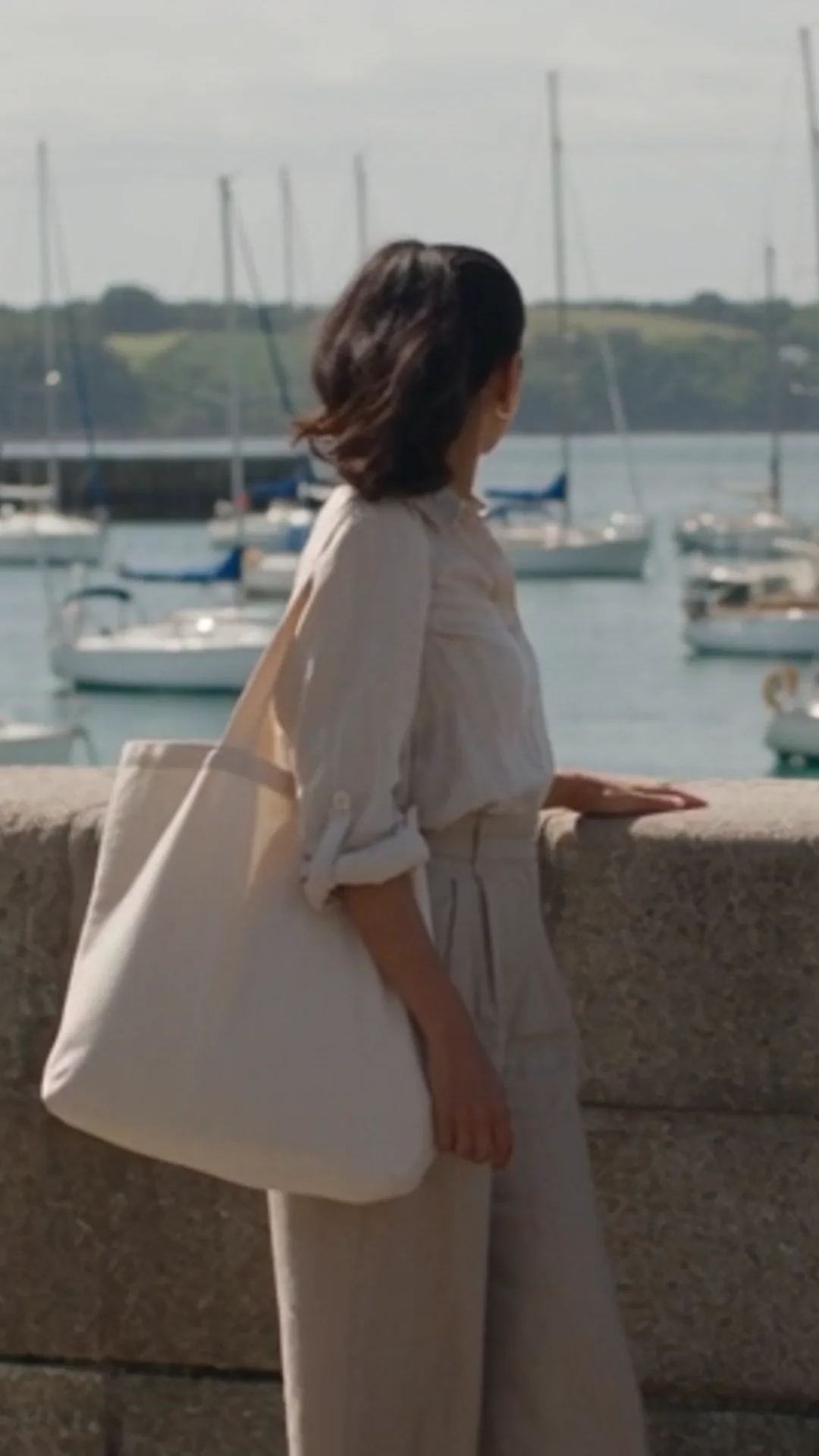
Reframe to vertical · 5 min read
How to turn a horizontal video vertical for Reels and TikTok
Make a landscape video vertical for Reels, TikTok and Shorts with Made’s AI Reframe: a 9:16 crop that follows the person on screen. A real example and its limits.
Read the guide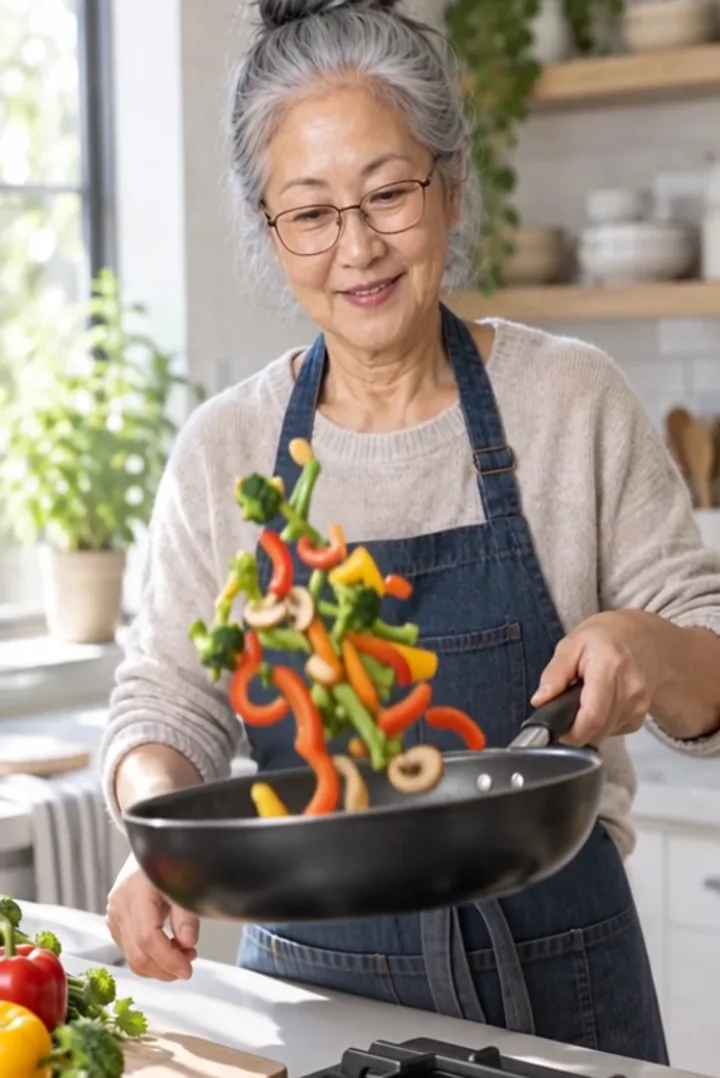
Photo to video · 5 min read
How to turn a photo into a video with AI
Add one photo to Made’s AI Video Generator as the start frame, say what should move, and get a short clip with sound. See a real example and its prompt.
Read the guide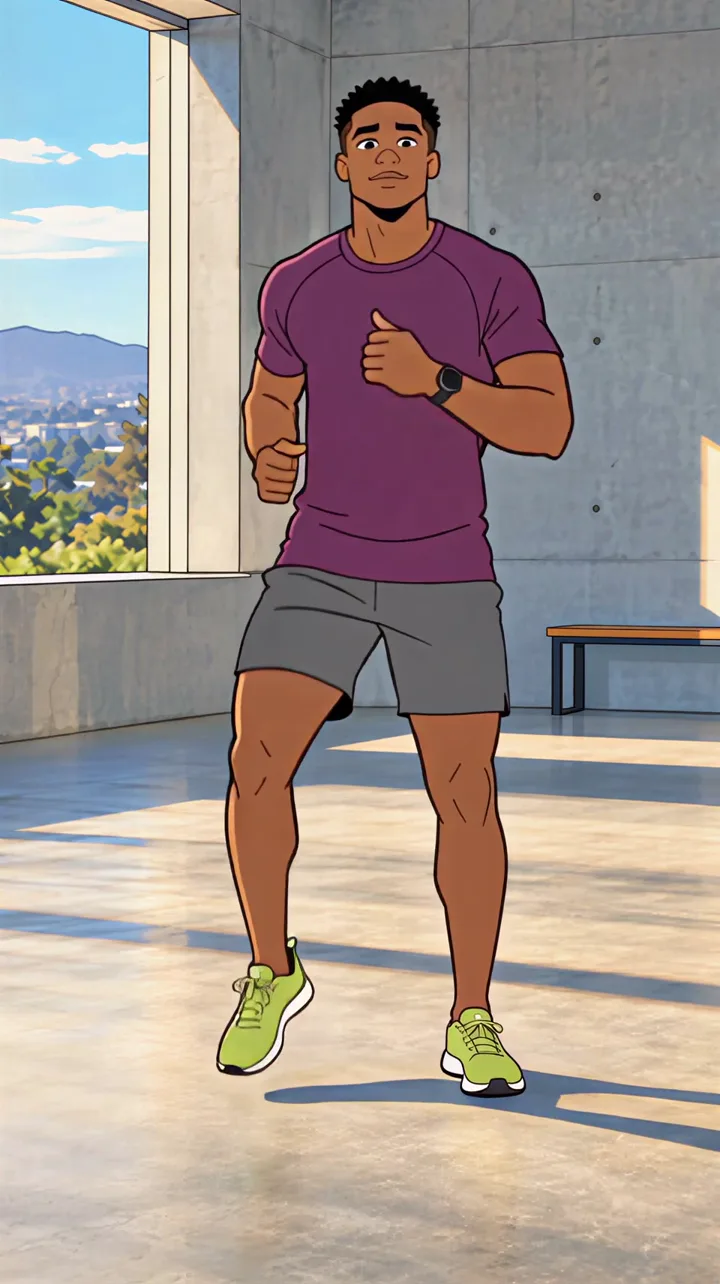
Video restyle · 5 min read
How to turn a video into anime with AI
Restyle your whole video as hand-drawn anime with Made’s Style mode: add the clip, pick the Anime look, generate. A real example, what changes and the limits.
Read the guide
Upscaling · 5 min read
How to upscale a video to a higher resolution with AI
Make a small or blurry clip sharper and bigger, up to 4K, in Made’s Video Upscaler. A real 264 × 480 clip upscaled 4×, the settings, the limits, and photos too.
Read the guideEdit a video you already have
Swap a product, a face or an outfit, add a scene, or move a photo with a video’s motion.
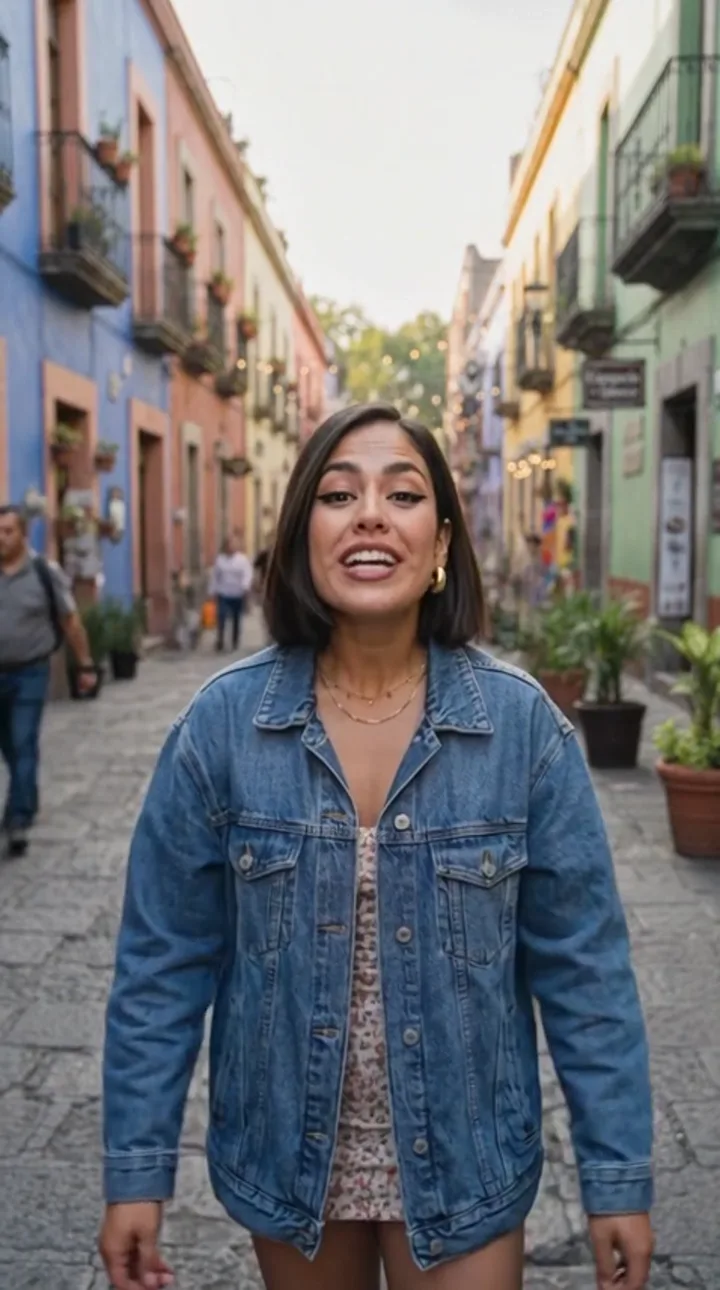
Face editing · 6 min read
How to face swap a video with one photo
Put the face from one photo on the person in a 2–15 second clip with Made’s Face Swap. The moves and sound stay. A real example, what held, and the limits.
Read the guide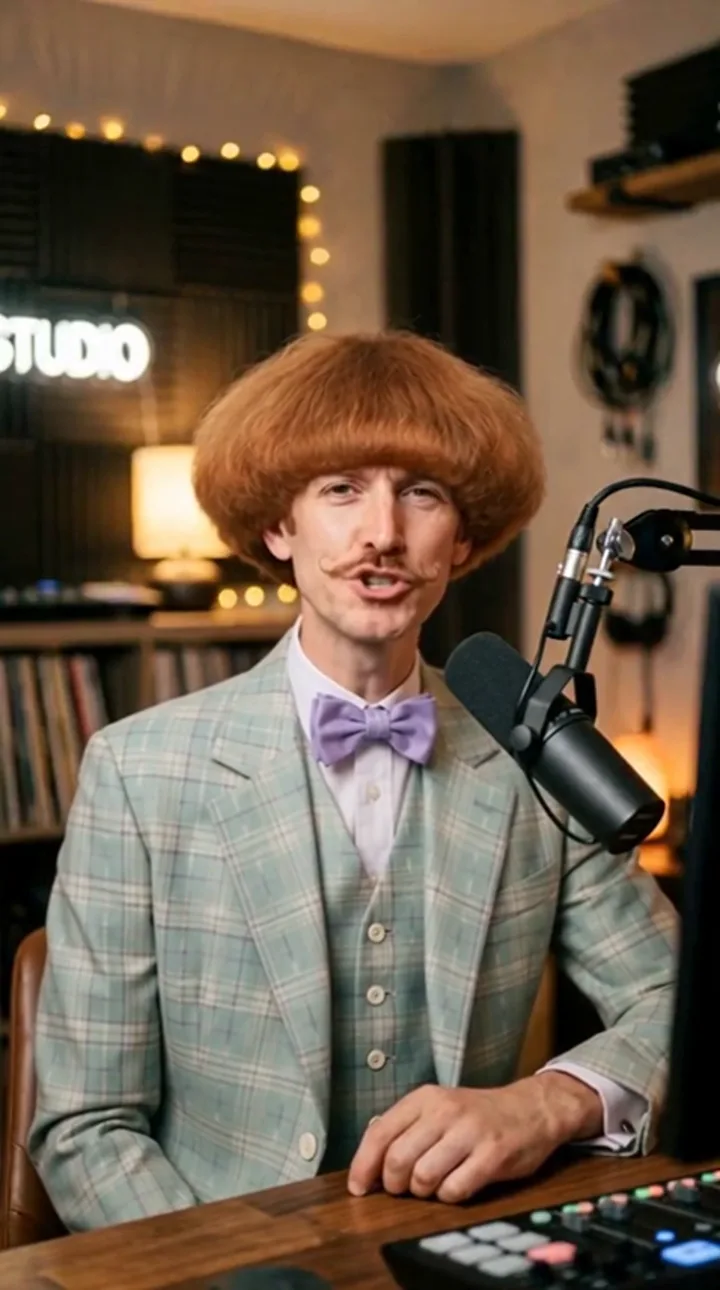
Person replacement · 6 min read
How to replace a person in a video with someone from a photo
Swap the person in your own clip for someone in one photo with Made’s Recast: face, hair, body and outfit change, and the moves and sound stay. A real example.
Read the guide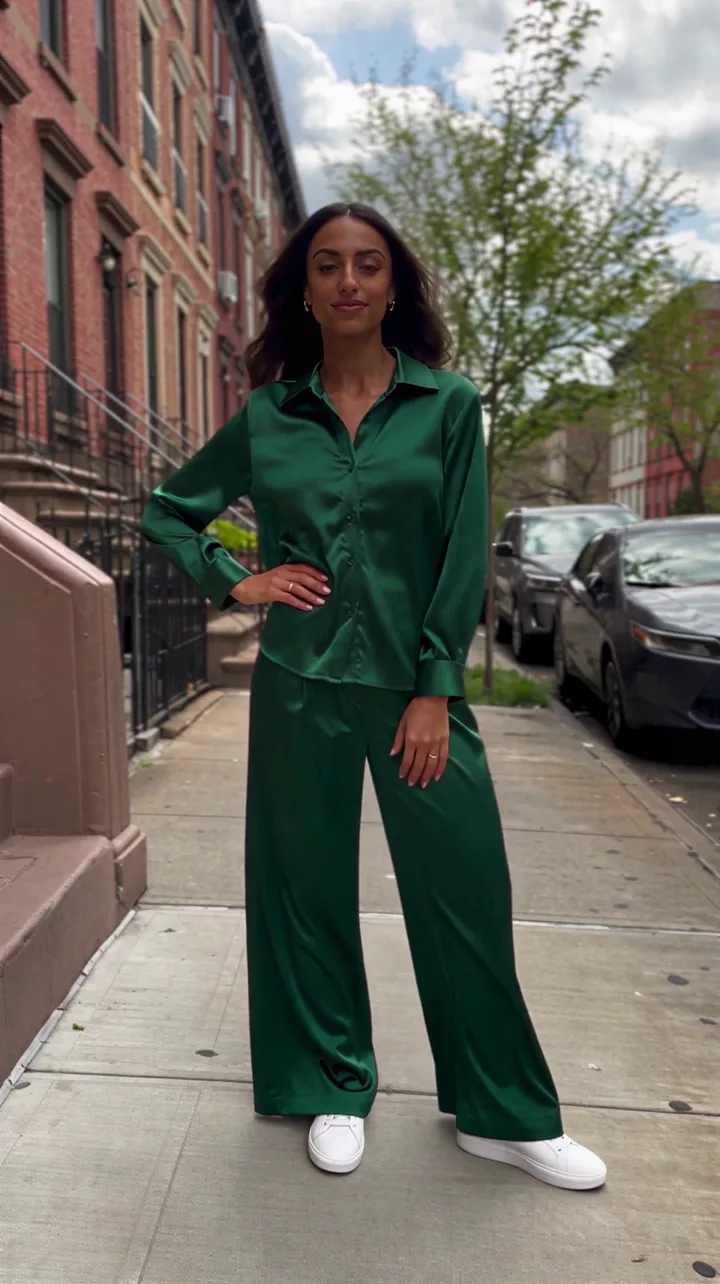
Fashion videos · 6 min read
How to change the clothes in a video with AI
Put a new outfit on the person in your video with Object Swap: add the clip and a photo of the clothes, and generate. See a real example, the prompt and the limits.
Read the guide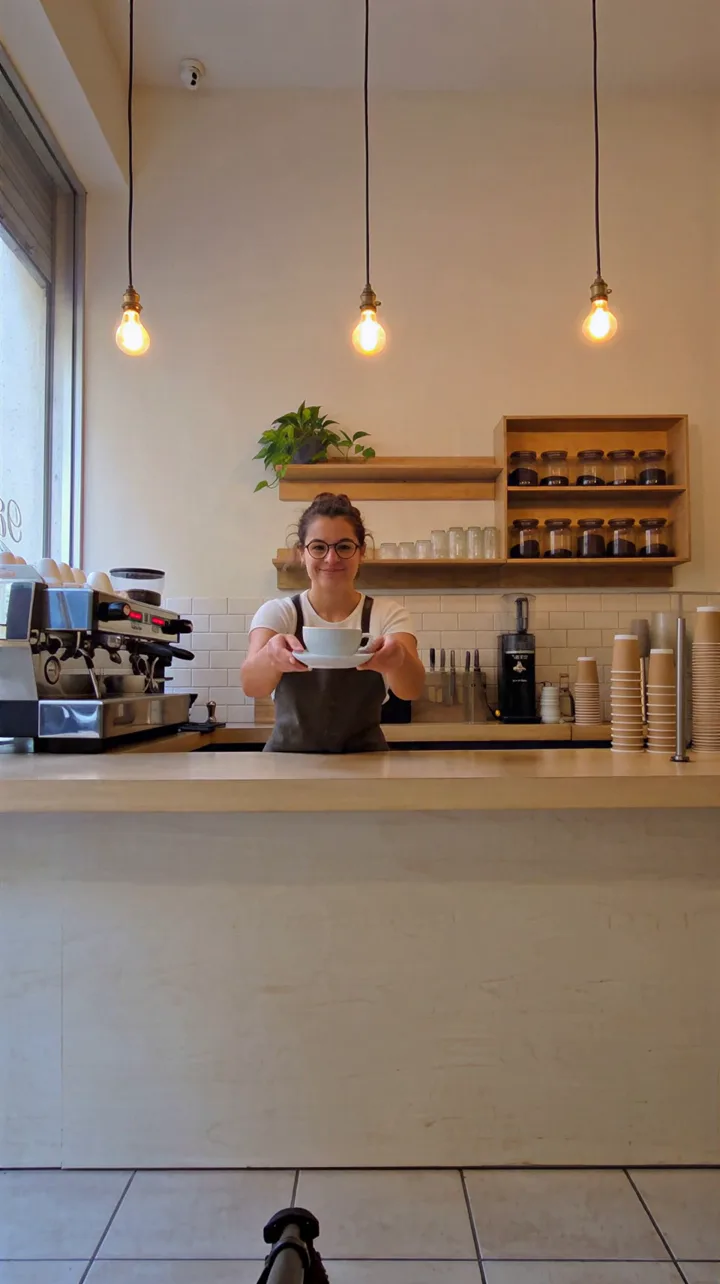
Video cleanup · 5 min read
How to remove an object or person from a video
Erase a person or an object from your video with Video Object Remover: add the clip, say what should disappear, and generate. A real example, what it can’t do, and tips.
Read the guide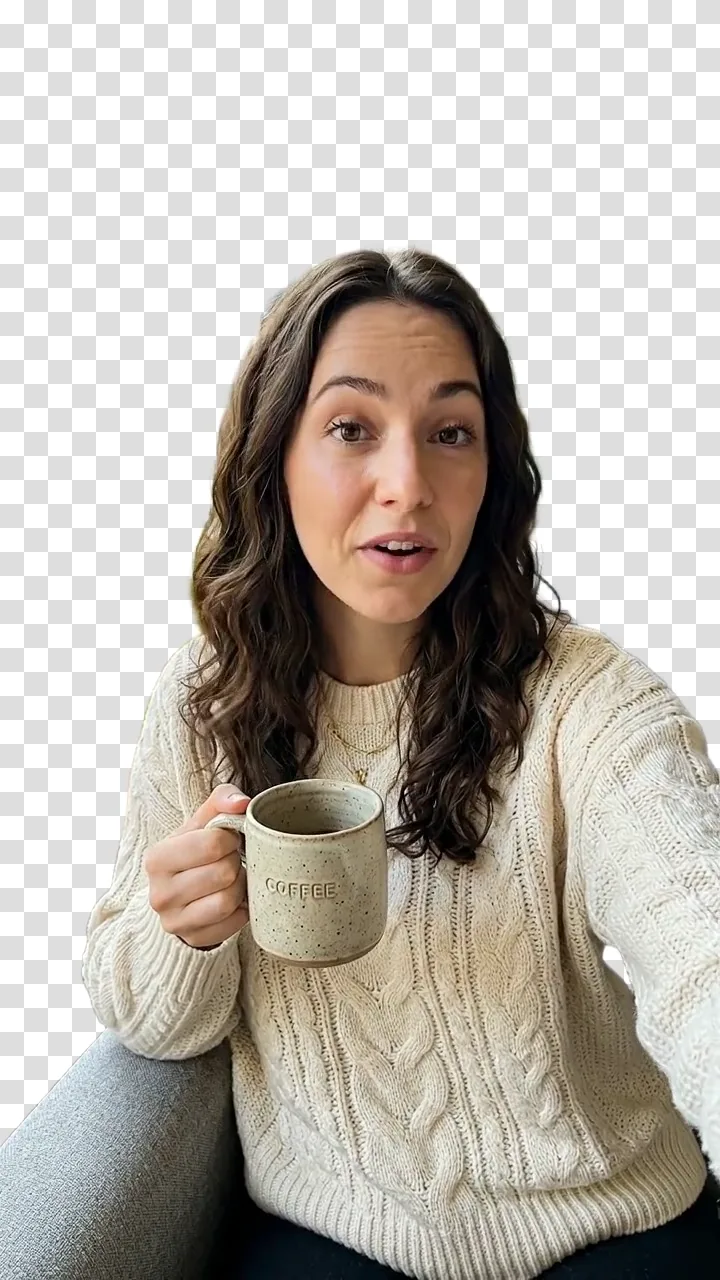
Background removal · 5 min read
How to remove the background from a video
Remove a video’s background without a green screen in Made’s Video Background Remover: a see-through WebM or a solid color. A real example, where it plays, and limits.
Read the guide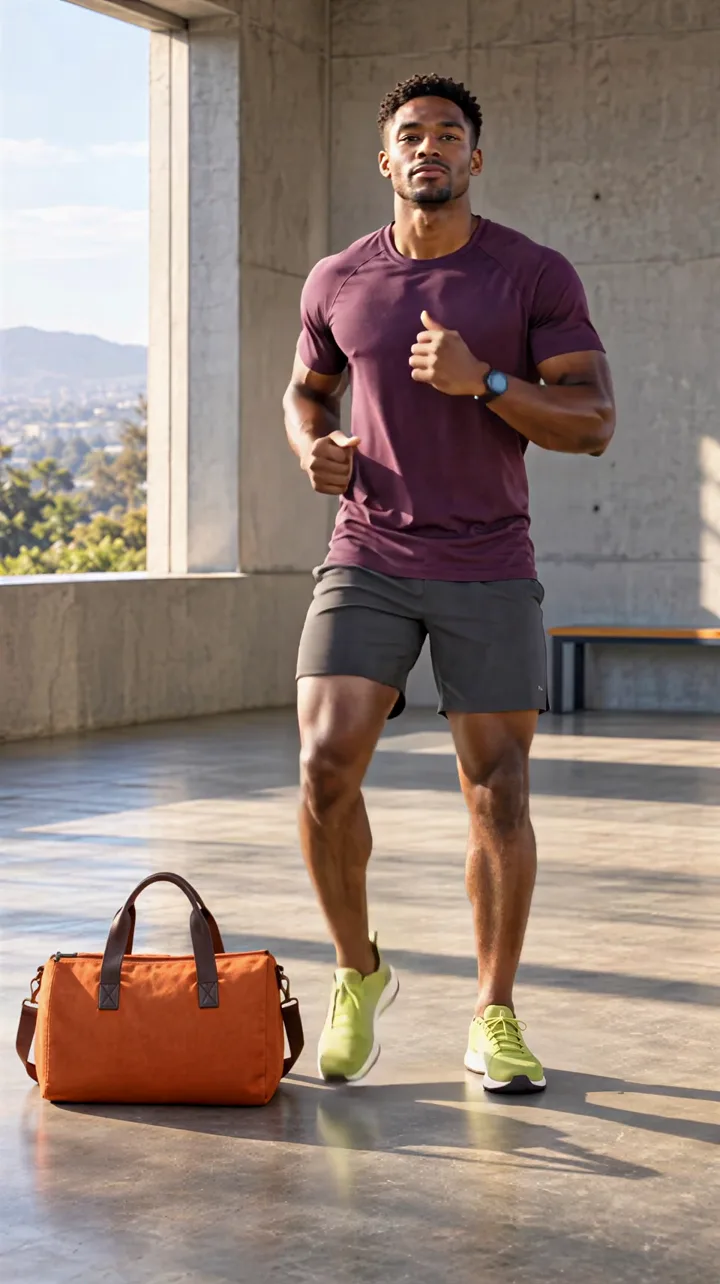
Video editing · 6 min read
How to add an object into an existing video with AI
Put a new object into a clip that doesn’t have it with Made’s Object Swap: add the video, one photo of the object, and say where it goes. See a real example.
Read the guide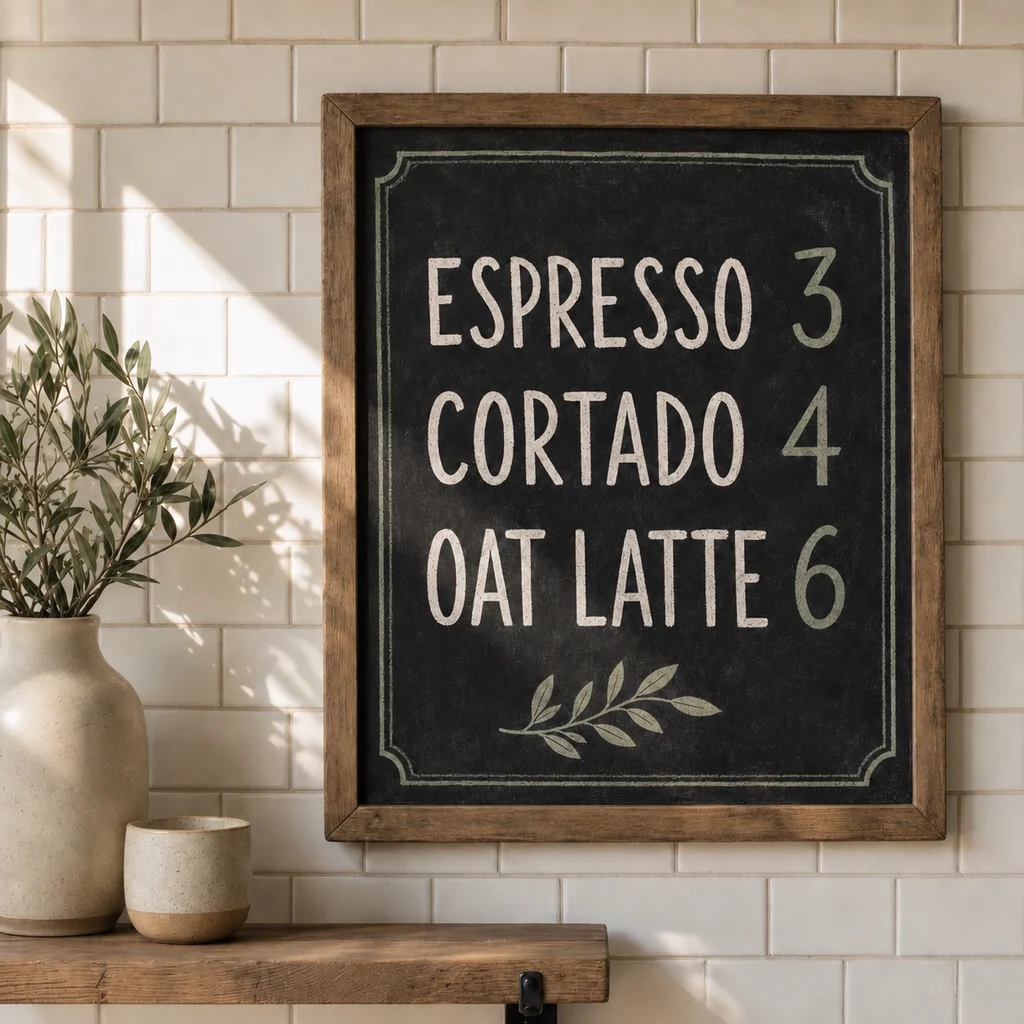
Text in images · 6 min read
How to change text in an image with AI
Open Edit Text, upload an image, tap Detect text, type new words under any line and generate. See a real price change on a menu board, the exact prompt and the limits.
Read the guide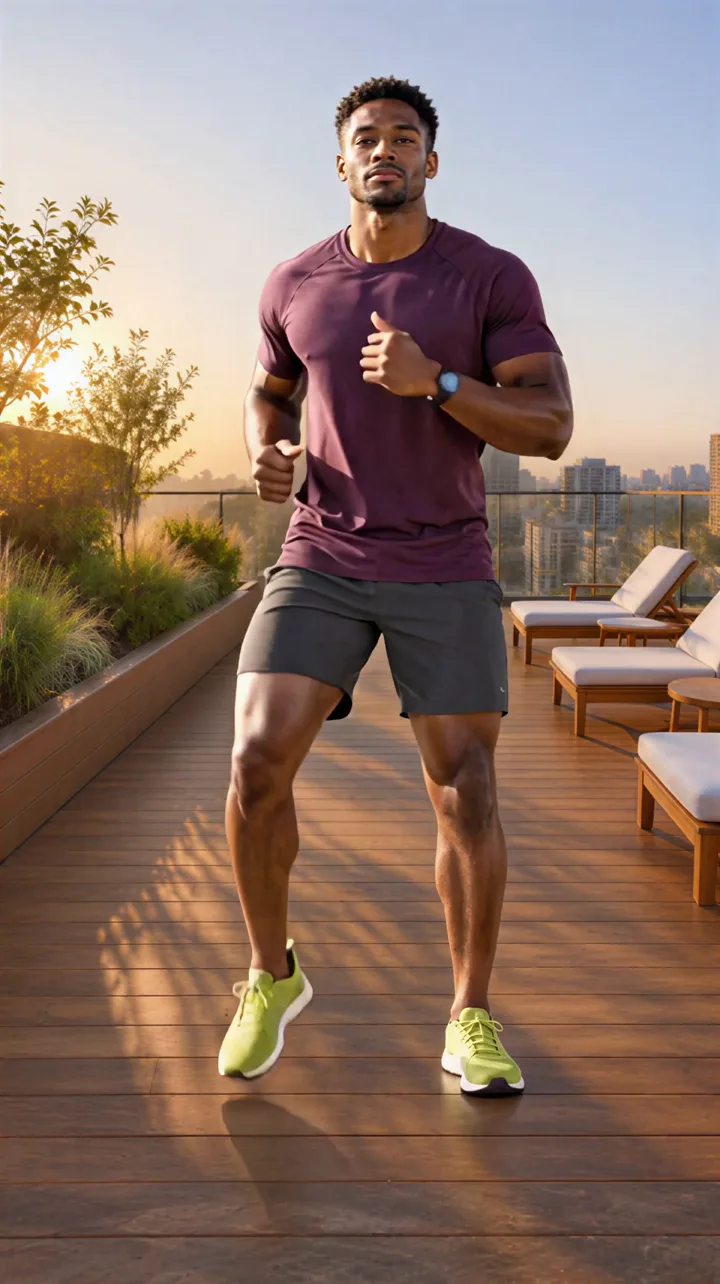
Video editing · 6 min read
How to change the background of a video with AI
Put the person in your video in a new place from one photo of it, no green screen, with Object Swap. See a real example, the prompt and the limits.
Read the guide
Video editing · 6 min read
How to turn day into night or add snow to a video with AI
Turn a daytime video into night, or add falling snow, by describing it in words. No reshoot, no photo needed. See real results, the prompts and the limits.
Read the guide
Photo editing · 5 min read
How to extend a photo to 9:16 for a story without cropping
Turn a landscape photo into a 9:16 vertical with Made’s Expand Image: AI paints new sky and ground around your original. A real before and after, with limits.
Read the guide
Video editing · 6 min read
How to make a video longer with AI
Add 2–10 more seconds to the end of a clip you already have with Made’s Extend Video. Real example, frame by frame at the join, plus what it can’t do.
Read the guide
Product videos · 7 min read
How to replace a product in an existing video
Swap a bottle, package, or prop in existing footage with a reference photo. See a real Made before-and-after, the exact prompt, costs, and review checklist.
Read the guide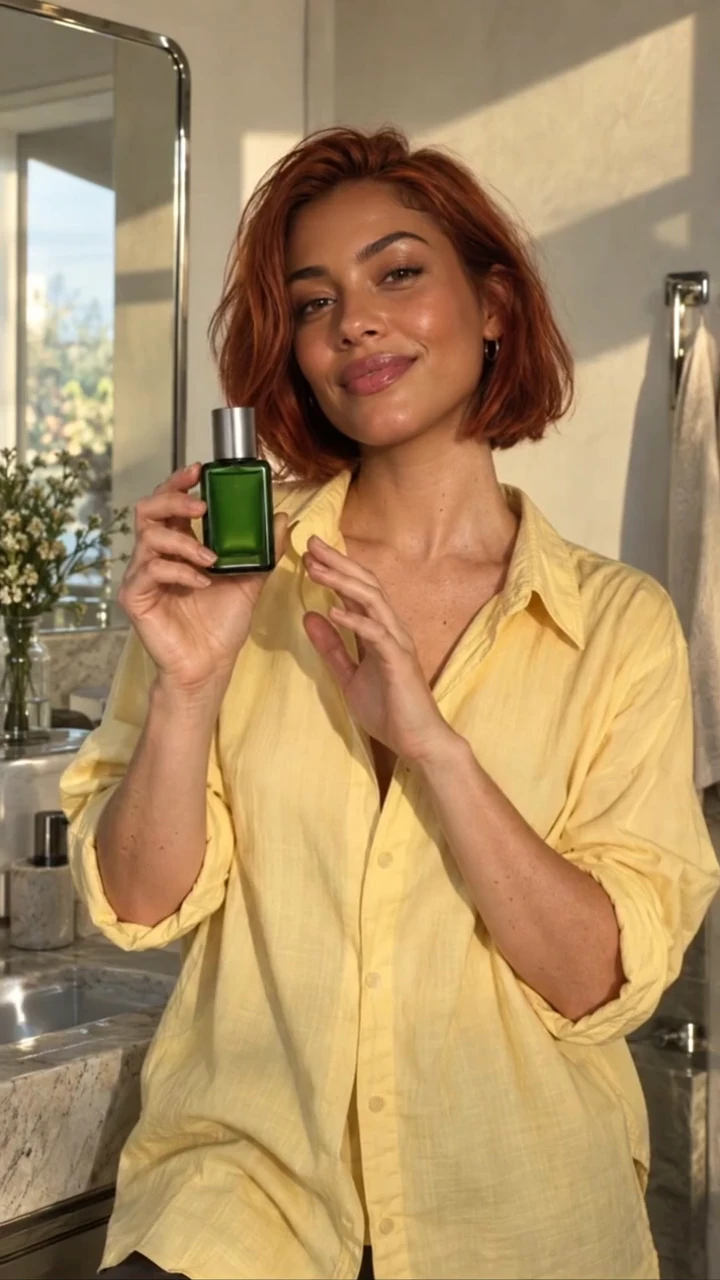
Face editing · 7 min read
How to swap one face in a video with multiple people
Target one person in a group clip using position and visual anchors. Includes a real face-edit example, exact prompts, common failures, and how it’s priced.
Read the guide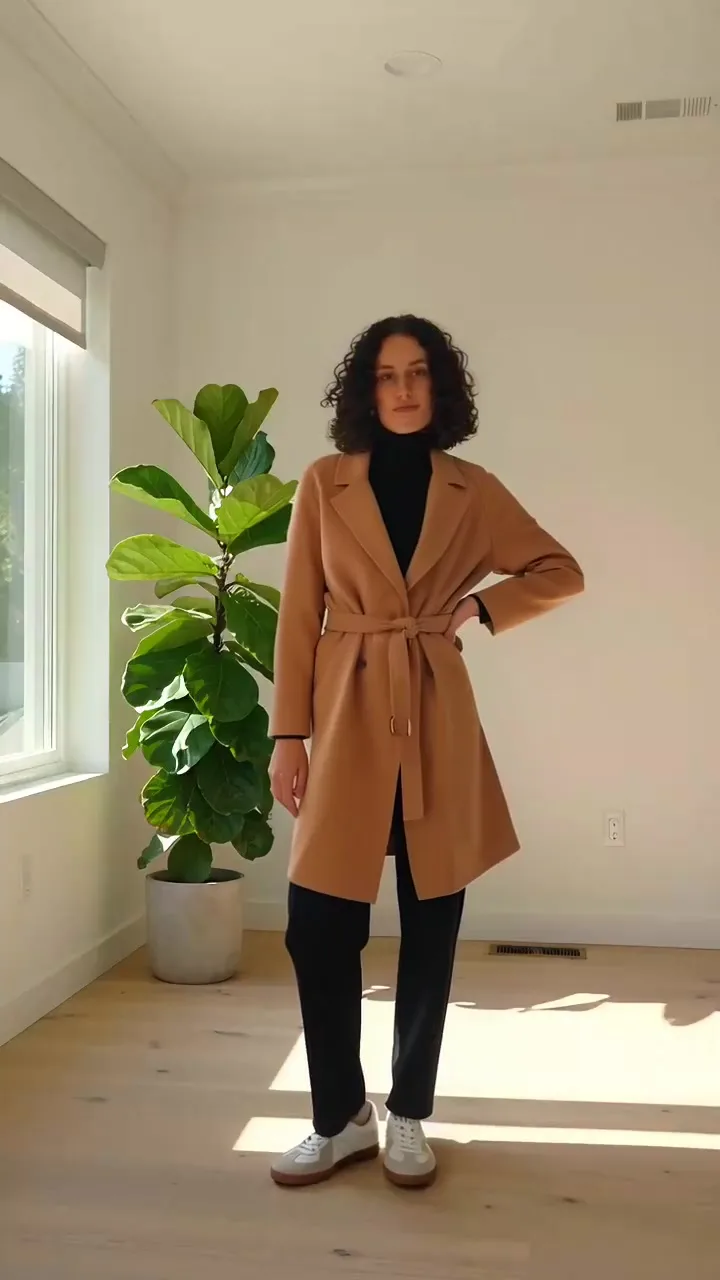
Fashion videos · 6 min read
How to make an outfit-change video from one take
Make a Quick Change video from one performance. Inspect the original take, generated result, outfit prompts, actual frame counts, and a worked credit estimate.
Read the guide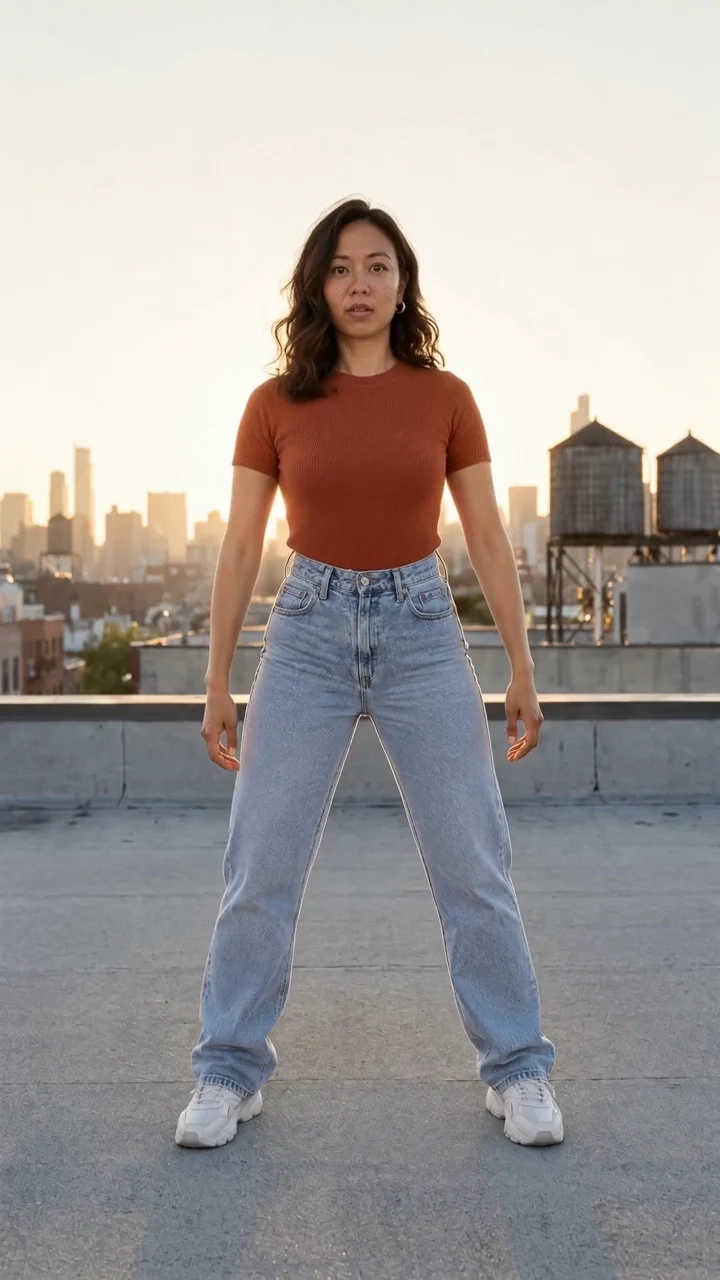
Character workflows · 7 min read
How to take a consistent character reference into video
Create a character turnaround, verify the design, and animate one approved view. Includes a real motion-transfer example, exact prompts, limits, and costs.
Read the guide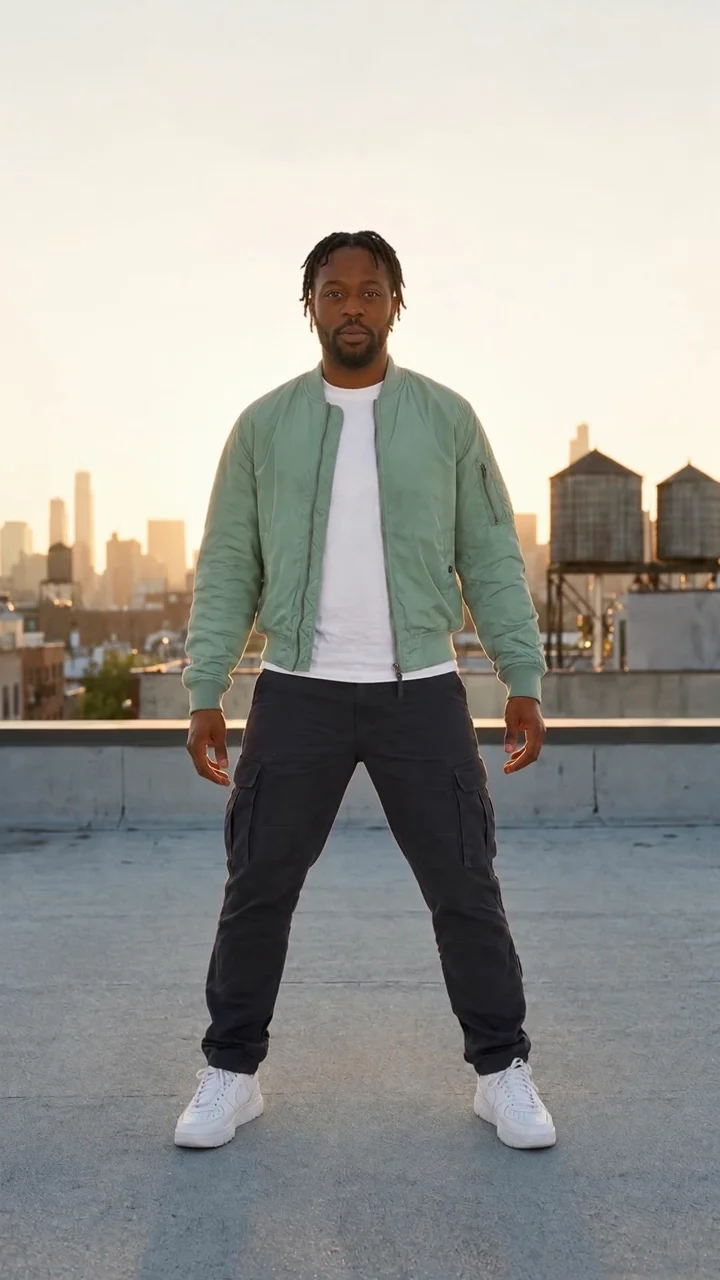
Motion videos · 6 min read
How to animate a photo with video motion transfer
Put the person in one photo into a dance, walk, or any move from a video. See a real Made example, the exact prompts for both stages, costs, and what to review.
Read the guide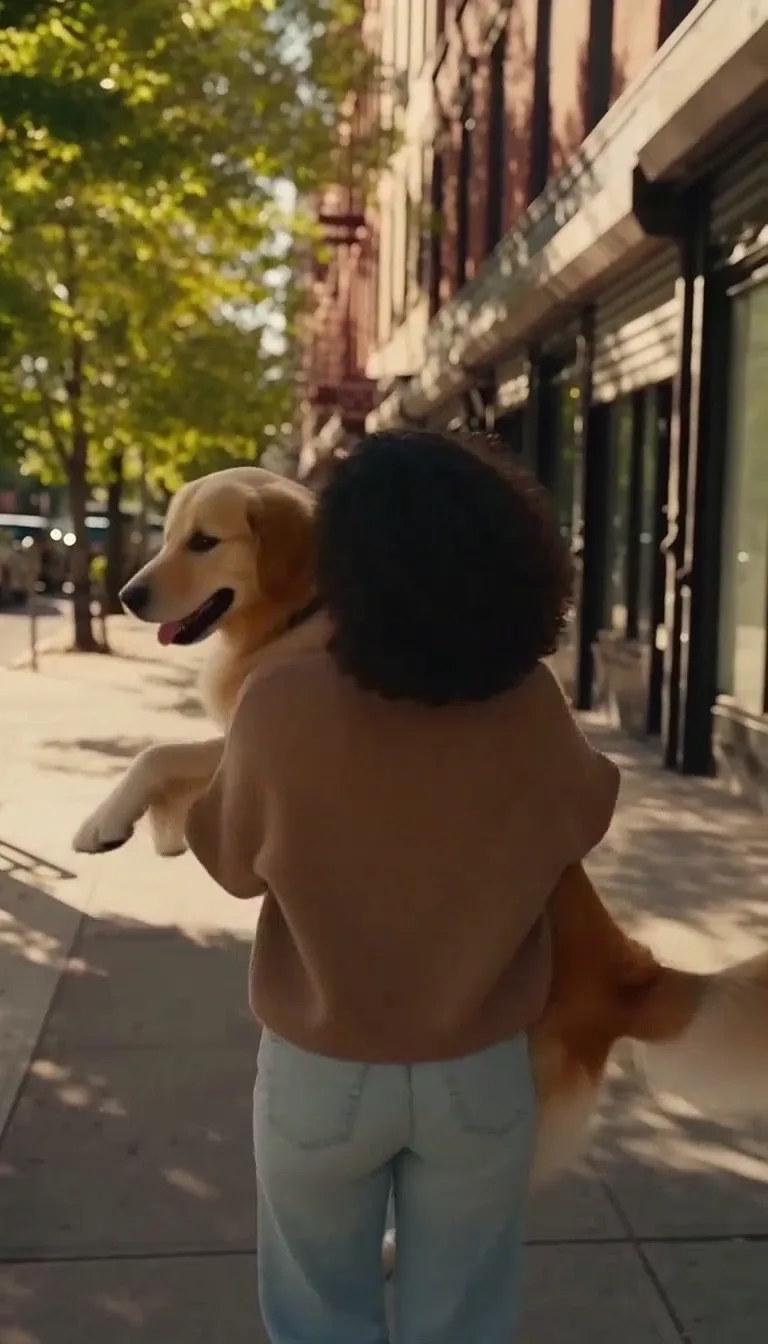
Video editing · 6 min read
How to add a scene to a video with AI
Insert a new 5–13 second scene into a clip you already have, then cut back to your footage. See a real Made example, the exact direction, costs, and limits.
Read the guideEach guide separates recorded examples from prompts to adapt. Prices aren’t listed here: every tool shows the exact price on Generate before anything runs. For model-wide rates, see the price sheet. To work from Claude or another assistant, connect Made.