The workflow
Pick the line and how it should move
Write the exact words, in capitals if you want capitals, and decide how they arrive: one word at a time, one letter at a time, or typed out. Short lines work best. This guide’s example uses five words in ten seconds. The designer builds from what you write, so spell every word the way you want to see it.
Open Motion Studio and describe it
Open Motion Studio and type in the box “Describe your motion graphic”. Start with the length and shape, then the words after “The words are:”, then how they move, what the background does and what color the last word is. Say “only type: no people, no photos, no logos” if you want nothing but words. On a phone, tap the bar that says “Describe your video” to open the prompt sheet.
Choose the Shape and Length
Set Shape to 9:16 for a vertical video, or 16:9, 1:1 or 4:5. Set Length to 6, 8, 10, 12 or 15 seconds. The designer model starts on GPT-6 Sol. A short line needs fewer seconds than you think: a few words, each on screen for about a second, then a hold on the full line.
Tap Generate
Generate shows the price before you run it, and you sign in if you aren’t already. The designer writes the animation as a program and builds it as layers and keyframes; the build streams in the chat panel and the video starts playing when it’s ready. A build that fails isn’t charged.
Check every frame, then ask for changes
Play it and pause on each word. Read the spelling, look at how big the type is, check the gaps between lines, and watch the last hold. To change something, type in “Message the motion designer”, one change at a time. Or click a layer in the timeline and edit it in Properties: its text is the Content field, and the font, size and color sit under it. Your hand edits are kept when the designer rebuilds.
Export the video
Tap Export, pick Resolution (720p, 1080p or 4K) and Frame rate (24, 30 or 60 fps), then tap Export video. The video is rendered on your device, frame by frame, with the sound mixed in, and nothing is uploaded. Use a computer: a browser that can’t encode video says so. “This frame (PNG)” saves one still instead.
Recorded Made demonstration
A made-up motivational line, one huge word at a time, then the whole line
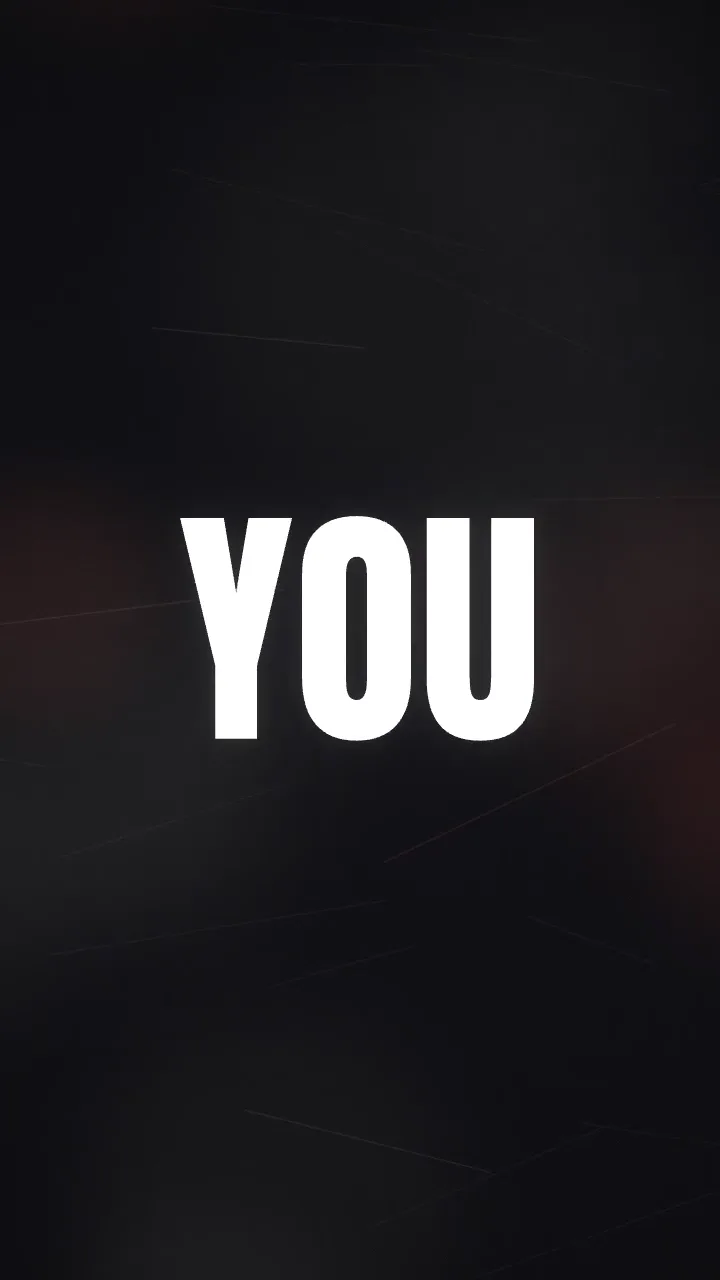
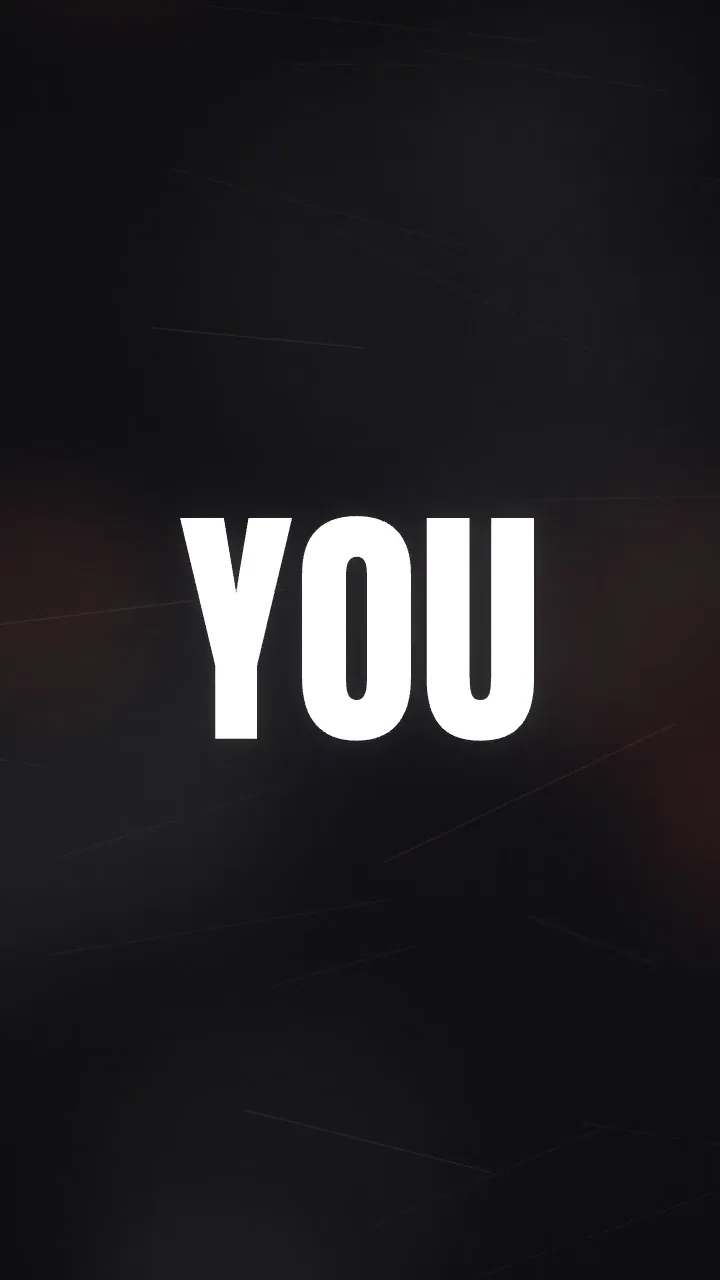
This is a real Motion Studio build from November 16, 2026 (US time). The line, START BEFORE YOU FEEL READY, is mine, and the message is shown below. It was typed with nothing attached, as 9:16 and 10 seconds, and the studio’s designer, GPT-6 Sol, built it in 27 seconds. It was made from a script rather than clicked through the browser: the same designer code ran with the same message and settings, and the same renderer and exporter made the 720p, 30 fps MP4 you see, with the music and sound effects the designer chose. I checked it every 0.2 seconds and at full size. START, BEFORE, YOU, FEEL and READY each fill most of the width on a steady beat about 0.8 seconds apart, with a quick slide between them; then the five lines stack with READY in a red-orange accent, and hold for the last two seconds. A soft red glow and thin lines drift behind the type. The spelling is right in every frame, and I saw no flicker or warped letters. What it doesn’t do well: the background motion is subtle, there is about half a second of empty screen between the last single word and the stack, the margins on the final stack are tight, and the designer stretched the lines sideways to give them the same width, so YOU looks wider than START. It also chose the music and sounds, which you can swap. My first two tries were weaker: the first put the words in a small stack in the top half with nothing moving, and the second had a lime accent, a small closing stack and a background too faint to see, so the message was rewritten for the third. It’s one run, not a measure of how every line will come out.
Motion Studio designer: GPT-6 Sol · Generated · View the example record and price basis (JSON)
Prompts you can inspect and adapt
Recorded generation prompt
What was typed for this run
Make a 10 second vertical motivational text video. The words are: START BEFORE YOU FEEL READY. Pure motion design, only type: no people, no photos, no logos, no other words on screen. First, show one word at a time: START, BEFORE, YOU, FEEL, READY, each one huge, filling most of the width of the screen, hitting on a steady beat (about every 0.8 seconds) and replaced by the next with a quick cut or slide. Then, in the last 4 seconds, bring the whole line together as five stacked lines that fill most of the width of the screen, with clear gaps between the lines, and the word READY in the accent color, and hold it for two seconds. Dark background, white type, and one warm red-orange accent color. Keep large, clearly visible shapes drifting slowly behind the words the whole time, such as soft circles and thin lines, so the background is never still.This was typed in the Motion Studio box with nothing attached, 9:16 and 10 seconds. It built 56 layers and 174 keyframes: ten text layers (each word twice, once alone and once in the stack) and the drifting shapes behind them.
Prompt recipe to adapt
For your own line
Make a [6, 8, 10, 12 or 15] second [vertical] text video. The words are: [YOUR LINE IN CAPITALS]. Pure motion design, only type: no people, no photos, no logos, no other words on screen. First, show one word at a time, each one huge, filling most of the width of the screen, hitting on a steady beat (about every [0.8] seconds) and replaced by the next with a quick cut or slide. Then, in the last [4] seconds, bring the whole line together as stacked lines that fill most of the width of the screen, with clear gaps between them, and hold it for two seconds. [Dark] background, [white] type, and one [warm red-orange] accent color on the last word. Keep large, clearly visible shapes drifting slowly behind the words so the background is never still.Fill in the brackets. The lines that matter most: “The words are:” with your exact words, “only type” so it adds no people or pictures, “filling most of the width” so the words are big, and the drifting shapes so the background isn’t still. For one letter at a time, replace the first sentence about words with “each letter pops in one after another, about 0.05 seconds apart”.
Prompt recipe to adapt
A change to ask for after it builds
Keep everything, but remove the empty half second before the final stack, and keep the letters at their natural width instead of stretching the lines.Short, one or two changes at a time. The designer edits the animation it built rather than starting over, and any hand edits you made on the timeline stay.
How an animated text video is priced
By the designer model you choose and how much it has to read and write: your message and how big the animation is. An estimate shows beside Generate before you send, and the final charge follows the real usage.
GPT-6 Astra, the other designer, costs several times more per message than GPT-6 Sol. A longer or busier animation and a change to an existing one cost more than a short first build. Exporting the video runs on your device.
Price source: Motion Studio · Checked
A build that fails isn’t charged. If your balance is short, the studio tells you before it starts. If your message asks for pictures, the price of those shows on the button before anything is charged. Whether you can download the exported video depends on your plan.
What to review before you use the result
| What you see | What to try |
|---|---|
| A word is missing, added or spelled wrong | The designer writes the animation from your message, so it can drop or change a word. Put the words after “The words are:” in capitals, check every frame, and fix a word by clicking its layer in the timeline and editing the Content field. Then ask for the rest of the change in chat. |
| The type is small or the lines are cramped | Ask for each word “huge, filling most of the width of the screen” and for “clear gaps between the lines”. The first try in this guide’s example did neither, and the message was rewritten. You can also click a layer and change its Size. |
| The letters look stretched | To make stacked lines the same width, the designer can stretch them sideways, as it did for YOU in this guide’s example. Ask it to keep the letters at their natural width, or pick a different font in the layer’s properties. |
| The background is still or too busy | Ask for shapes or lines drifting slowly behind the words, or for a plain background. Shapes the designer draws are easy to fade or hide: click one in the timeline and tap its Hide layer button. The Background color is in the project’s properties. |
| You want every letter to move on its own | Say so: “each letter pops in one after another”. The designer can move text one letter, one word or one line at a time, type it out like a typewriter, or scramble it into place. Letter-by-letter takes longer to read, so give it a few more seconds. |
| The browser can’t export the video | The export runs on your device. Use a recent Chrome, Edge or Safari on a computer. A browser that can’t encode video shows this message instead of exporting. You can save a single frame as a PNG, or download the project file to export later. |
Questions about this workflow
Can I make an animated text video with no people or footage?
Yes. Say “only type: no people, no photos, no logos” in your message. In this guide’s example the designer built the whole piece from text and drawn shapes, with no pictures. If your message asks for pictures, the designer can generate them, and their price shows on the button before anything is charged.
Can it animate letter by letter, like kinetic typography?
Yes. The designer can bring text in one letter, one word or one line at a time, type it out like a typewriter, or scramble it into place, each with its own timing. In this guide’s example it moved whole words, so ask for “each letter” if you want letters. Everything lands as editable text layers.
Which shapes and lengths are there?
Shapes are 16:9, 9:16, 1:1 and 4:5, and lengths are 6, 8, 10, 12 and 15 seconds. 9:16 is the vertical one. Export is 720p, 1080p or 4K at 24, 30 or 60 fps. An MP4 where your browser can encode H.264, and a WebM where it can’t.
Does it add sound?
Yes. The designer picks a music bed and sound effects for the big moments. In this guide’s example it chose a trailer-style bed with impacts, ticks, a riser, a swoosh and a whoosh. You can swap the music or change the levels in the editor.
Can I change the words after it builds?
Yes, two ways. Click a text layer in the timeline and edit its Content field, which changes only that layer and doesn’t call the designer. Or ask in “Message the motion designer”; it edits the animation it built, and your hand edits stay.
Do I need to sign in?
To have the designer build or change an animation, yes. It uses credits from your Made balance, and the estimate shows beside Generate. Opening an example and editing its layers doesn’t use the designer.
Work with Claude and Made
Motion Studio runs on its own page: the designer, the editor and the video export all happen in your browser. The Made connector in Claude doesn’t run it, so it can’t make this word-by-word animation. For a plain text video through the connector, ask Claude to use compose_video where your client offers it: it joins clips and stills with cuts or fades, music and text at one aspect ratio, so you can get your lines on a dark still, one after another, with a music bed. It will be simpler than Motion Studio’s result, with no per-word motion or drifting shapes.
Conversation starter
Ask your assistant
Use compose_video to make a 10 second 9:16 video from a plain dark background. Show these words one at a time as large white text: START, BEFORE, YOU, FEEL, READY, then the whole line START BEFORE YOU FEEL READY for the last 3 seconds, with a music bed. No people, no pictures. Tell me the price before you run it.Check the spelling and the size of the text in the result before you use it. For animated letters and layered motion, use Motion Studio.