Edit the video you already have
AI Video Editor
Add your clip and say what to change. Made swaps the face, the product or the outfit, removes what shouldn’t be there, or upscales and reframes the shot, and keeps the rest of your video.
The price is on the button before you generate.
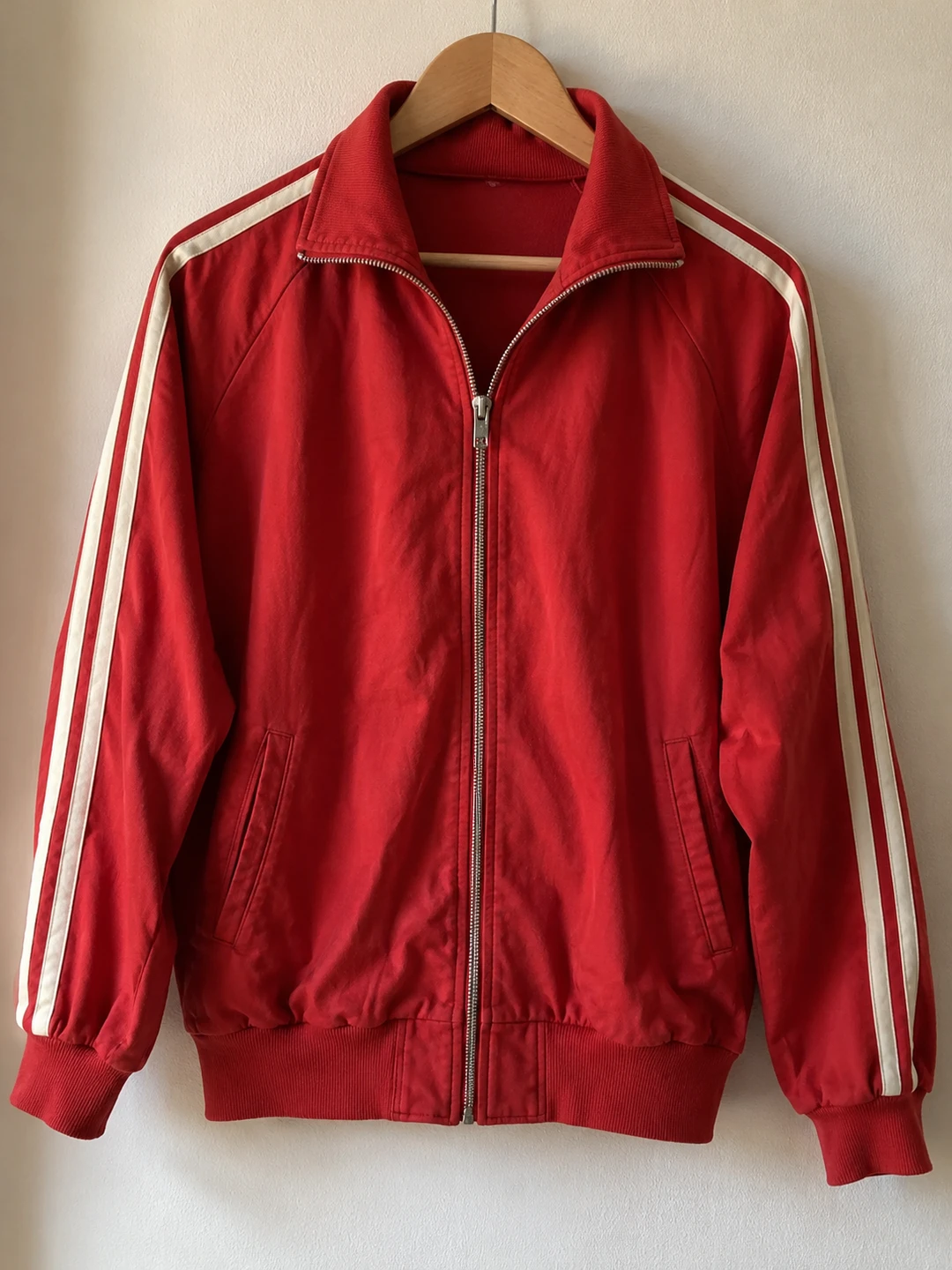 The new jacket
- Your video
- MP4 or MOV. Each edit has its own limits: 2–15 seconds for a face swap, up to 3 minutes for an object swap.
- How you ask
- In words, plus a photo of the new face, product or outfit when there is one. No masks, no timeline.
- What stays
- The movement, the camera and the scene. Swaps keep your clip’s own sound.
- Price
- On the Generate button before you pay. Failed edits are refunded. No subscription.
- Results
- An MP4 in Assets. It keeps running if you leave the page.
What you can change
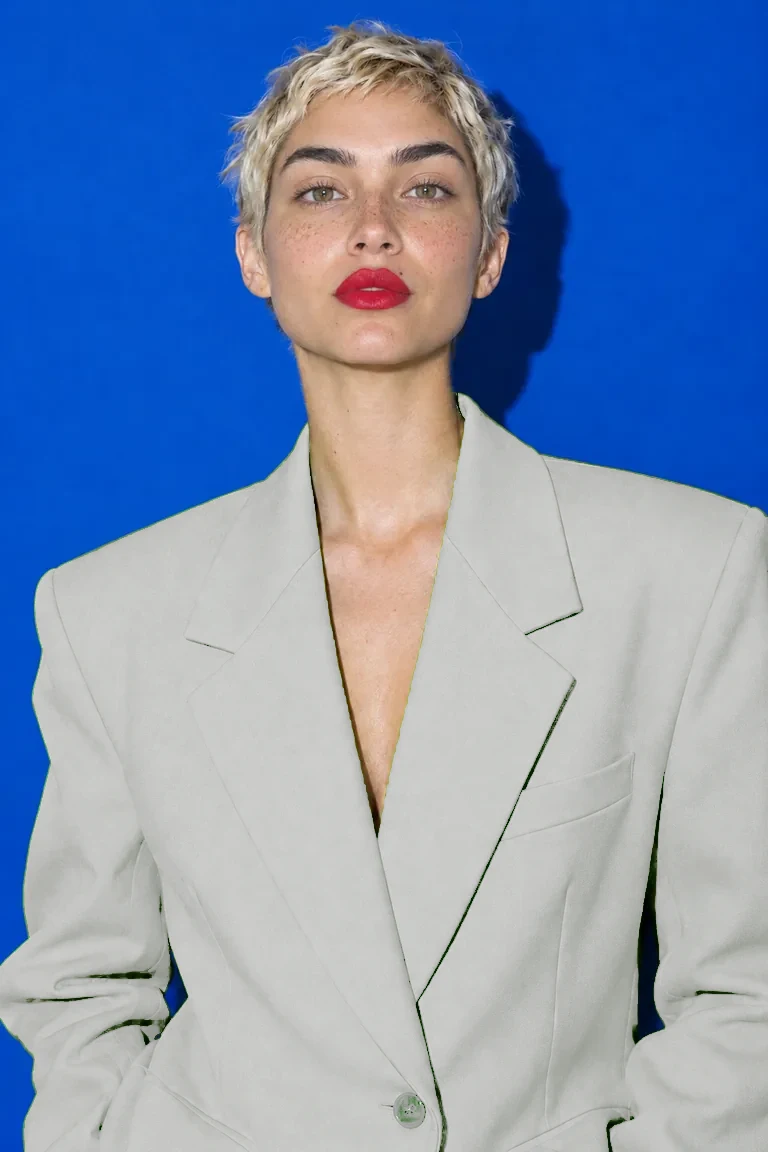
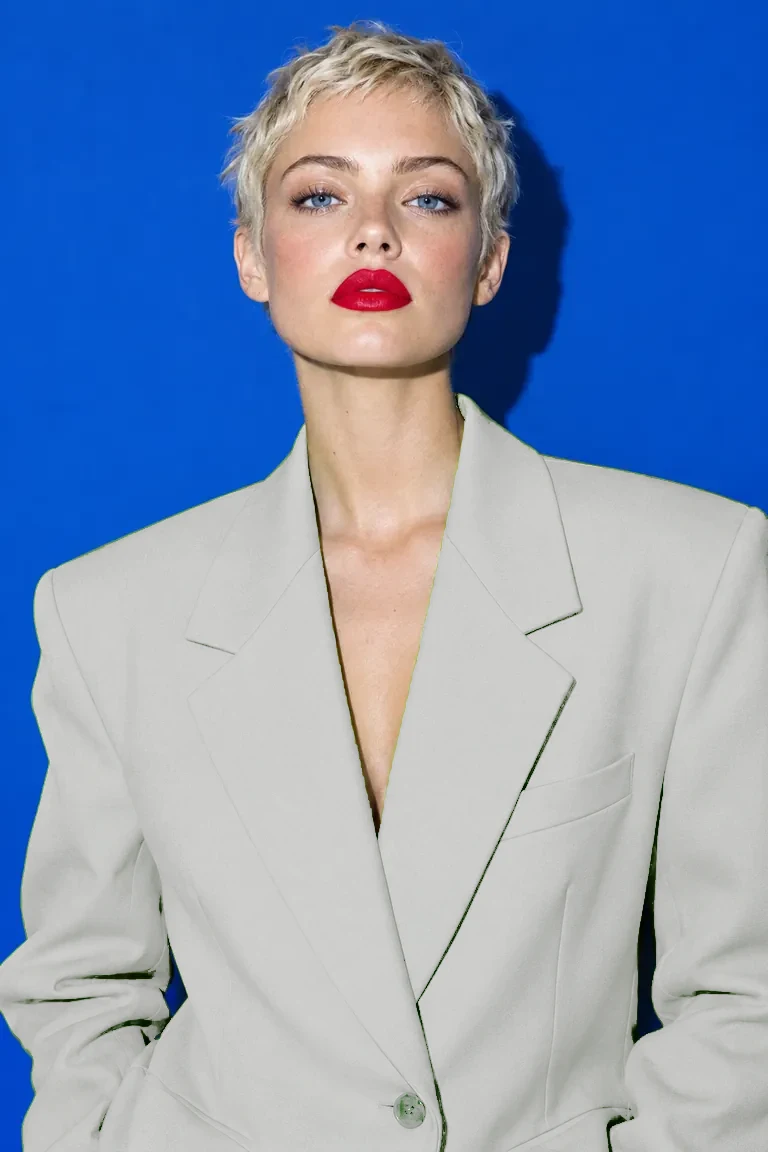
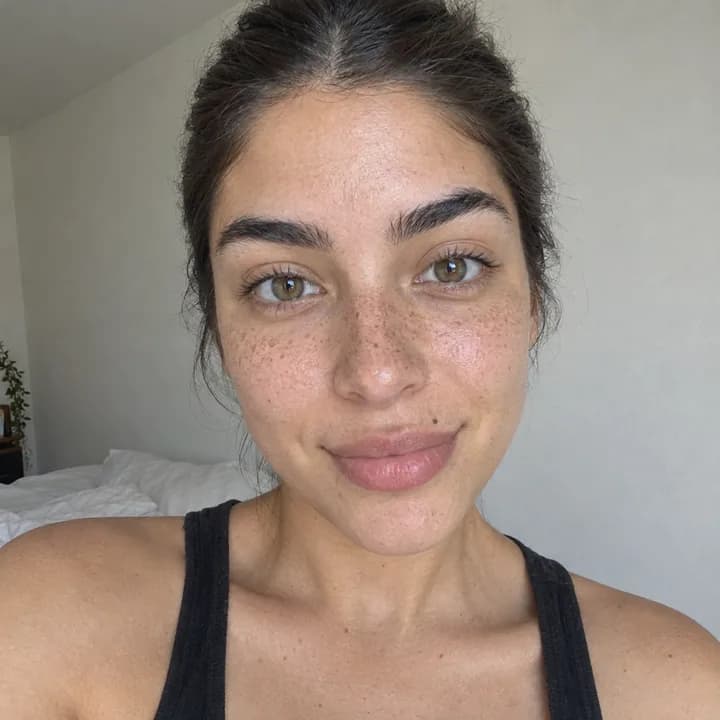
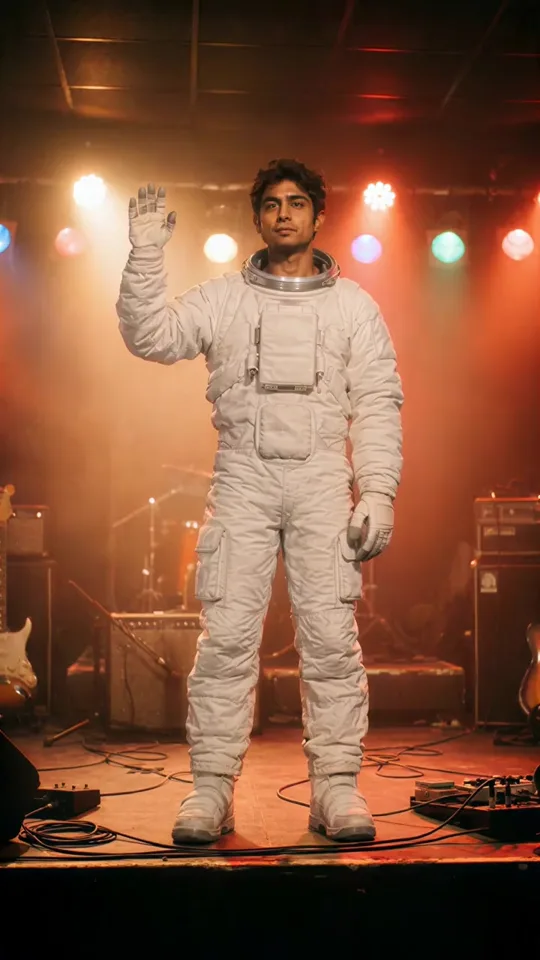
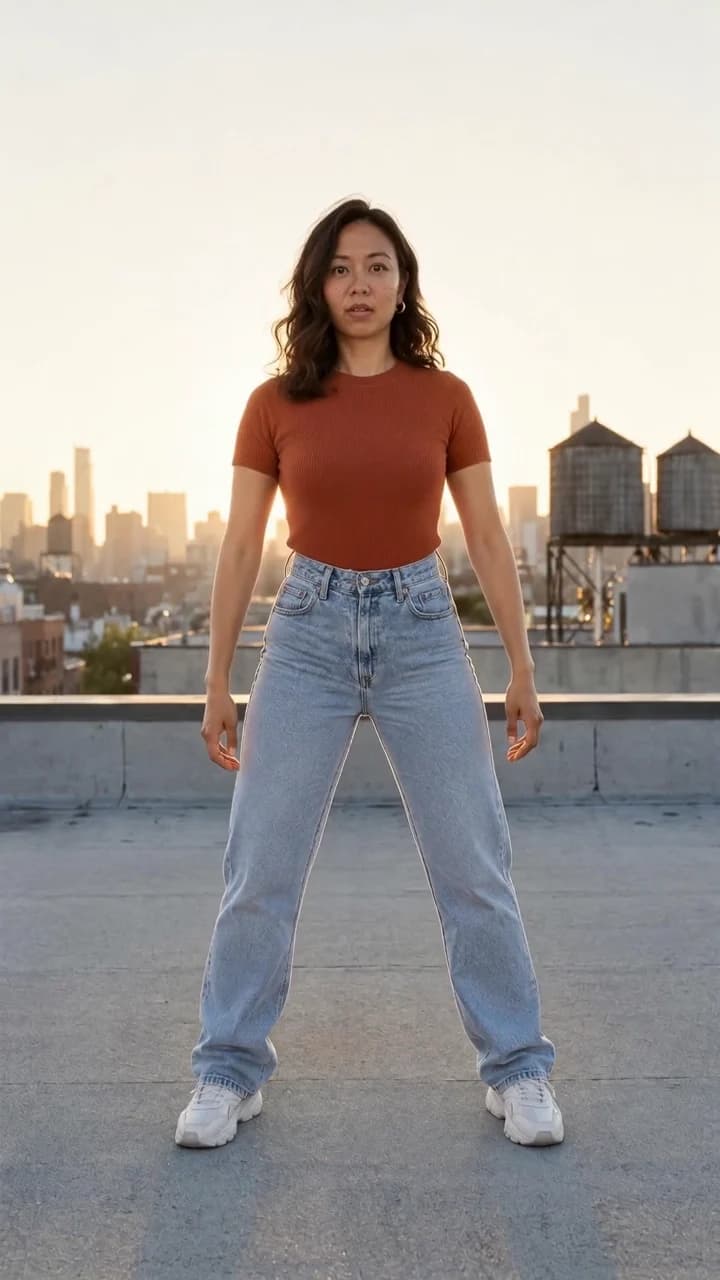
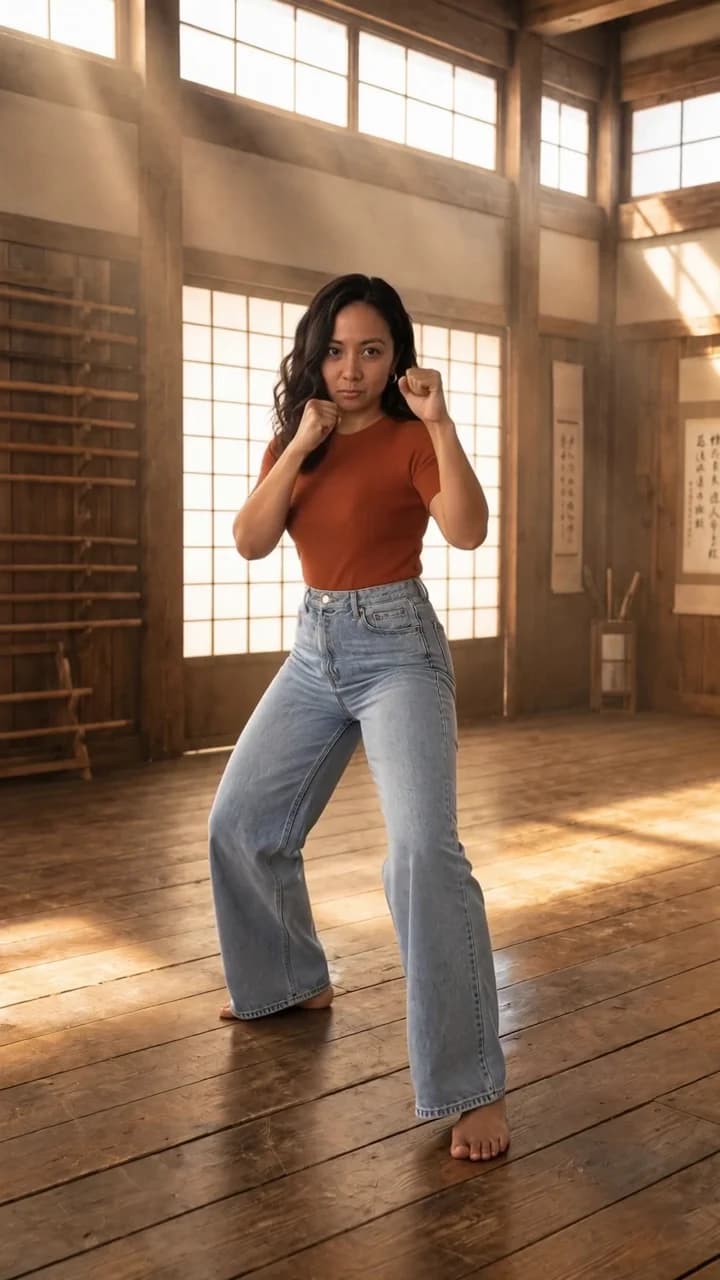
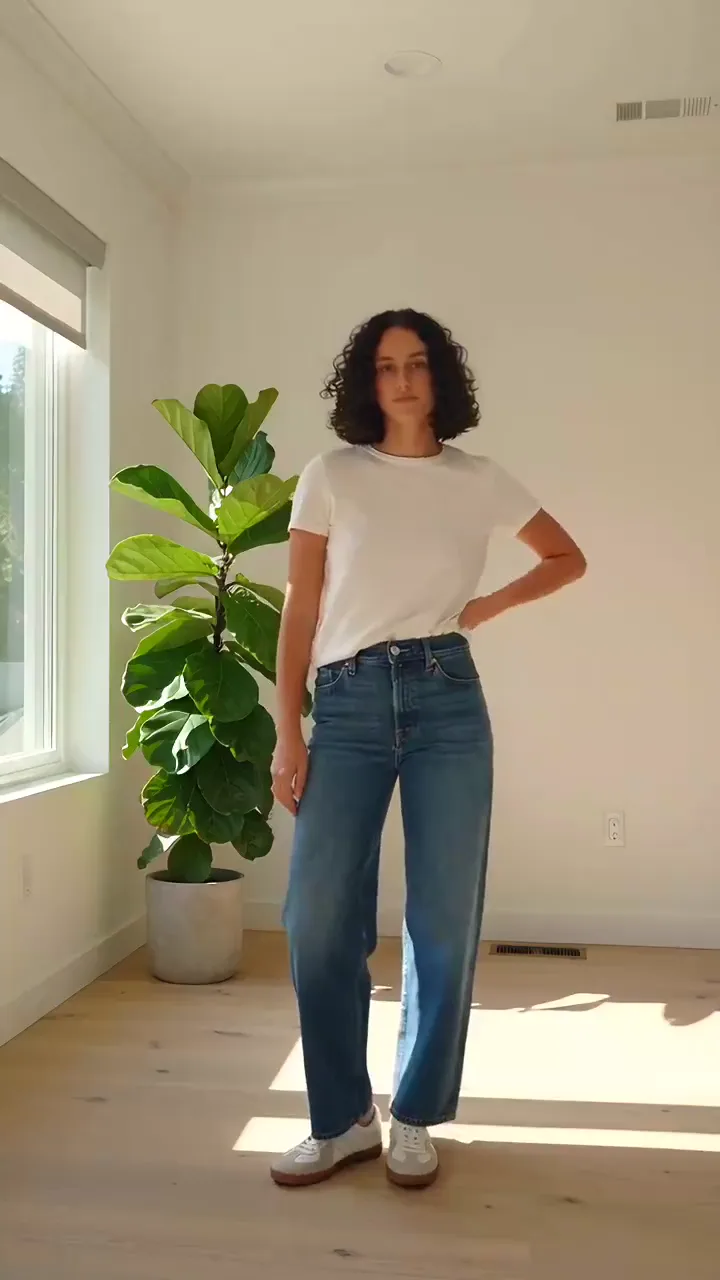
Each edit is its own tool, built for one job. Every picture here is a real result.
Change who is in it



Change what is in it


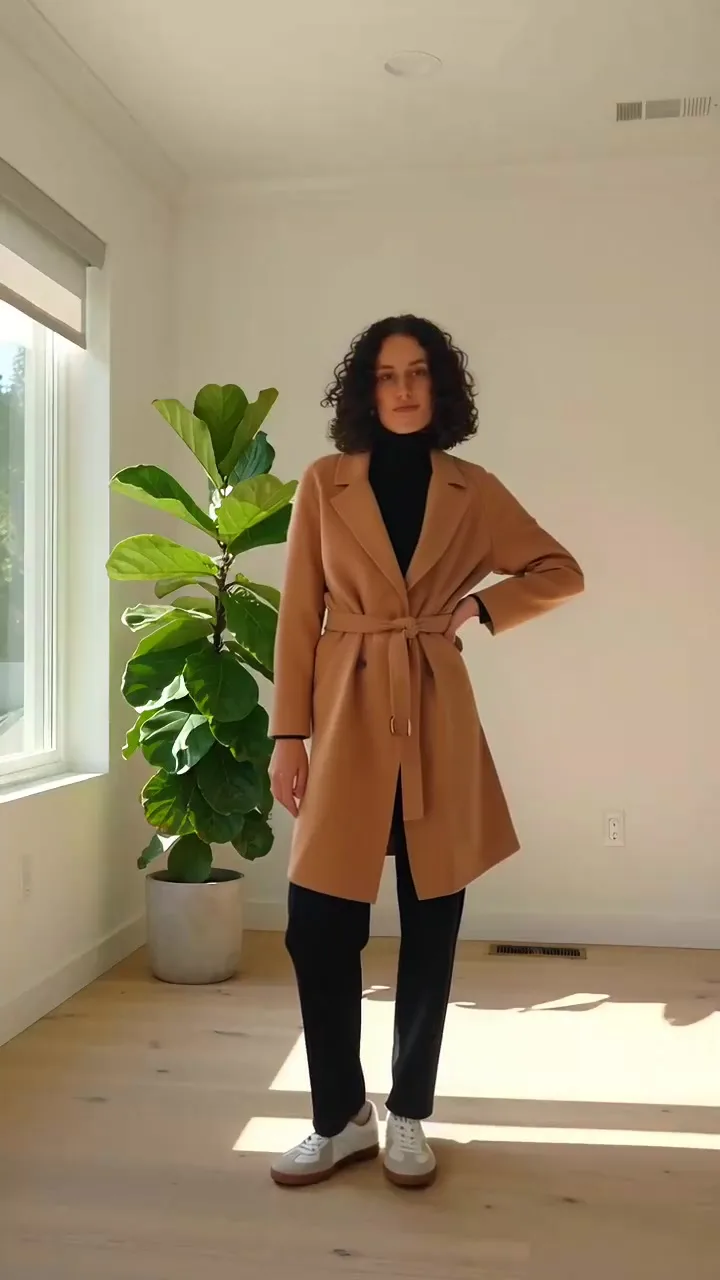
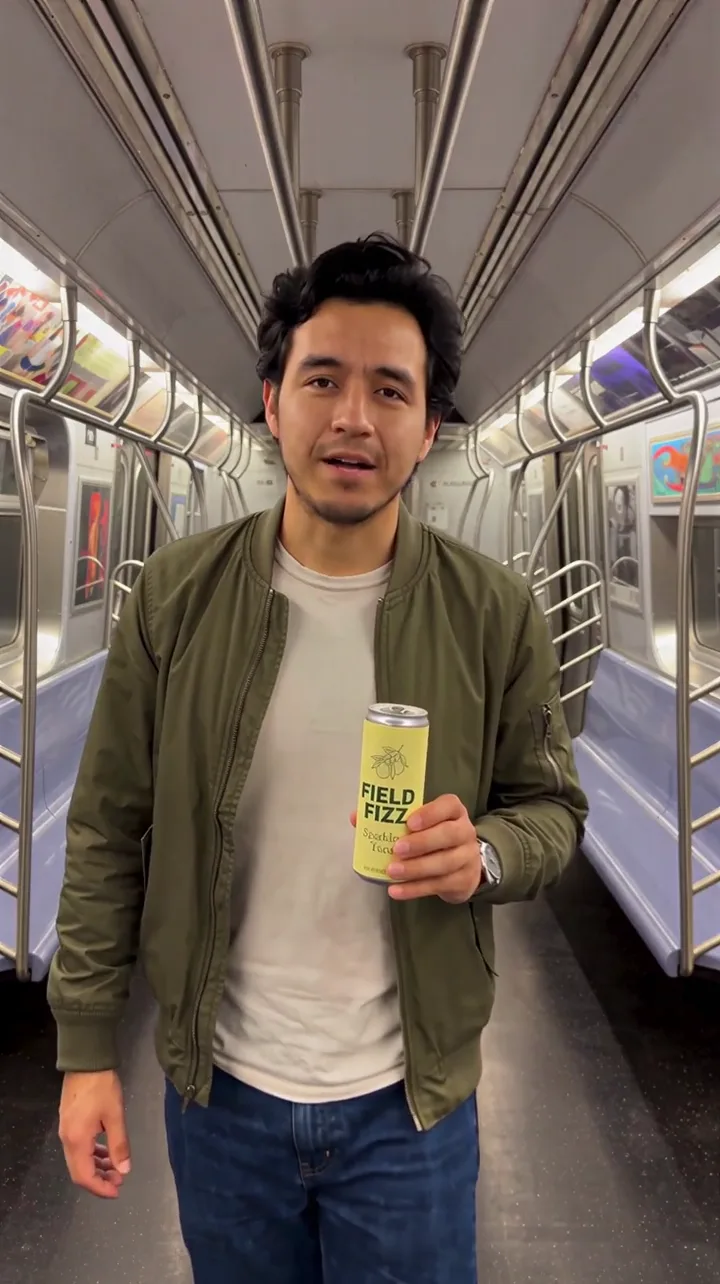
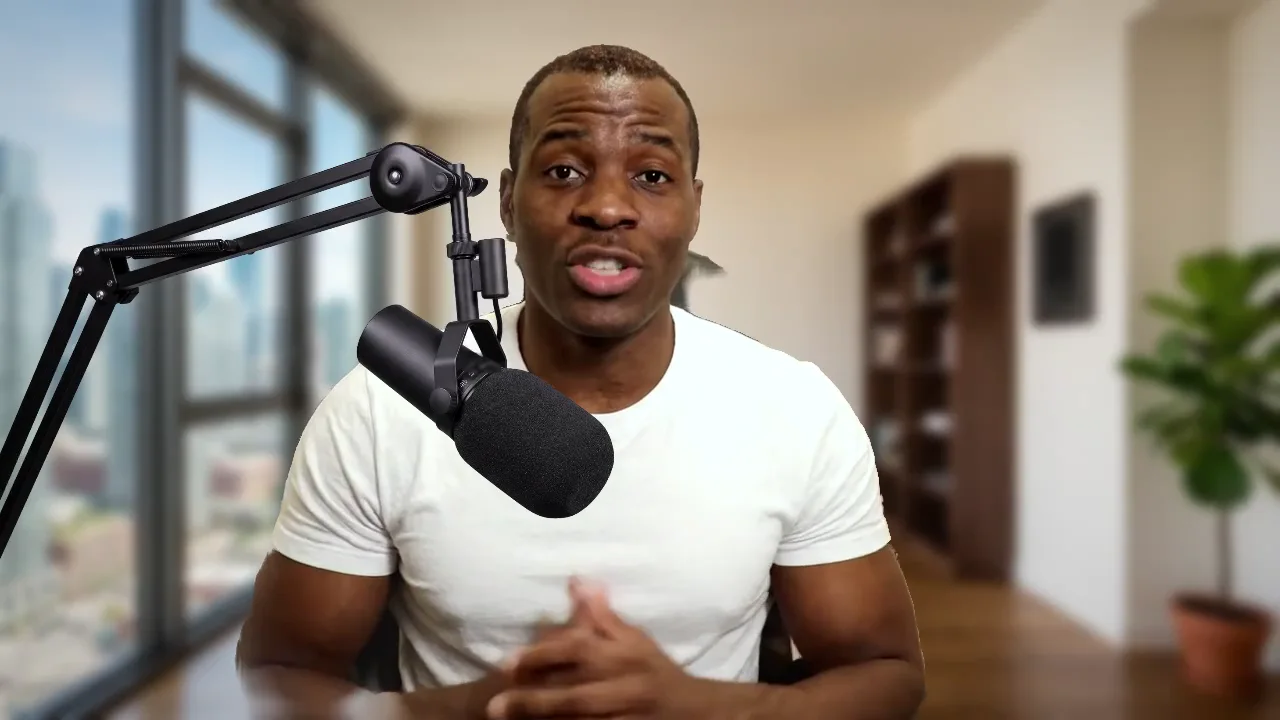
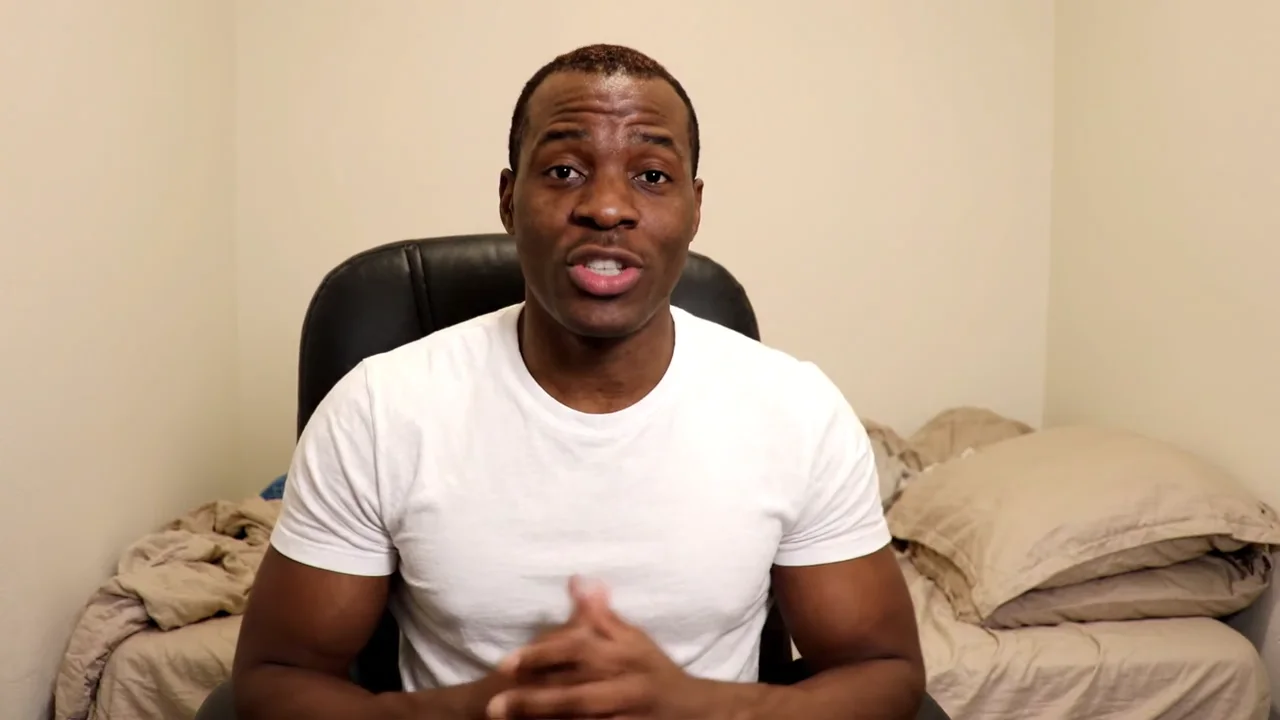
Clean it up and finish it
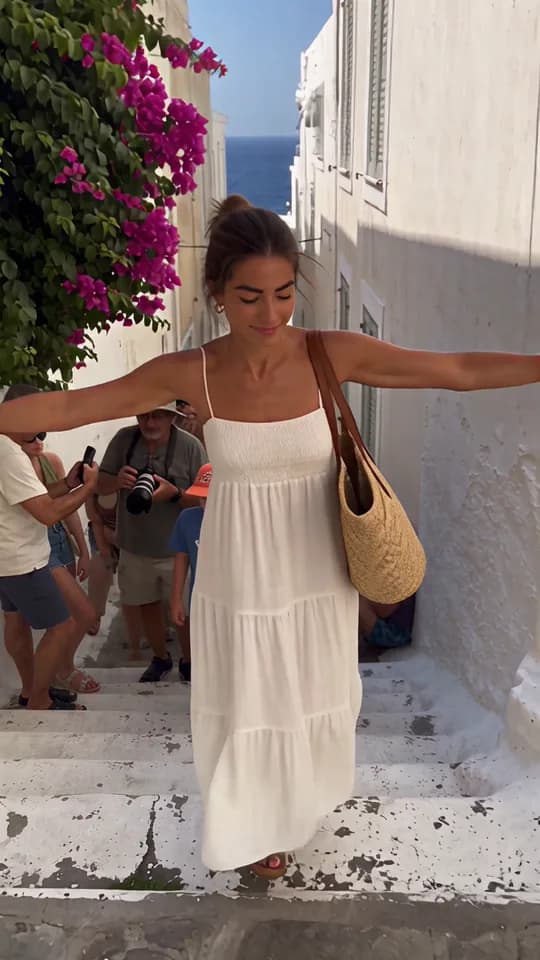

Remove a person or object
Erase anyone or anything from your clip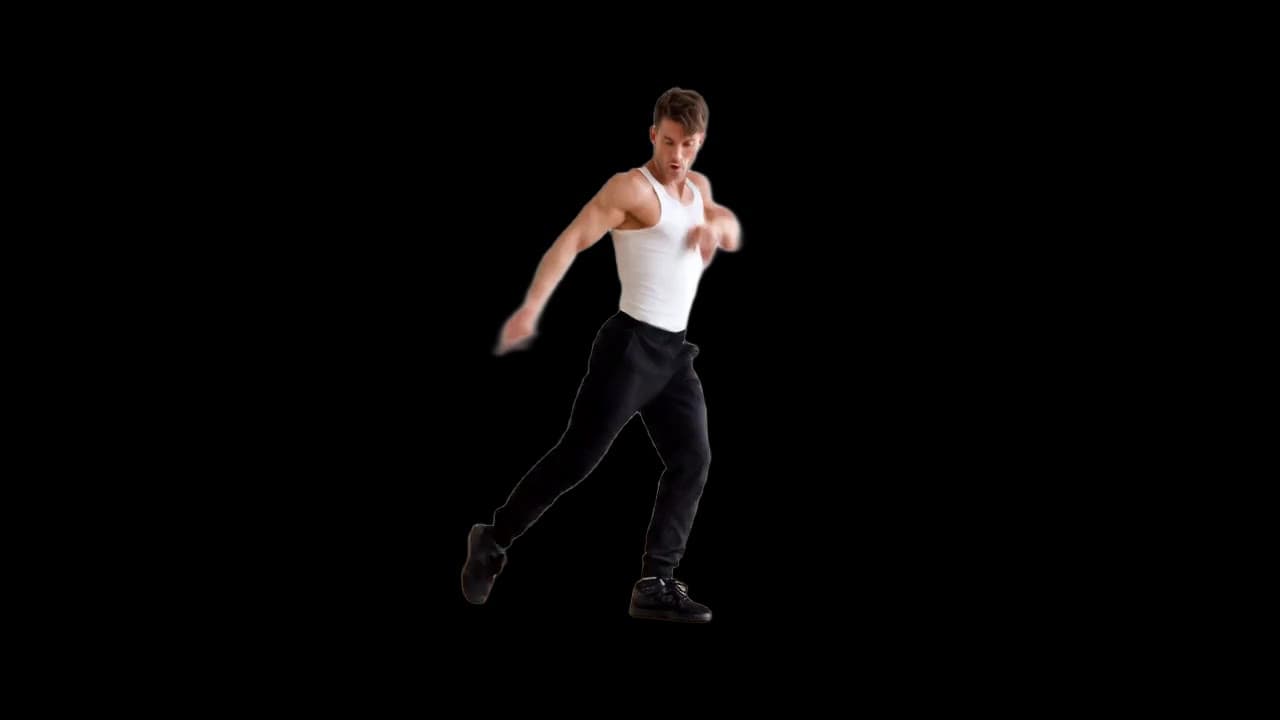
Remove the background
Cut out the subject of any clip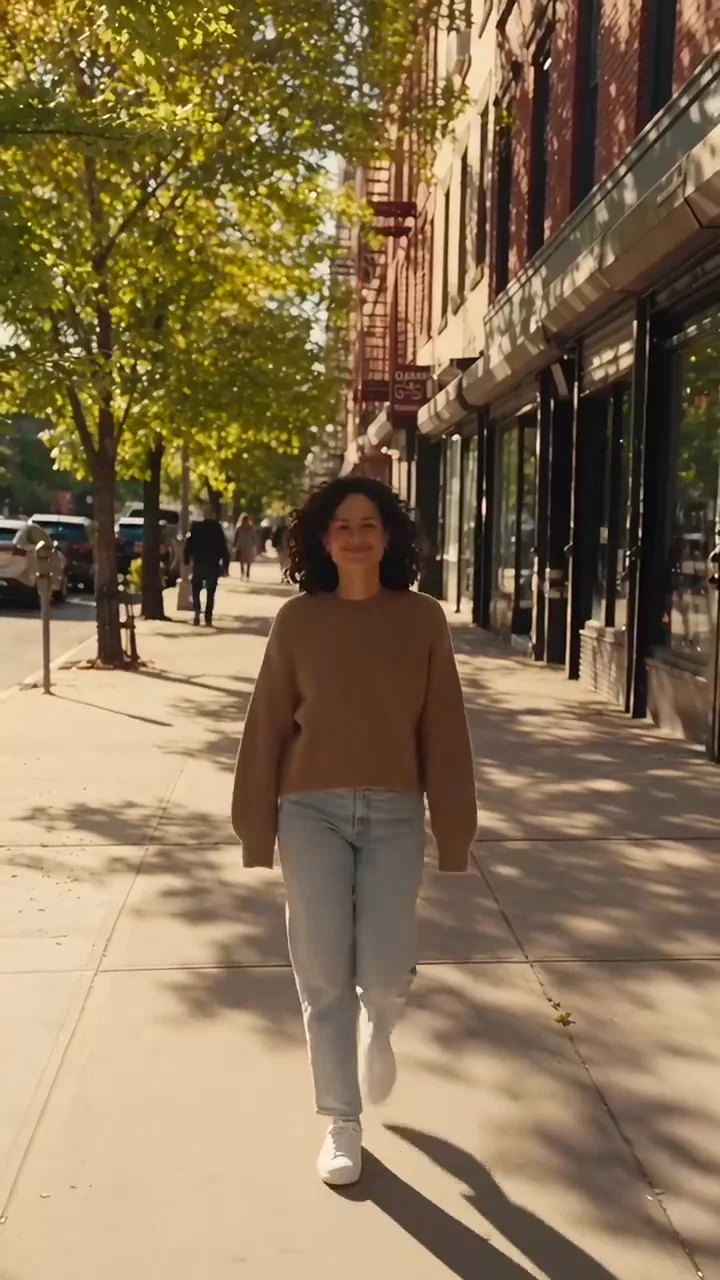
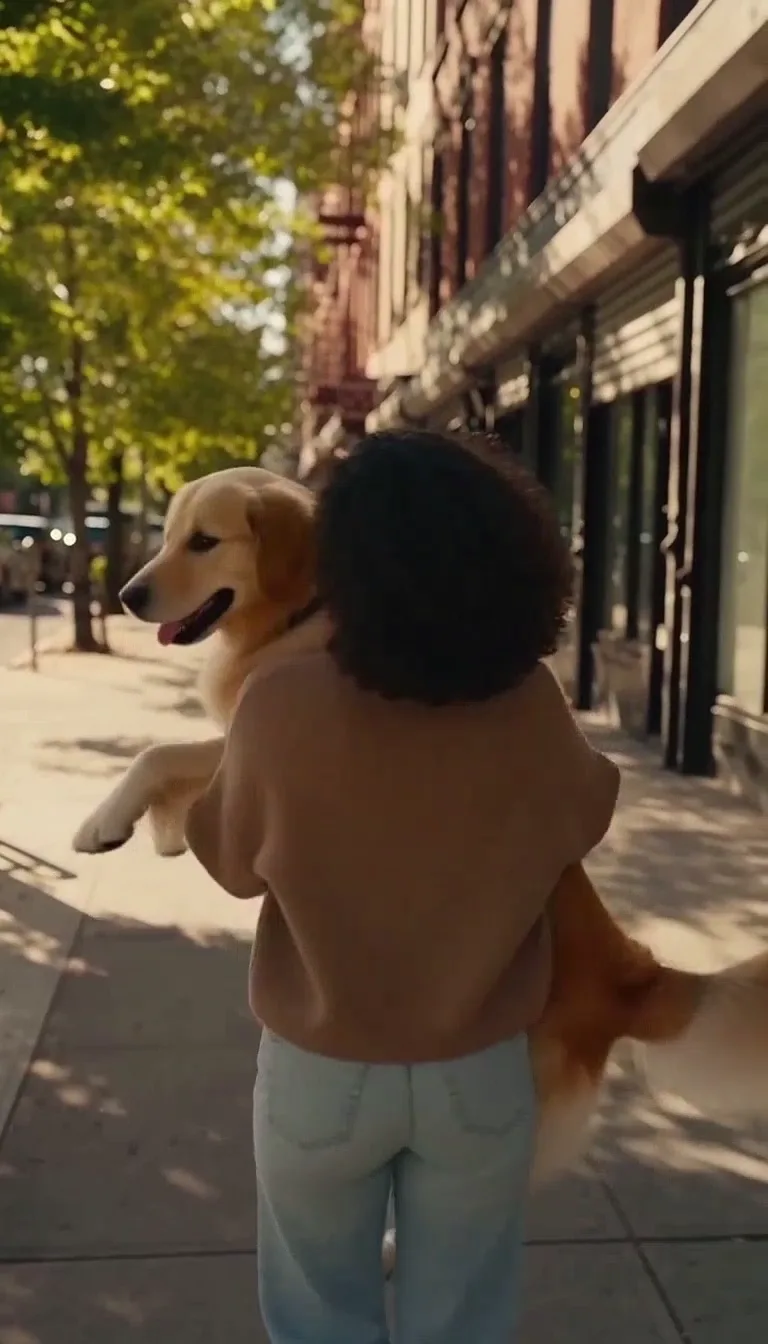
Add a shot
Add the shot you never got
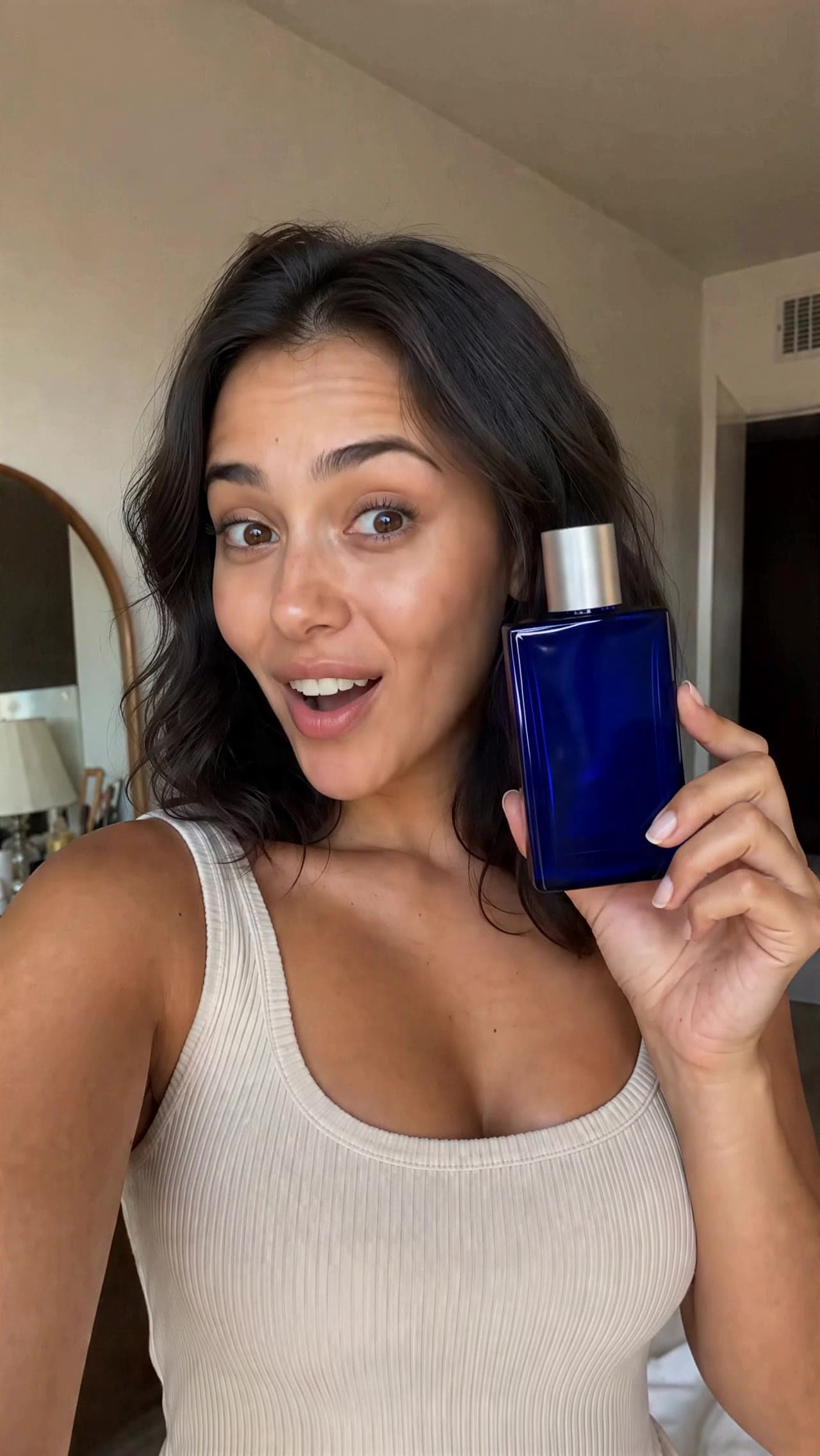
Upscale a video
Restore and upscale any clip
Grade the color
Match any look on video and photos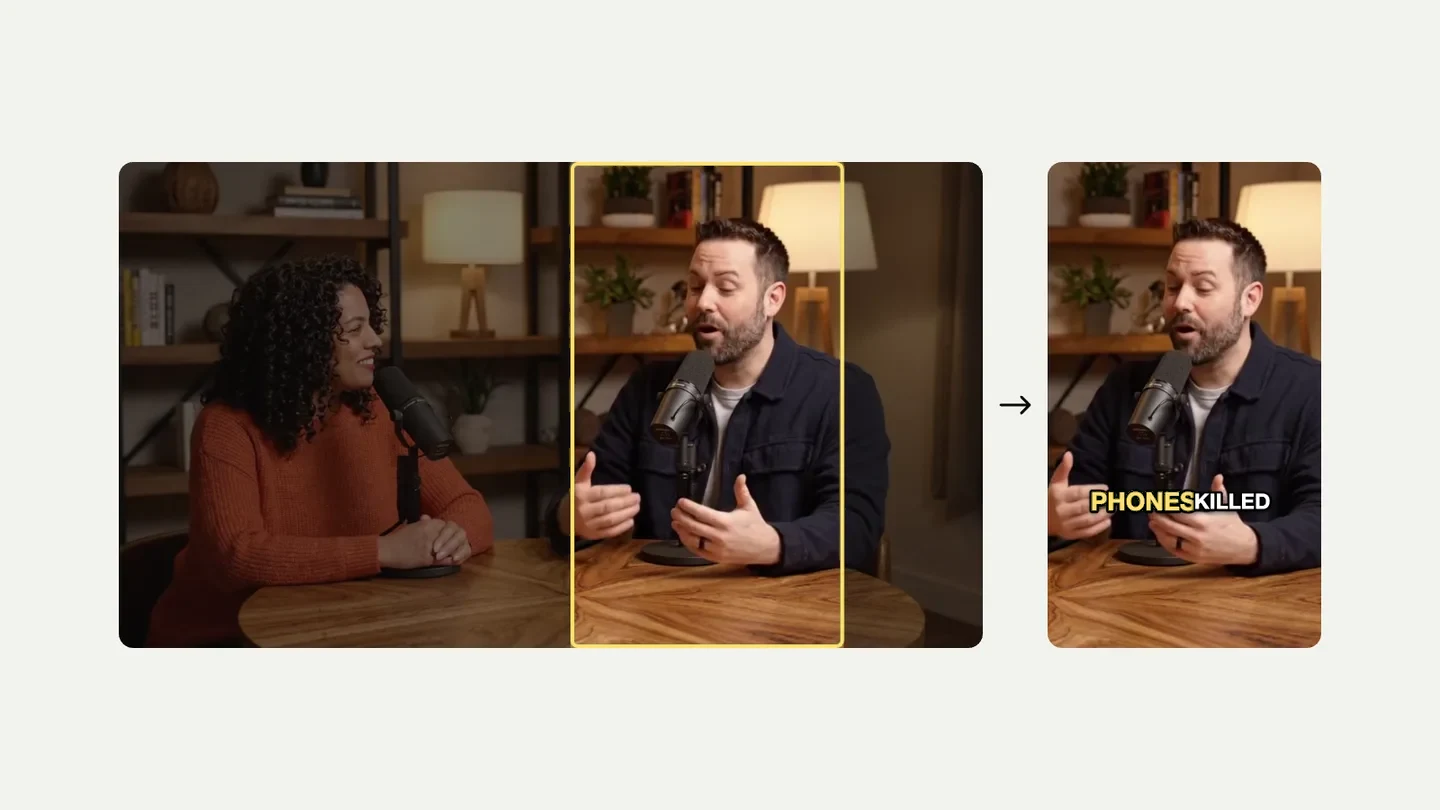
Reframe for vertical
Landscape to vertical, cut to whoever talks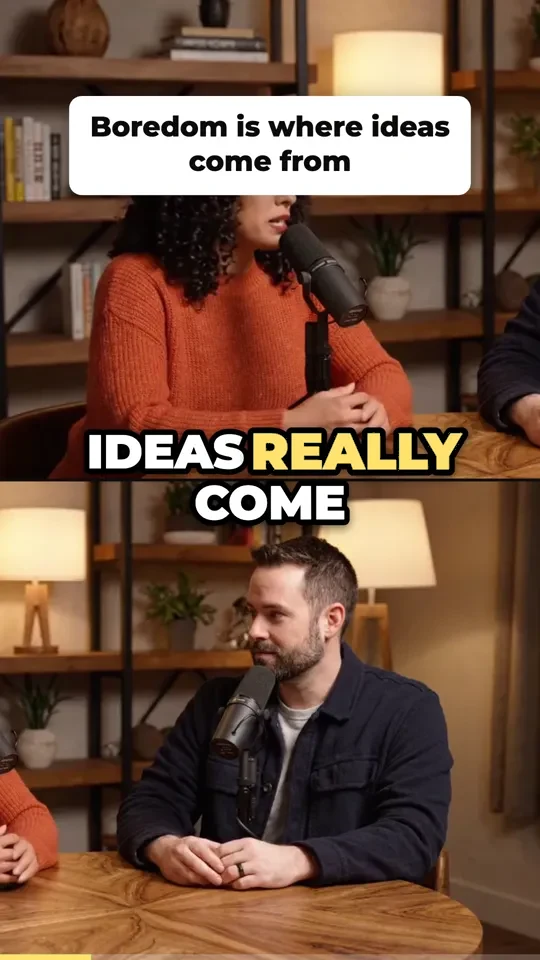
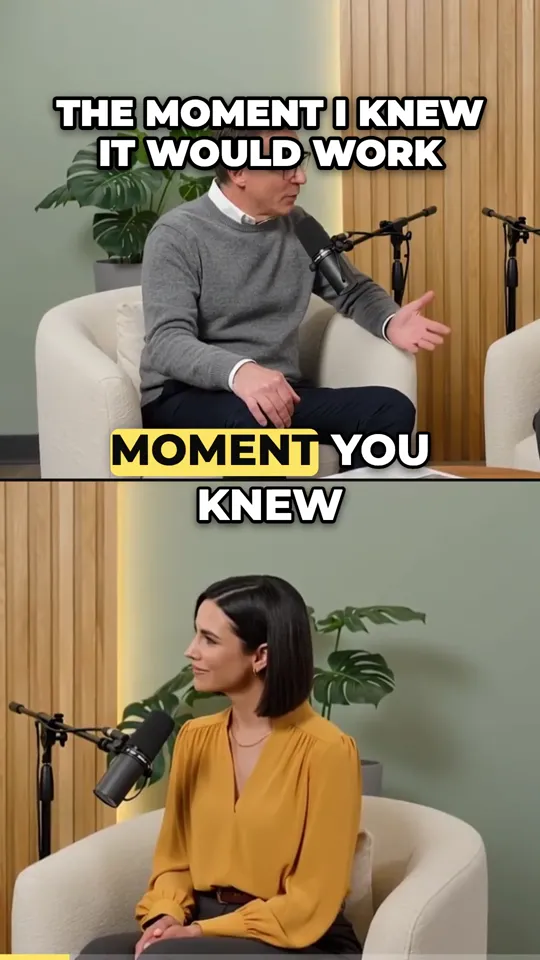
Cut a long video into clips
A long video becomes ranked, captioned clips
Caption and cut a short
Cut, caption and export a vertical shortHow to edit a video with AI
- 1
Add your video
Upload an MP4 or MOV, or start from a trending clip in the Motion Library.
- 2
Say what changes
Describe the change in plain words, such as “replace the can with the can in @Image1”, and add a photo of what goes in.
- 3
Generate and compare
The price is on the button before you pay. Compare the new take with your clip, then download the MP4.
Questions about AI video editing
What is an AI video editor?
An AI video editor changes what is in a video from a description, instead of cuts on a timeline. On Made you add a clip, say what to change, and get a new take of the same shot with the face, the product, the outfit or the background changed.
How do I edit a video with AI?
Pick the edit, add your clip and, when the edit needs one, a photo of what goes in. Say the change in words, check the price on the Generate button, and run it. The result lands in Assets, and you can compare it with your clip before you download it.
Can it edit my own video?
Yes. Every edit on this page starts from a video you upload. To make a new video from a prompt or a photo instead, use the AI video generator.
What stays the same?
Whatever you don’t ask to change: the movement, the camera, the framing and the scene, and for swaps your clip’s own sound. These are generative edits, so small details can shift. Compare the result with your clip before you use it.
How long can my video be?
It depends on the edit. Face swaps take 2 to 15 seconds. Object swaps take 4 seconds to 3 minutes, and clips over 30 seconds are edited in parts. Motion transfer takes 3 to 30 seconds. Each tool checks your clip when you add it.
Is it a timeline editor?
No. Made changes what is in the shot rather than cutting a timeline. Make the change here, then cut it in your usual editor, or use AI Clipper and Shorts Studio for quick cuts and captions.
Which AI models edit the video?
Each edit uses the model built for it: Seedance 2.5 for object swaps, WAN 3.0 Prime for face swaps and Kling 3 Motion Control Pro for motion transfer.
How much does it cost?
Each edit has its own price, set by the clip’s length and the settings you pick. It shows on the Generate button before you pay, and failed edits are refunded. There’s no subscription, and credits never expire.
Can I use someone else’s face?
Only with their permission. Don’t use face or person swaps to impersonate someone, deceive people, or make videos that could harm the person whose face you use.