Object Swap
AI Video Object Replacement
Add your clip and a photo of the new product, prop or piece of clothing. Made replaces it in the video and keeps the hands, the movement, the scene and the sound.
The price is on the button before you generate.
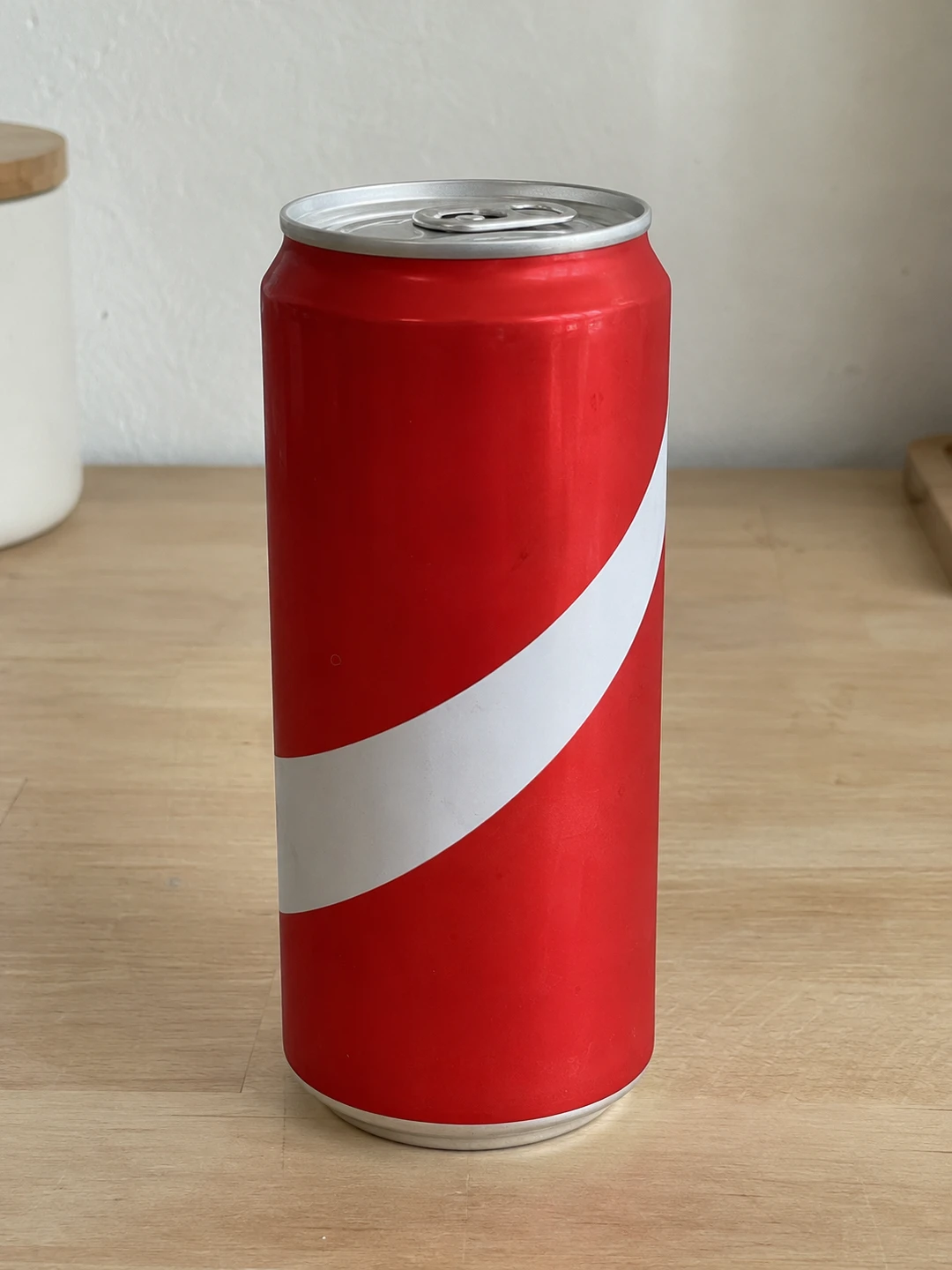 The new can
- Clip
- MP4 or MOV, 4 seconds to 3 minutes. Portrait or landscape.
- Photos
- Up to 30 reference photos of the new object.
- Result
- MP4, edited at 480p and upscaled 2×, with your clip’s own sound.
- Time
- About 10 minutes for a short clip; longer clips take longer. Results land in Assets.
- Price
- Shown before you generate, and capped at the total you approved.
Real replacements
Each one is the clip, the photo of the new object, and what came back. Drag across a video to compare.
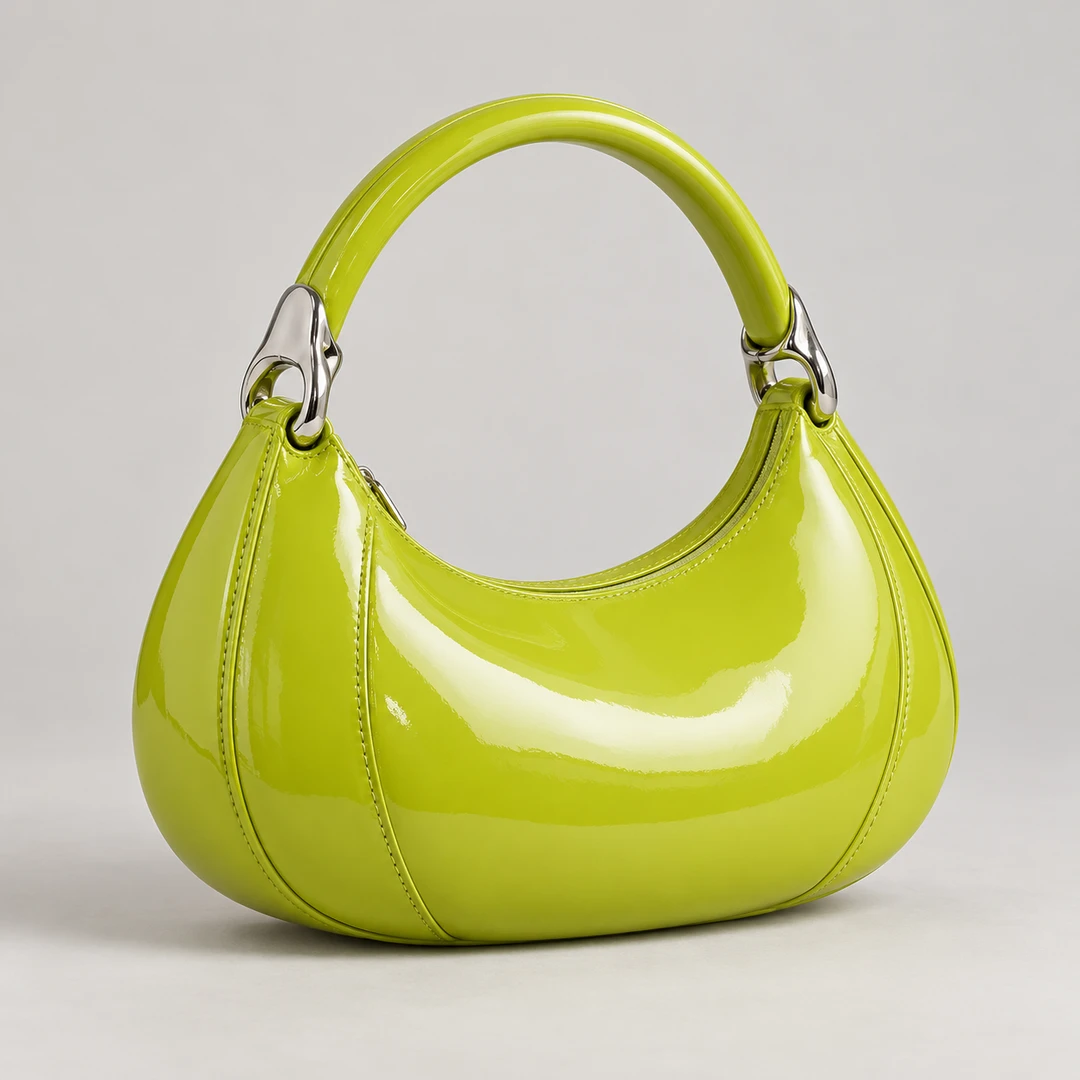 The new bag
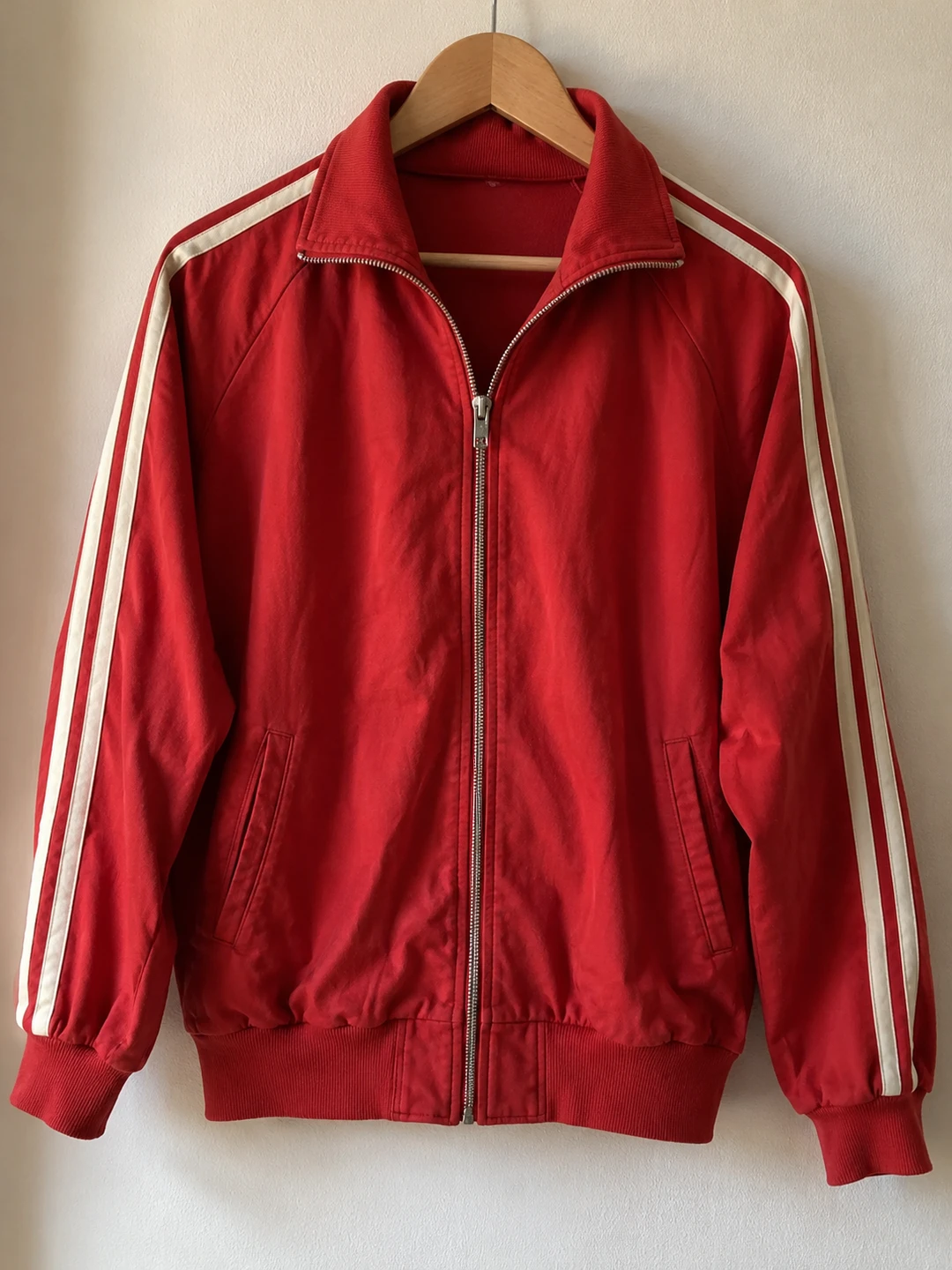 The new jacket
How to do it
- 1
Add your video
Upload an MP4 or MOV from 4 seconds to 3 minutes, or start from a clip in the Motion Library.
- 2
Add the new object
Add a clear photo of the product, prop or clothing that goes in, and say what it replaces, for example “replace the black bag with the bag in @Image1”.
- 3
Generate and compare
Check the price and generate. Compare the new take with your clip, then download the MP4.
Questions about video object replacement
How do I replace an object in a video?
Open Object Swap, add your clip and a photo of the new object, and describe the change, such as “replace the drink can with the can in @Image1”. Made generates a new take of your clip with the object replaced.
What can I replace?
Products, props, packaging, bags, shoes and clothing. The same tool also swaps faces, characters and settings; see Object Swap for those.
Do I need to draw a mask?
No. You describe the object in words and add a photo of the replacement. Be specific when similar objects are in the frame.
Will the rest of the video stay the same?
The prompt asks to keep the person, their hands, the movement, the camera and the scene. It is a generative edit, so small details can change; compare the result with your clip before you use it.
Will logos and labels be exact?
Fine lettering, logos and small details can change during generation. Check the result closely before you use it to show a real product.
How long can the video be?
4 seconds to 3 minutes. Clips over 30 seconds are edited in parts, one after another, which takes longer. Longer videos are trimmed to 3 minutes.
Does it keep the sound?
Yes. Your clip’s original audio is kept in the finished video.
Which model does it use?
Seedance 2.5. Made edits at 480p, then upscales the result 2×.
How much does it cost?
It depends on the clip’s length. The estimate covers the edit and the upscale, reference photos add nothing, and the price is shown before you generate.
Replace an object in a video
Go step by step
How to put your product in a trending video
A real example, the exact prompts, how it’s priced and what to review.
How to change the clothes in a video with AI
A real example, the exact prompts, how it’s priced and what to review.
How to replace a product in an existing video
A real example, the exact prompts, how it’s priced and what to review.