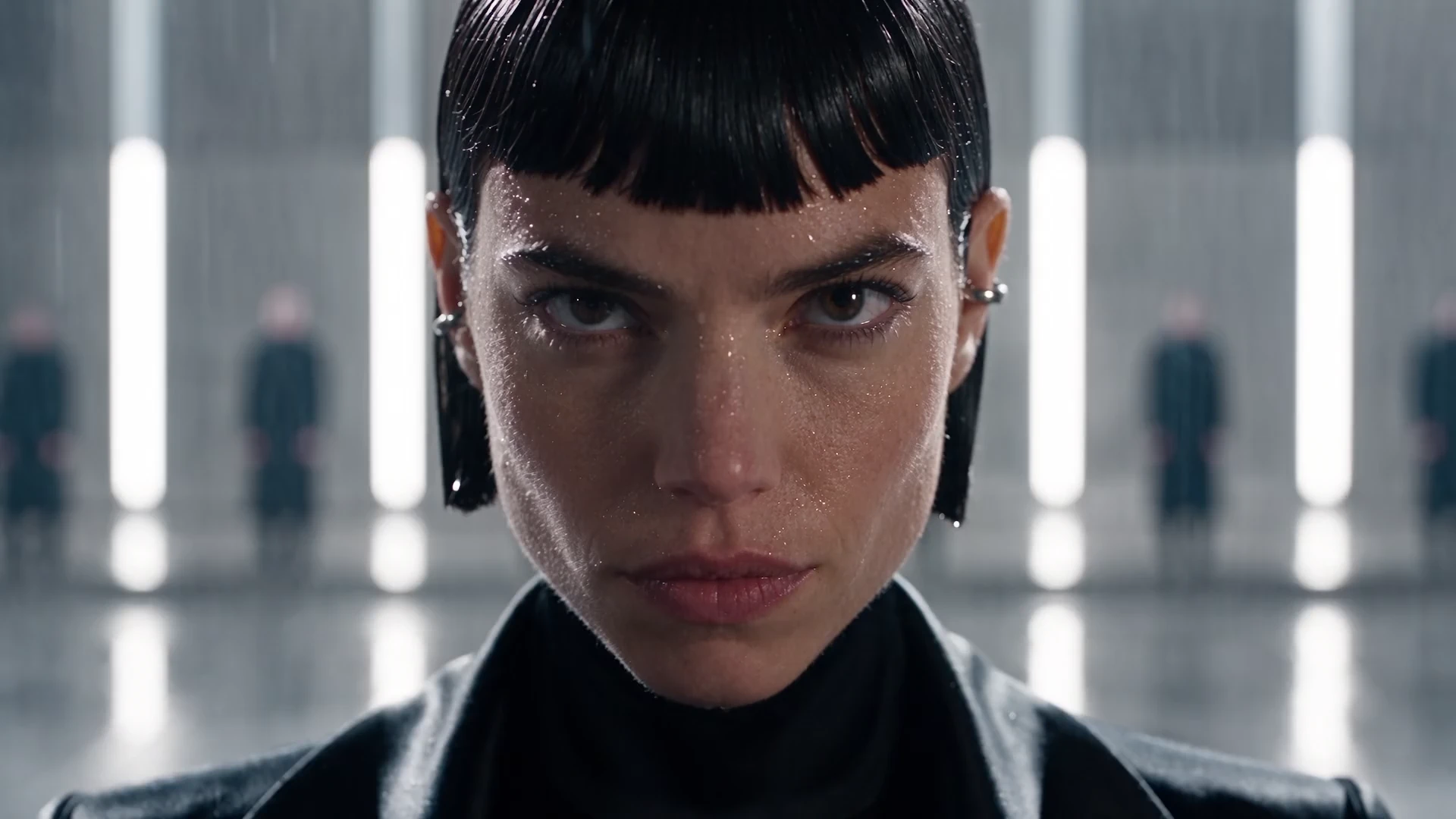
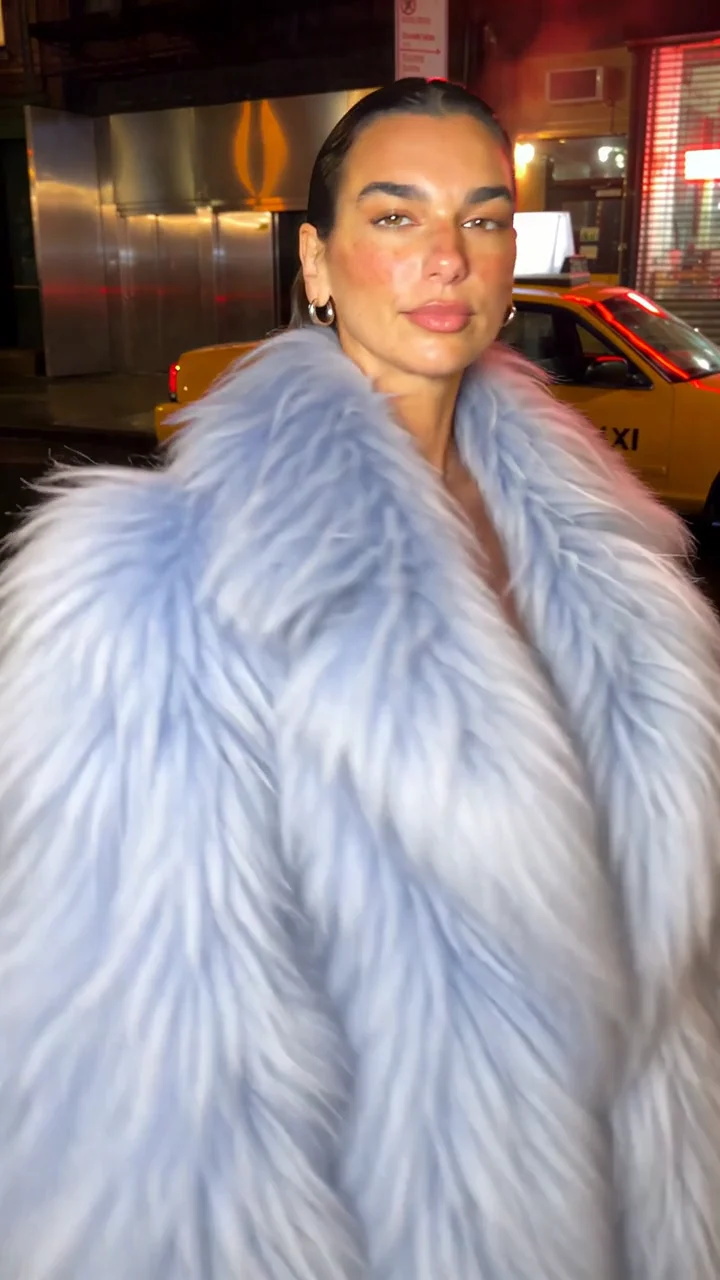
 Object SwapIn @Video1, replace only the black leather motorcycle jacket with the oversized ELECTRIC ICE-BLUE shaggy faux-fur statement coat shown in @Image1. Match the reference's powder-blue color, very voluminous silhouette, long airy textured fibers, oversized collar and thigh-length hem. The coat must be unmistakably big, fluffy and pale blue, catching the phone light realistically, with dense individually visible soft fibers. Preserve the same woman, face, long dark hair, silver earrings, short black dress, silver boots, hands, legs, proportions and exact walking performance. Preserve the exact nighttime street, yellow taxi, red window, wet pavement, handheld camera and timing. The coat sways and settles naturally with her shoulder turn. No face changes, no background changes, no beauty retouching, no extra effects, no new text. Keep the natural phone-video quality.
made
Made with Seedance 2.5Object Swap
Swap characters, outfits, and products.
One original take. A whole new scene.
SOURCE VIDEONEW LOOK
made
Object Swap
Pick a clip. Make it yours.
New community clips are on their way.
What it’s for
One take. Many possibilities.
Object Swap
How it works
Make your next version
Before
After
Choose the person, product, or outfit to change. Use your original shot as the guide for the new version.
- 01
Start with a video
Upload an MP4 or MOV, or find your starting point in the Motion Library. Object Swap works with 4 seconds to 3 minutes of your footage.
- 02
Say what changes
Bring up to 30 reference images. Choose what to replace and describe the look you have in mind.
- 03
Make your next take
Check the estimated credits and generate. Compare your new version with the original, then download the MP4.
A closer look
New details. Same starting point.
Your reference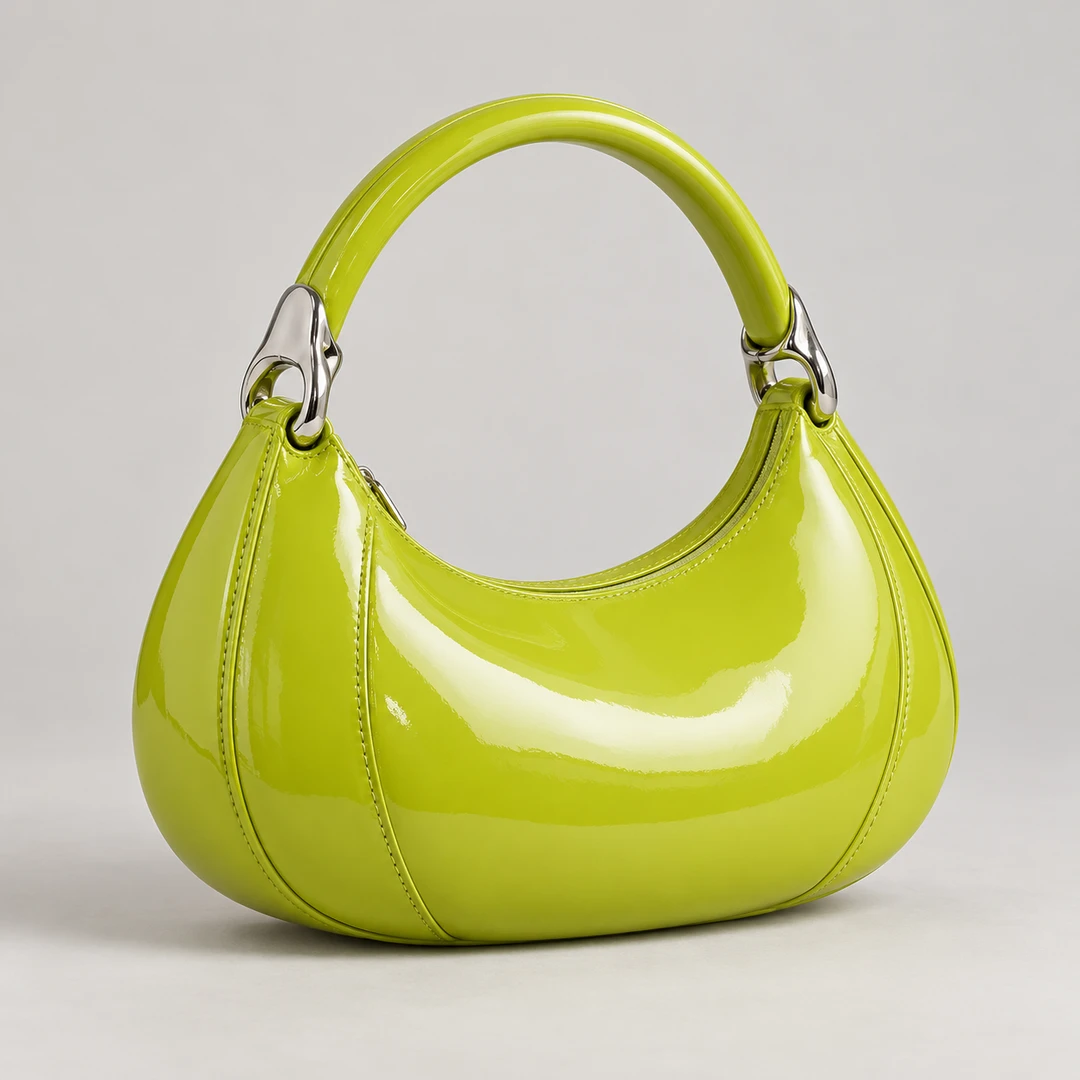
Change what
gets noticed.
A different product. A new outfit. A fresh face. See the reference and the real result, then try your own.
Recreate this editOne performance.
Another look.
Drag across the video to compare the original footage with its outfit edit. See exactly what changed before making your own.
Try this editSOURCE VIDEONEW OUTFIT
Prompt & result
Your video. A new possibility.
Start with an edit, then make the direction your own.
Object SwapIn @Video1, replace only the black leather motorcycle jacket with the oversized ELECTRIC ICE-BLUE shaggy faux-fur statement coat shown in @Image1. Match the reference's powder-blue color, very voluminous silhouette, long airy textured fibers, oversized collar and thigh-length hem. The coat must be unmistakably big, fluffy and pale blue, catching the phone light realistically, with dense individually visible soft fibers. Preserve the same woman, face, long dark hair, silver earrings, short black dress, silver boots, hands, legs, proportions and exact walking performance. Preserve the exact nighttime street, yellow taxi, red window, wet pavement, handheld camera and timing. The coat sways and settles naturally with her shoulder turn. No face changes, no background changes, no beauty retouching, no extra effects, no new text. Keep the natural phone-video quality. Object Swap
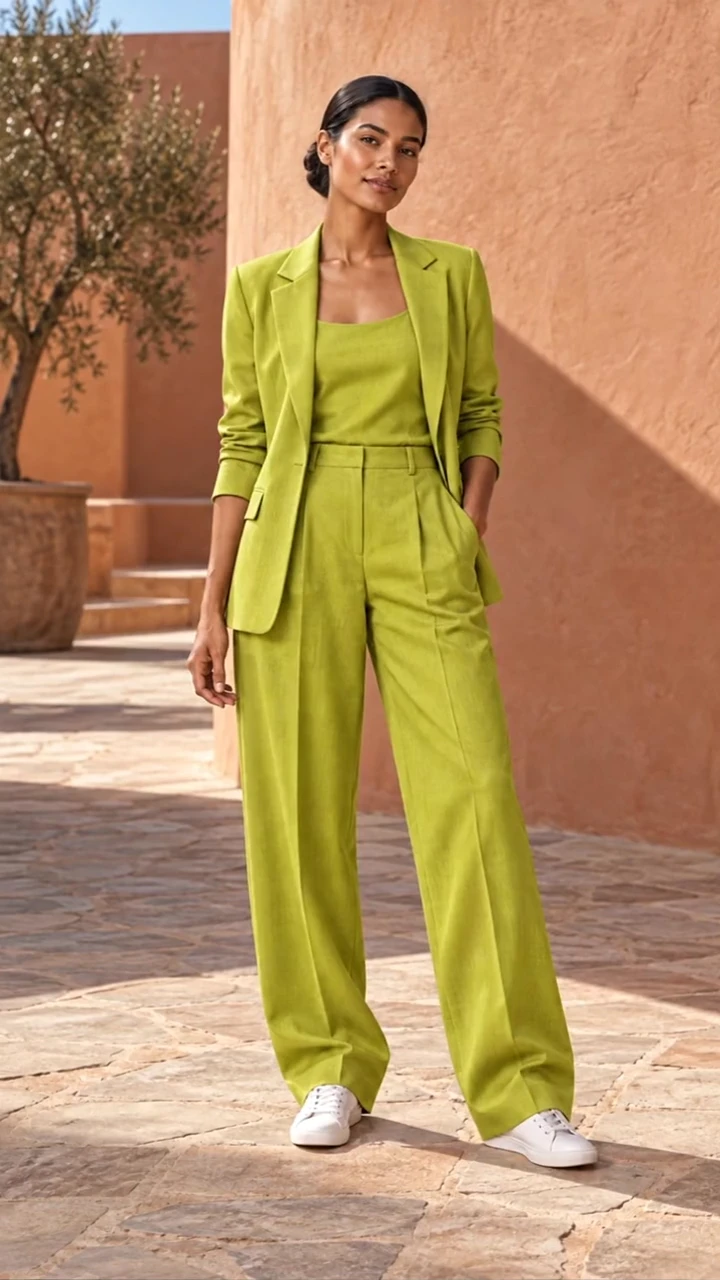
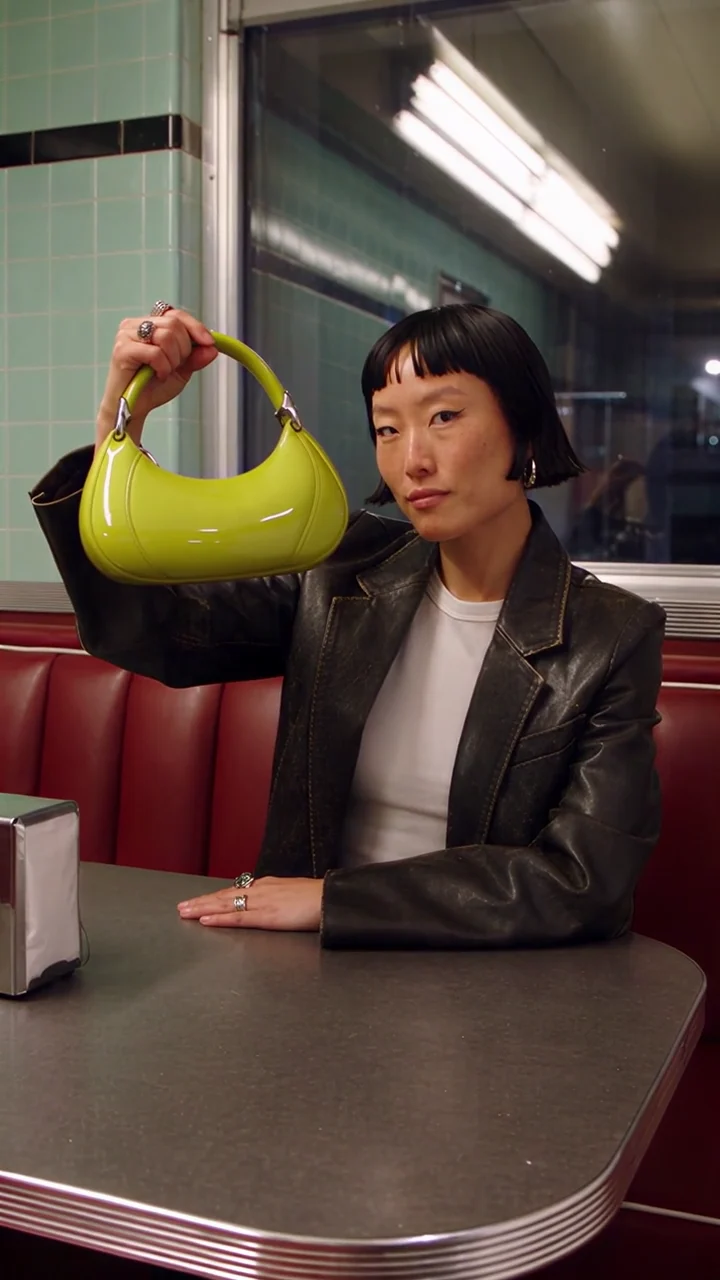 Object SwapIn @Video1, replace only the small black handbag with the sculptural ACID-LIME GREEN glossy leather handbag shown in @Image1. Match its curved crescent silhouette, vivid yellow-green patent-leather surface, short rounded top handle, pale silver hardware and subtle realistic seam lines. Keep the new bag similar in width to the original, held by its handle in exactly the same grip, path and perspective. Preserve the fingers and natural contact shadows; the patent leather reflects the diner's lights and red vinyl naturally. Preserve the original woman's face, bob haircut, jewelry, white shirt, black blazer, performance, hands, camera, red diner and lighting. The bag must stay a stable, real solid object throughout. Do not add branding or any other changes. Preserve authentic social-video detail.
 Object Swap
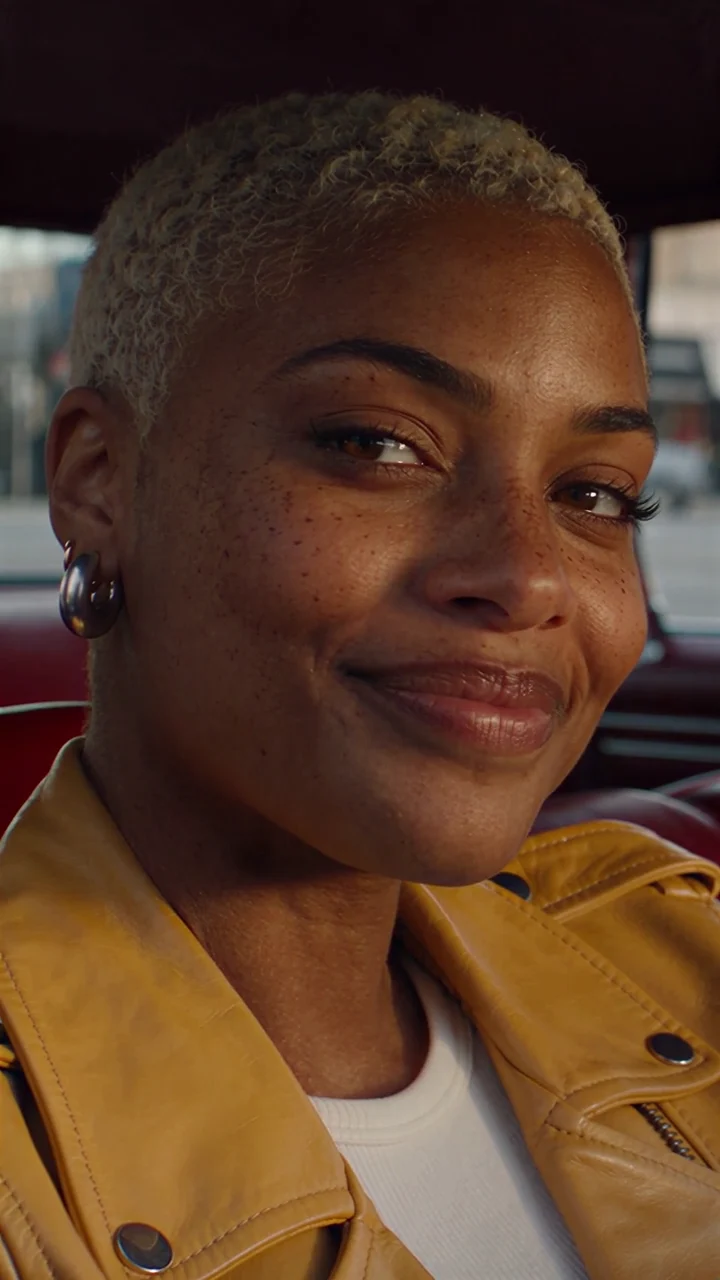 Object SwapRecast the woman in @Video1 with the fictional woman in @Image1: match her dark brown skin, very short platinum-blonde buzz cut, distinctive freckles, dark brows, eyes, broad nose, full lips and facial proportions. Replace the original face, hair and visible neck skin consistently with the reference identity, preserving realistic texture and correct warm sunlight. Preserve the original gaze, head turn, blinks, smile, laugh and exact performance timing. Keep the butter-yellow leather jacket, white shirt, small silver hoop earrings, burgundy car interior, window view, framing and camera movement unchanged. The new face must remain one consistent identity through the entire clip, with natural pores and expression creases. No beauty smoothing, no relighting the scene, no text, no other edits.
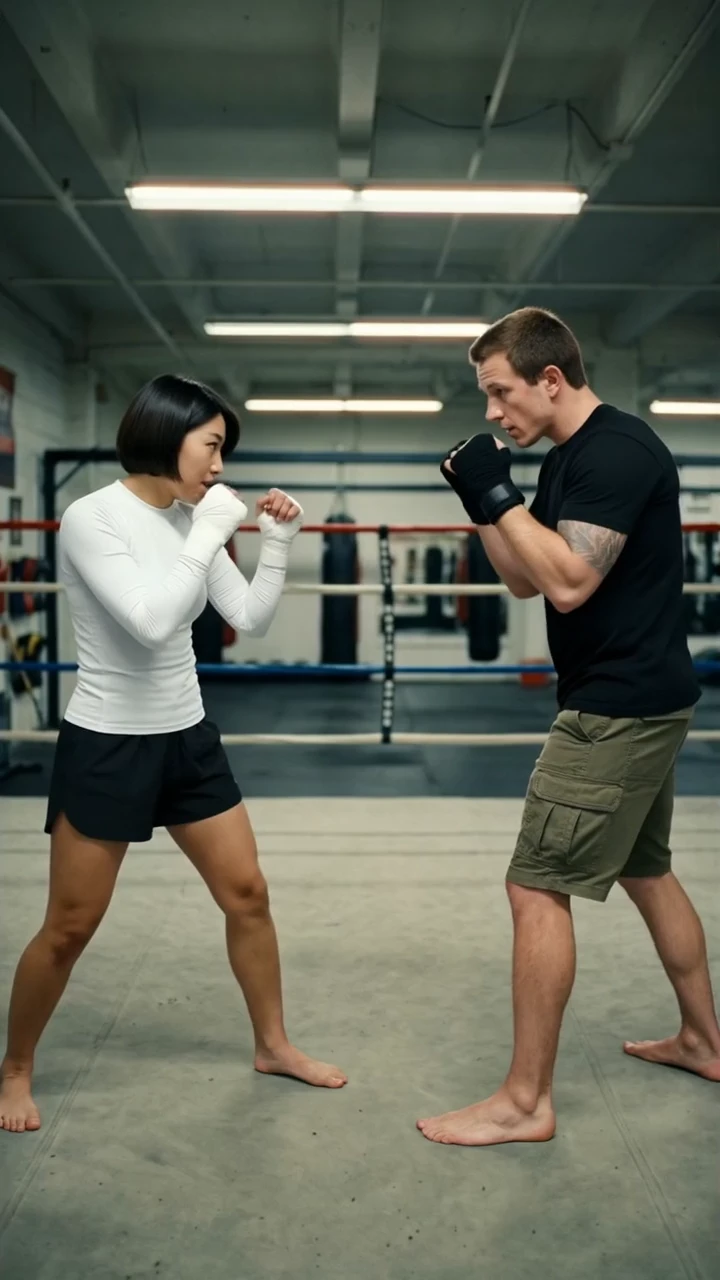 Object SwapReplace the athlete on the left in @Video1 with the person in @Image1 and the athlete on the right with the person in @Image2, including their faces, hair and outfits. Keep every strike, block and step, the timing and the original gym.
 Object SwapReplace the person in @Video1 with the person in @Image1 and move the scene into the kitchen in @Image2. Keep the gestures, the bowl, the timing and the camera framing.
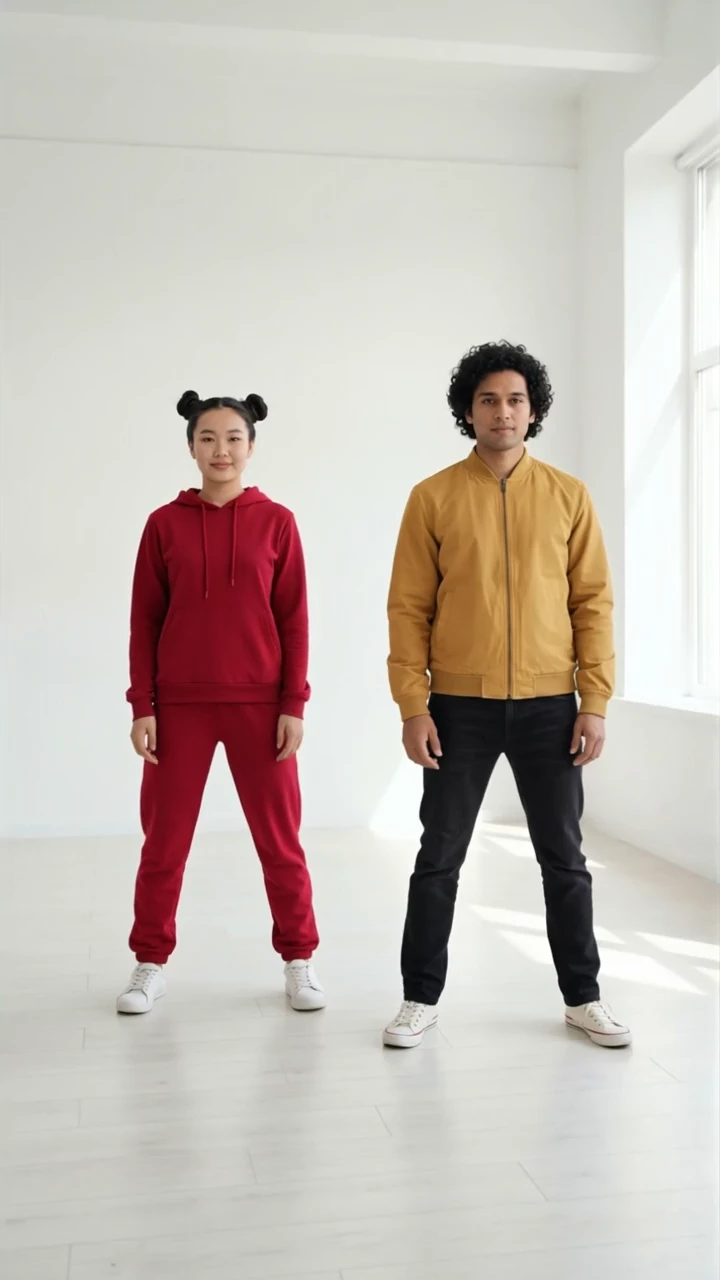 Object SwapReplace the person on the left in @Video1 with the person in @Image1 and the person on the right with the person in @Image2, including their faces, hair and outfits. Keep both dancers' exact choreography, timing and positions, and keep the original studio.
Make room for your next idea.
One Made plan. Every top image and video model.
Up toSeedance 2.5Nano Banana 2.1
Credits never expire. Card fees come out of the credits.
See the estimated credits before you generate · See every model’s price →
Still have questions?
Everything you need to make your first swap.
What is AI video object replacement?
It uses an existing video as the starting point for a new version. Describe the product, clothing, person or setting you want to change, add references, and Made generates the edit using your original shot as a guide.
What can I replace in a video?
You can request changes to a face, character, product, outfit, prop, or background. Choose a preset or describe a custom edit with reference images.
Do I need to draw a mask?
This workflow uses a text description and optional image references rather than a manual mask. Be specific about the target object, especially when similar objects appear in the frame.
How many references can I add?
Object Swap supports up to 30 reference images. Mention them in your prompt as @Image1, @Image2, and so on. Motion Transfer uses one character reference instead.
Will logos and product text be exact?
Fine lettering, logos, textures, and small design details can change during generation. Review the result closely before using it as a product representation.
What videos can I upload?
Use an MP4 or MOV at least 4 seconds long. Larger files are automatically resized to fit the upload limit, videos up to 3 minutes are edited whole (over 30 seconds in parts, one after another, which takes longer), longer ones are trimmed to 3 minutes, and frame rates are adjusted to 24–60 fps when needed. You can bring portrait or landscape footage.
Does my video keep its sound?
Yes. Original audio is kept automatically in the finished video. Sidebar and gallery previews play silently.
How much does Object Swap cost?
Generation uses Made credits. The estimate includes the source-video edit and the 2× upscale. Reference images add no separate charge. The complete price is checked before generation and is capped at the total you approved.
Go step by step
How to put your product in a trending video
A real example, the exact prompts, how it’s priced and what to review.
How to change the clothes in a video with AI
A real example, the exact prompts, how it’s priced and what to review.
How to replace a product in an existing video
A real example, the exact prompts, how it’s priced and what to review.