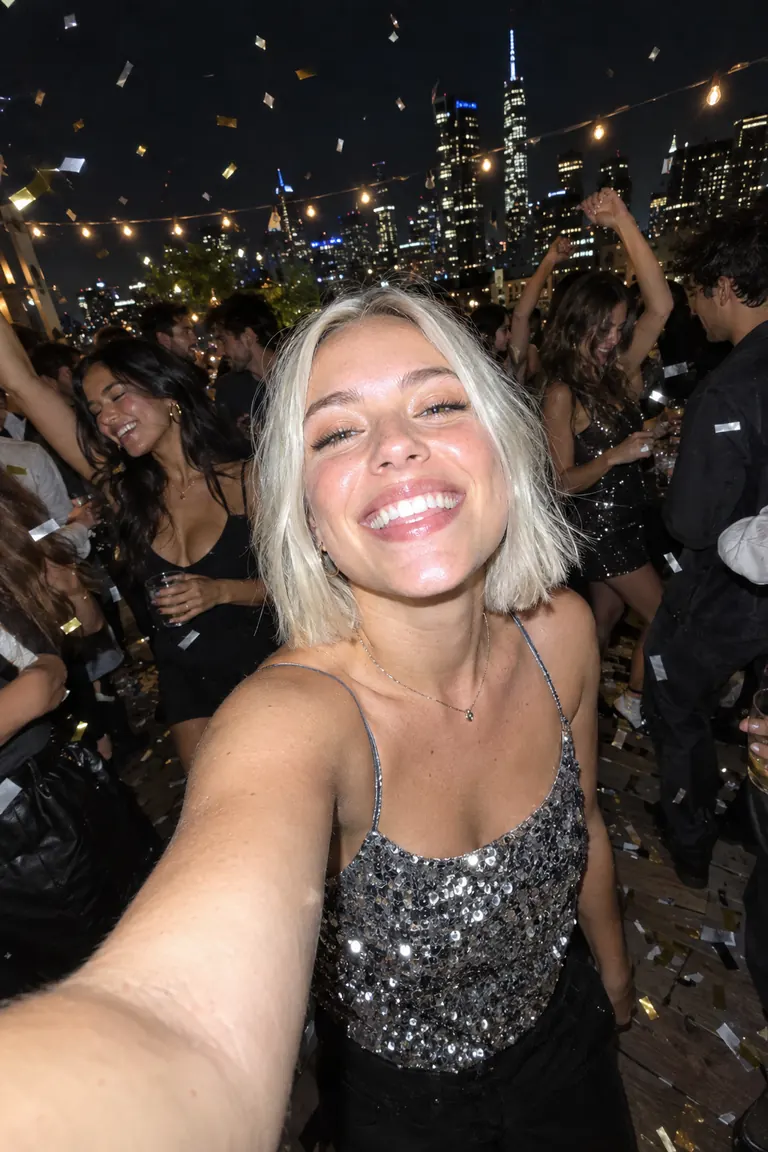
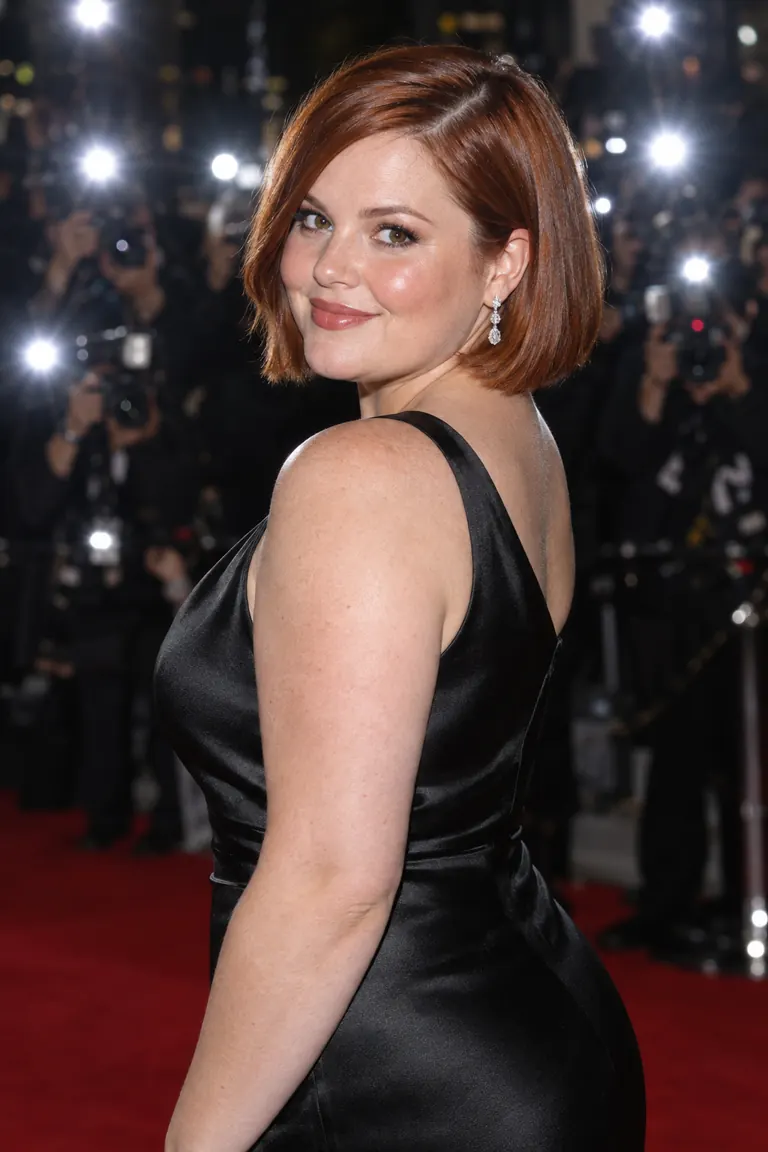
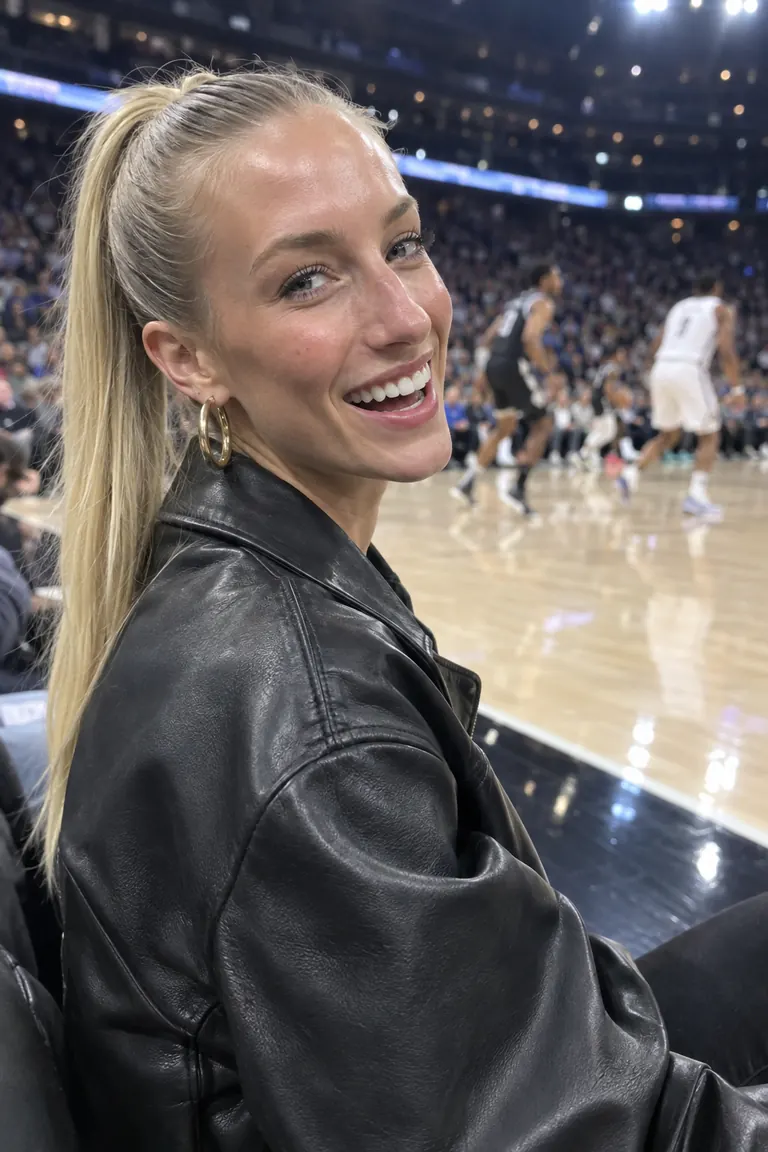
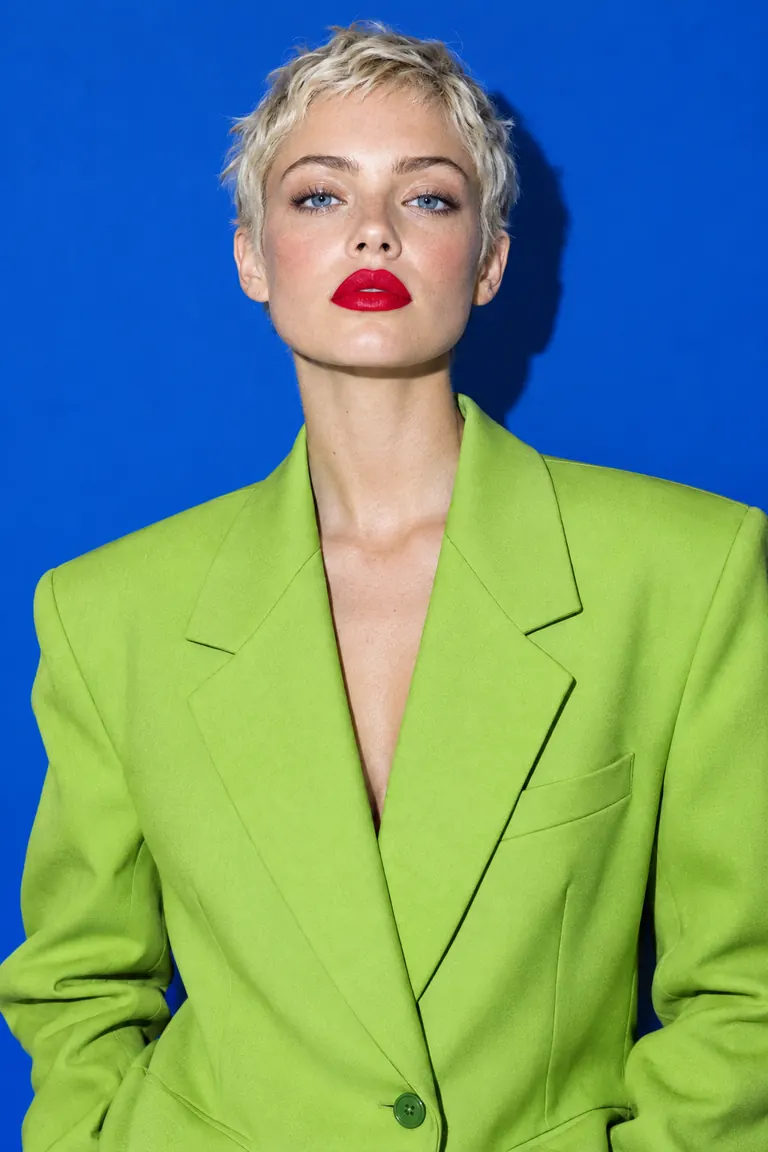
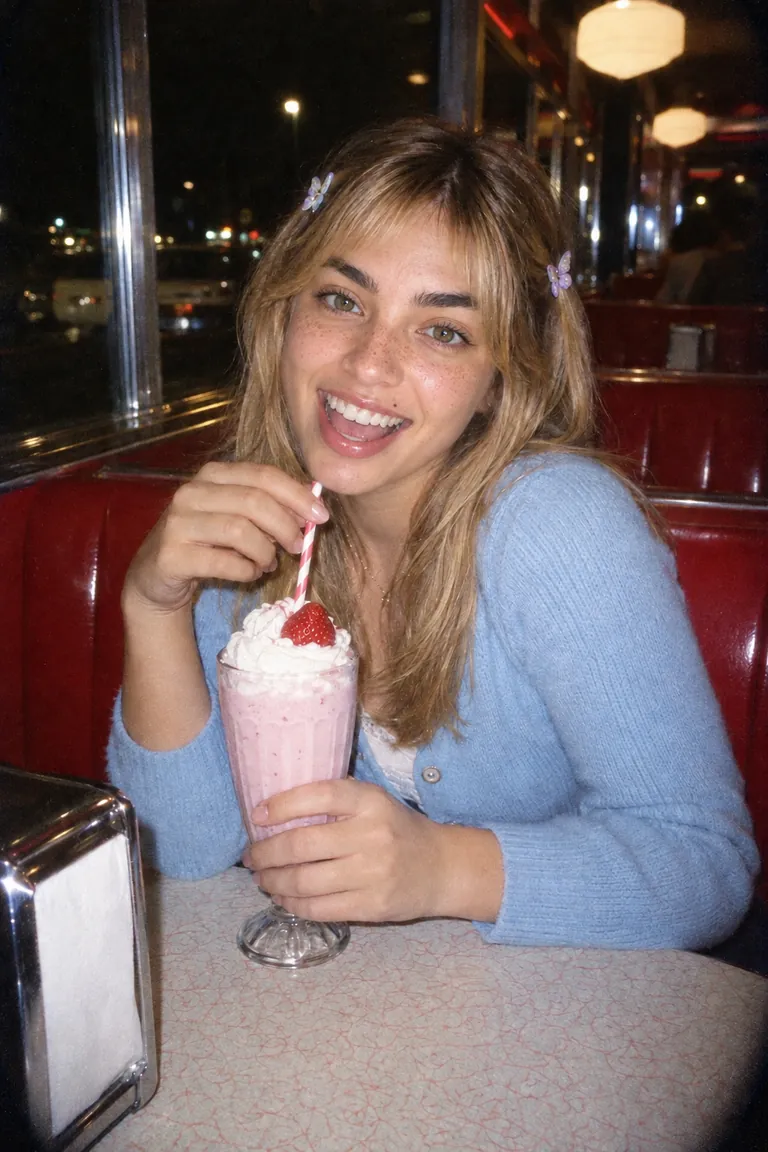
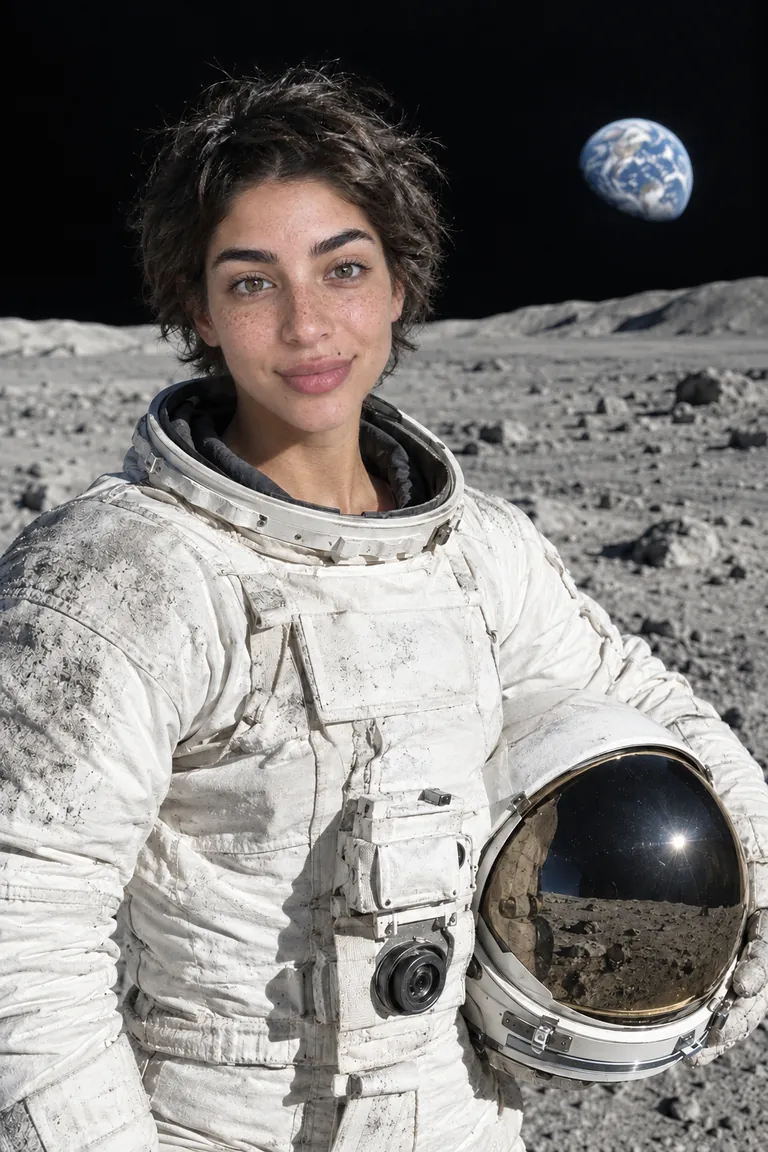
Keep a character’s face on every post
Put the same face on a whole series of generated images for an AI influencer, a story or a campaign.
Choose Image or Video and add a clear face photo. Made swaps the face while keeping the pose, hair, outfit and scene.
0.5 credits per image swap. Video cost depends on clip length and resolution.
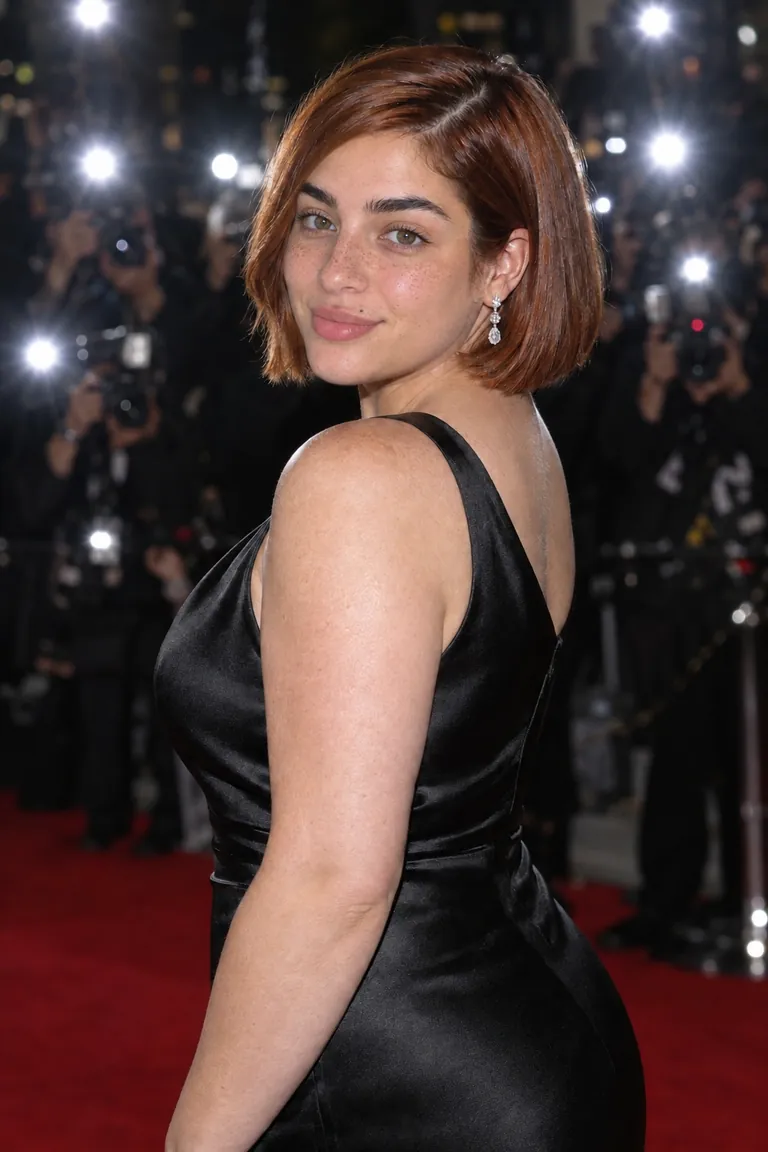
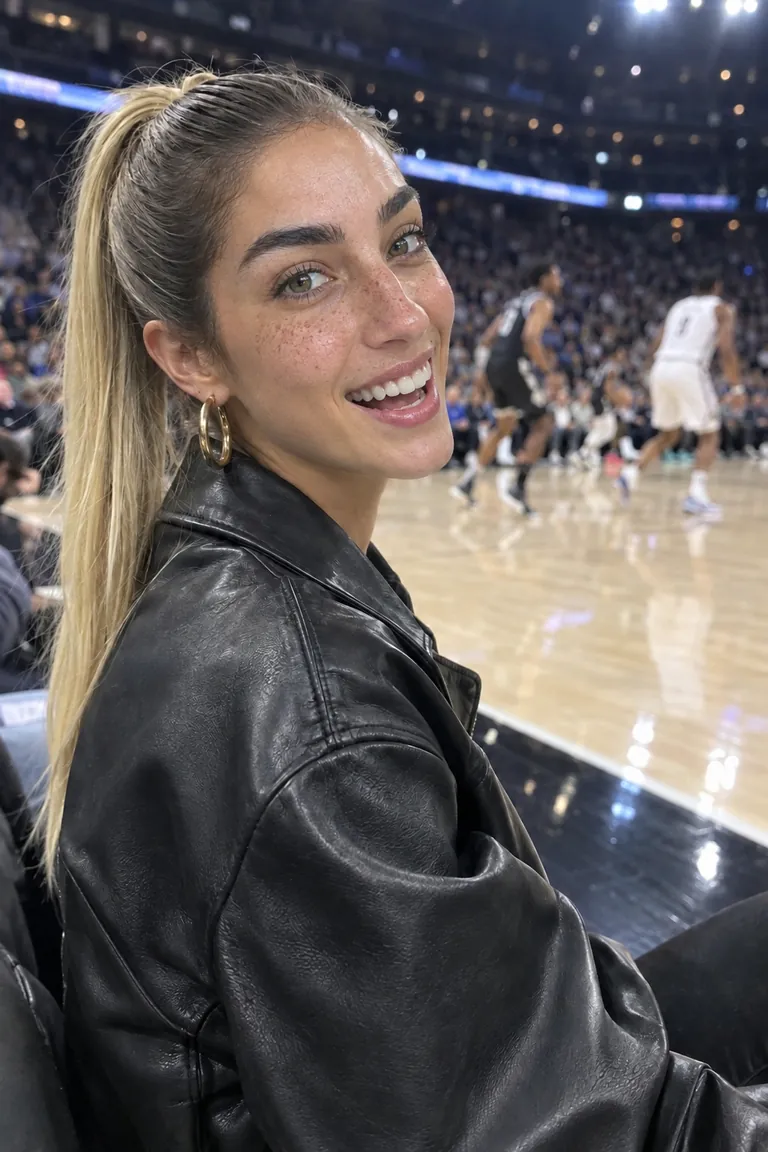
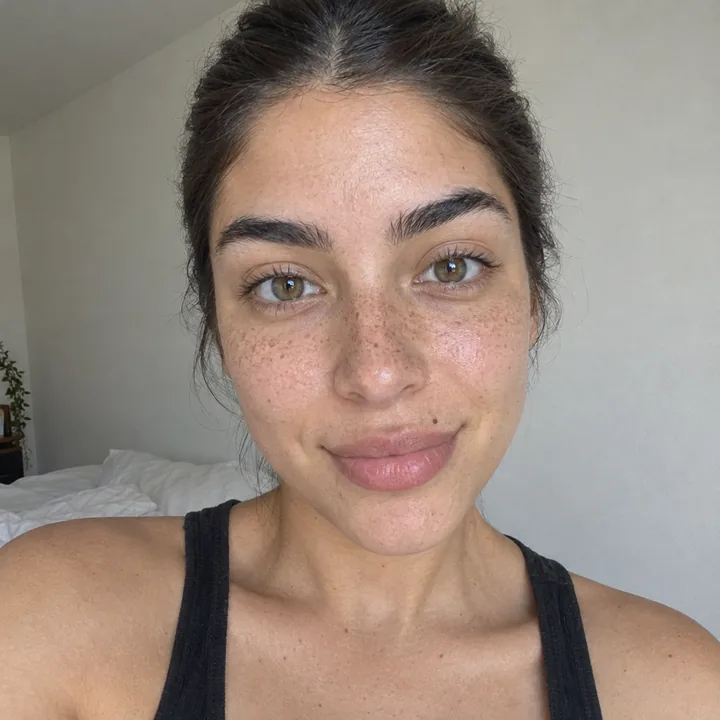
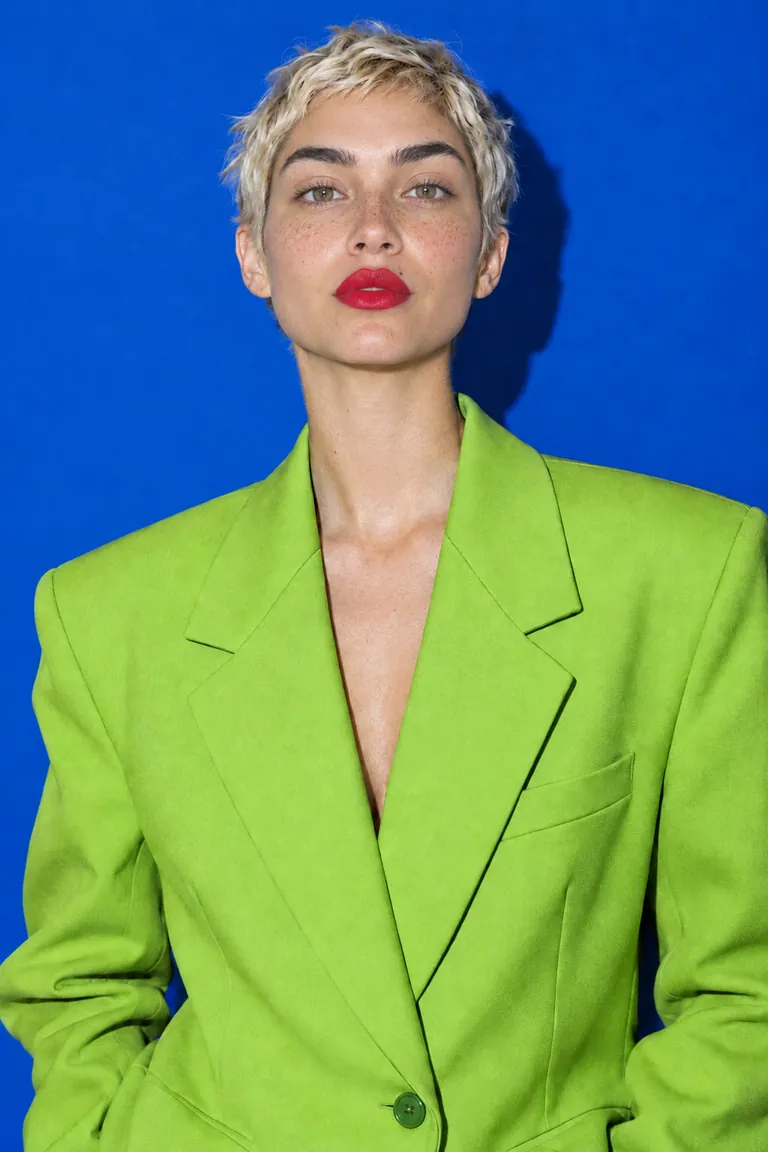
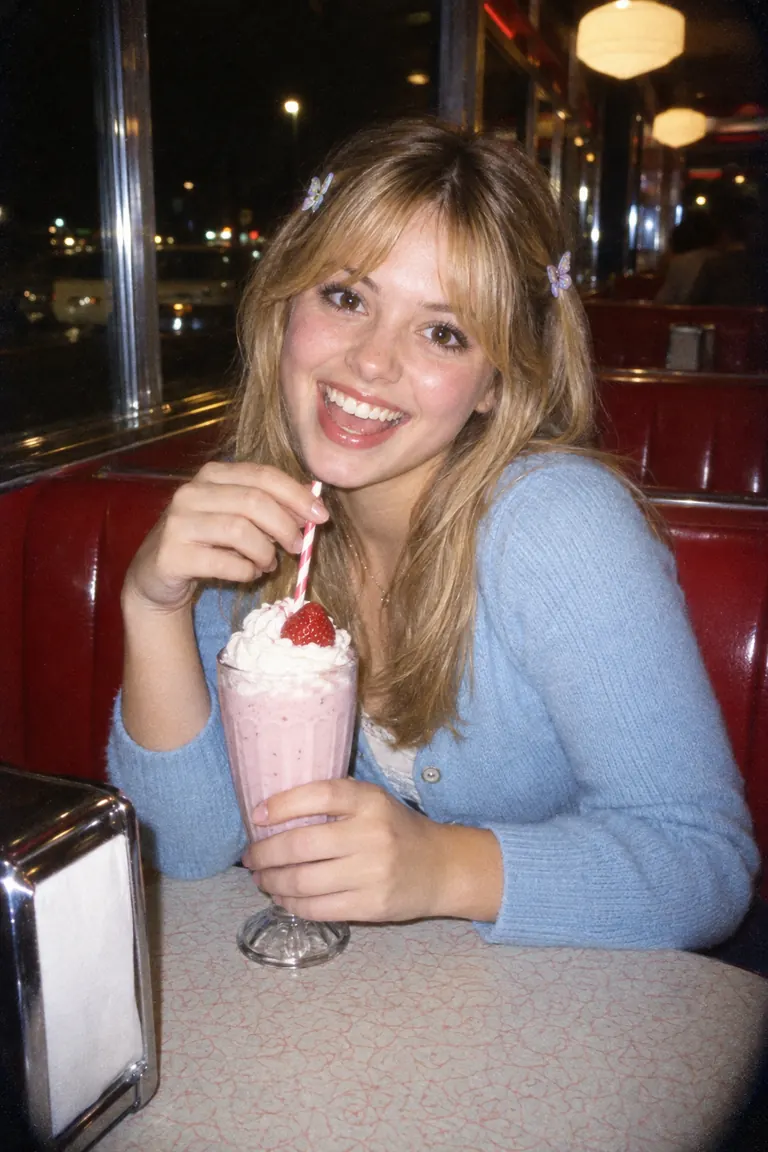
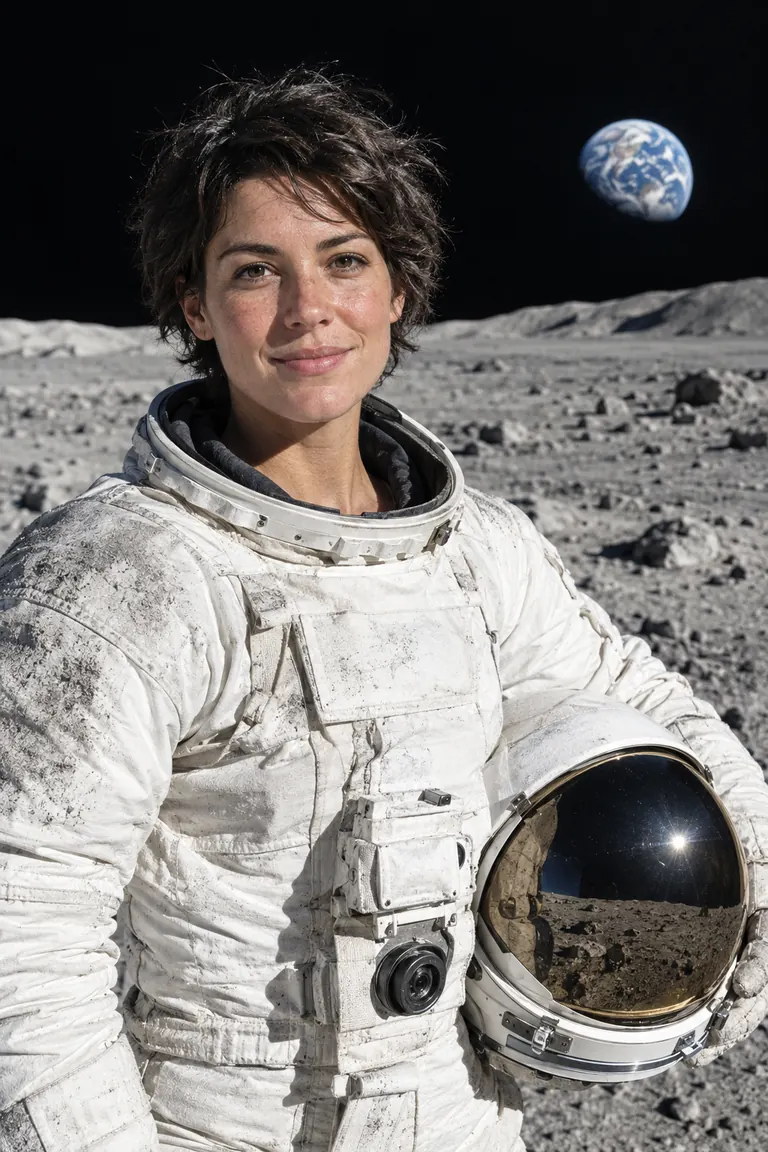
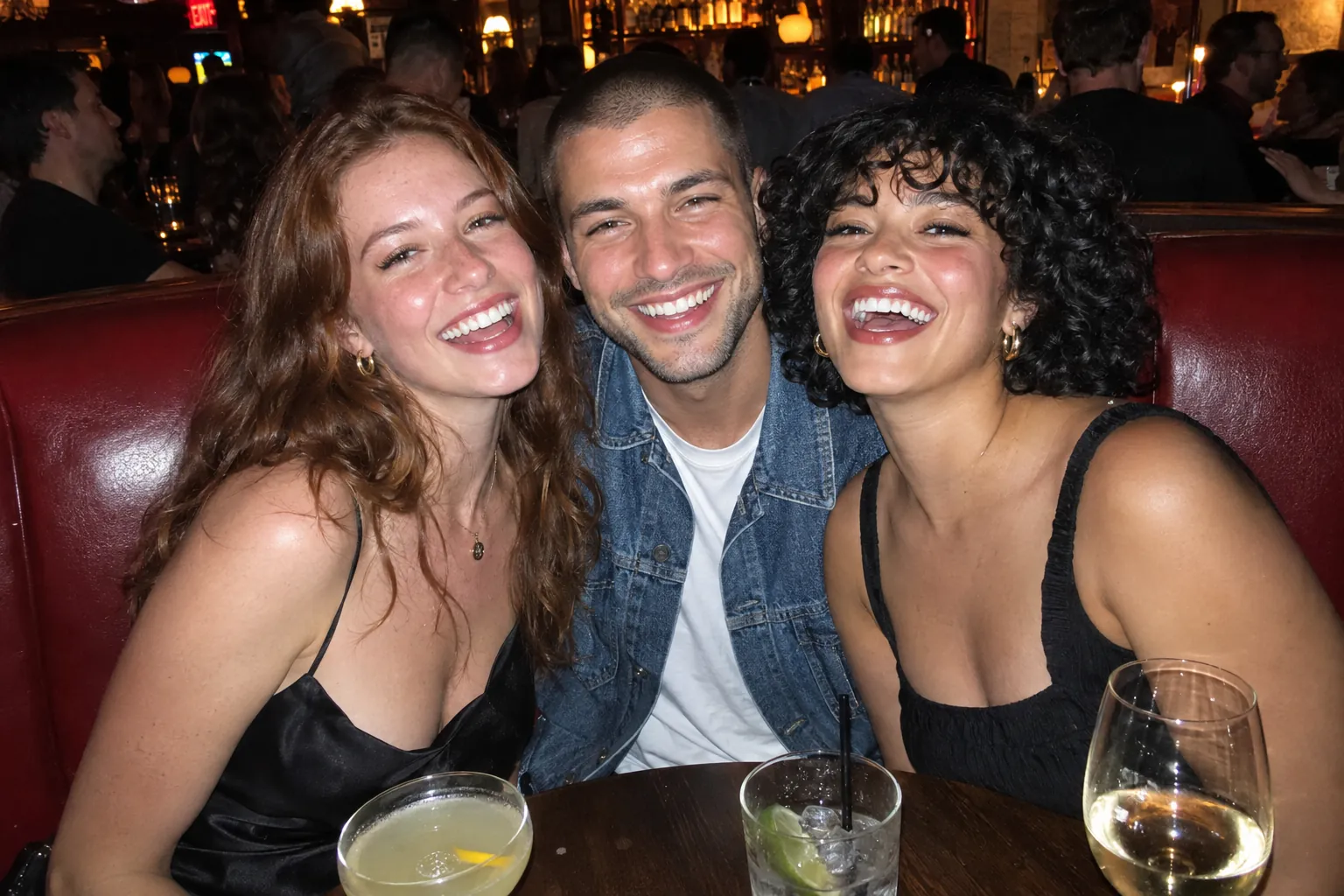
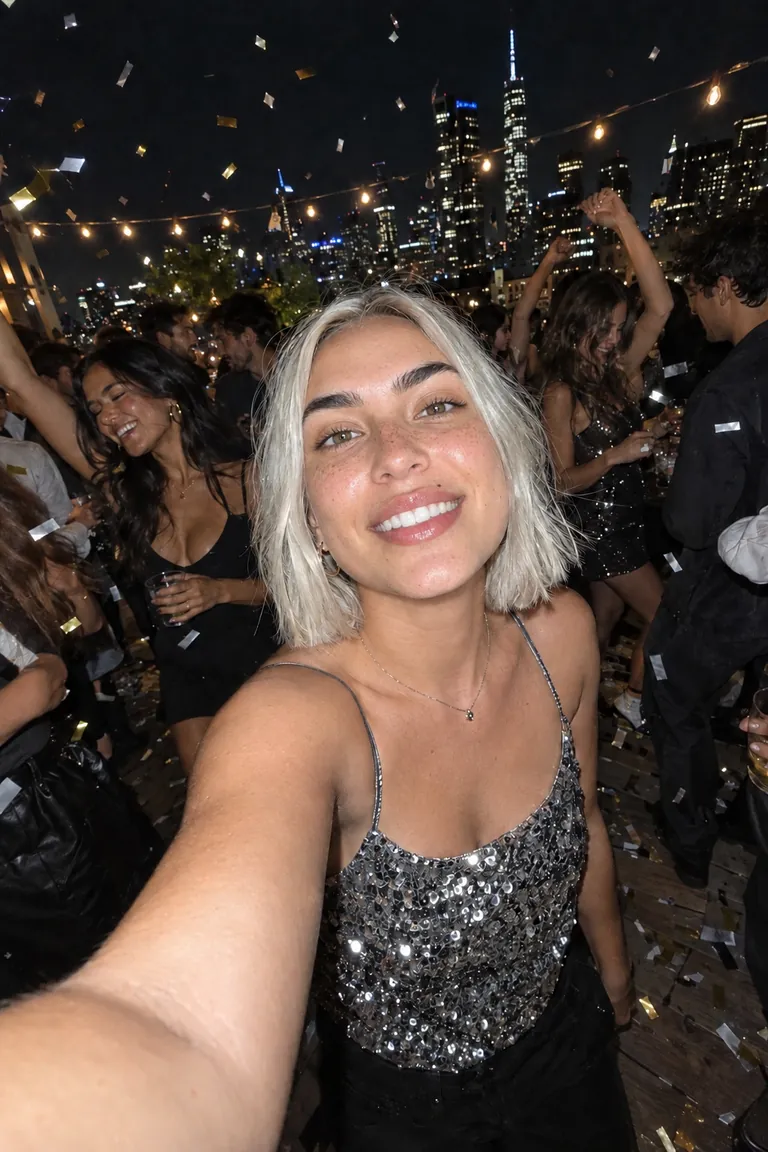
Every swap here came from the tool, at the settings you get. Each card keeps its original photo in the corner.
The jacket, the scarf, the window light and the pose belong to the photo. Pick a face and only the face changes.
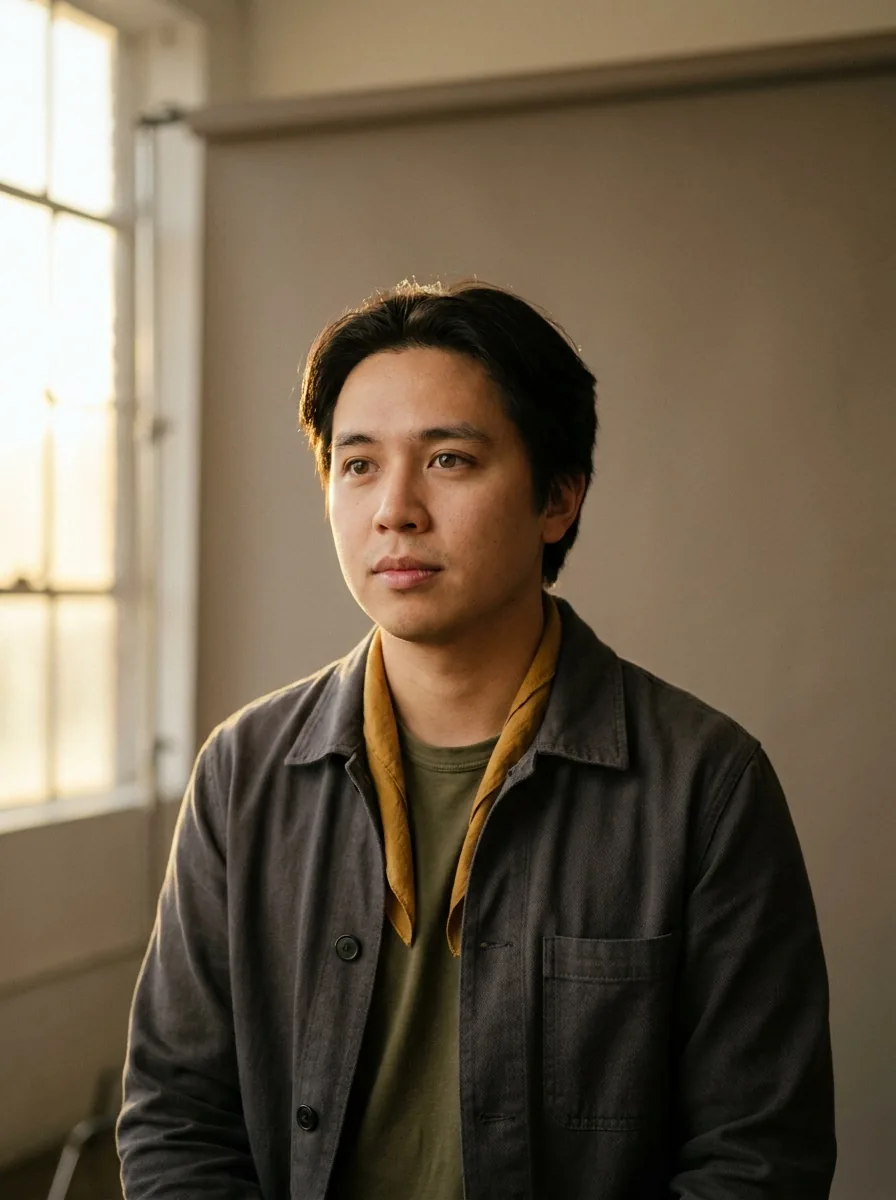
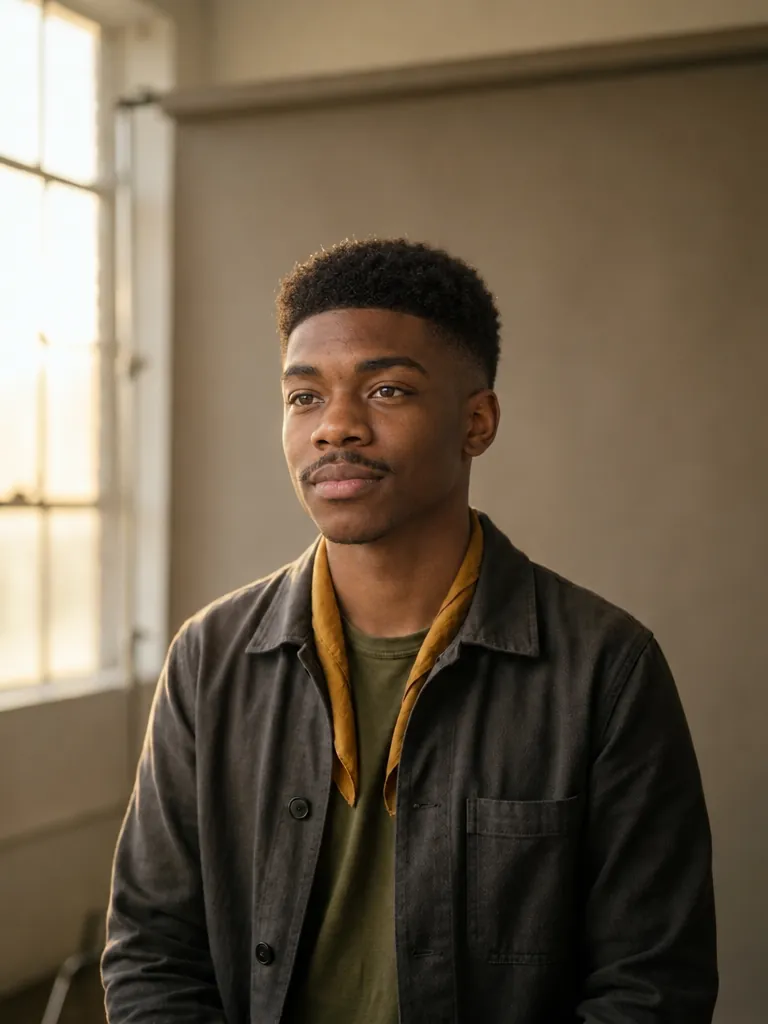

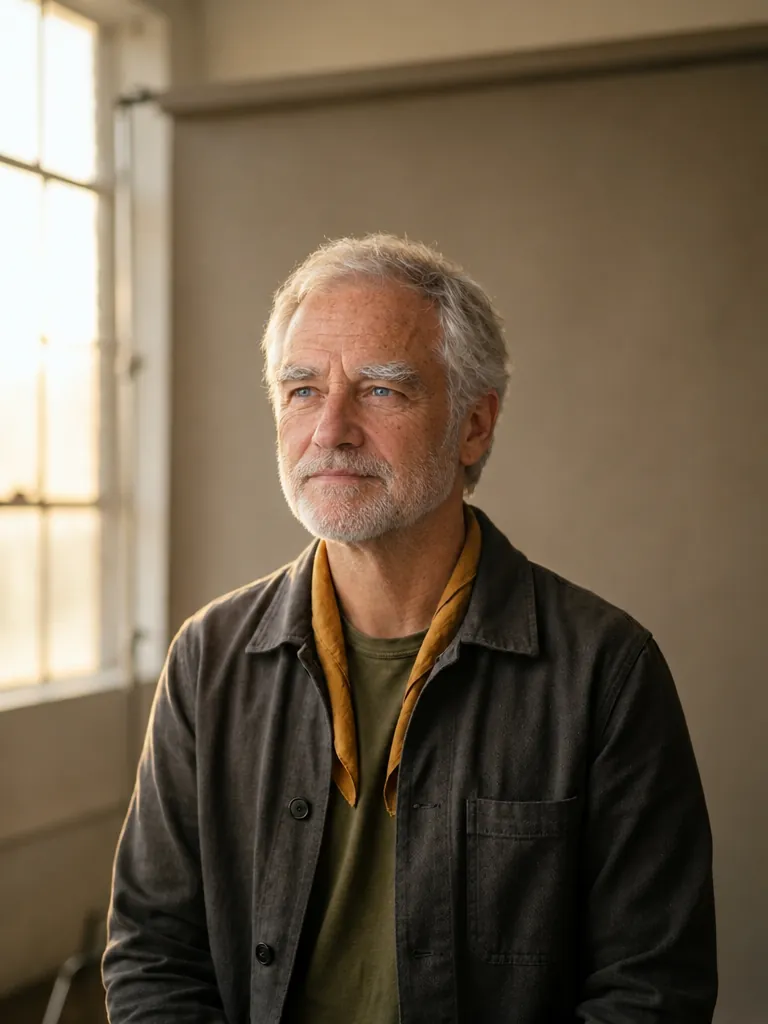

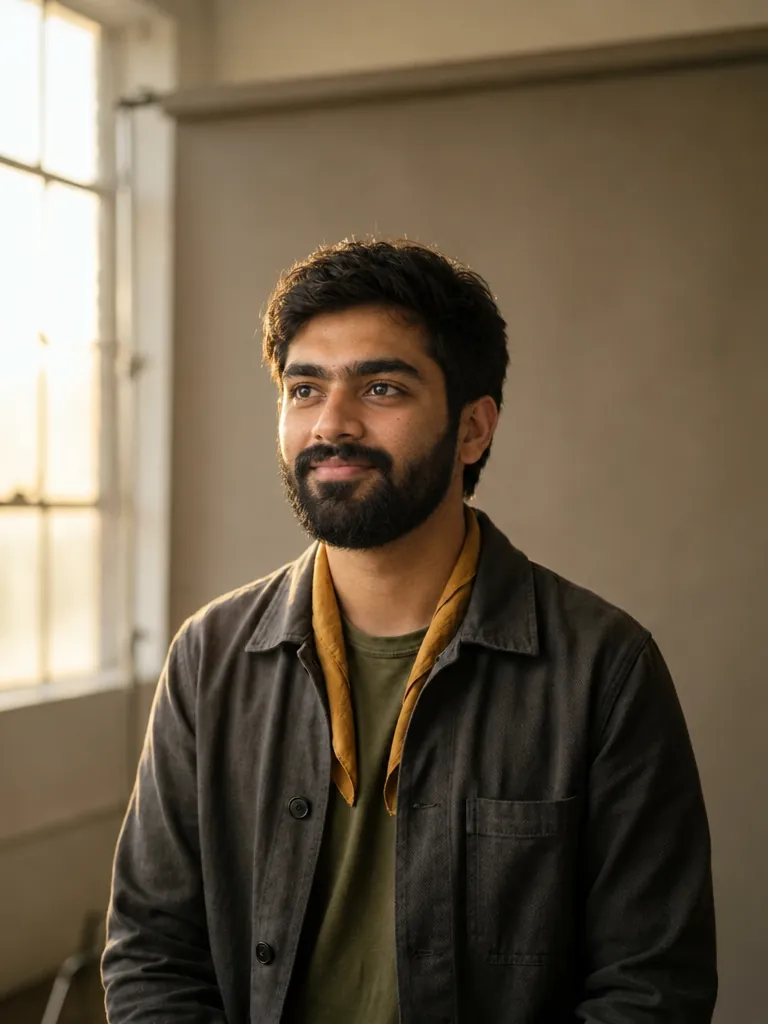
Say which person to change. Everyone else stays as they were.
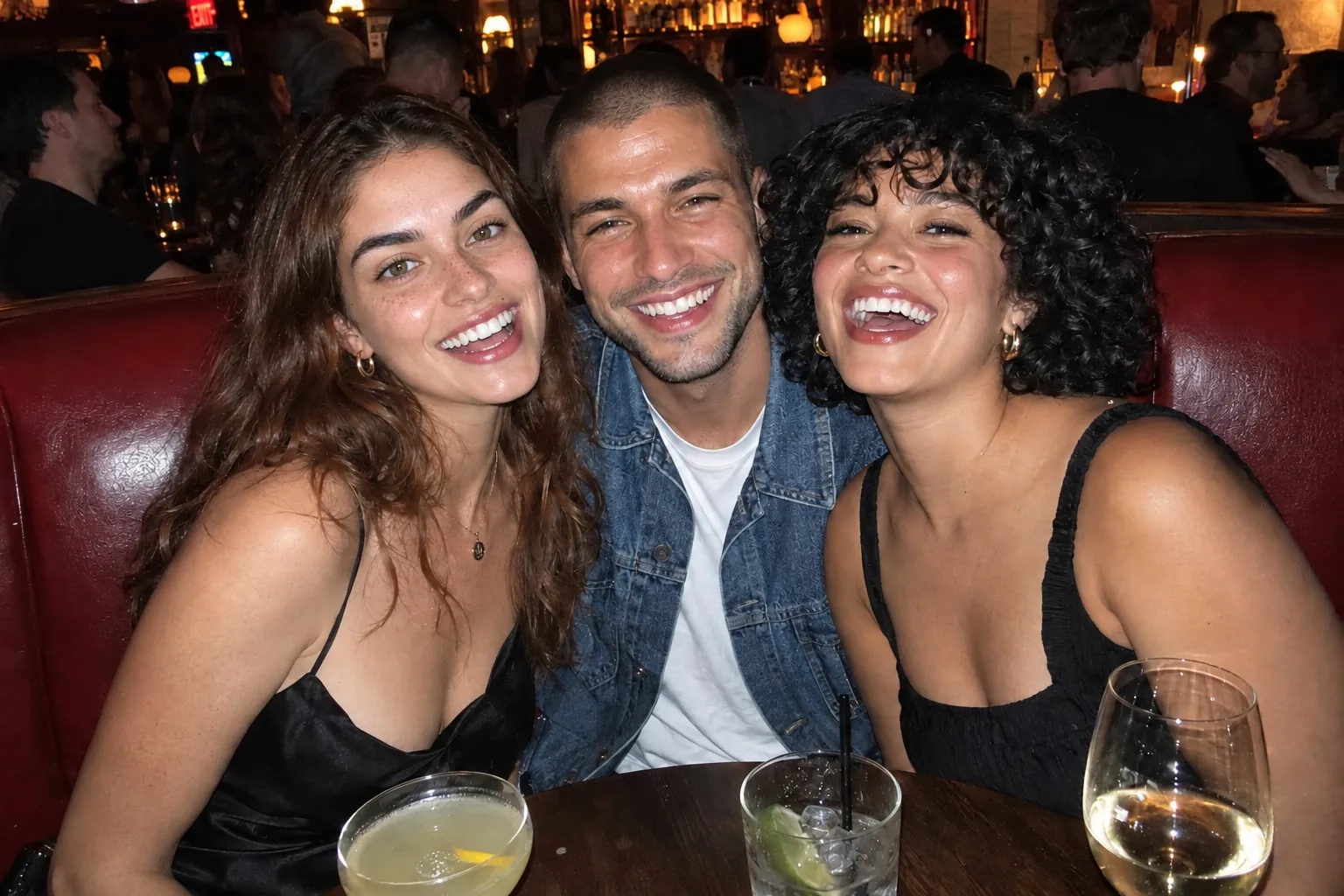
Put the same face on a whole series of generated images for an AI influencer, a story or a campaign.
Put your own face into a red carpet look, a travel photo or a costume.
Swap in a better take of one person, eyes open and looking at the camera, and leave everyone else alone.
Mock up a concept with the model they booked, using photos you have the rights to.
Upload the image or video with the face to replace. Images accept JPG, PNG, or WebP; videos accept MP4 or MOV and use a 2–15 second clip.
Upload a clear photo of the face to use. In a group photo, use Which face? to name the person. For a video, add direction in Options → Prompt if needed.
The price is on the button before you pay. Compare the result with your original, then download your image or video. Video output offers 480p, 720p, and 1080p, starting at 480p.
0.5 credits
per image swap, shown on the button before you pay and charged only when the swap works. If GPT Image 2.5 declines a pair, retry with Nano Banana 2 for 0.8 credits. Video swaps are priced by duration and resolution; check the cost on Generate.
Face Swap puts a face photo into an image or video. Choose Image or Video in the tool, add the source and face photo, then generate. The edit aims to keep the pose, hair, clothing, expression, lighting, and scene.
Image swaps are 1 credit; video swaps depend on clip length and resolution. The exact price is on the Generate button before you pay. You are charged only when a swap succeeds; declined and failed swaps are refunded automatically. A retry with Nano Banana 2 costs 1 credit.
For images, Made uses OpenAI’s GPT Image 2.5 Flare at medium quality, run on fal. It edits your photo using the face as a second reference image. If it declines a pair of images, you can retry with Google’s Nano Banana 2 from the same screen. Most image swaps finish in 20 to 30 seconds. Video uses a separate face-editing workflow and usually takes about 10 minutes.
Yes. Type which person to change in Which face?, such as “the man on the left” or “the woman in the red dress”. Each swap changes one face. To change another, choose Swap another face and run it on the result.
The pose, hair, clothes, expression, and background are kept, but this is a generative edit: the model redraws the whole image, so small details such as jewelry, text, or fabric patterns can shift slightly. Use Compare to check the result against your original. The file you uploaded is never modified.
Images download as a PNG in the supported shape closest to your photo: 1024 × 1024 for square photos, 768 × 1024 or 1024 × 768 for 3:4 and 4:3, 1024 × 1536 or 1536 × 1024 for 2:3 and 3:2, and 1440 × 2560 or 2560 × 1440 for 9:16 and 16:9. Use the Image Upscaler for a larger image. Video results download as MP4 at the selected 480p, 720p, or 1080p resolution.
A clear, well-lit face looking roughly toward the camera, not covered by hands, hair, or sunglasses, at an angle similar to the face in the photo. Small or blurry faces give the model less to match.
The model providers block some requests, including photos that appear to show minors, sexual or violent edits, and some public figures. Declined swaps are never charged.
Only with their permission. Do not use Face Swap to impersonate someone, to deceive people, or to make images that could harm the person whose face you use.
JPG, PNG, and WebP files up to 30 MB and at least 256 pixels on each side. Photos larger than 2048 pixels on the long side are resized before upload. Video mode accepts MP4 and MOV. Longer videos are trimmed to the supported 15-second window before upload.
Image and video swaps are both saved to Assets in your Made account, so you can leave the tool while one runs.
Yes. Choose Video in Face Swap, add a 2–15 second clip and one face photo, then generate. Options offers 480p, 720p, and 1080p, with 480p selected by default. The original audio is kept.