Work profiles
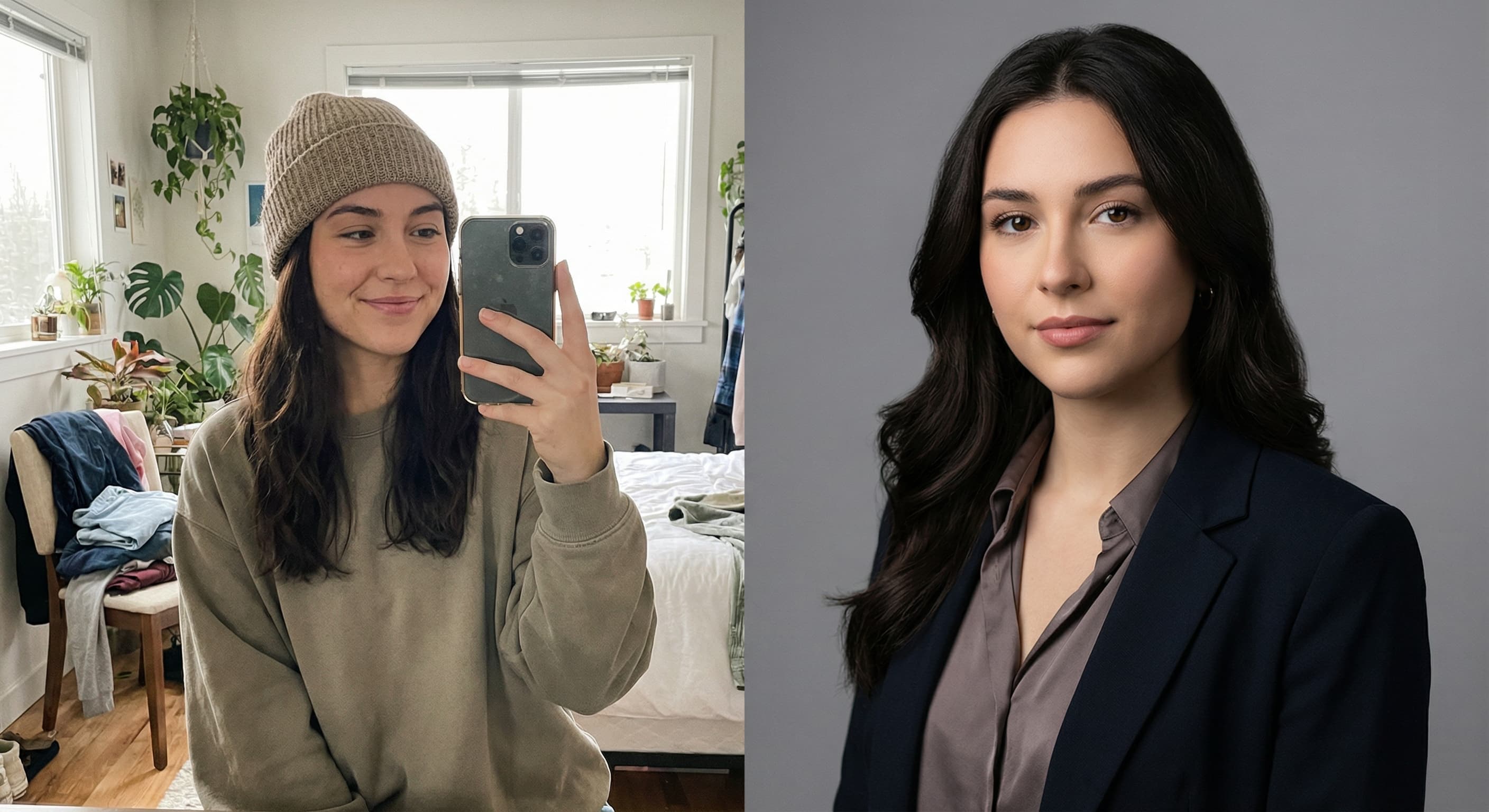
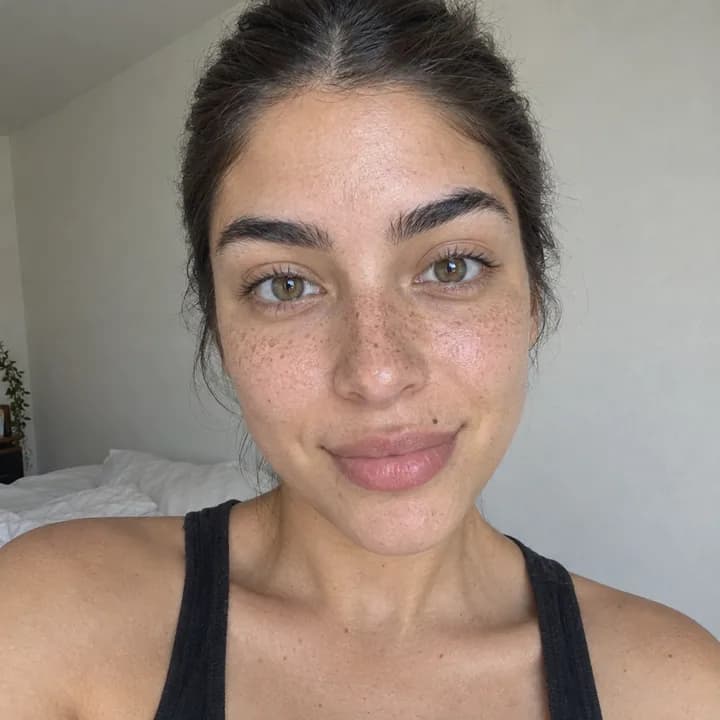
“Turn this selfie into a professional headshot with a blurred office background.”
Use this promptUpload a casual photo of yourself and describe the headshot you need. Made replaces the background, cleans up the lighting, and can tidy your attire, returning a professional-looking PNG.
Runs in the tool. You sign in to run it, see the price before you start, and failed runs are refunded.
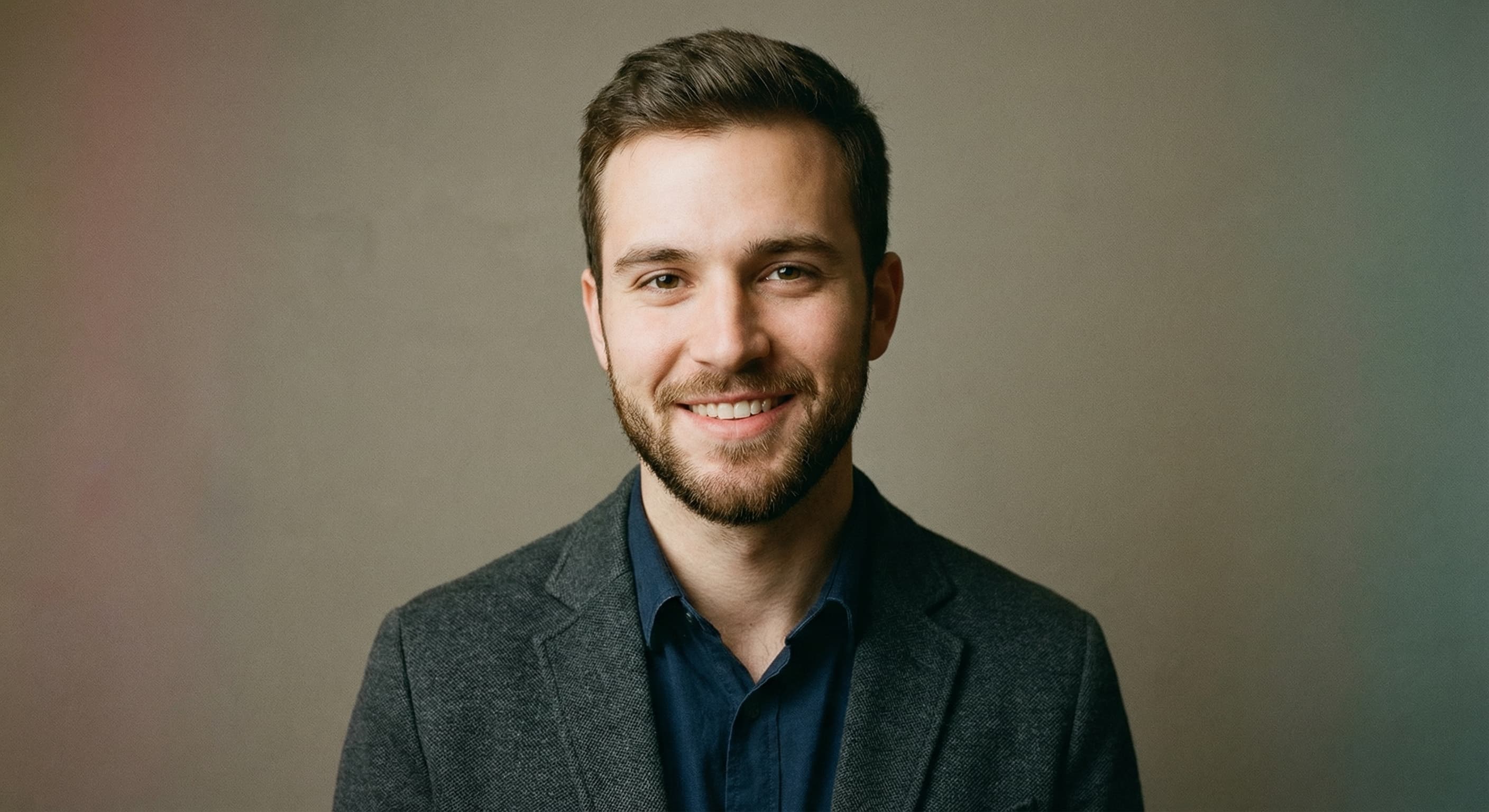
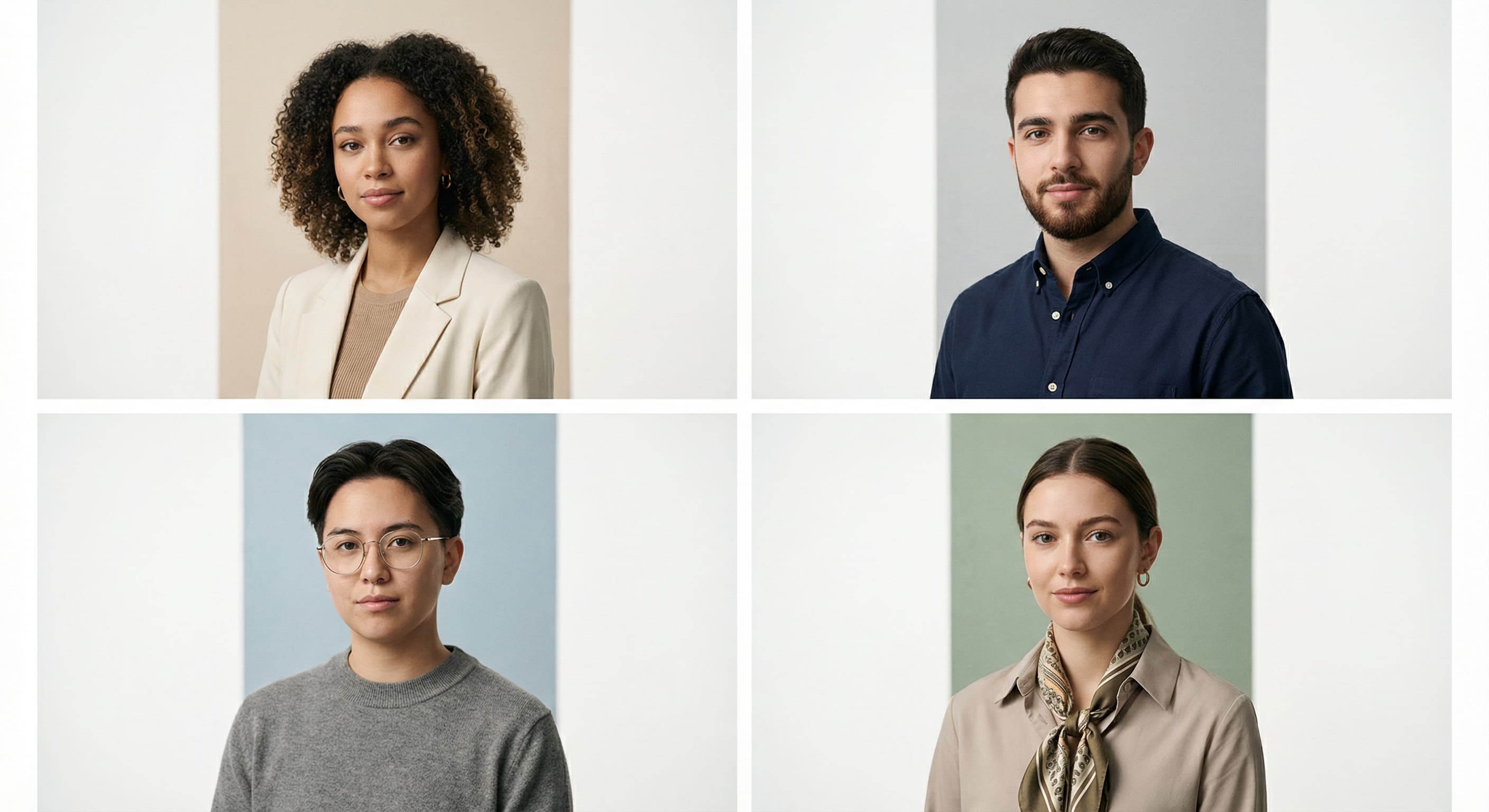
A well-lit, front-facing photo with your face unobstructed gives the model the most to work with.
Name the background, lighting, and attire: “blurred office, soft studio light, dark blazer.” Add “keep my face exactly the same.”
The edit model replaces the background, adjusts the lighting, and applies the attire changes you asked for.
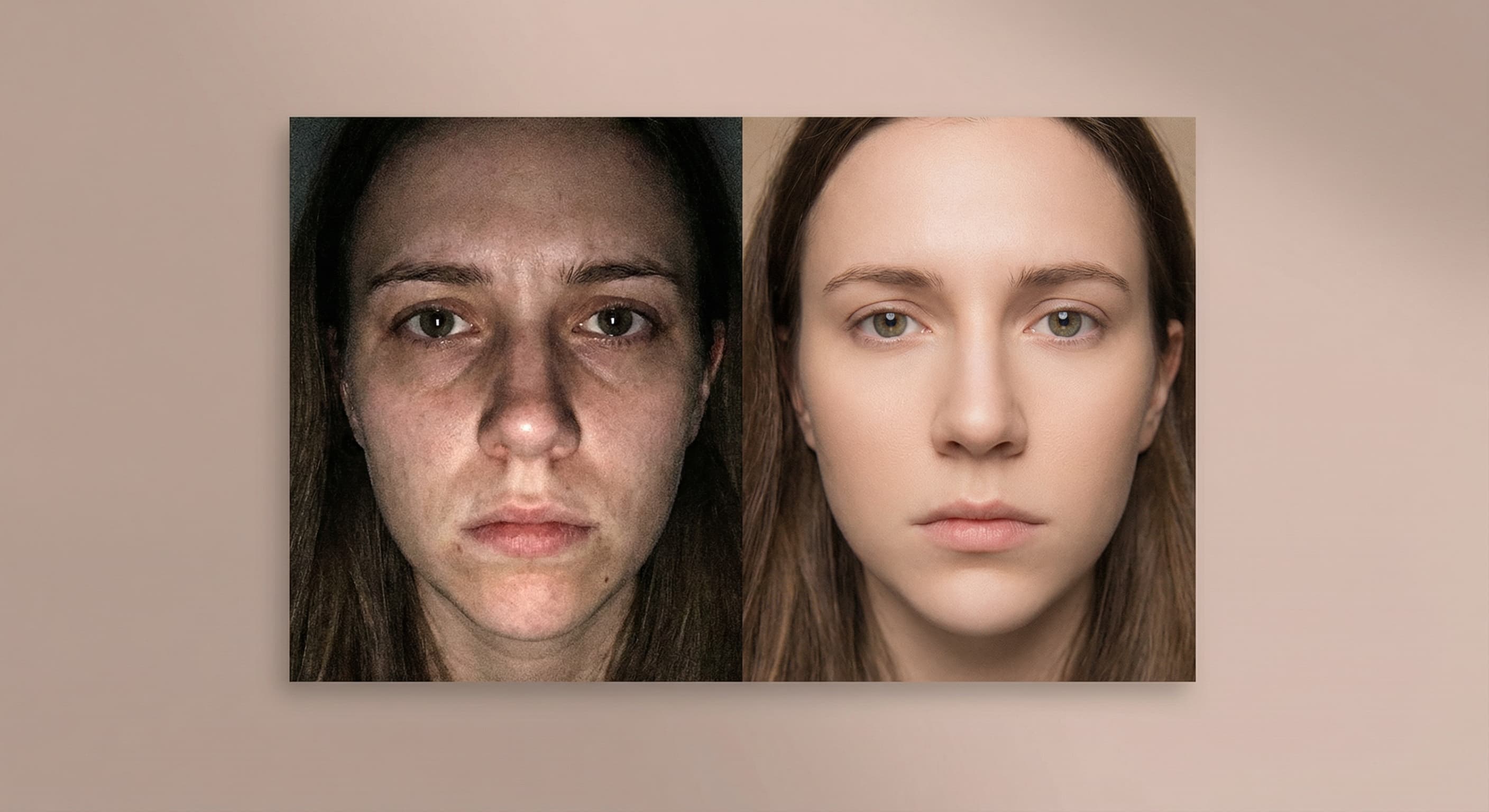
Compare the result against the original — especially eyes, smile, and hairline — and re-run with a refined instruction if anything drifted.
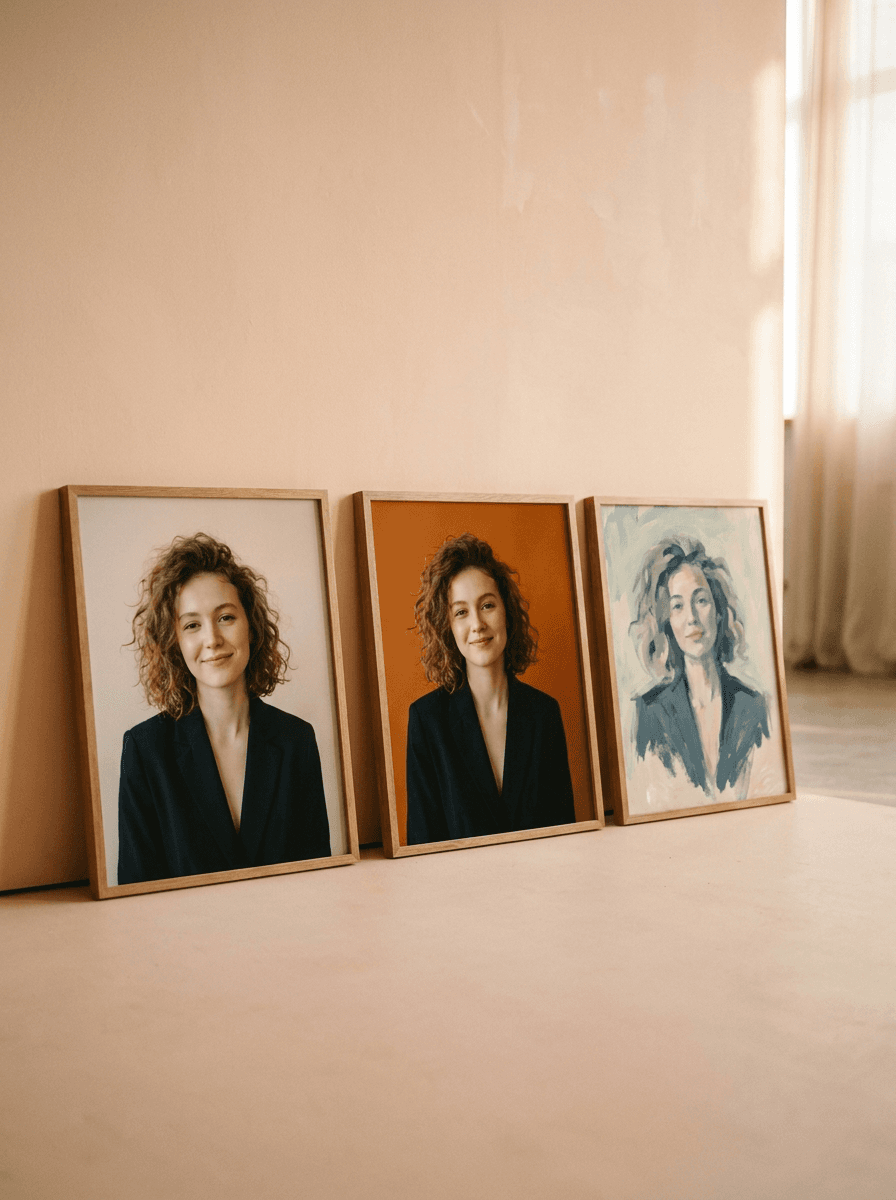
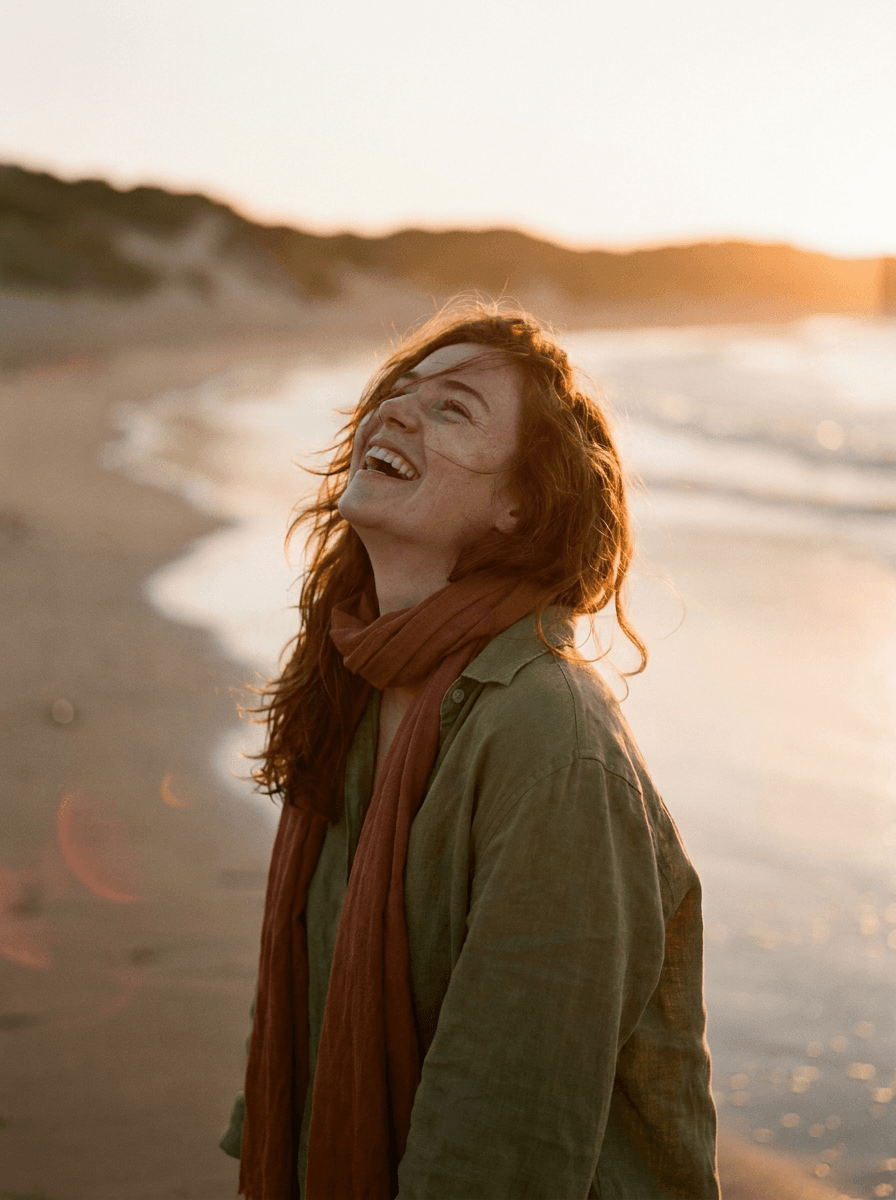
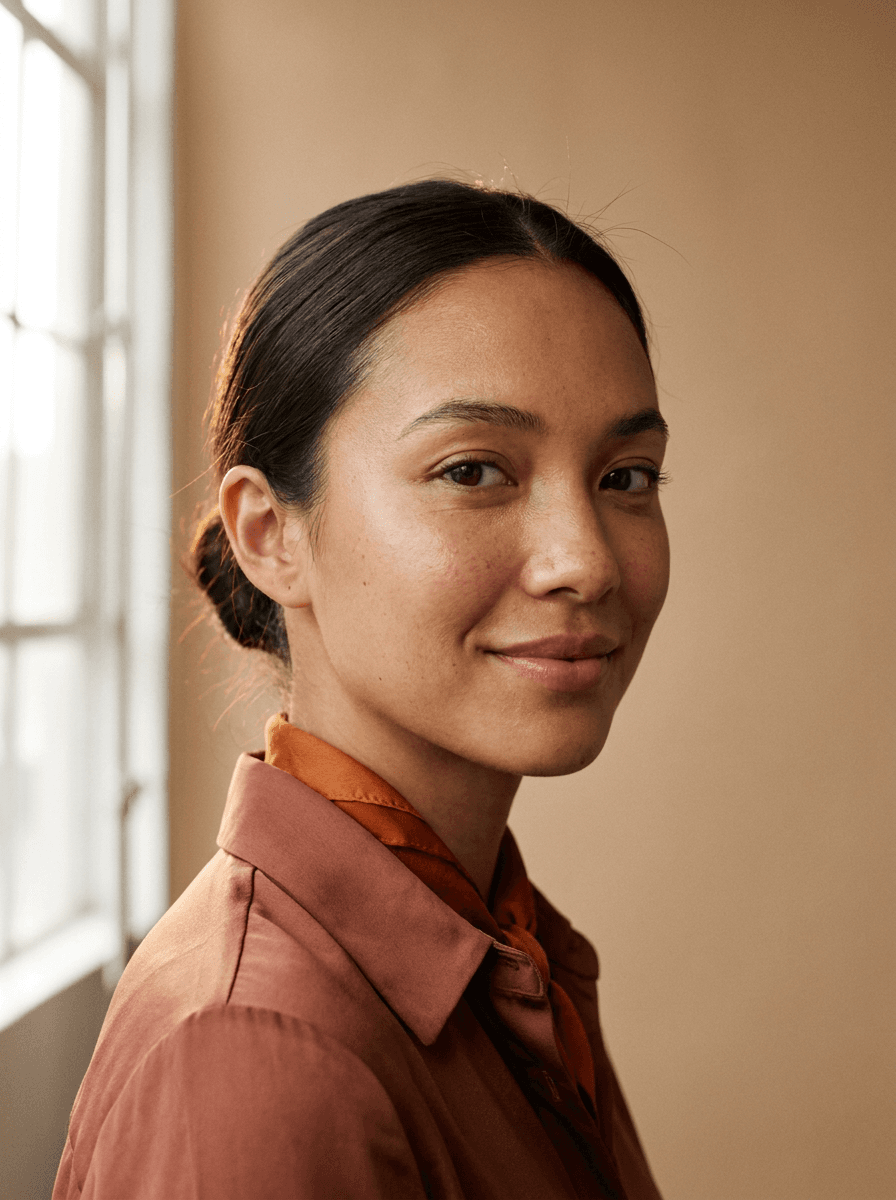
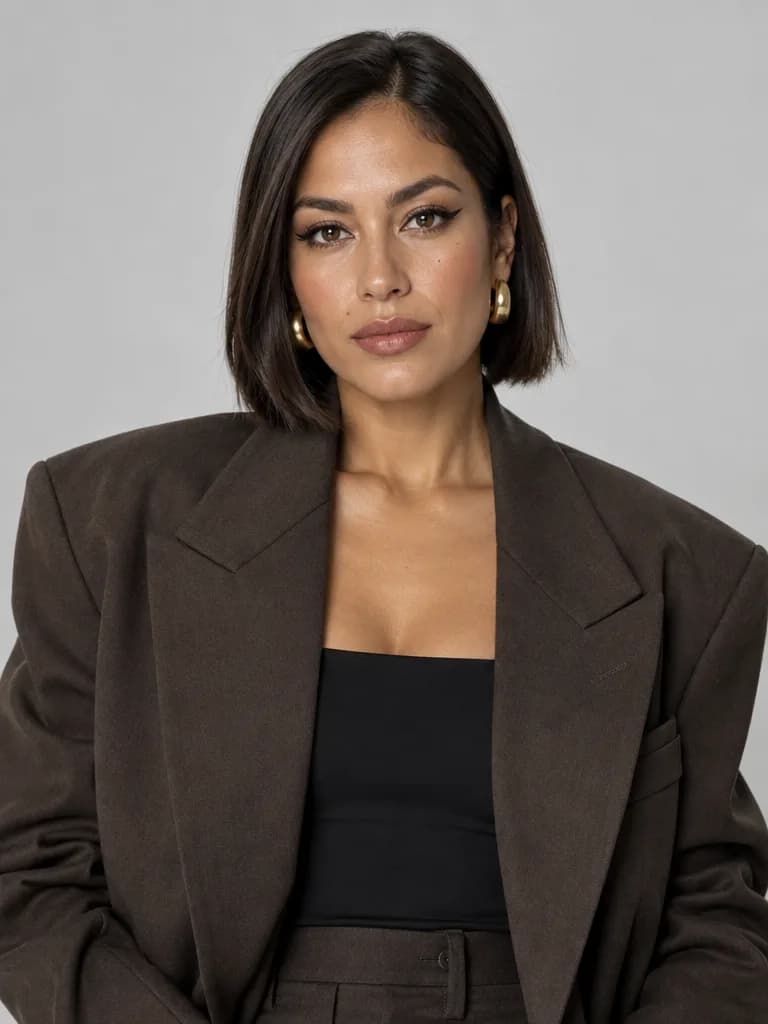
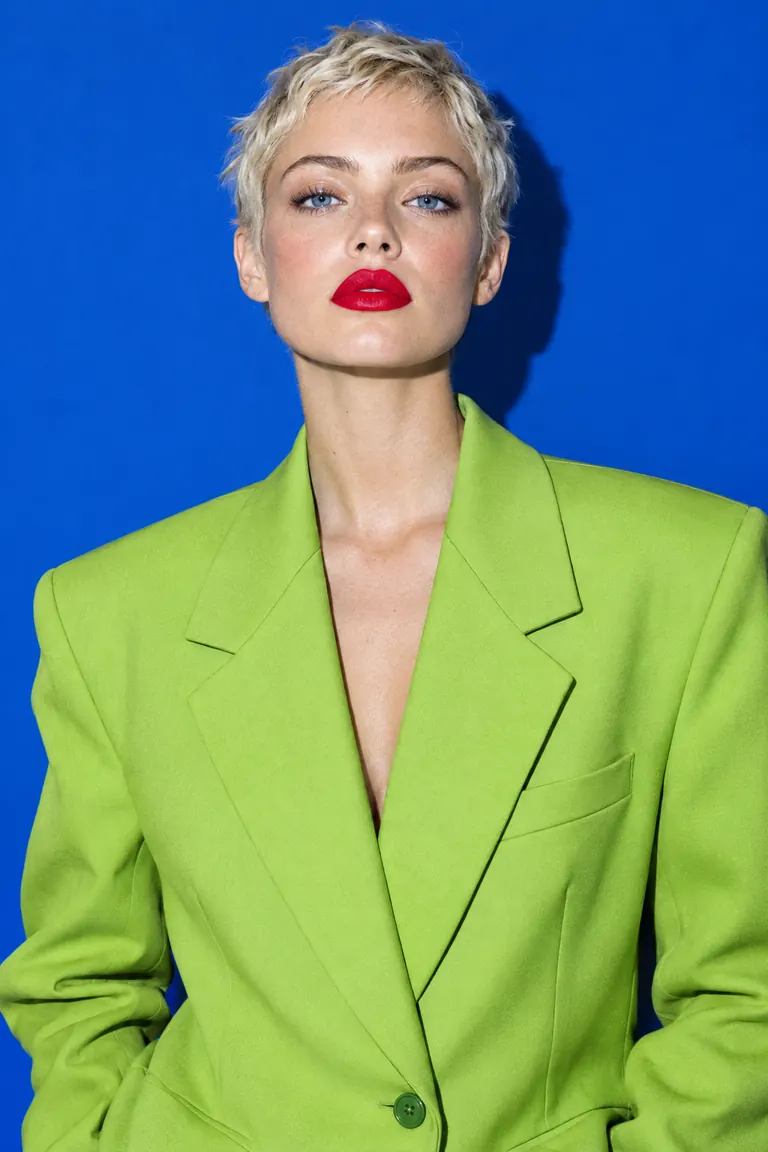
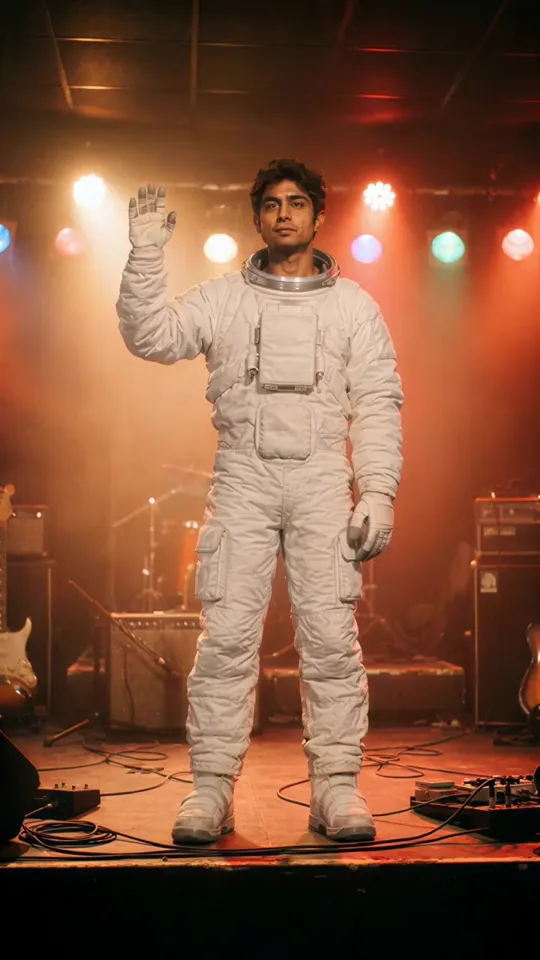
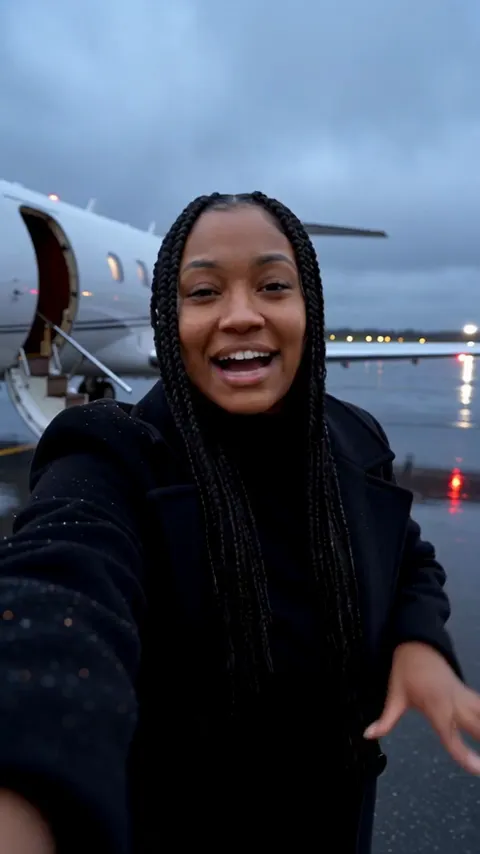
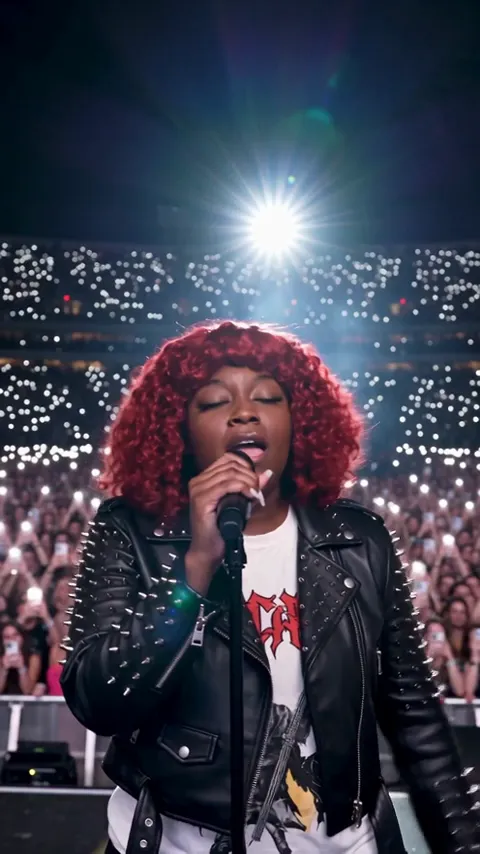
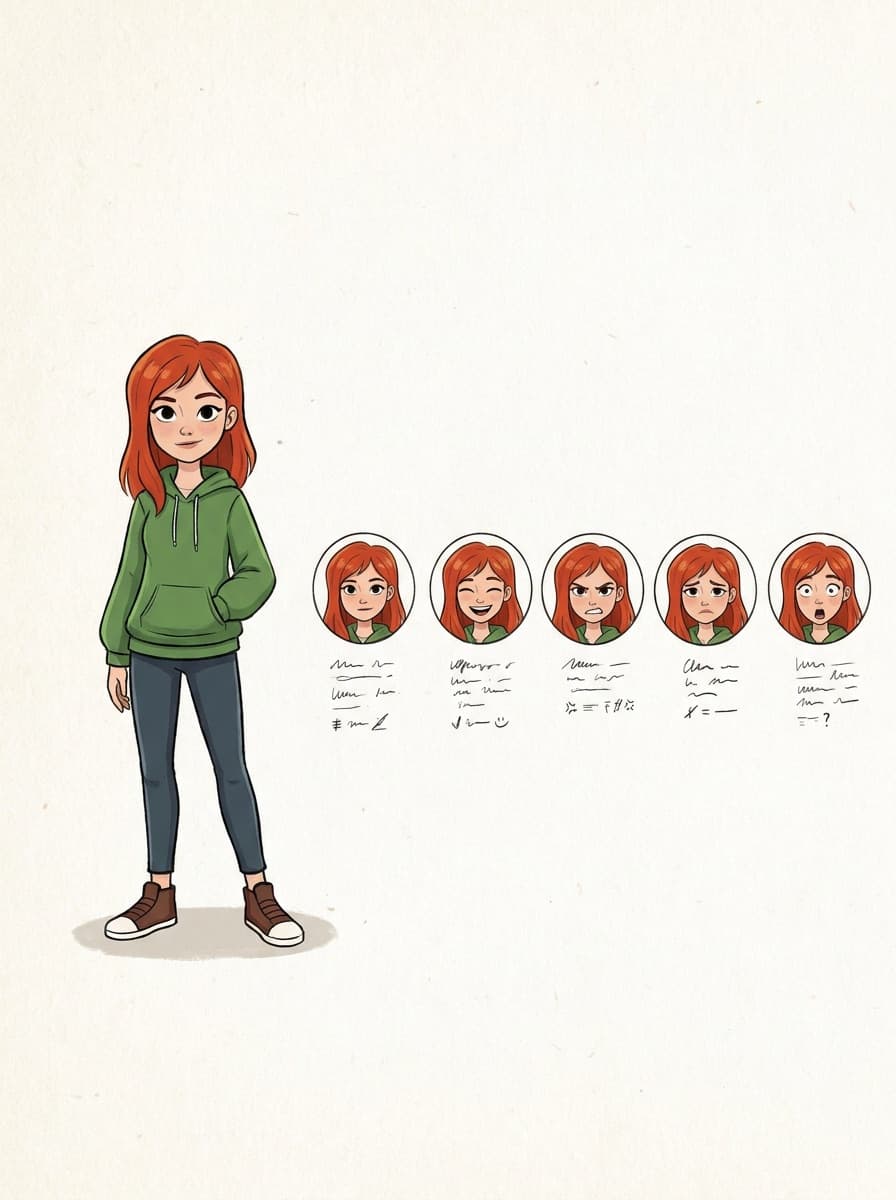
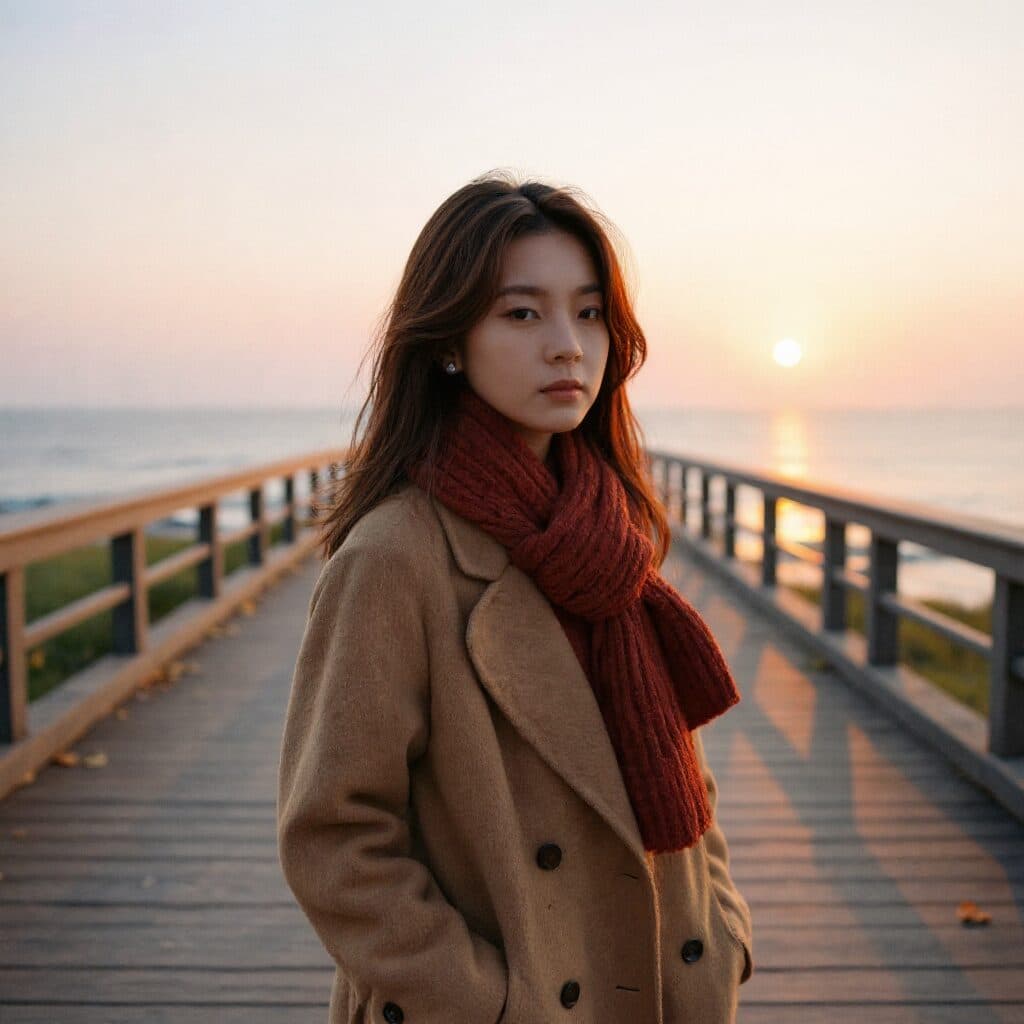
Real results from Made. Use a prompt to open it in AI Headshot Generator, then add your own photo.
“Turn this selfie into a professional headshot with a blurred office background.”
Use this prompt“Style this photo to match our team directory: gray background, even lighting.”
Use this prompt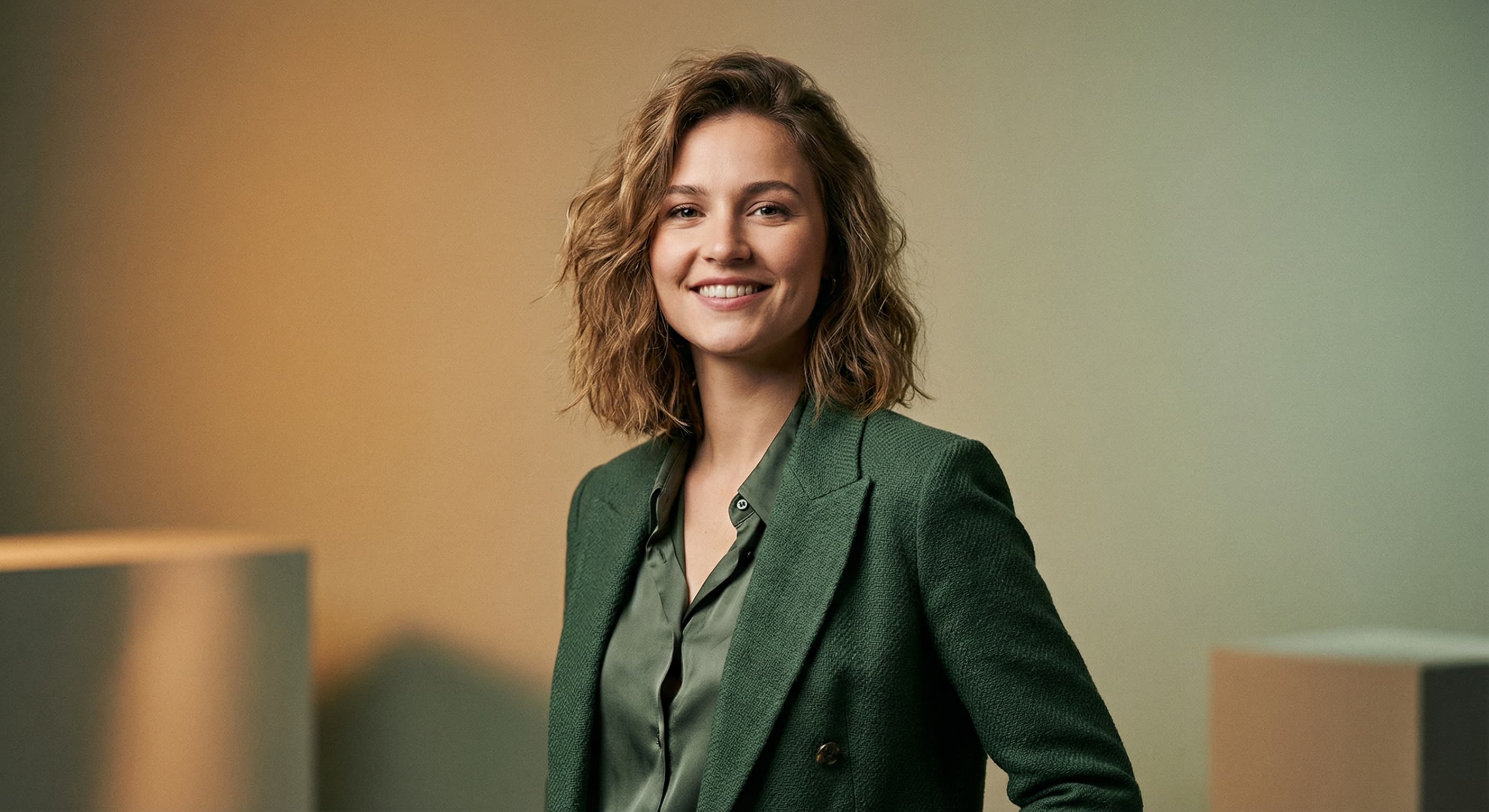
“Create a polished personal-brand headshot with warm professional lighting.”
Use this prompt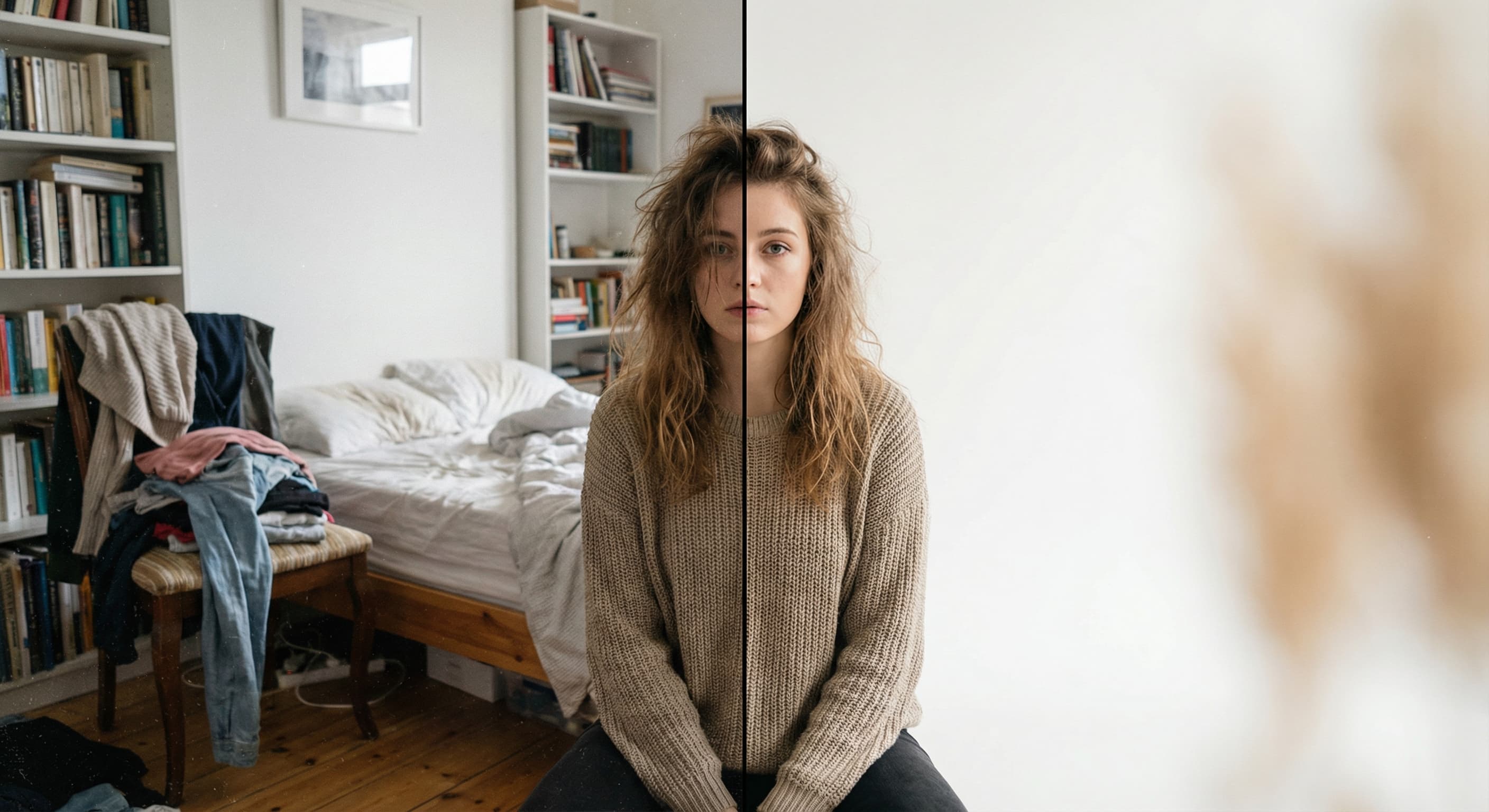
Checked against the running tool on 2026-10-20.
You upload one photo of yourself and describe the headshot you want — background, lighting, attire. Made sends the photo and instruction to an AI edit model that restyles the image and returns a PNG. It edits your actual photo rather than generating a synthetic person.
It starts from your real photo, so the likeness is usually close, but these are generative edits and fine facial detail can shift. Adding “keep my face exactly the same” to the instruction helps, and you should always compare the result against the original before using it.
Yes. Ask for specific attire — “a dark blazer over a white shirt” — and the model redraws your clothing to match while keeping the rest of the photo. Review collar lines and shoulders, where generated clothing is most likely to look off.
A sharp, front-facing photo with even light on your face and nothing blocking it. The background doesn’t matter since it gets replaced, but a blurry or heavily shadowed face gives the model less to preserve. Inputs over 1,536 pixels on a side are downscaled before editing.
This page is tuned for professional headshots — work profiles, applications, team pages — with suggestions around backgrounds, lighting, and business attire. Profile Picture Maker covers casual and creative profile images, including stylized avatars. Both run the same underlying instruction-driven edit.
Each request processes one photo, but you can repeat the same instruction for every team member to get a consistent style — for example, “gray studio background, soft even lighting, dark blazer” for each photo.
A PNG. If your profile platform needs specific dimensions, run the result through Image Resizer afterwards.
 New
New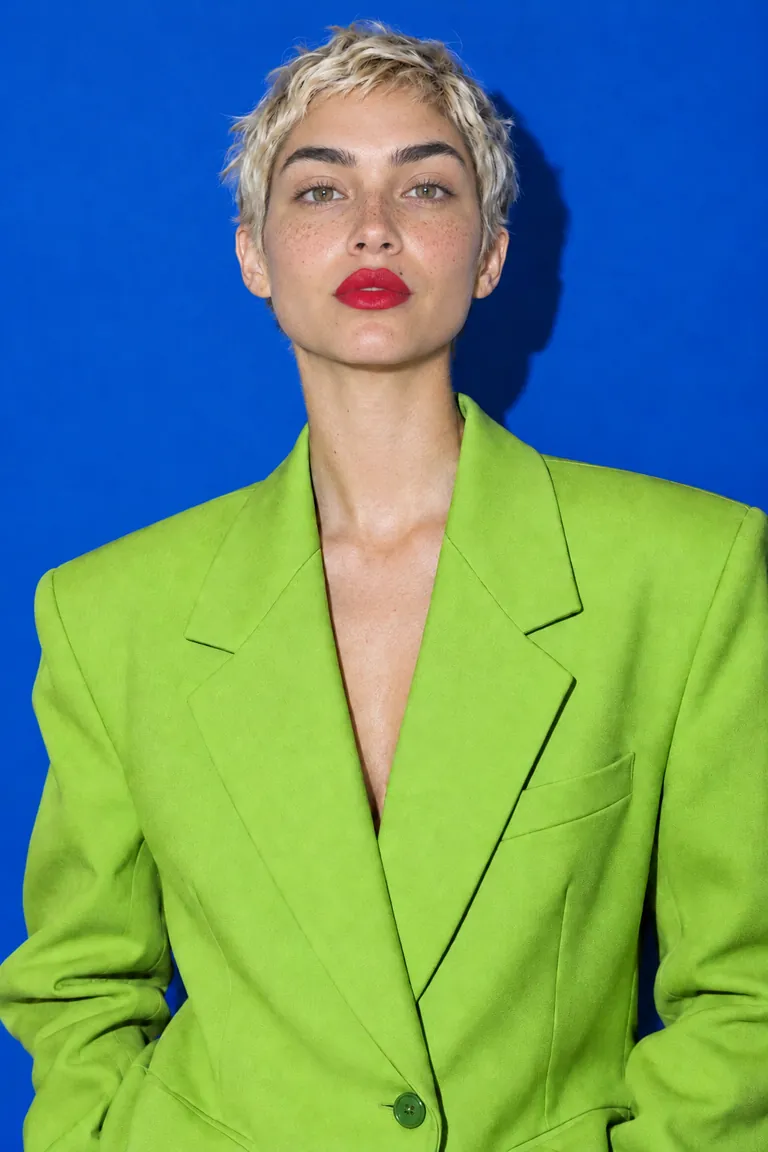
 +
+ New
New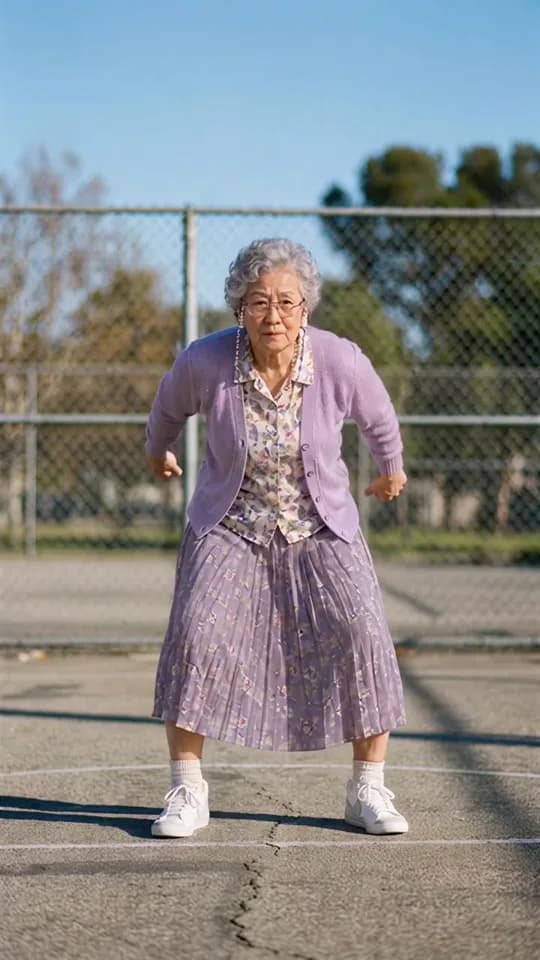
See what each one makes, then open it in Made.