Log inUpgrade

AI LinkedIn photo generator

Upload a decent selfie or casual photo and Made prepares it for LinkedIn: professional framing, a clean modern background, business-appropriate attire, and flattering light.

Runs in the tool. You sign in to run it, see the price before you start, and failed runs are refunded.
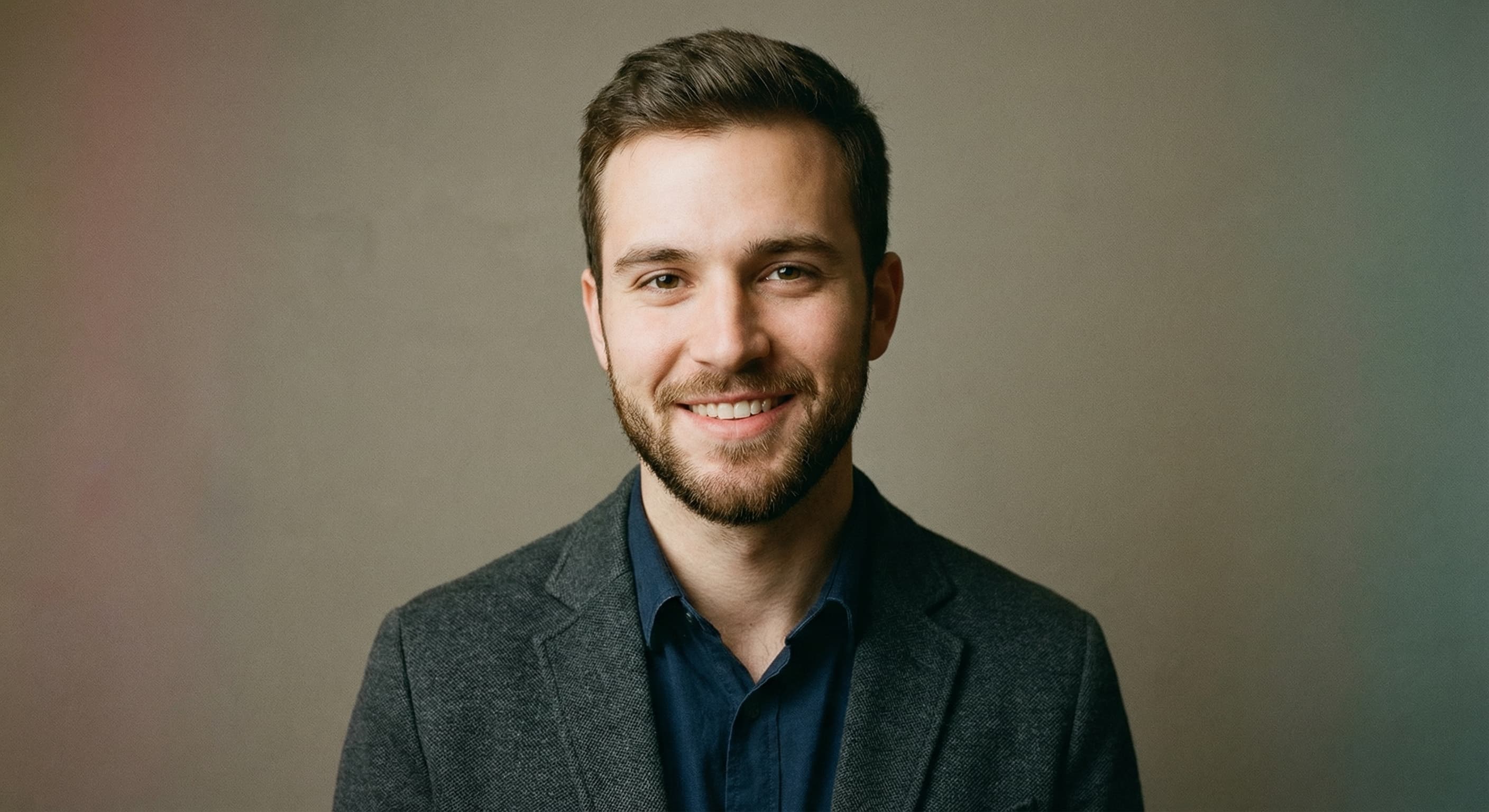
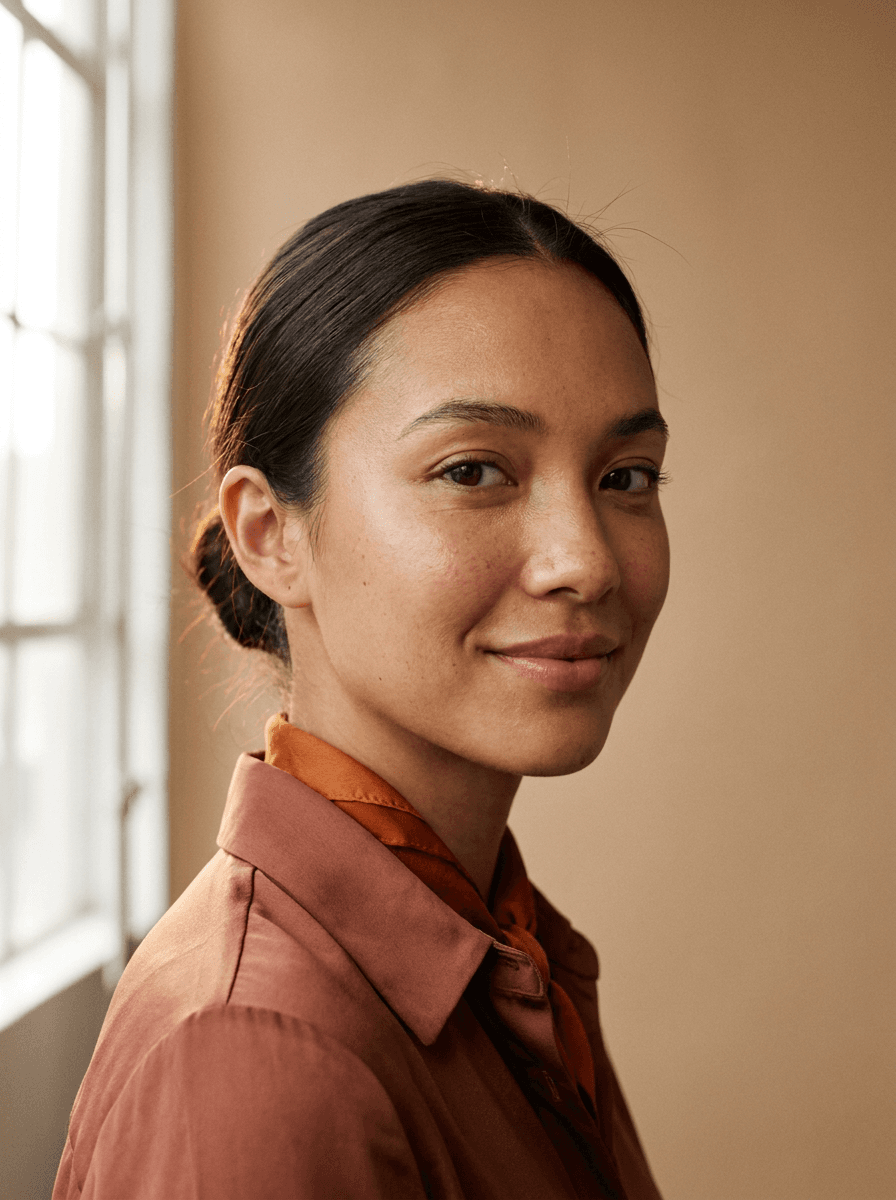
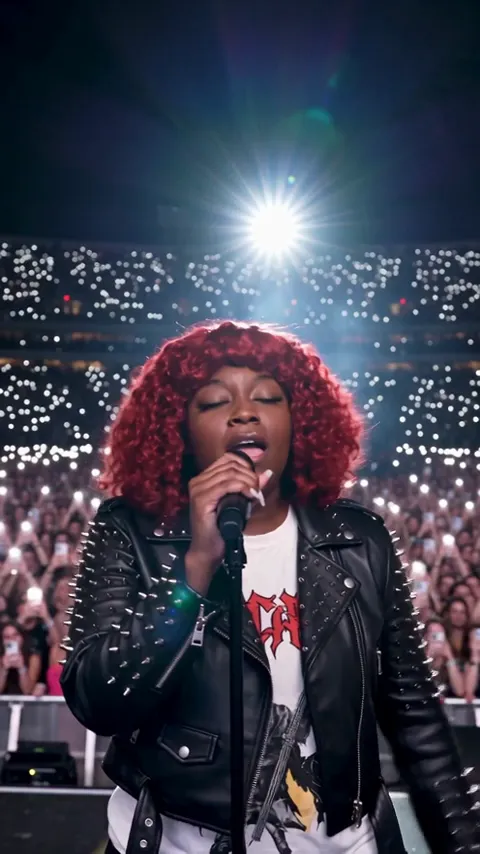
Professional headshot with a blurred office background suitable for a work profile
Work profiles
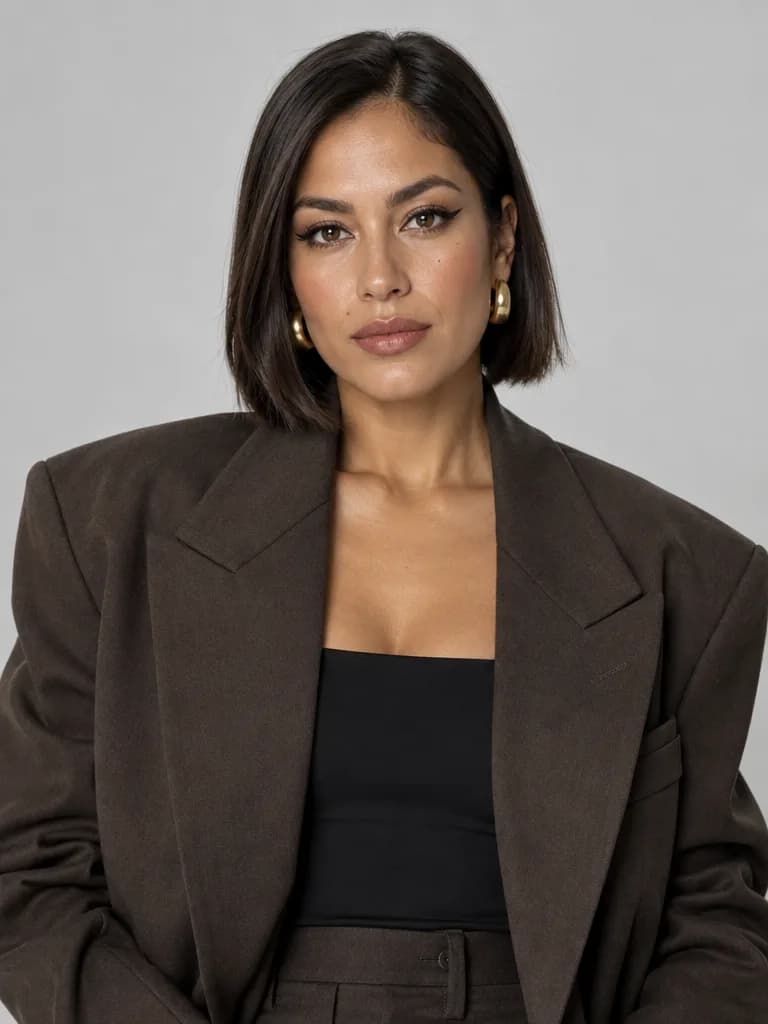
Clean corporate headshot prepared for a job application
Job applications
Consistent headshot styled to match a company team directory
Team directories

How to use LinkedIn Photo Maker

  1. 1

    Pick a good source

    Sharp, front-lit, just you in frame — a window-light selfie works better than a dim night photo.

  2. 2

    Describe the look

    Blazer or business casual, and the backdrop mood: soft office, neutral studio, or subtle outdoor.

  3. 3

    Check it still looks like you

    A profile photo has one job — being recognizably you on a good day. Regenerate if it drifts.

  4. 4

    Crop for the circle

    LinkedIn displays a circle: face centered, head and top of shoulders filling most of the frame.

LinkedIn Photo Maker examples

Real results from Made. Use a prompt to open it in LinkedIn Photo Maker, then add your own photo.

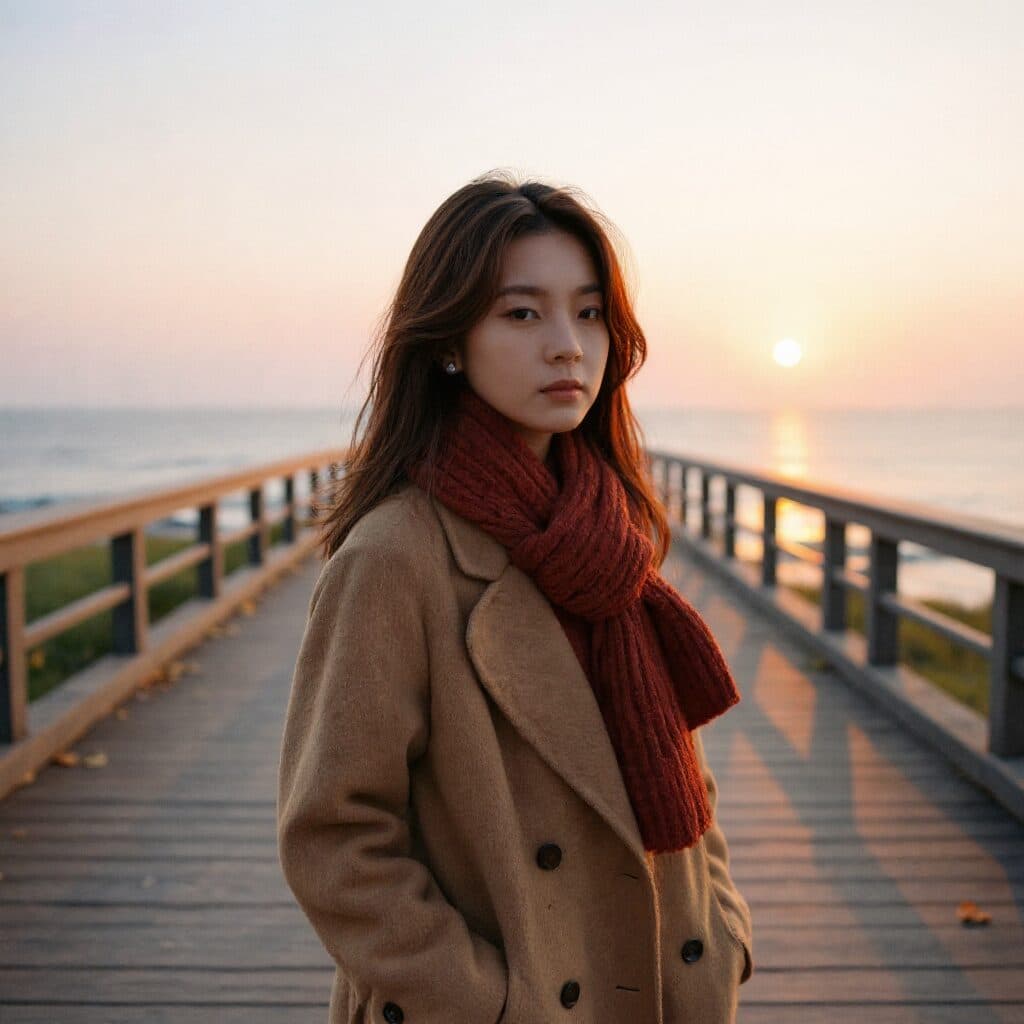
Professional headshot with a blurred office background suitable for a work profile

Work profiles

“Turn this selfie into a professional headshot with a blurred office background.”

Use this prompt
Clean corporate headshot prepared for a job application

Job applications

“Make this a clean corporate headshot for a job application.”

Use this prompt
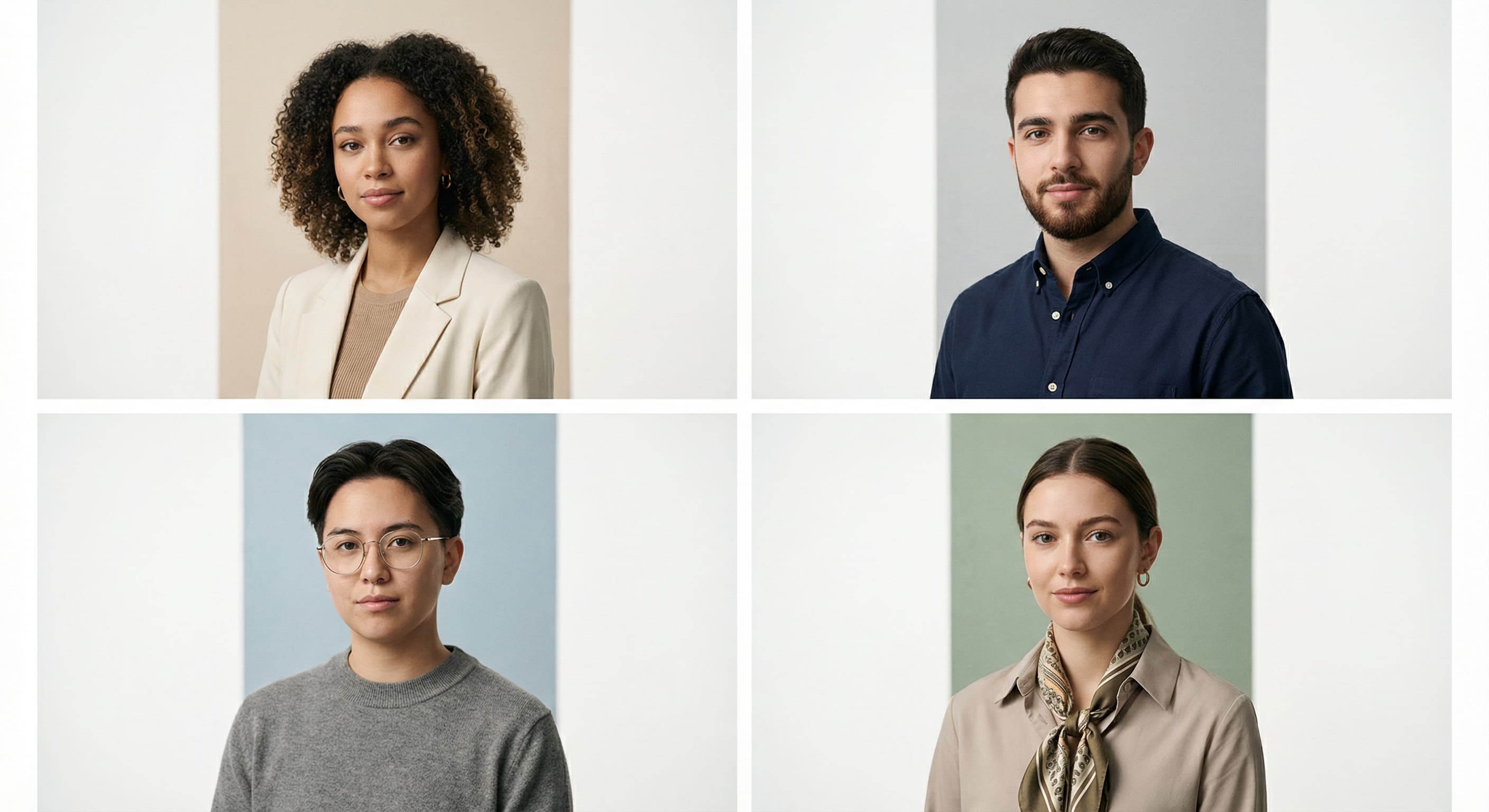
Consistent headshot styled to match a company team directory

Team directories

“Style this photo to match our team directory: gray background, even lighting.”

Use this prompt
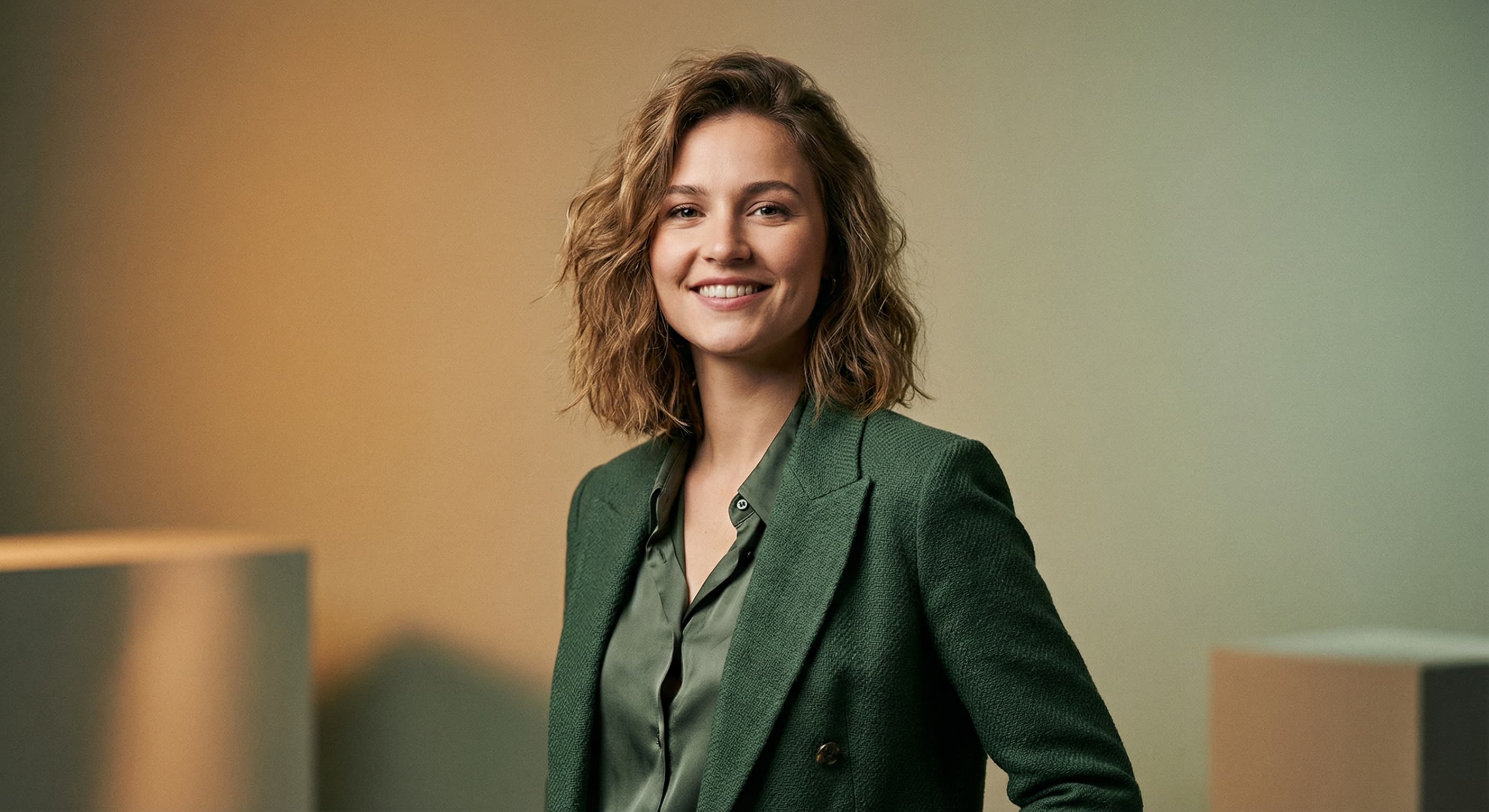
Polished personal-brand headshot with warm, professional lighting

Personal branding

“Create a polished personal-brand headshot with warm professional lighting.”

Use this prompt
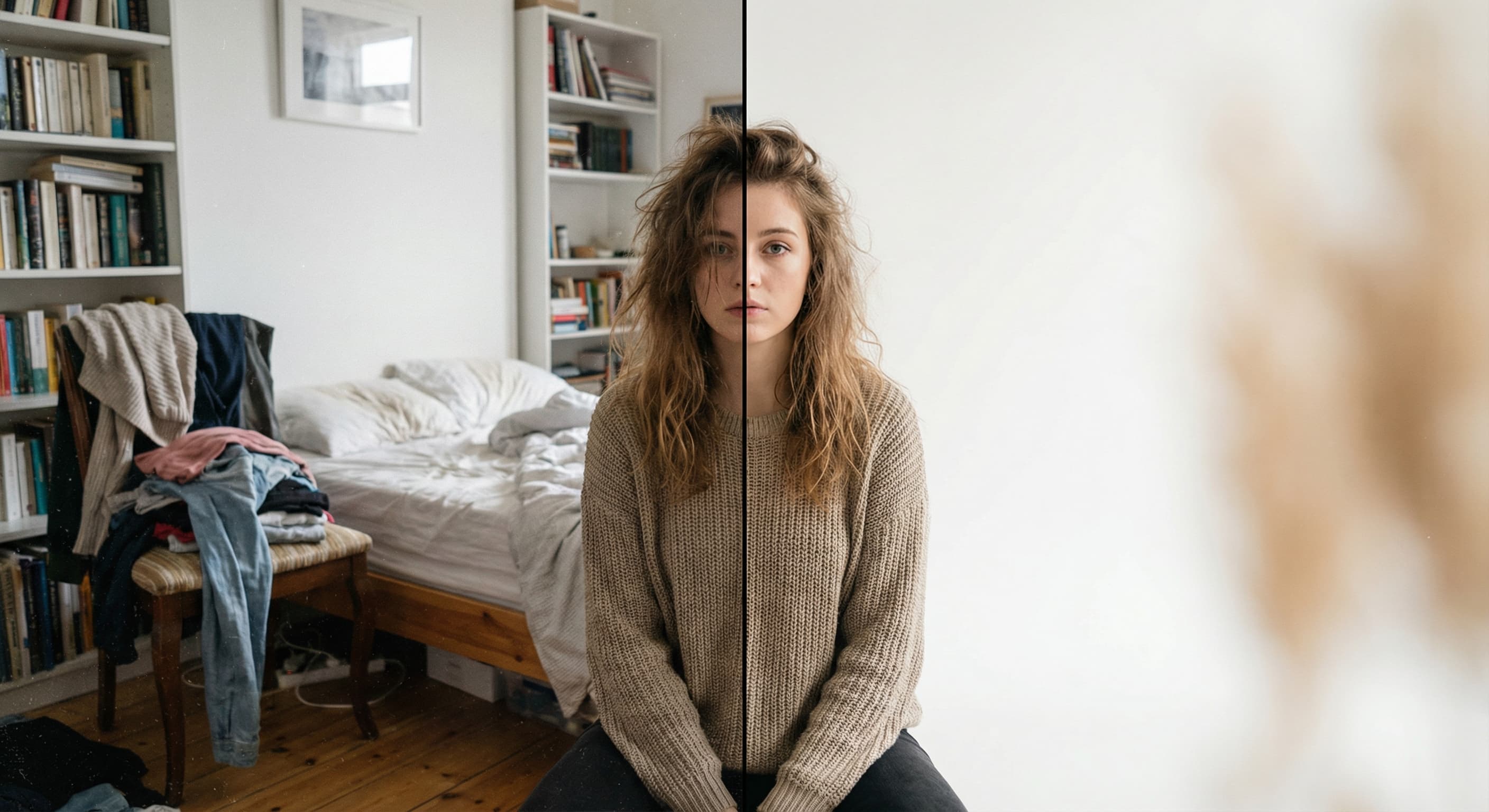
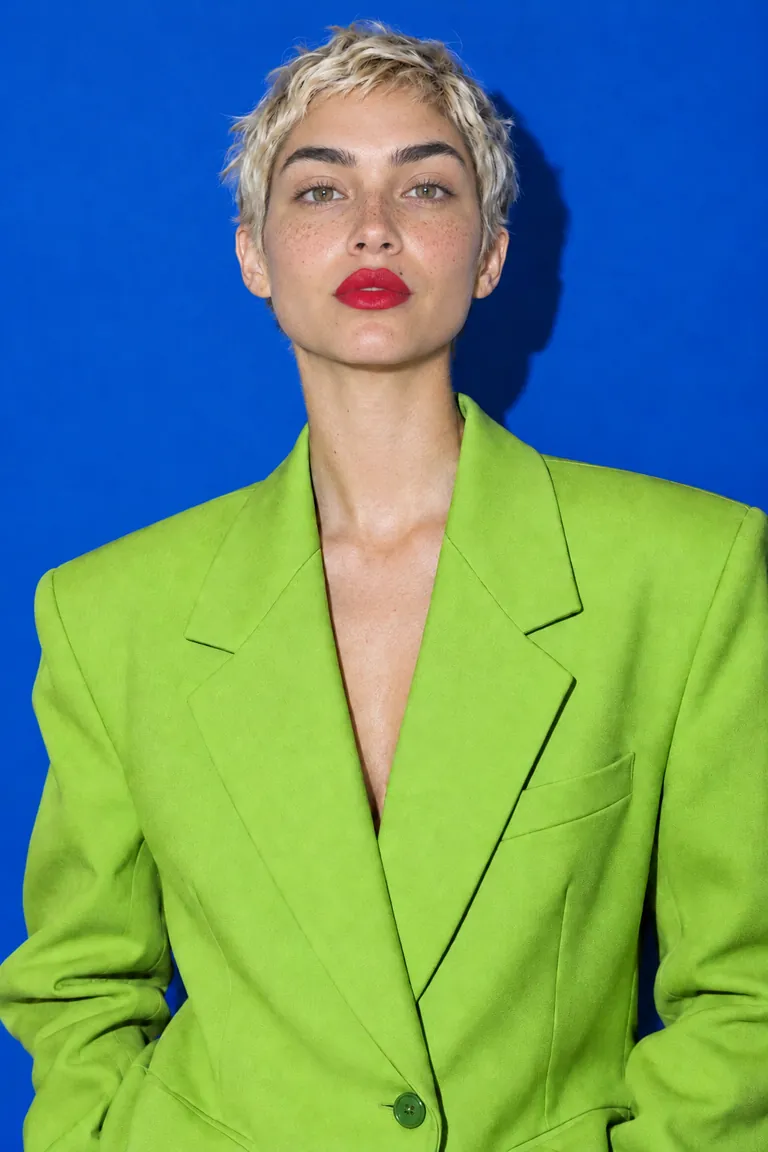
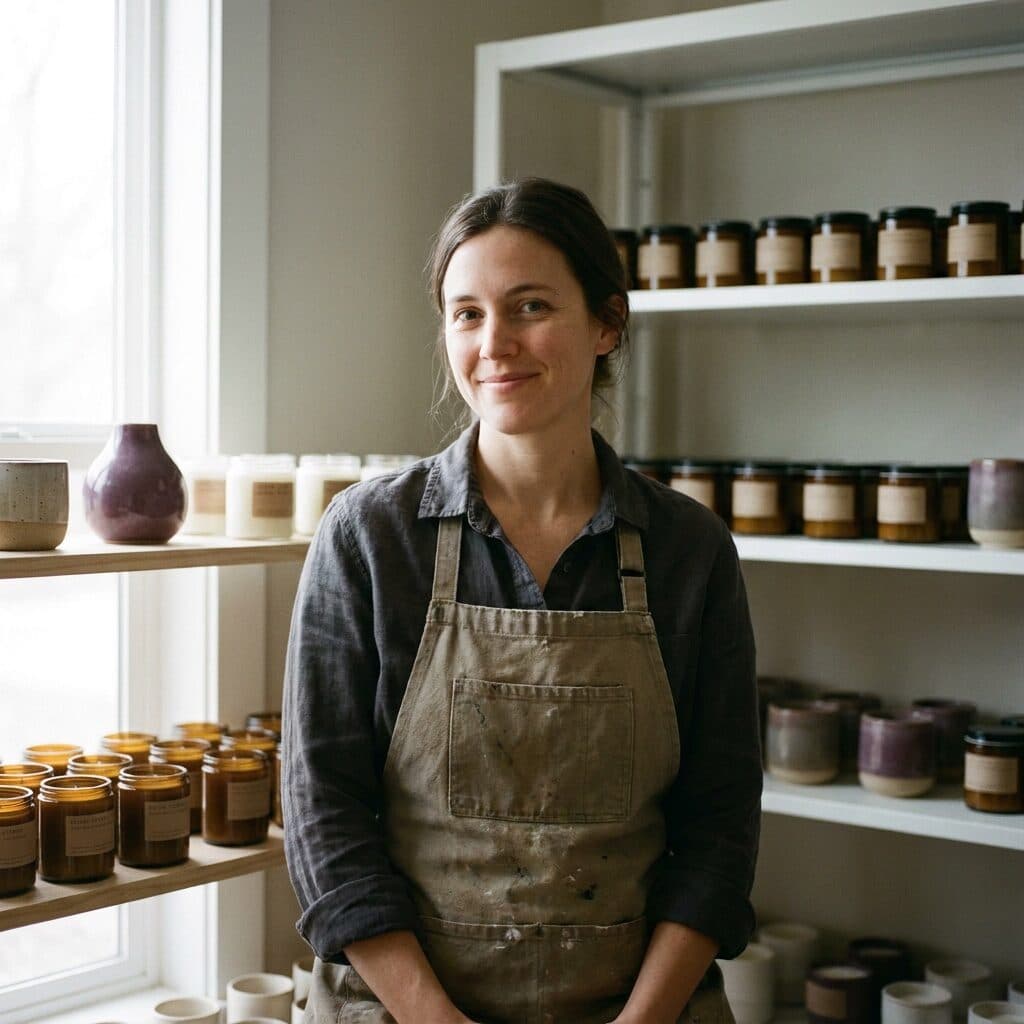
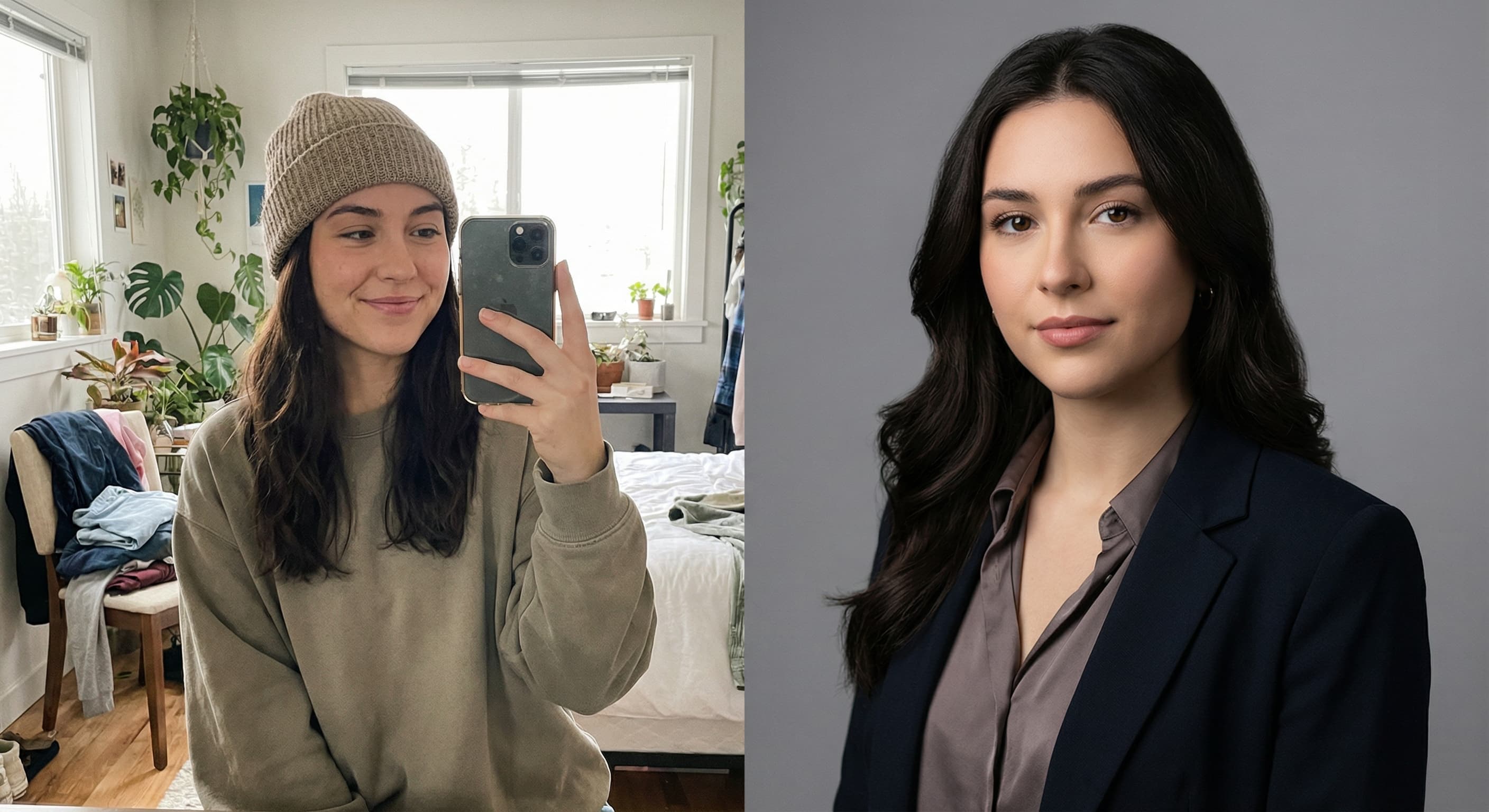
Headshot with the original messy background replaced by a neutral studio backdrop

Background replacement

“Replace the background with a neutral studio backdrop.”

Use this prompt
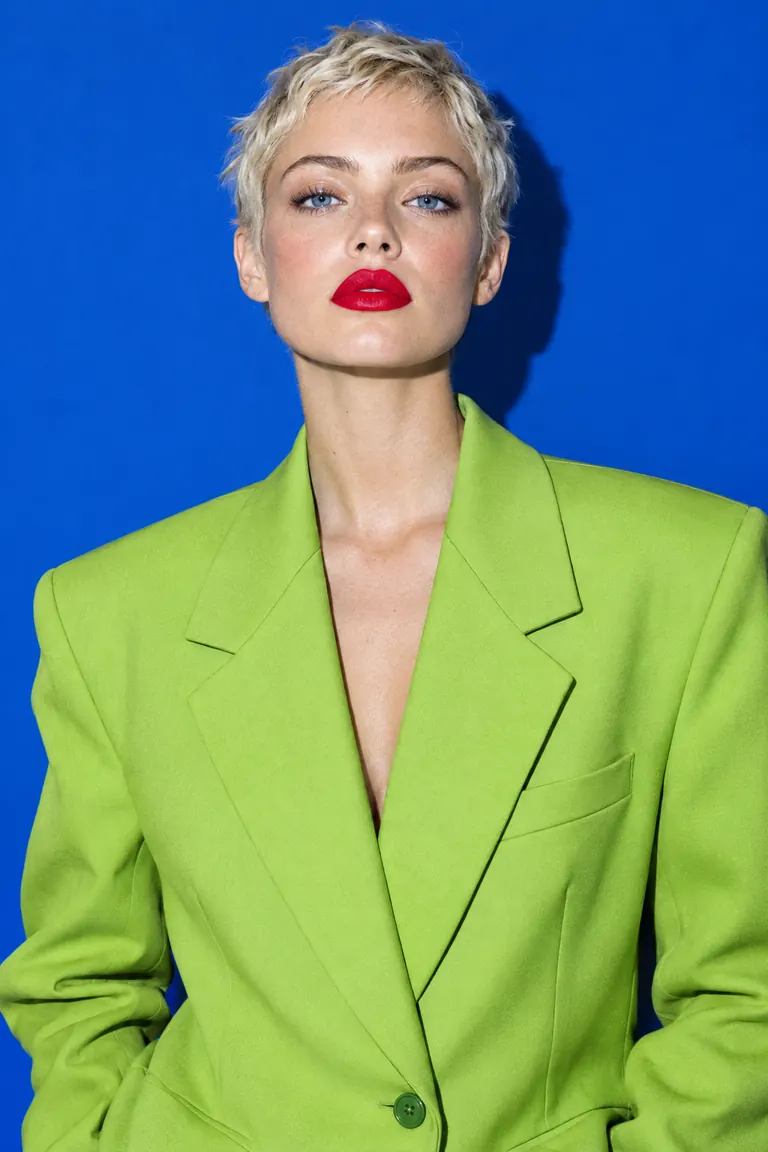
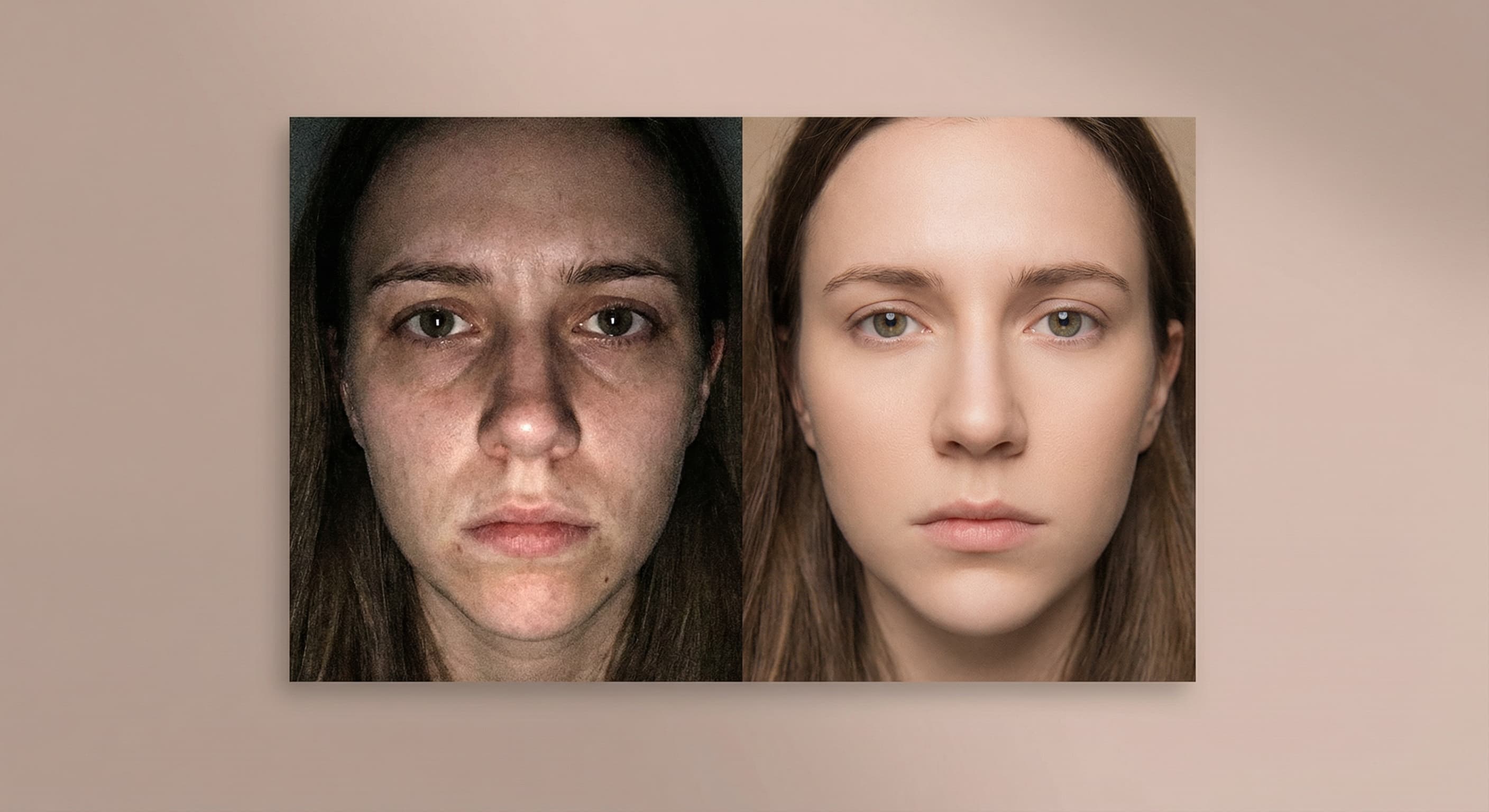
Headshot relit with soft, even studio lighting

Studio lighting

“Fix the lighting so it looks like a professional studio shoot.”

Use this prompt

What people use it for

  • Job searchingProfiles with strong photos get dramatically more recruiter attention — upgrade yours from a cropped group shot.
  • New role or company pageMatch the polish of a new title without booking a photographer.
  • Consistent team profilesGive everyone on the team the same professional treatment from photos they already have.

Turn a casual photo into a LinkedIn profile photo

What it does

Input
One clear photo of your face (JPEG, PNG, or WebP)
Output
PNG profile photo with professional styling
How it works
Made sends your photo and the instruction to GPT Image 2.5 Flare and returns a PNG.
Access
Runs in the tool. You sign in to run it, see the price before you start, and failed runs are refunded.

Formats and limits

Input formats
JPEG, PNG, WebP
Output format
PNG
Images per request
One photo, with one written instruction
Processing size
Inputs larger than 1,536 pixels on a side are downscaled before editing
Likeness review
Generative edits can shift facial detail — compare against the original before using the headshot professionally

Checked against the running tool on 2026-10-20.

Questions about LinkedIn Photo Maker

Is it okay to use an AI-enhanced photo on LinkedIn?

Improving attire, background, and lighting on your own photo is widely accepted — it is the digital version of dressing up for a photographer. The line is recognizability: the photo must genuinely look like present-day you. Colleagues being surprised when they meet you means it went too far.

Will it change my face?

The edit targets clothing, background, and light; your facial features stay yours. Likeness can drift slightly in some generations — pick the output where you look like yourself on a good day, and regenerate any that don’t.

What should I wear in the source photo?

It matters less than you’d think — attire can be changed in the edit (“navy blazer over a white shirt”). What the edit cannot fix: heavy shadows across the face, motion blur, or a face angled away from the camera.

What background works best for LinkedIn?

Soft, unobtrusive, slightly blurred: neutral office tones, warm gray studio, or muted outdoor greenery. Avoid busy scenes and pure white passport-style backgrounds — they read as ID photos, not profiles.

What size does LinkedIn want?

Upload at 400×400 minimum; LinkedIn accepts up to 7680×4320 and displays a circle crop. Generate the photo here, then use Image Resizer if you want an exact square before uploading.
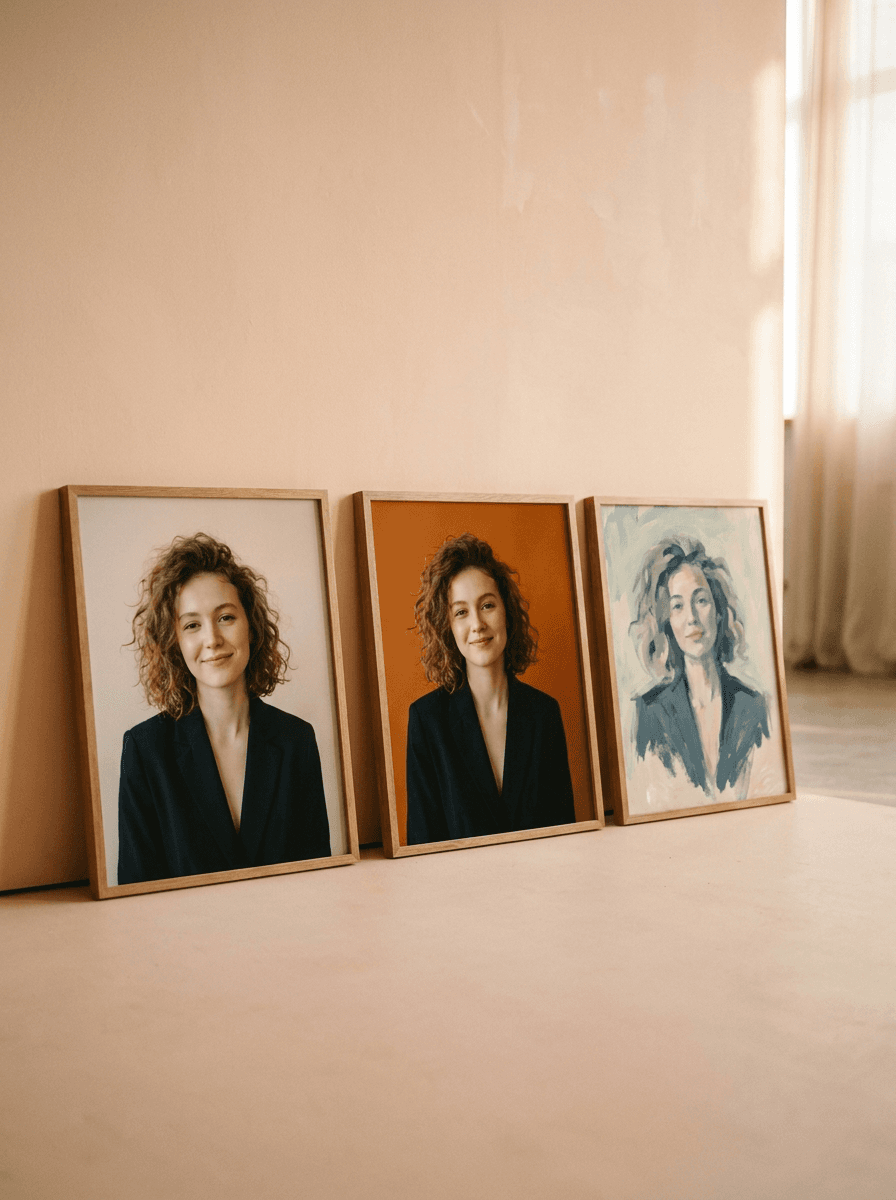
More AI Headshot Generator options